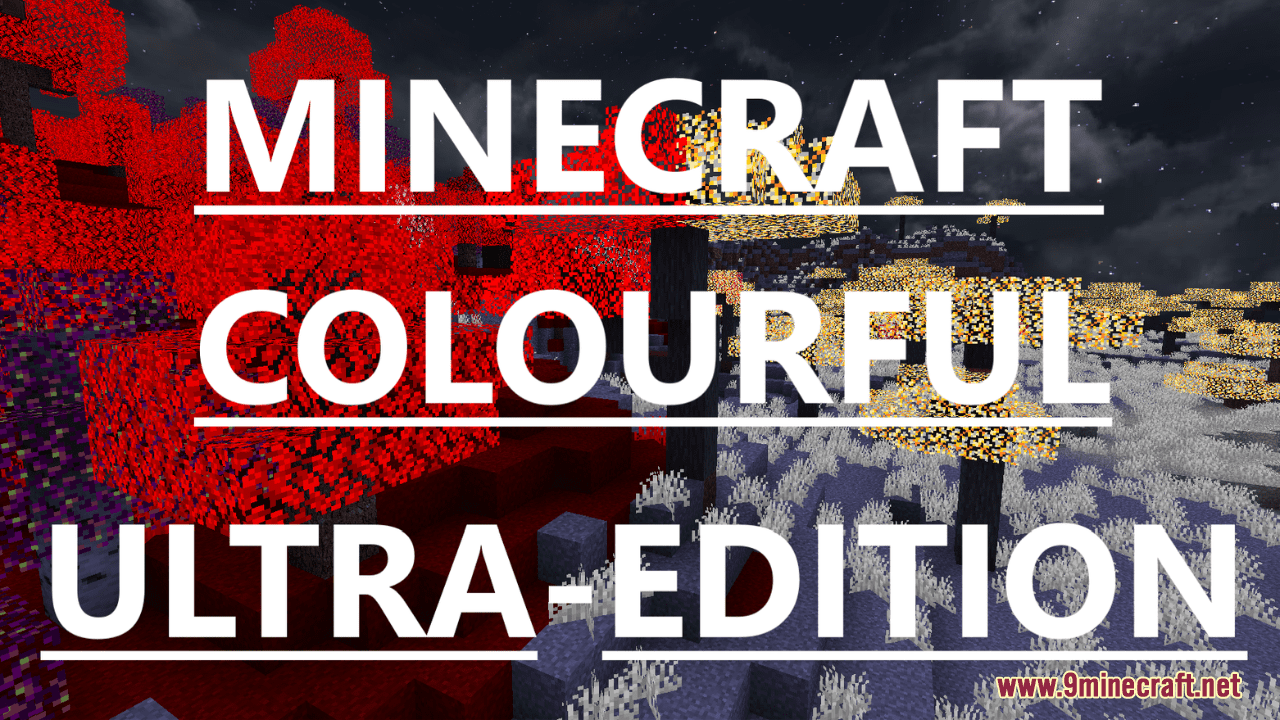
Colourful Ultra Resource Pack (1.21.1, 1.20.1) – Texture Pack
Colourful Ultra Resource Pack transforms Minecraft into a vibrant and visually striking world by introducing a dynamic lighting effect and unique color…
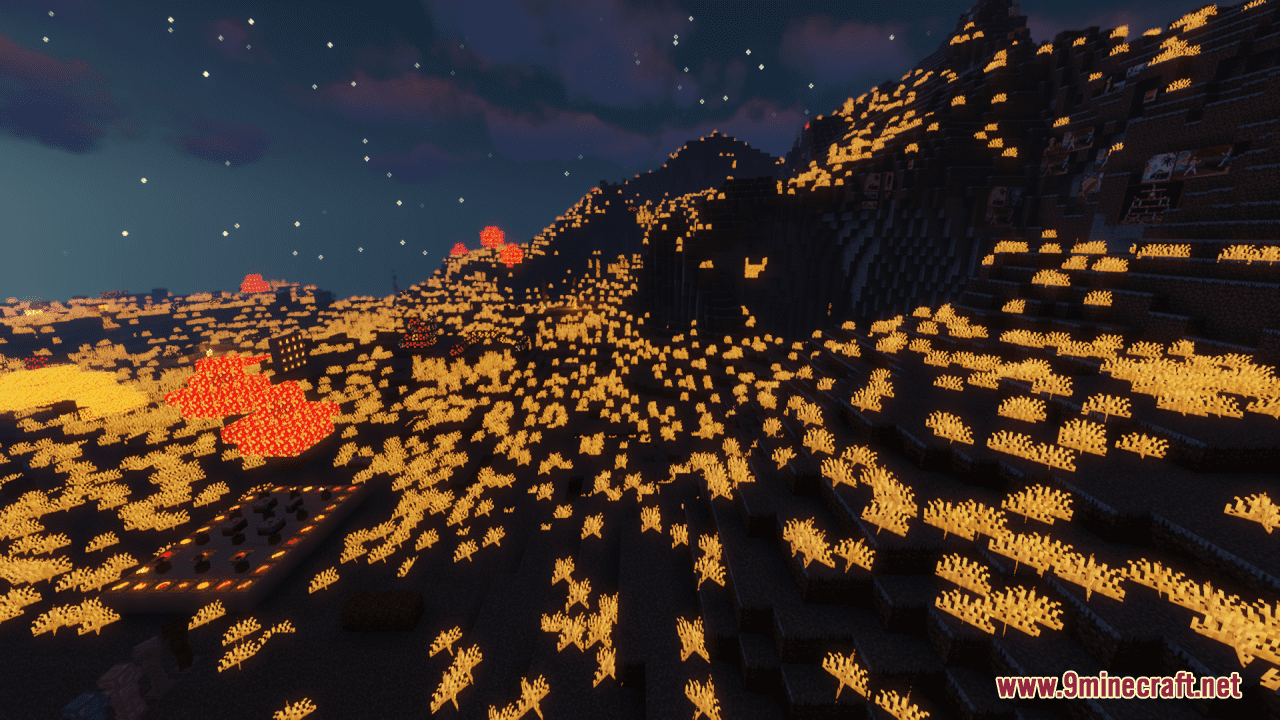
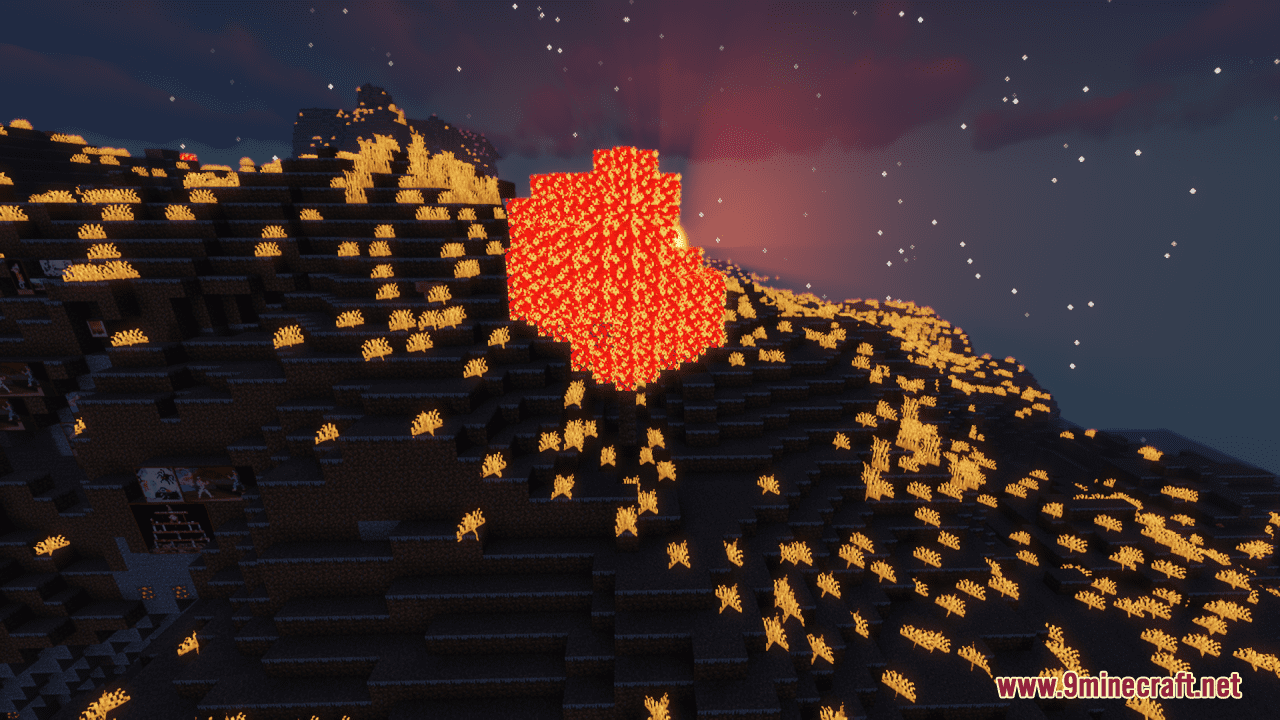
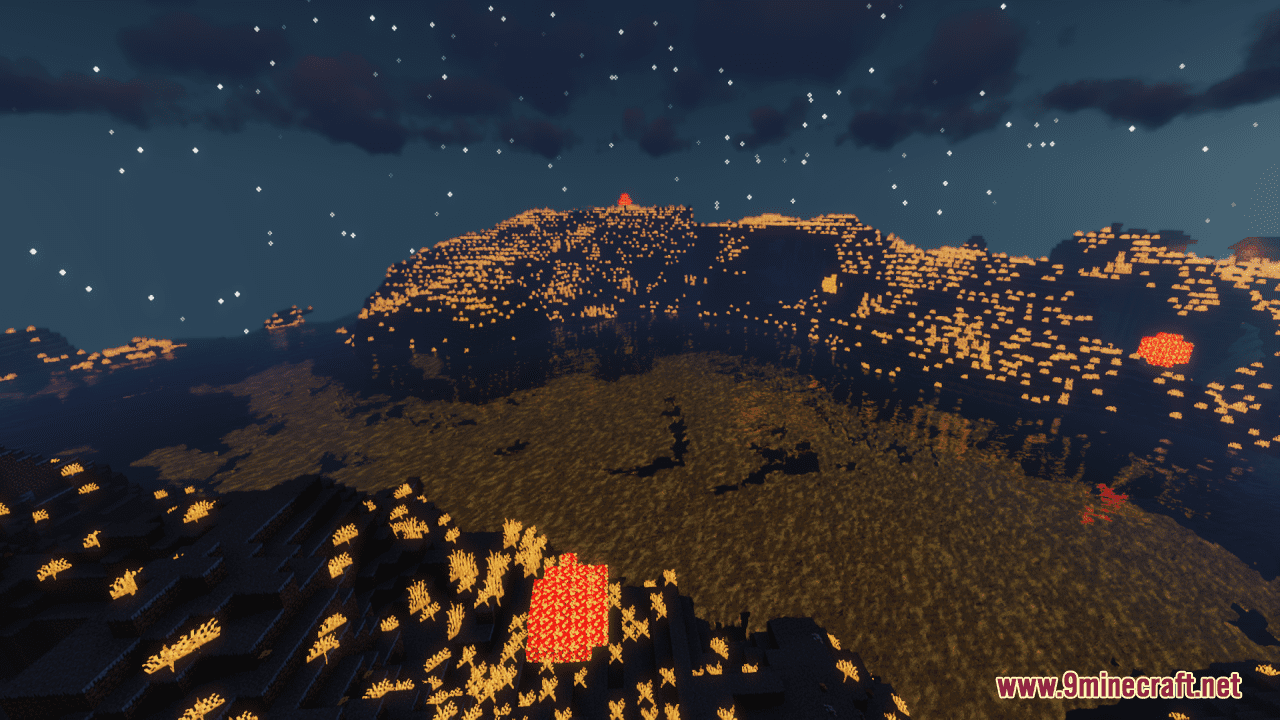
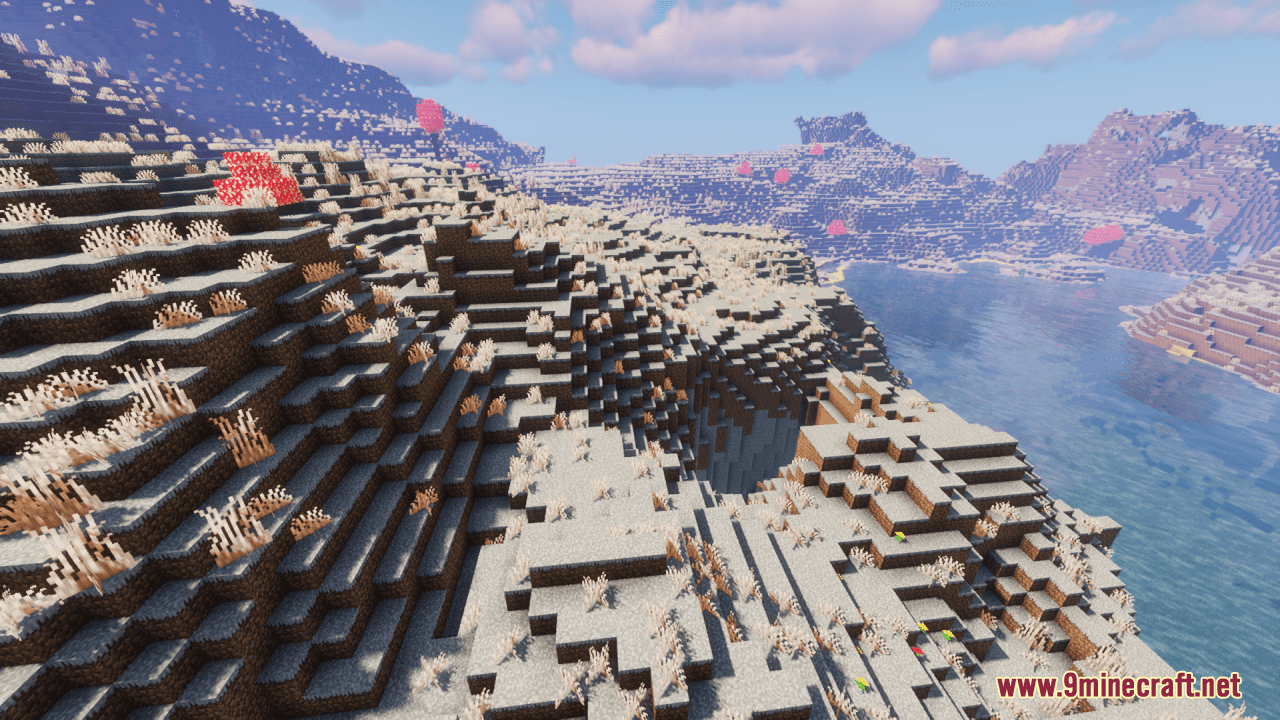
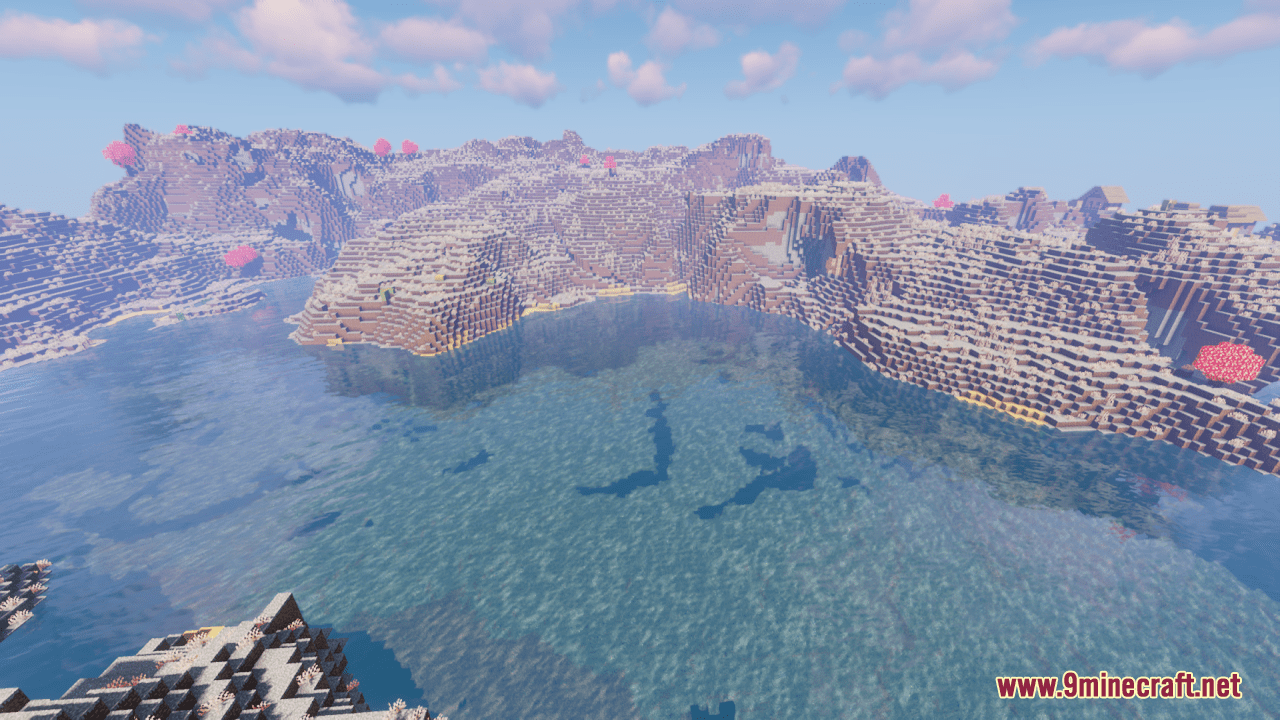
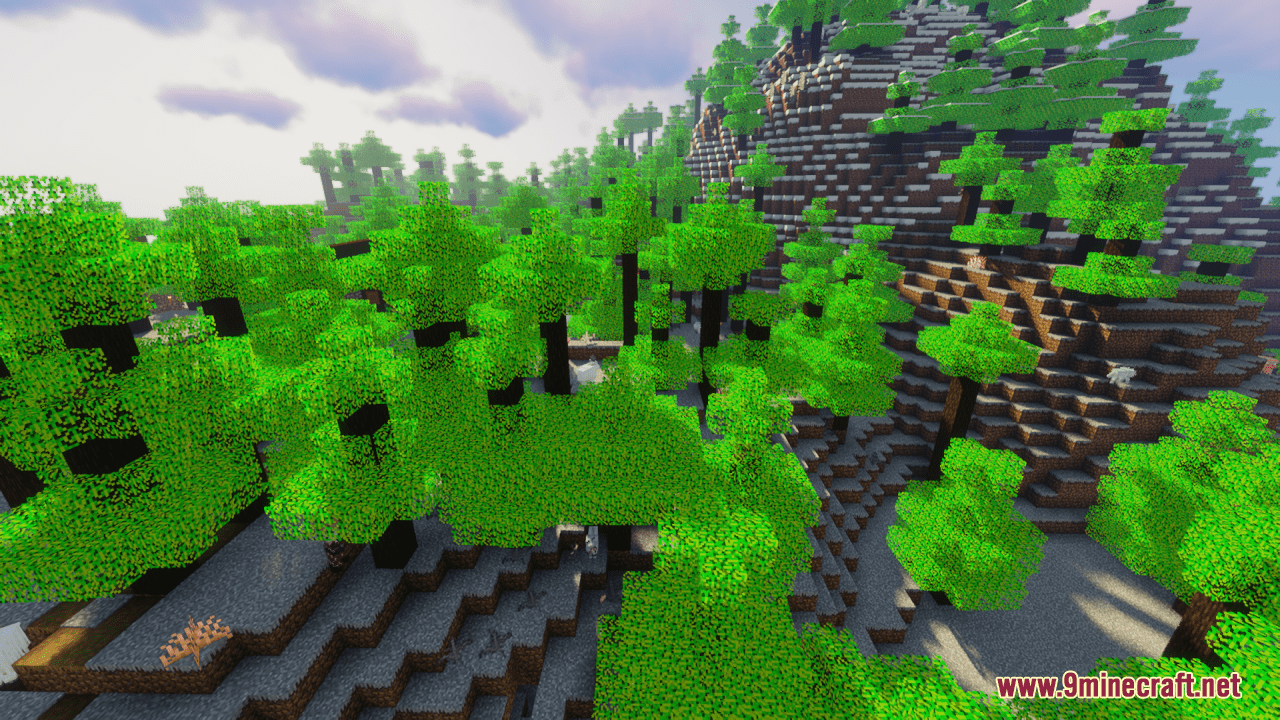
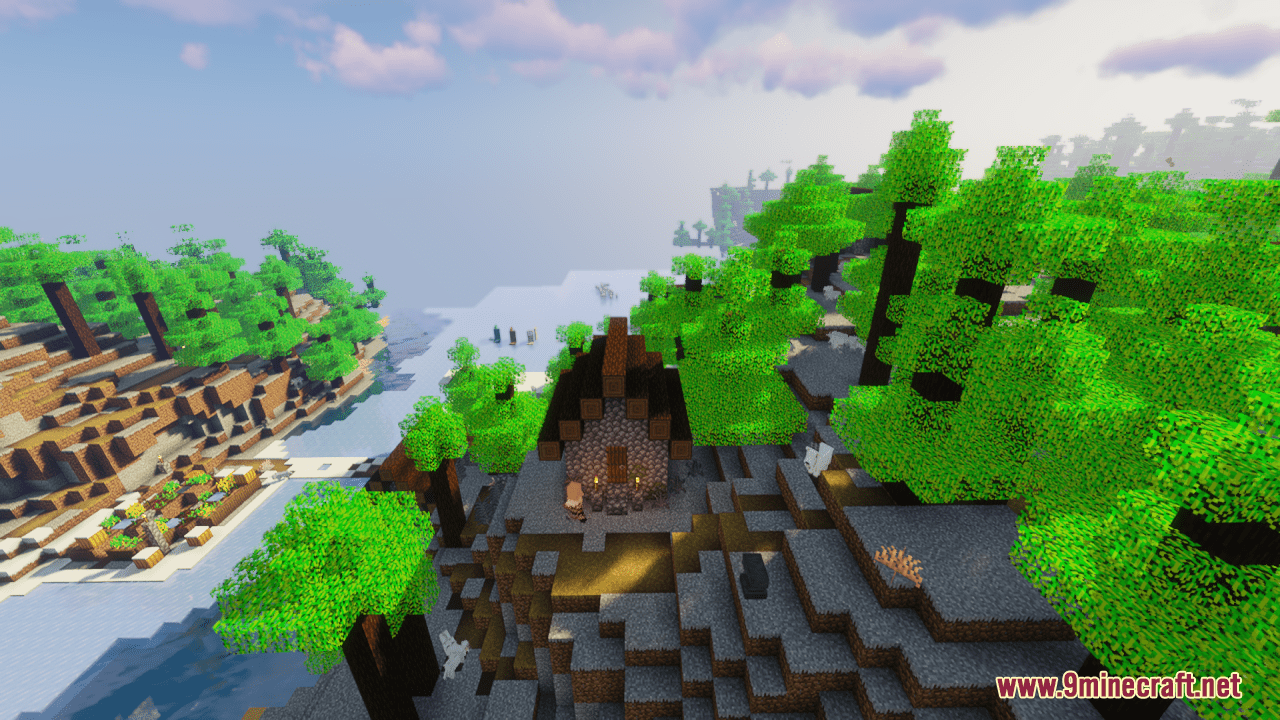
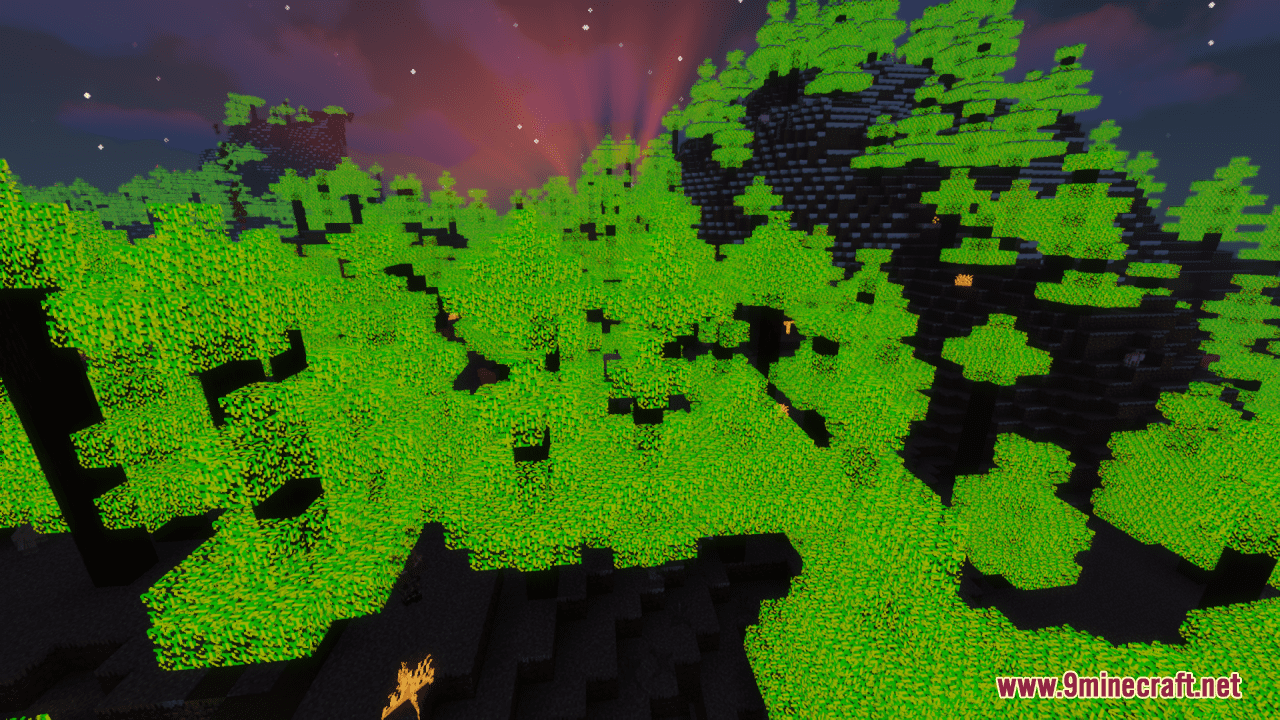
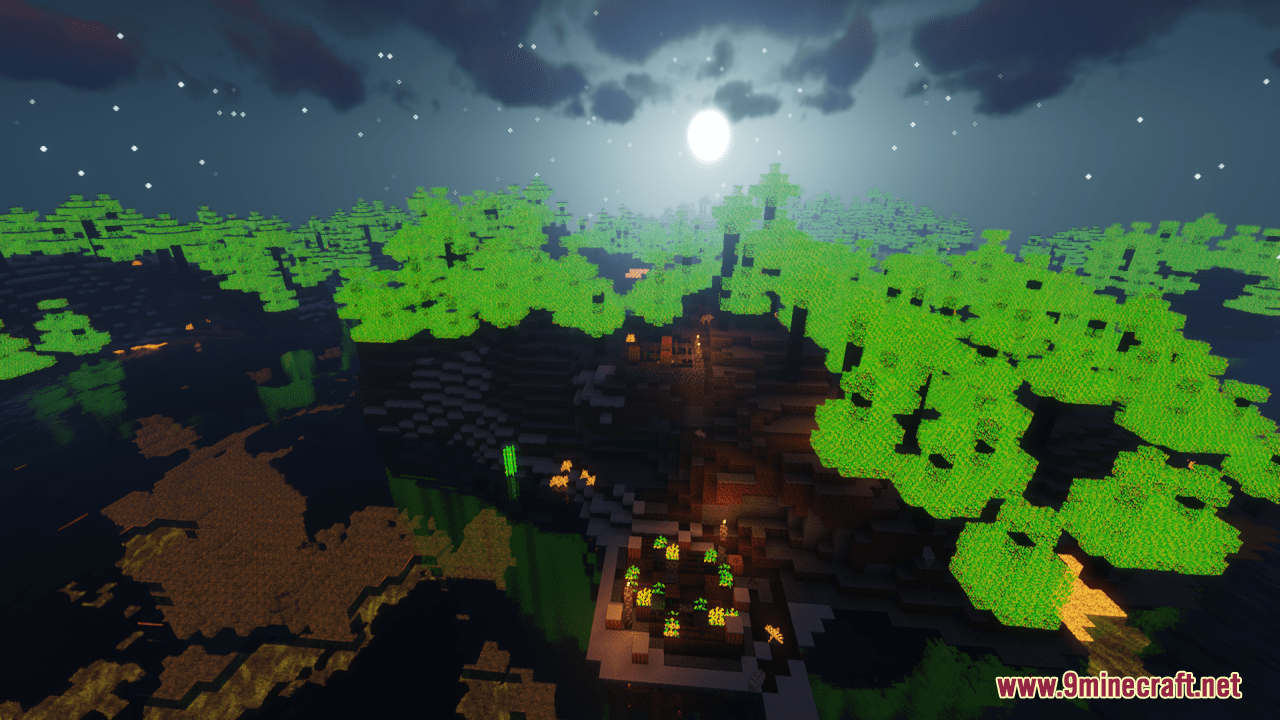
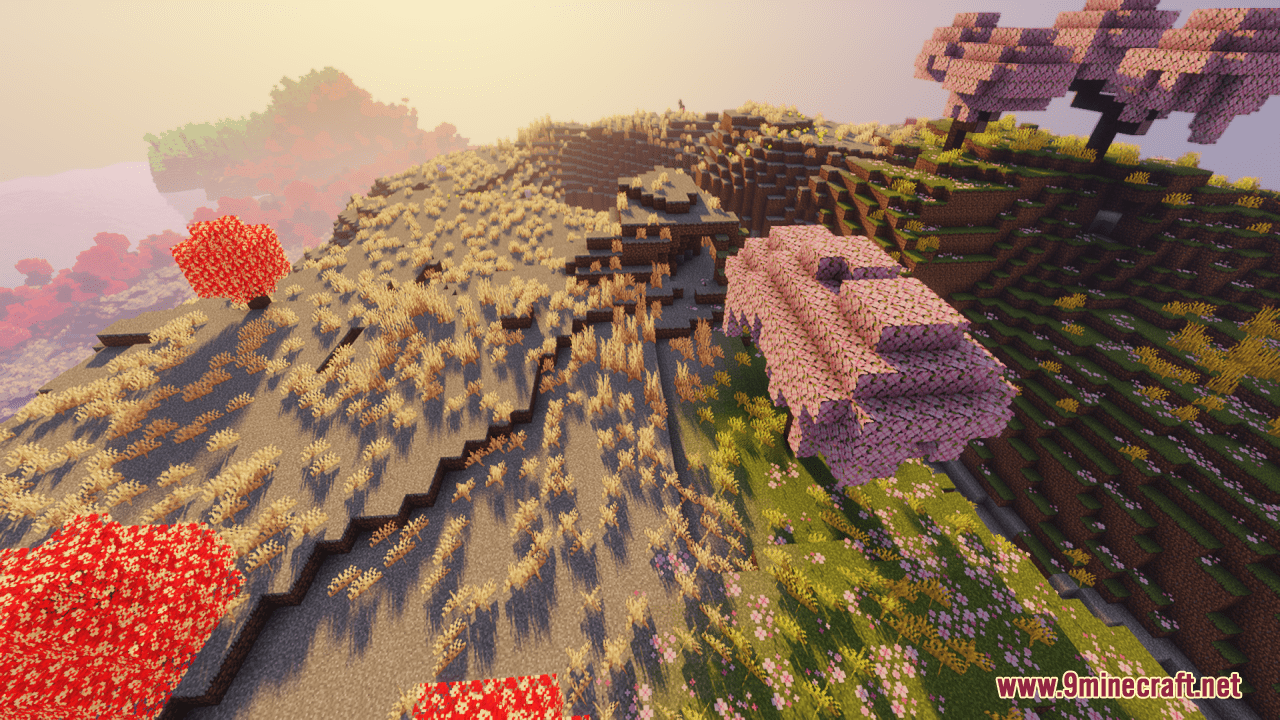
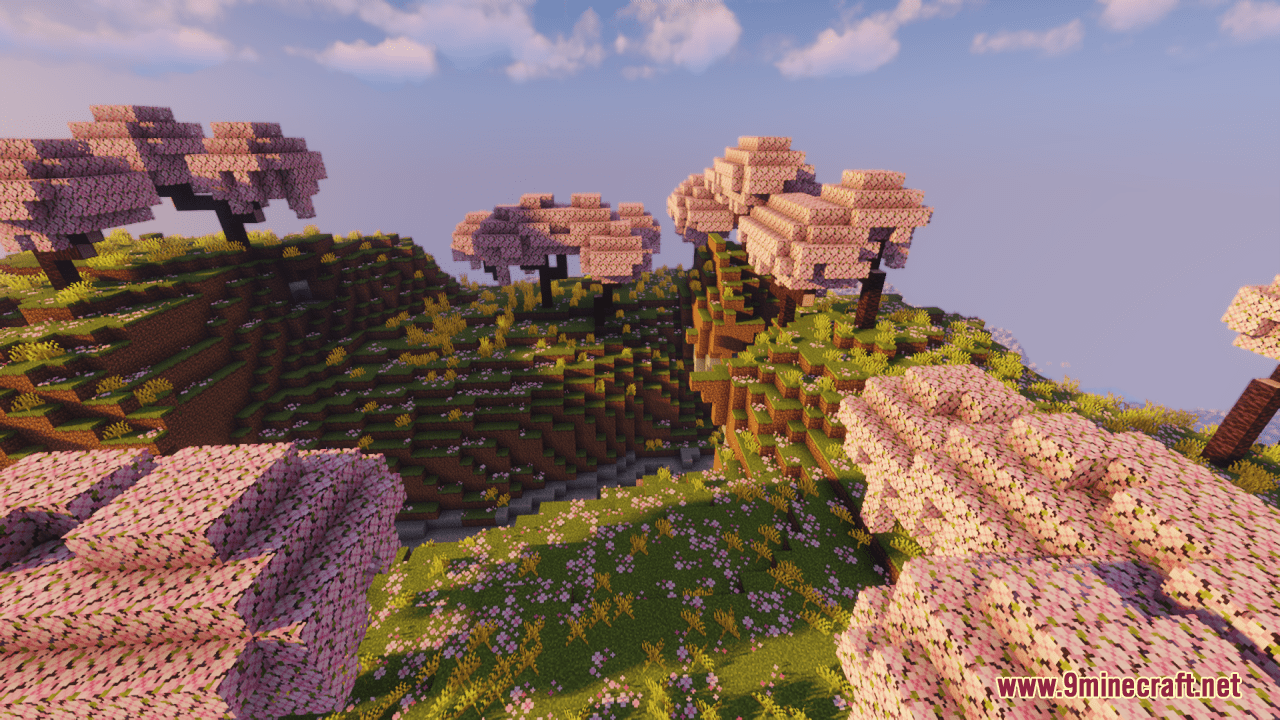
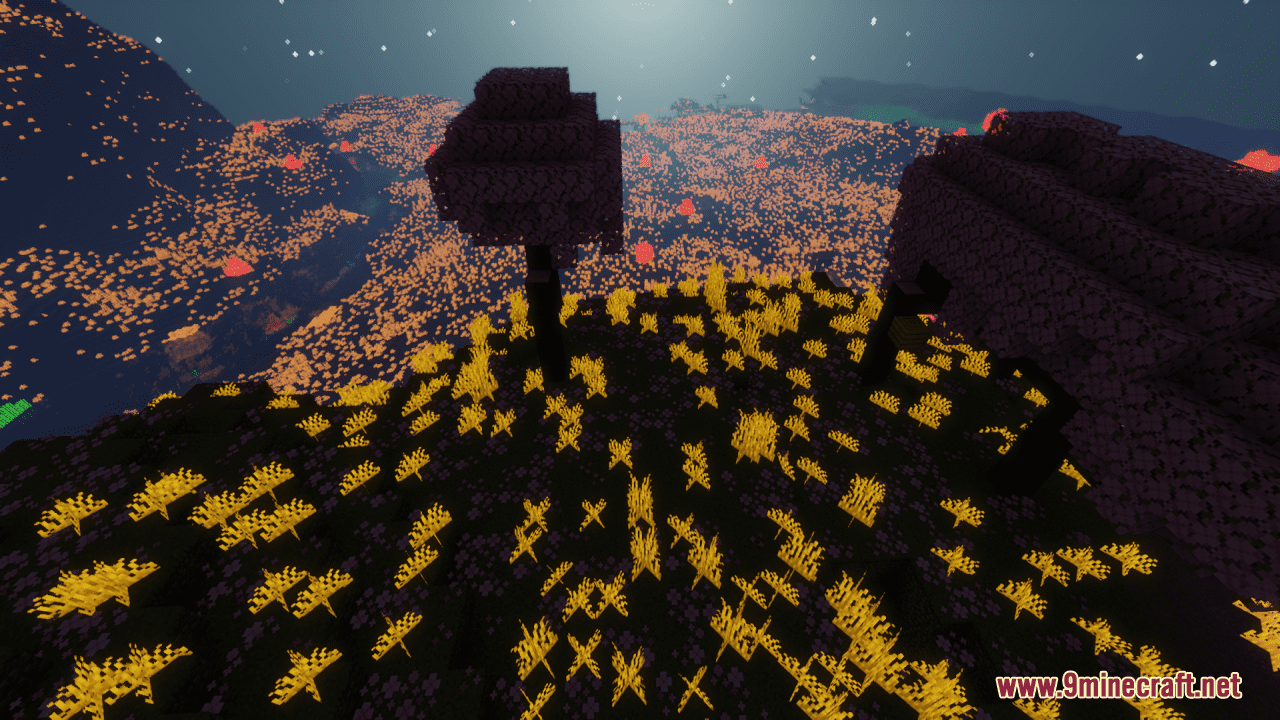
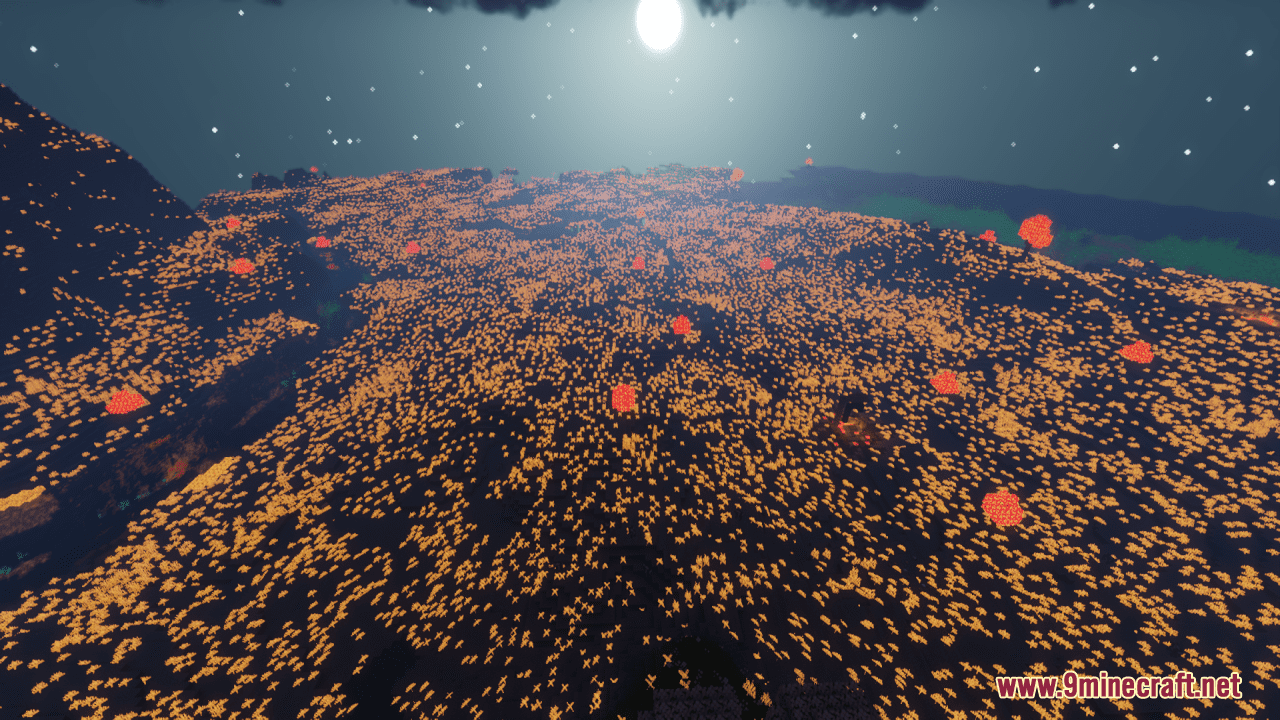
⬇ DownloadOpen in MCModsHubGet it on Google Play →Colourful Ultra Resource Pack transforms Minecraft into a vibrant and visually striking world by introducing a dynamic lighting effect and unique color combinations. This pack emphasizes vividness and contrast, making the game environment more engaging and aesthetically pleasing. It enhances the game’s lighting, making the world feel more alive with improved illumination and shadow effects. This creates a more immersive experience, especially during different times of day and in various biomes. In general, with this pack installed, players can enjoy a refreshed Minecraft experience that is bursting with color and enhanced lighting, bringing a new level of beauty and excitement to their game world.
Screenshots:
Requires:
Optifine
Colourful Ultra Resource Pack Download Links
For Minecraft 1.21.5, 1.21.1, 1.20.6, 1.20.1
Colourful Ultra Resource Pack (1.21.1, 1.20.1) – Texture Pack is a free Minecraft Java resourcepack. Compatible with Minecraft 1.21.1, 1.20.1. Download it and open it directly in the game.