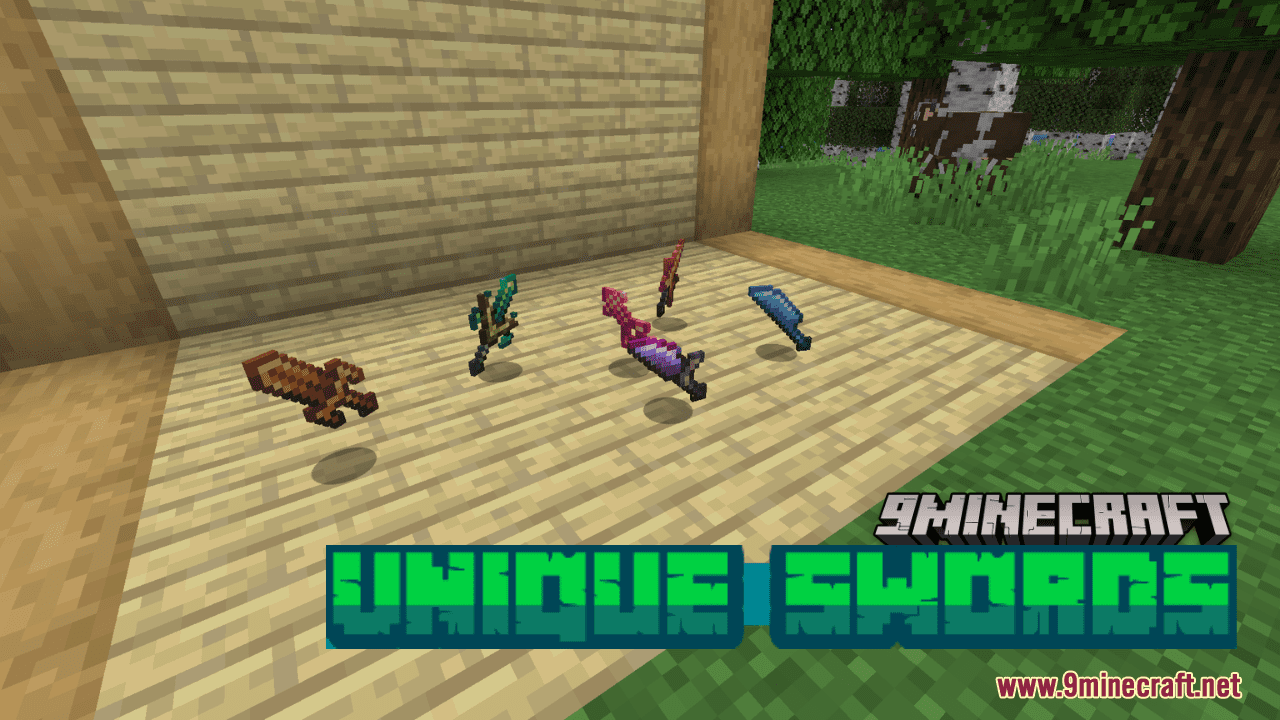
Unique Swords Resource Pack (1.21.1, 1.20.1) – Texture Pack
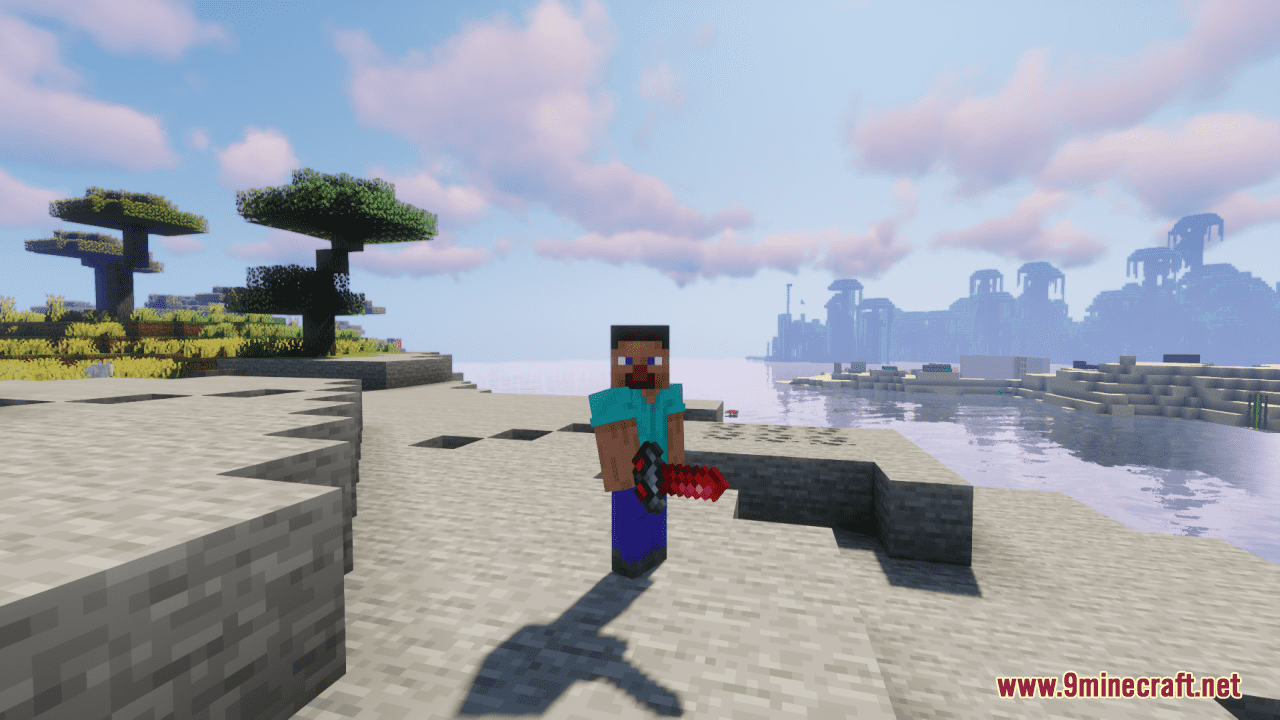
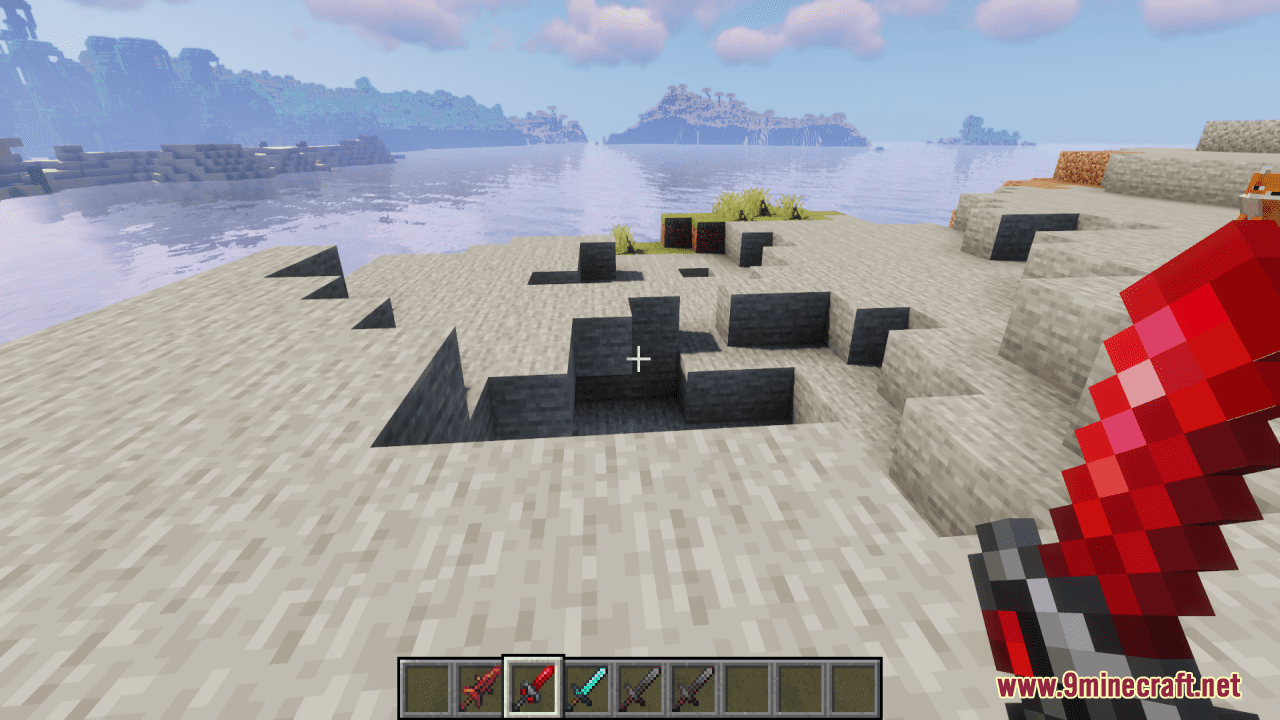
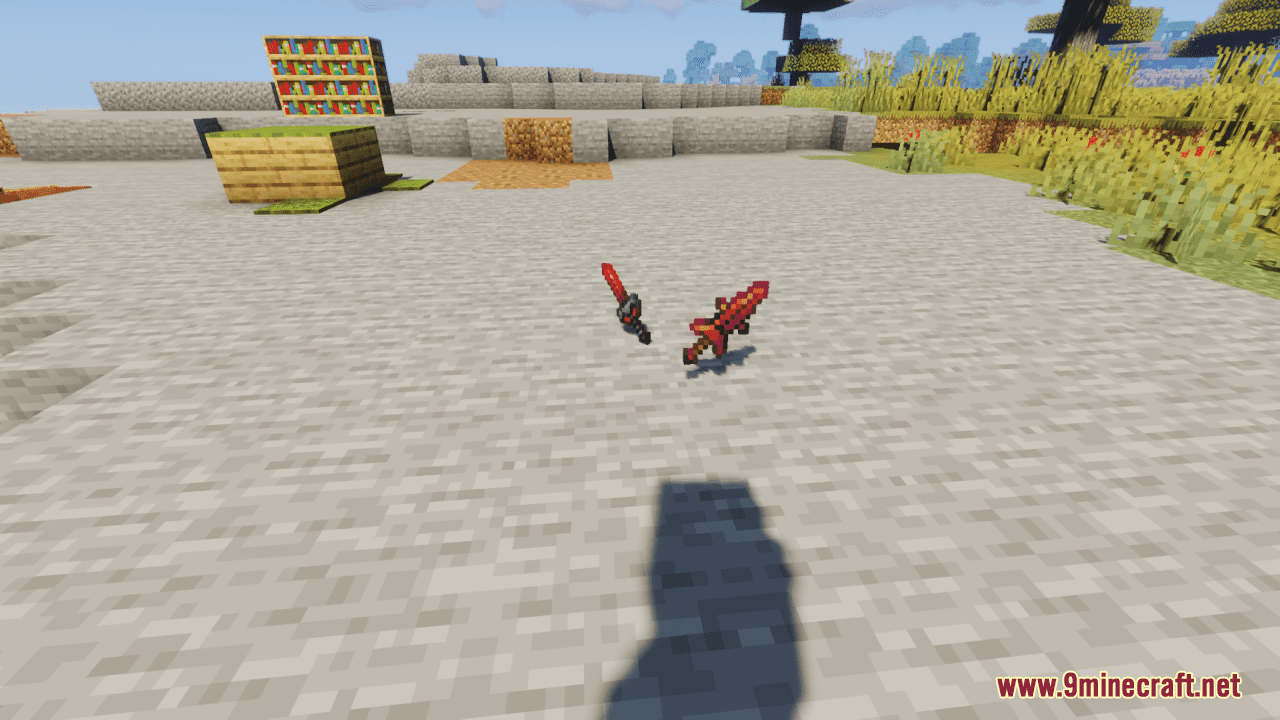
Unique Swords Resource Pack offers players the ability to customize their swords using name tags, providing access to a diverse selection of 27 unique…
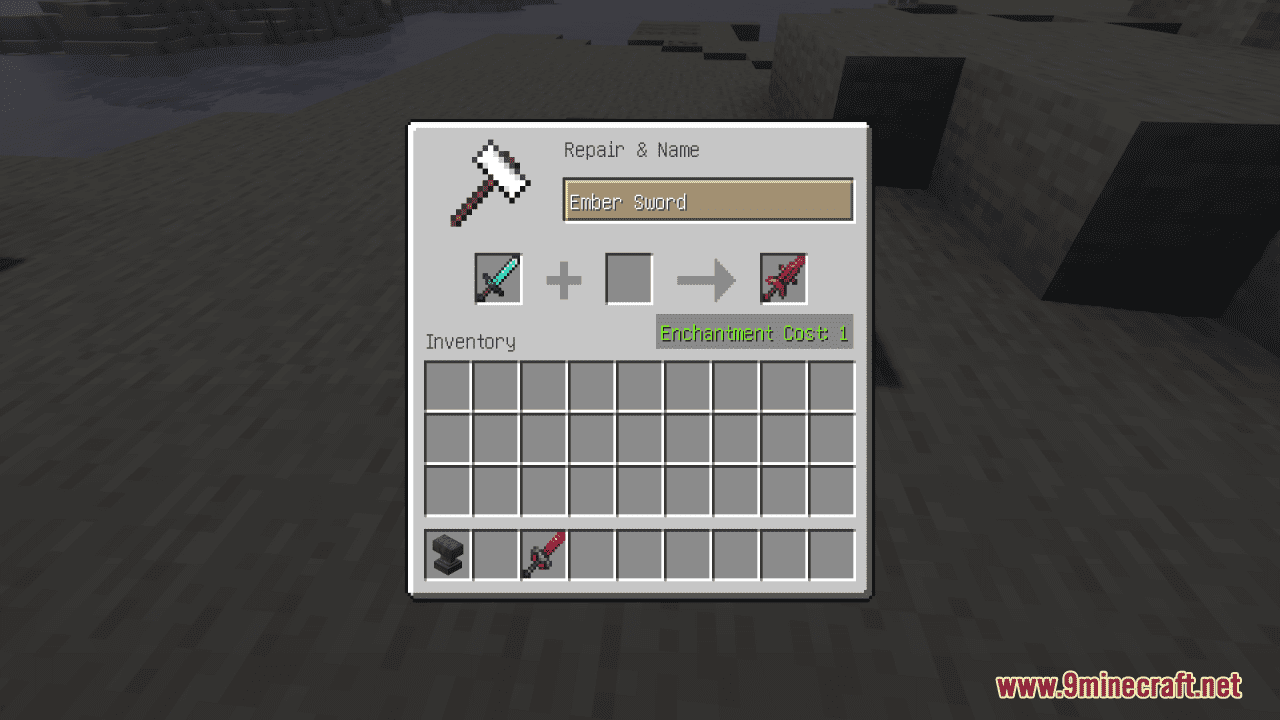
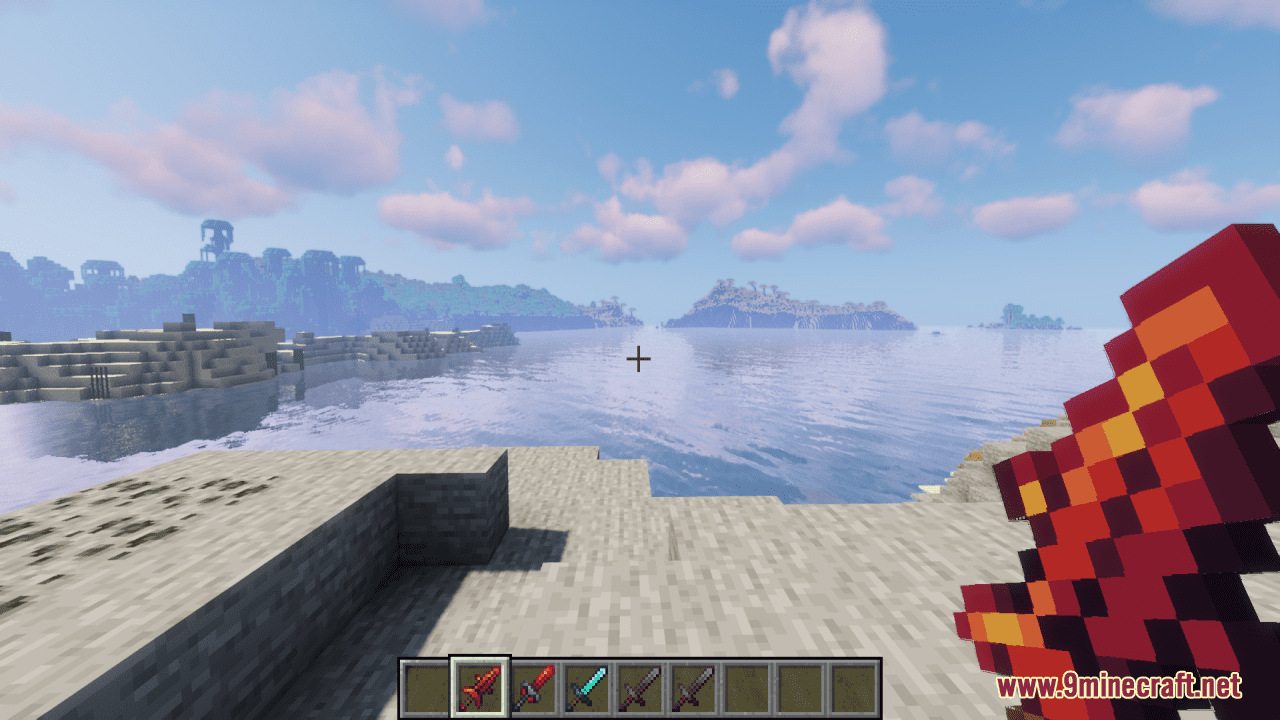
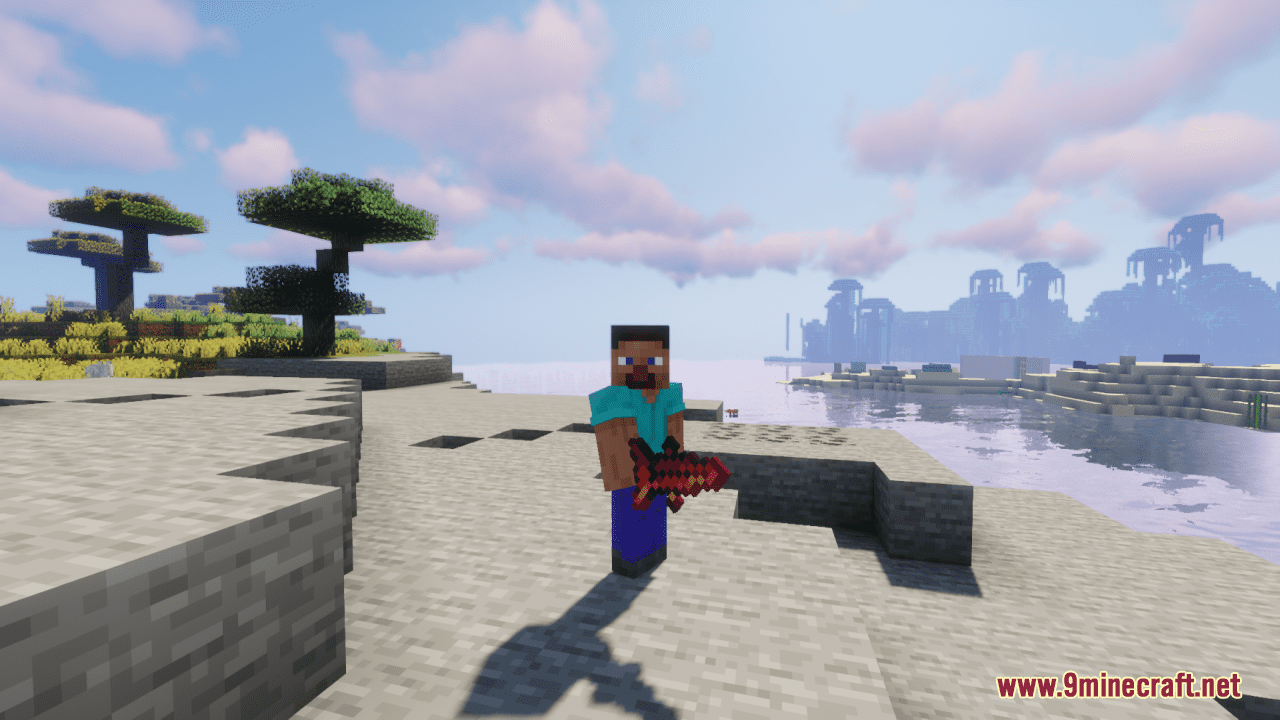
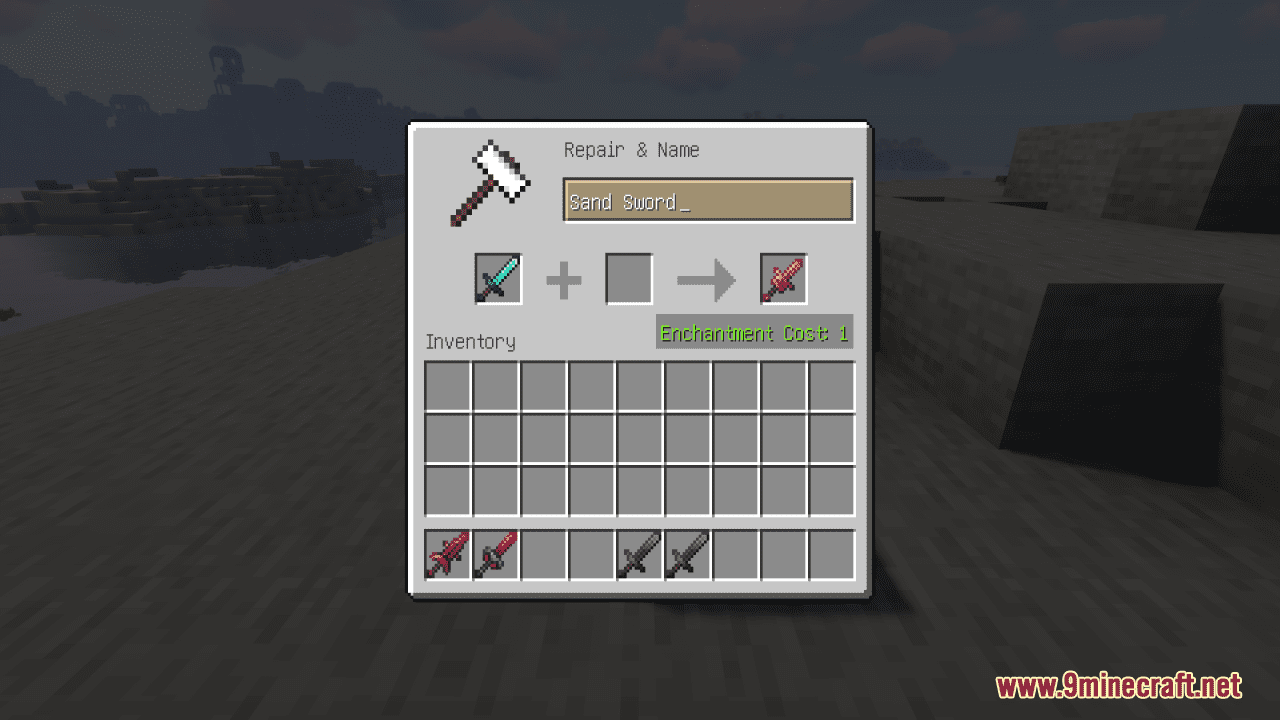
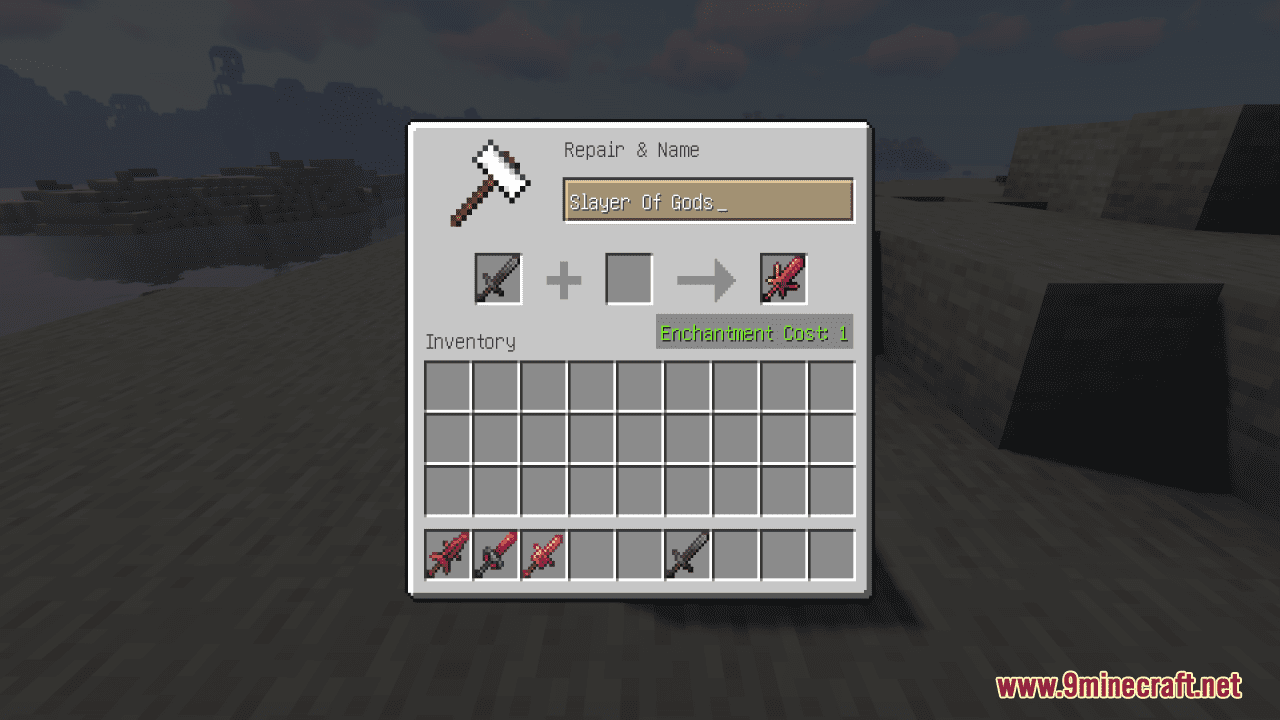
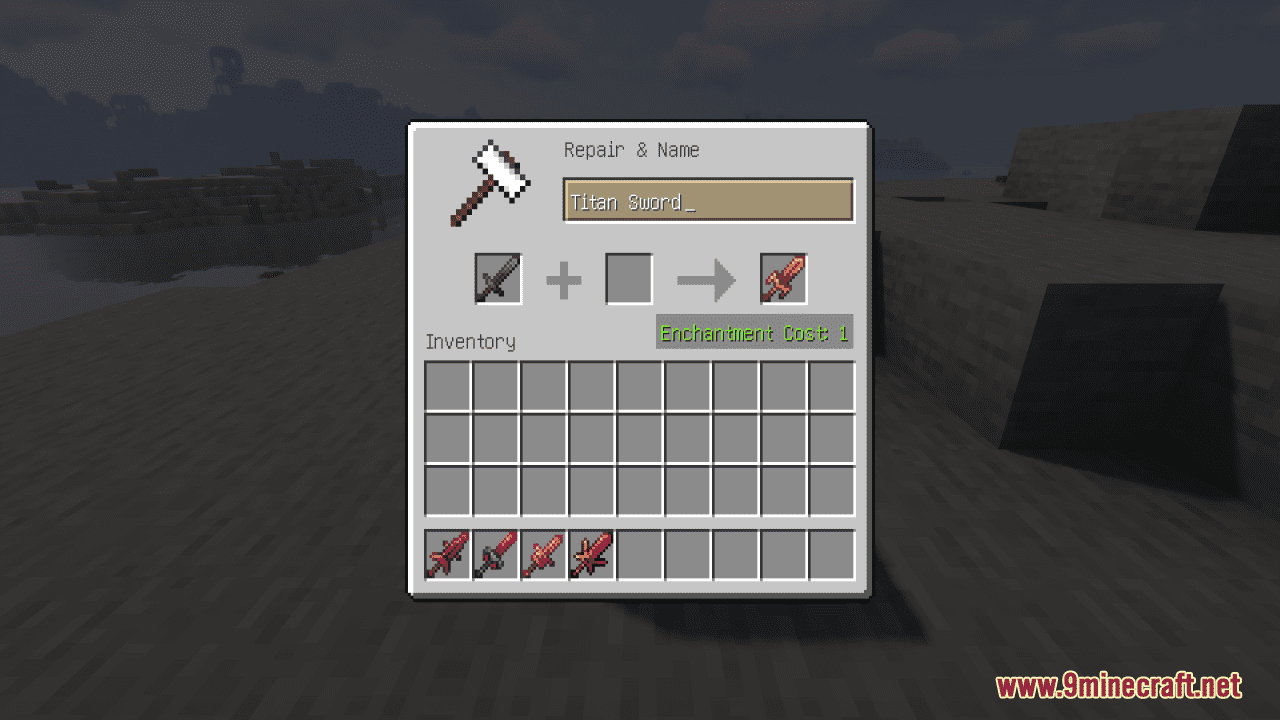
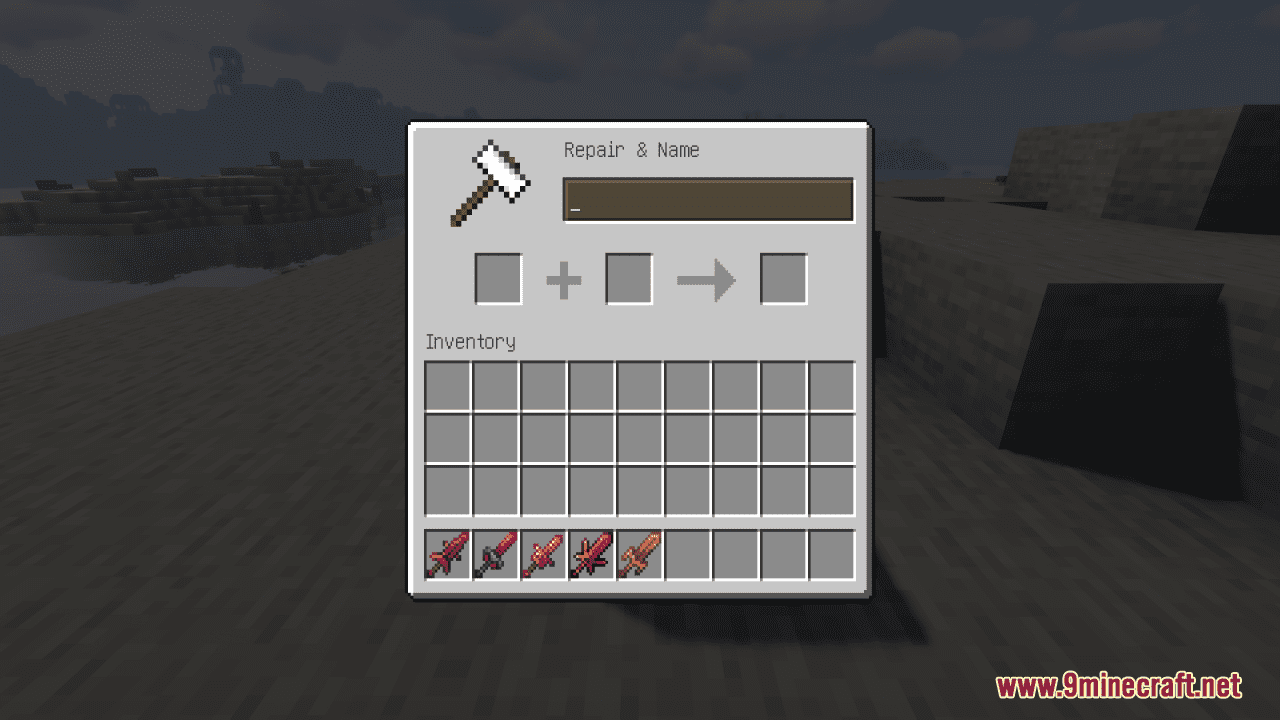
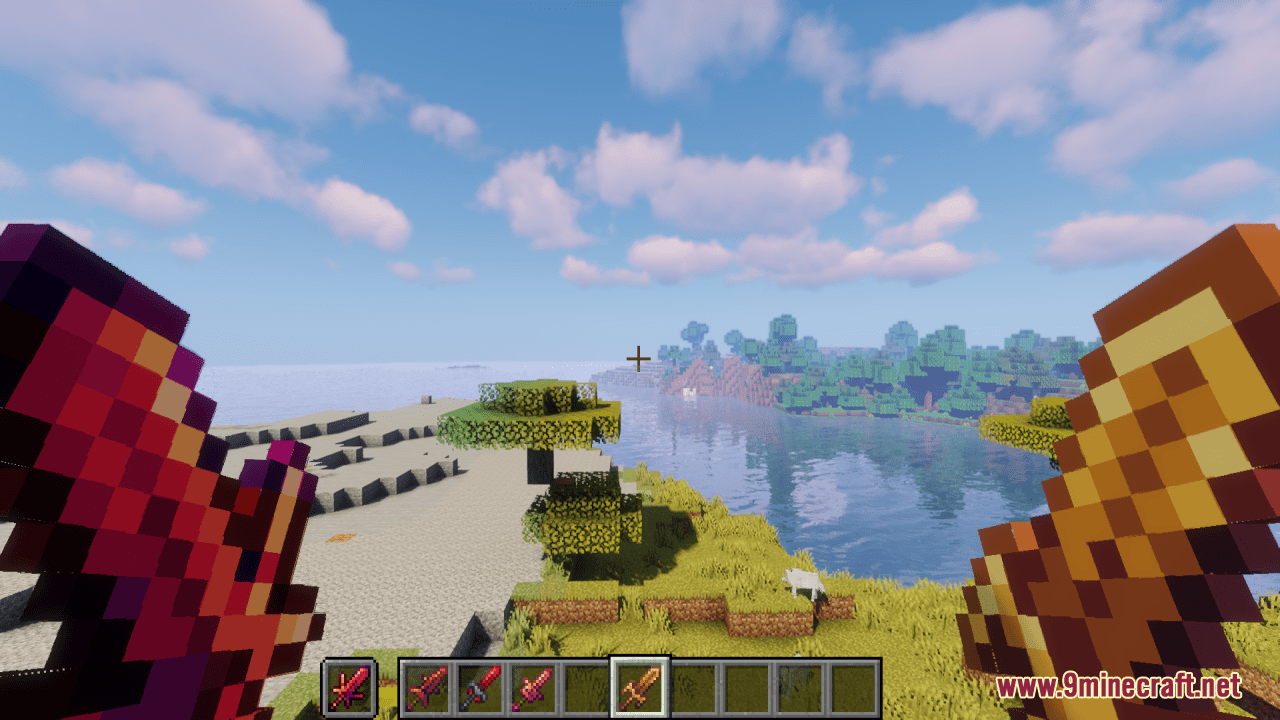
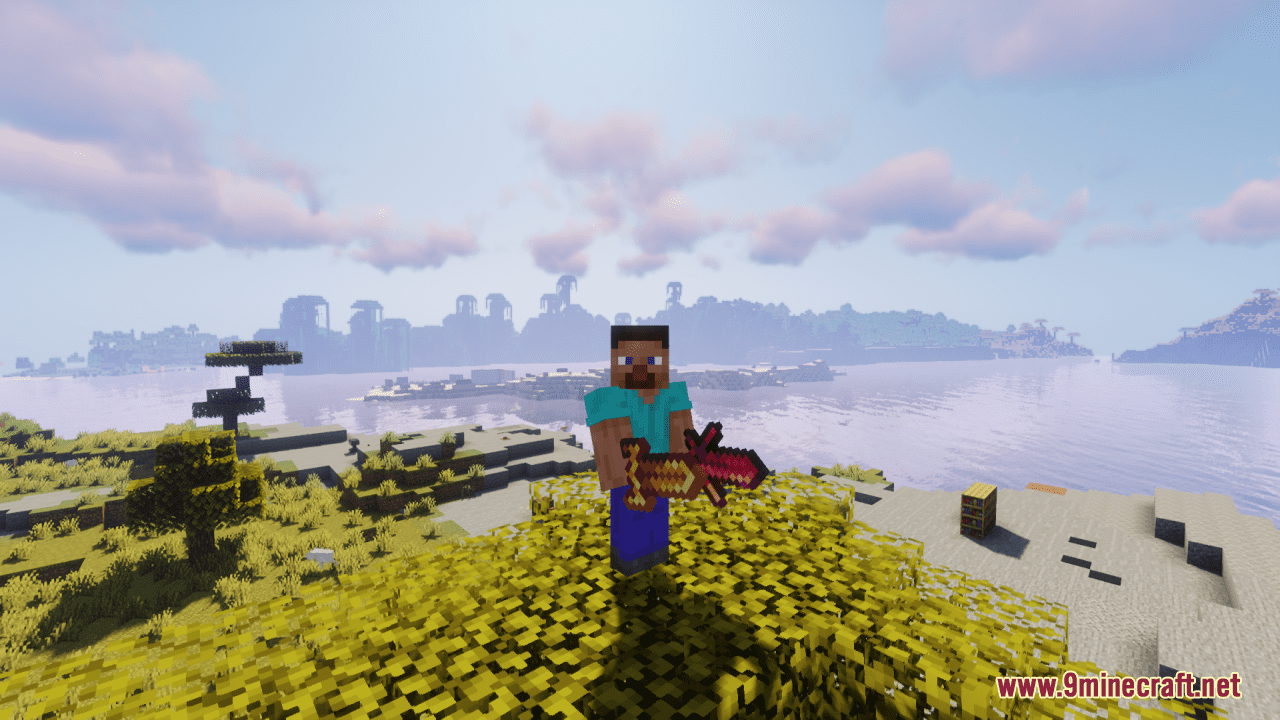
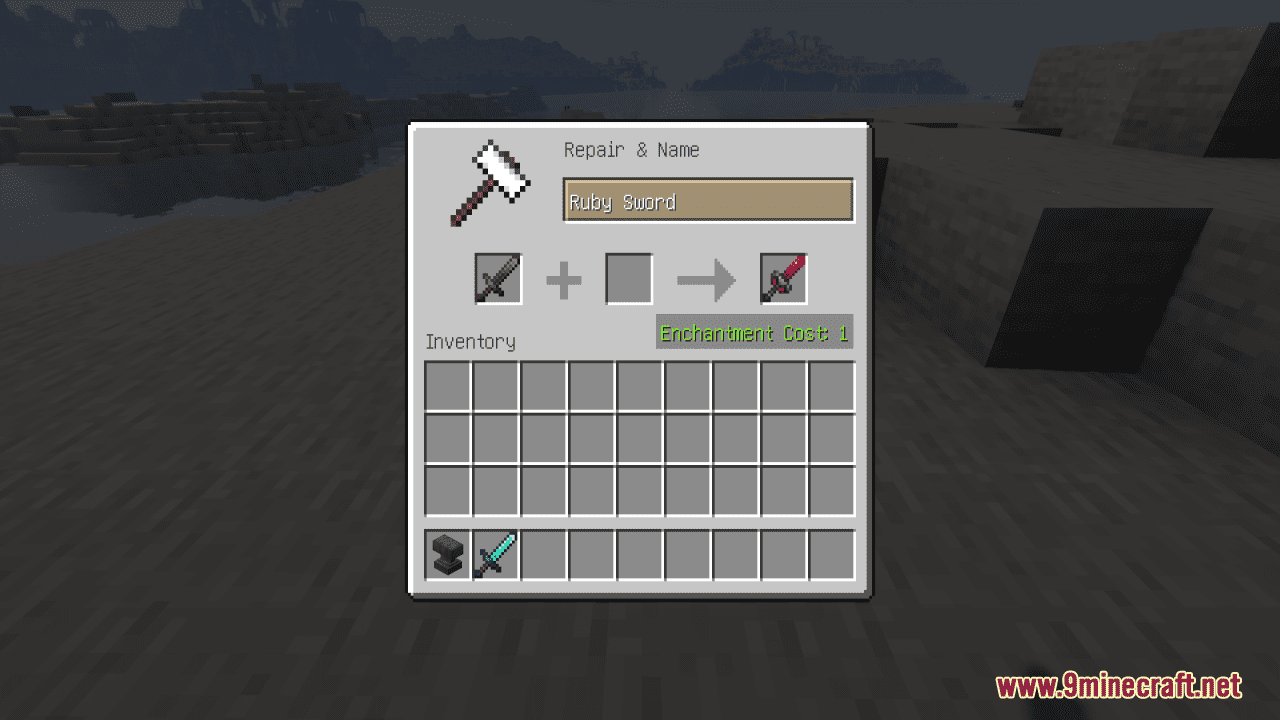
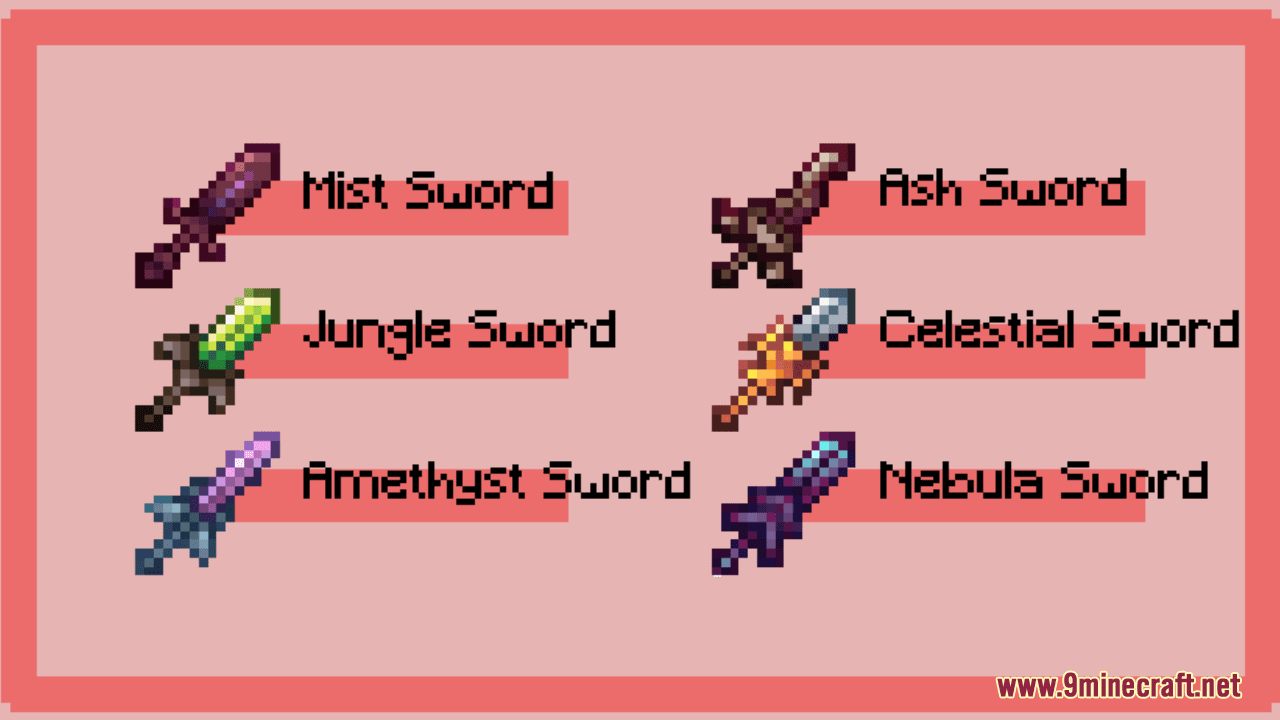
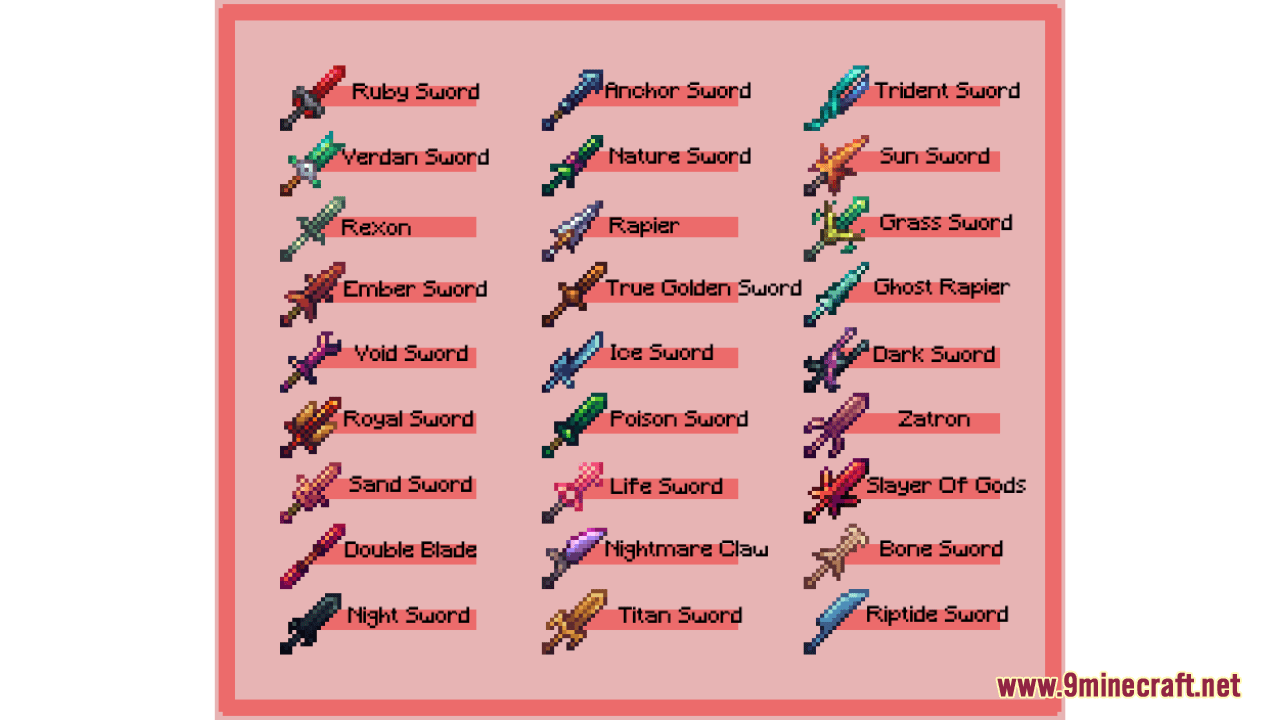
⬇ DownloadOpen in MCModsHubGet it on Google Play →Unique Swords Resource Pack offers players the ability to customize their swords using name tags, providing access to a diverse selection of 27 unique sword designs. With this resource pack applied, players can enhance their gameplay experience by wielding swords that reflect their individual style and preferences. To change the texture of the sword, you need to rename it in the anvil with name tag (in the images below), and enter one of the names below. Overall, the Unique Swords Resource Pack enhances the player’s ability to express themselves creatively within Minecraft, offering a wide range of sword options to suit any preference or playstyle.
Screenshots:
Requires:
Optifine
Unique Swords Resource Pack Download Links
For Minecraft 1.21.5, 1.21.1, 1.20.6, 1.20.1
Unique Swords Resource Pack (1.21.1, 1.20.1) – Texture Pack is a free Minecraft Java resourcepack. Compatible with Minecraft 1.21.1, 1.20.1. Download it and open it directly in the game.