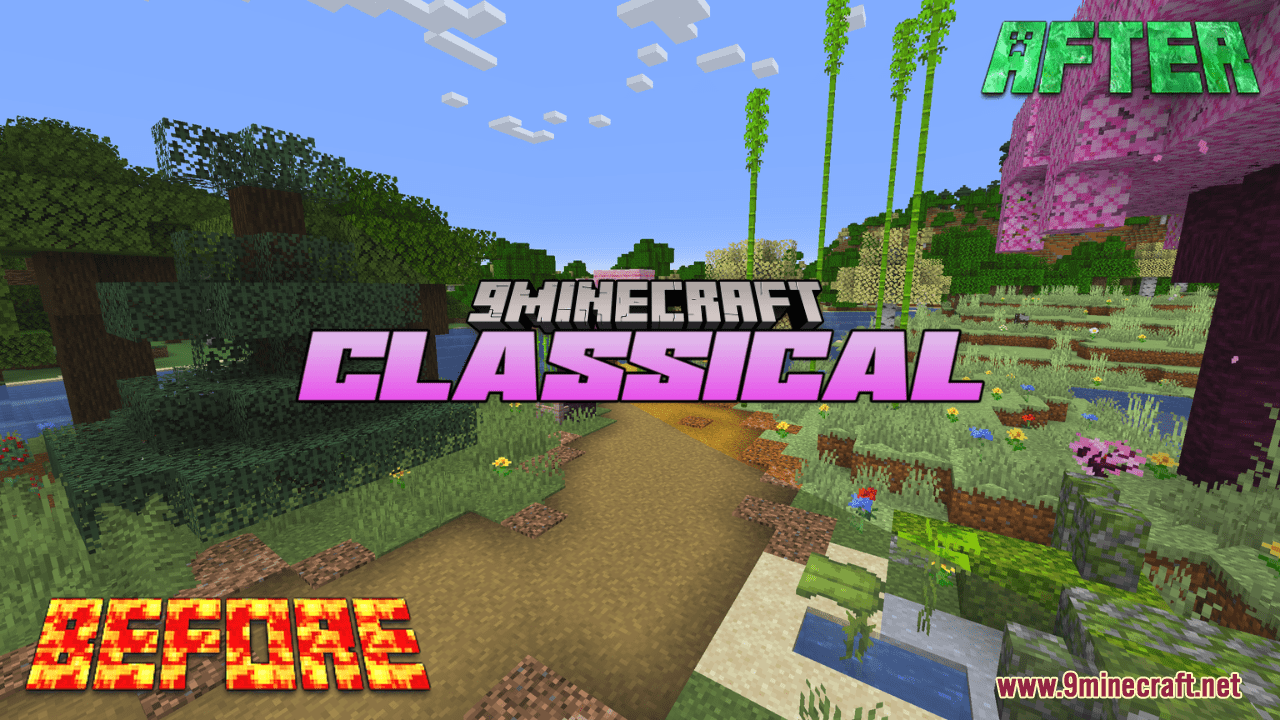
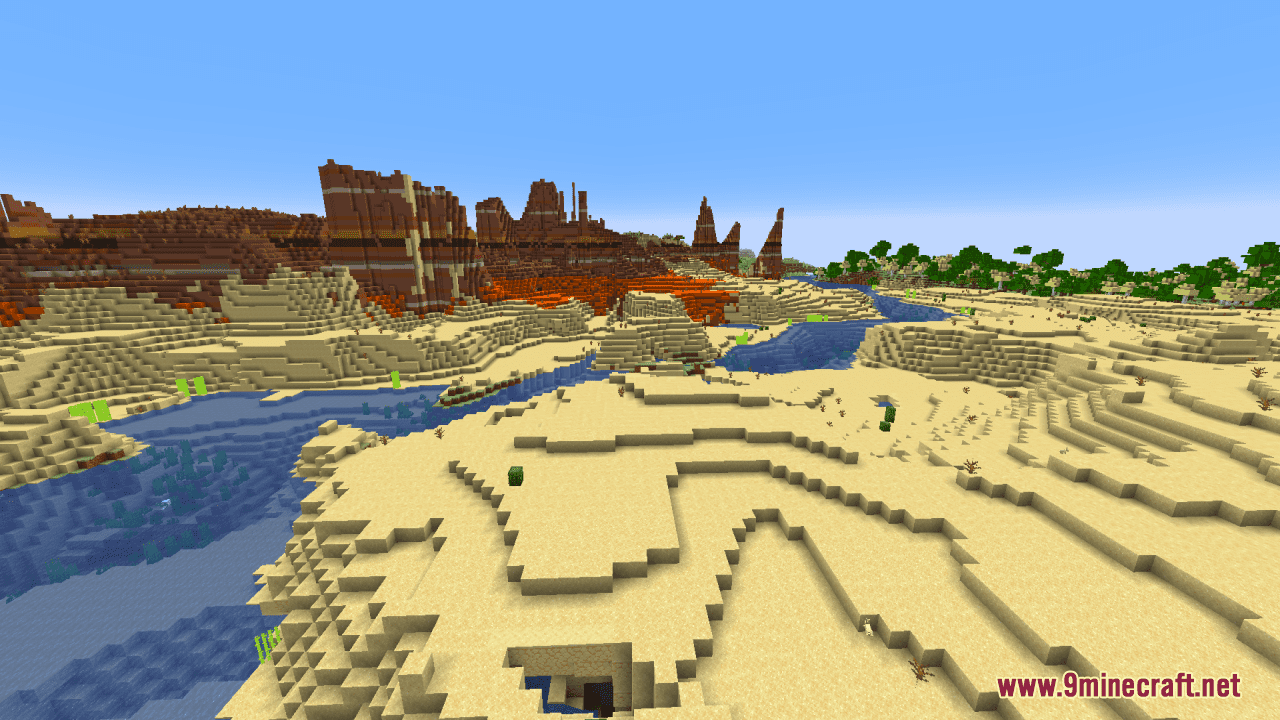
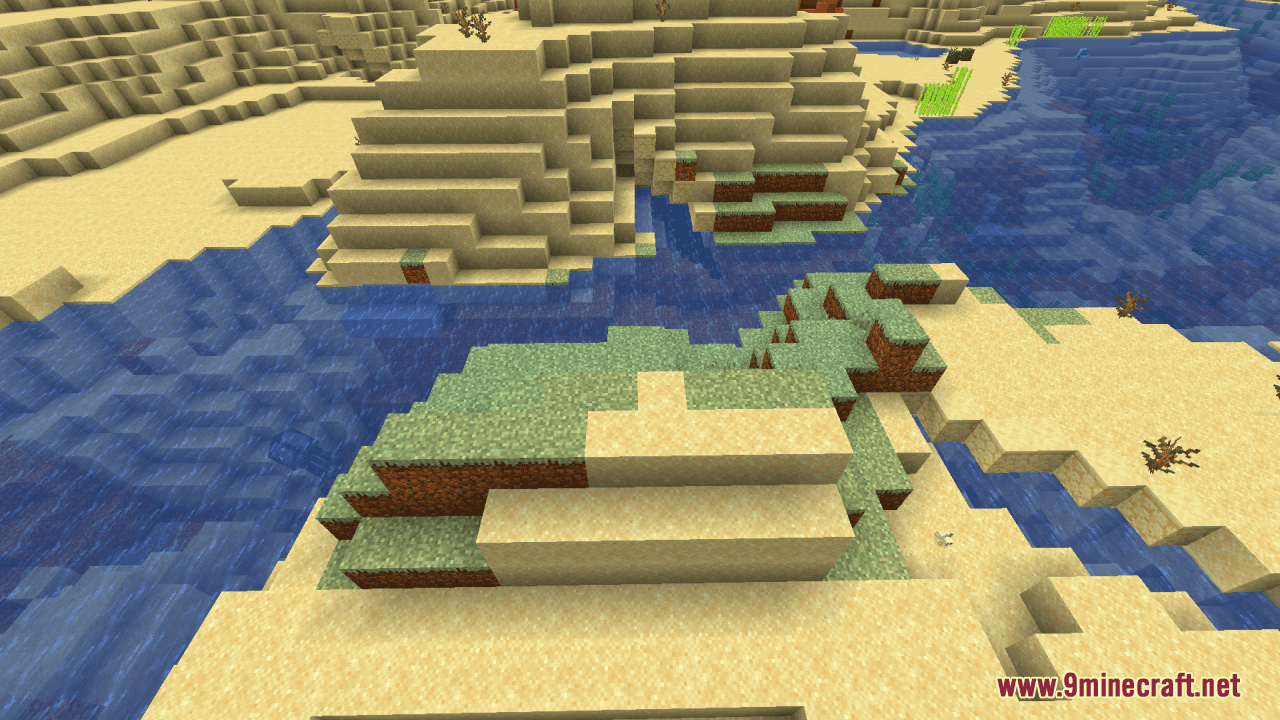
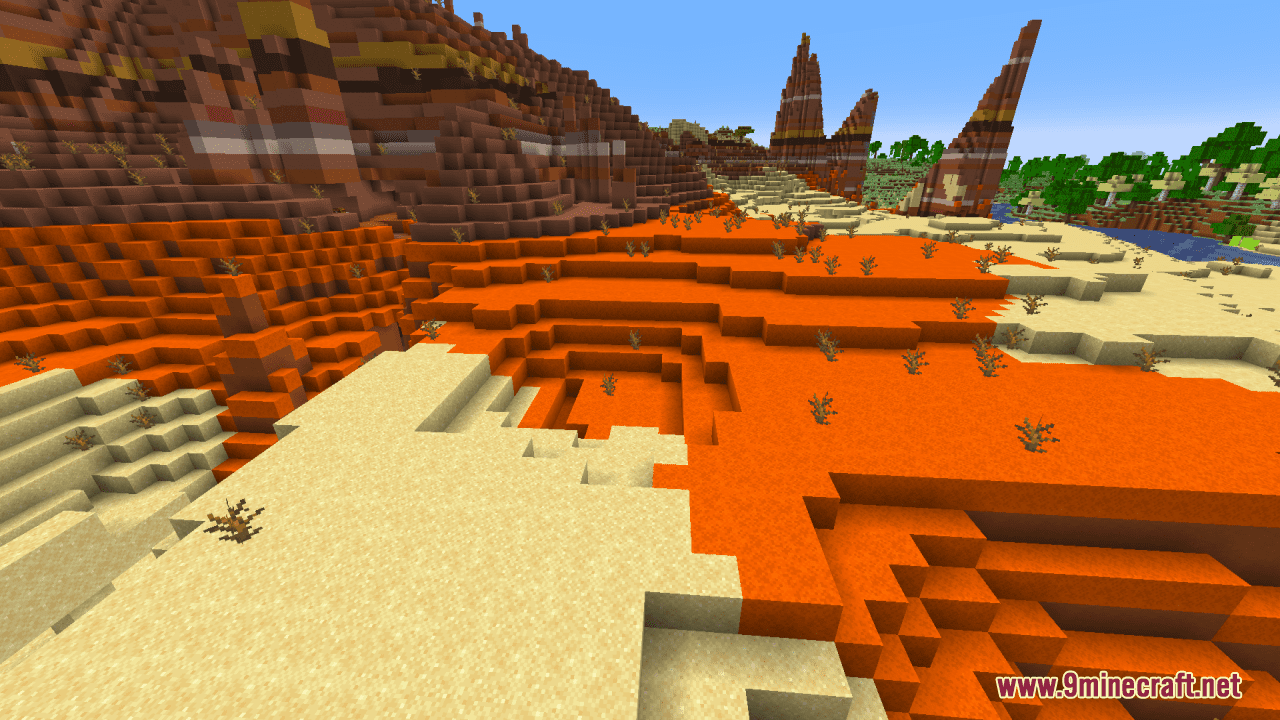
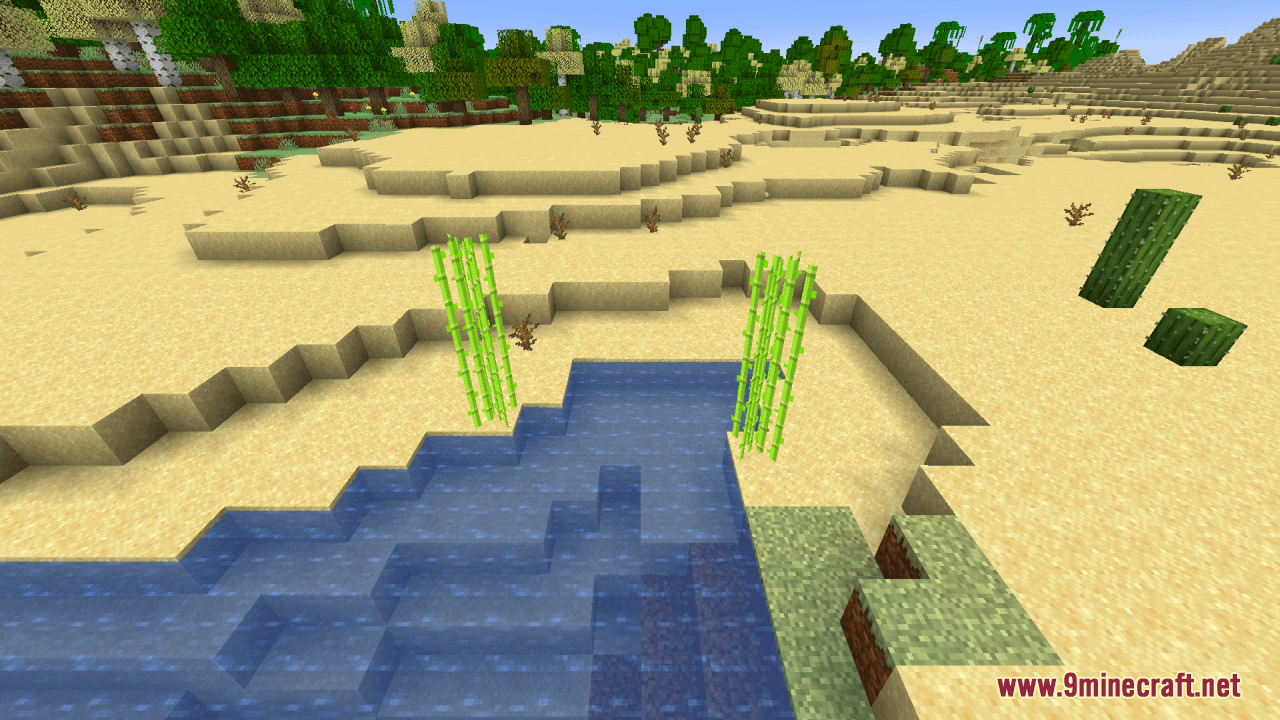
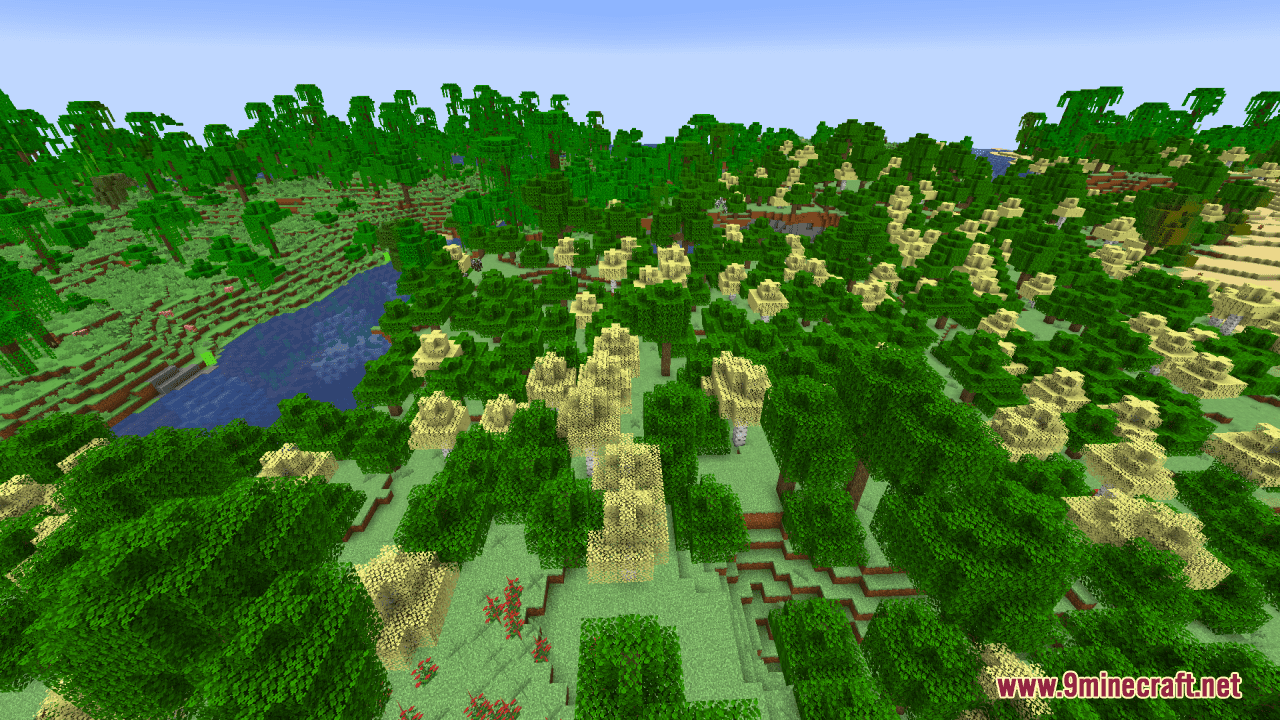
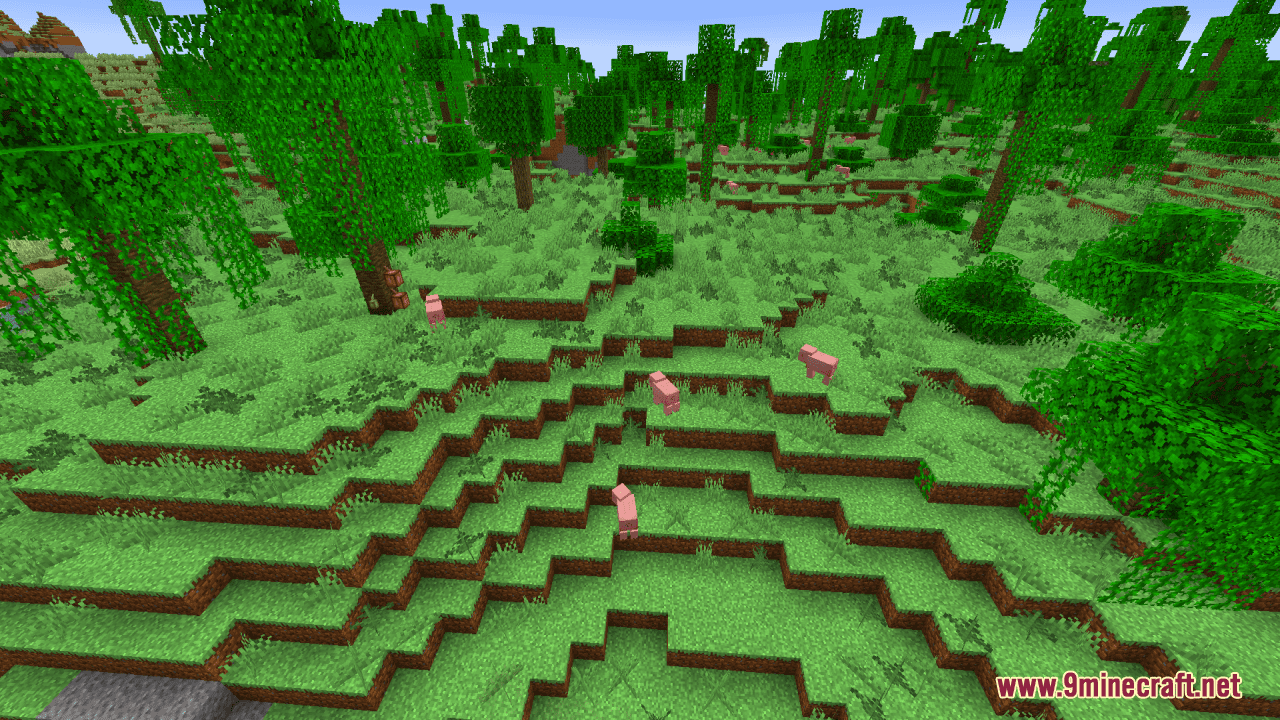
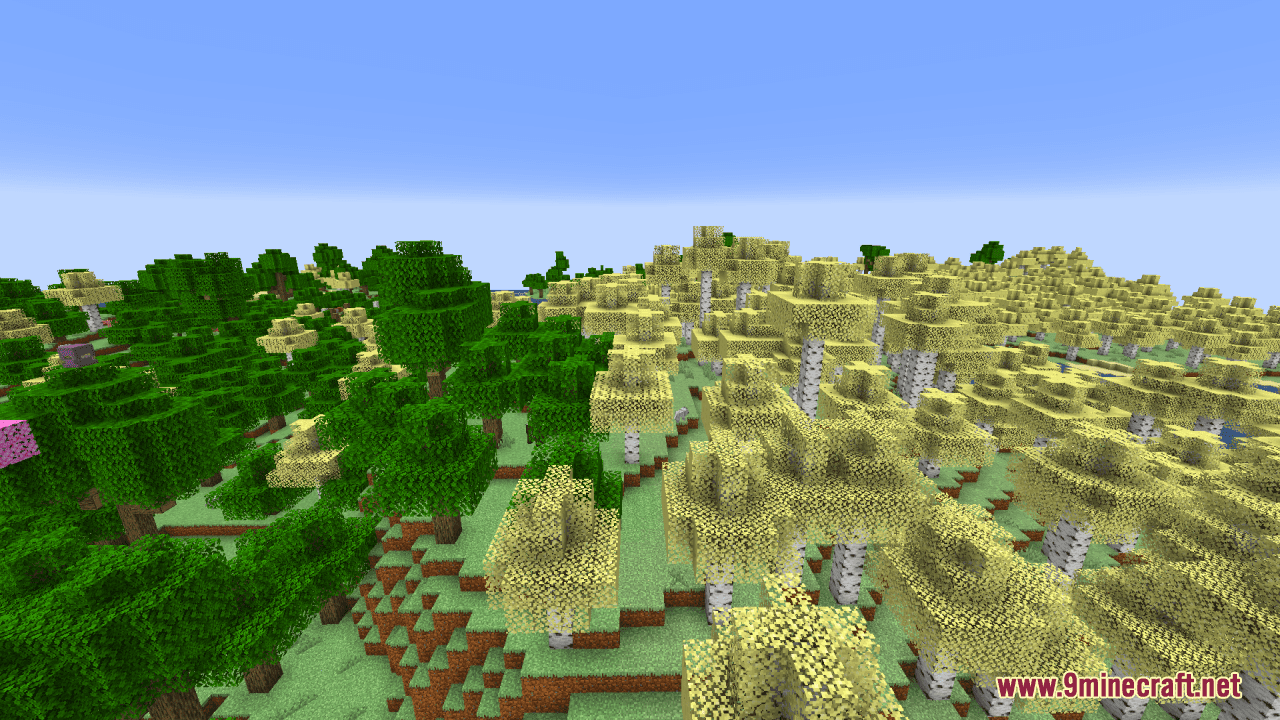
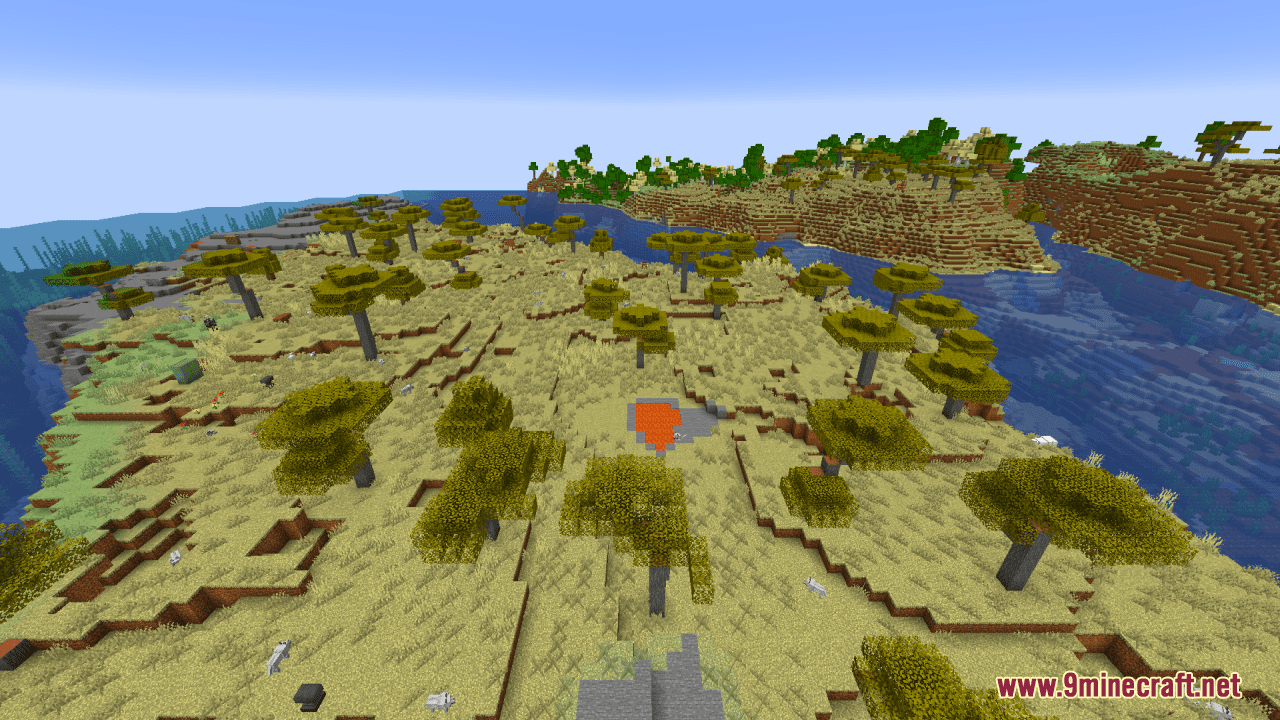
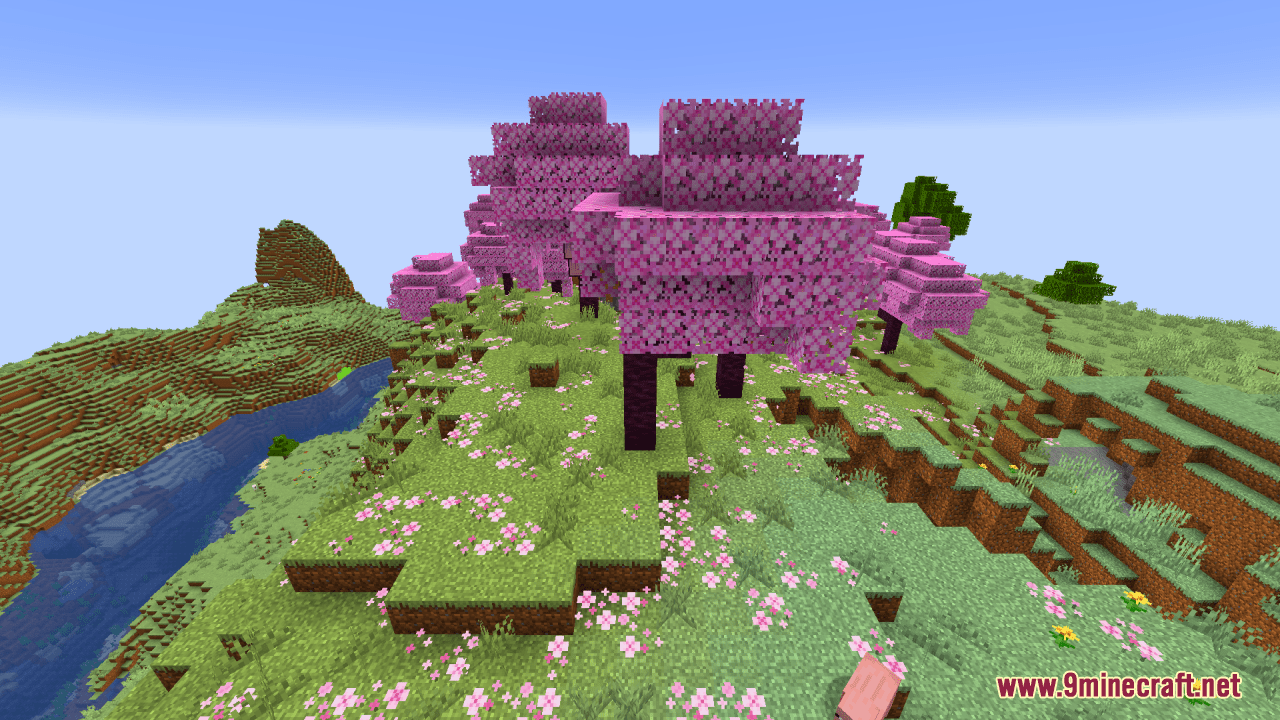
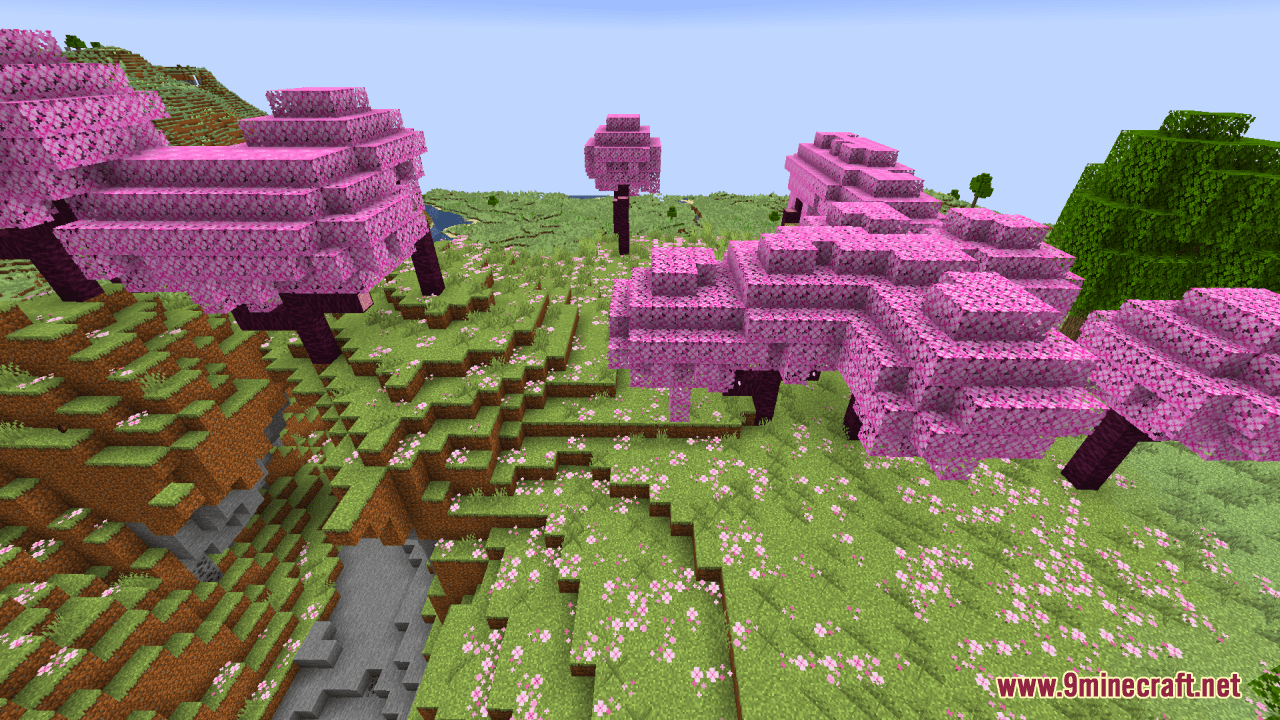
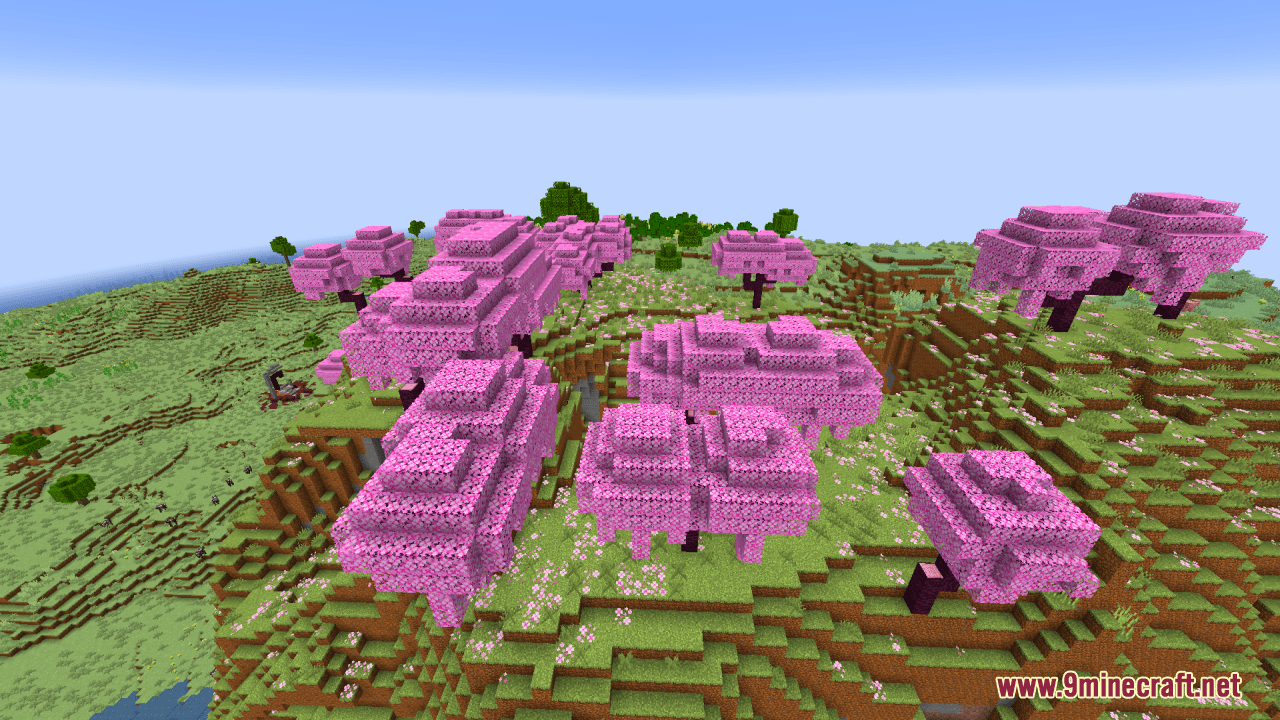
Classical Resource Pack offers a nostalgic twist to modern Minecraft textures by imbuing them with the vibrant colors reminiscent of classic Minecraft versions. Blocks, items, and other elements will exhibit colors and tones reminiscent of classic Minecraft, invoking a sense of nostalgia for longtime players and offering a fresh perspective for newer ones. Through careful adjustments to saturation, contrast, and brightness, the modified textures in this pack evoke the aesthetic charm of earlier Minecraft iterations while retaining the benefits of the game’s updated features. By infusing modern Minecraft textures with the nostalgic color palette of classic versions, the Classical Resource Pack provides players with an alternative visual experience that pays homage to the game’s rich history.
Screenshots:
Classical Resource Pack Download Links
For Minecraft 1.21.5, 1.21.1, 1.20.6, 1.20.1
- Edition: Minecraft Java
- File type: .zip (resource pack)
- Minecraft versions listed: 1.21.1, 1.20.1
- How to install: Download the .zip resource pack — do not unzip it. → Put it in .minecraft/resourcepacks. → Enable it in Options → Resource Packs.
- Where to get it: In MC Java Mods, or directly above on this page.
Install steps are the general flow for this file type — How to install Minecraft Java resource packs walks through it step by step.
Classical Resource Pack (1.21.1, 1.20.1) – Texture Pack is a free Minecraft Java resourcepack. Compatible with Minecraft 1.21.1, 1.20.1. Download it and open it directly in the game.