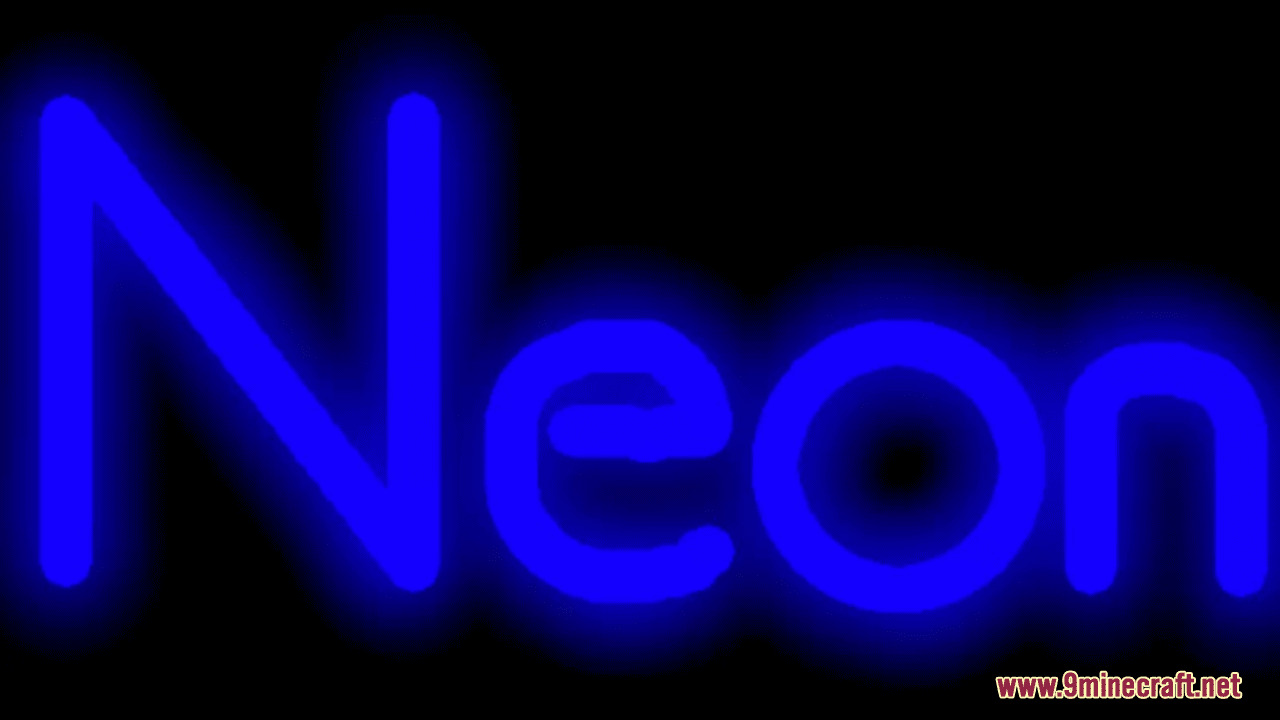
Blue Neon GUI Resource Pack (1.21.1, 1.20.1) – Texture Pack
Java resource pack listed for Minecraft 1.20–1.21. Downloads from the MC Java Mods app on Android.
⬇ Download
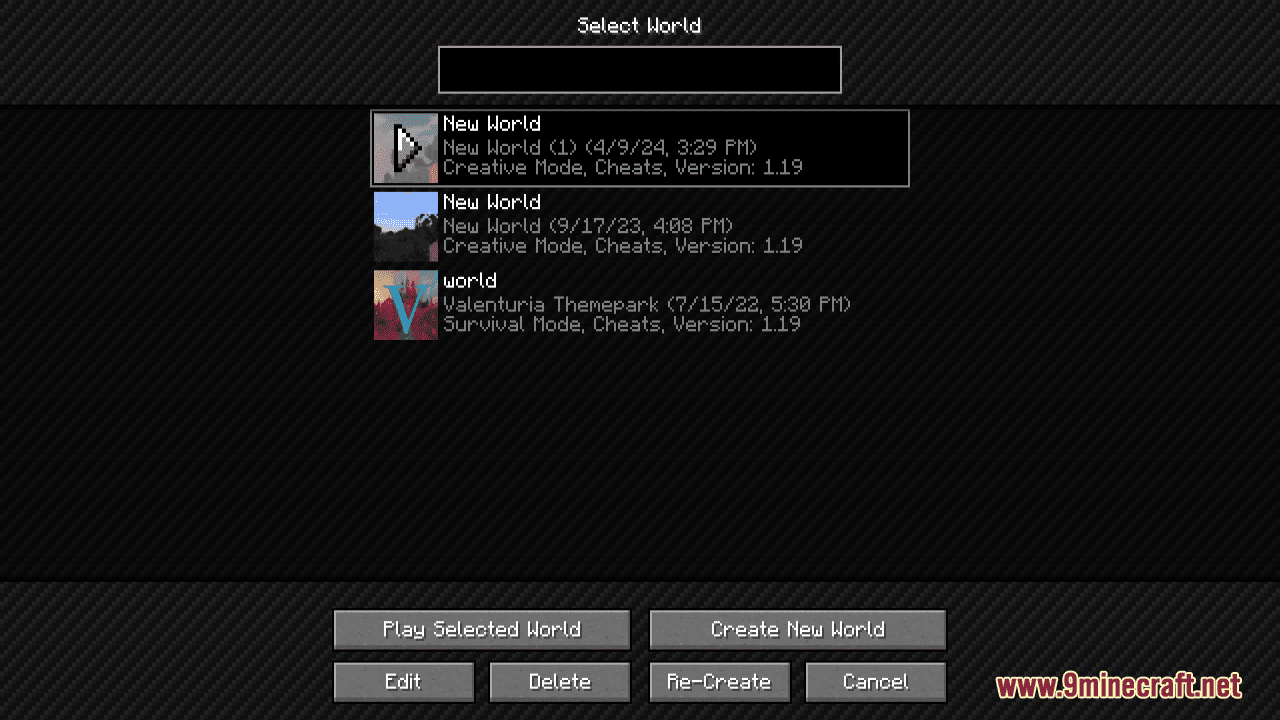
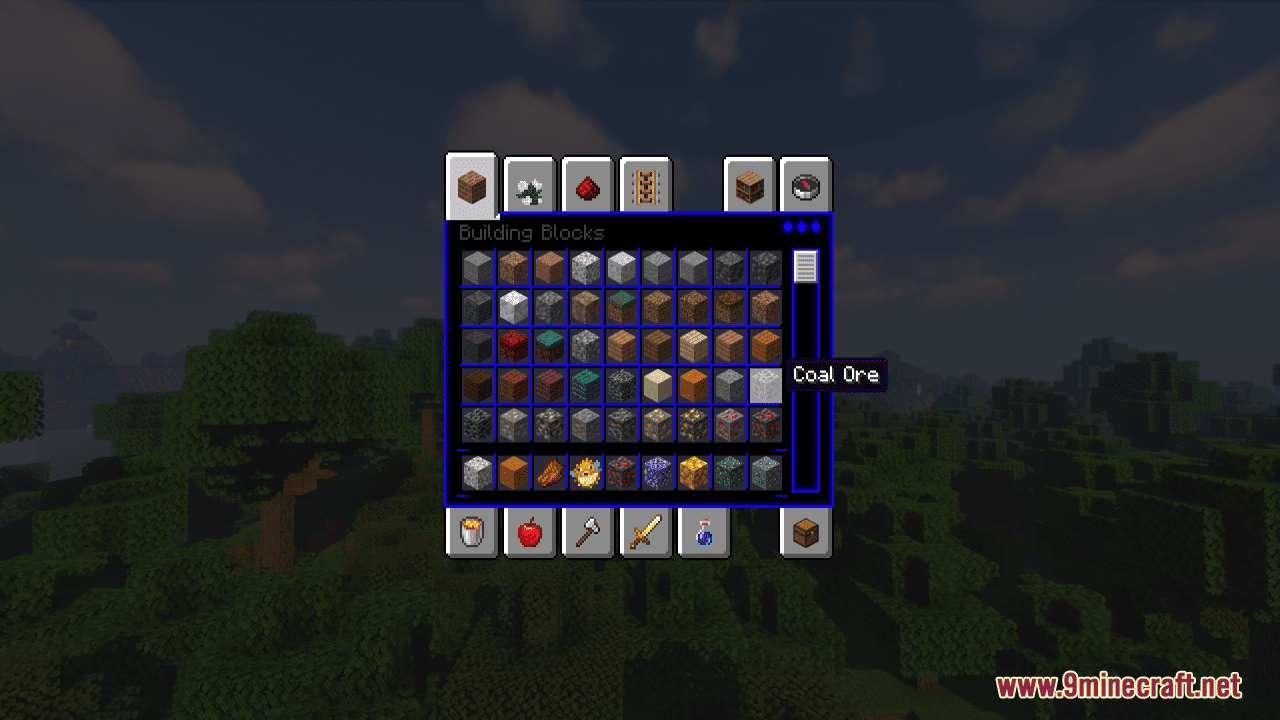
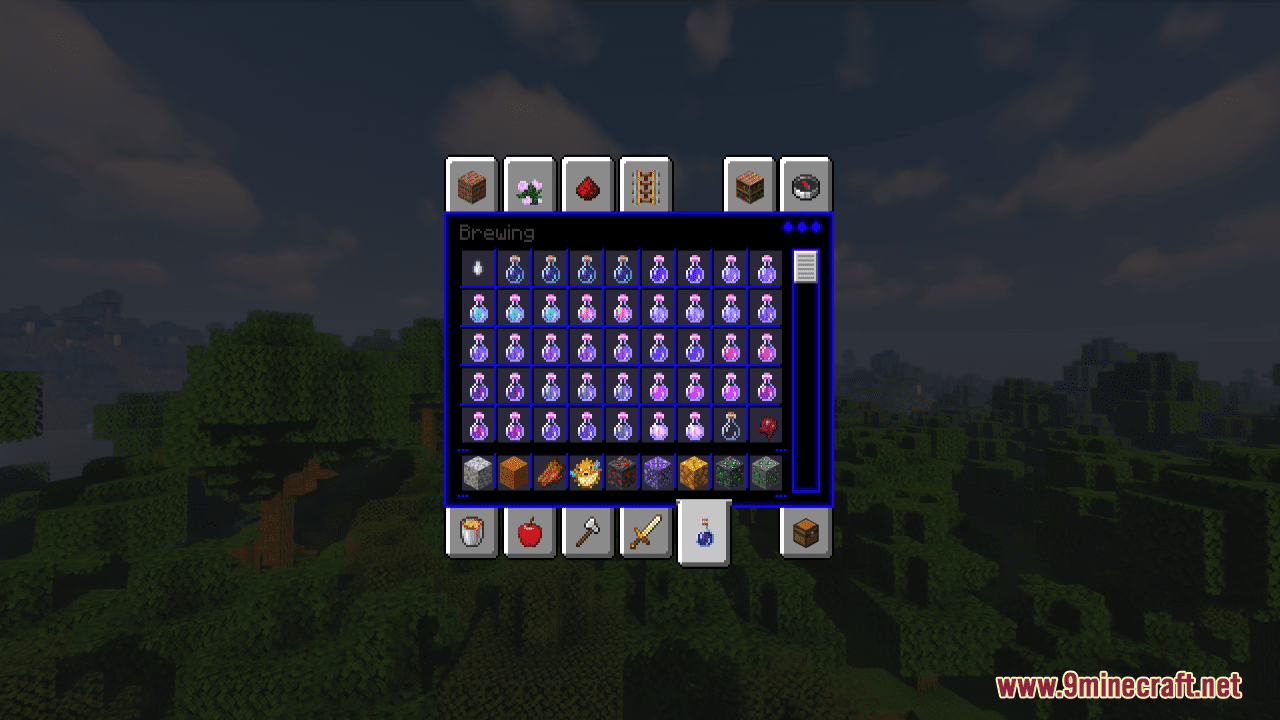
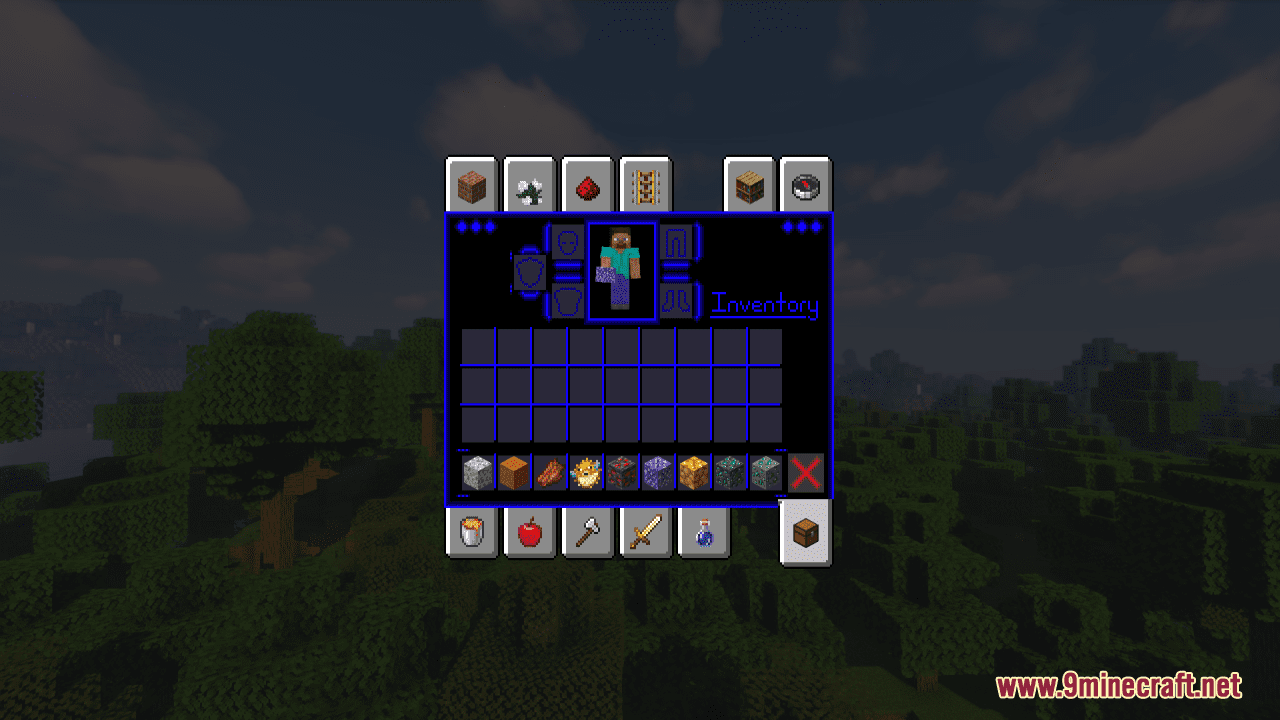
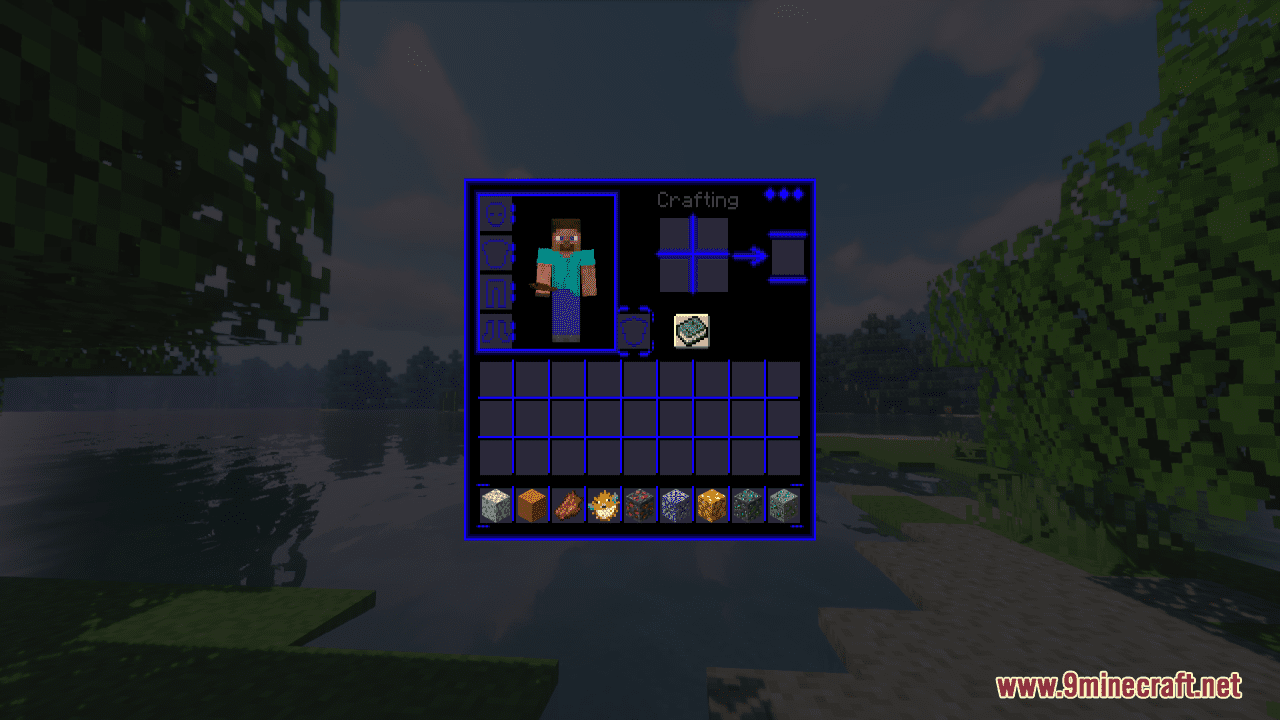
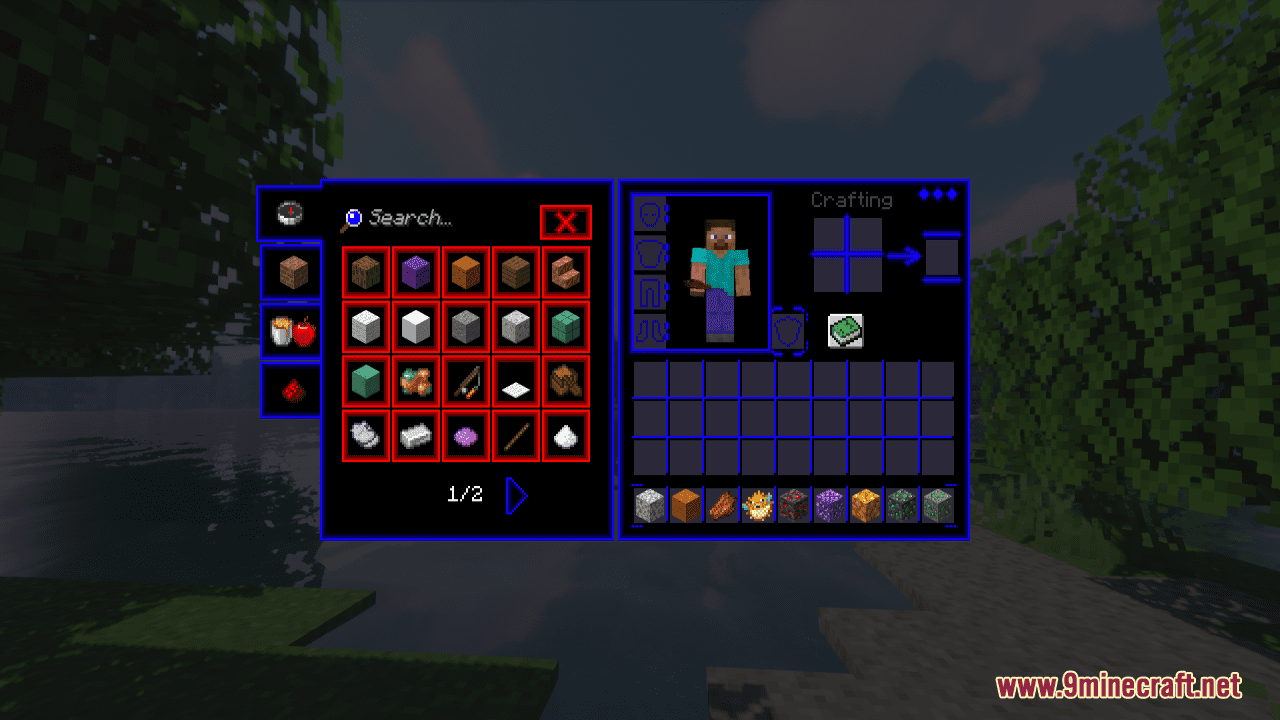
Blue Neon GUI Resource Pack is designed to give the GUI of Minecraft a stylish and futuristic appearance by incorporating a vibrant blue neon color scheme. All GUI elements, including menus, buttons, inventory screens, health bars, hunger bars, experience bars, and other interface components, are redesigned to feature the new blue neon color scheme. This creates a cohesive and visually appealing look across all aspects of the game’s user interface. Whether you’re exploring new worlds or managing your inventory, this resource pack adds a touch of futuristic style to the game’s interface.
Screenshots:
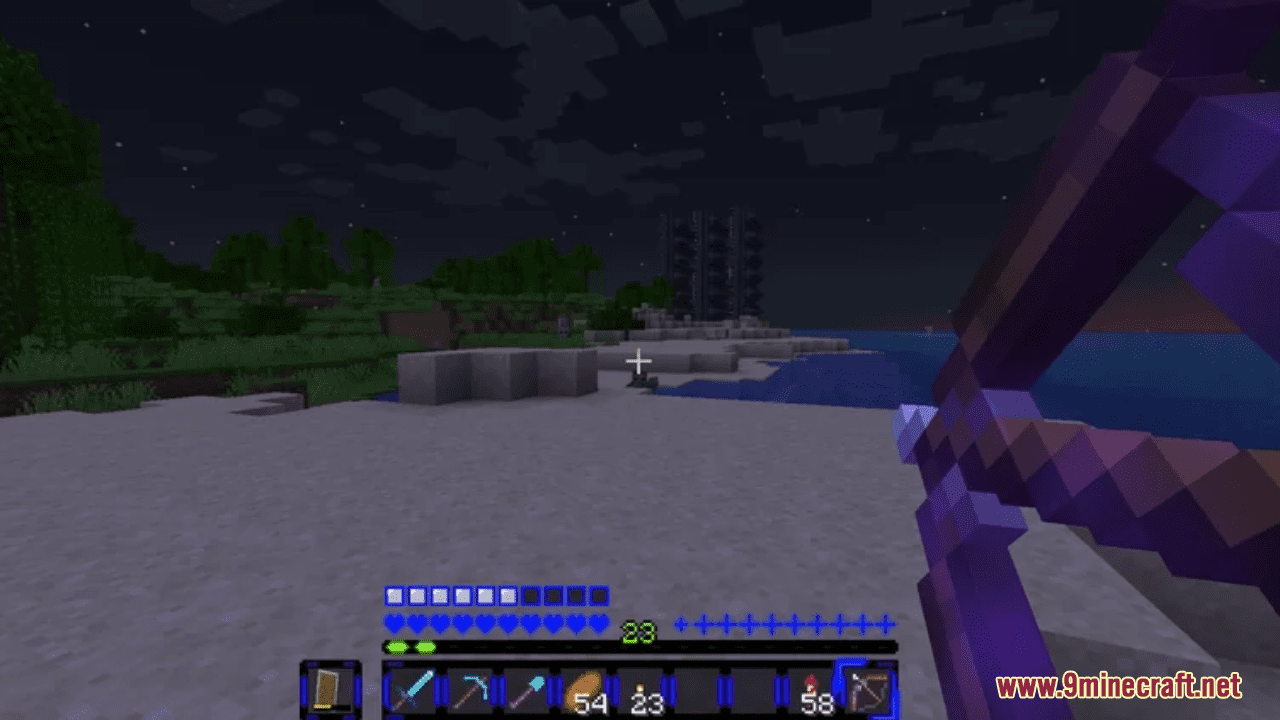
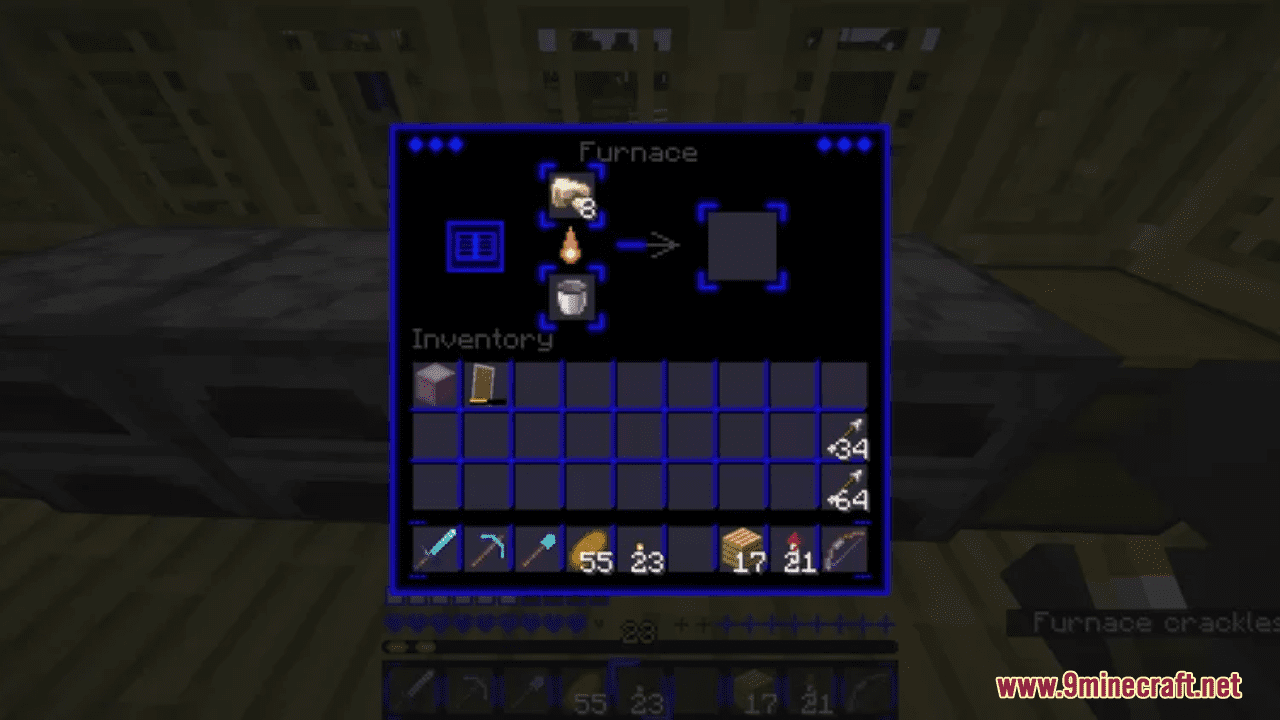
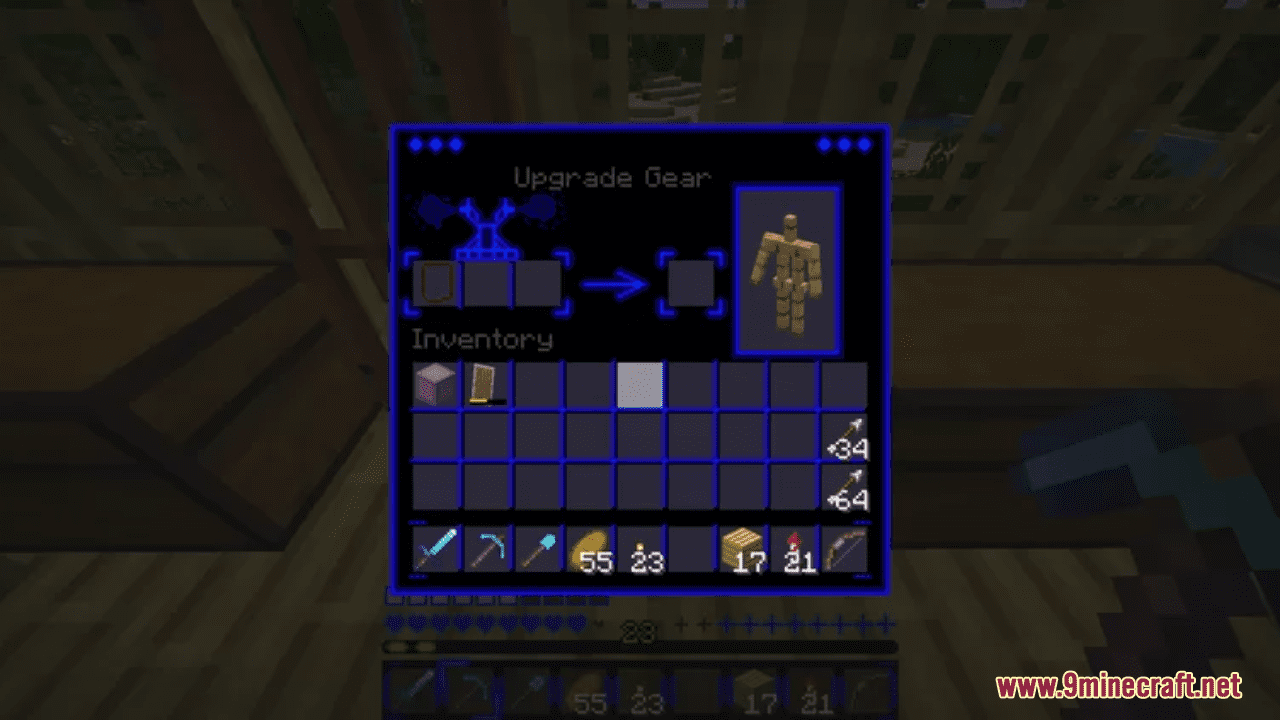
Requires:
Optifine
Blue Neon GUI Resource Pack Download Links
For Minecraft 1.21.5, 1.21.1, 1.20.6, 1.20.1
- Edition: Minecraft Java
- File type: .zip (resource pack)
- Minecraft versions listed: 1.21.1, 1.20.1
- How to install: Download the .zip resource pack — do not unzip it. → Put it in .minecraft/resourcepacks. → Enable it in Options → Resource Packs.
- Where to get it: In MC Java Mods, or directly above on this page.
Install steps are the general flow for this file type — How to install Minecraft Java resource packs walks through it step by step.
Blue Neon GUI Resource Pack (1.21.1, 1.20.1) – Texture Pack is a free Minecraft Java resourcepack. Compatible with Minecraft 1.21.1, 1.20.1. Download it and open it directly in the game.