Fluff Resource Pack (1.21.1, 1.20.1) – Texture Pack
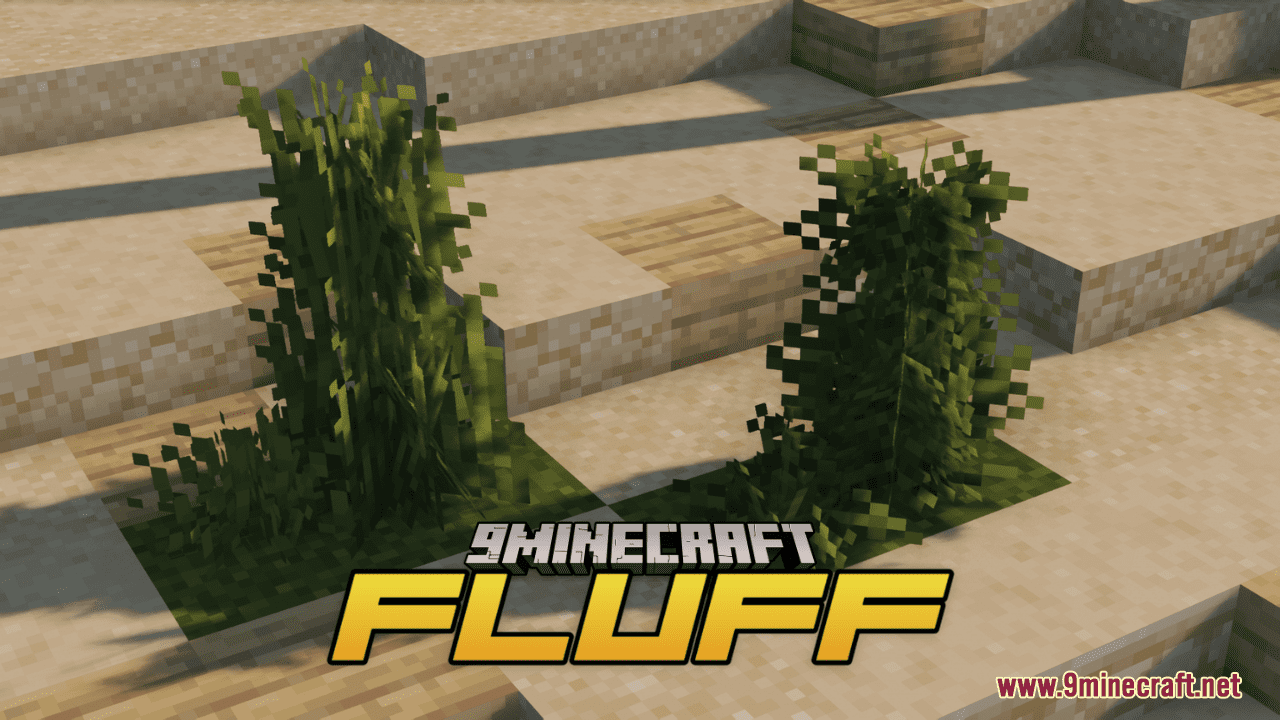
Fluff Resource Pack simply elevates the foliage in Minecraft to new levels of fluffiness while retaining the game's iconic vanilla aesthetic. With this…
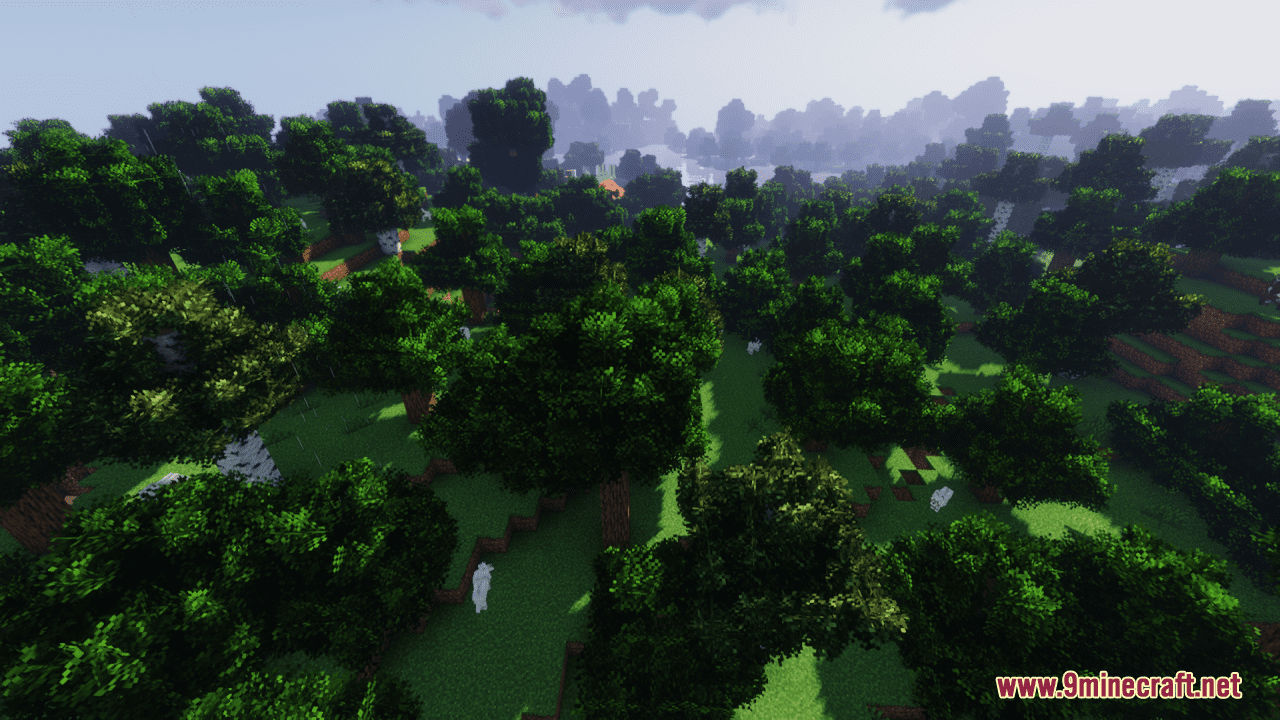
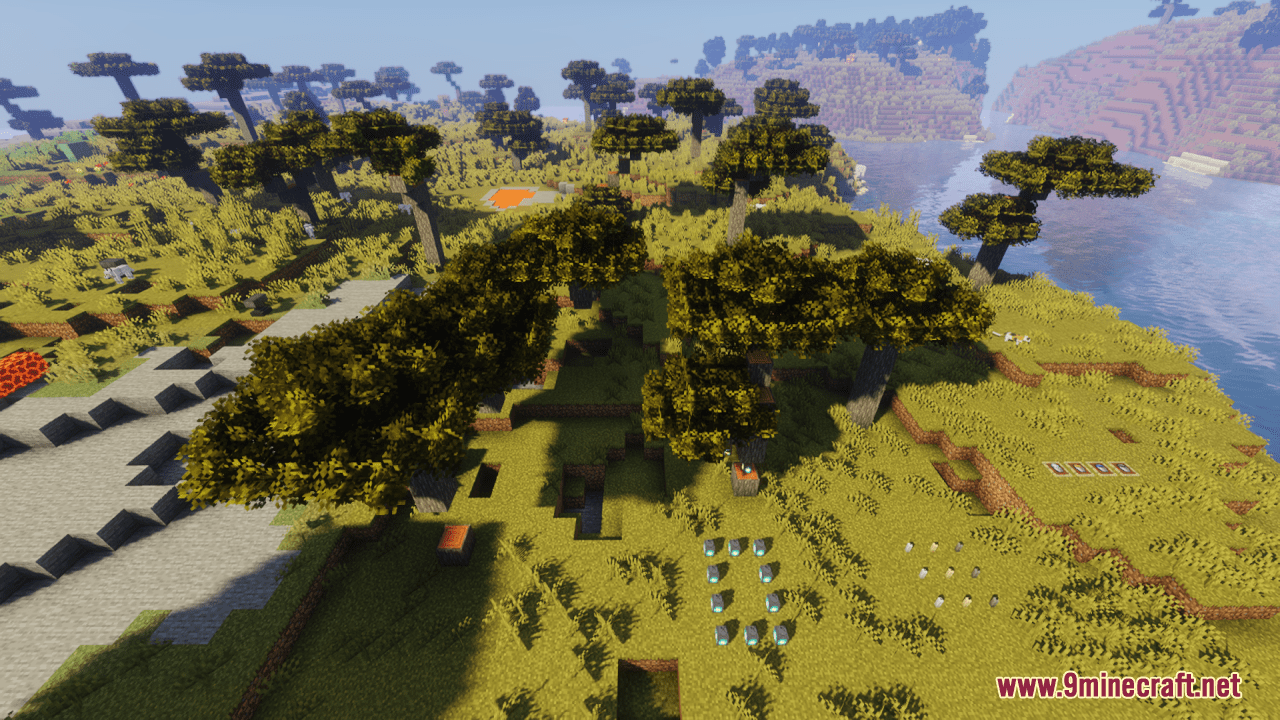
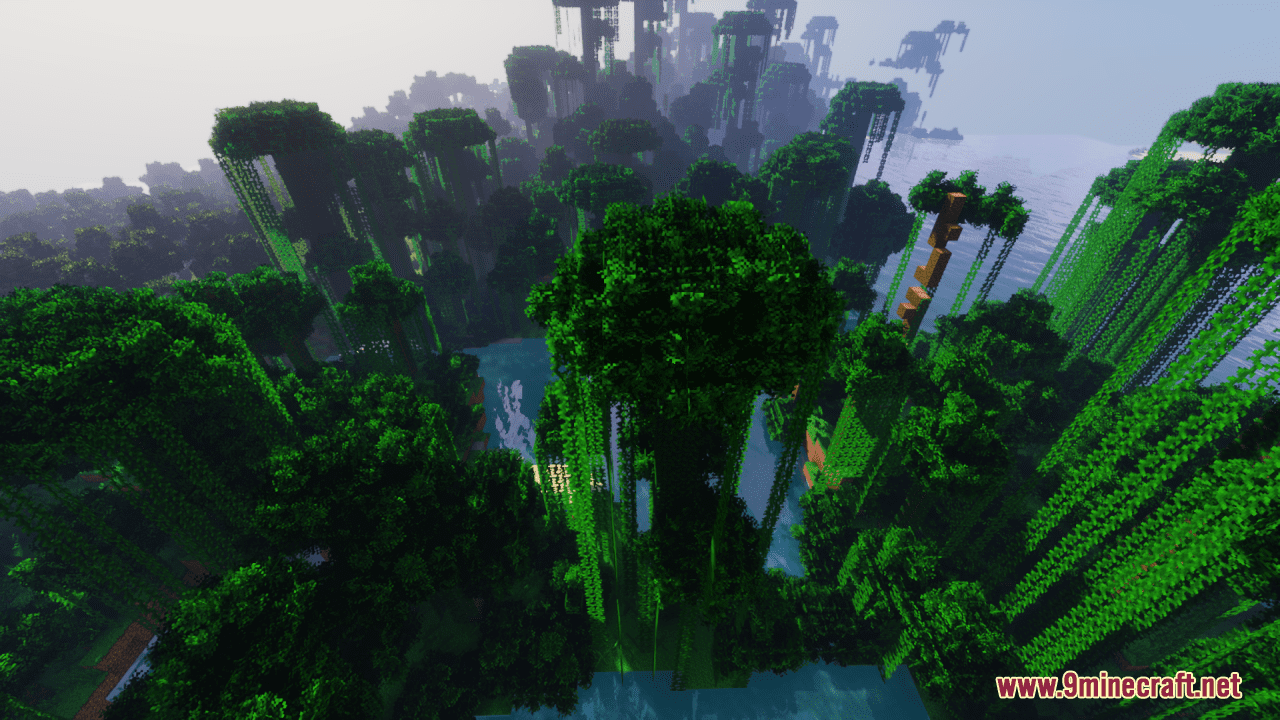
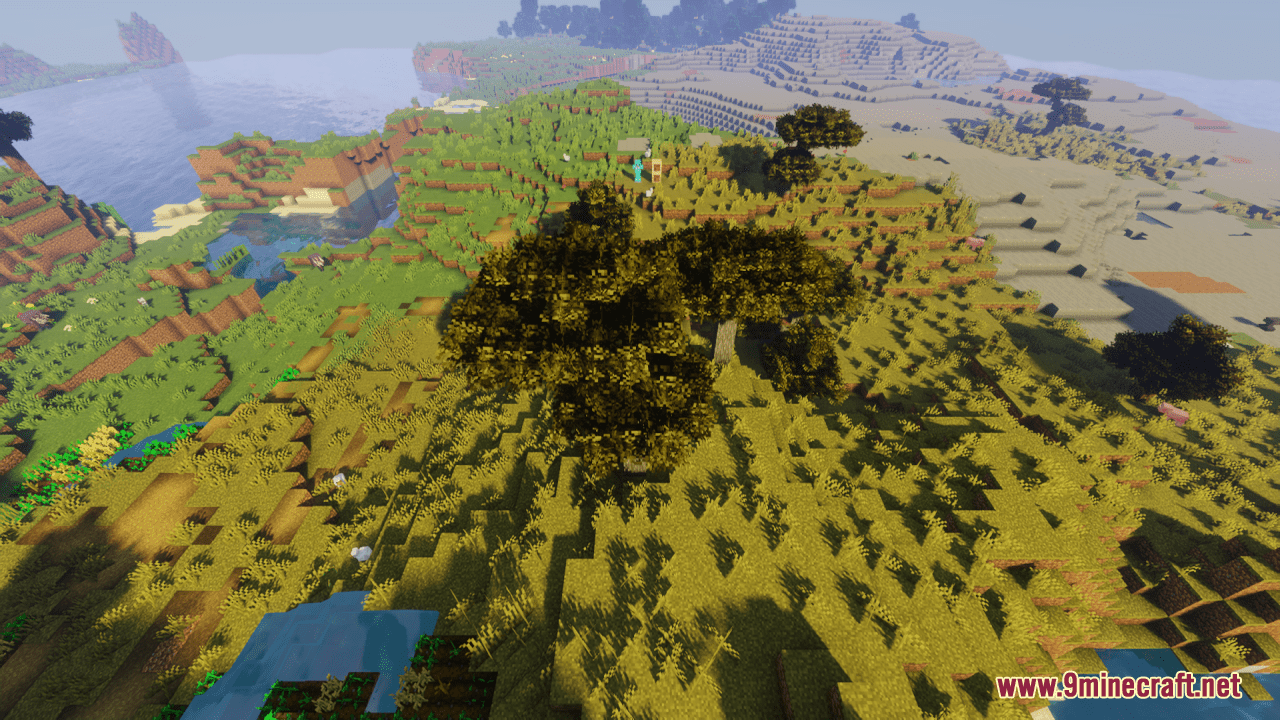
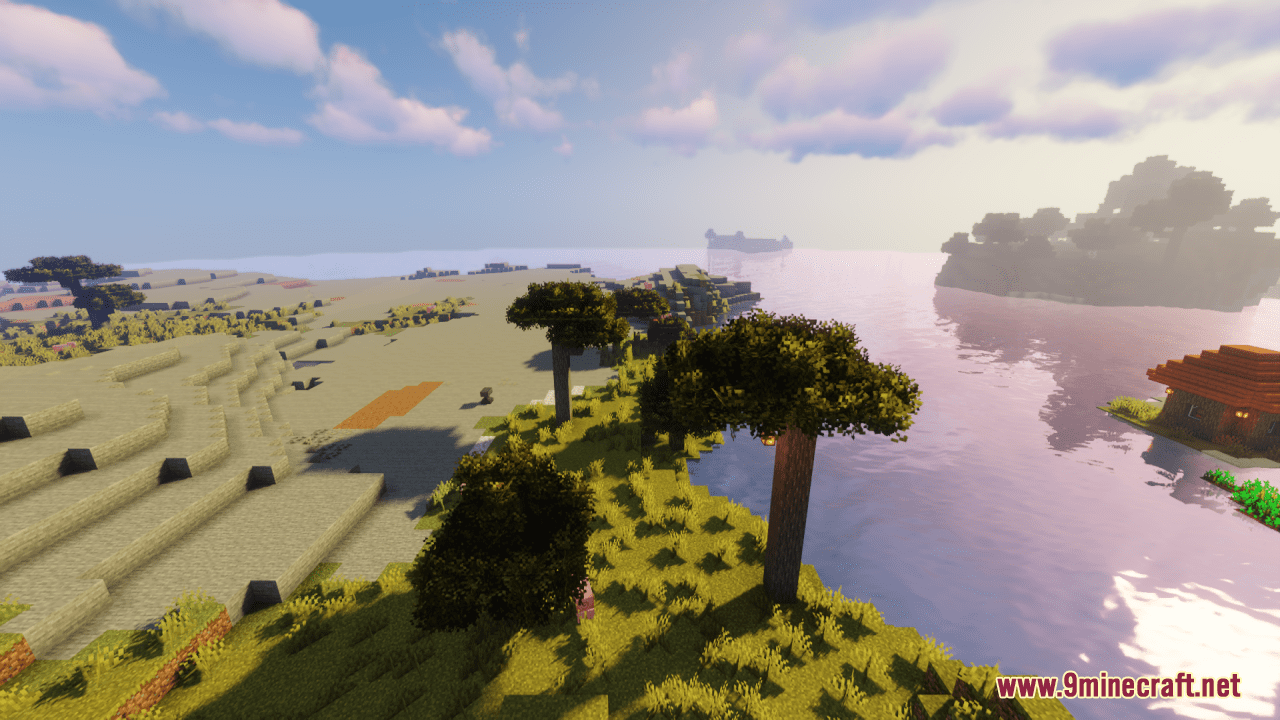
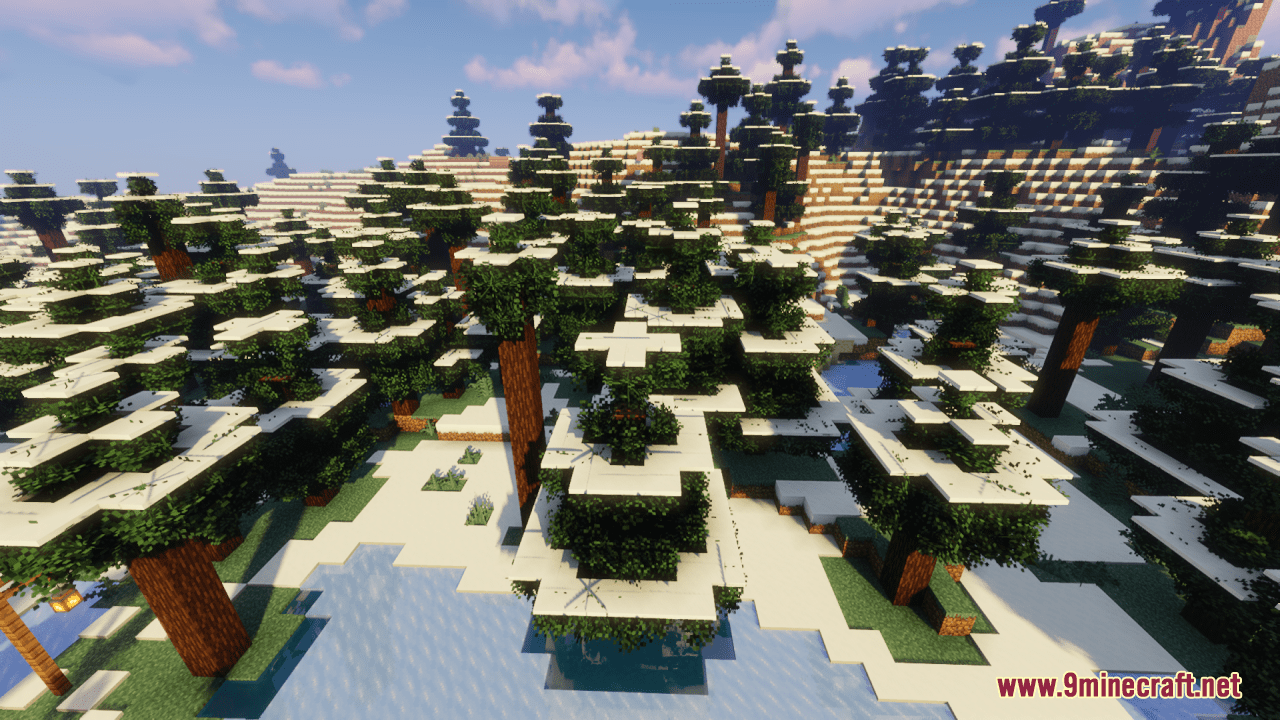
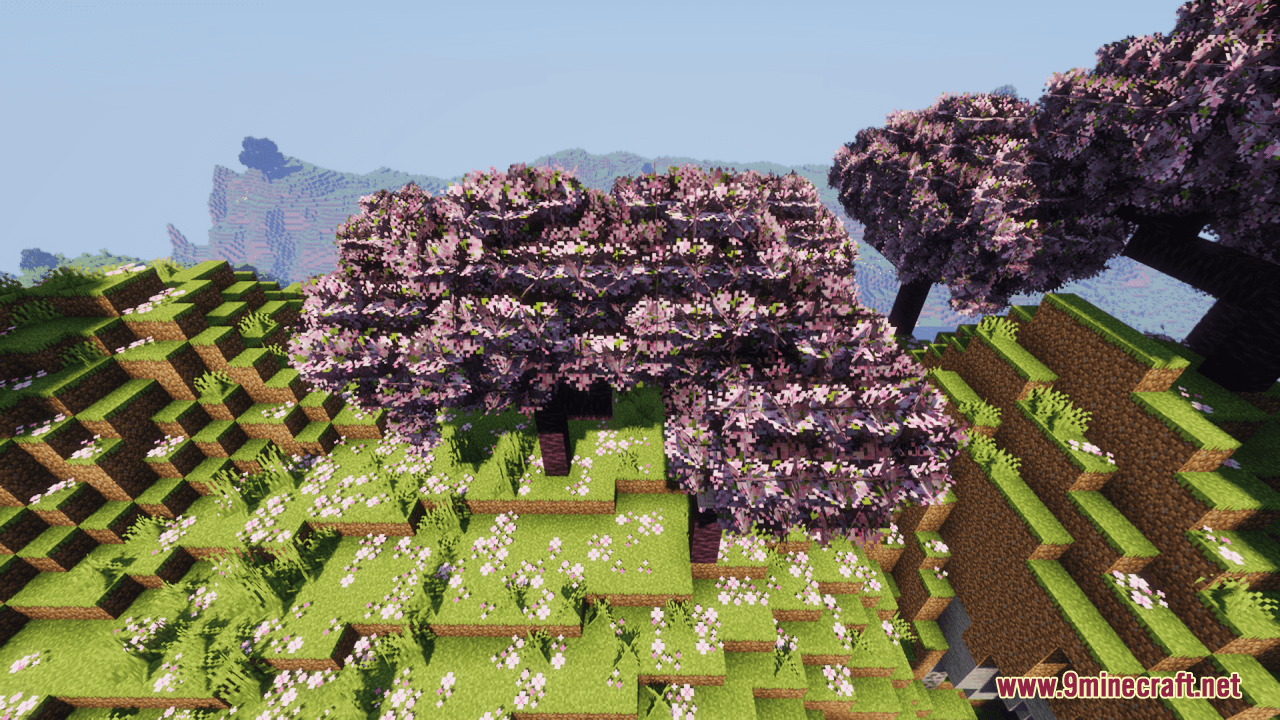
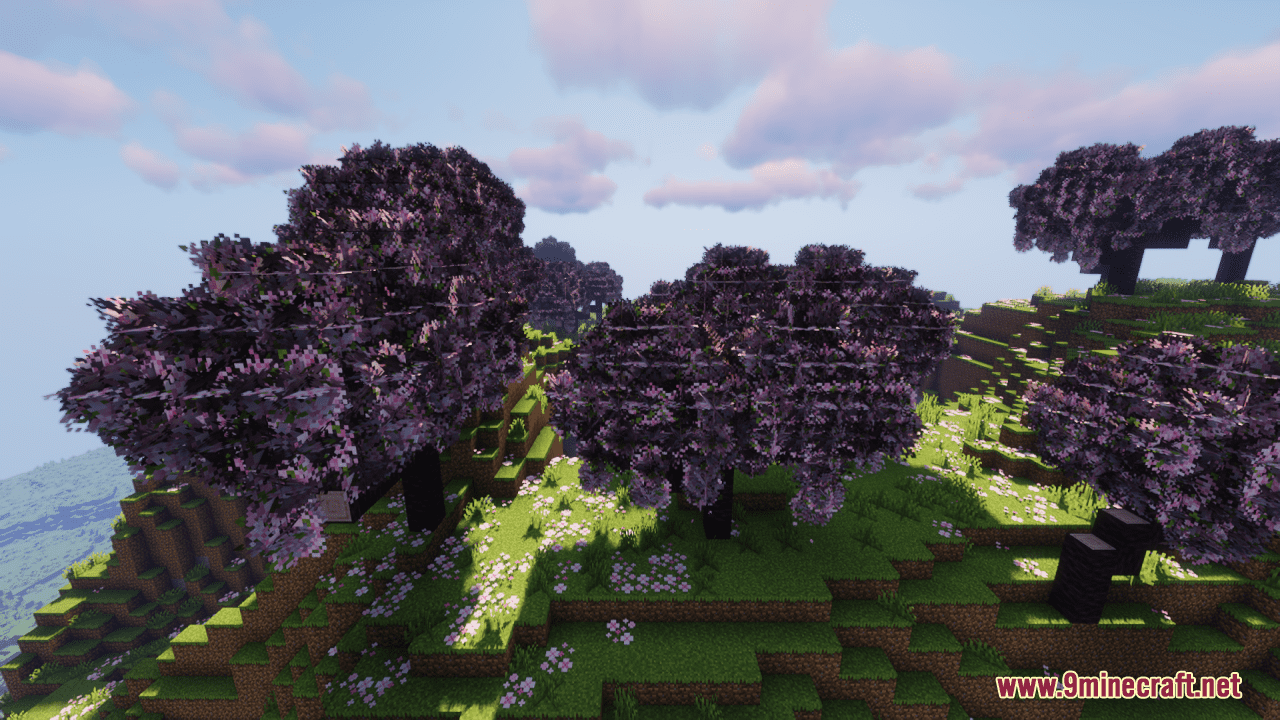
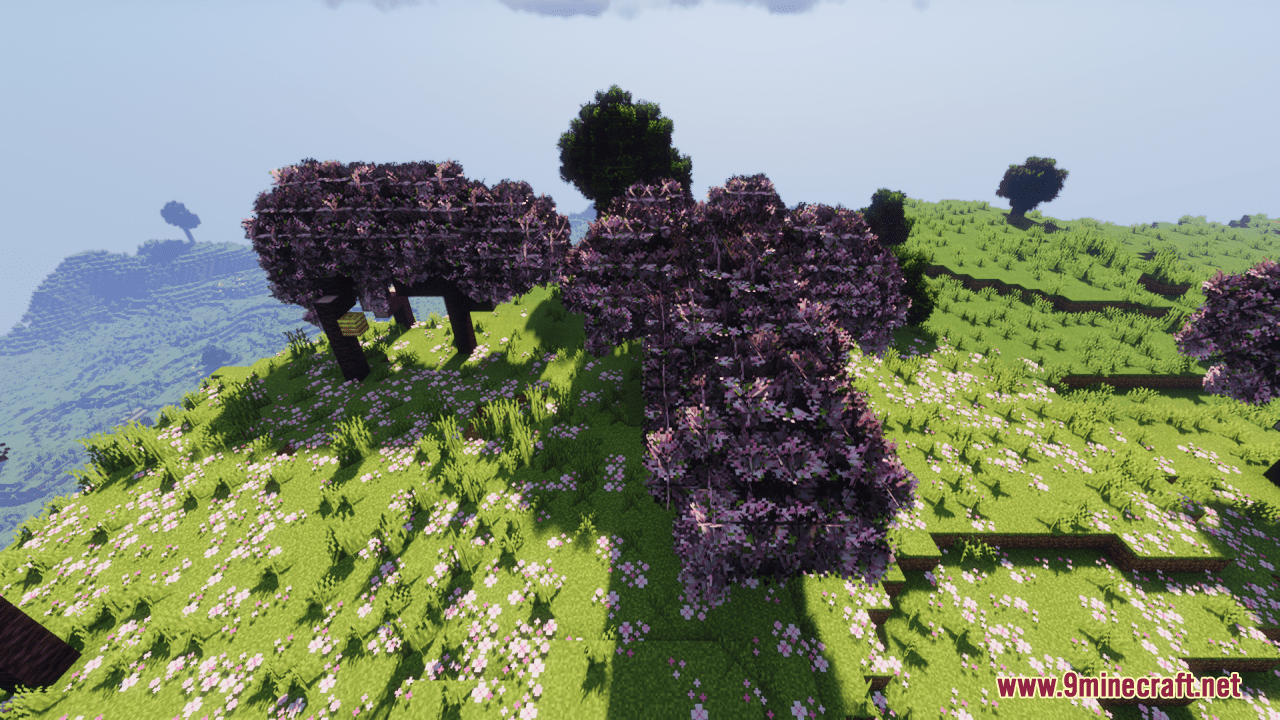
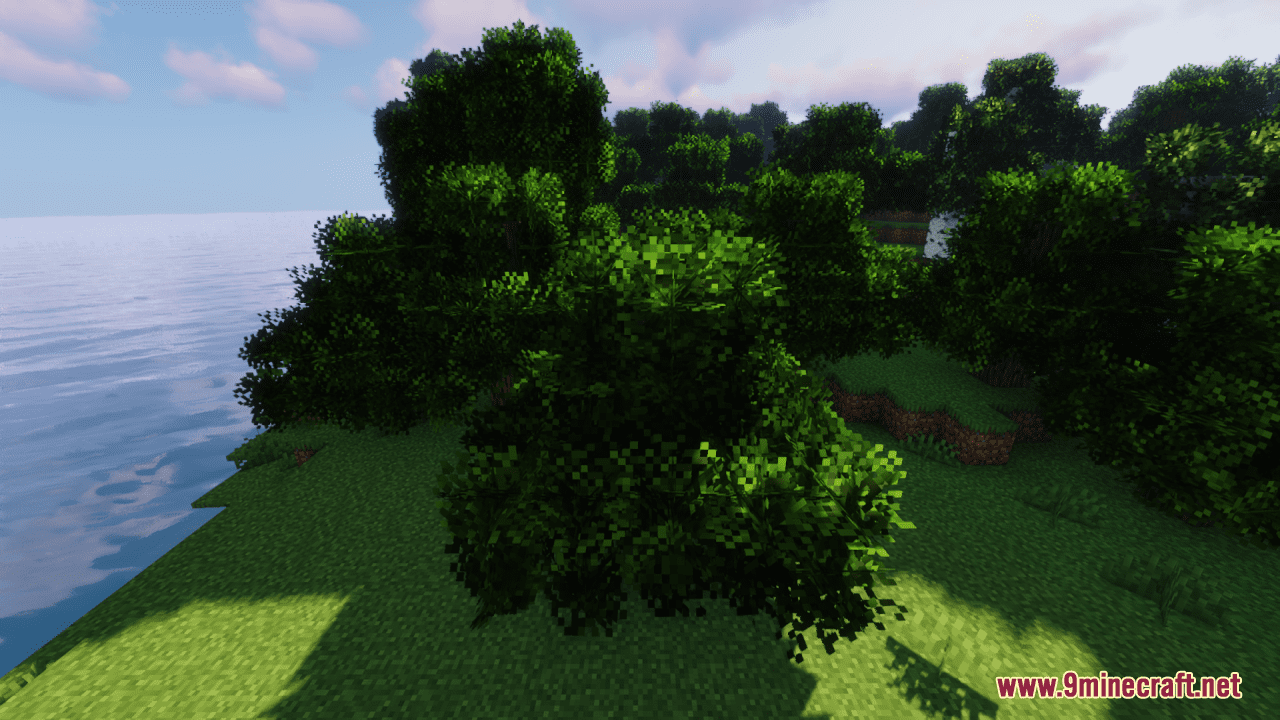
⬇ DownloadOpen in MCModsHubGet it on Google Play →Fluff Resource Pack simply elevates the foliage in Minecraft to new levels of fluffiness while retaining the game’s iconic vanilla aesthetic. With this slight and simple pack installed, foliage such as grass, leaves, and plants are transformed into soft, fluffy textures. Each blade of grass and leaf is rendered with a delicate fluffiness that adds a touch of whimsy to the landscape. Despite the fluffiness, the resource pack stays true to Minecraft’s vanilla aesthetic. The textures blend seamlessly with the game’s existing style, ensuring that the world retains its familiar look and feel while offering a delightful new twist. Whether you’re wandering through lush forests, exploring rolling hillsides, or tending to your garden, the soft textures of the Fluff Resource Pack add a sense of warmth and charm to the environment.
Screenshots:
Requires:
Optifine
Fluff Resource Pack Download Links
For Minecraft 1.21.5, 1.21.1, 1.20.6, 1.20.1
Fluff Resource Pack (1.21.1, 1.20.1) – Texture Pack is a free Minecraft Java resourcepack. Compatible with Minecraft 1.21.1, 1.20.1. Download it and open it directly in the game.