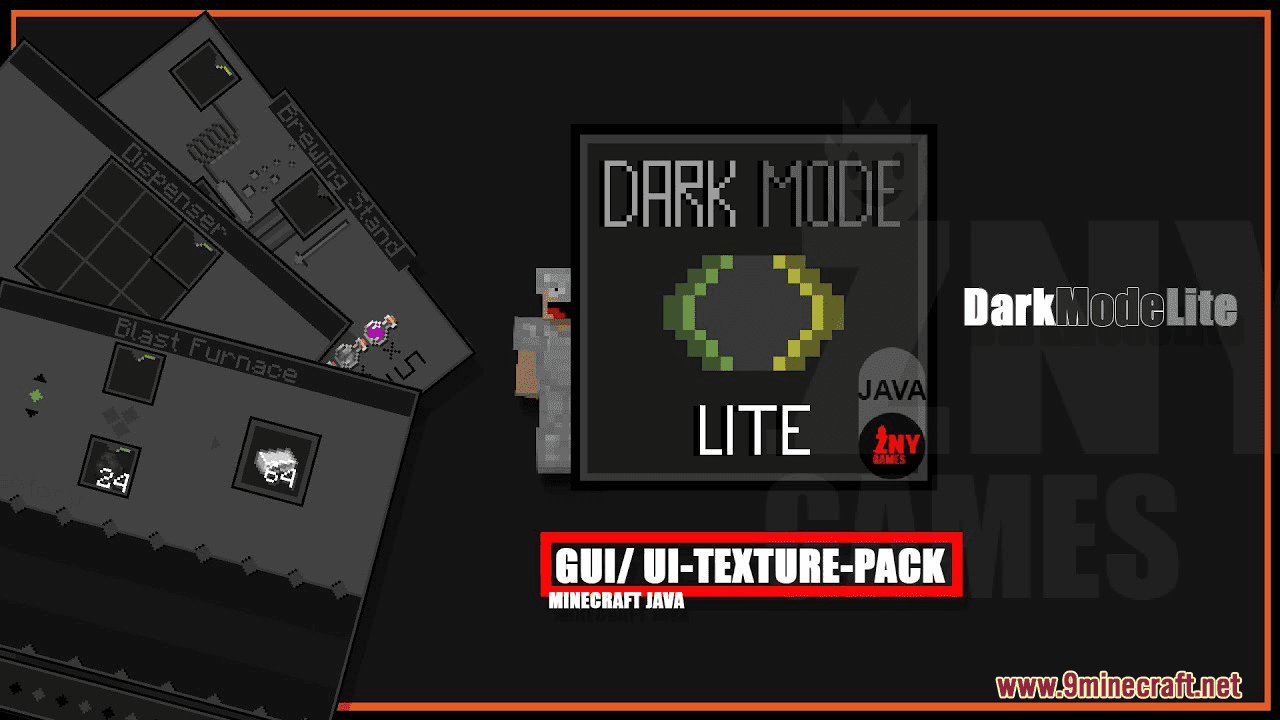
DARKMODELITE Resource Pack (1.21.1, 1.20.1) – Texture Pack
DARKMODELITE Resource Pack introduces a thematic dark style to Minecraft, creating an atmosphere that feels both mysterious and elegant. While the overall…
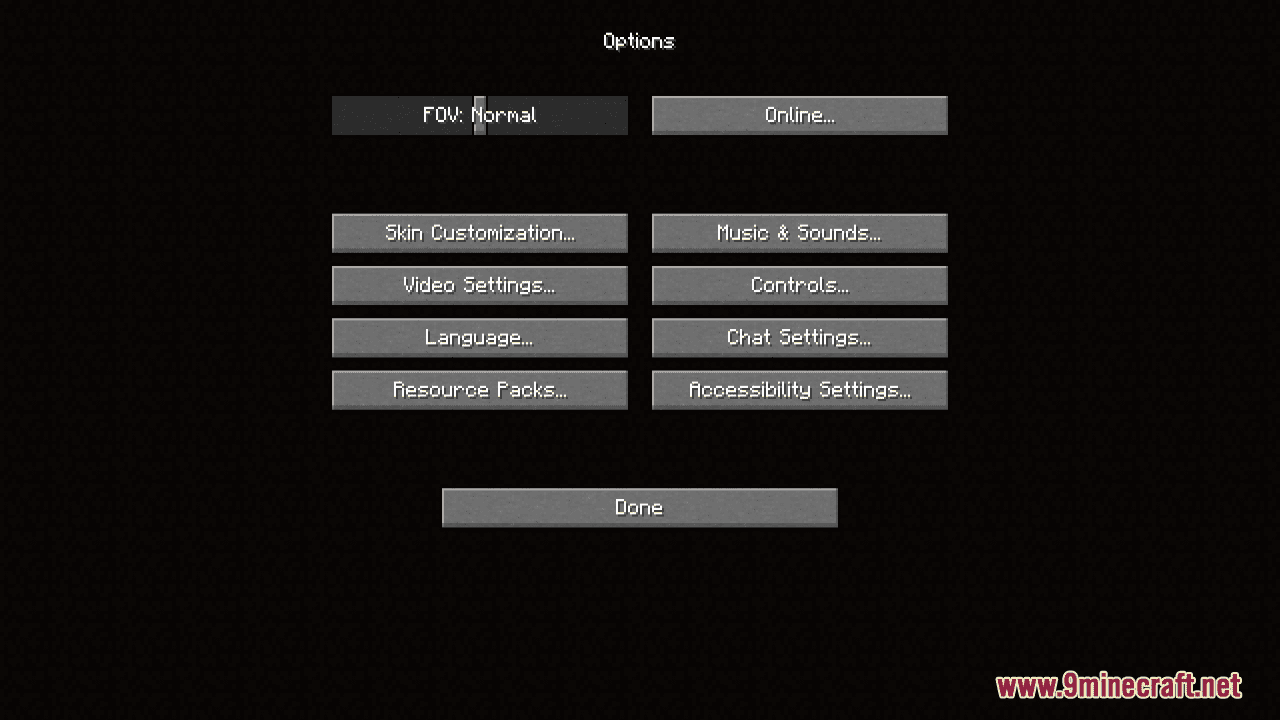
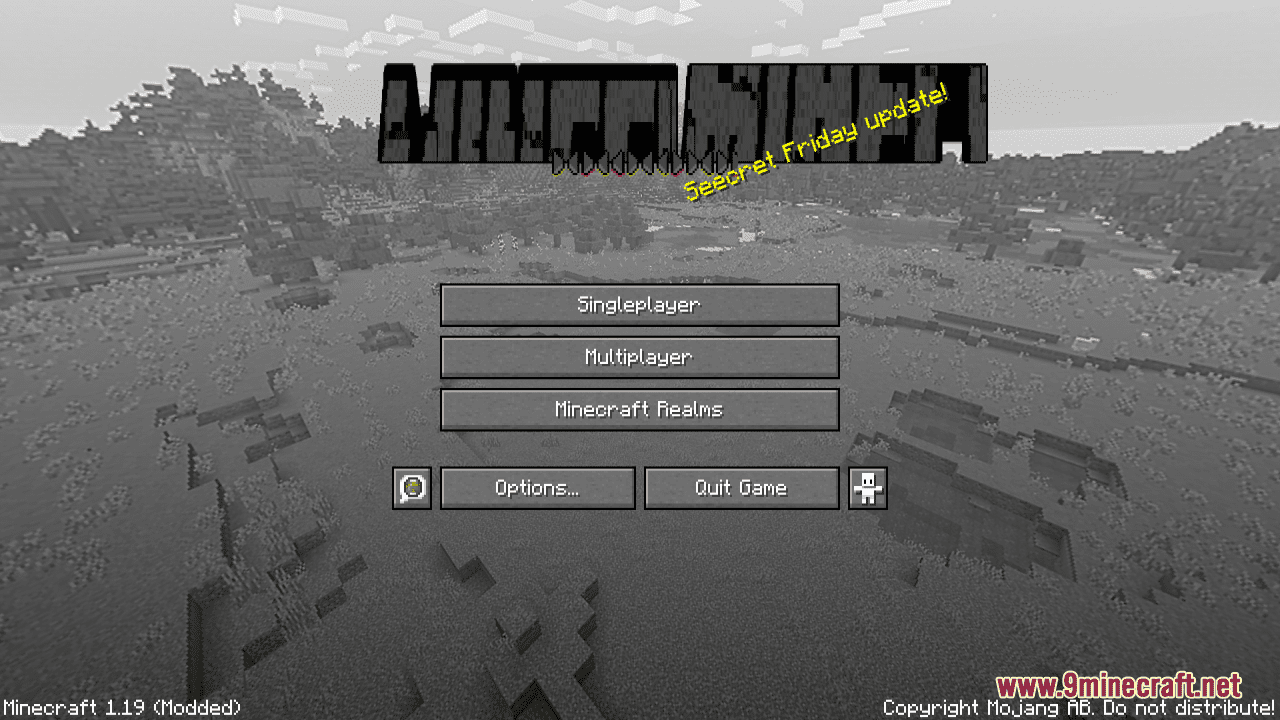
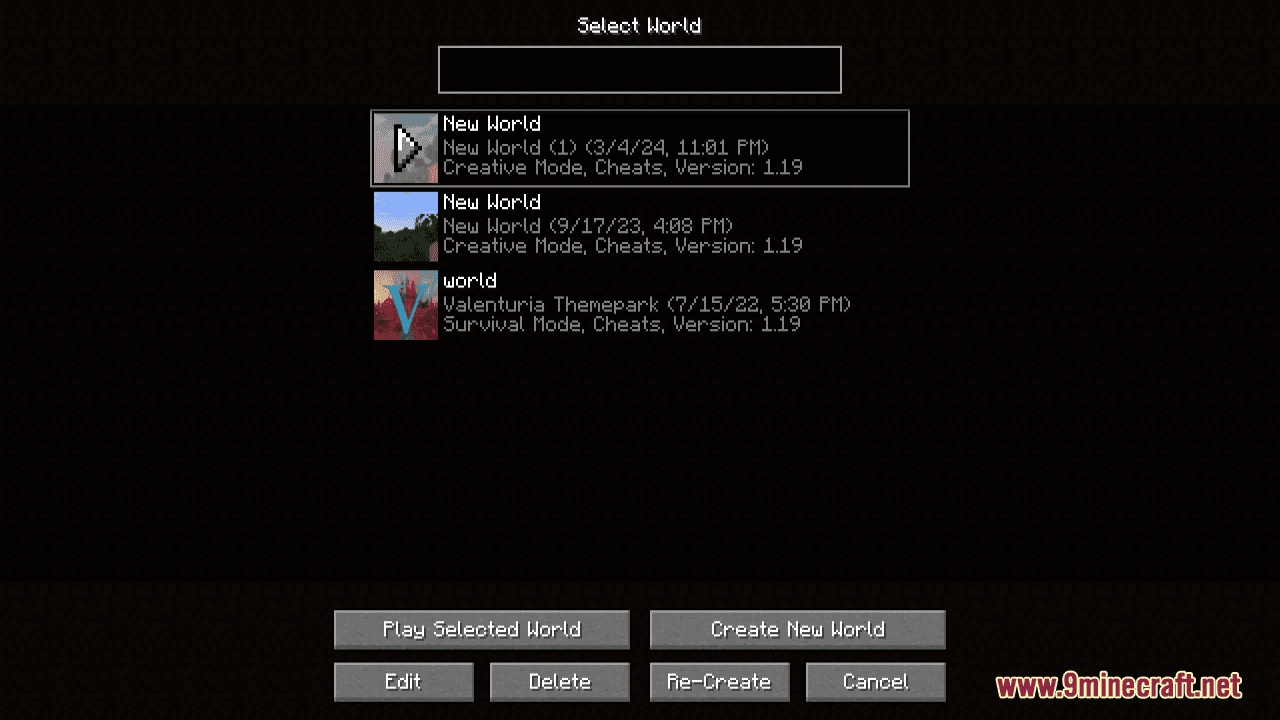
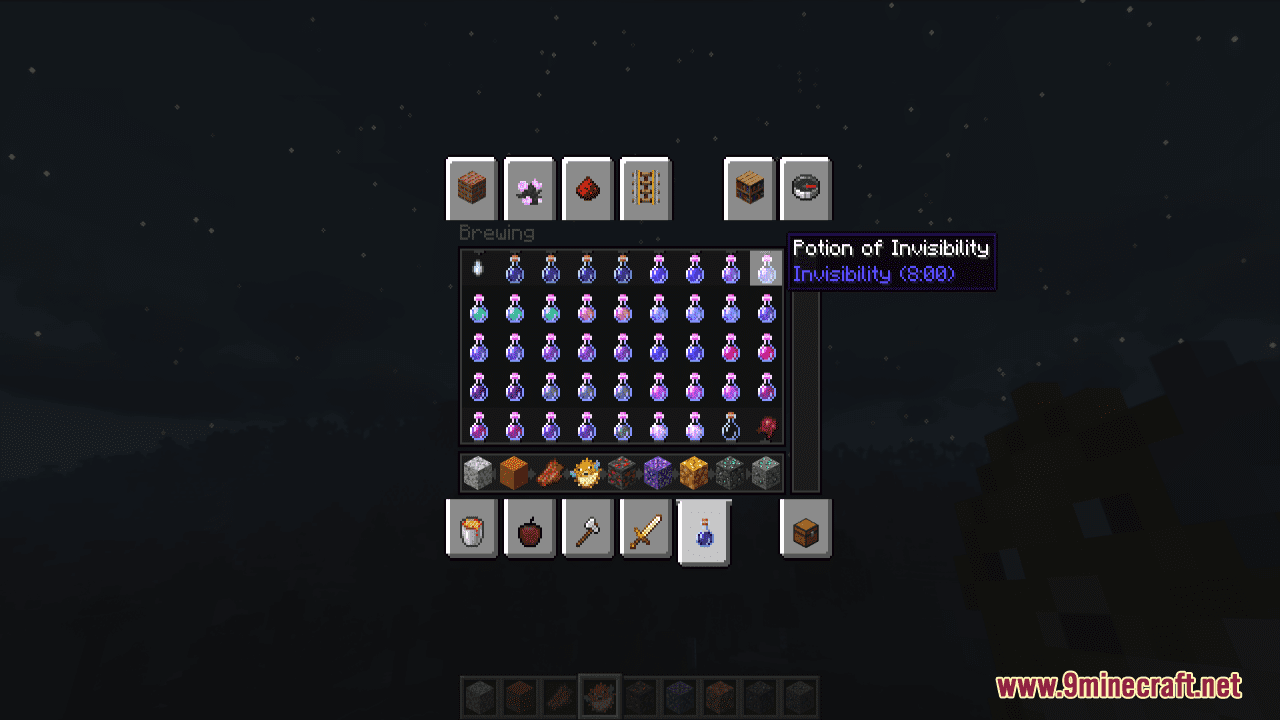
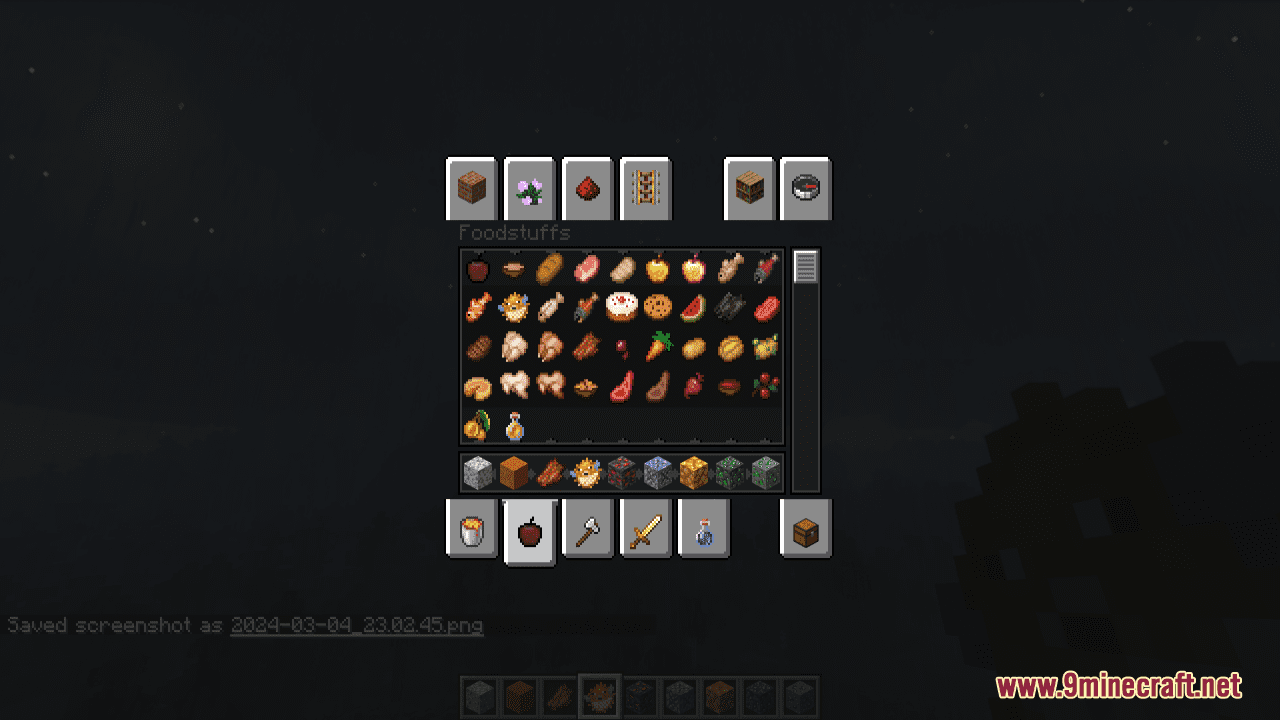
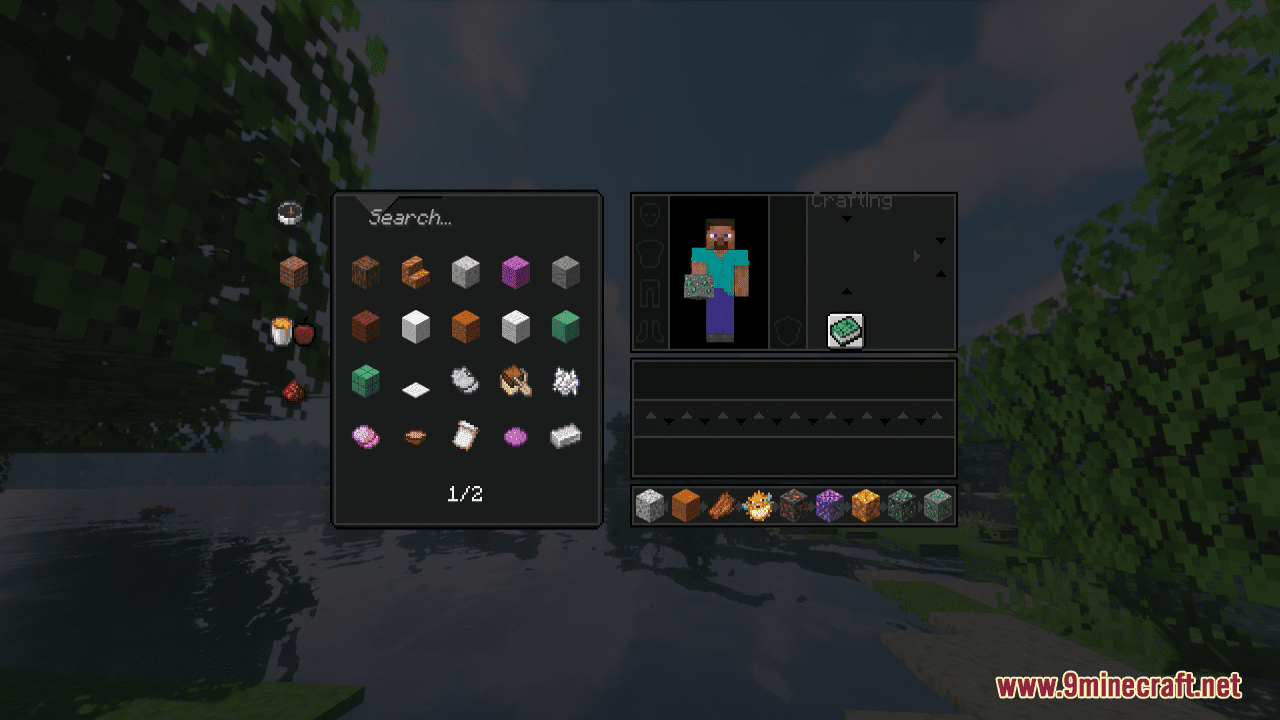
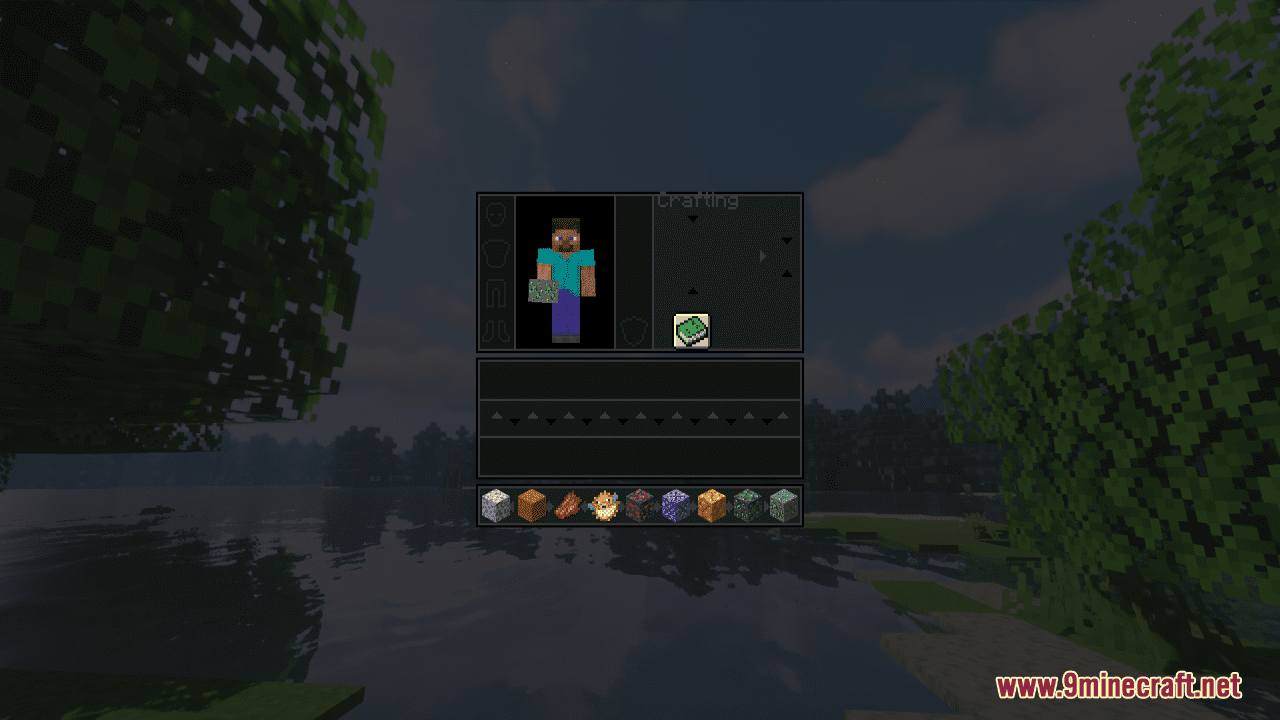
⬇ DownloadOpen in MCModsHubGet it on Google Play →DARKMODELITE Resource Pack introduces a thematic dark style to Minecraft, creating an atmosphere that feels both mysterious and elegant. While the overall theme is dark, it’s not exclusively so, as small details and a mix of dark and gray tones contribute to the overall aesthetic. All containers in the game, such as the brewing stand and crafting table, feature new overlays that align with the dark-themed aesthetic. Various GUI elements, including the XP bar, health bar, hunger bar, windows, and more, also undergo modifications to align with the dark-themed style of the pack. In general, this pack offers a unique take on Minecraft’s visuals, bringing a dark and sophisticated aesthetic that adds depth and atmosphere to your gameplay experience.
Screenshots:
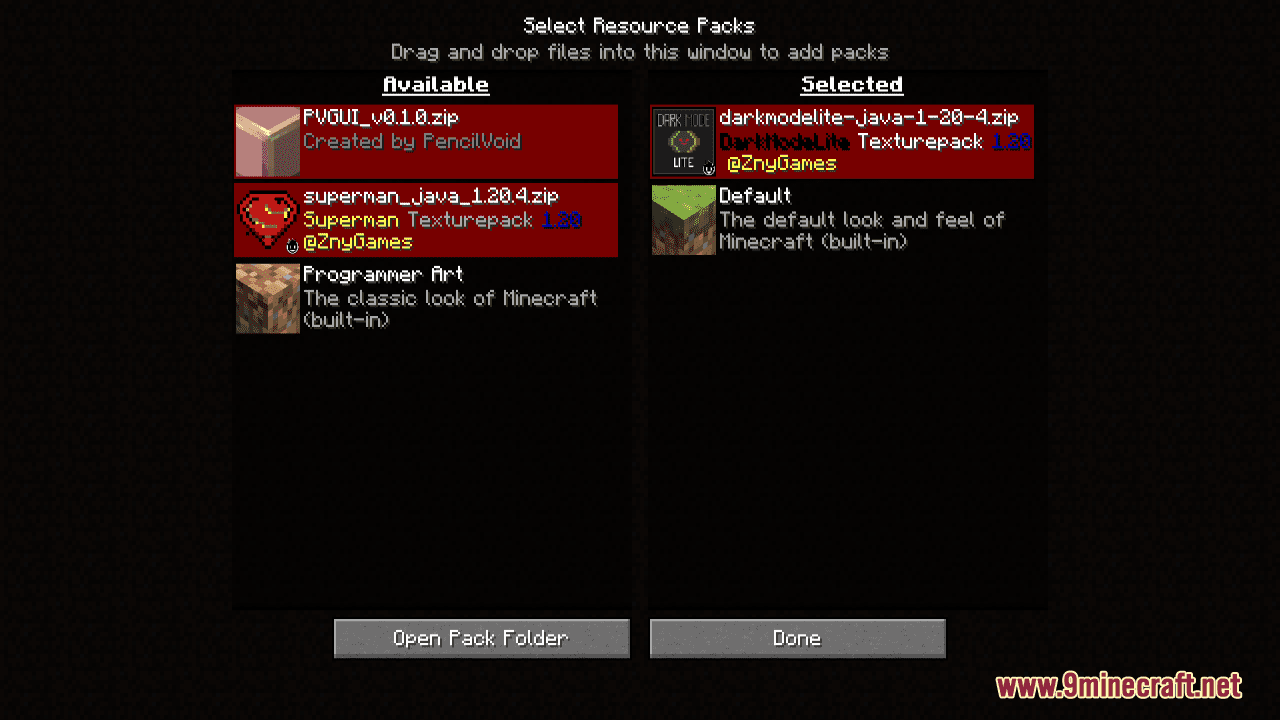
DARKMODELITE Resource Pack Download Links
For Minecraft 1.21.5, 1.21.1, 1.20.6, 1.20.1
DARKMODELITE Resource Pack (1.21.1, 1.20.1) – Texture Pack is a free Minecraft Java resourcepack. Compatible with Minecraft 1.21.1, 1.20.1. Download it and open it directly in the game.