Home›Bedrock›Texture packs›Dark Theme Texture Pack (26.x, 1.21) – Dark Mode UI For Your Settings And Inventory Screens
Texture packsBedrock
Dark Theme Texture Pack (26.x, 1.21) – Dark Mode UI For Your Settings And Inventory Screens
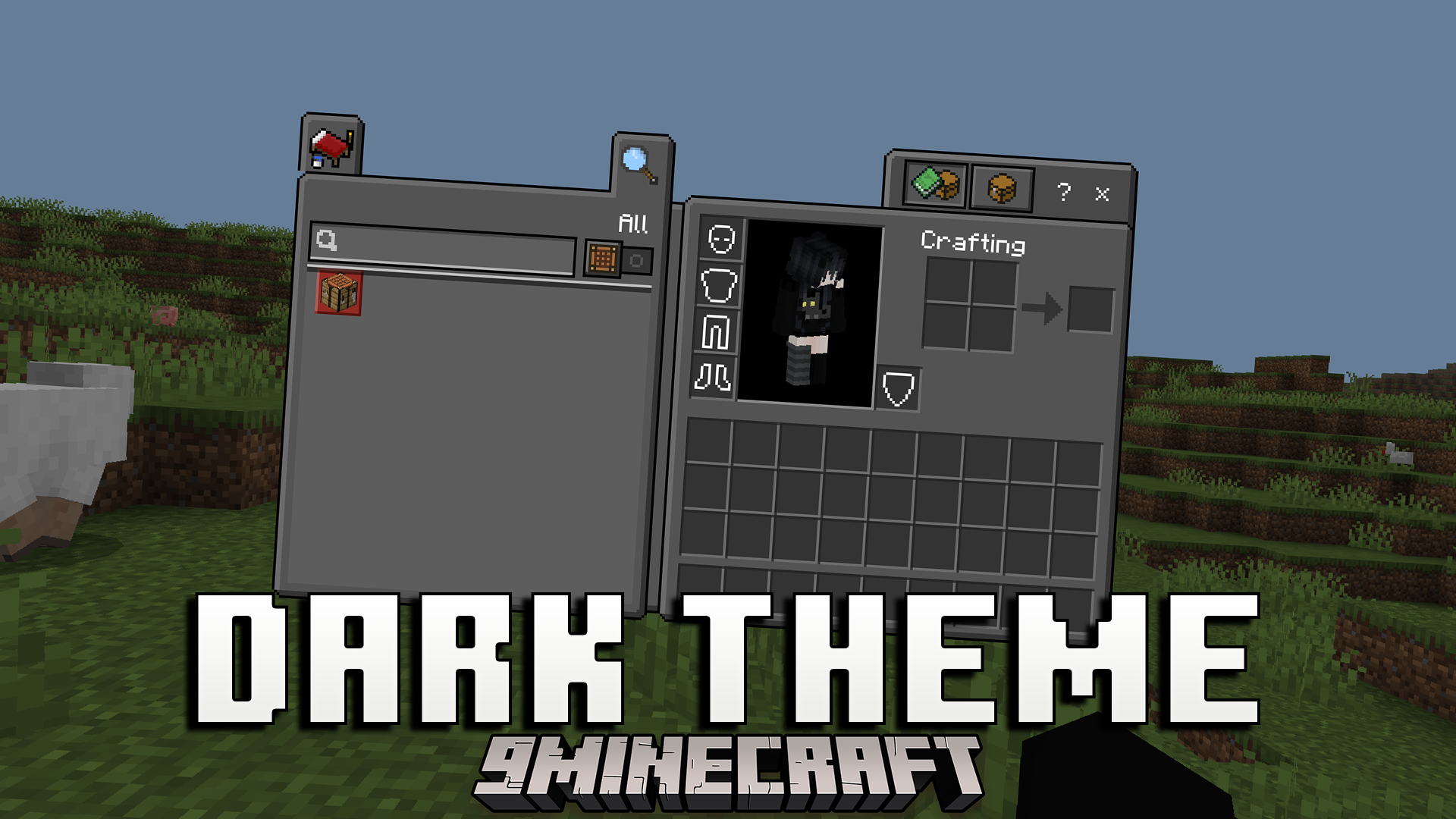
Dark Theme Texture Pack changes your game menus to a dark color style. This texture pack works as an extension for the Deesse UI pack to give your screens…
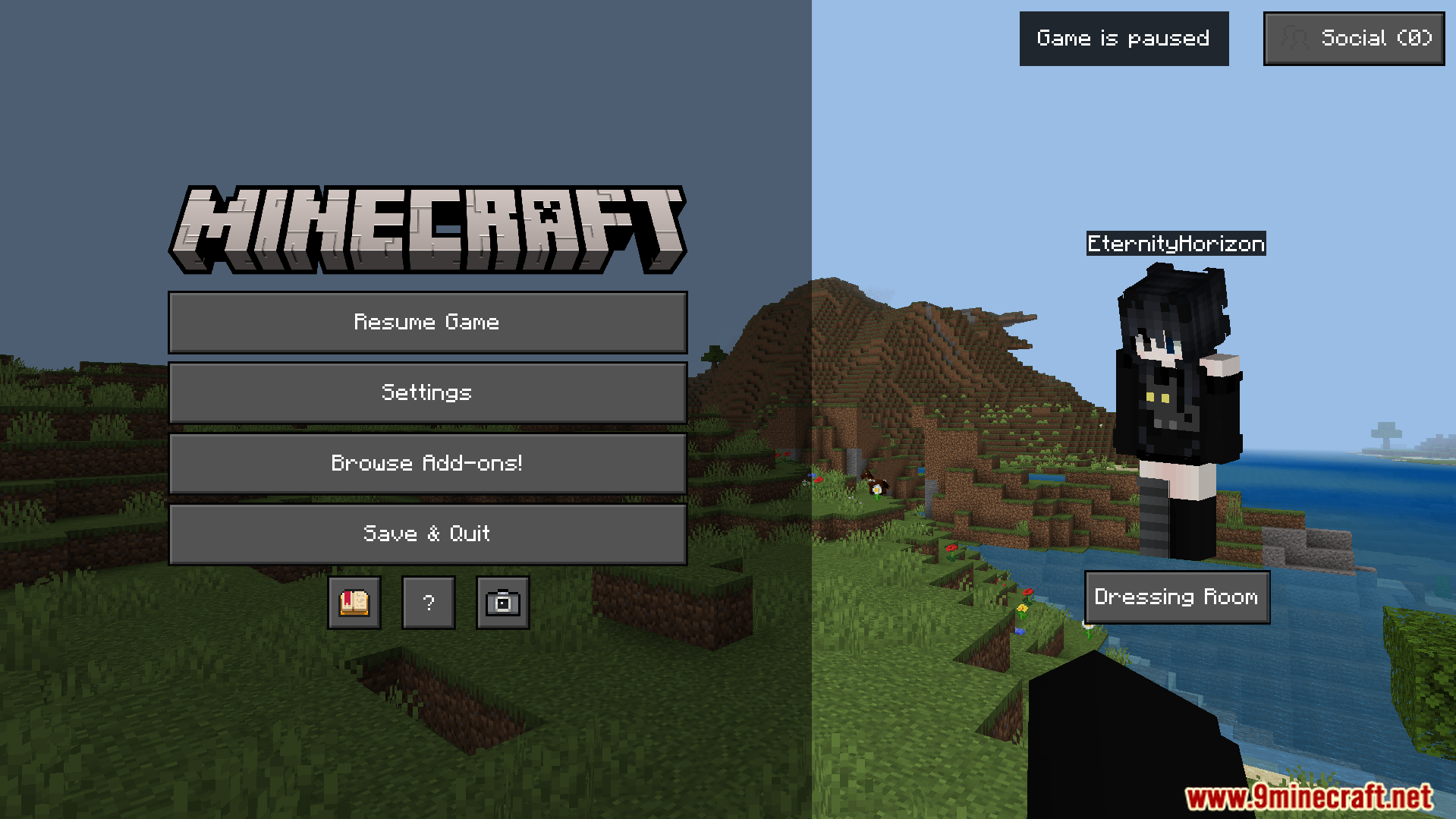
⬇ DownloadOpen in MCModsHubGet it on Google Play →Dark Theme Texture Pack changes your game menus to a dark color style. This texture pack works as an extension for the Deesse UI pack to give your screens a new look. It allows you to pick between different dark mode options for your settings and inventory screens.
Features:
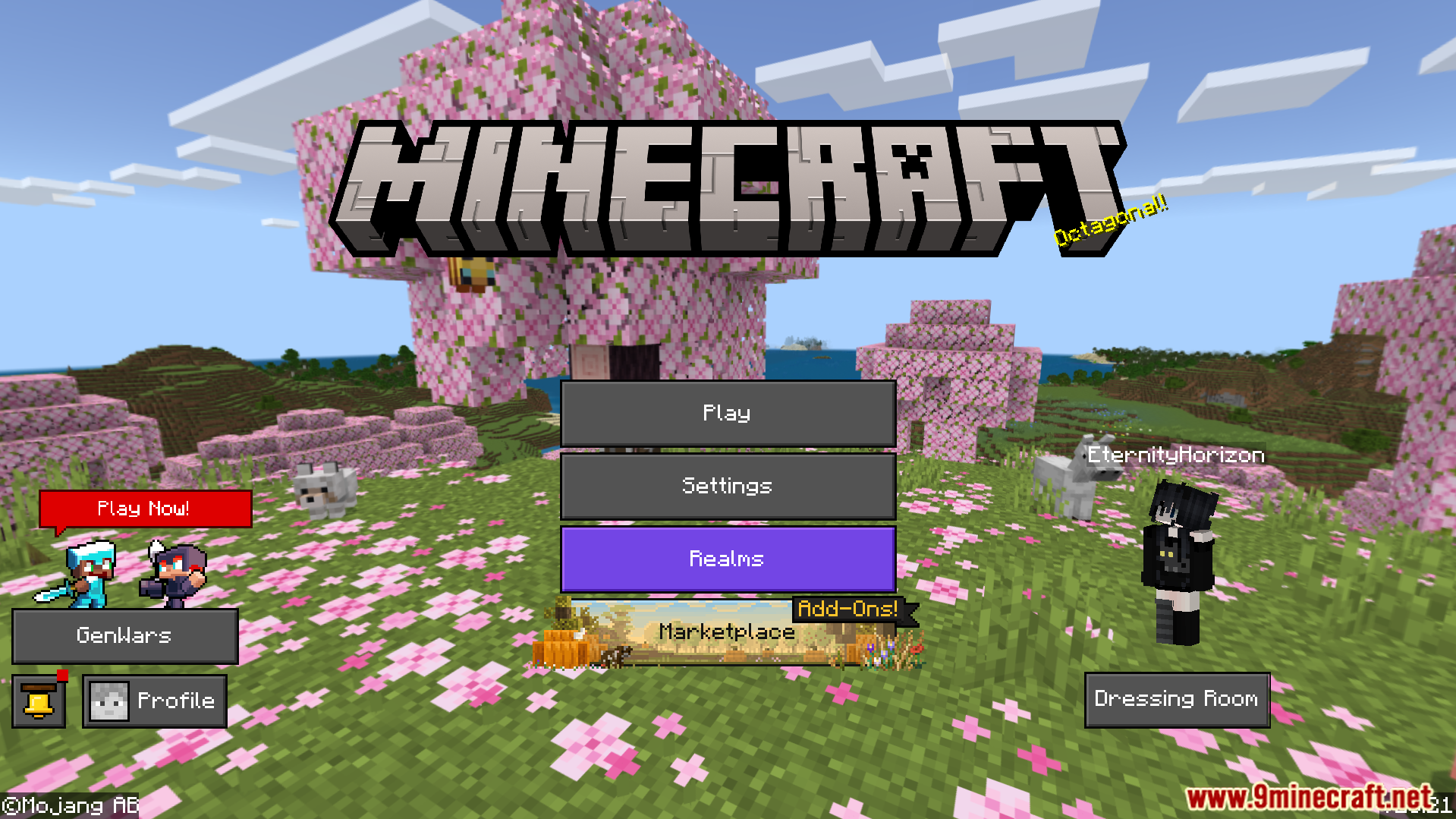
- Gives the main menu a dark background and custom buttons.
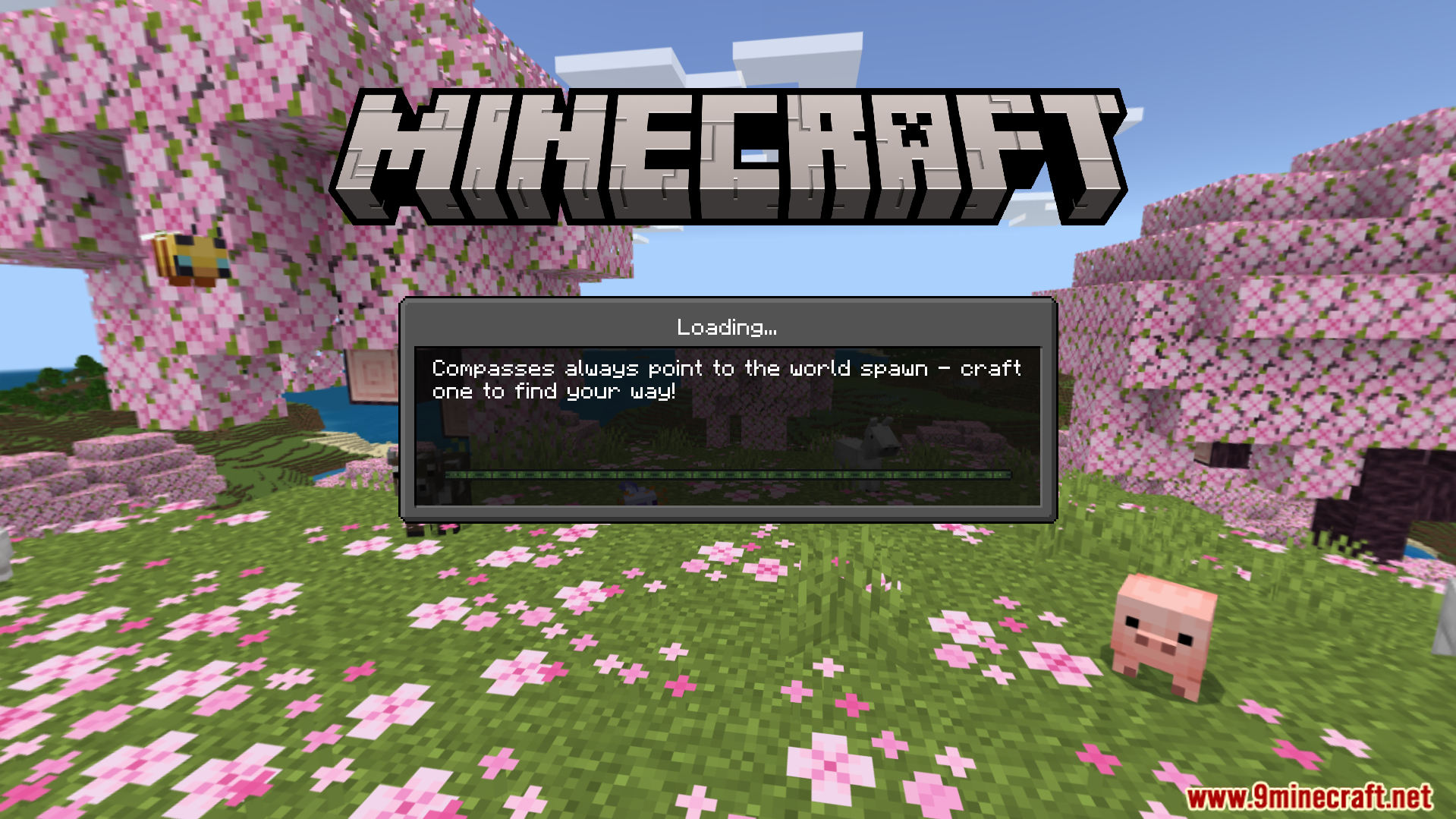
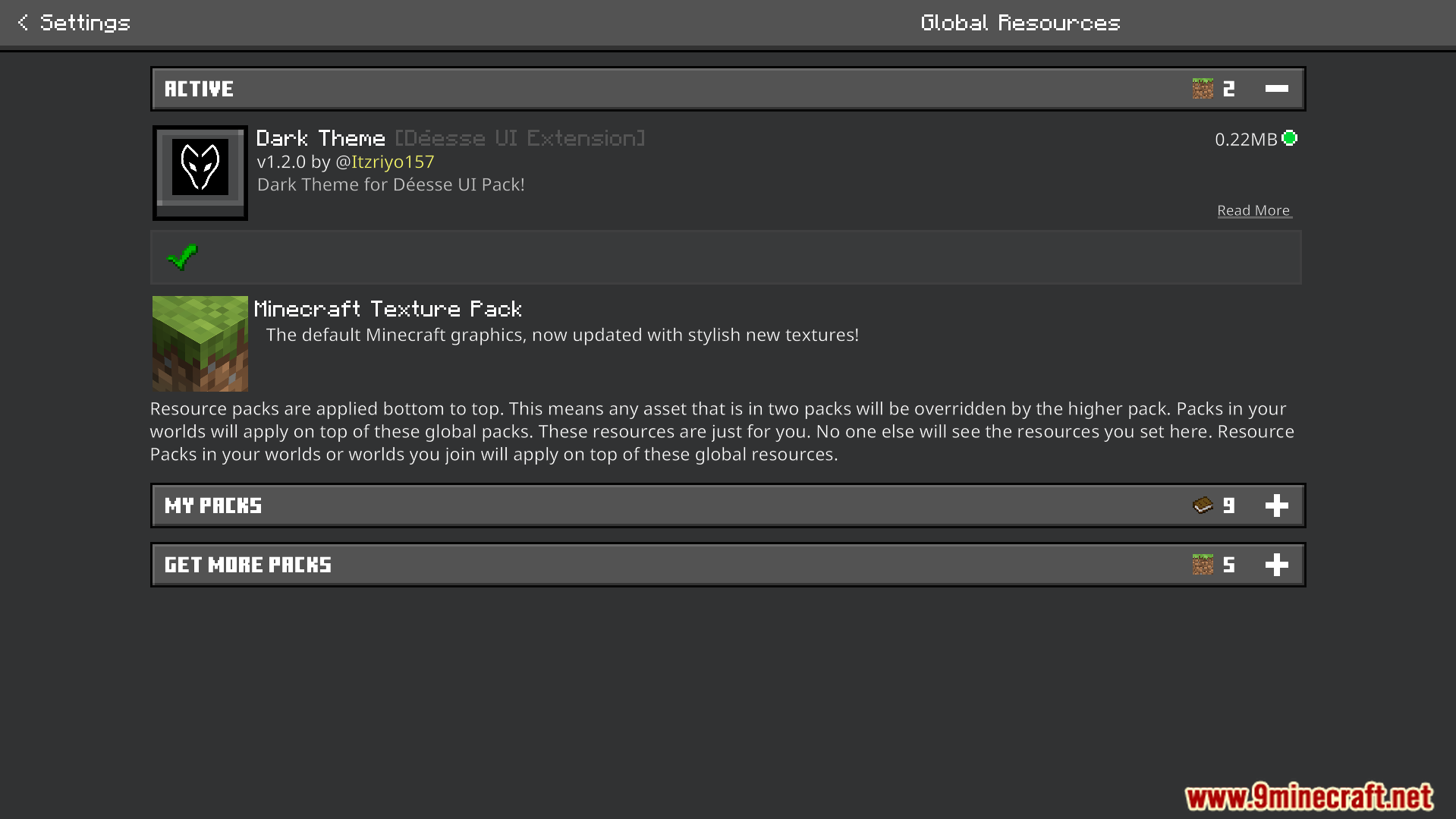
- Changes the settings menu to a dark color style.
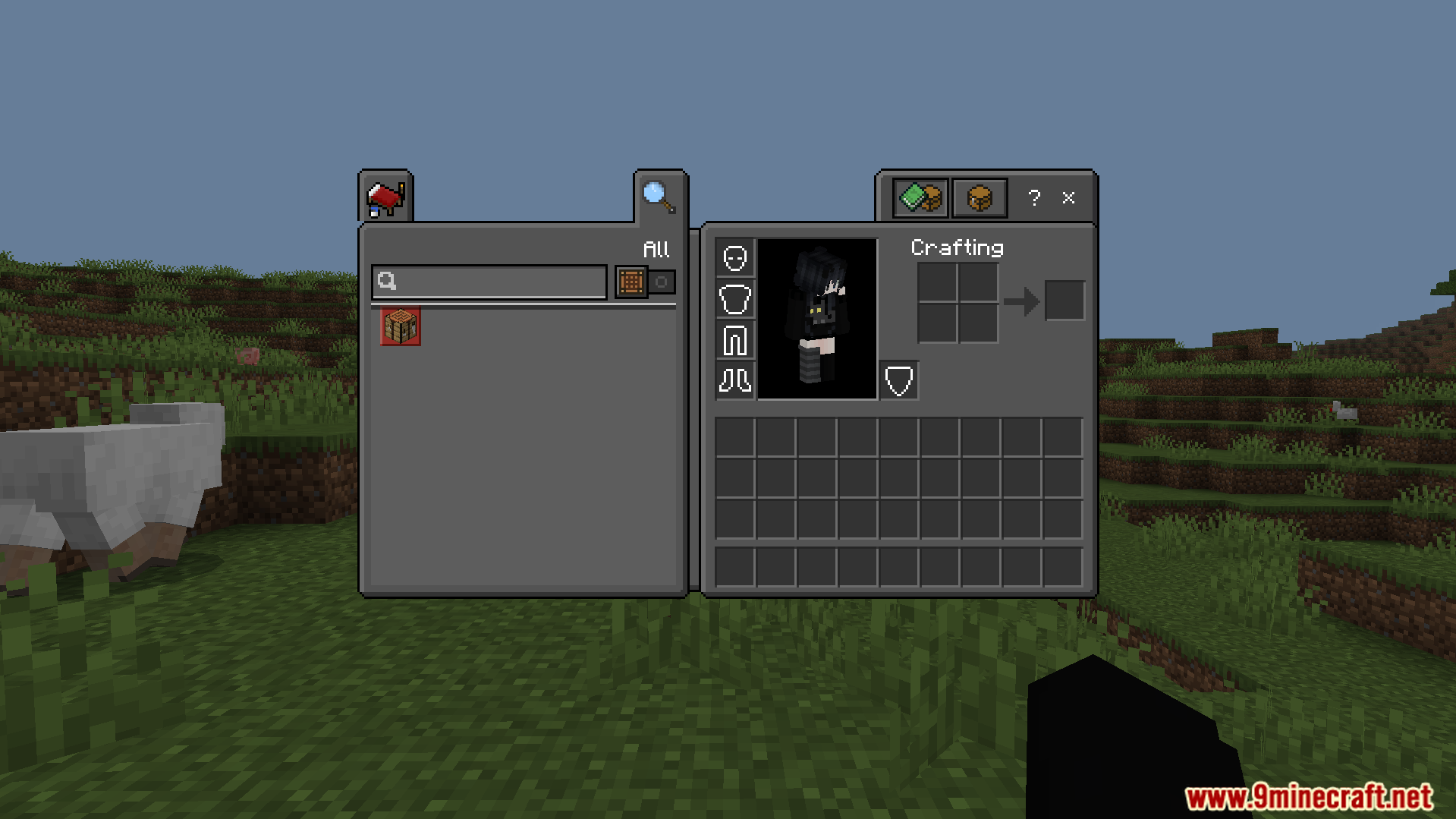
- Includes a dark theme for your creative mode inventory.
- Updates the chest inventory screen with new utility buttons.
- Offers two different subpack choices for your game menus.
Configuration:
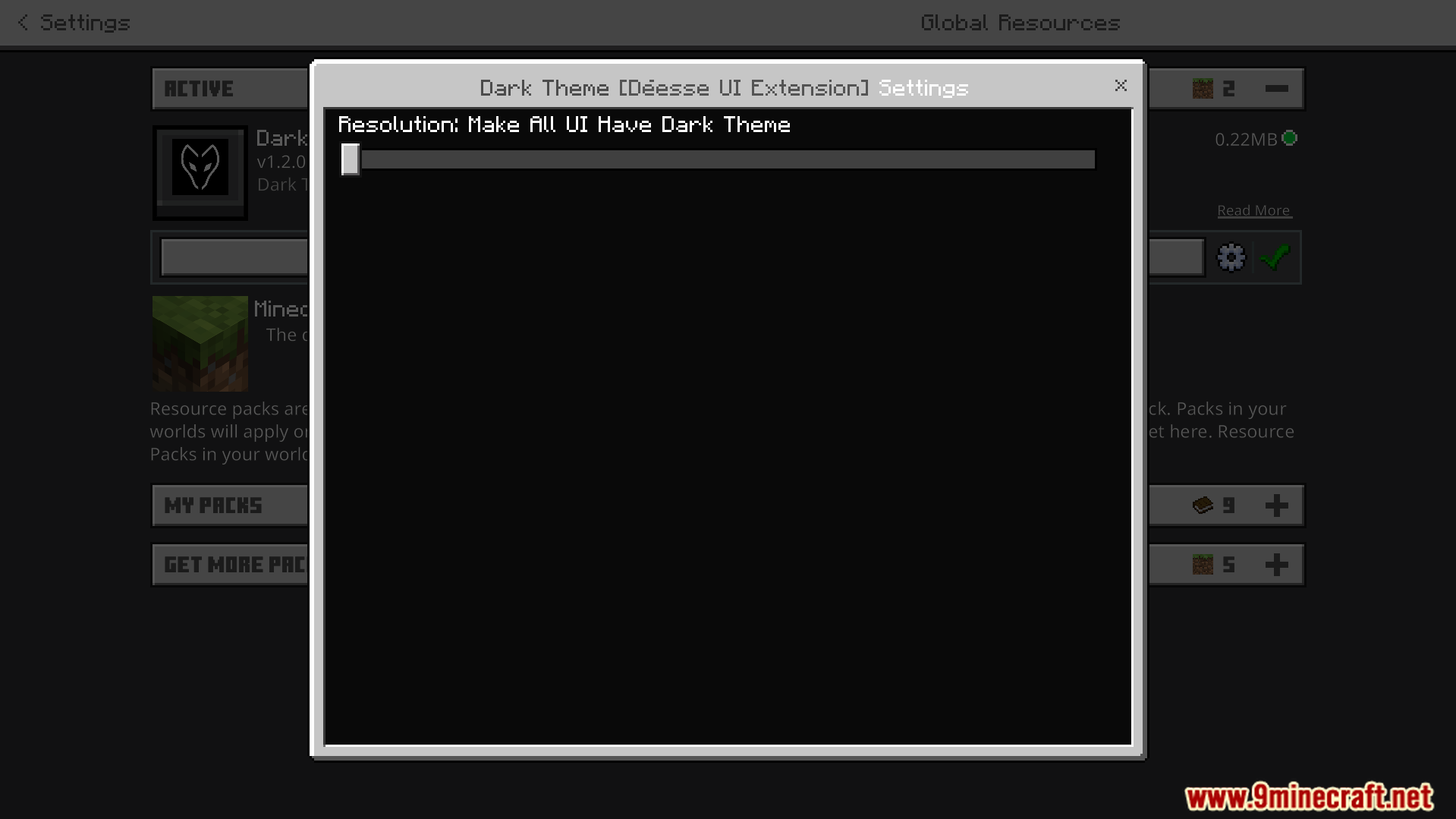
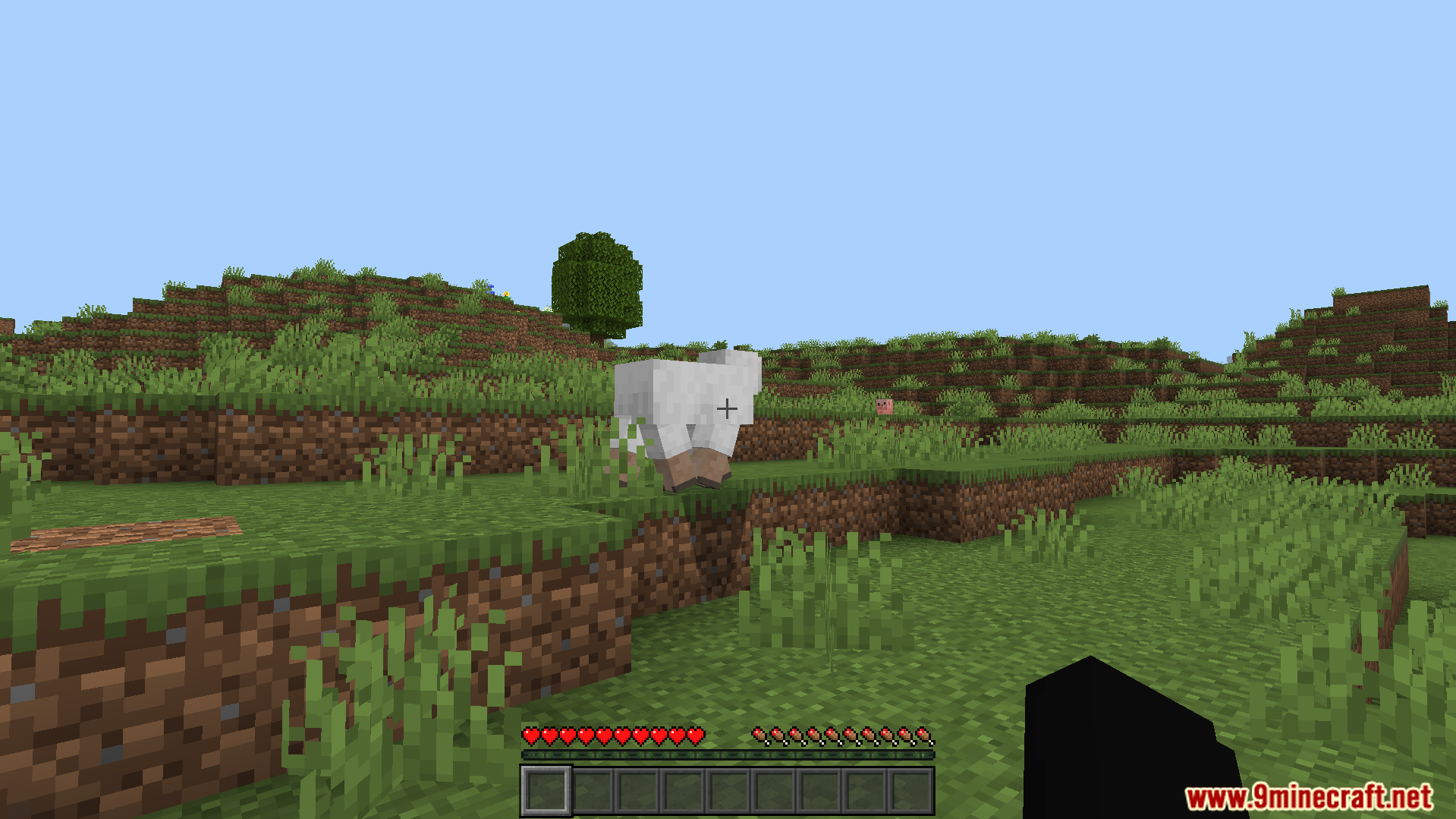
You can use the configuration slider to choose between two subpack options. The default mode only makes the custom screens dark. The second mode makes all vanilla and custom menus dark.
Screenshots:
Dark Theme Texture Pack Download Links
Verified by MCModsHub
- Pack type: .mcpack — a single pack
- Manifest requires Minecraft 1.21.0 or newer
- Complete pack — everything it depends on is inside the file
- Download link checked 22 Jul 2026 — working
- Mirrored on our own servers — the download does not depend on the original host
These come from our own check of the pack file, not from the source page.
Explore more