Dragon Ball Resource Pack (1.21.1, 1.20.1) – Texture Pack
Java resource pack listed for Minecraft 1.20–1.21. File opened and checked on 3 Oct 2026; downloads from the MC Java Mods app on Android.
⬇ Download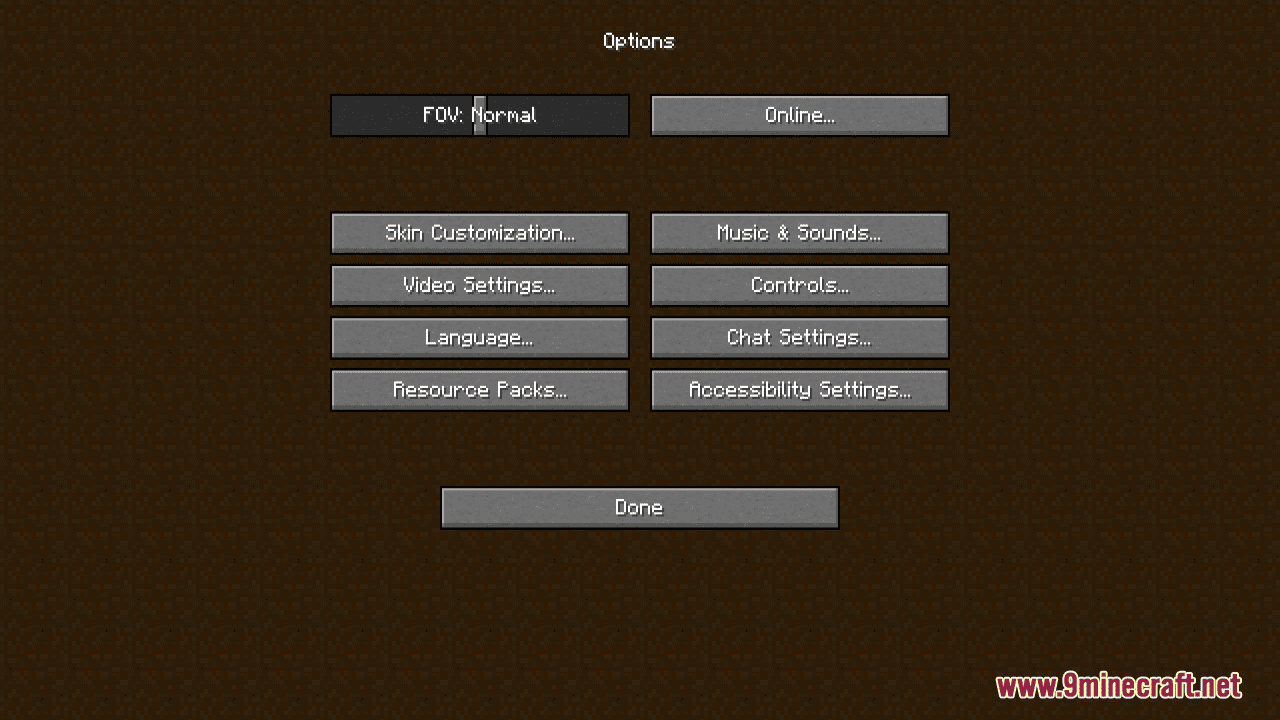
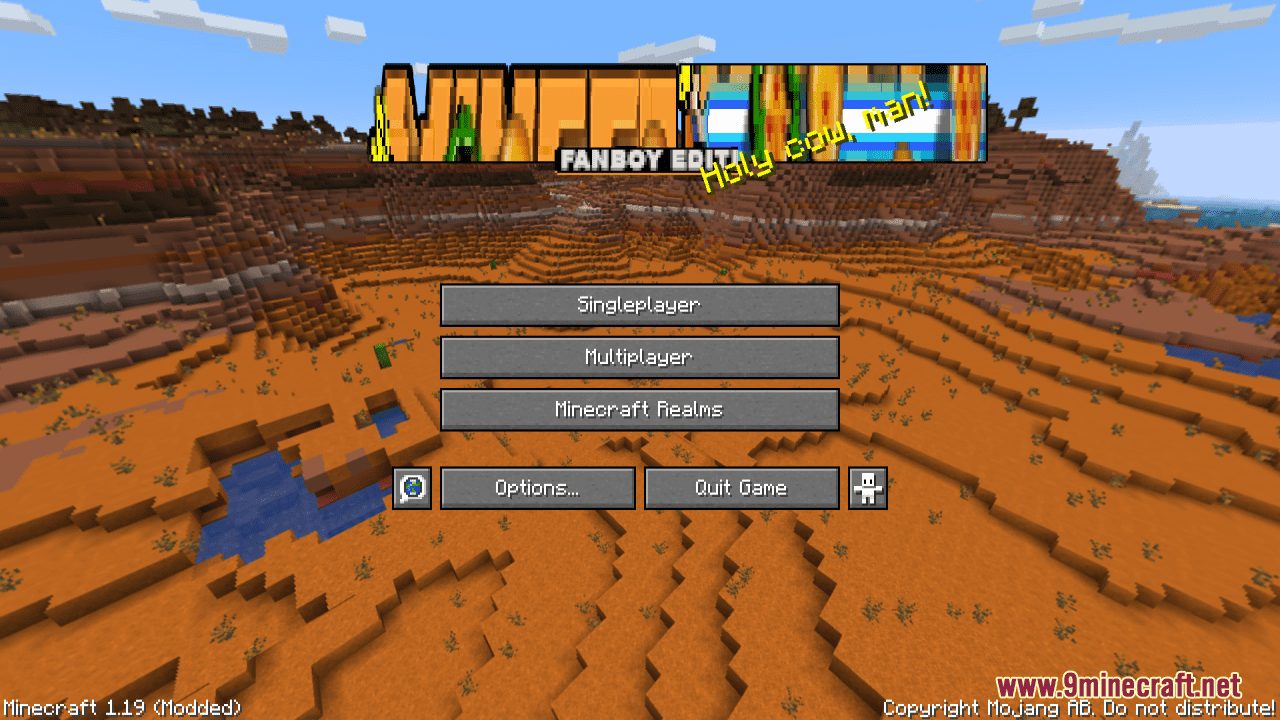
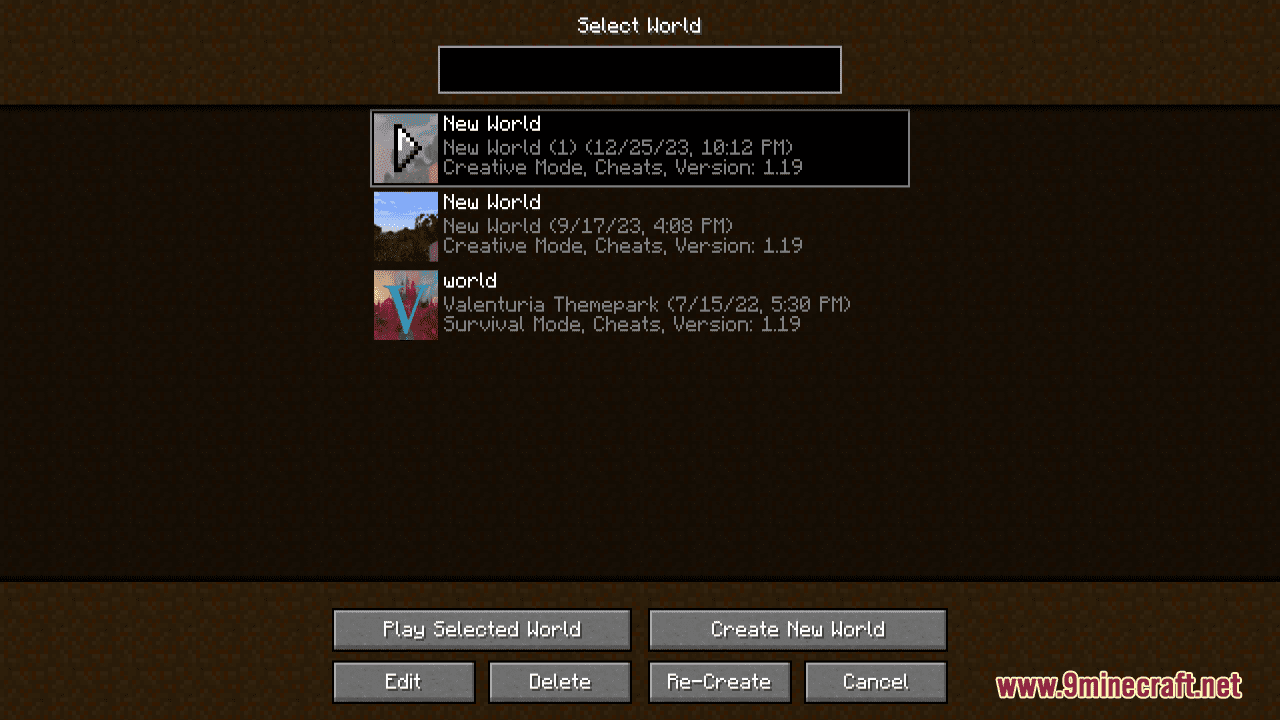
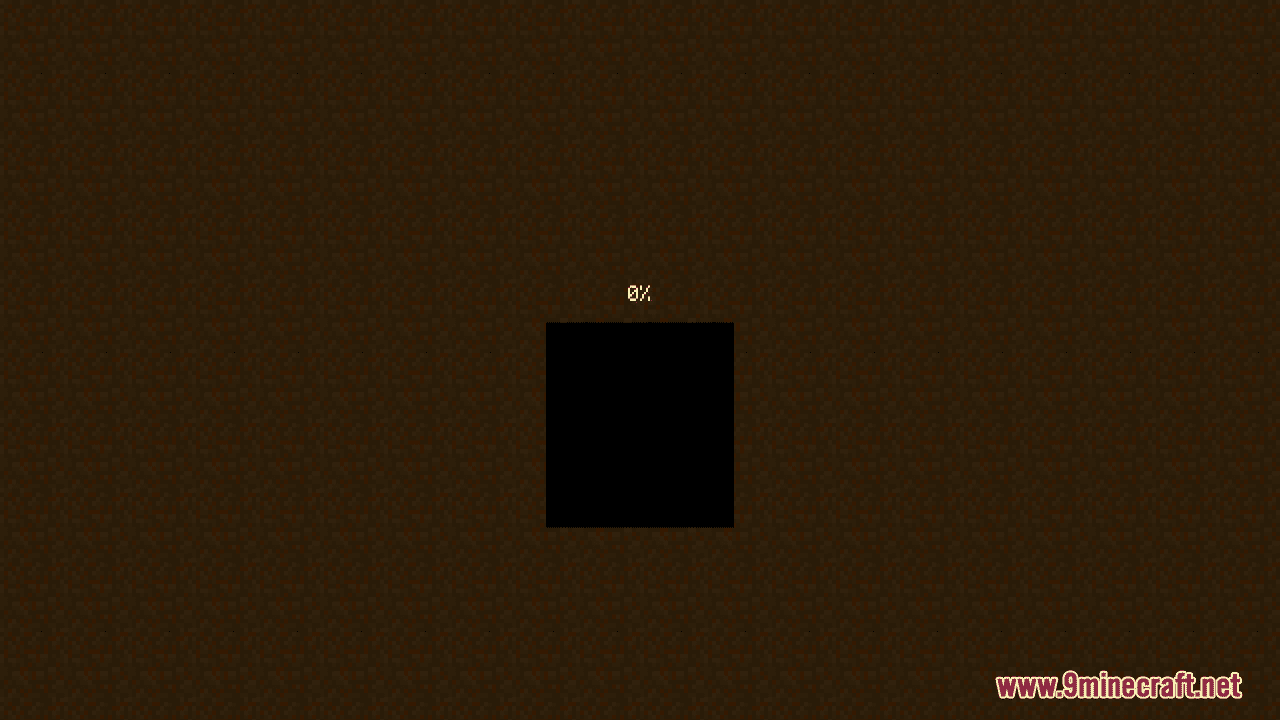
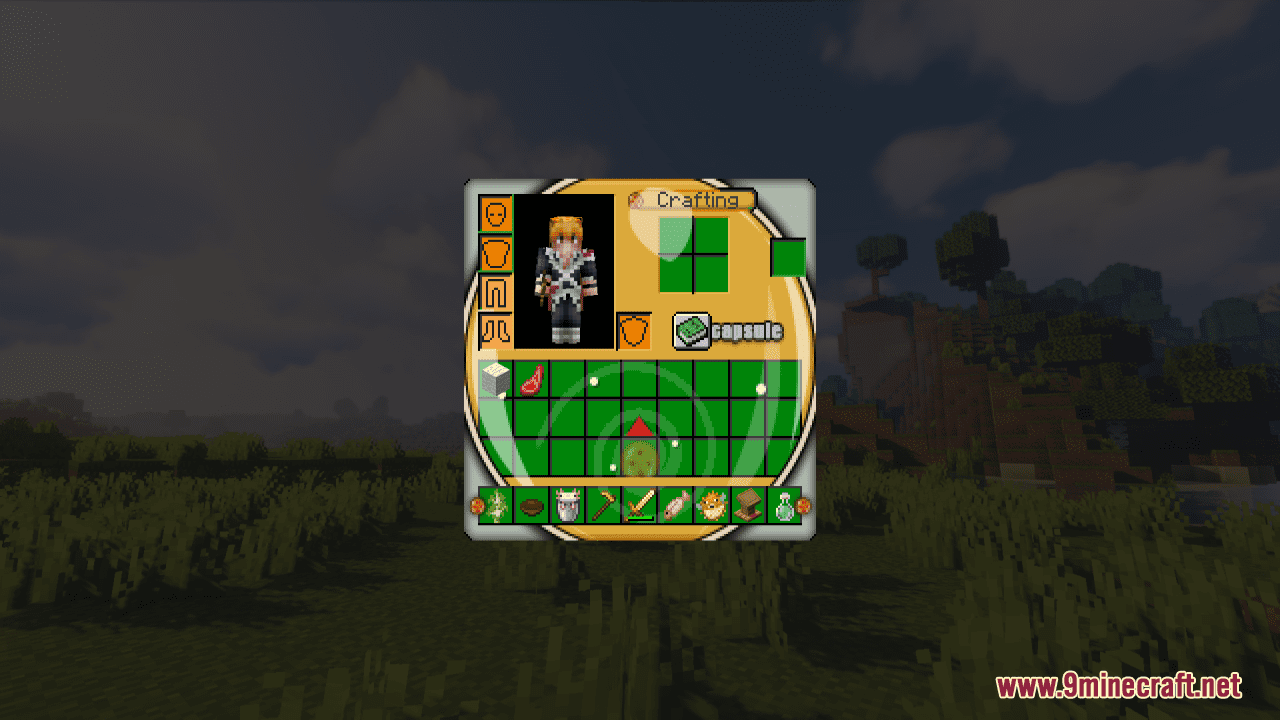
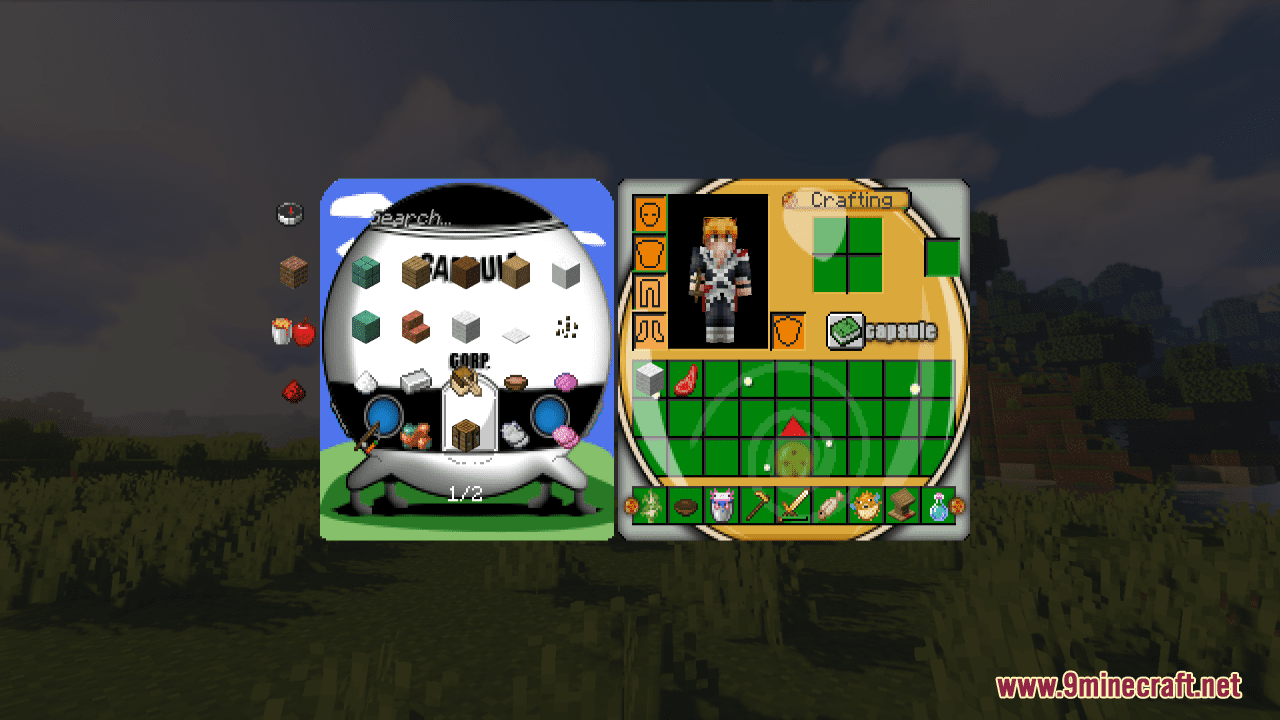
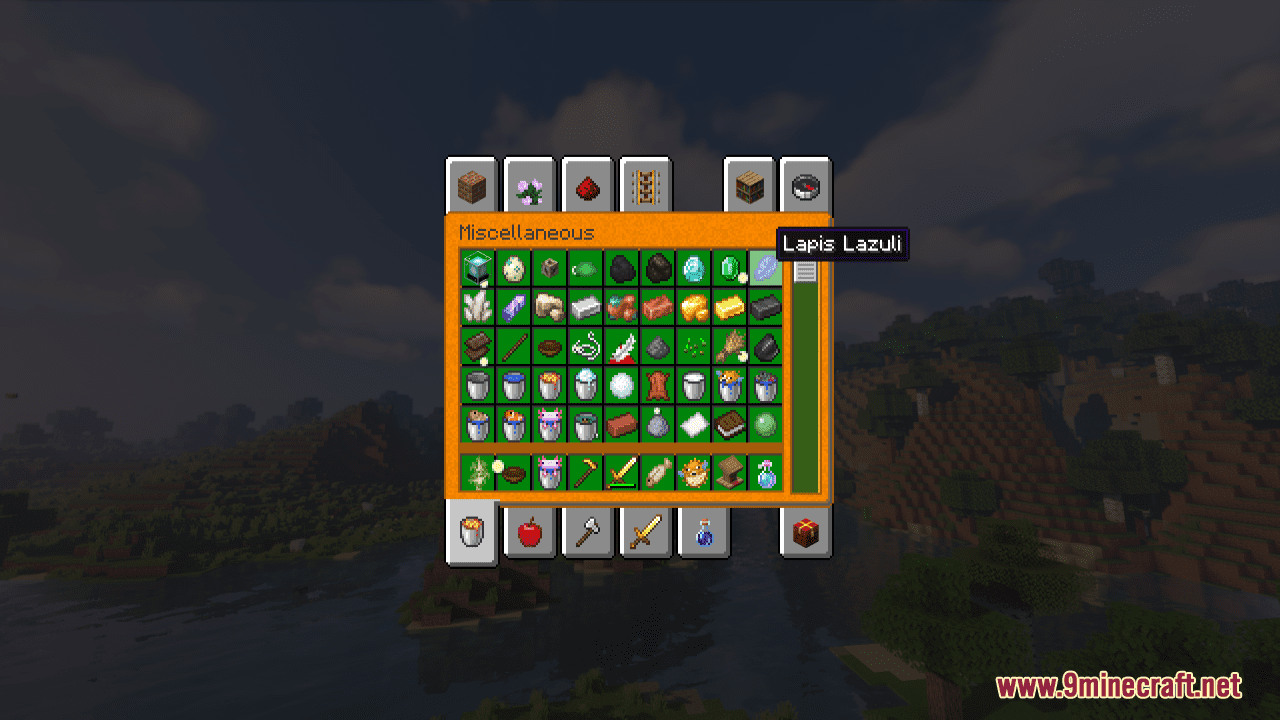
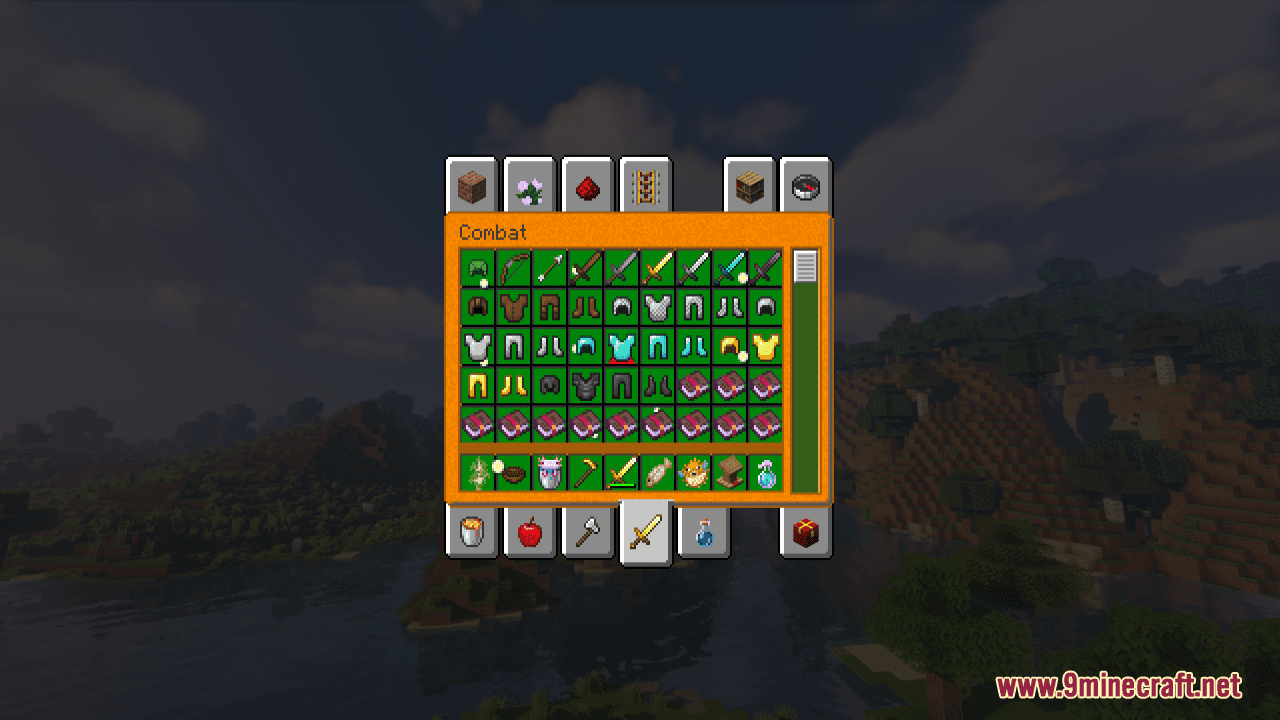
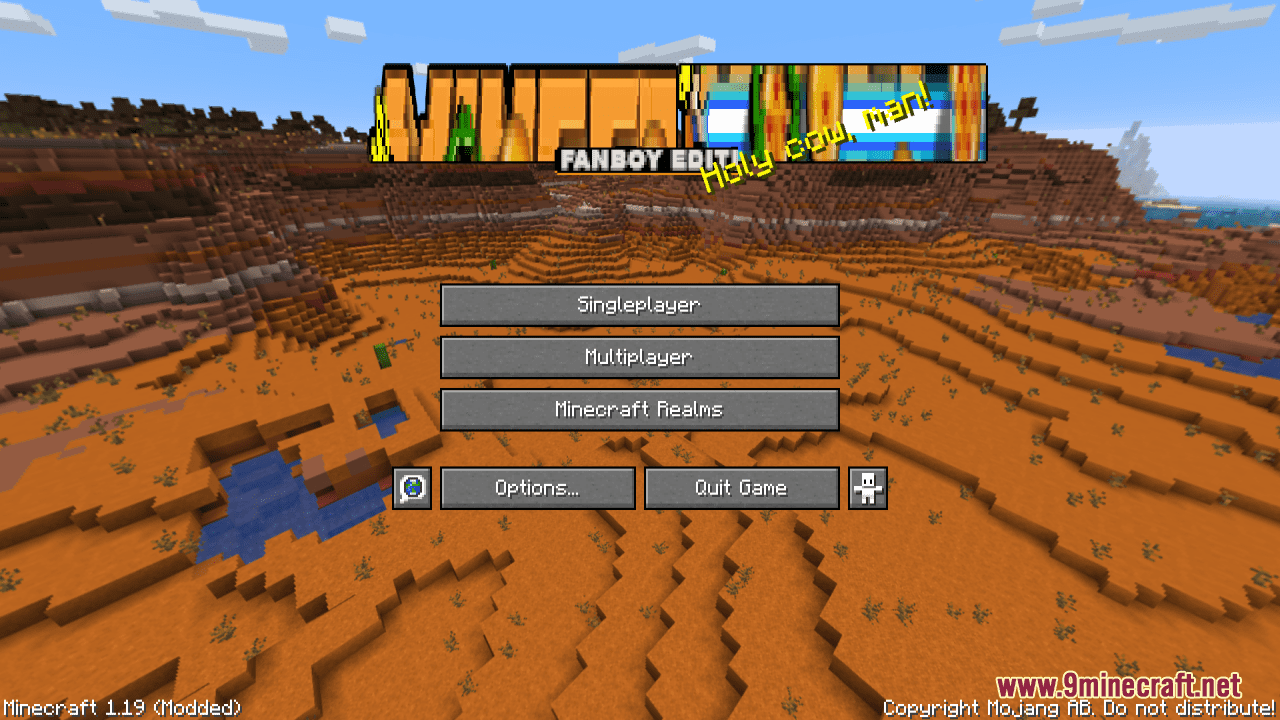
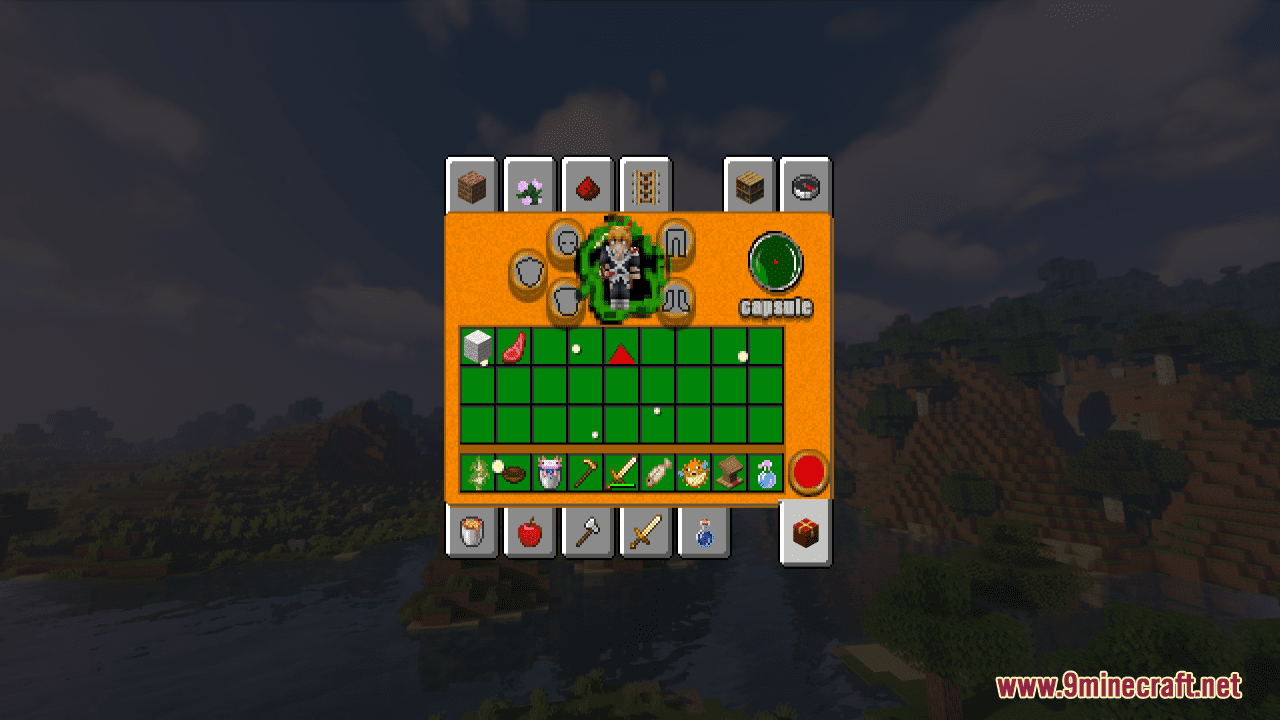
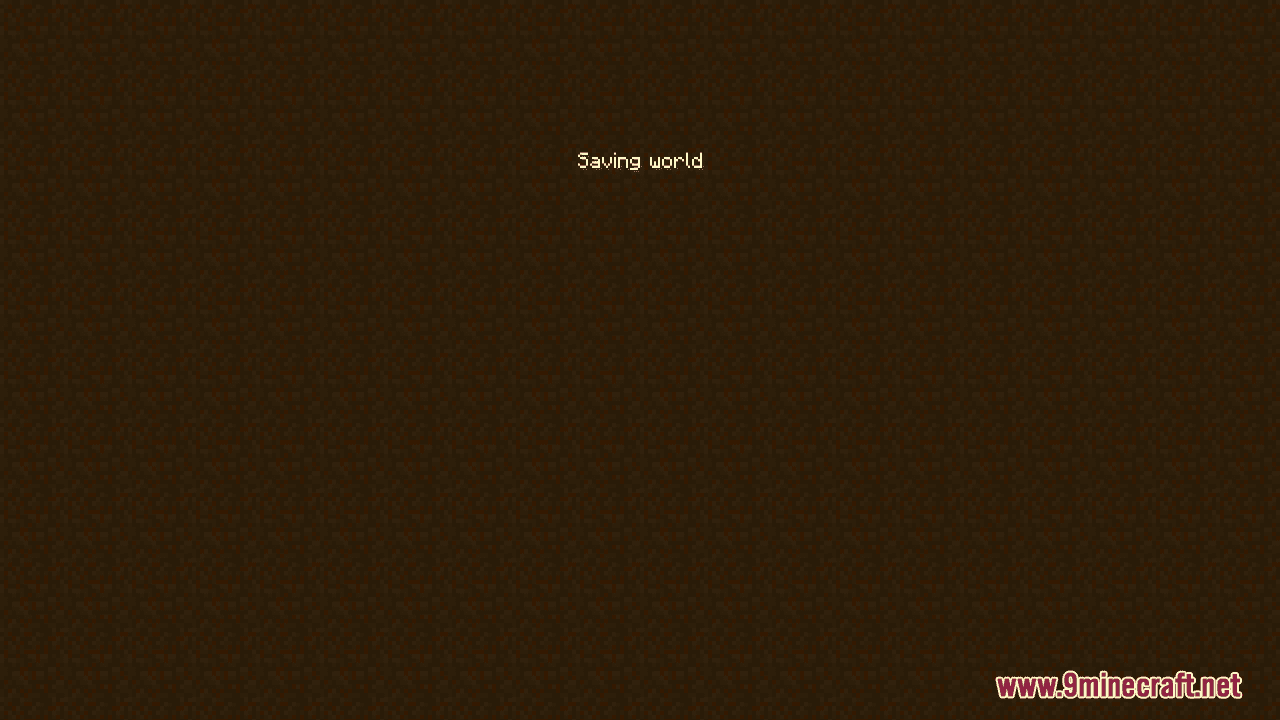
Dragon Ball Resource Pack has a Dragon Ball theme, with modified GUI, start screen, and all graphics featuring a Dragon Ball style. The GUI modifications include changes to the action bar, inventory, and creative mode. The start screen has been updated with a Dragon Ball background, and all in-game graphics, such as textures and icons, have been redesigned to fit the Dragon Ball theme. This slight and simple pack provides a new experience for players who are fans of the Dragon Ball franchise and want to immerse themselves in the world of Minecraft with a Dragon Ball twist.
Screenshots:
Dragon Ball Resource Pack Download Links
For Minecraft 1.21.5, 1.21.1, 1.20.6, 1.20.1, 1.19.4
- Edition: Minecraft Java
- File type: .zip (resource pack)
- Minecraft versions listed: 1.21.1, 1.20.1
- How to install: Download the .zip resource pack — do not unzip it. → Put it in .minecraft/resourcepacks. → Enable it in Options → Resource Packs.
- Where to get it: In MC Java Mods, or directly above on this page.
Install steps are the general flow for this file type — How to install Minecraft Java resource packs walks through it step by step.
Dragon Ball Resource Pack (1.21.1, 1.20.1) – Texture Pack is a free Minecraft Java resourcepack. Compatible with Minecraft 1.21.1, 1.20.1. Download it and open it directly in the game.