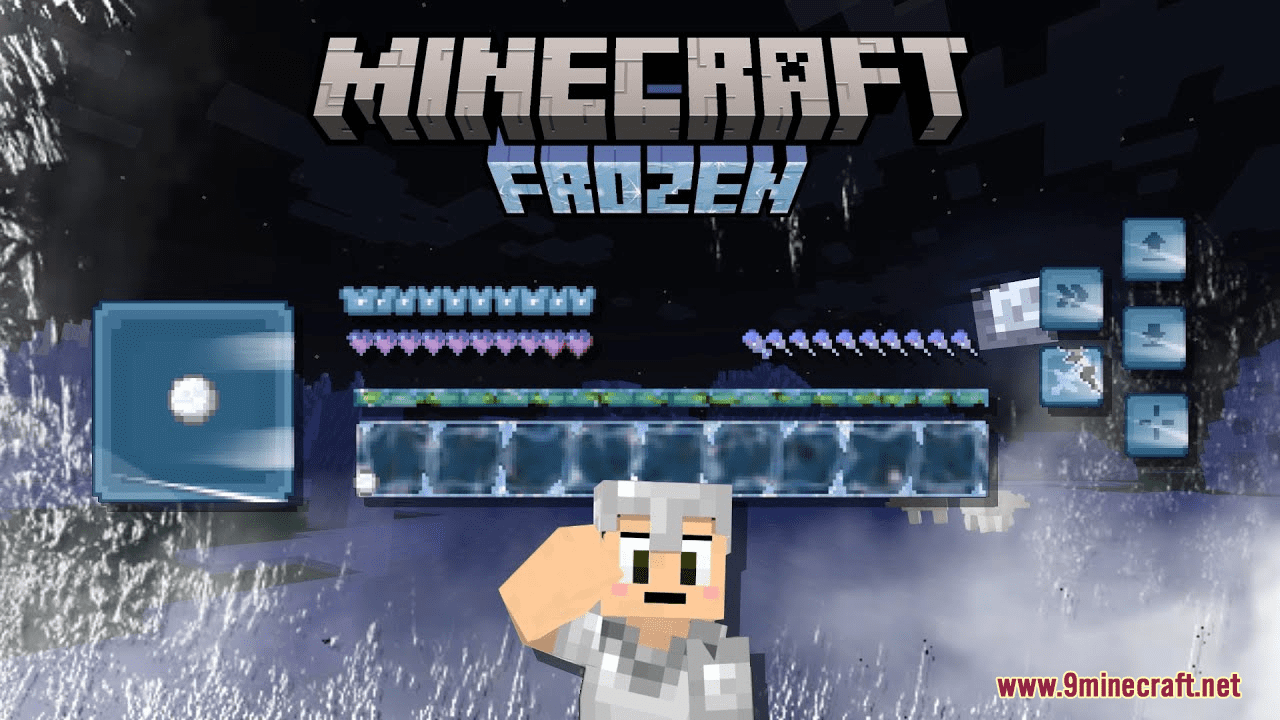
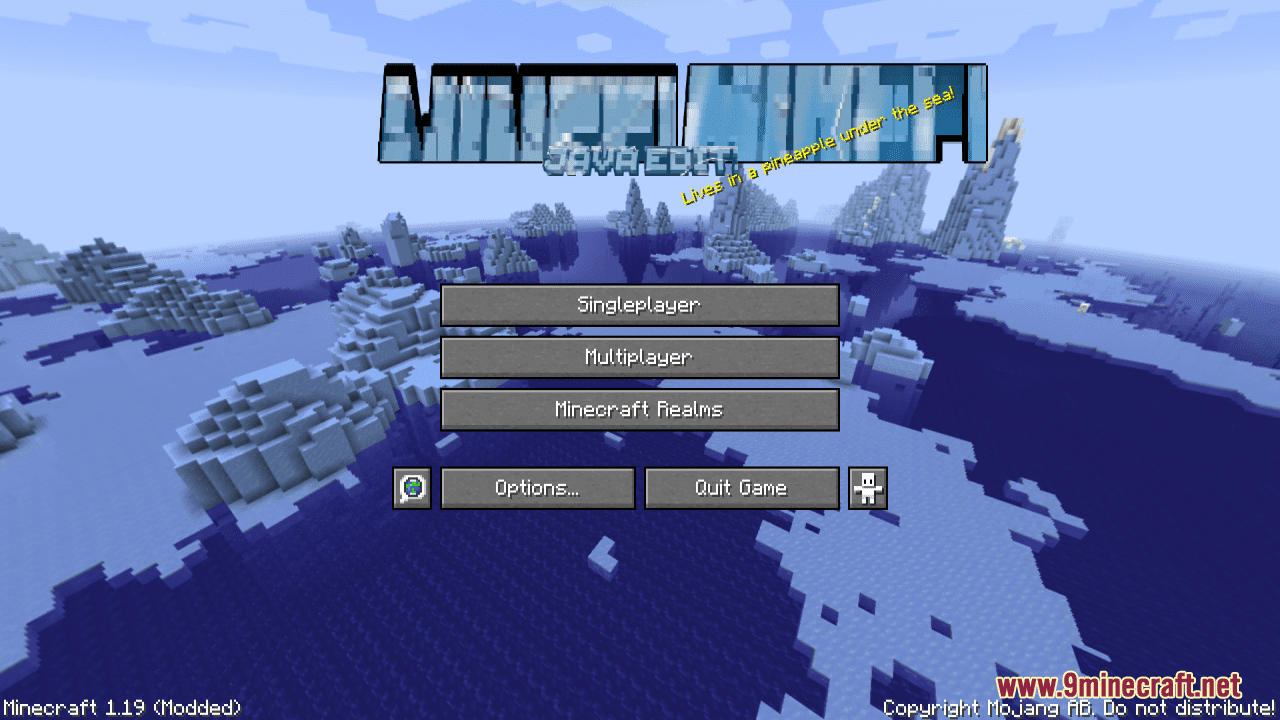
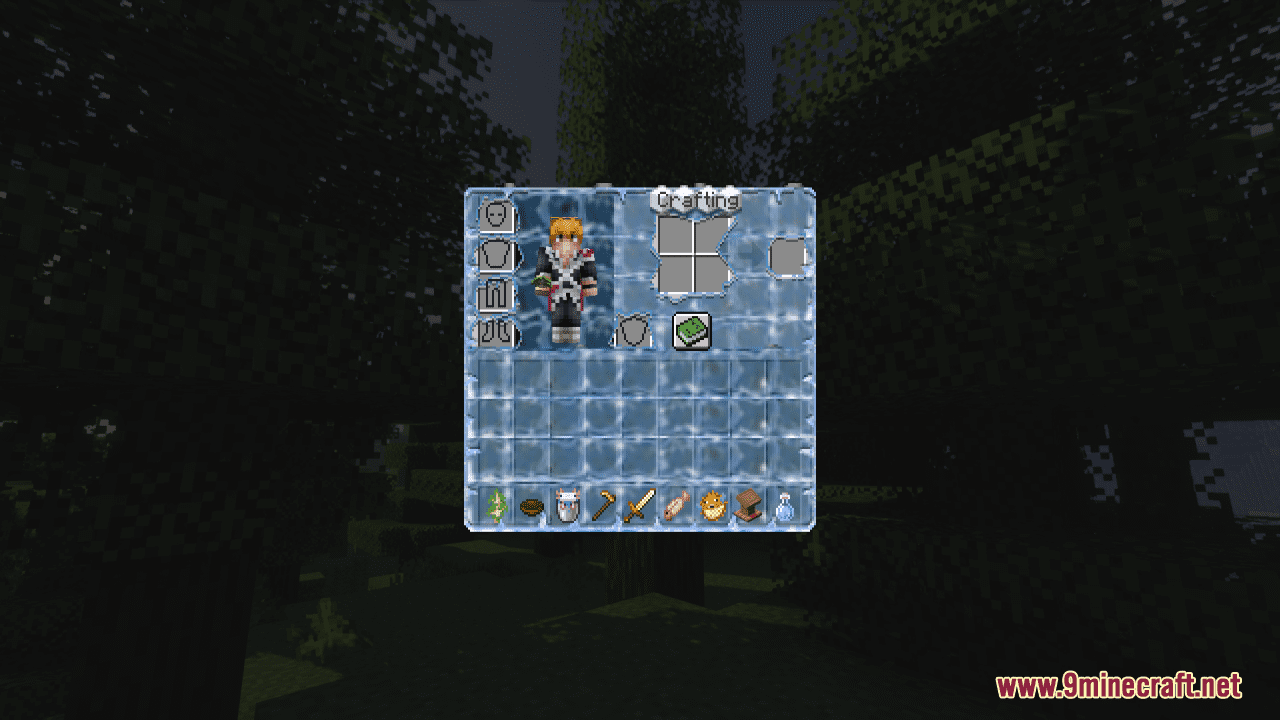
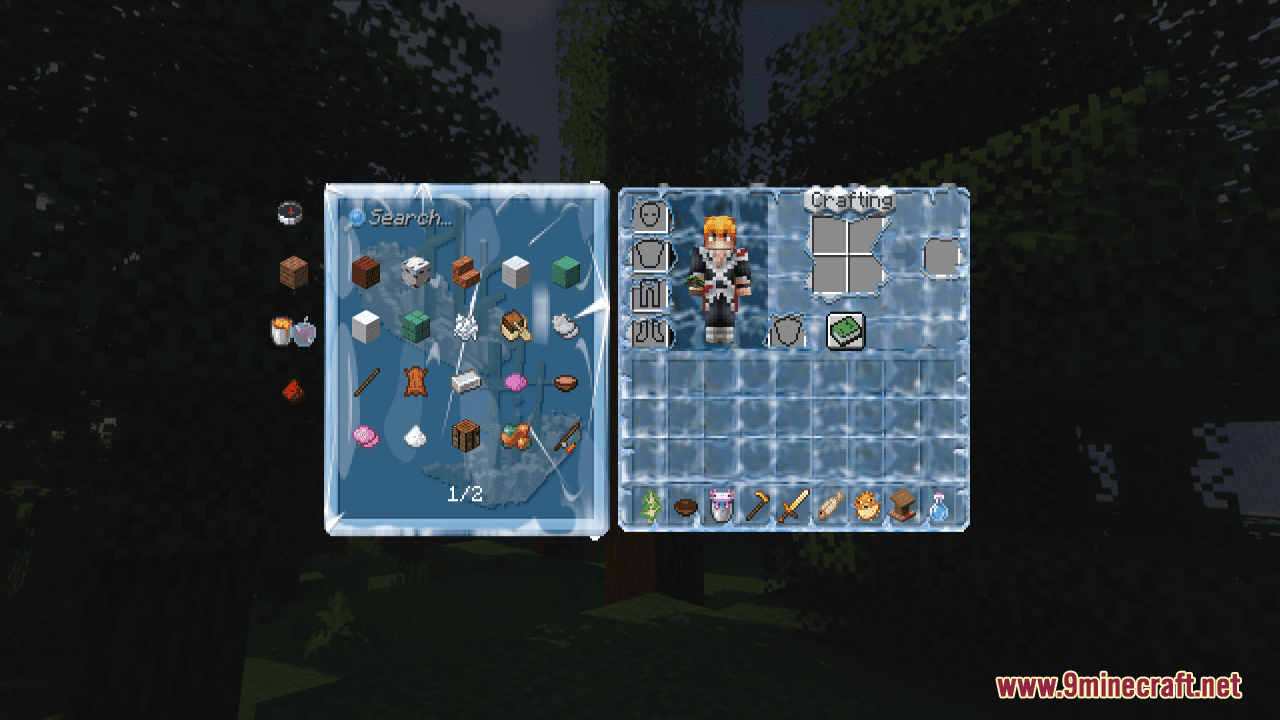
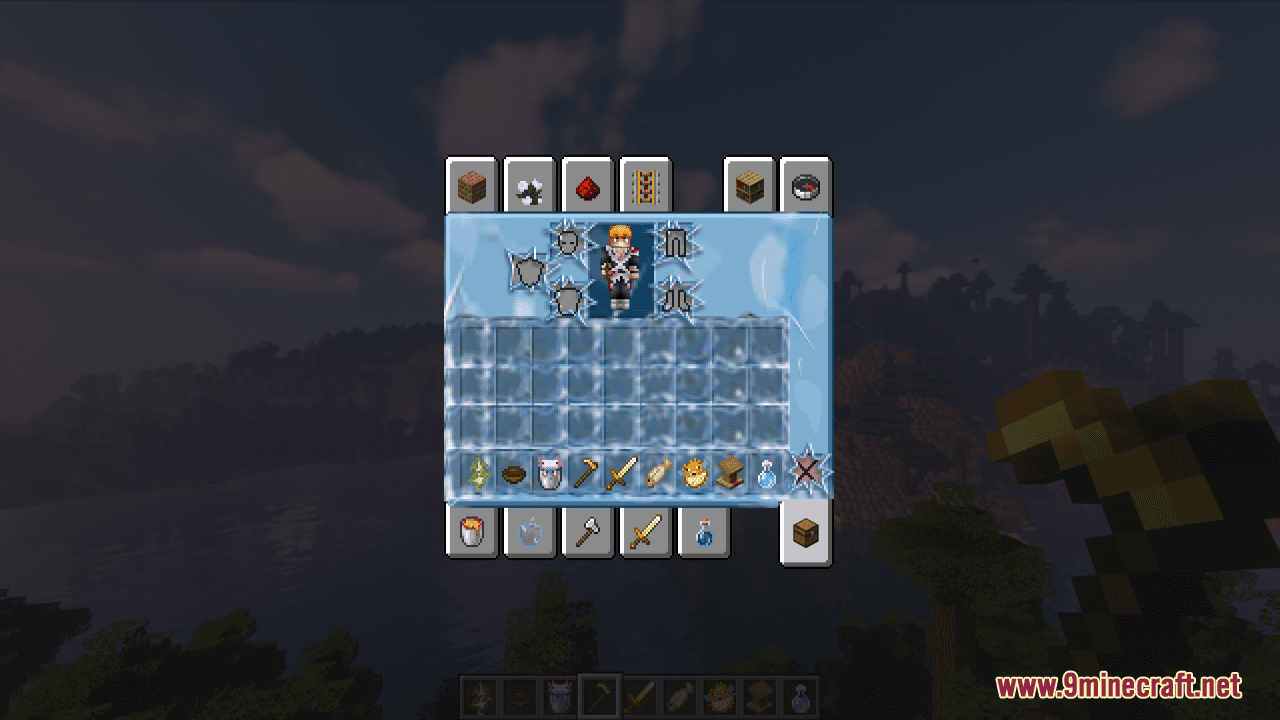
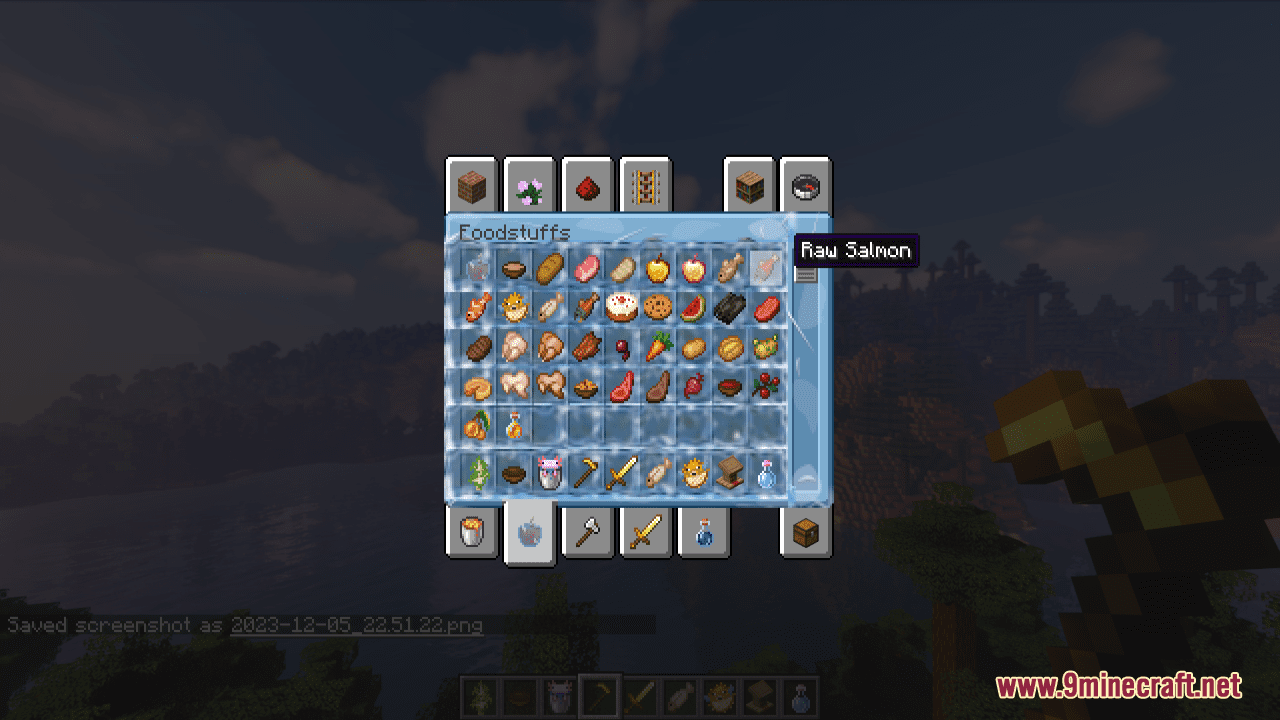
FROZEN Resource Pack immerses players in a chilly and enchanting theme, transforming the game’s graphics to evoke the frigid beauty of icy realms. With carefully designed textures and a consistent frozen aesthetic, this resource pack adds a touch of frosty magic to your Minecraft adventures. With this pack installed, every element in the GUI will be transferred with a frozen theme. In general, whether you’re a fan of winter landscapes, enjoy the beauty of ice and snow, or simply want to add a touch of magic to your Minecraft world.
Screenshots:
Requires:
Optifine
FROZEN Resource Pack Download Links
For Minecraft 1.21.5, 1.21.1, 1.20.6, 1.20.1, 1.19.4
- Edition: Minecraft Java
- File type: .zip (resource pack)
- Minecraft versions listed: 1.21.1, 1.20.1
- How to install: Download the .zip resource pack — do not unzip it. → Put it in .minecraft/resourcepacks. → Enable it in Options → Resource Packs.
- Where to get it: In MC Java Mods, or directly above on this page.
Install steps are the general flow for this file type — How to install Minecraft Java resource packs walks through it step by step.
FROZEN Resource Pack (1.21.1, 1.20.1) – Texture Pack is a free Minecraft Java resourcepack. Compatible with Minecraft 1.21.1, 1.20.1. Download it and open it directly in the game.