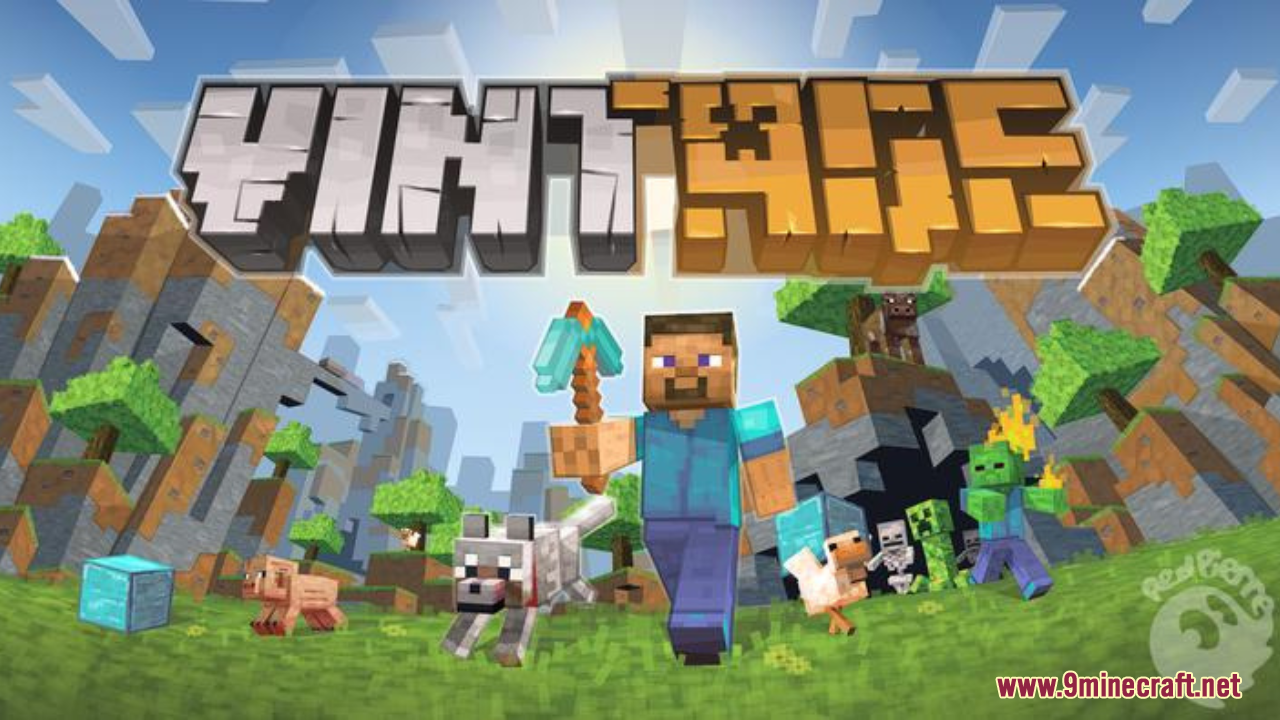
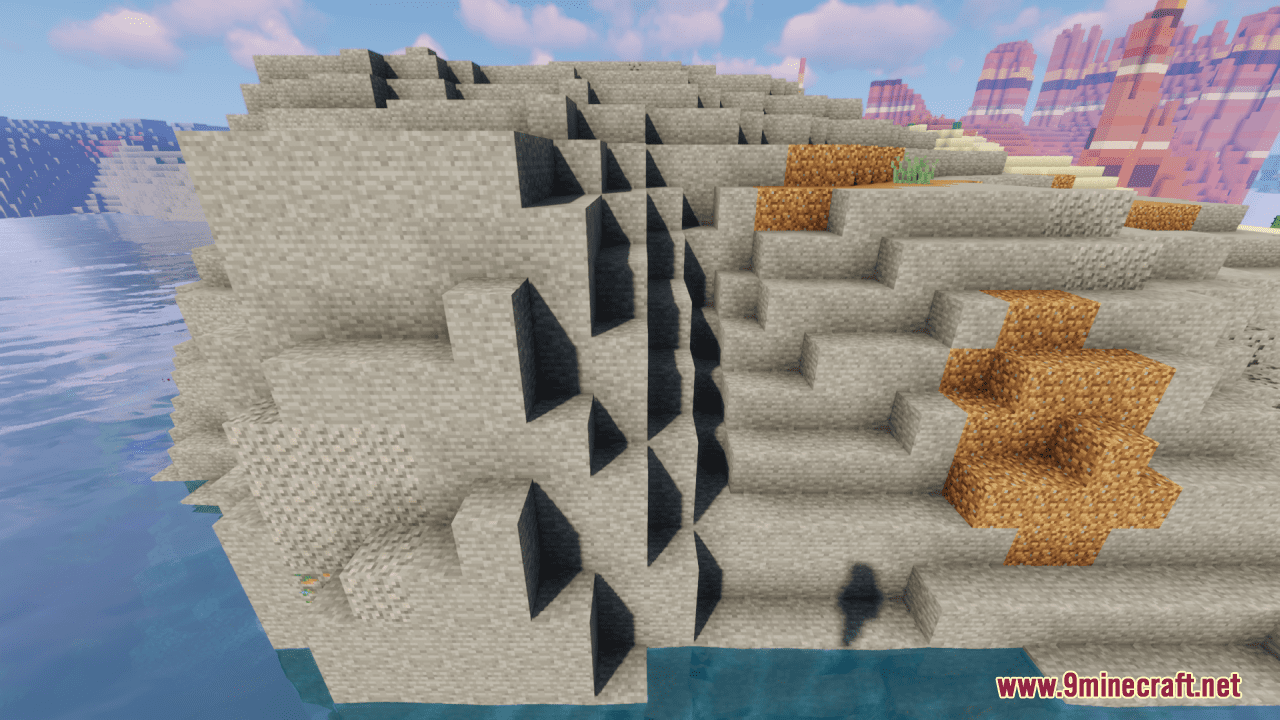
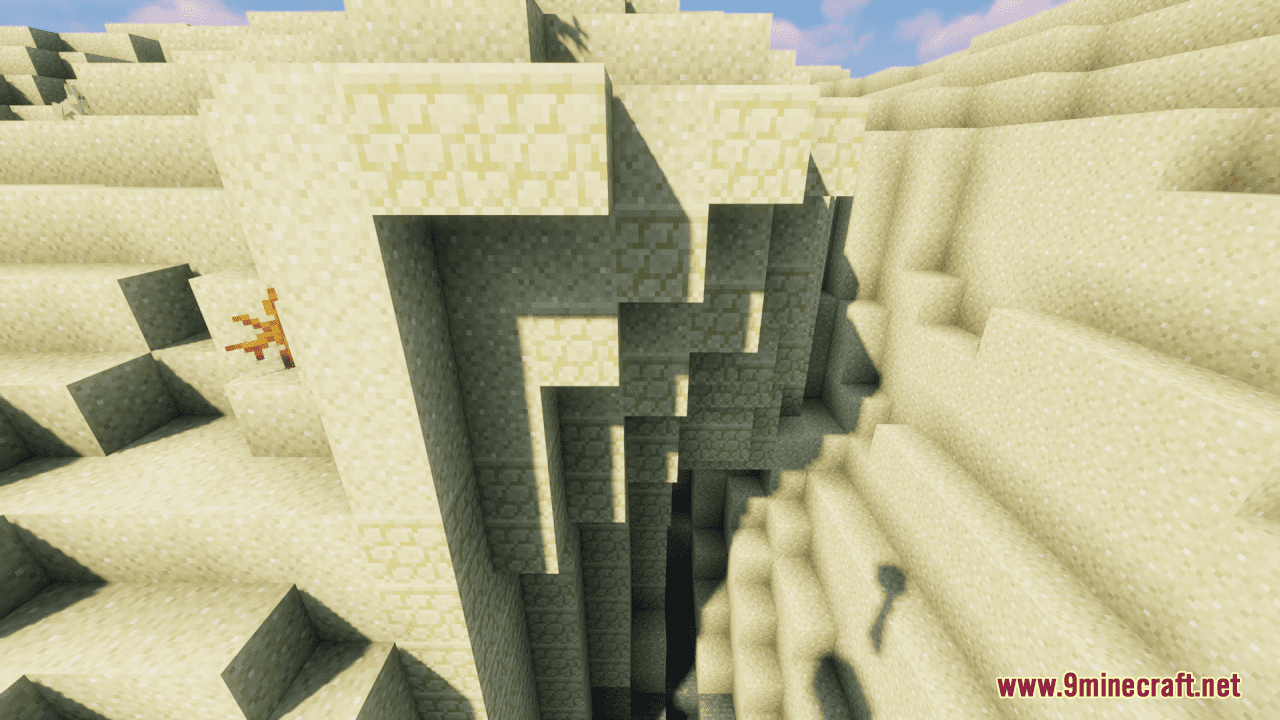
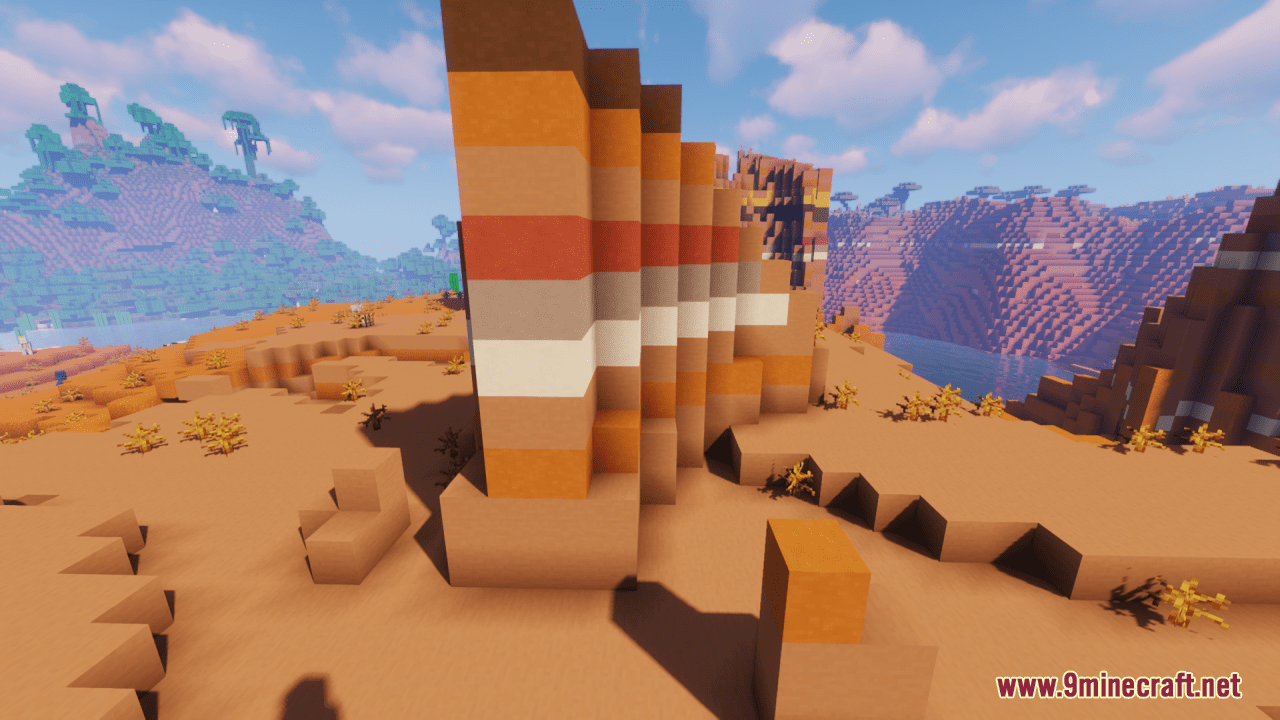
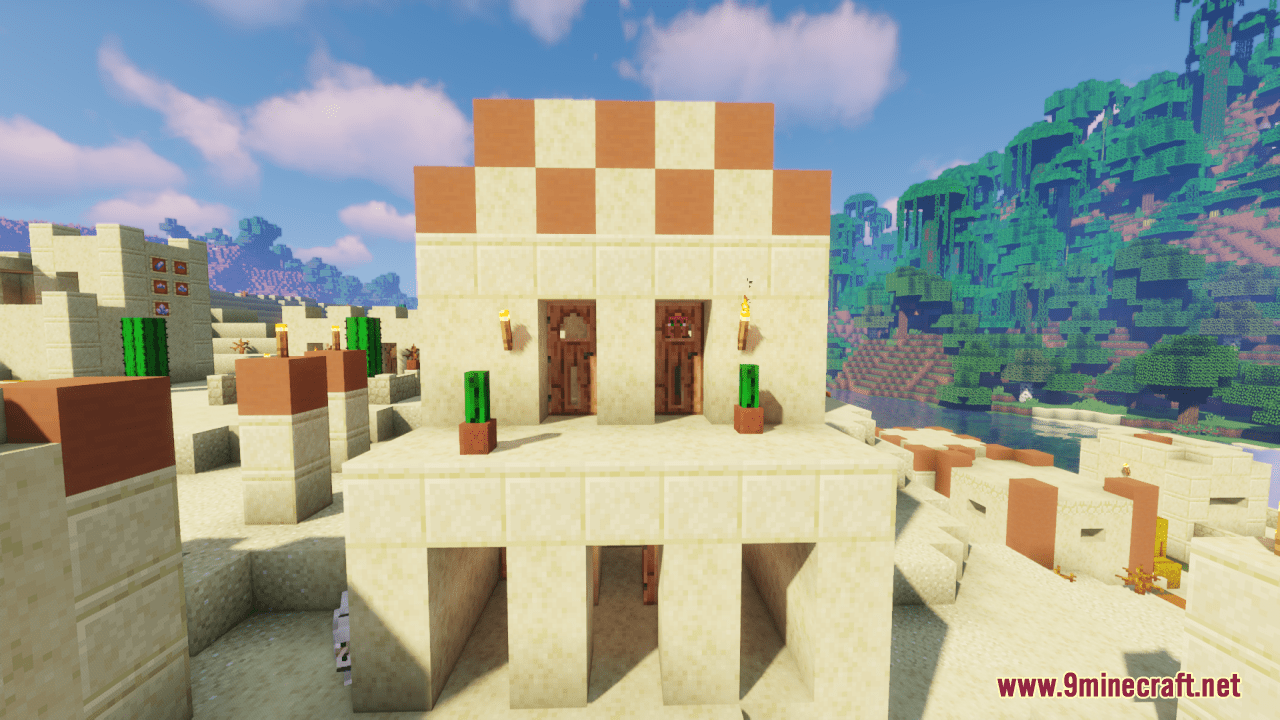
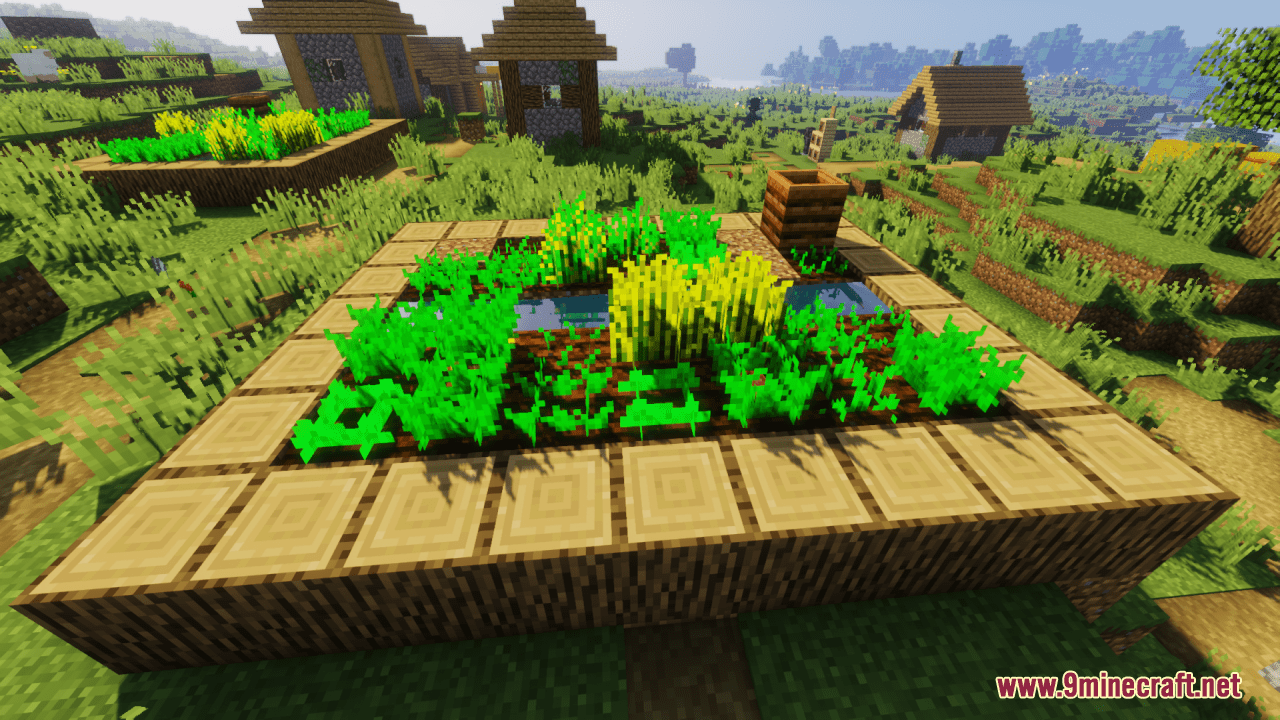
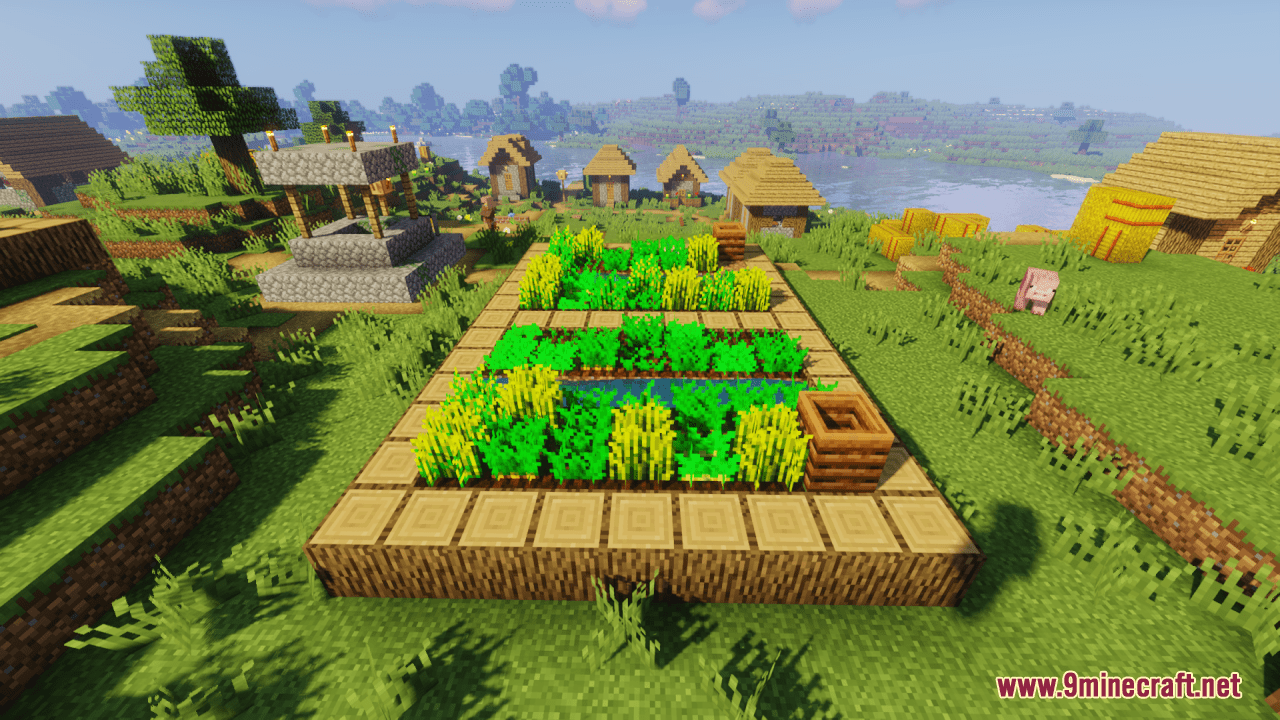
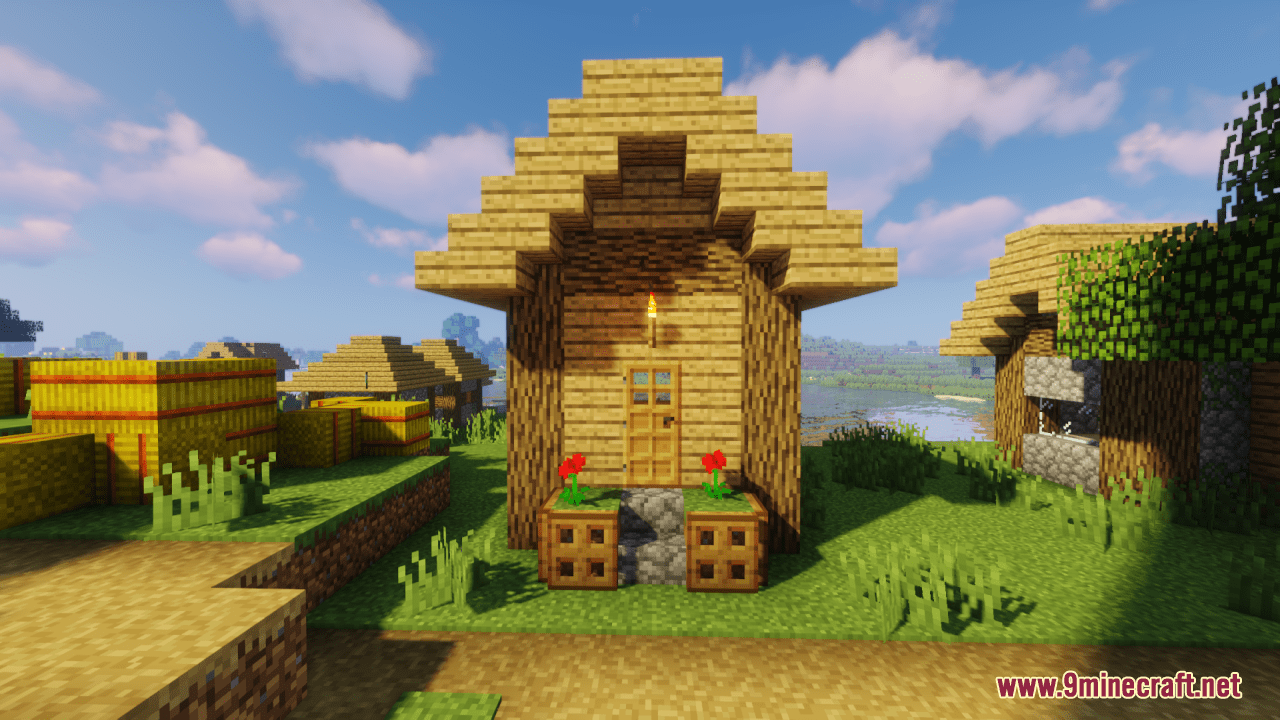
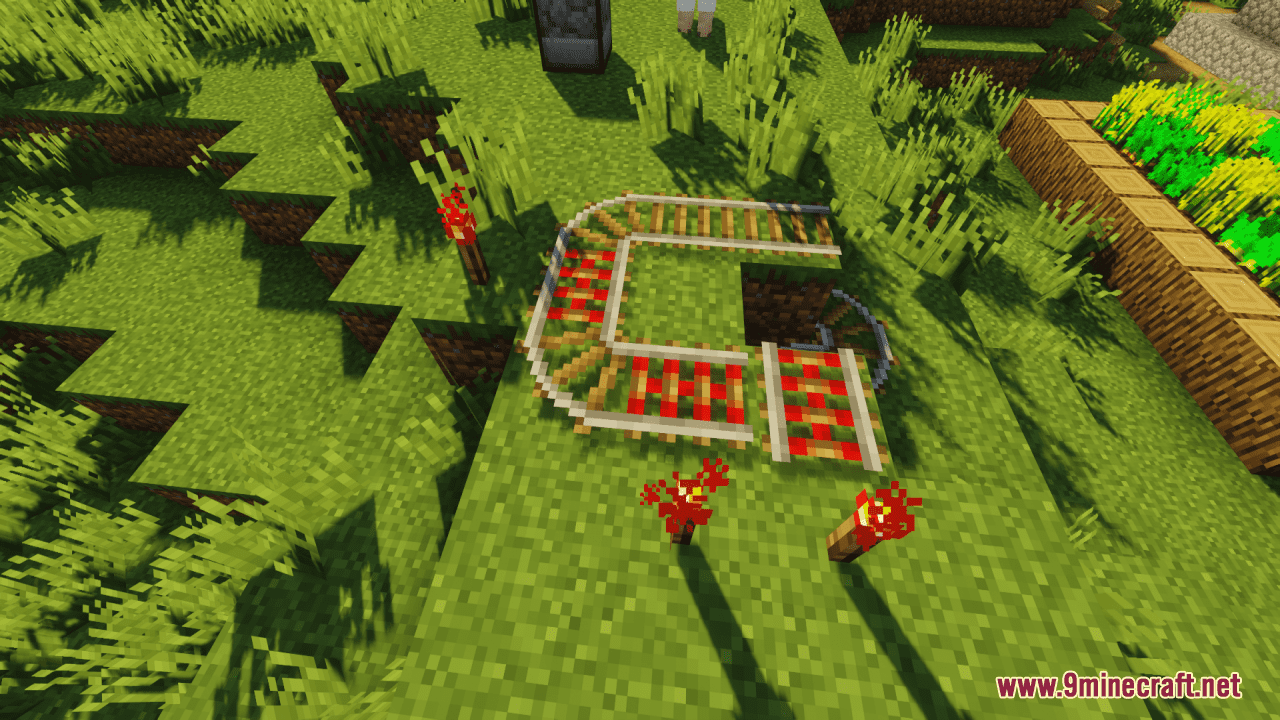
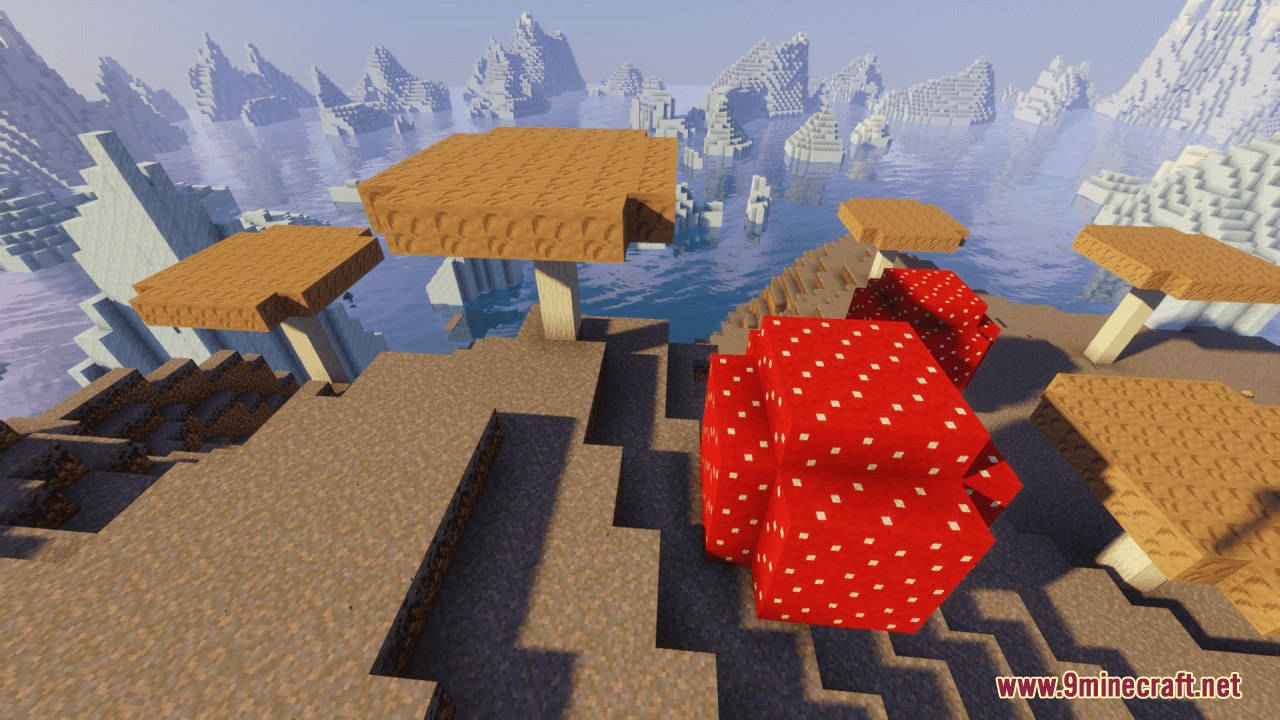
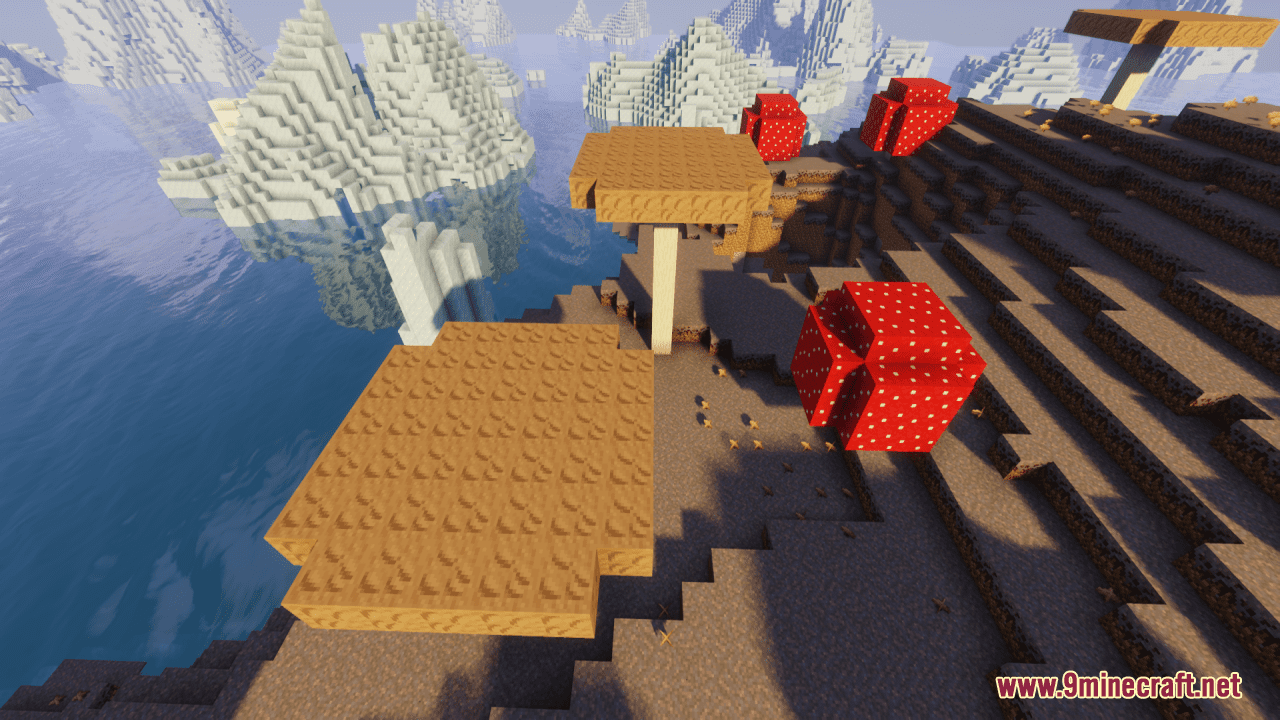
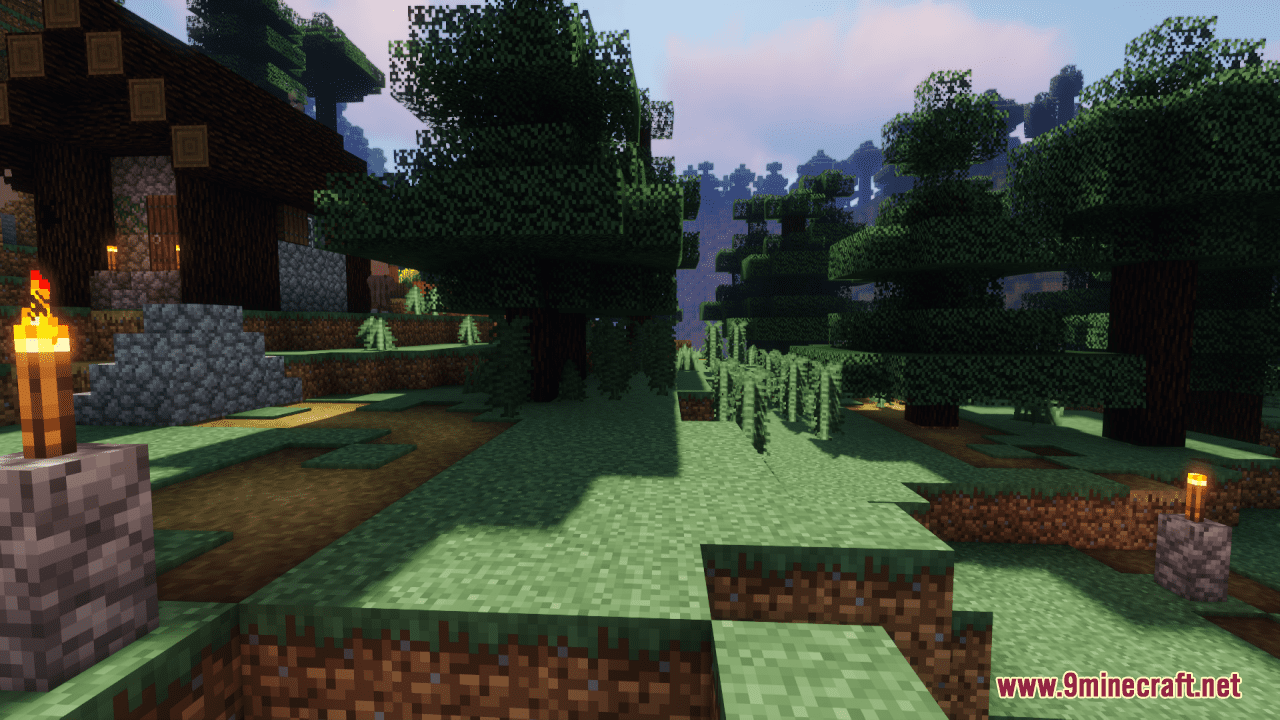
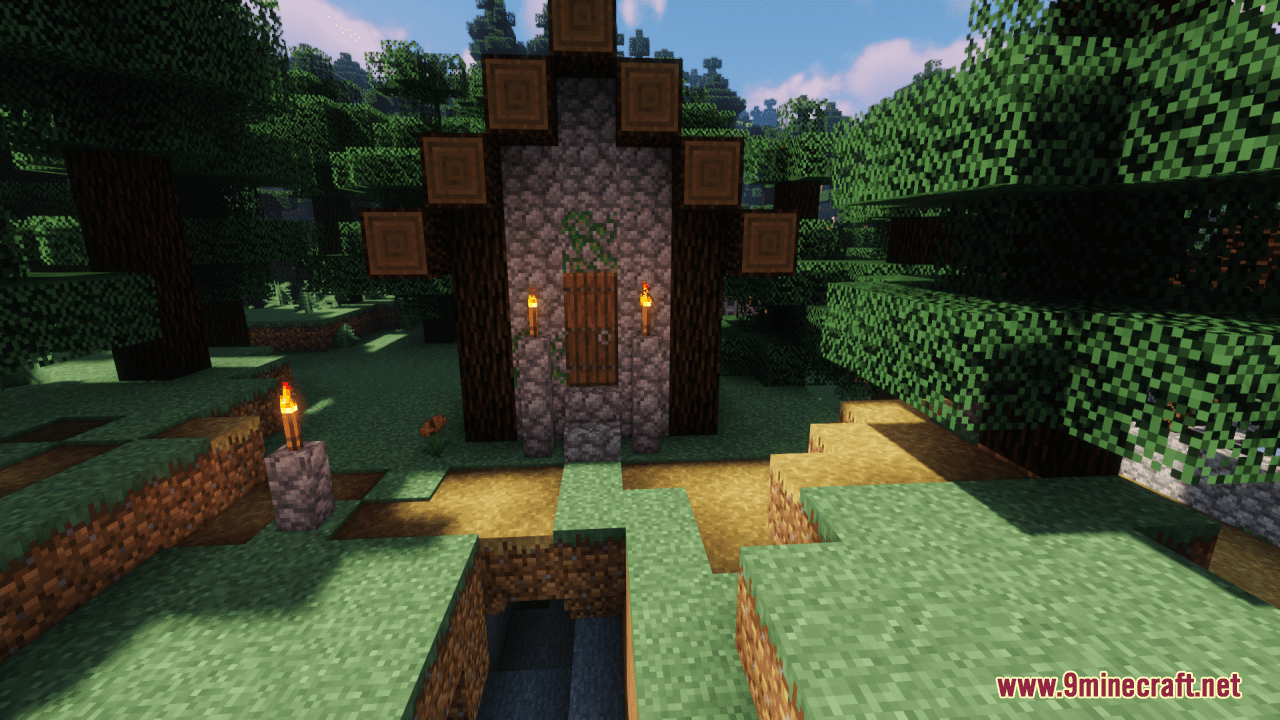
Vintage Resource Pack acts as a bridge between eras, combining the classic Programmer designs with the modern touch of Jappa textures. This fusion offers a distinctive and balanced visual experience that caters to both original enthusiasts and players accustomed to the newer Minecraft aesthetics. Unlike traditional texture packs that may clash with newer elements, “Vintage” seamlessly integrates classic textures with contemporary blocks, items, and mobs, ensuring a cohesive and visually pleasing experience. In general, it is a great and clean pack which combines the original and modern styles, offering a blend of classic and contemporary textures for Minecraft world.
Screenshots:
Requires:
Optifine
Vintage Resource Pack Download Links
For Minecraft 1.21.5, 1.21.1, 1.20.6, 1.20.1, 1.19.4, 1.19.2
- Edition: Minecraft Java
- File type: .zip (resource pack)
- Minecraft versions listed: 1.21.1, 1.20.1
- How to install: Download the .zip resource pack — do not unzip it. → Put it in .minecraft/resourcepacks. → Enable it in Options → Resource Packs.
- Where to get it: In MC Java Mods, or directly above on this page.
Install steps are the general flow for this file type — How to install Minecraft Java resource packs walks through it step by step.
Vintage Resource Pack (1.21.1, 1.20.1) – Texture Pack is a free Minecraft Java resourcepack. Compatible with Minecraft 1.21.1, 1.20.1. Download it and open it directly in the game.