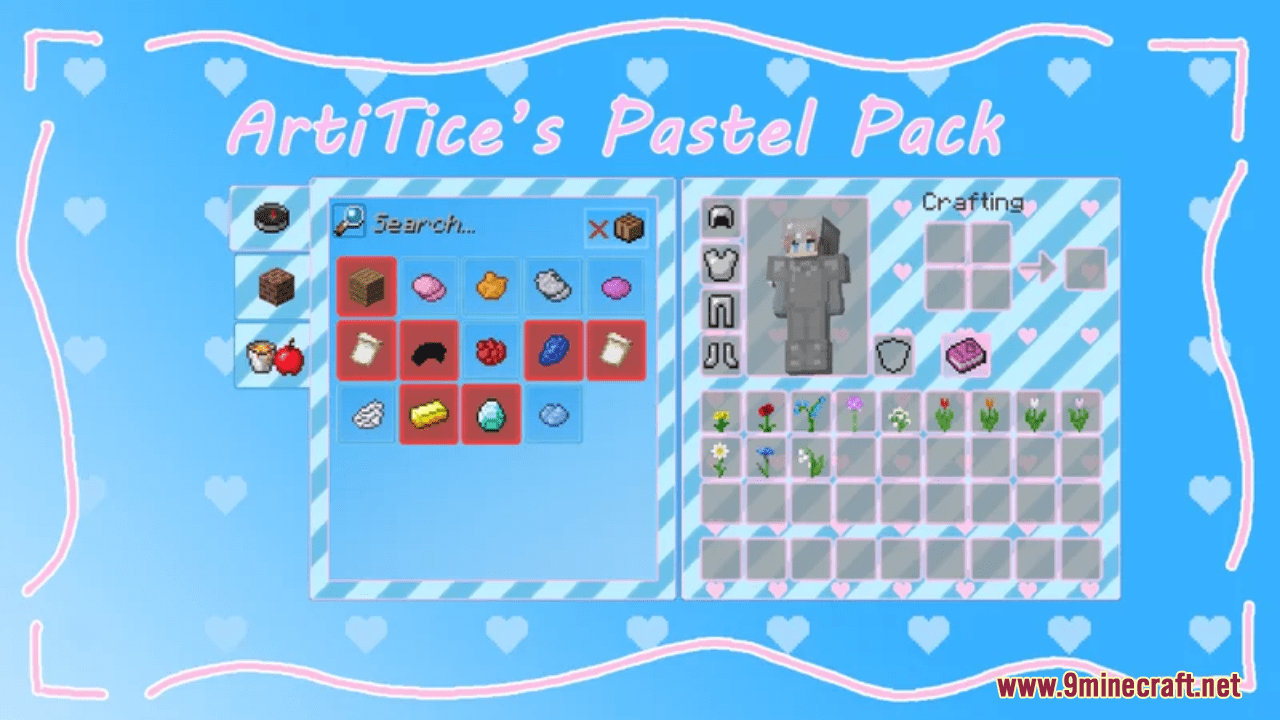
ArtiTice's Pastel Resource Pack (1.21.1, 1.20.1) – Texture Pack
ArtiTice's Pastel Resource Pack is a super simple and clean pack which consists of various retextured Minecraft texture changes. With this pack installed…
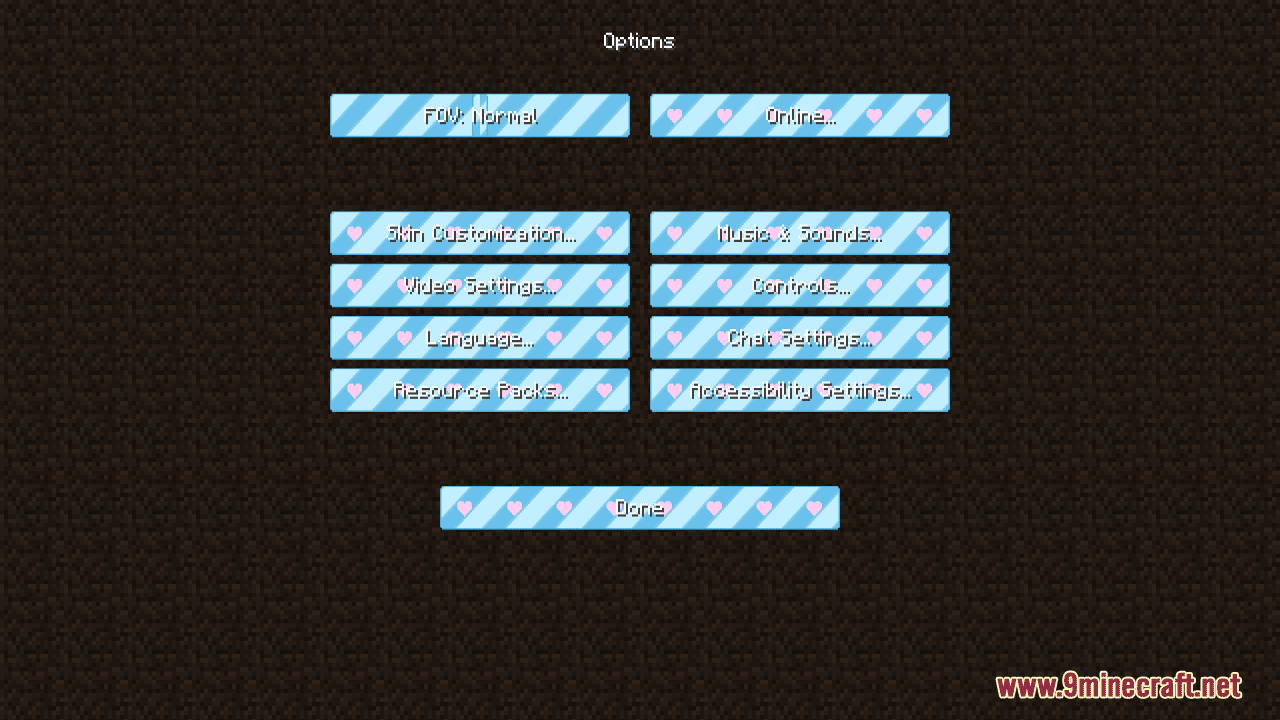
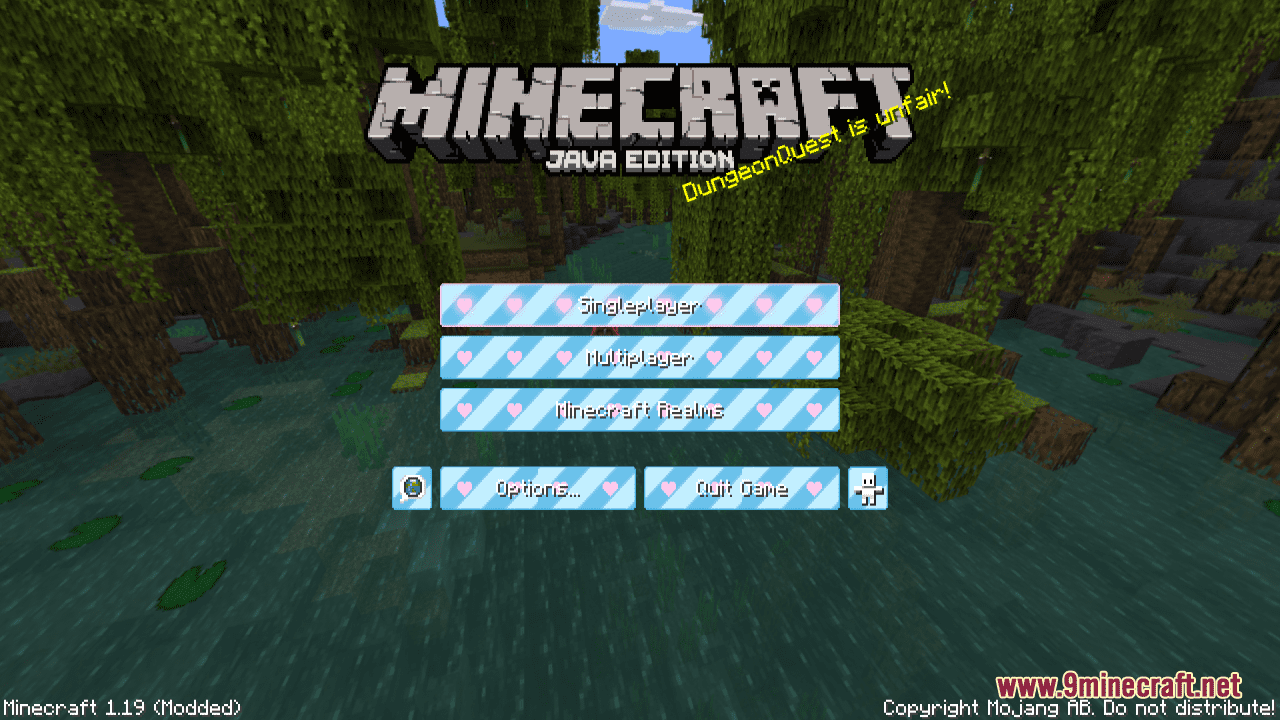
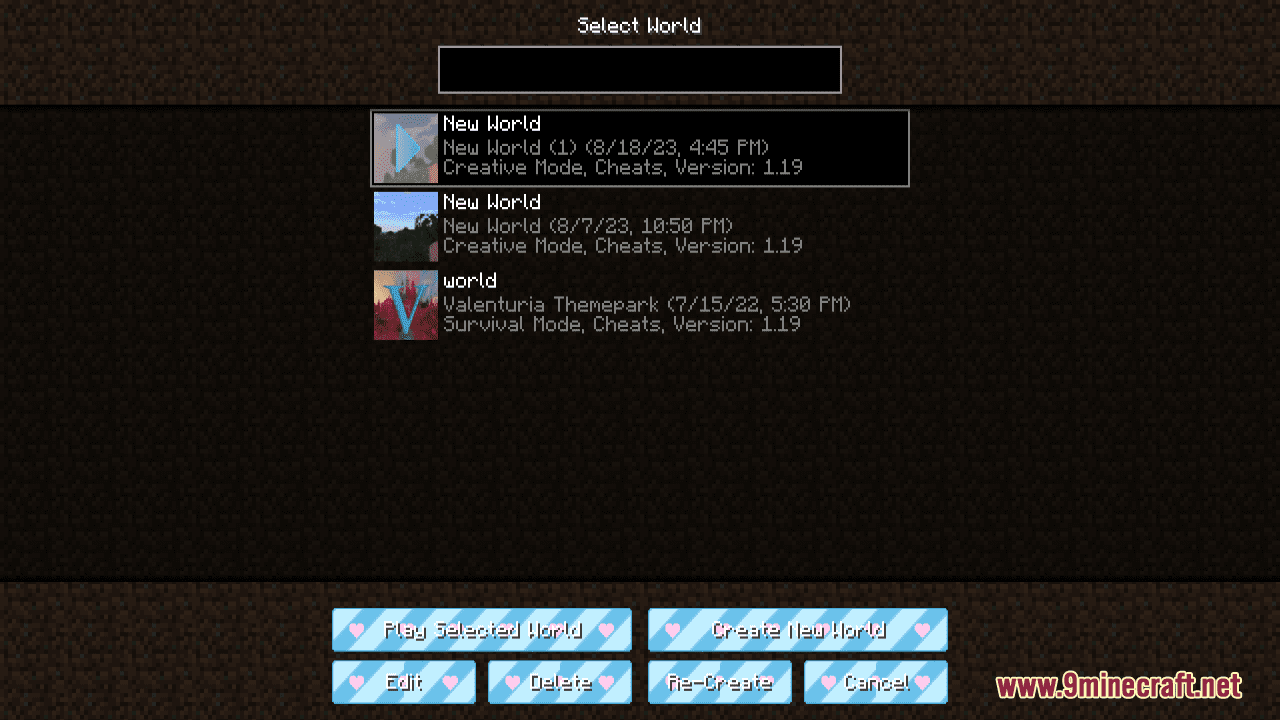
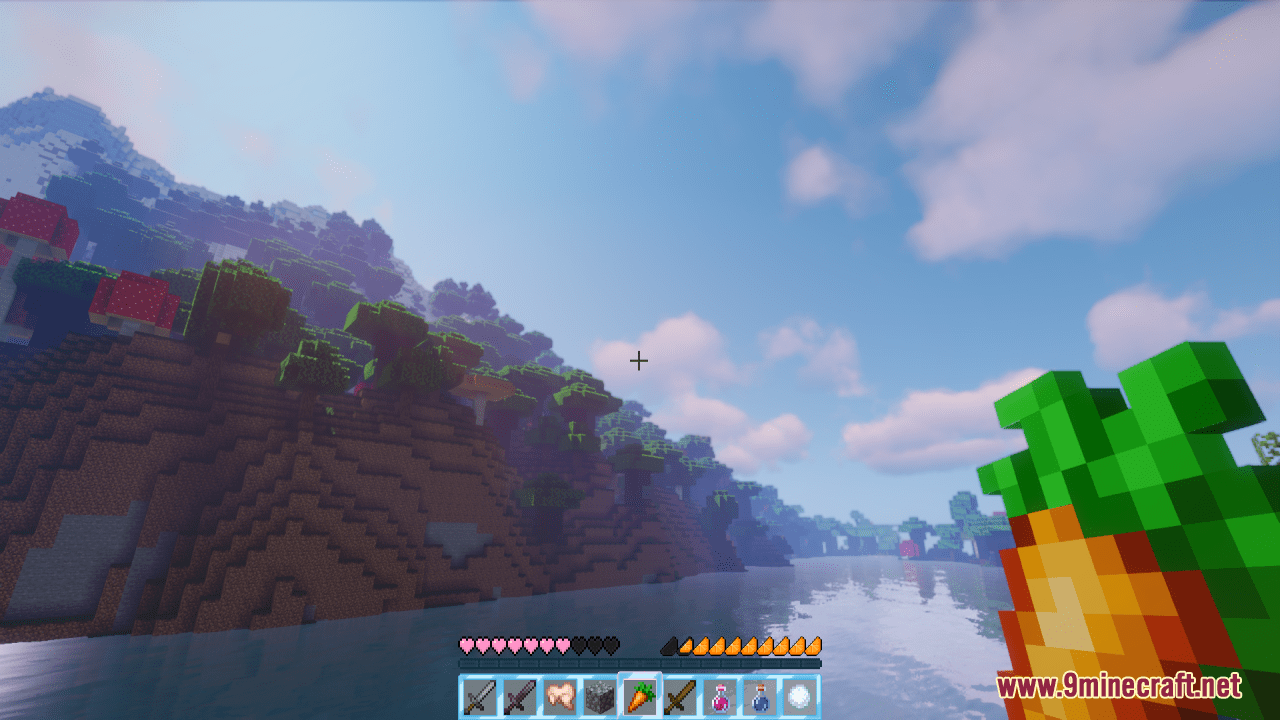
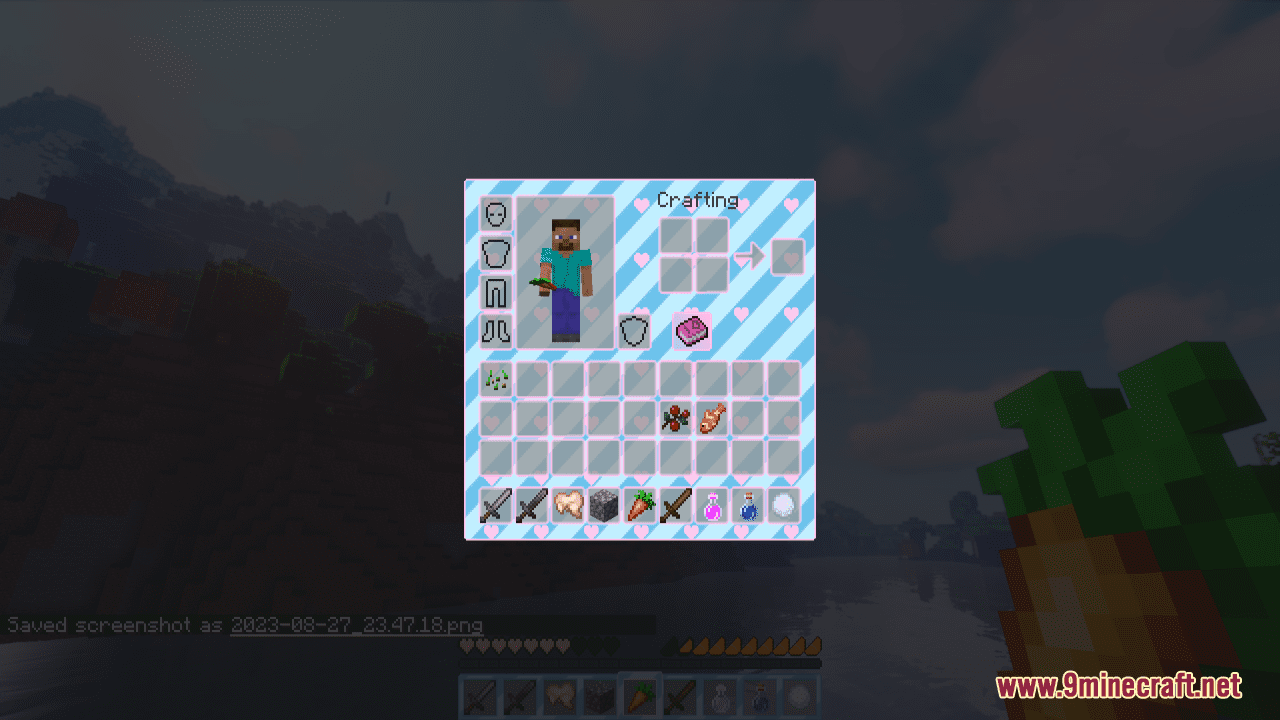
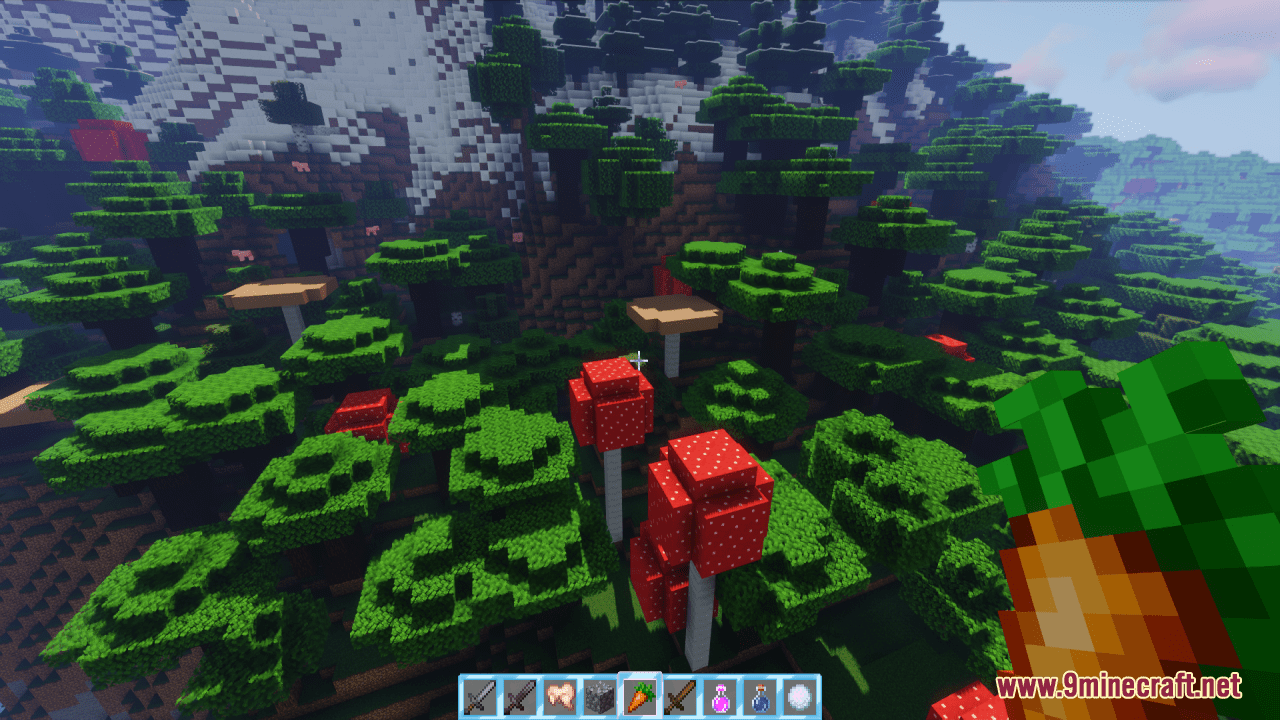
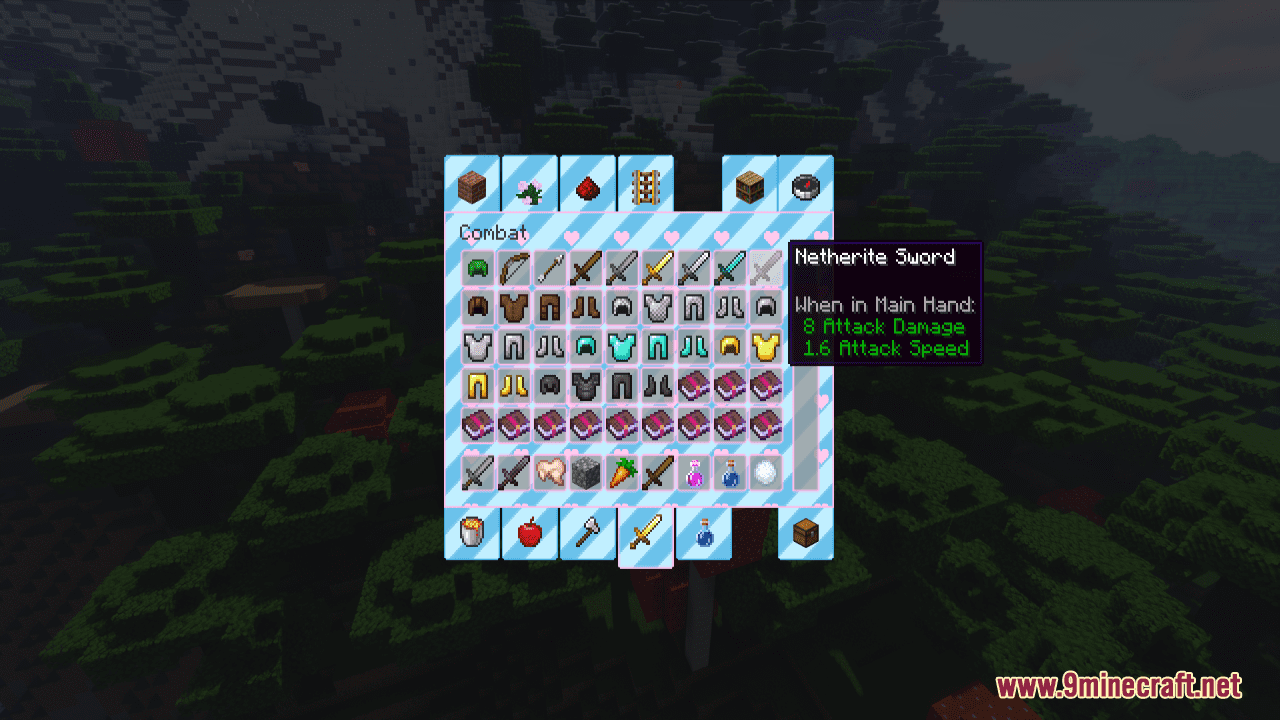
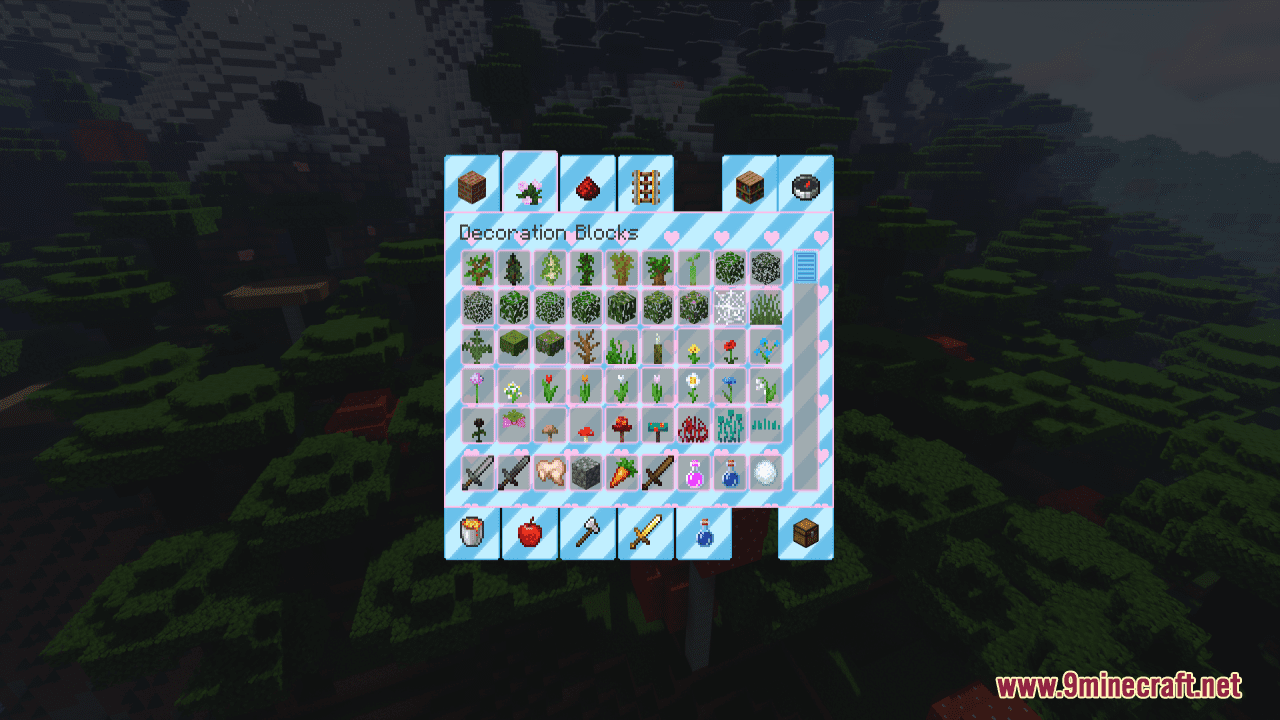
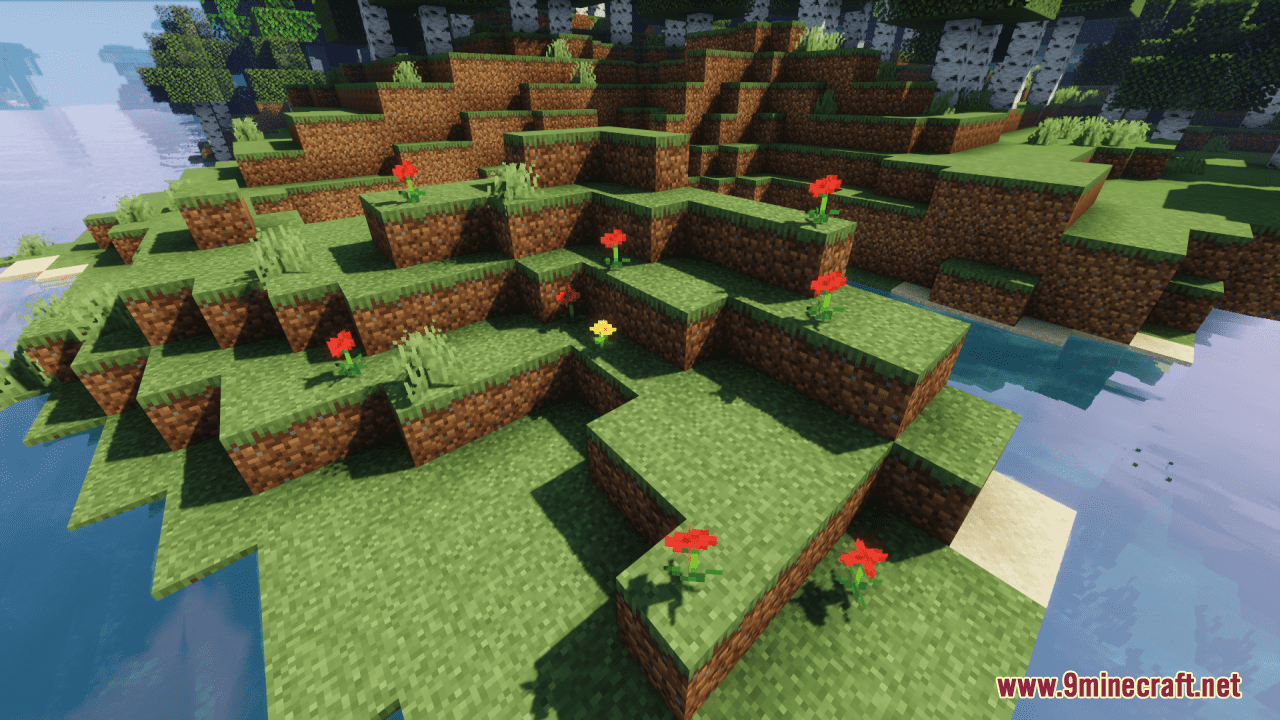
⬇ DownloadOpen in MCModsHubGet it on Google Play →ArtiTice’s Pastel Resource Pack is a super simple and clean pack which consists of various retextured Minecraft texture changes. With this pack installed, almost all the in-game UI and the XP orbs and Bottle O’ Enchanting have been retextured with cute hearts and pastel colors. Moreover, some of other game elements are also transferred to fit the overall theme. In general, this pack completely overhauls your game world. From that, you can have a better and more interesting game performance like never before.
Screenshots:
ArtiTice’s Pastel Resource Pack Download Links
For Minecraft 1.21.5, 1.21.1, 1.20.6, 1.20.4, 1.20.2, 1.20.1, 1.19.4
ArtiTice's Pastel Resource Pack (1.21.1, 1.20.1) – Texture Pack is a free Minecraft Java resourcepack. Compatible with Minecraft 1.21.1, 1.20.1. Download it and open it directly in the game.