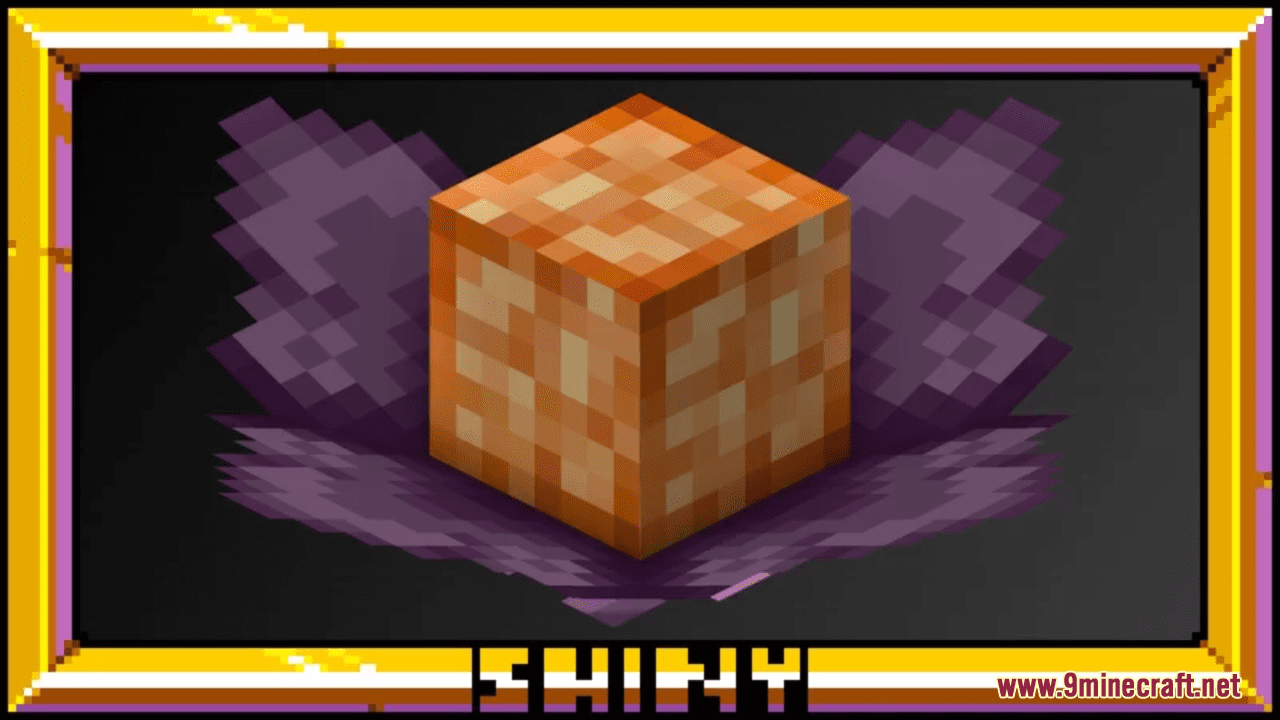
Shiny's Endergrowth Resource Pack (1.21.1, 1.20.1) – Texture Pack
Java resource pack listed for Minecraft 1.20–1.21. Downloads from the MC Java Mods app on Android.
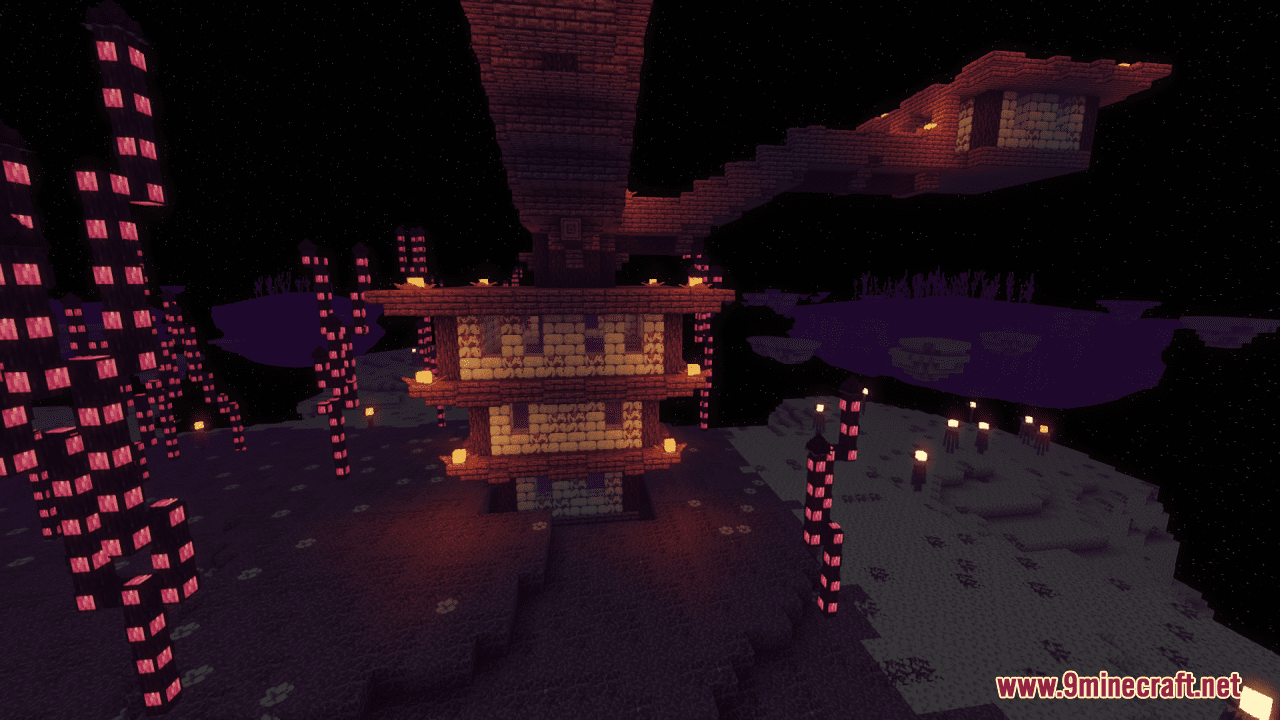
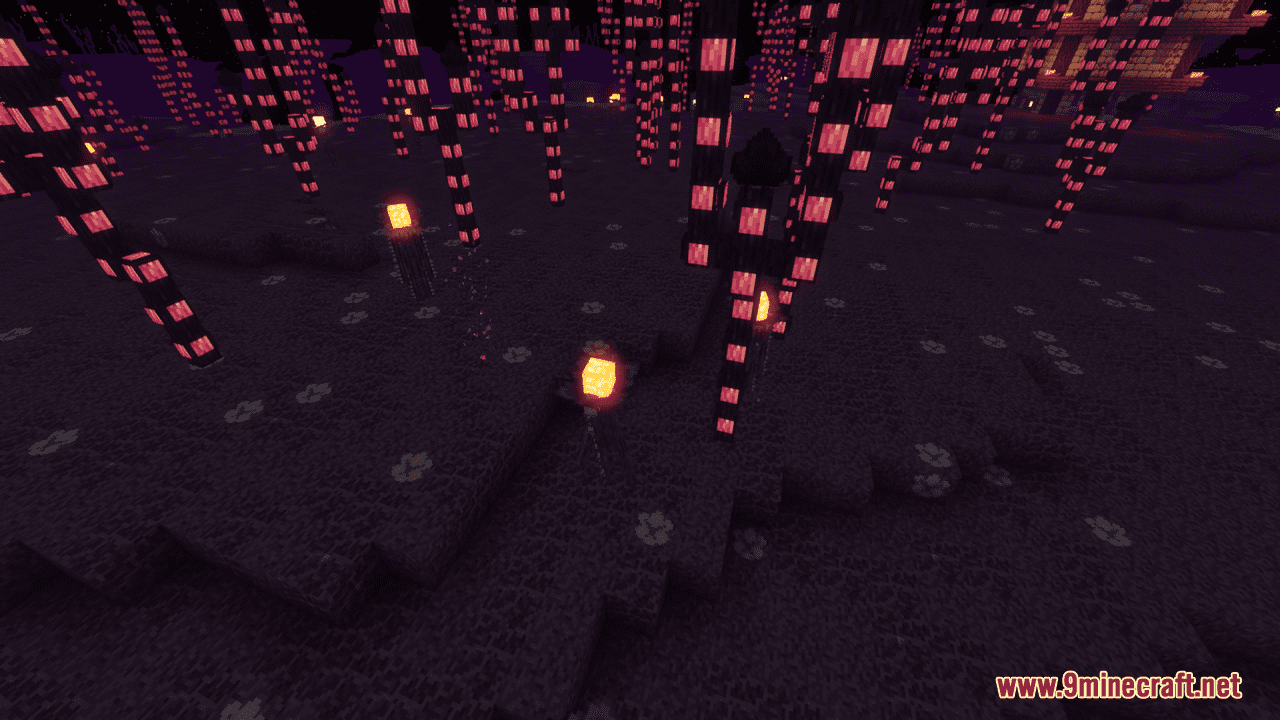
Shiny's Endergrowth Resource Pack simply makes the end look extremely overgrown, with a space and purple-themed look. Specifically, this slight pack…
⬇ Download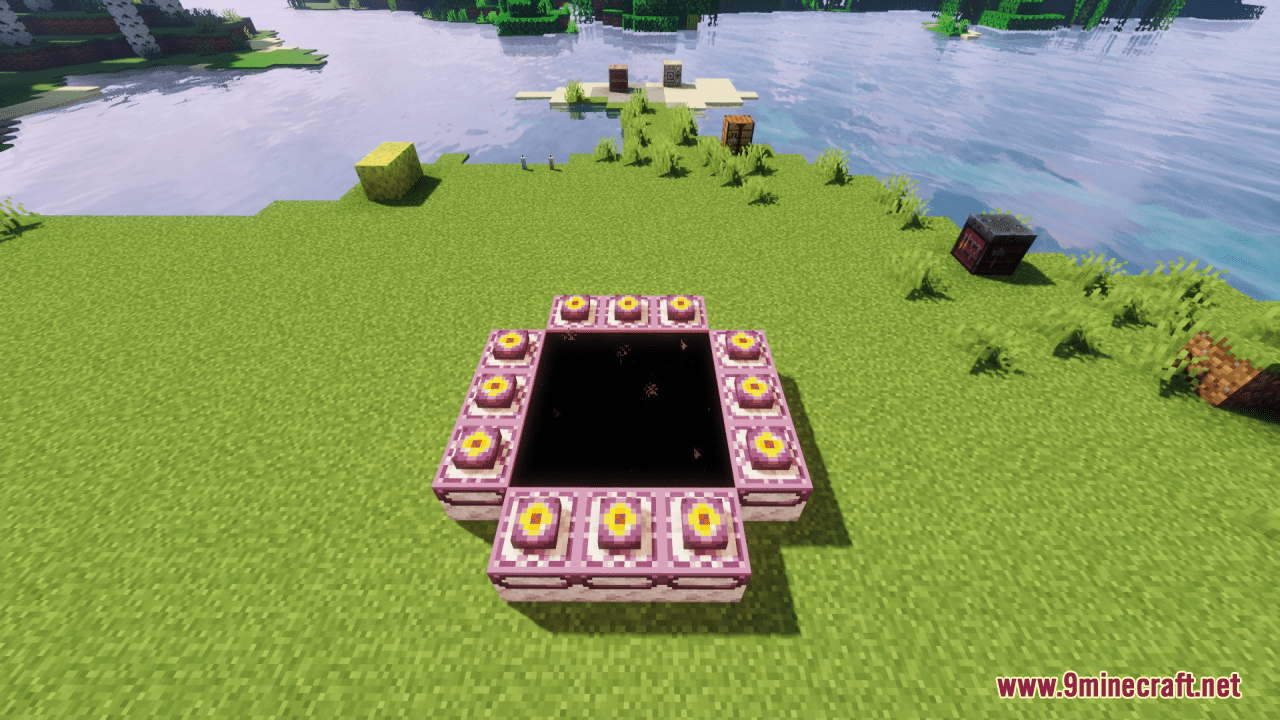
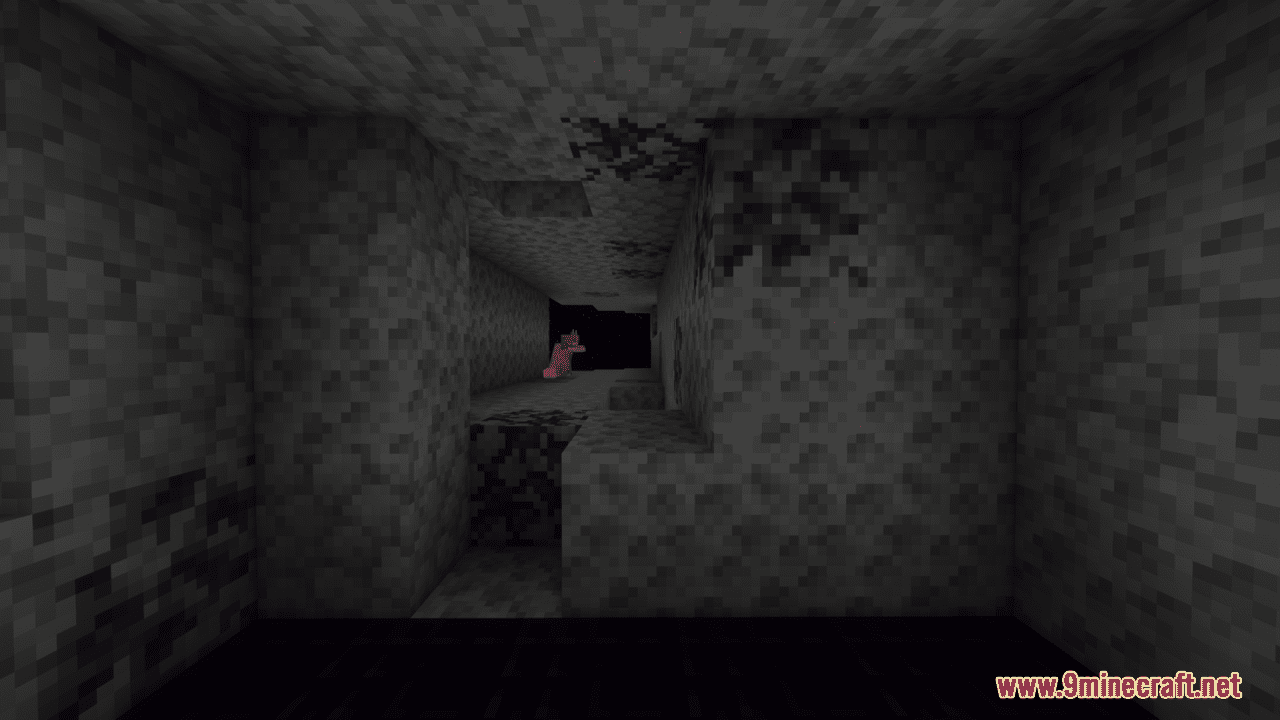
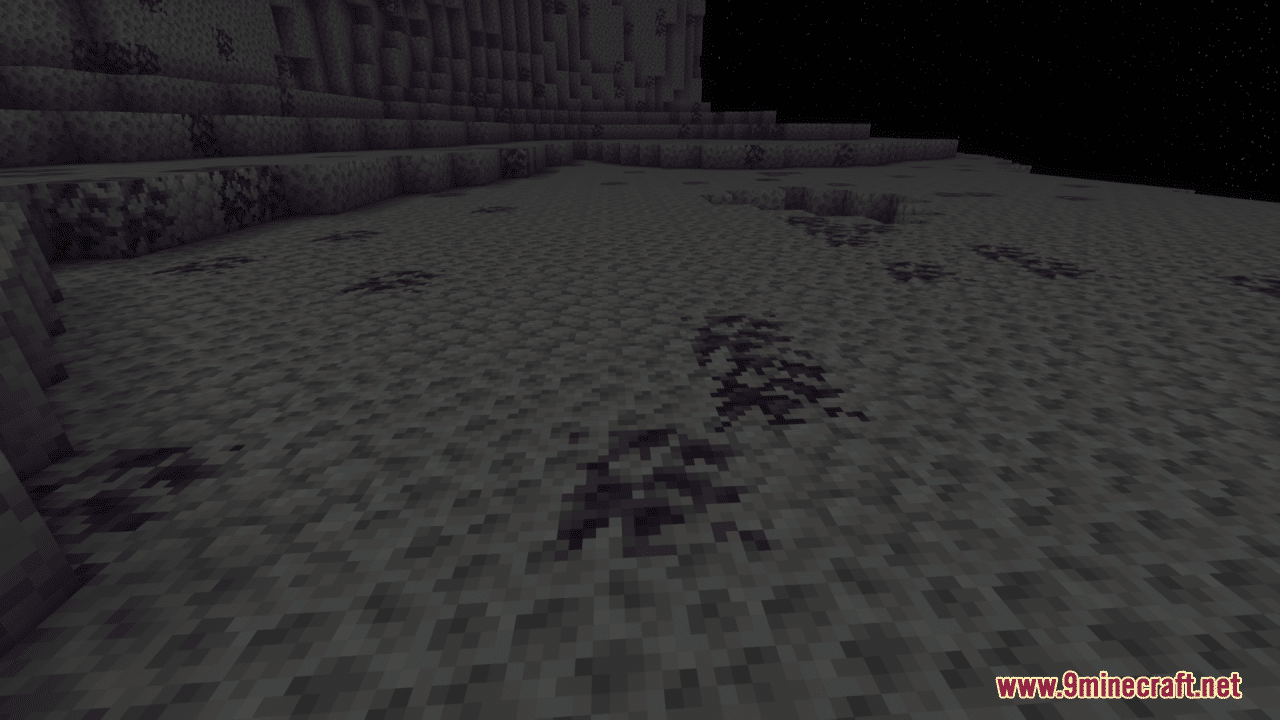
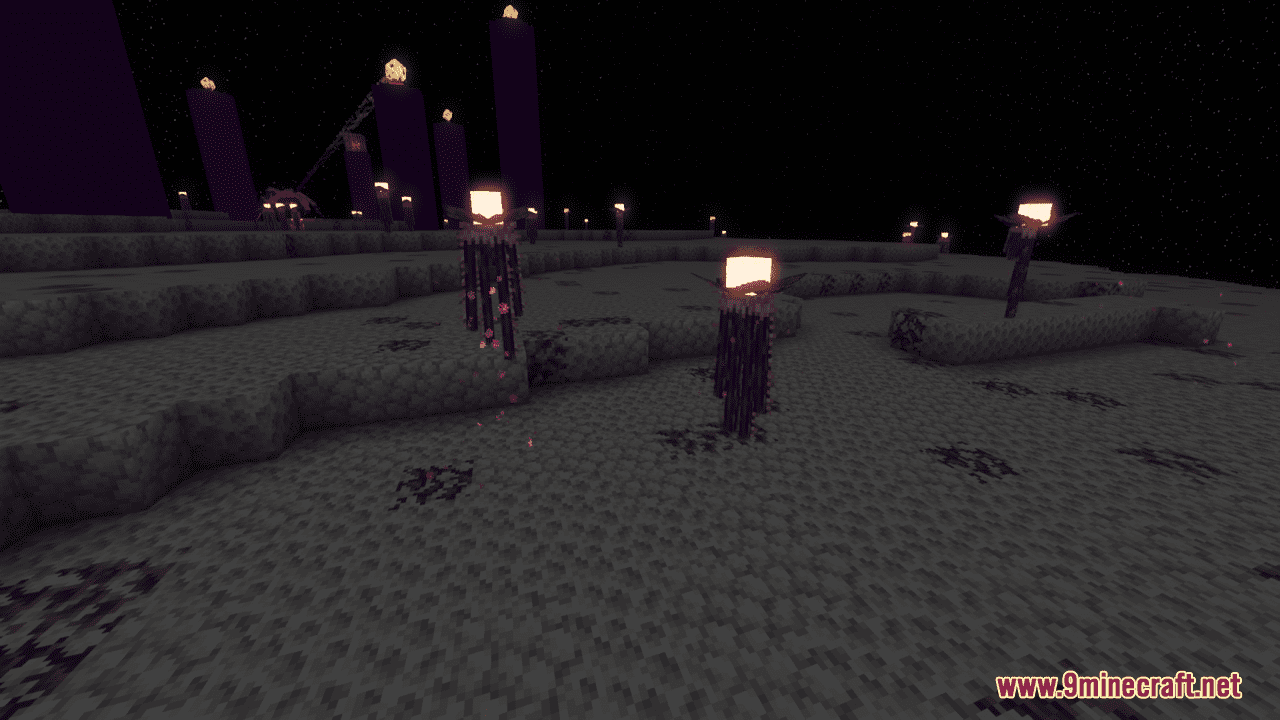
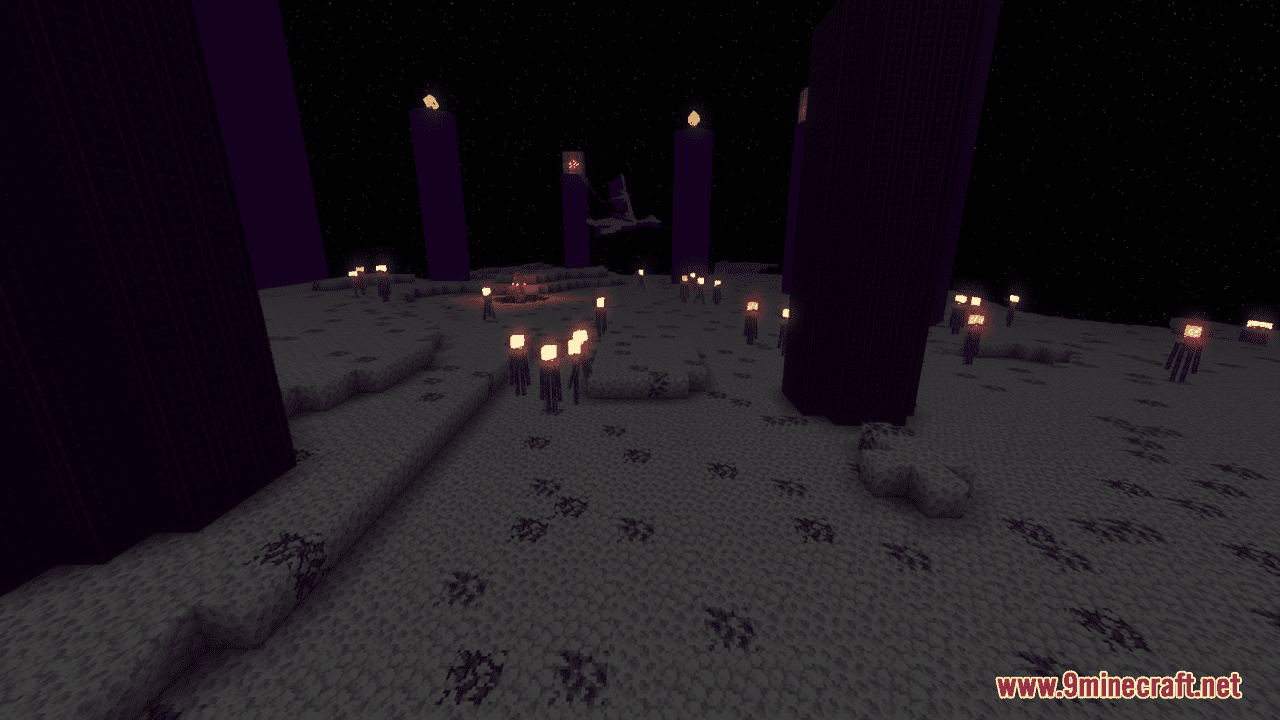
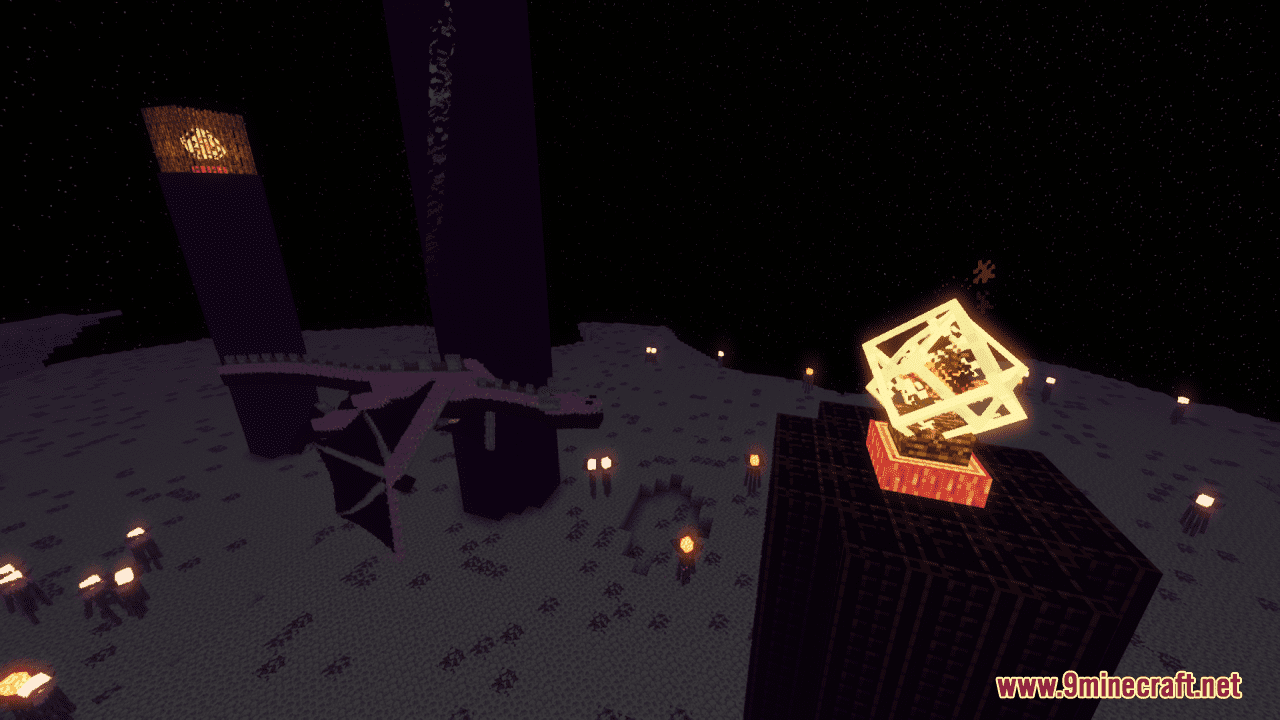
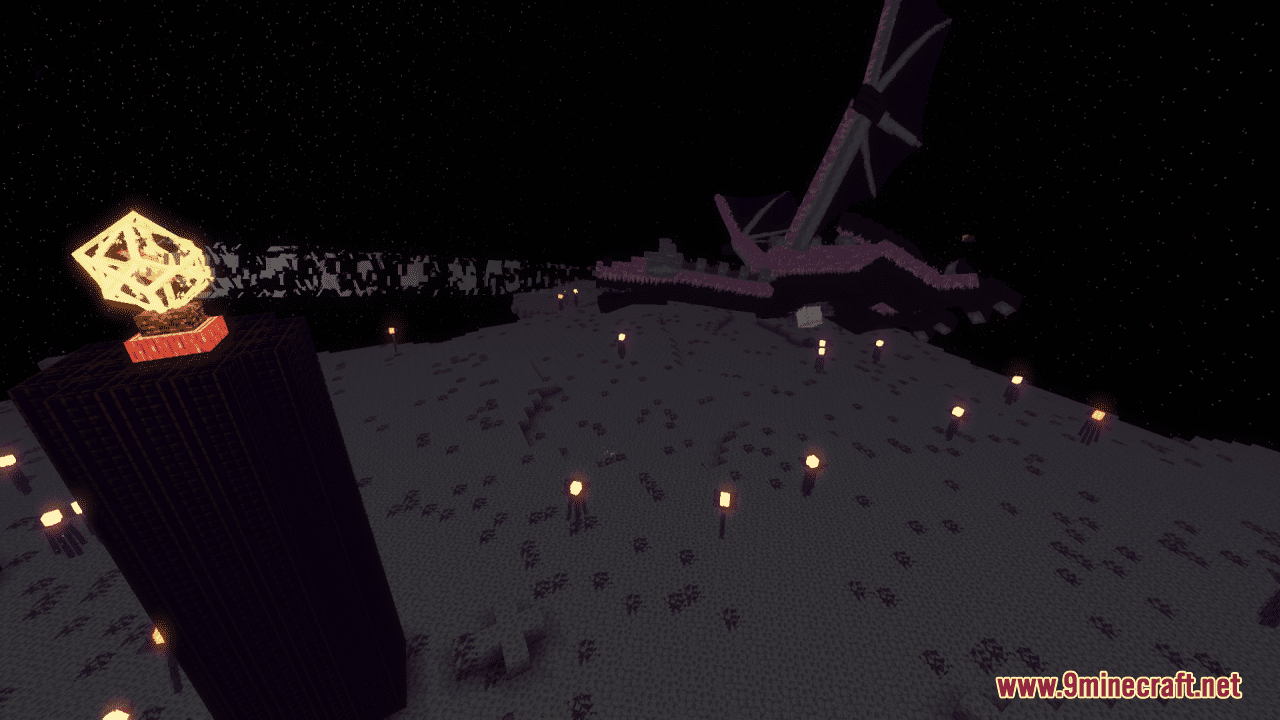
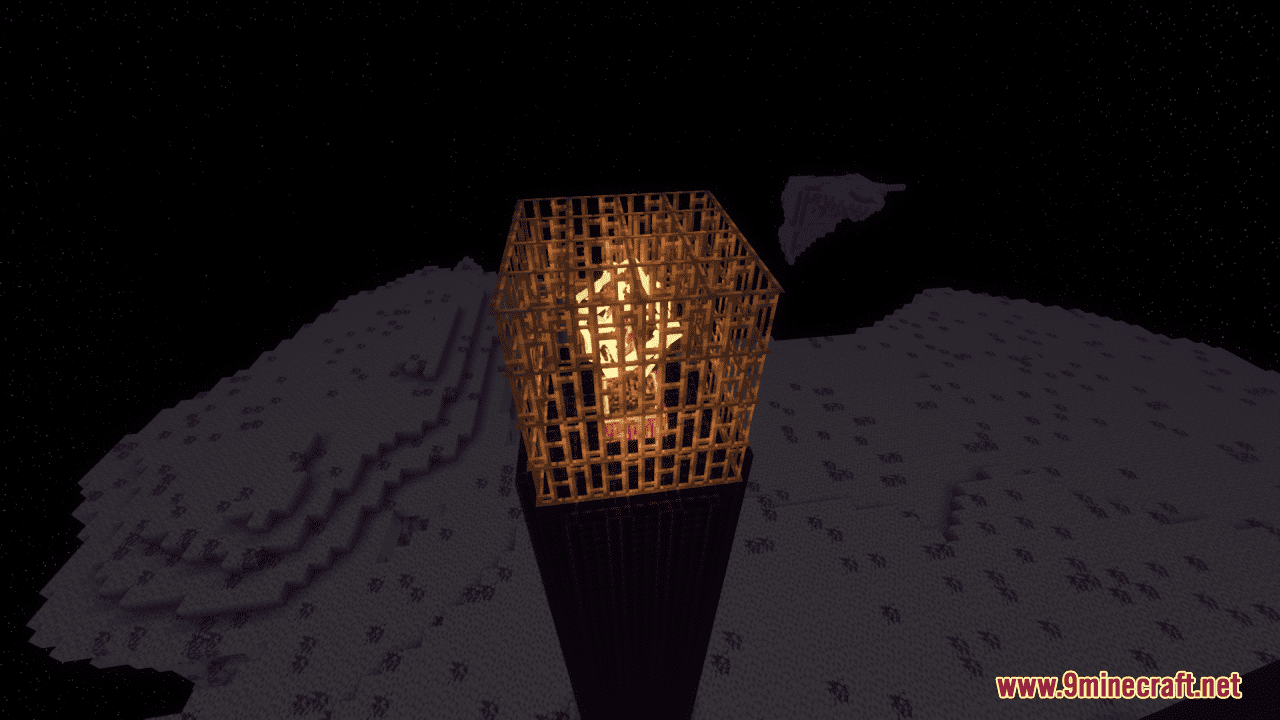
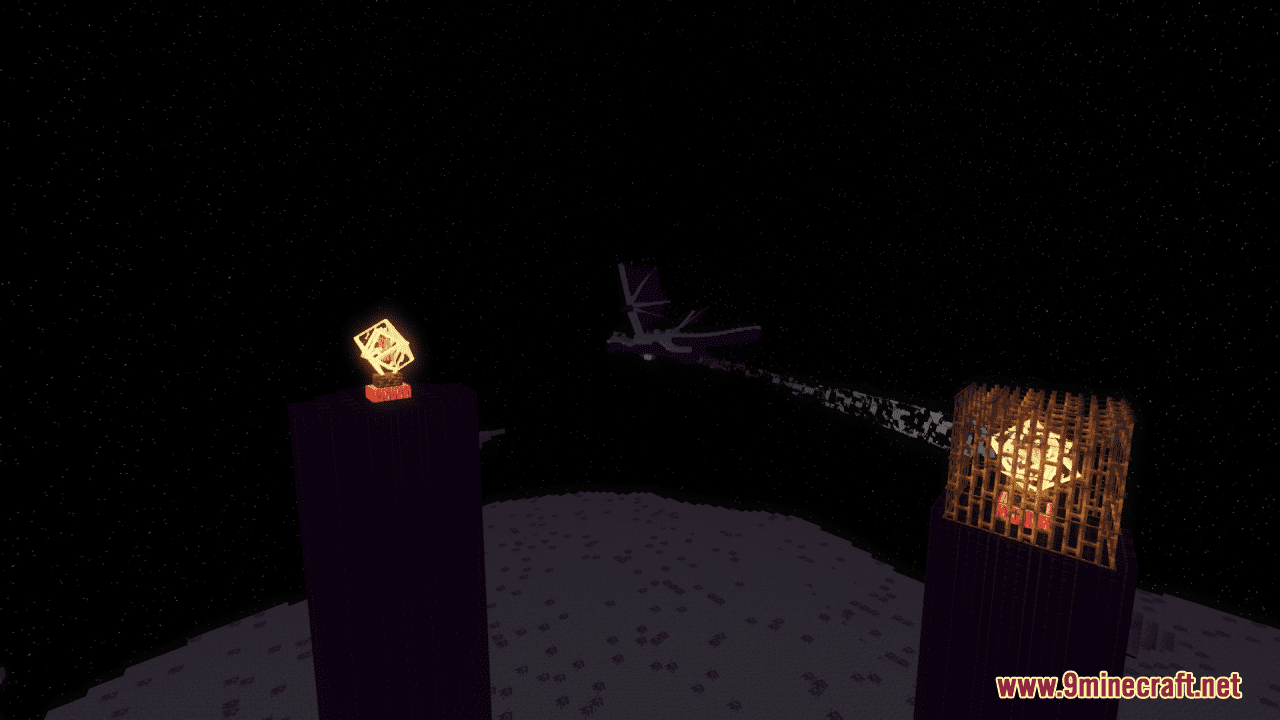
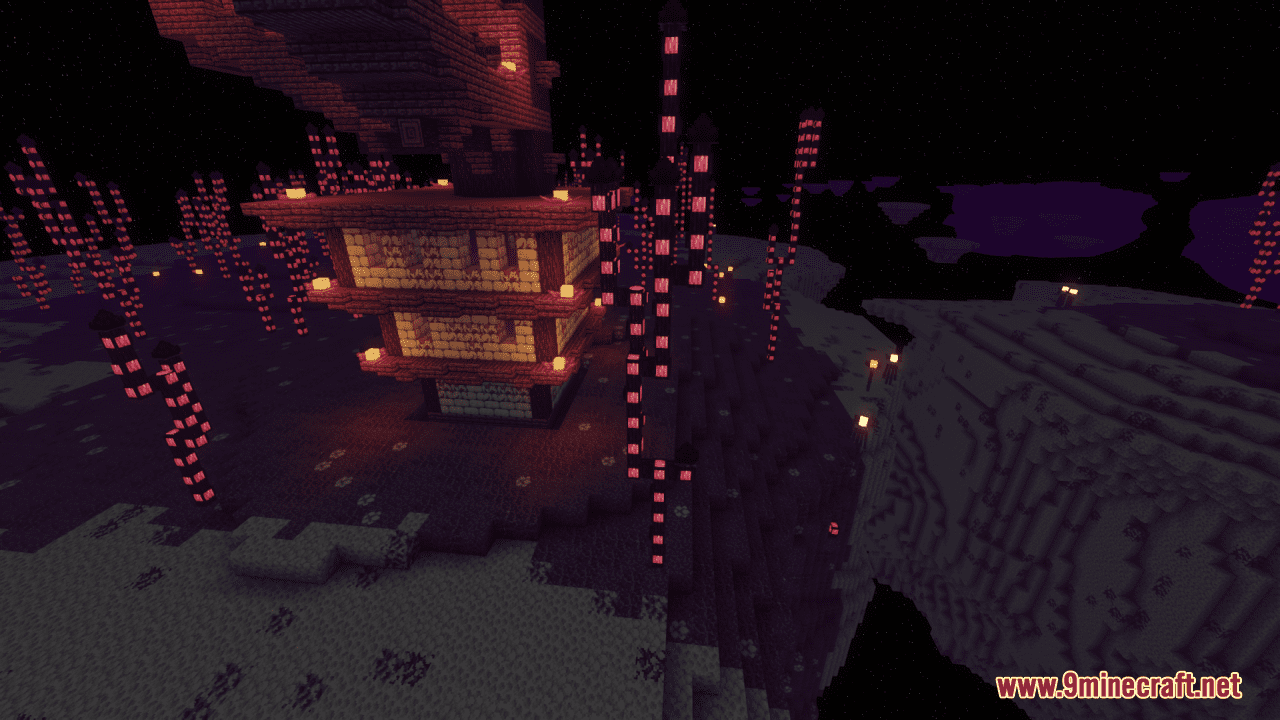
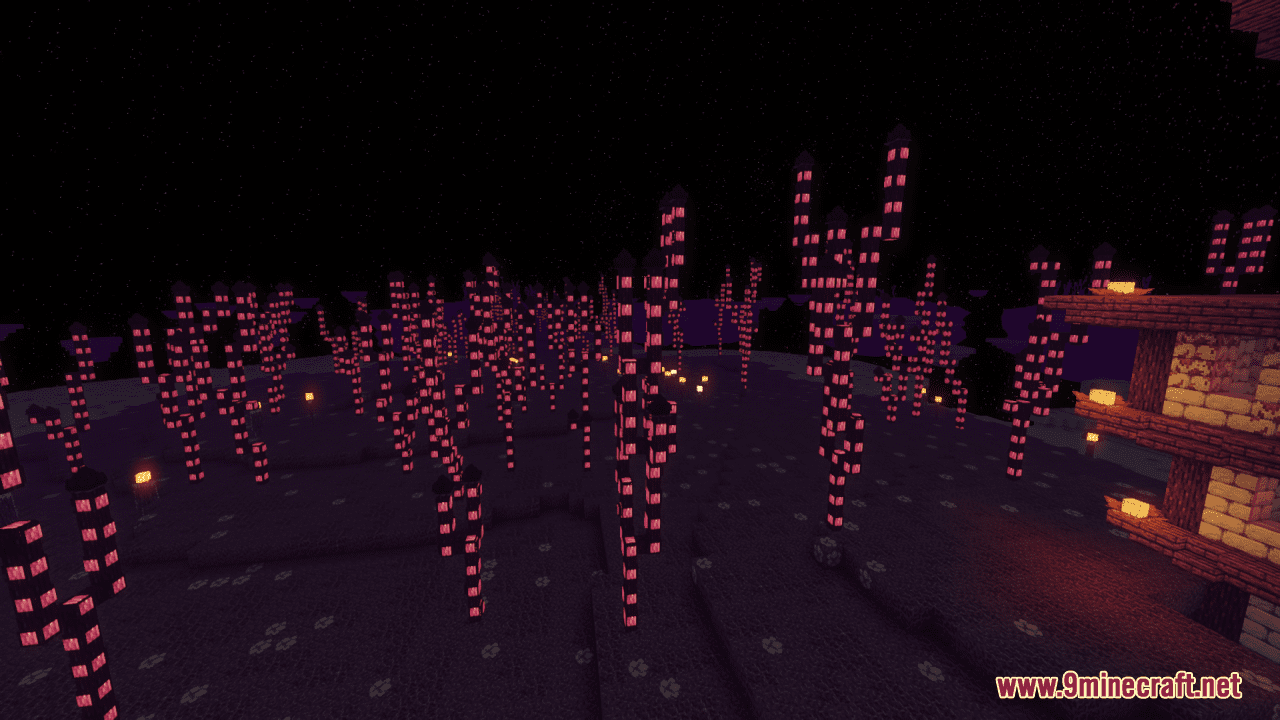
Shiny’s Endergrowth Resource Pack simply makes the end look extremely overgrown, with a space and purple-themed look. Specifically, this slight pack allows you to immerse yourself in a world of vibrant colors, ethereal plants, and captivating glow, as you discover the beauty hidden within the Ender. Moreover, from glow-infused armor to luminous weapons, it brings an otherworldly touch to your inventory. In general, it is a great and reasonable option for you to custom the visual impression without much effort.
Screenshots:
Shiny’s Endergrowth Resource Pack Download Links
For Minecraft 1.21.5, 1.21.1, 1.20.6, 1.20.4, 1.20.2, 1.20.1, 1.19.4
16x: – Download from Server 2
- Edition: Minecraft Java
- File type: .zip (resource pack)
- Minecraft versions listed: 1.21.1, 1.20.1
- How to install: Download the .zip resource pack — do not unzip it. → Put it in .minecraft/resourcepacks. → Enable it in Options → Resource Packs.
- Where to get it: In MC Java Mods, or directly above on this page.
Install steps are the general flow for this file type — How to install Minecraft Java resource packs walks through it step by step.
Shiny's Endergrowth Resource Pack (1.21.1, 1.20.1) – Texture Pack is a free Minecraft Java resourcepack. Compatible with Minecraft 1.21.1, 1.20.1. Download it and open it directly in the game.