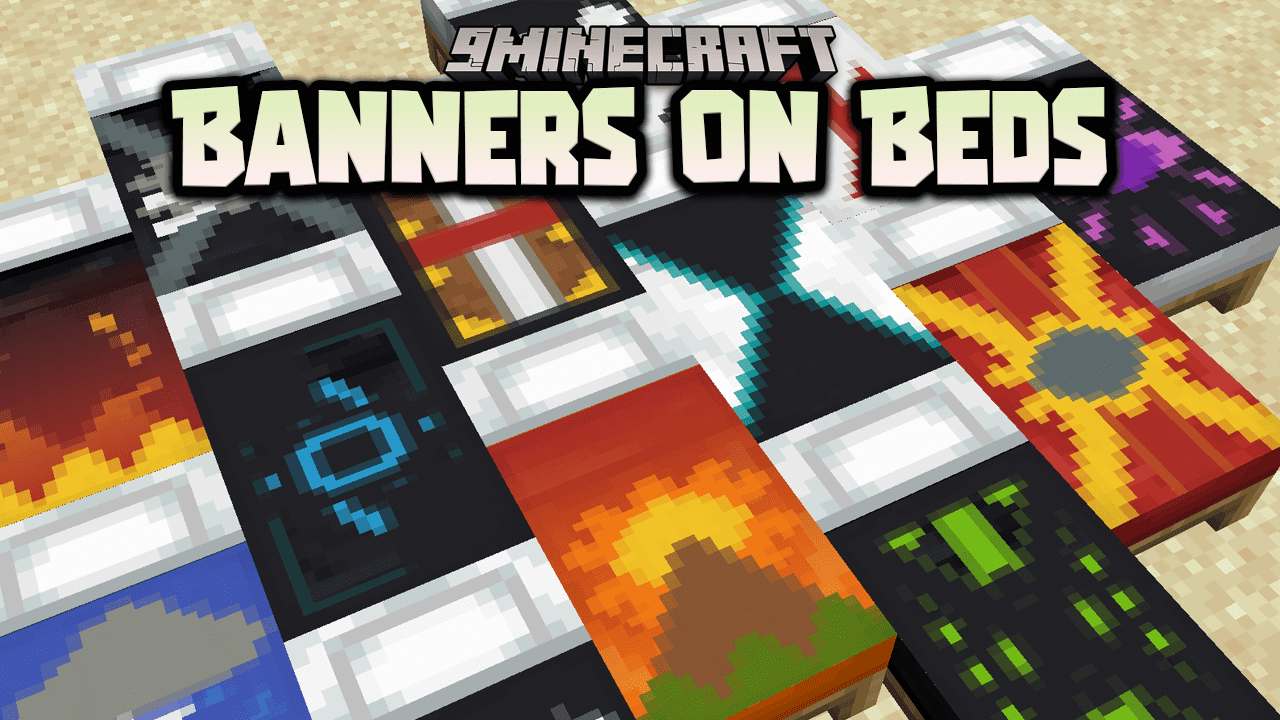
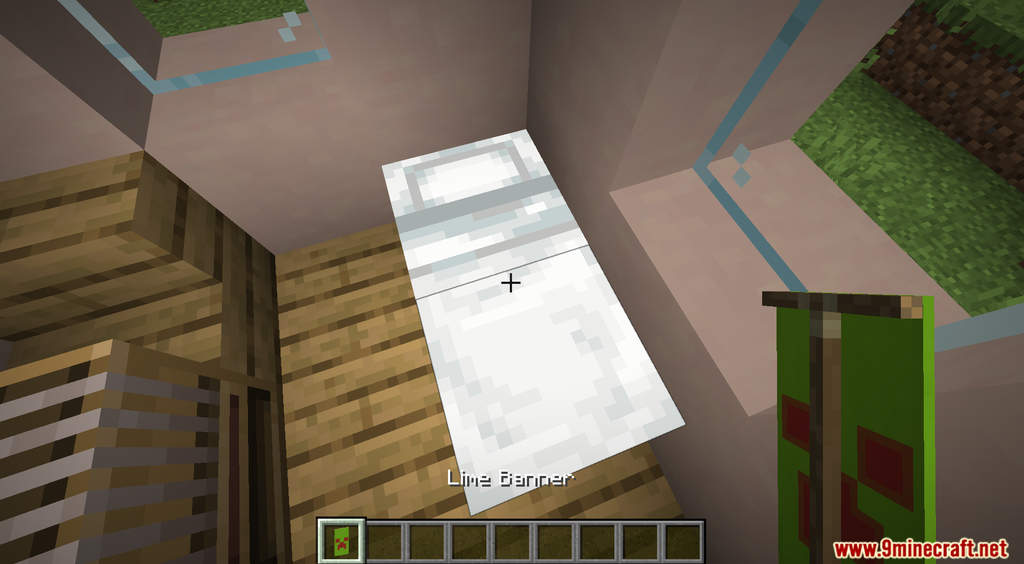
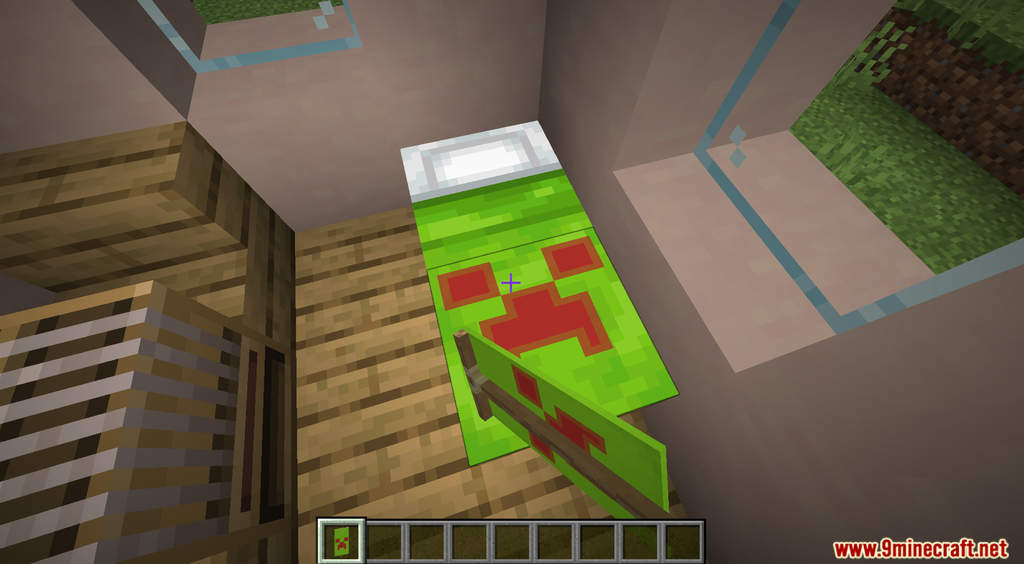
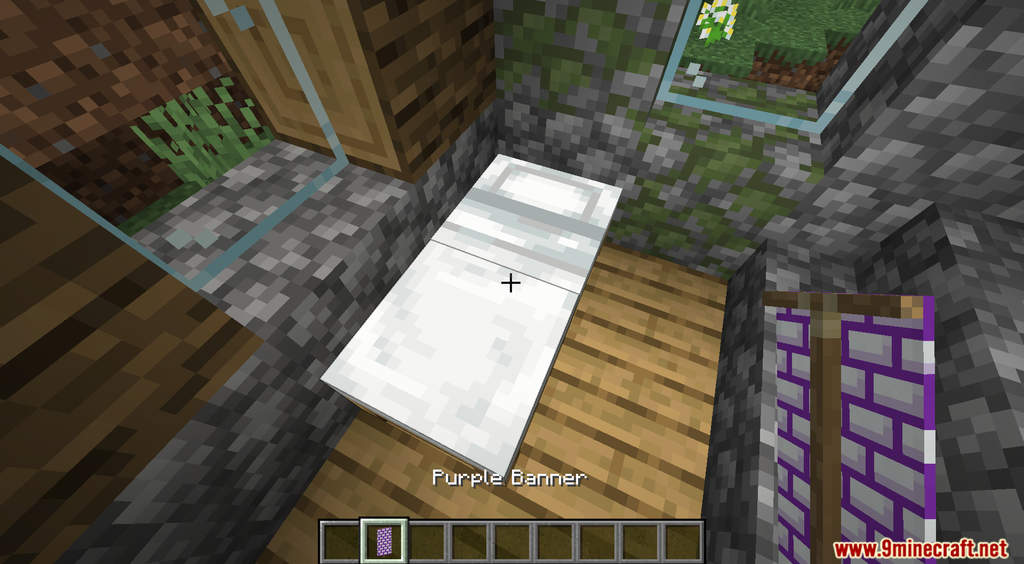
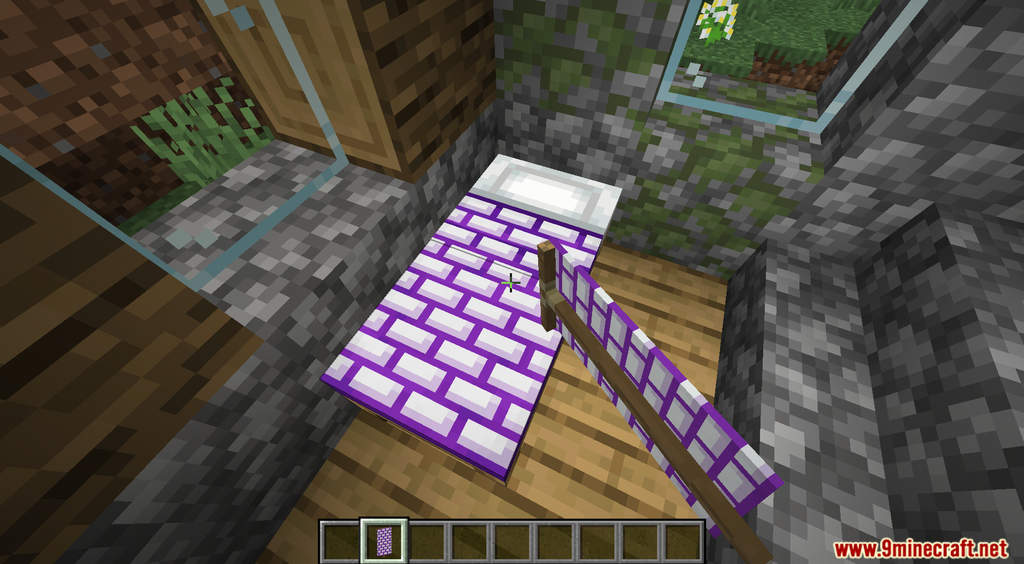
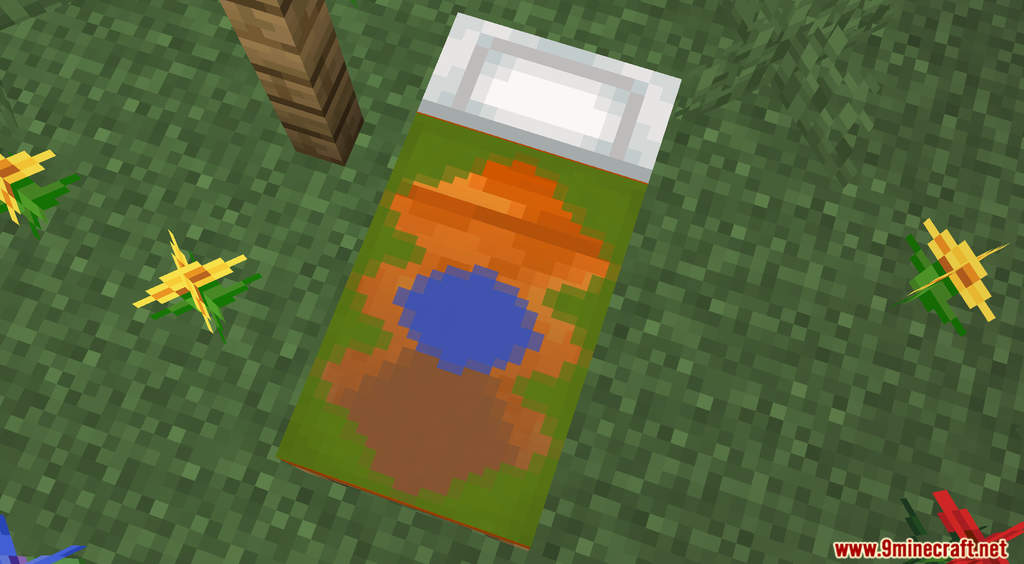
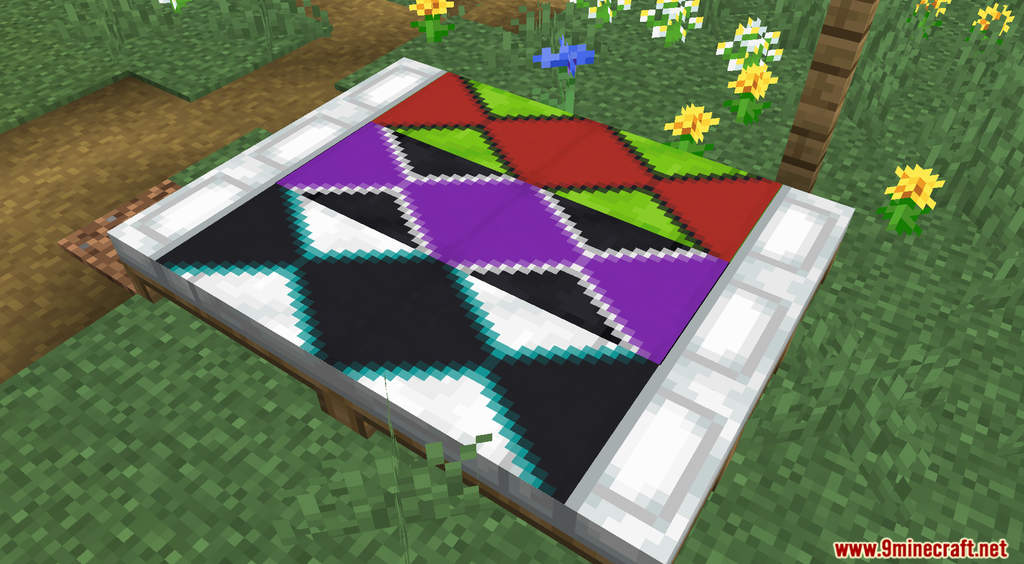
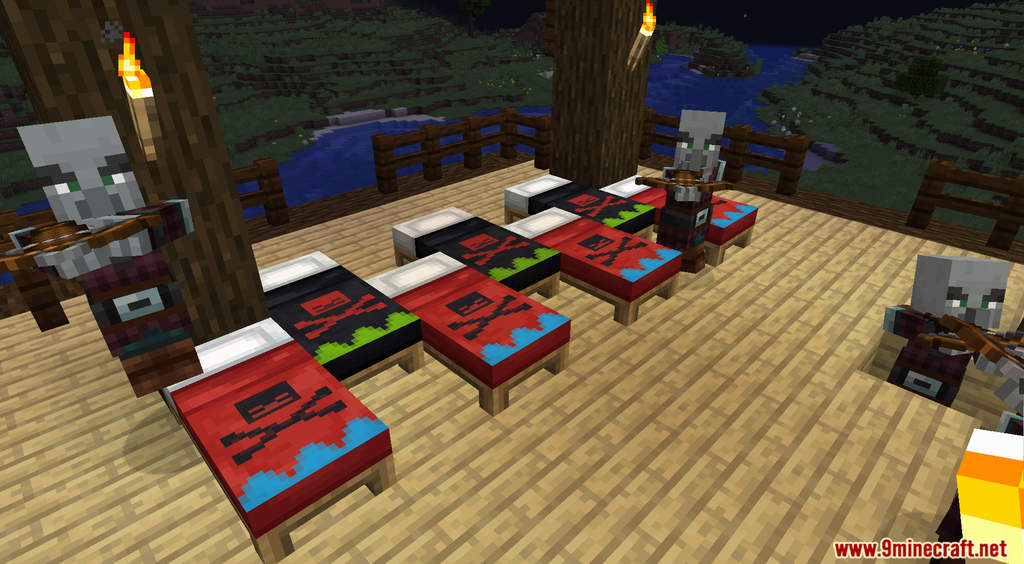
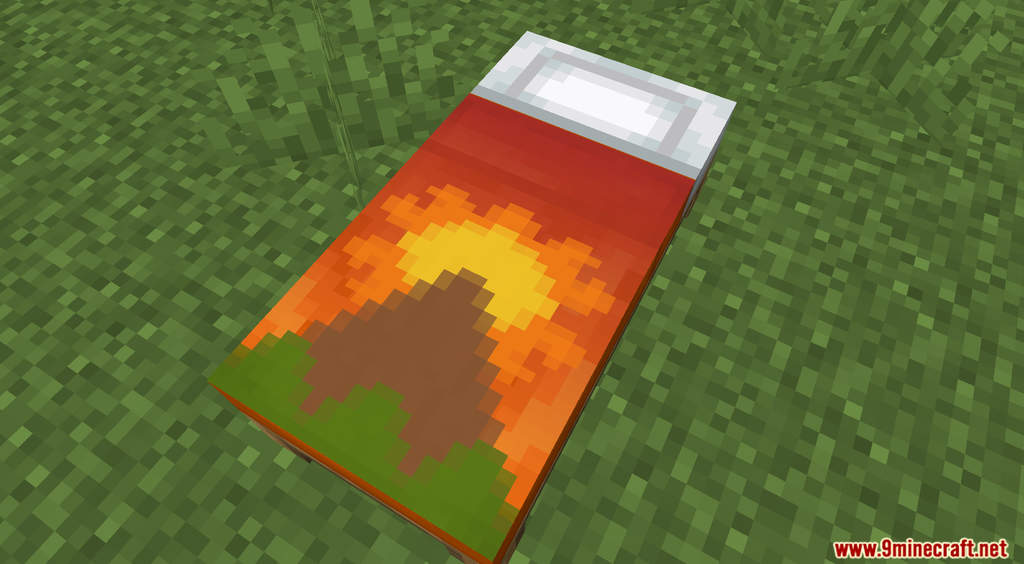
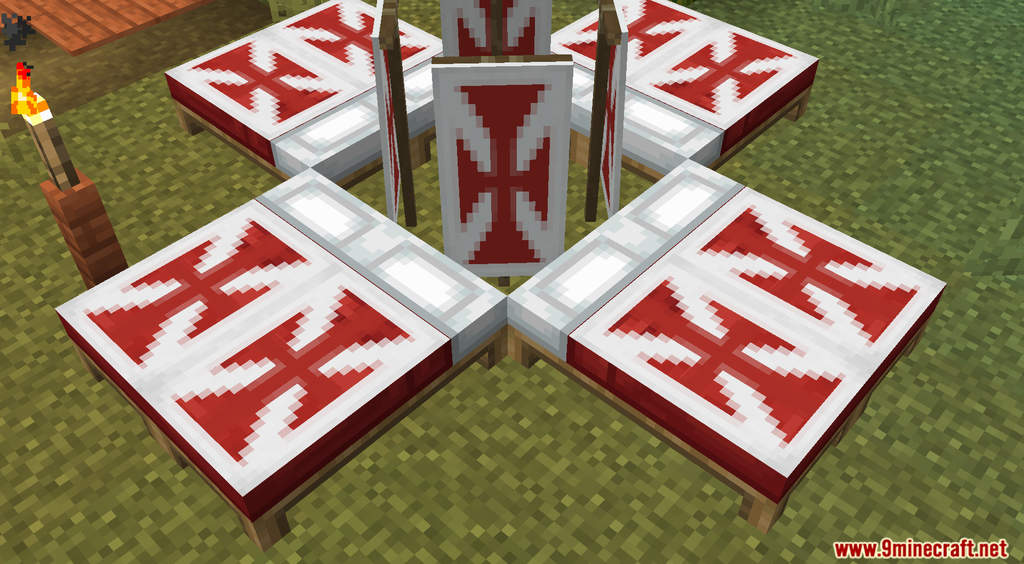
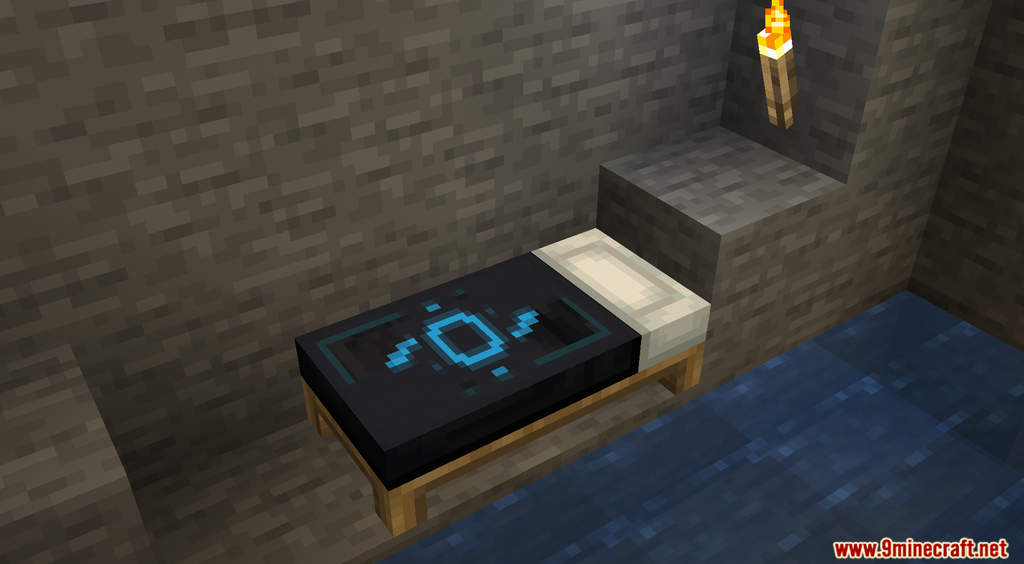
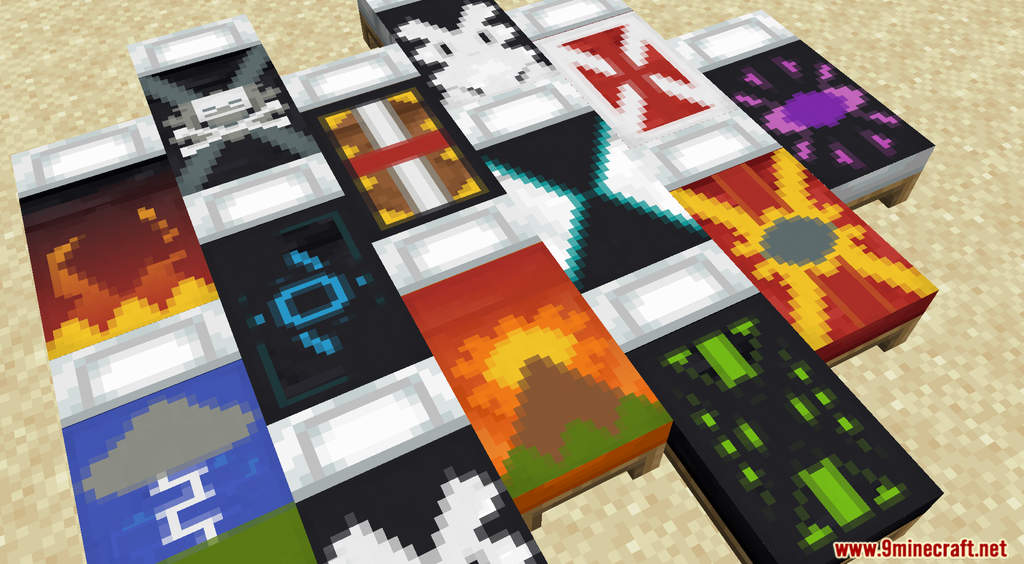
Banners On Beds Data Pack introduces a new feature to Minecraft that allows you to decorate your beds. Usually, the most you could do to make your bed looks better is to change its color with dyes. However, with this data pack, you will be able to put banner patterns on beds to decorate them. Simply take a banner with a pattern, then right-click a bed. You can use any banner with any pattern that you want. If you want to clear the pattern on your bed, you can use a blank banner instead.
Features:
- Allows you to decorate your beds with banner patterns.
Screenshots:
Banners On Beds Data Pack Download Links
For All Versions from Minecraft 1.17.1 to Minecraft 1.20.6
Data Pack: Download from Server 1 – Download from Server 2
Resource Pack: Download from Server 1 – Download from Server 2
- Edition: Minecraft Java
- File type: .jar
- Minecraft versions listed: 1.20.6, 1.20.1
- How to install: Install the matching mod loader (Forge, Fabric or NeoForge) for your Minecraft version. → Download the .jar. → Put it in the .minecraft/mods folder and launch that loader profile.
- Where to get it: In MC Java Mods, or directly above on this page.
Install steps are the general flow for this file type — see the MC Java Mods guides for the full walkthrough.
Banners On Beds Data Pack (1.20.6, 1.20.1) – Decorate Your Beds with Banners is a free Minecraft Java datapack. Compatible with Minecraft 1.20.6, 1.20.1. Download it and open it directly in the game.