Tool Rack Data Pack (1.20.6, 1.20.1) – Store Your Tools and Weapons!
Java data pack listed for Minecraft 1.20. Downloads from the MC Java Mods app on Android.
⬇ Download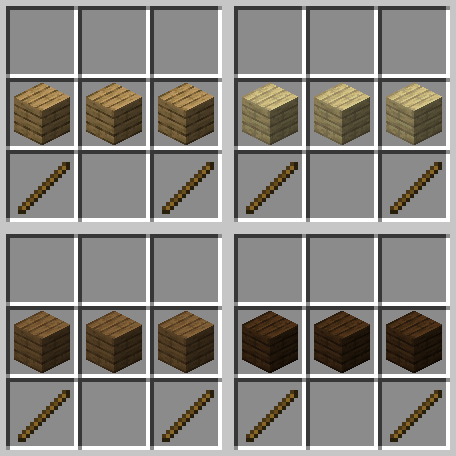
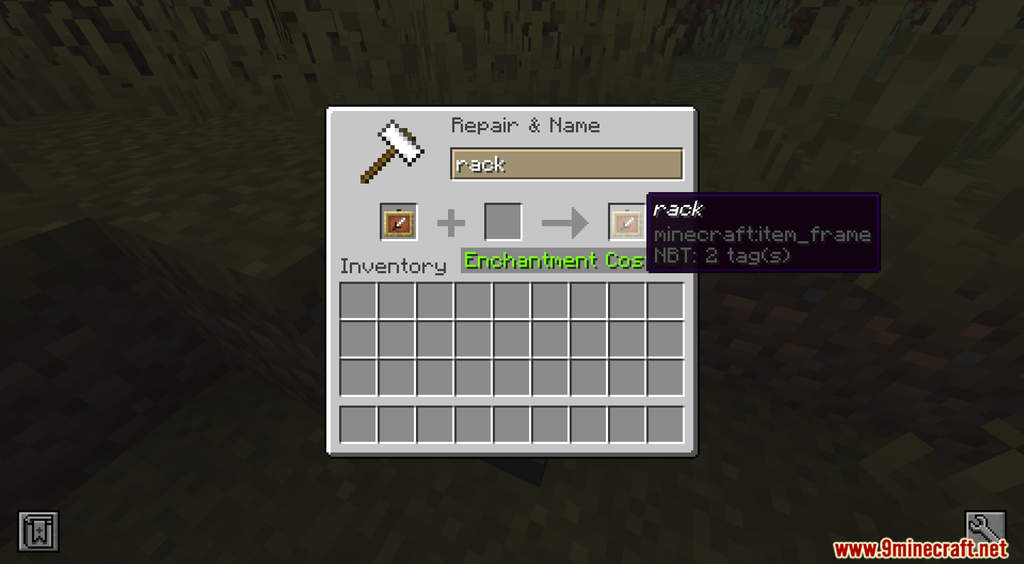
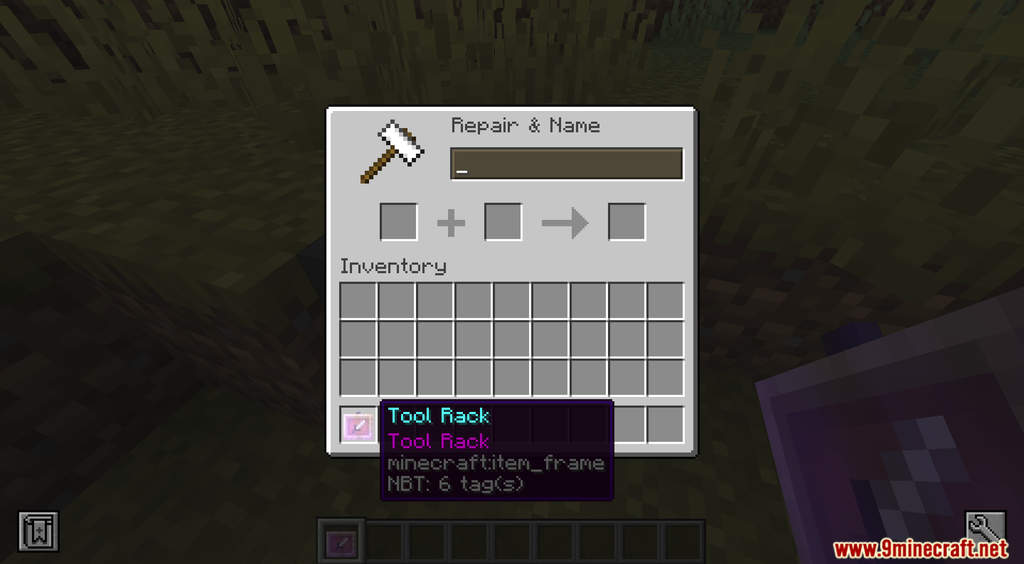
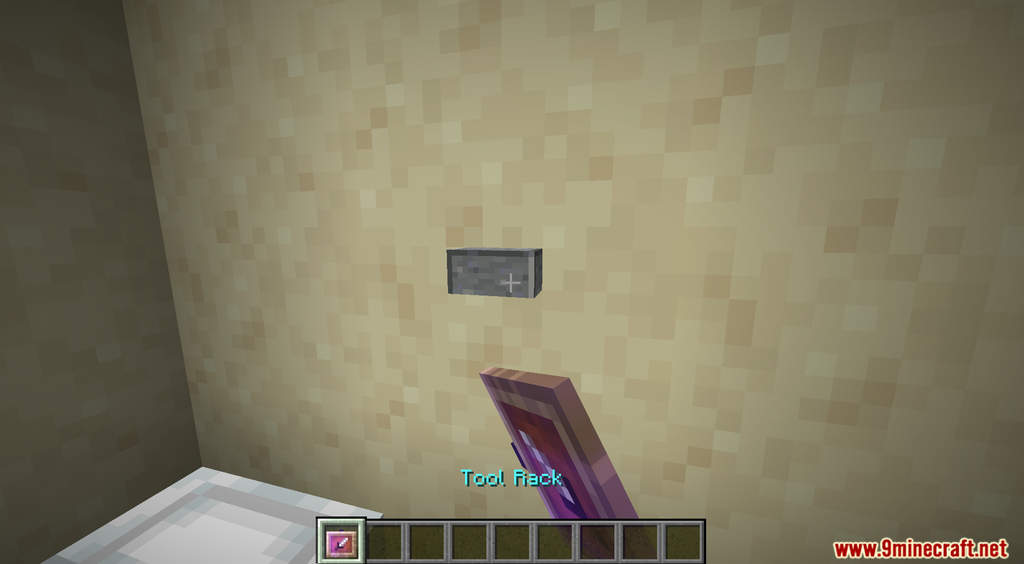
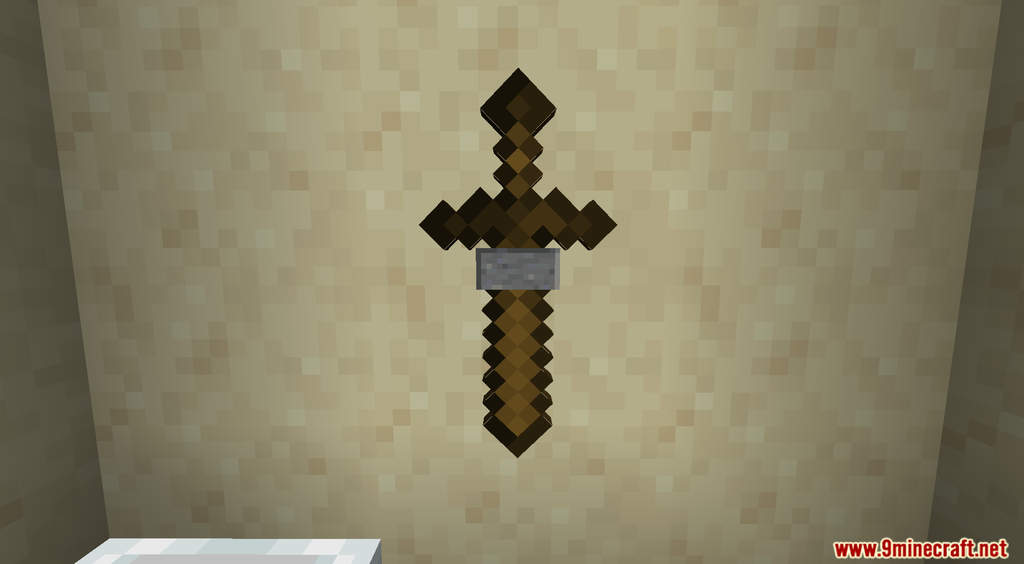
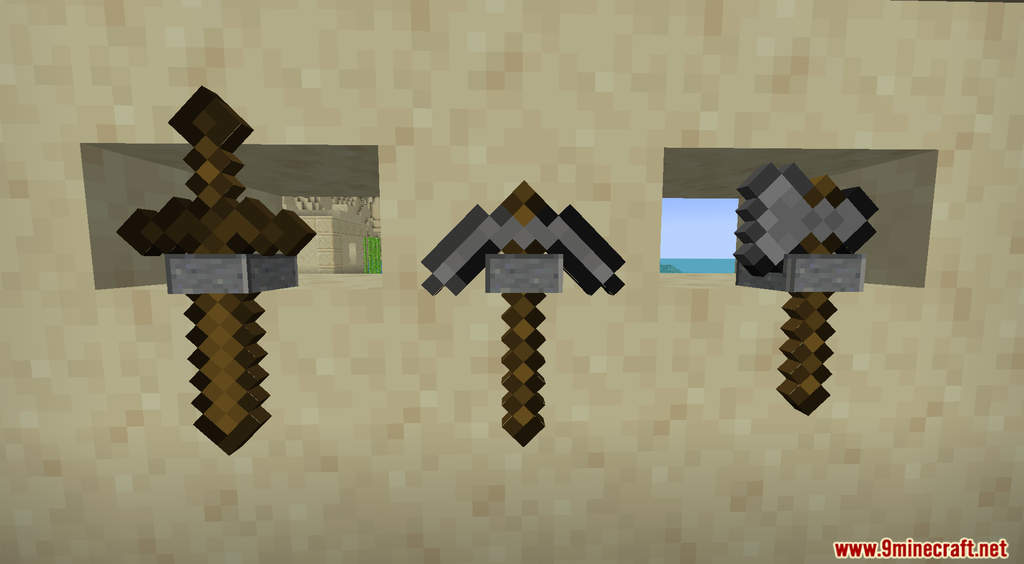
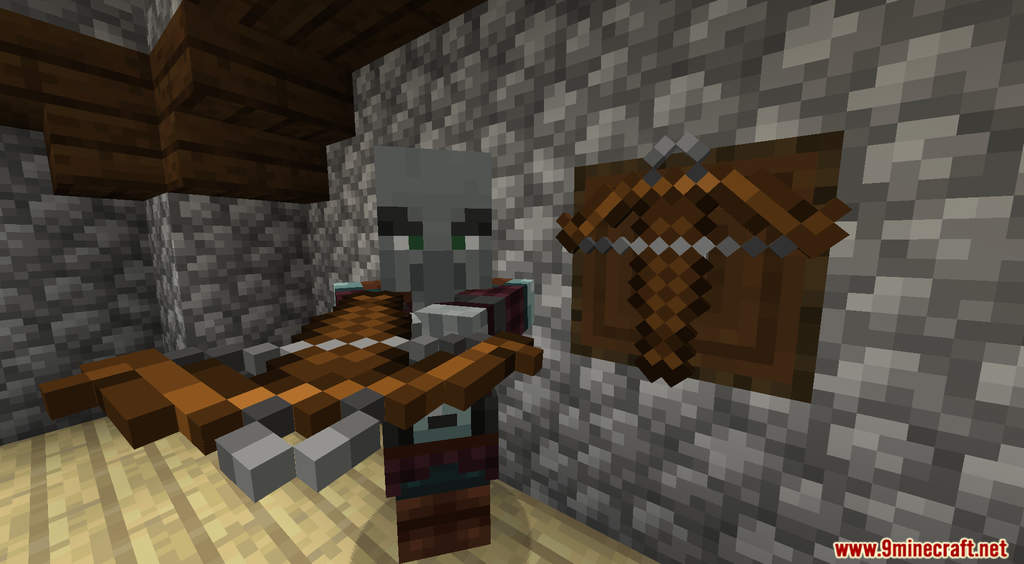
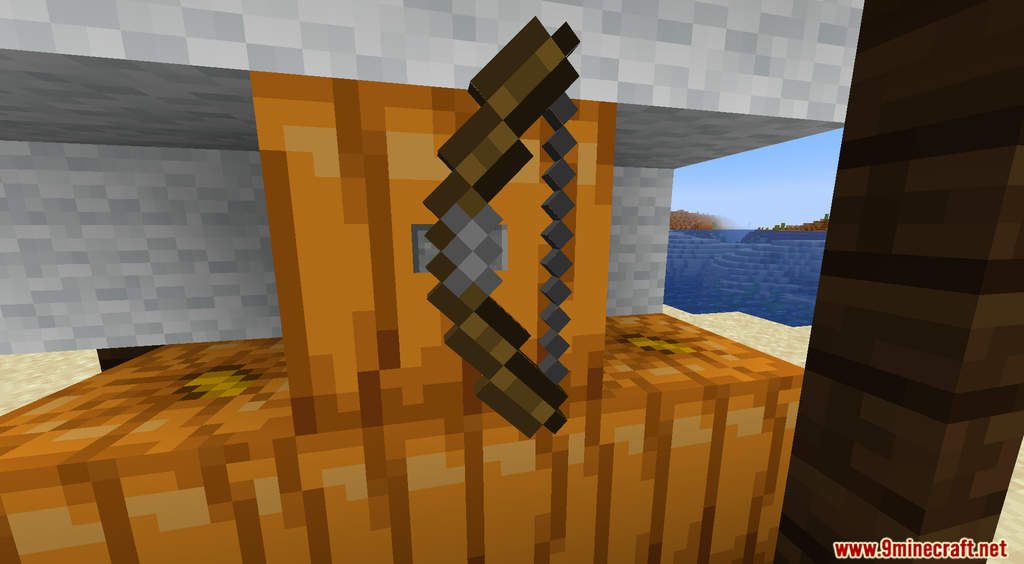
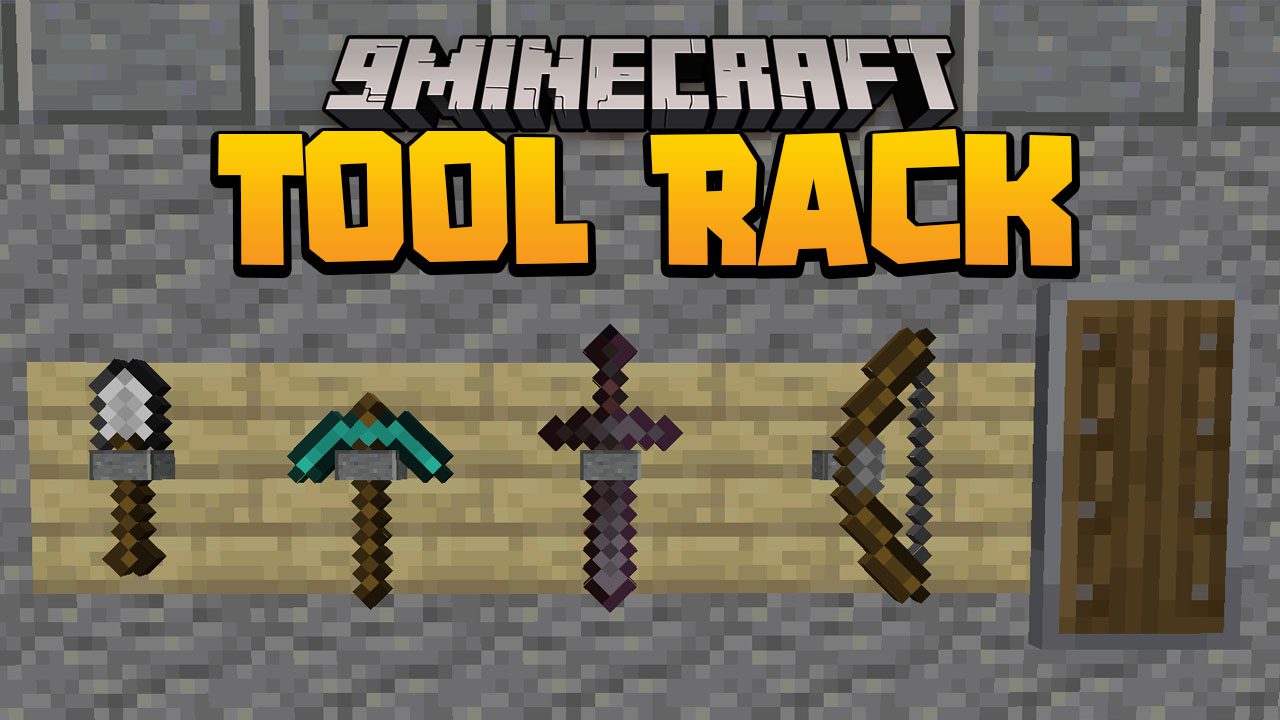
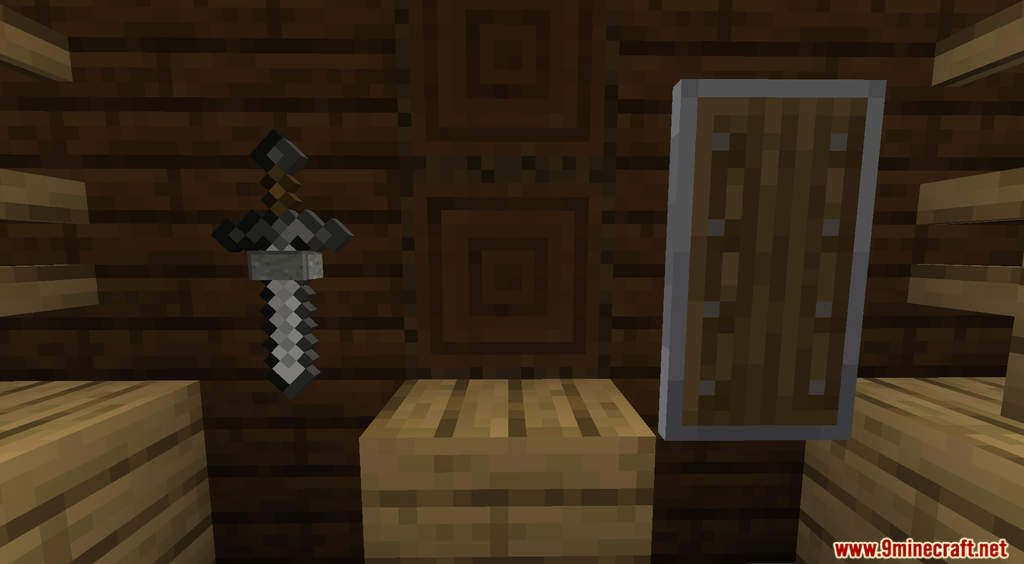
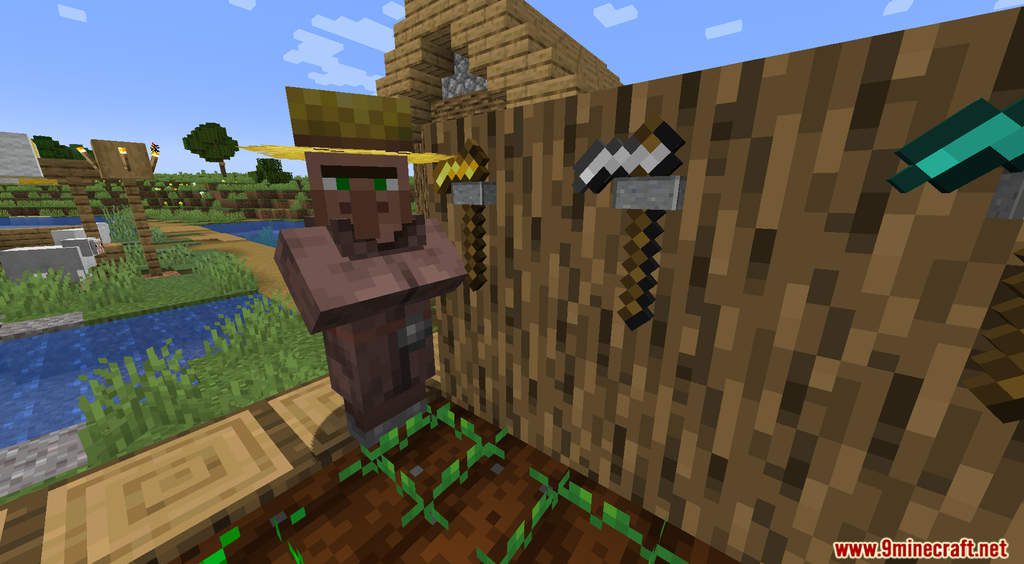
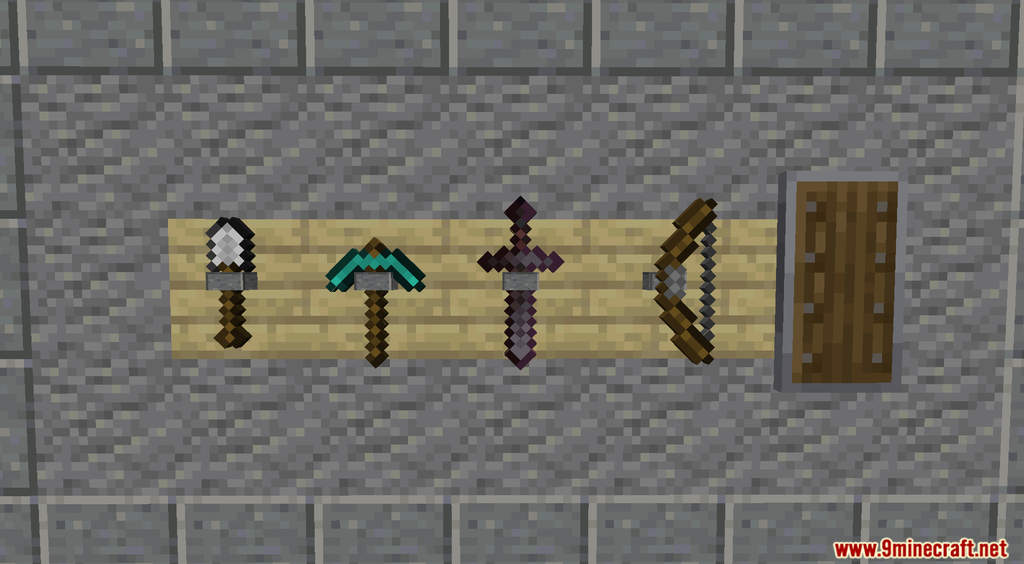
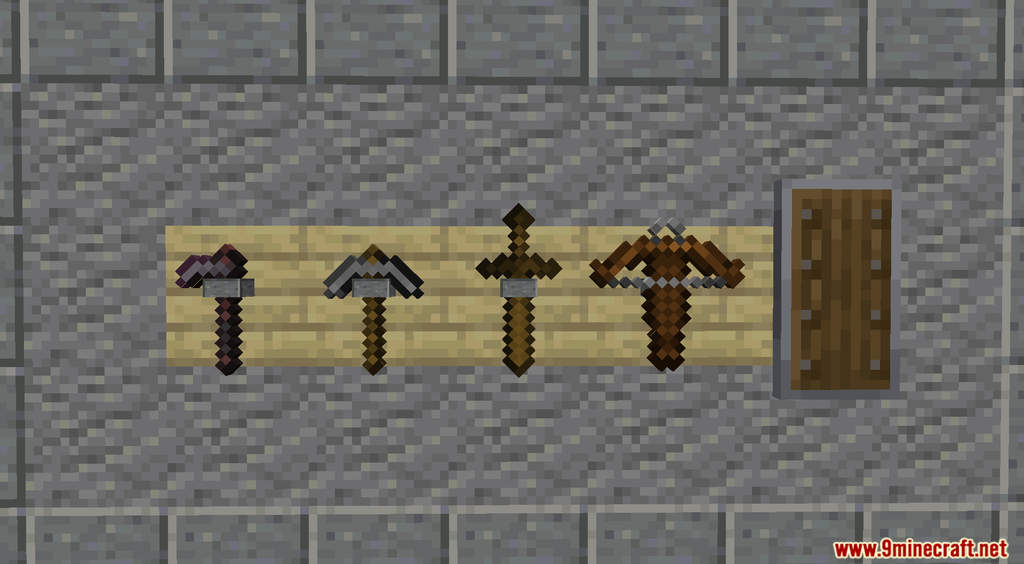
Tool Rack Data Pack introduces the Tool Rack – a new item that allows you to hang your weapons and tools up on a wall. To get the Tool Rack, you need to rename an item frame to “rack”. After that, you can put the renamed item frame on a block and it will turn into a Tool Rack. You can put items such as swords, pickaxes, bows, and shields on a tool rack by pressing right-click. Press right-click again to get them back. A Tool Rack can only hold up to one item at a time and it will drop itself when broken. Have fun!
Features:
- New item: The Tool Rack that you can use to hang your weapons and tools on.
Crafting Recipes:
After you crafted it, you can then place down your Rack. You can either place it on the ground, allowing you to set up to two tool in it. Or on a wall, allowing you to expose a single tool. In order to put a tool in it, you can simply right-click the Rack. To retrieve the item, right-click it having your mainhand empty. Right-clicking it while sneaking allow you to change items rotation. The ground mode has 6 different rotations, while the wall mode has 2 different orientation or item positioning.
Screenshots:
Commands:
If you want to directly get a Rack, you can give it to yourself with one of these commands.
/function pk_racks:cmd/give/oak

/function pk_racks:cmd/give/birch

/function pk_racks:cmd/give/spruce

/function pk_racks:cmd/give/dark_oak

/function pk_racks:cmd/give/acacia

/function pk_racks:cmd/give/jungle

/function pk_racks:cmd/give/mangrove

/function pk_racks:cmd/give/crimson

/function pk_racks:cmd/give/warped

/function pk_racks:cmd/give/bamboo

/function pk_racks:cmd/give/cherry
Tool Rack Data Pack Download Links
For Minecraft 1.20.6, 1.20.4, 1.20.2, 1.20.1, 1.20
For Minecraft 1.19.4, 1.19.3, 1.19.2, 1.19.1, 1.19
For Minecraft 1.18.2, 1.18.1
- Edition: Minecraft Java
- File type: .jar
- Minecraft versions listed: 1.20.6, 1.20.1
- How to install: Install the matching mod loader (Forge, Fabric or NeoForge) for your Minecraft version. → Download the .jar. → Put it in the .minecraft/mods folder and launch that loader profile.
- Where to get it: In MC Java Mods, or directly above on this page.
Install steps are the general flow for this file type — see the MC Java Mods guides for the full walkthrough.
- Download size: 142 KB
- Download link checked 19 Jun 2026 — working
- Mirrored on our own servers — the download does not depend on the original host
These come from our own check of the pack file, not from the source page.