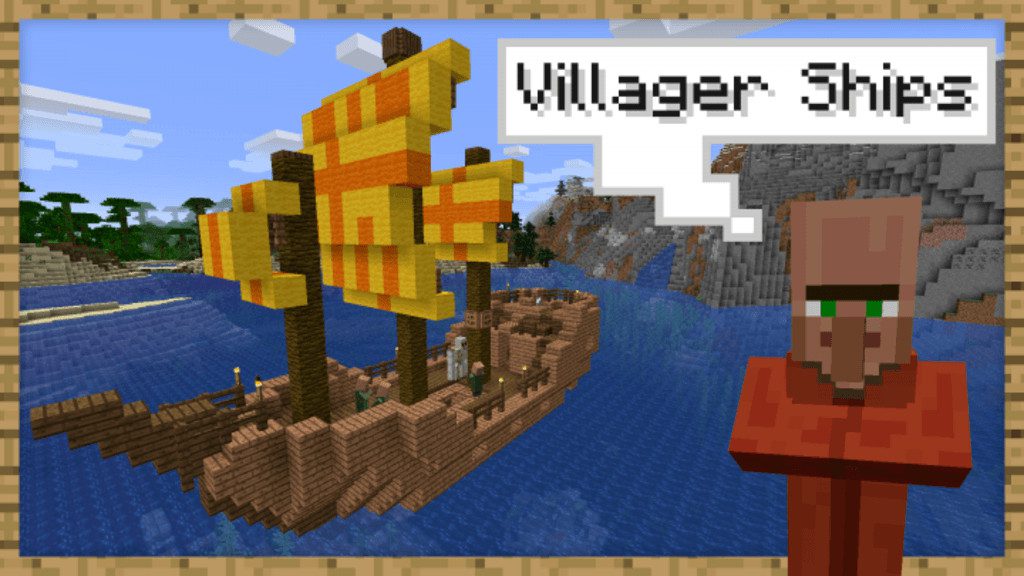
Ships Out On The Oceans Data Pack (1.20.6, 1.20.1) – Set Sail to Trade and Plunder
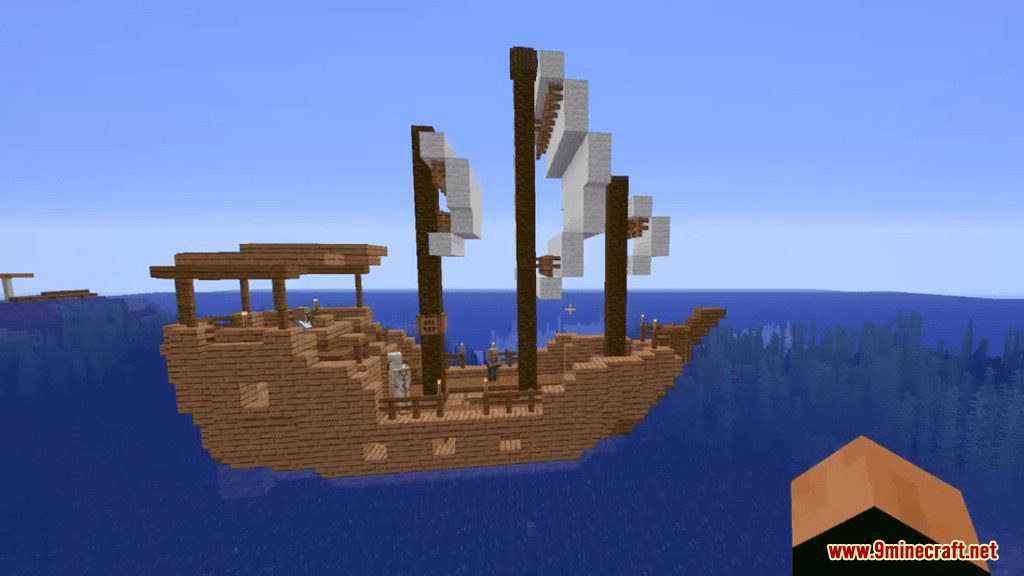
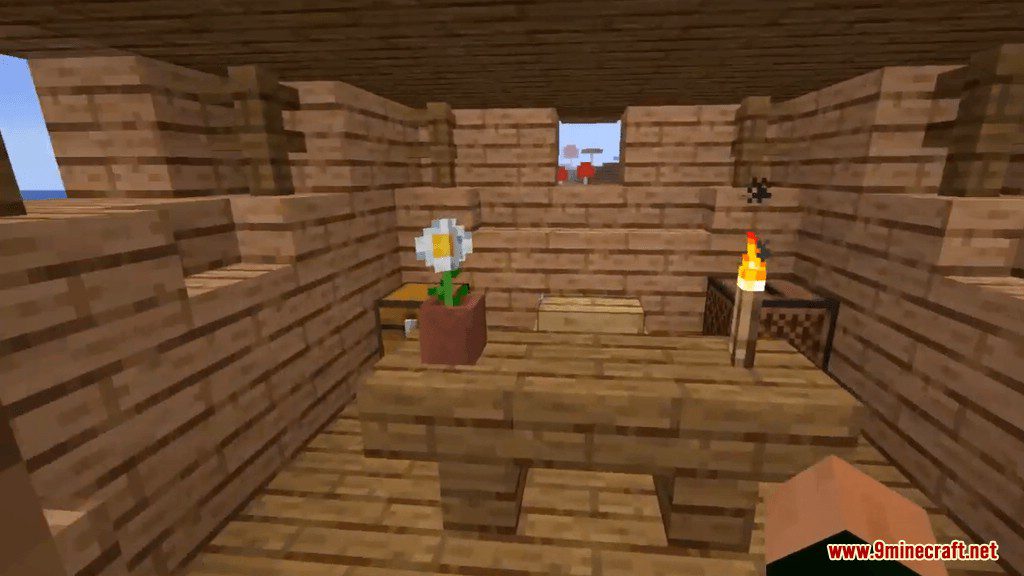
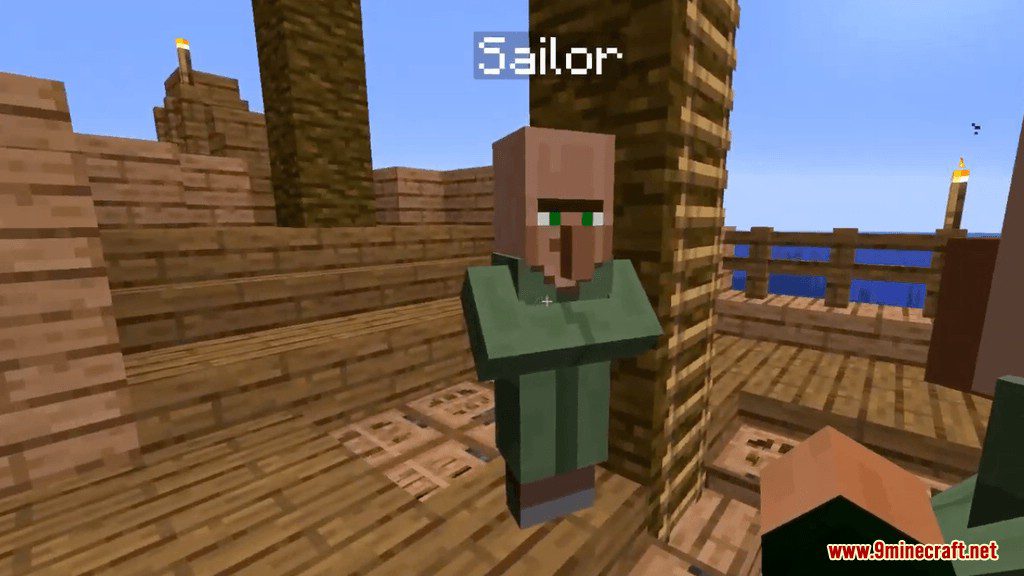
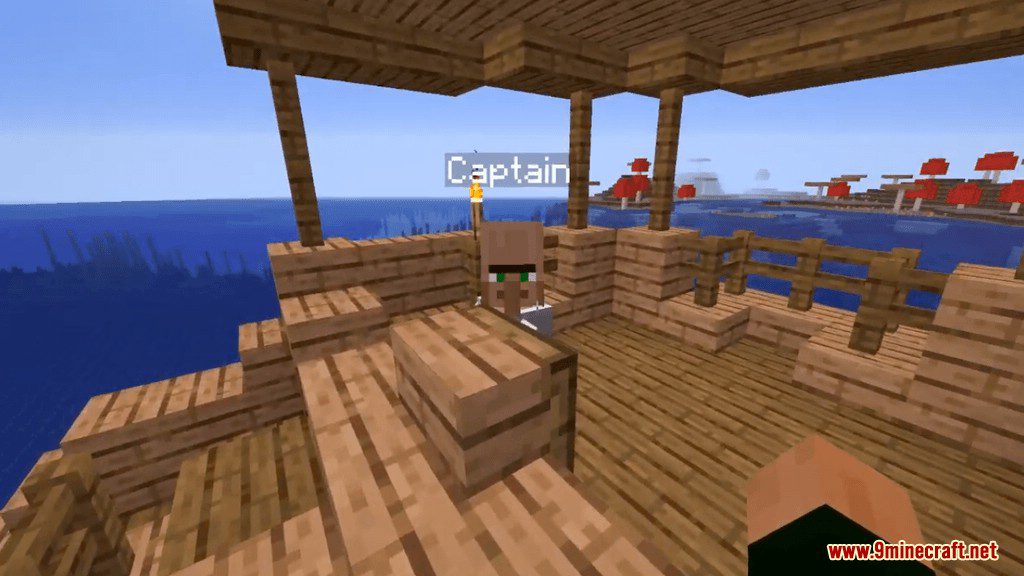
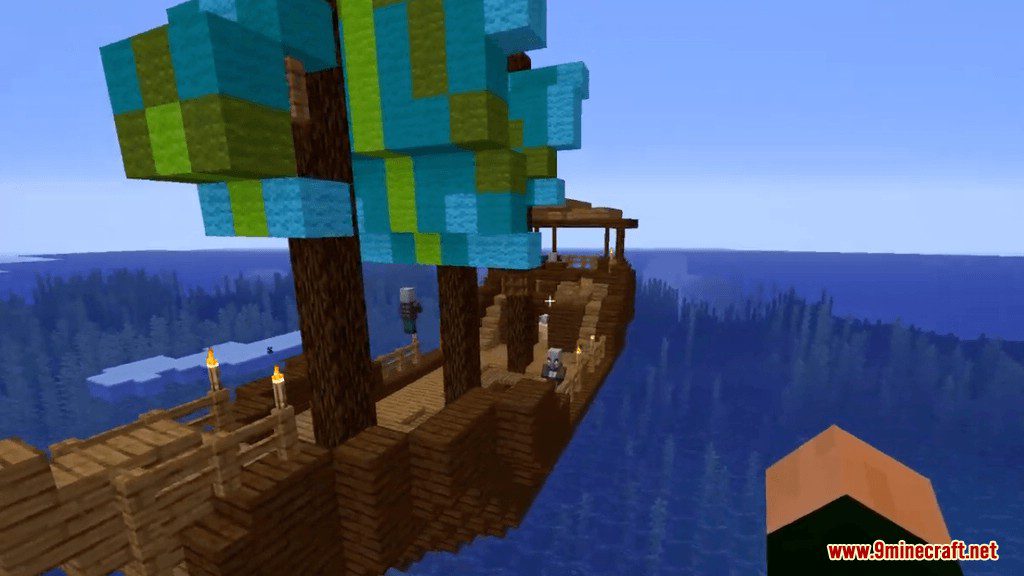
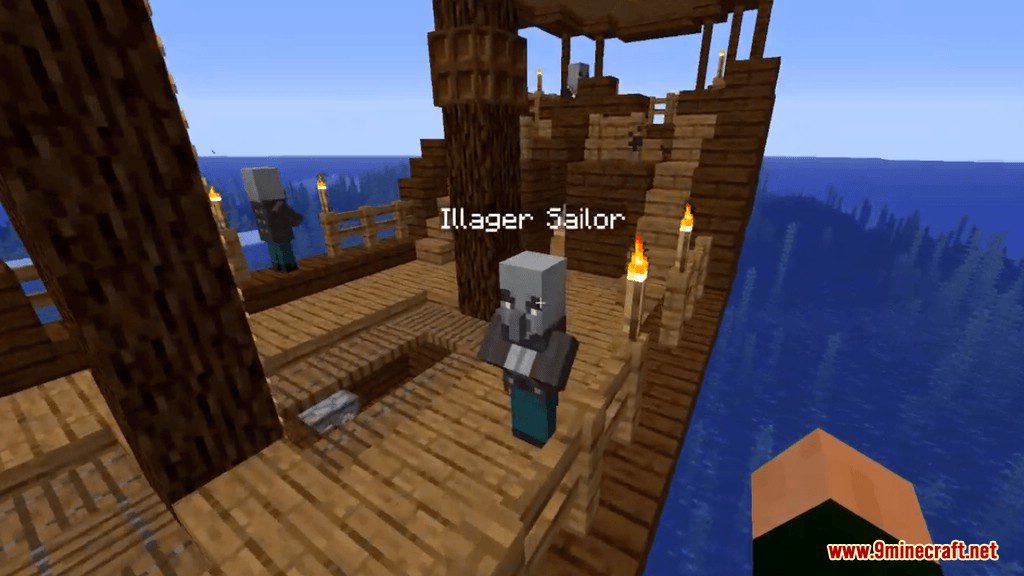
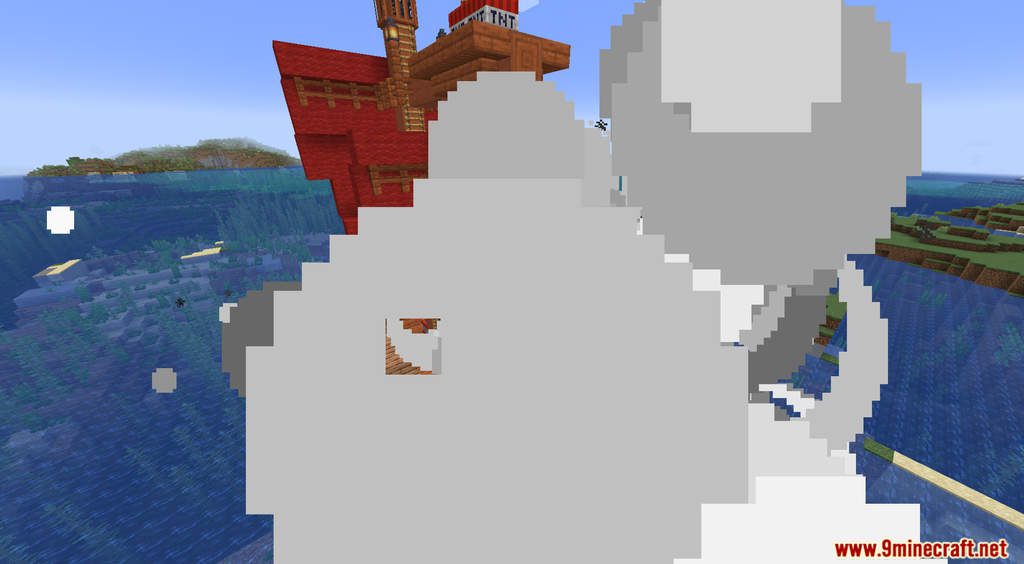
Ships Out On The Oceans Data Pack introduces new adventure structures that you can find in the ocean. By Minecraft 1.13, shipwrecks were added to the game as one of the locations you can explore. But how did the ships get there, and where are all the ships sailing in the sea? With the Ships Out On The Oceans Data Pack, you can witness an active water region full of vessels belonging to civilians and pirates alike. There are a total of 5440 different possible ship combinations that can be generated (not counting the random loot). The author used the existing ocean ruins to determine where ships could be generated. This means that you can use the command /locate Ocean_Ruin to find them.
Features:
- You can encounter Villager ships or Illager ships while exploring, some will welcome you aboard.
- There is a large number of ships variety so you won’t see the two of the same ships.
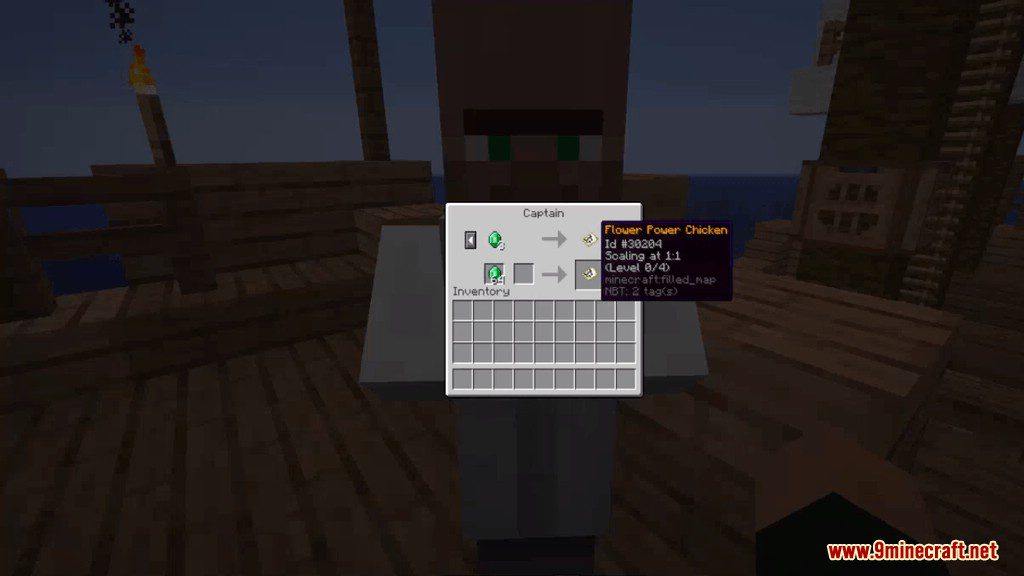
- You can trade with the captain for maps.
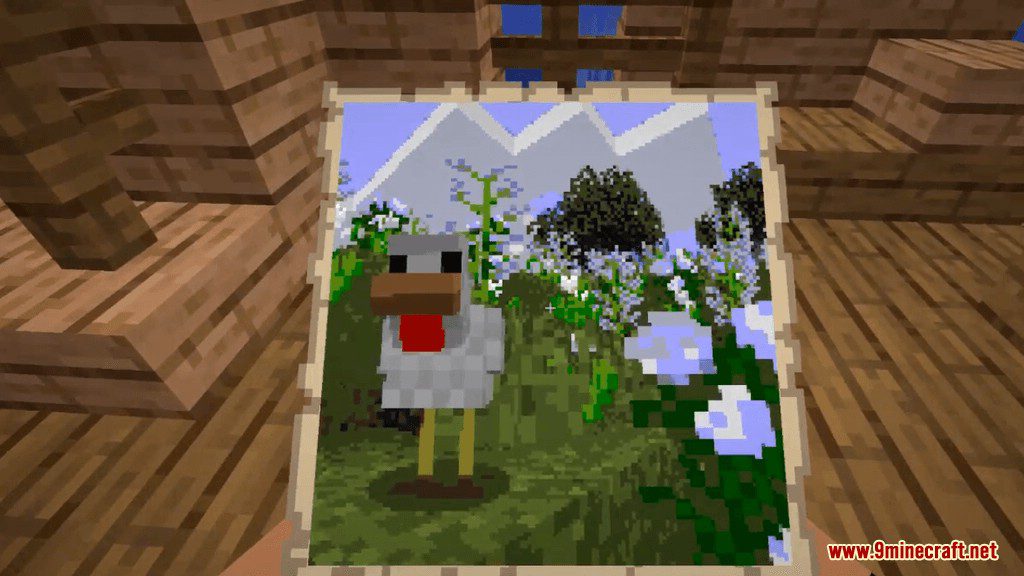
- These maps are excellent paintings that you can collect.
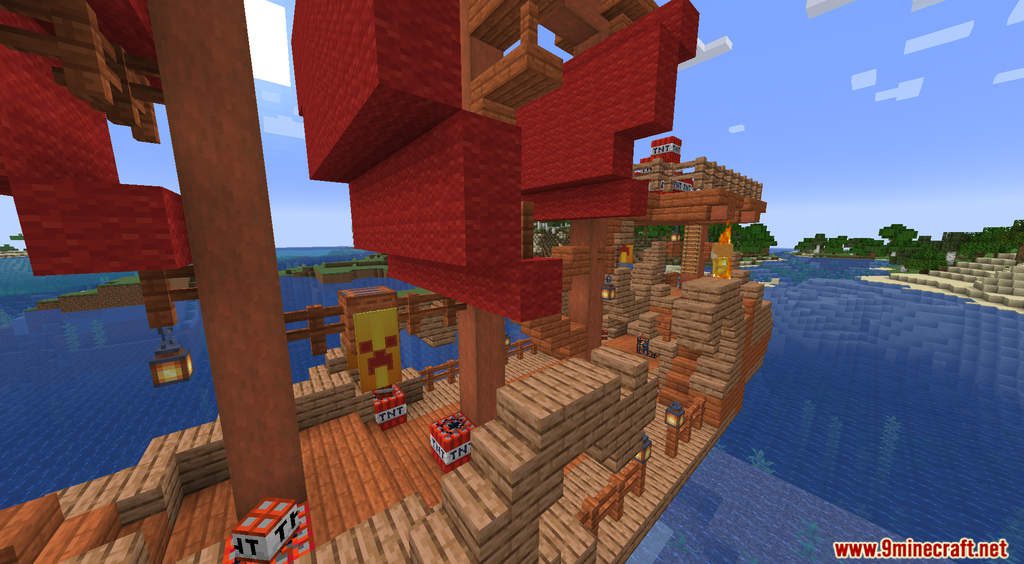
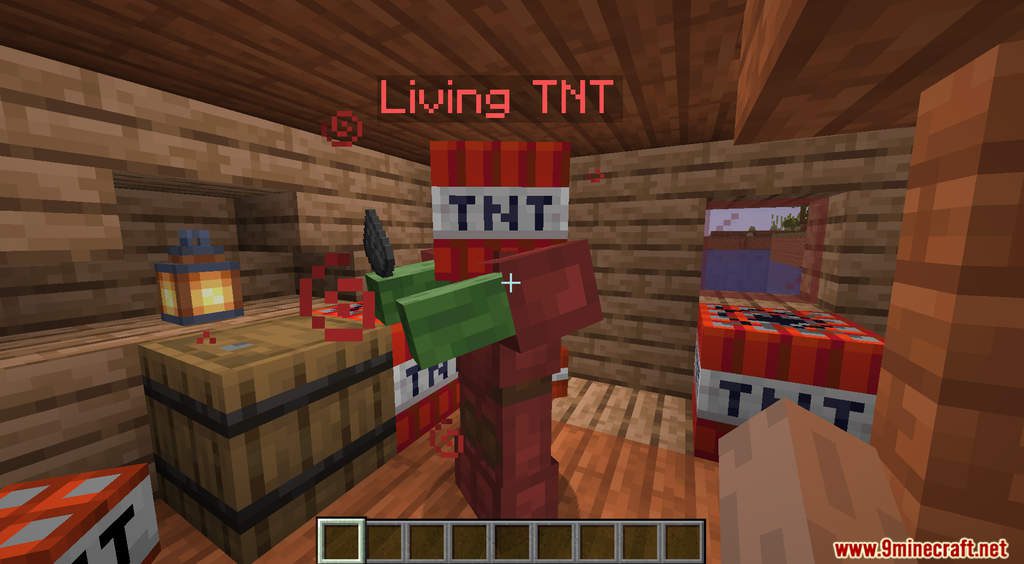
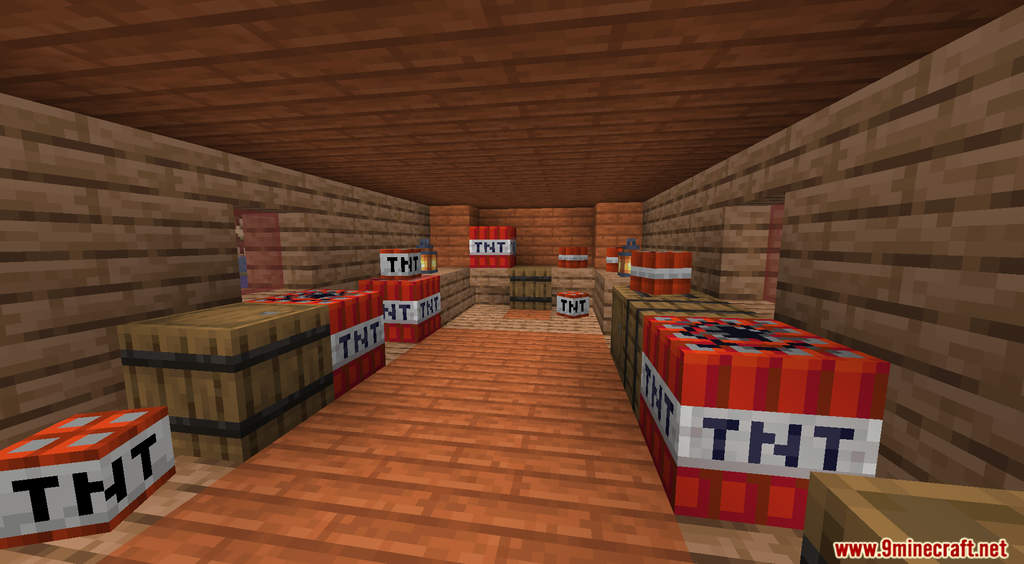
Screenshots:
Ships Out On The Oceans Data Pack Download Links
For Minecraft 1.20.6, 1.20.4, 1.20.2, 1.20.1, 1.20
For All Versions from Minecraft 1.18.2 to Minecraft 1.19.4
For Minecraft 1.18.1
For Minecraft 1.17.1
For Minecraft 1.16.5
For Minecraft 1.15.2
For Minecraft 1.14.4
For Minecraft 1.13.2
- Edition: Minecraft Java
- File type: .jar
- Minecraft versions listed: 1.20.6, 1.20.1
- How to install: Install the matching mod loader (Forge, Fabric or NeoForge) for your Minecraft version. → Download the .jar. → Put it in the .minecraft/mods folder and launch that loader profile.
- Where to get it: In MC Java Mods, or directly above on this page.
Install steps are the general flow for this file type — see the MC Java Mods guides for the full walkthrough.
Ships Out On The Oceans Data Pack (1.20.6, 1.20.1) – Set Sail to Trade and Plunder is a free Minecraft Java datapack. Compatible with Minecraft 1.20.6, 1.20.1. Download it and open it directly in the game.