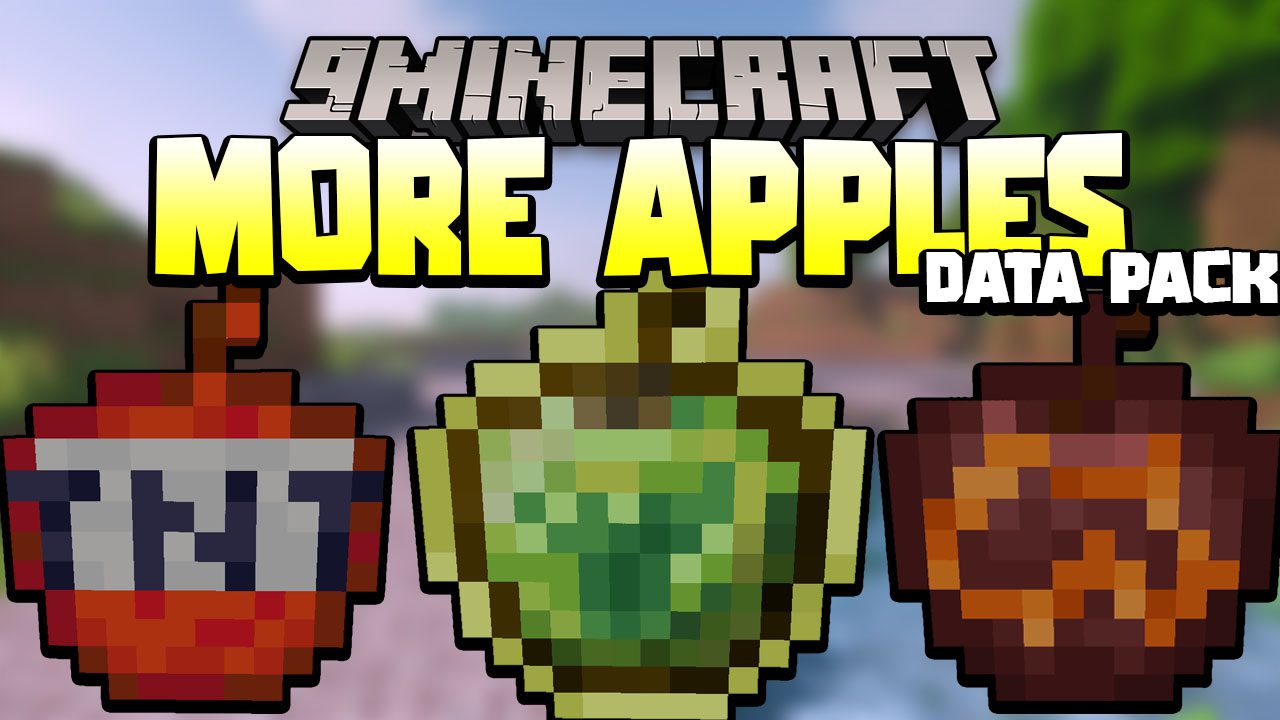
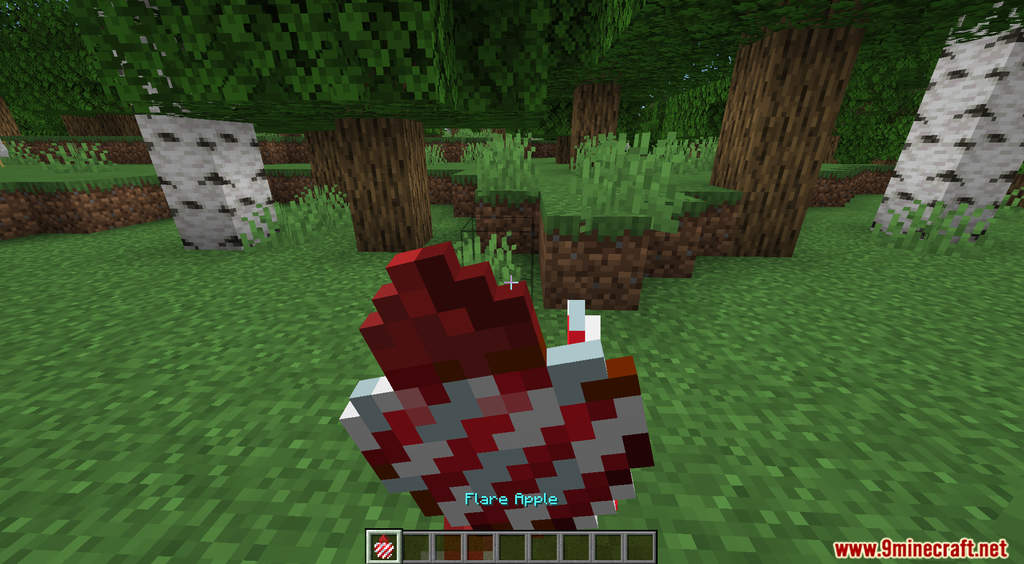
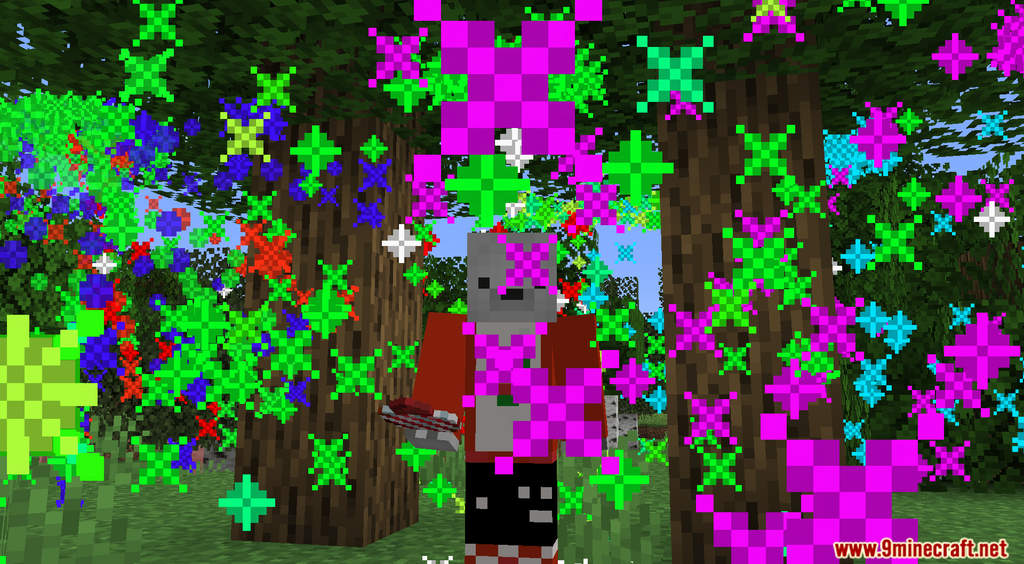


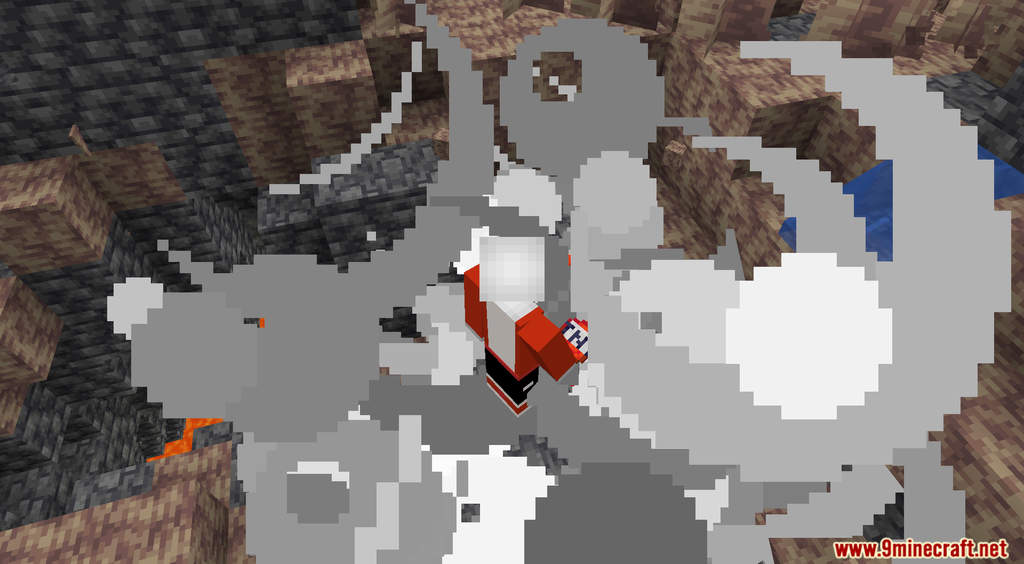
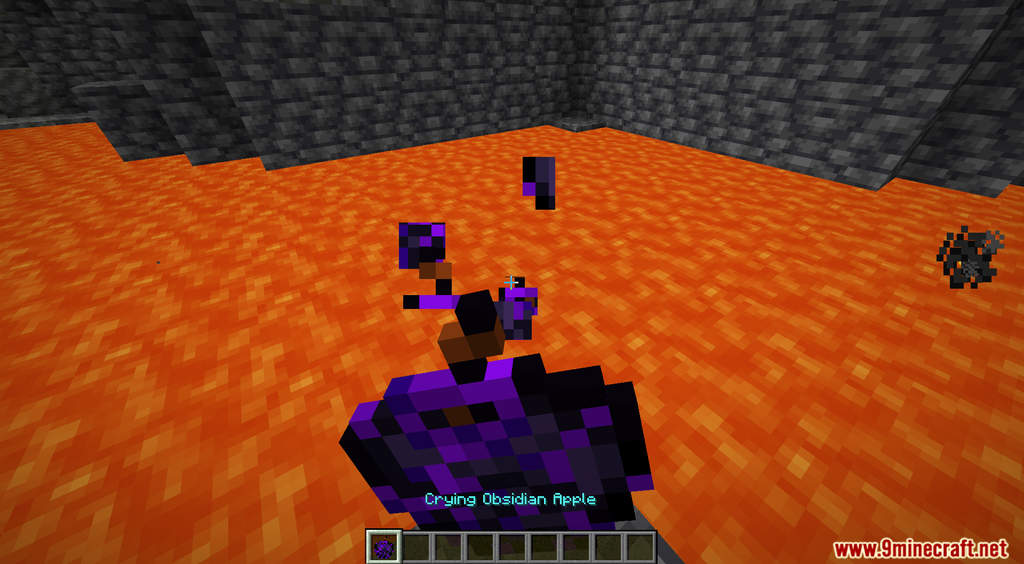
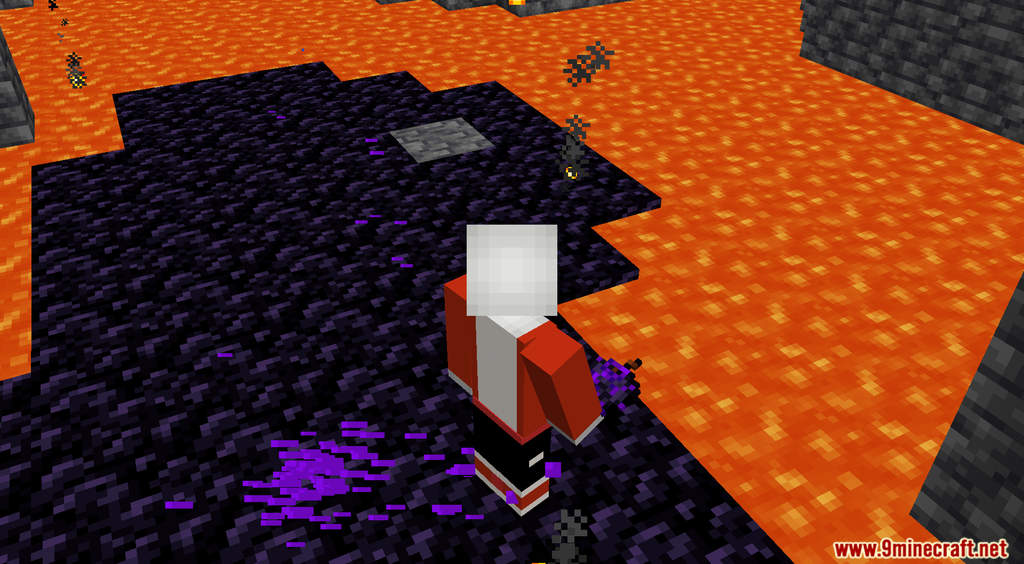
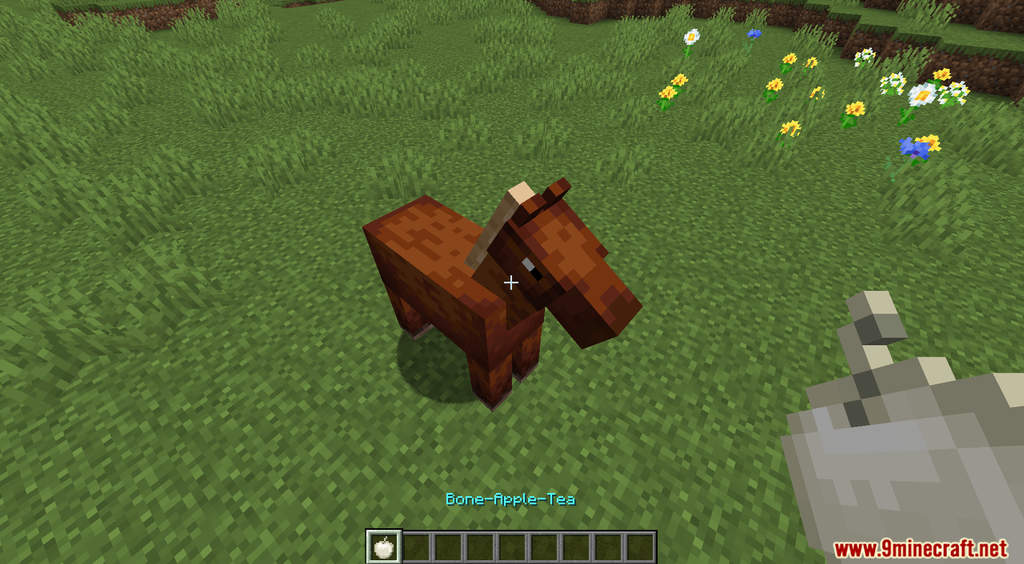
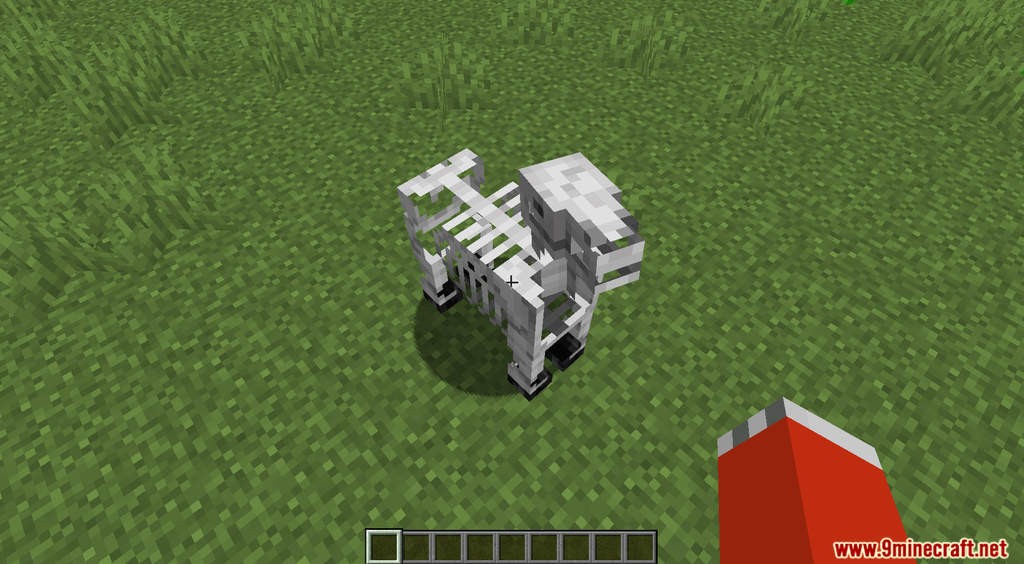
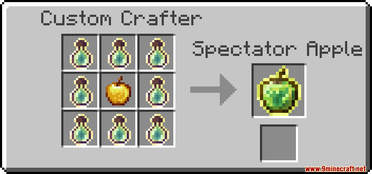
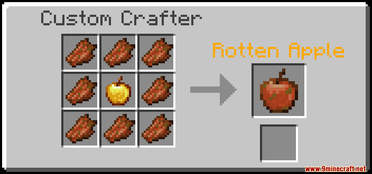
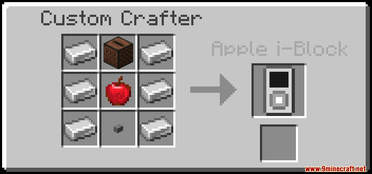
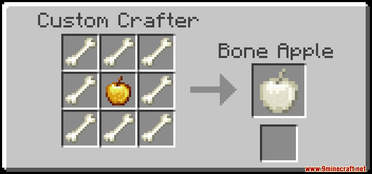
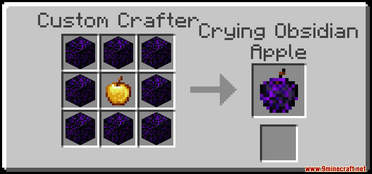
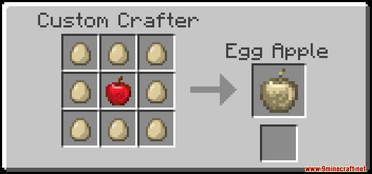
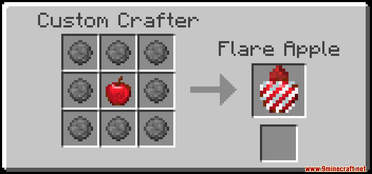
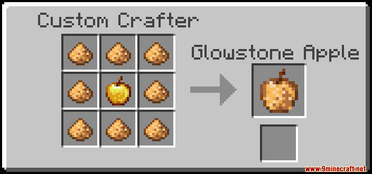
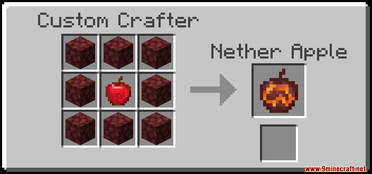
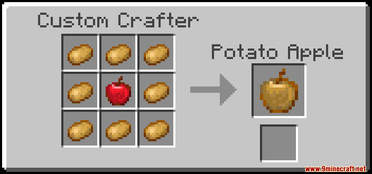
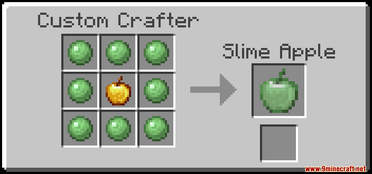
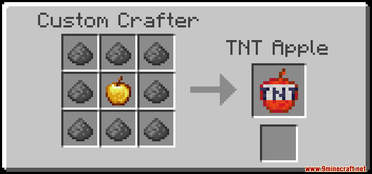
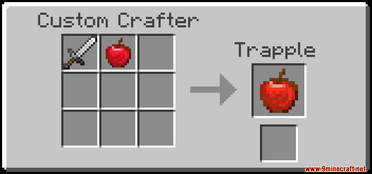
WASD Moar Apples Data Pack introduces a plethora of new apples with custom effects into Minecraft. Apple in Minecraft is a good food source for the early game, it can also be used to craft Golden Apple which is a lot better but also quite expensive. This data pack adds a bunch of new apples, and all of them have a unique effect. For example: the Spectator Apple gives you Spectator Mode for a few seconds, the TNT Apple creates a big explosion, the Crying Obsidian Apple allows you to walk of lava, the Flare Apple shoots firework, the Rotten Apple and Bone-Apple-Tea can turn normal horses into undead horses, etc. To craft the new apples, you need to use the Custom Crafter. Have fun!
Features:
- Custom apples with unique effects.
- You can use this command to get all the apples immediately [/function wasd.apple:get_items].
Screenshots:
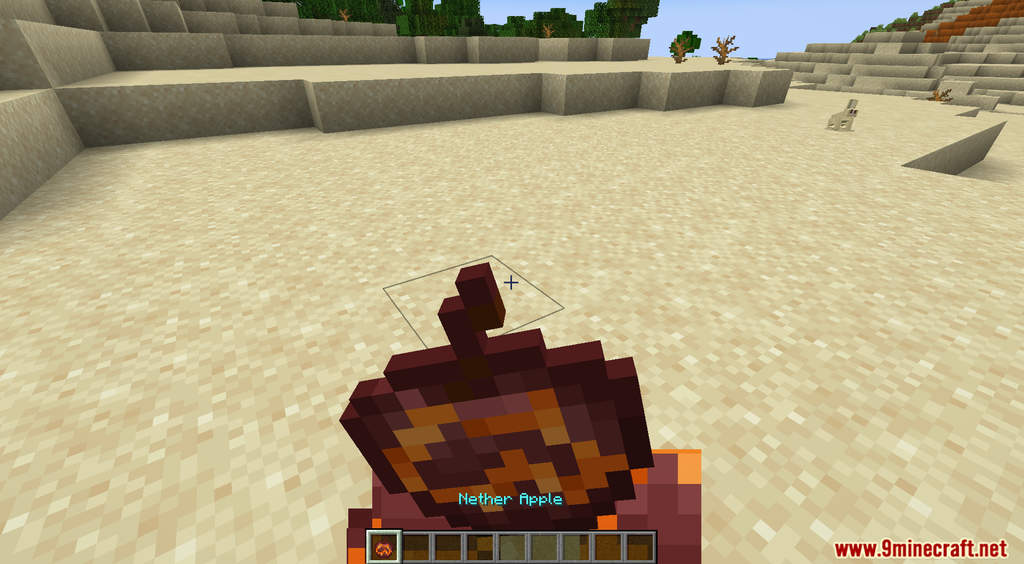
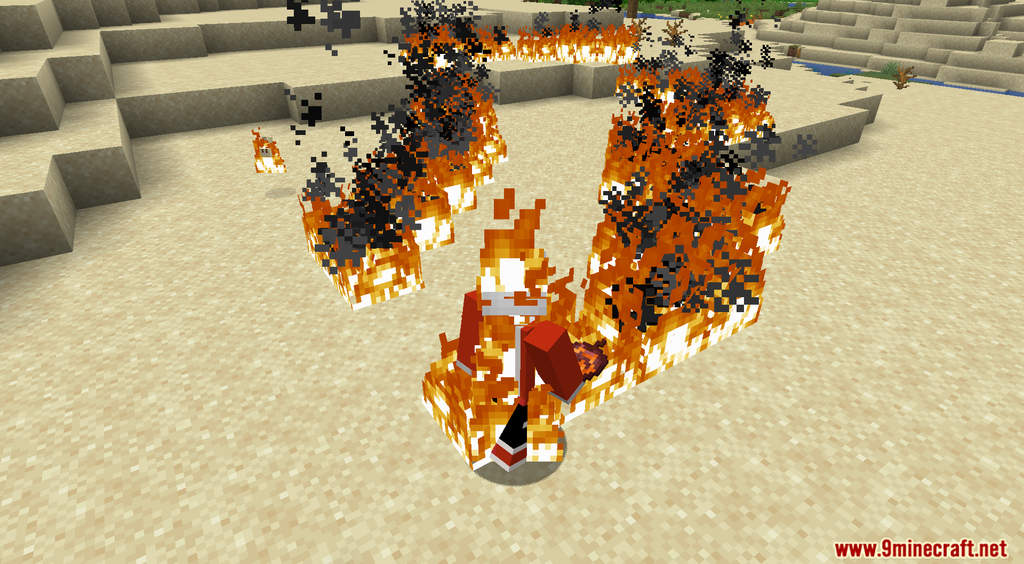
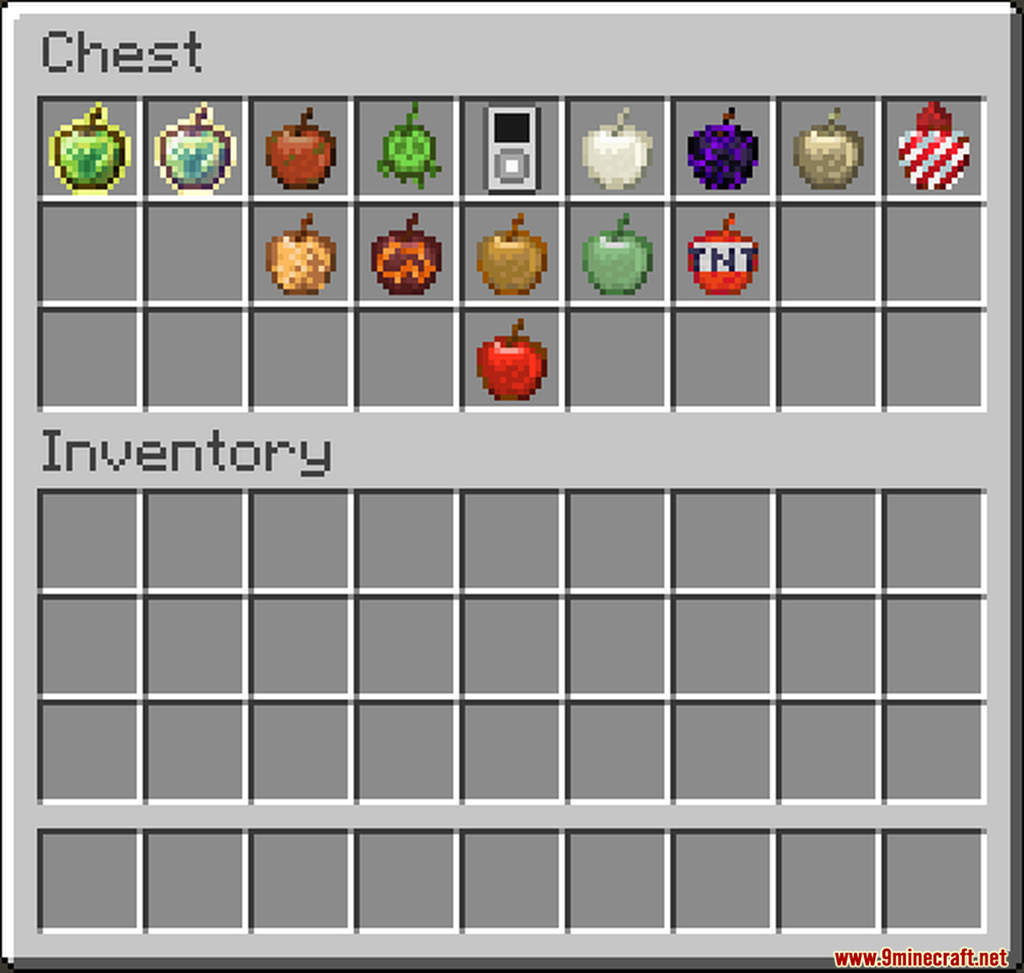

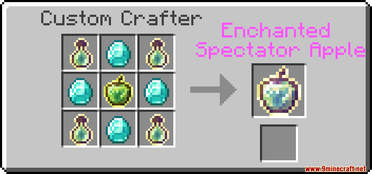
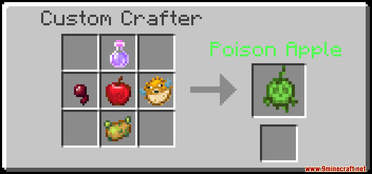
Crafting Recipes:
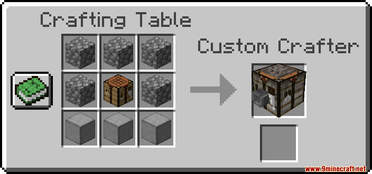
WASD Moar Apples Data Pack Download Links
For Minecraft 1.20.6, 1.20.4, 1.20.2, 1.20.1, 1.20
Data Pack: Download from Server 1
Resource Pack: Download from Server 1
WASD Moar Apples Data Pack
- Edition: Minecraft Java
- File type: .jar
- Minecraft versions listed: 1.20.6, 1.20.1
- How to install: Install the matching mod loader (Forge, Fabric or NeoForge) for your Minecraft version. → Download the .jar. → Put it in the .minecraft/mods folder and launch that loader profile.
- Where to get it: In MC Java Mods, or directly above on this page.
Install steps are the general flow for this file type — see the MC Java Mods guides for the full walkthrough.
WASD Moar Apples Data Pack (1.20.6, 1.20.1) – Custom Apples is a free Minecraft Java datapack. Compatible with Minecraft 1.20.6, 1.20.1. Download it and open it directly in the game.