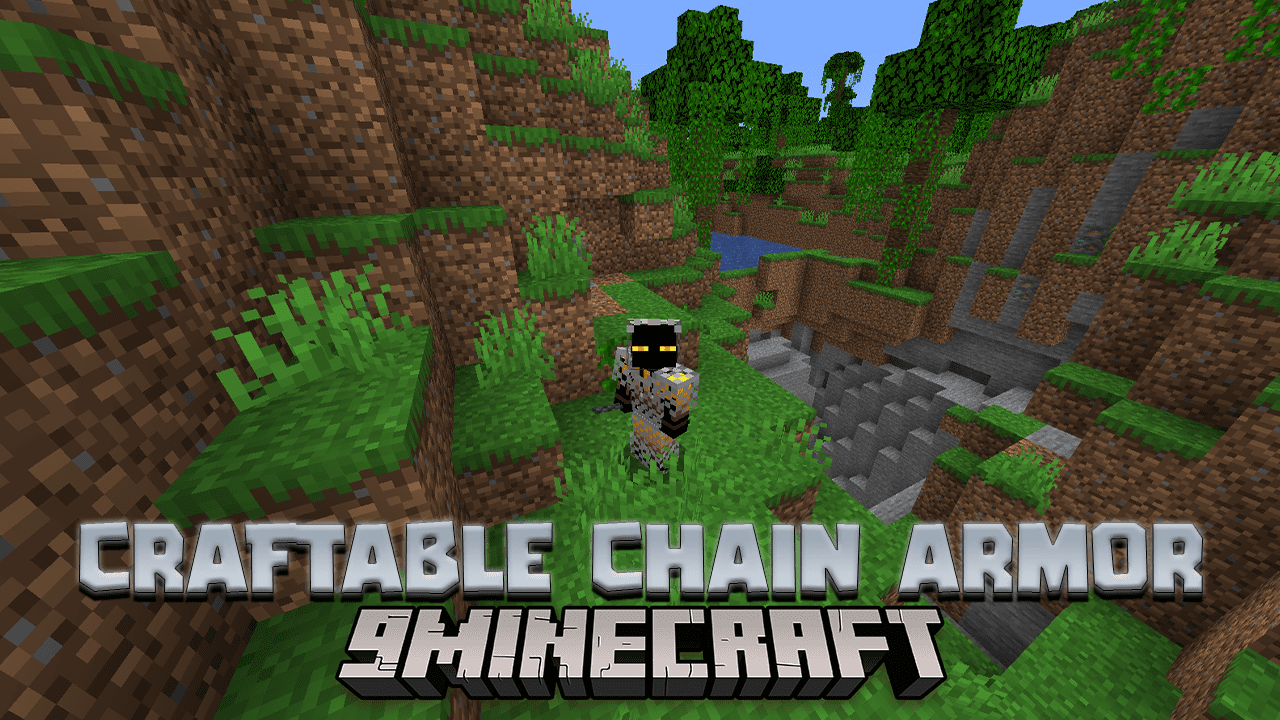
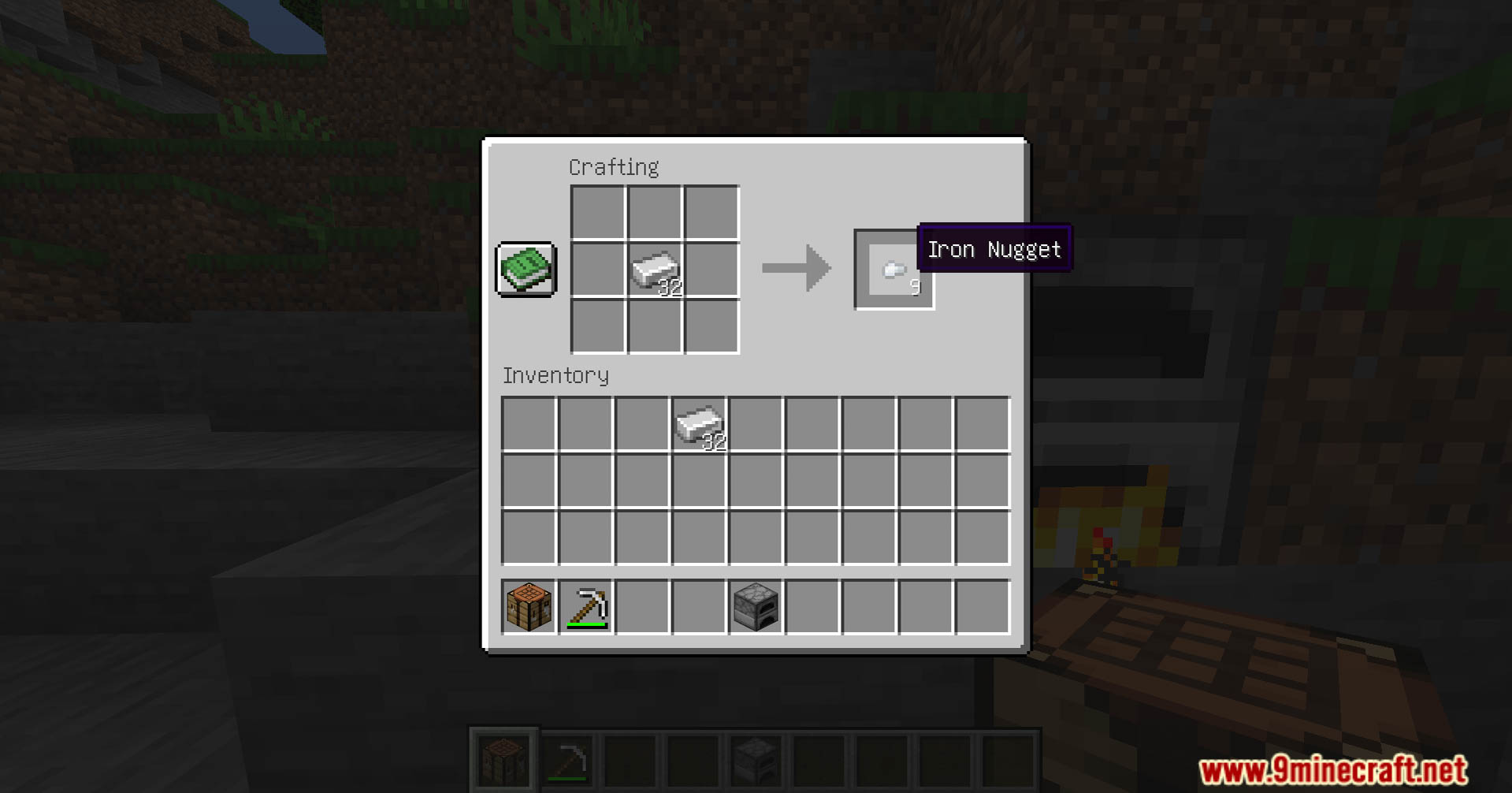
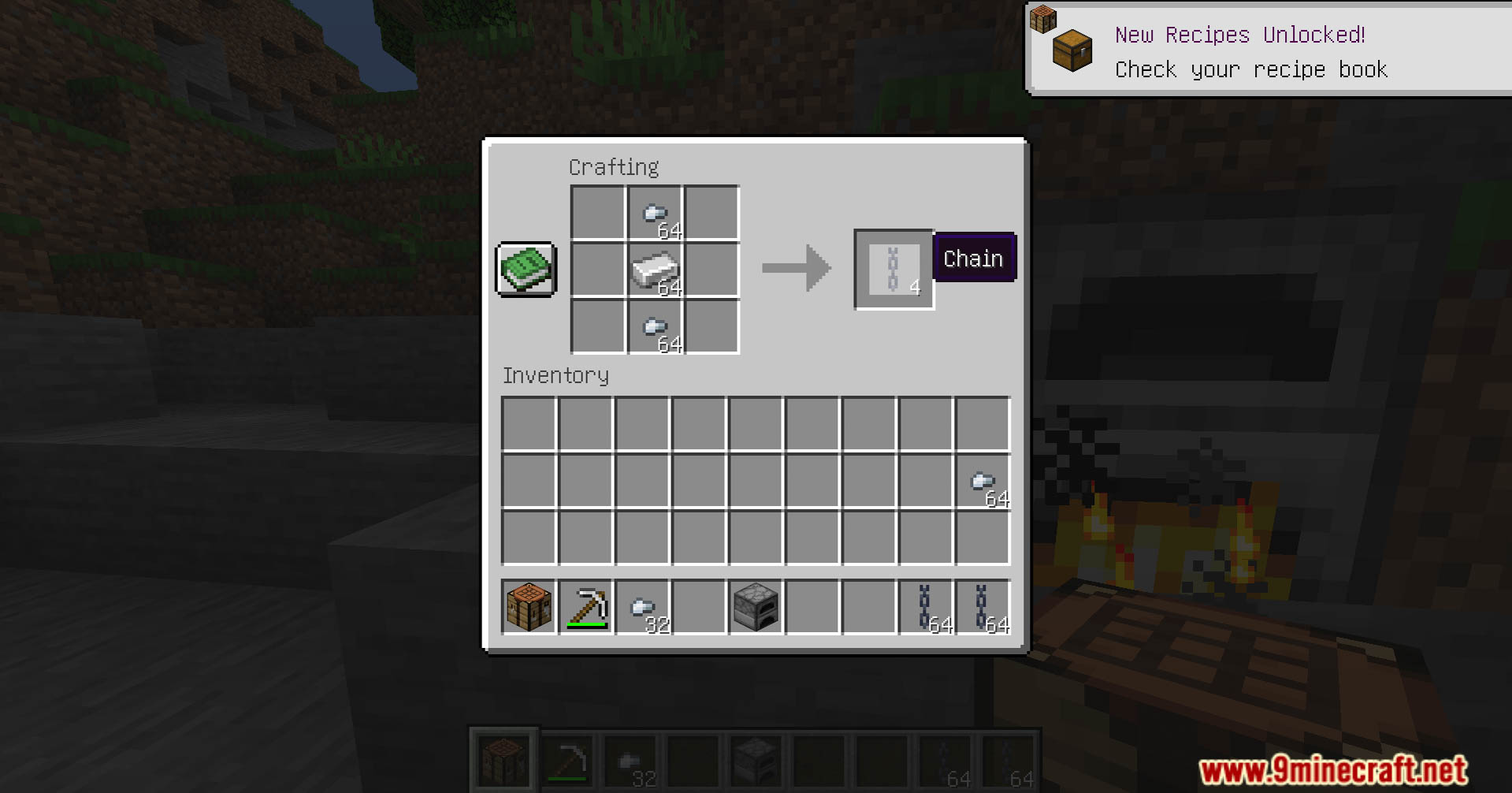
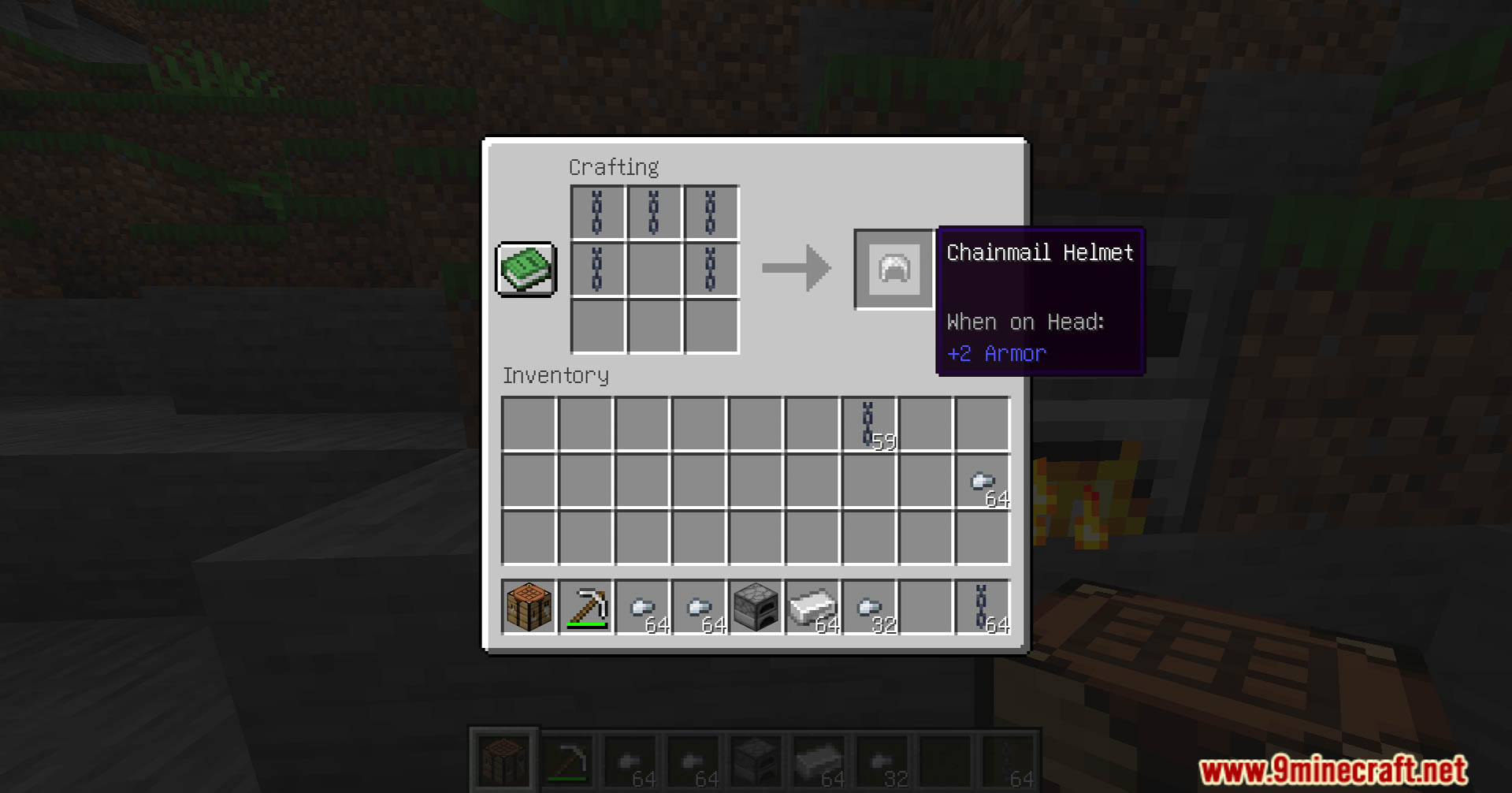
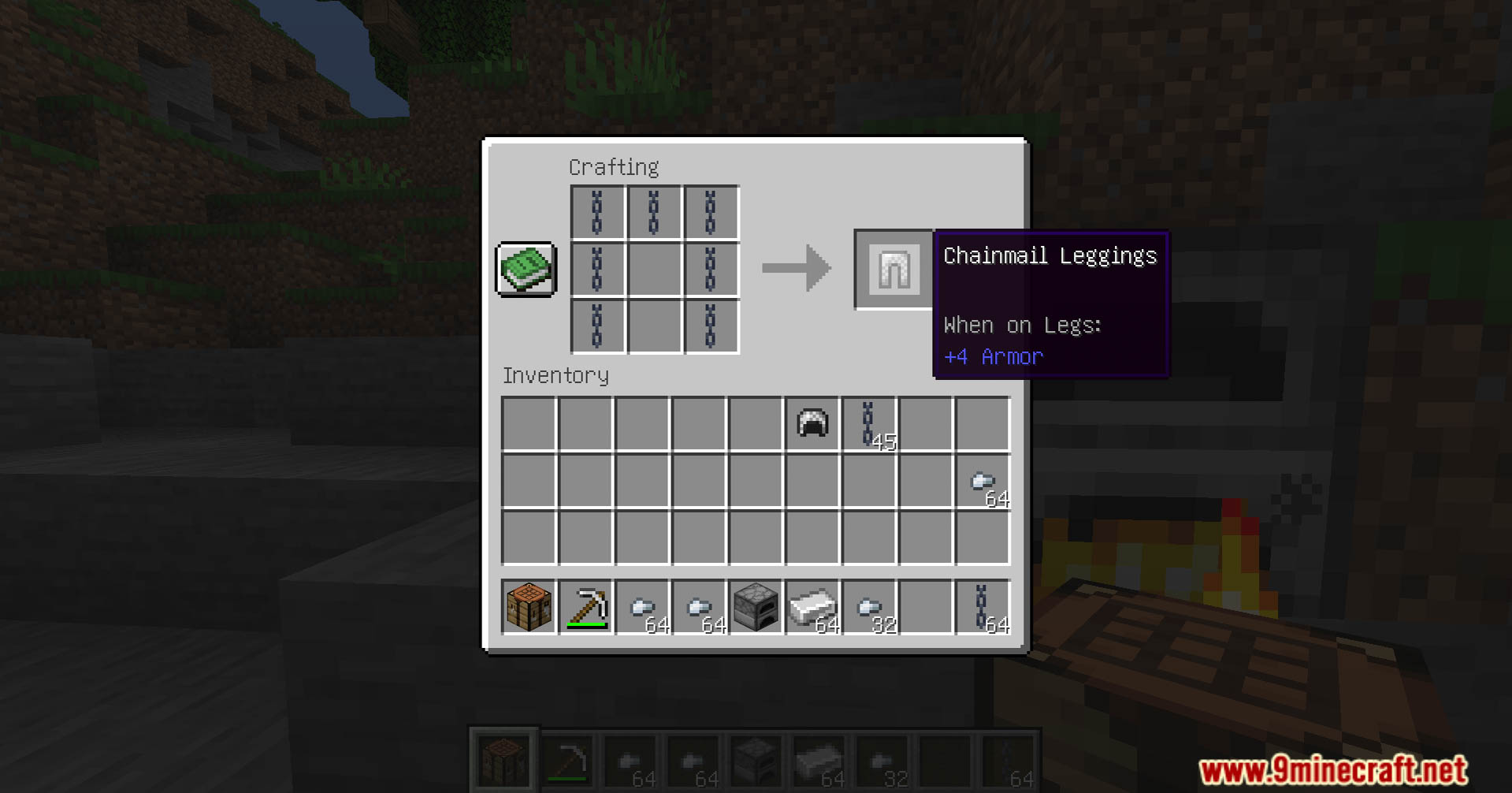
Craftable Chain Armor Data Pack data pack revolutionizes your gameplay by introducing a revamped crafting system specifically for chain armor. Enjoy playing this data pack!
Features:
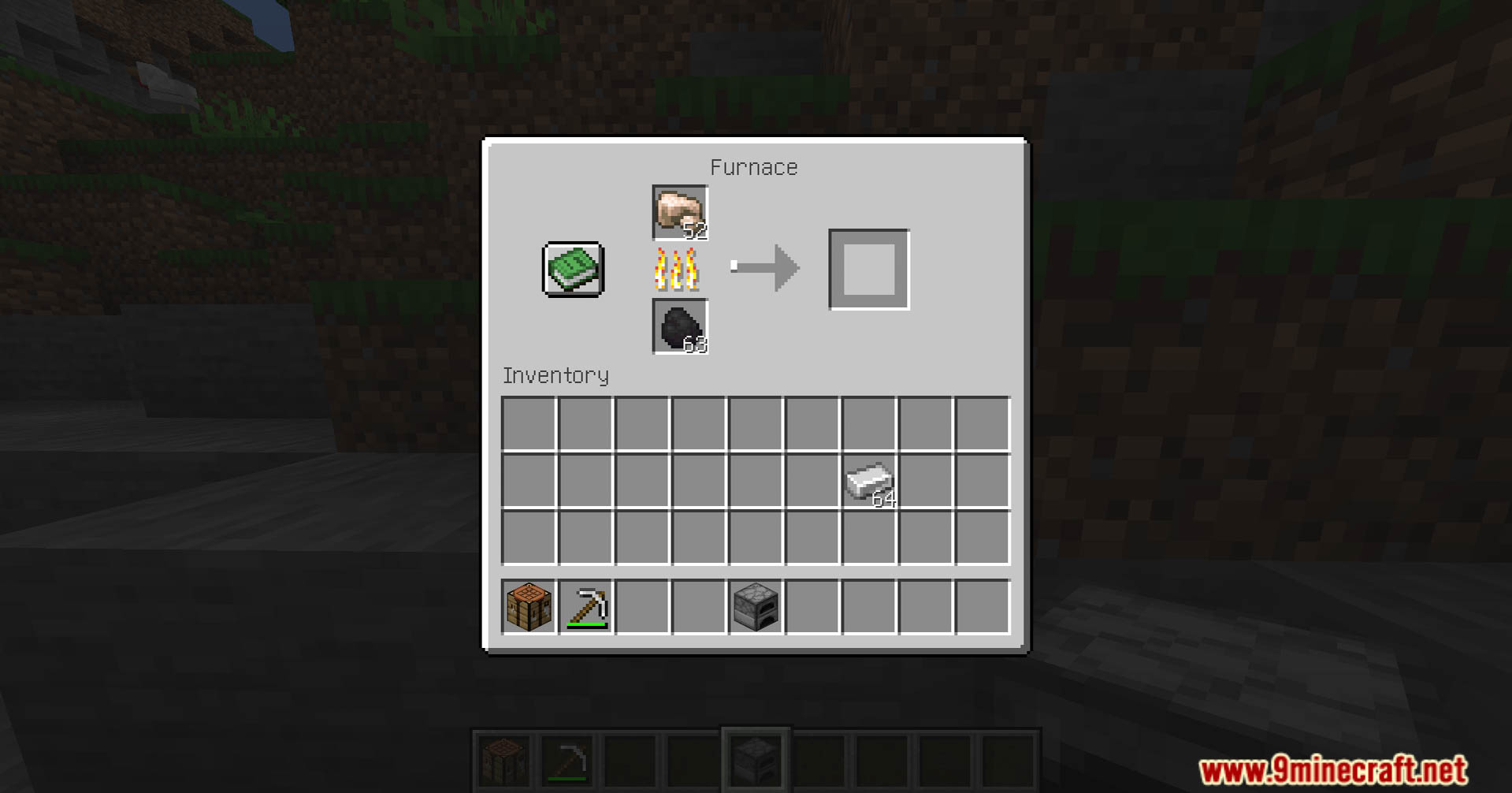
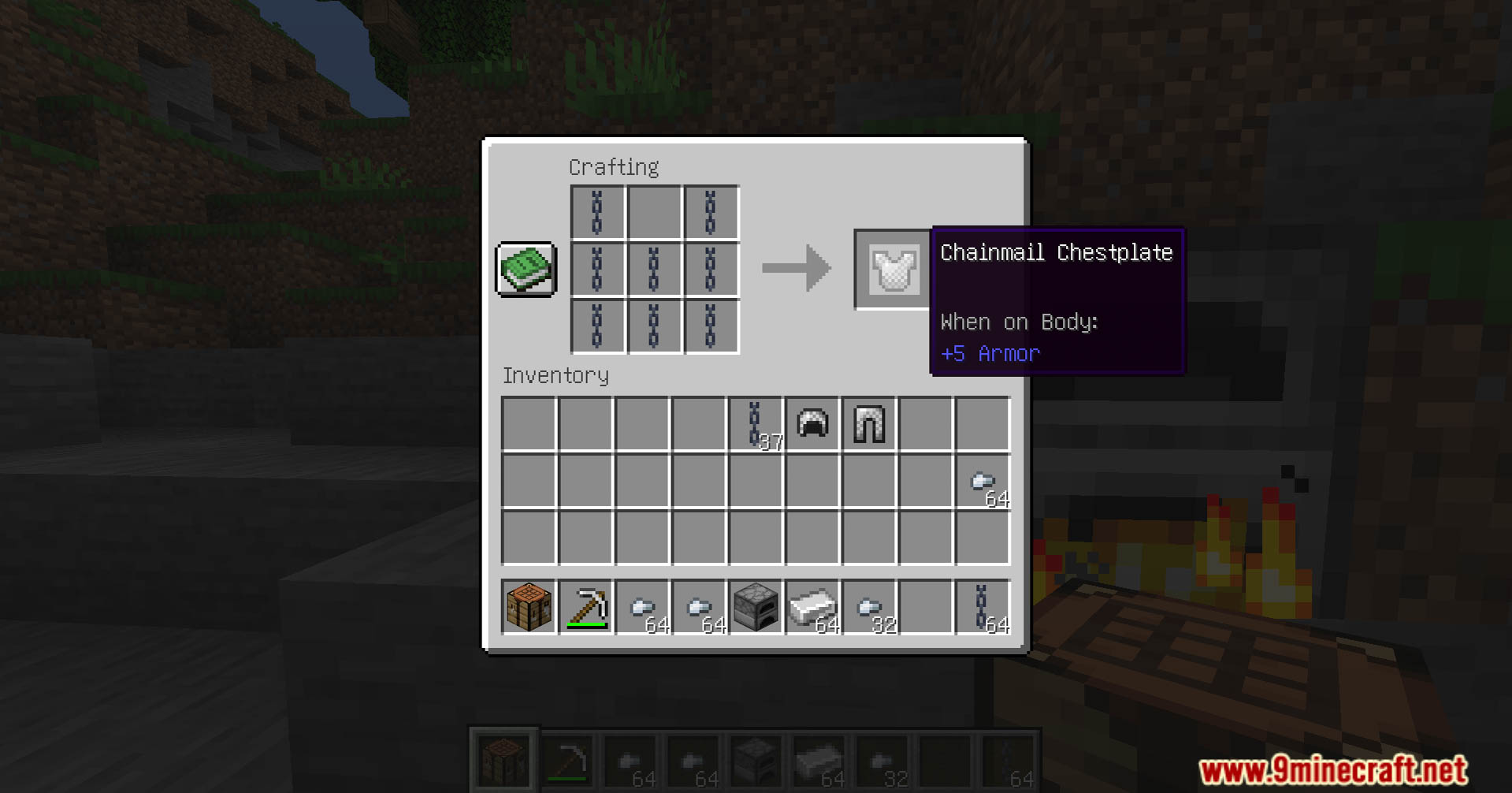
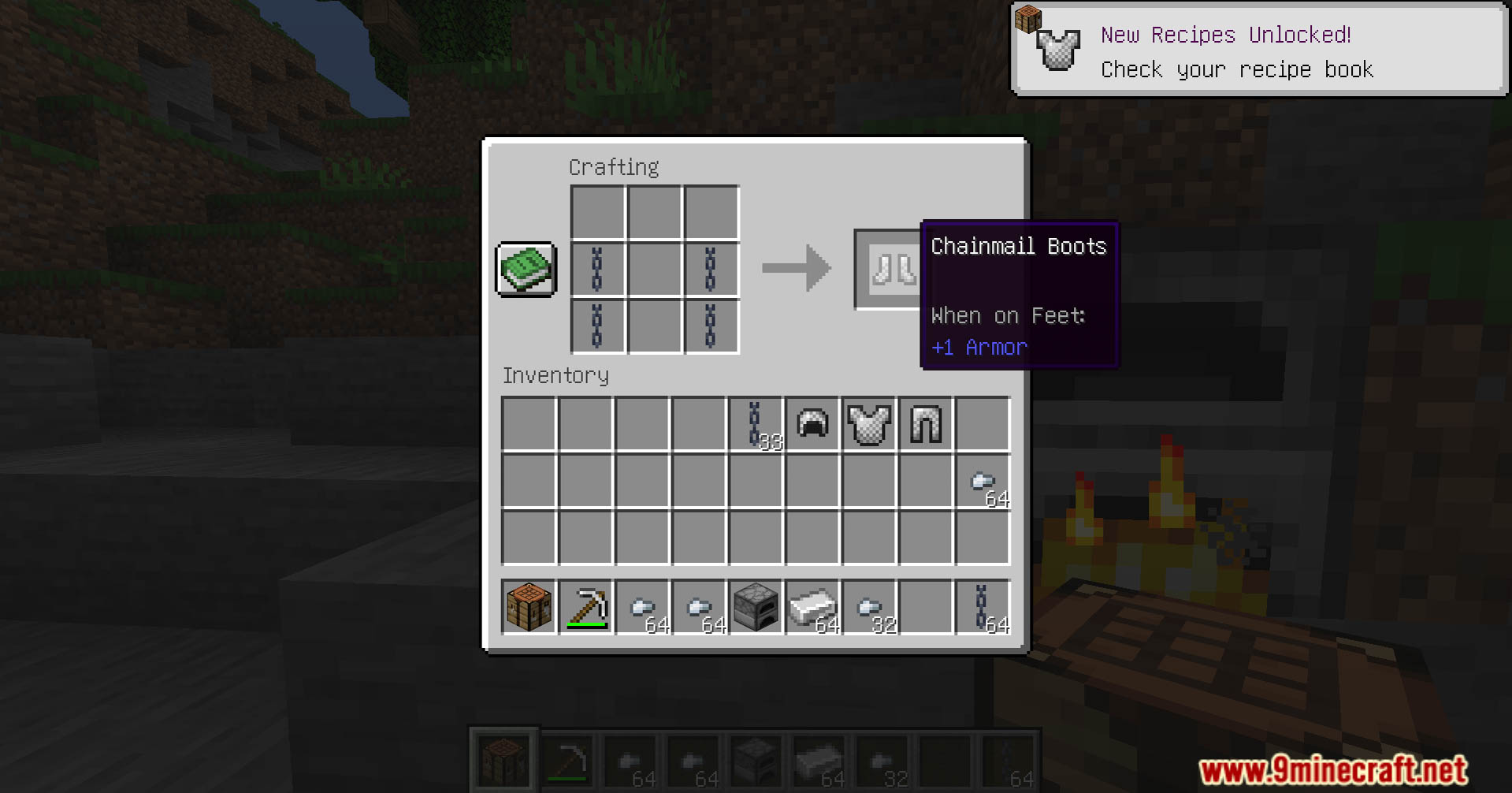
- Craftable Chain Armor: This data pack allows players to craft chain armor using carefully designed recipes. Acquire the necessary materials and forge your own protective gear to face the challenges of the Minecraft world.
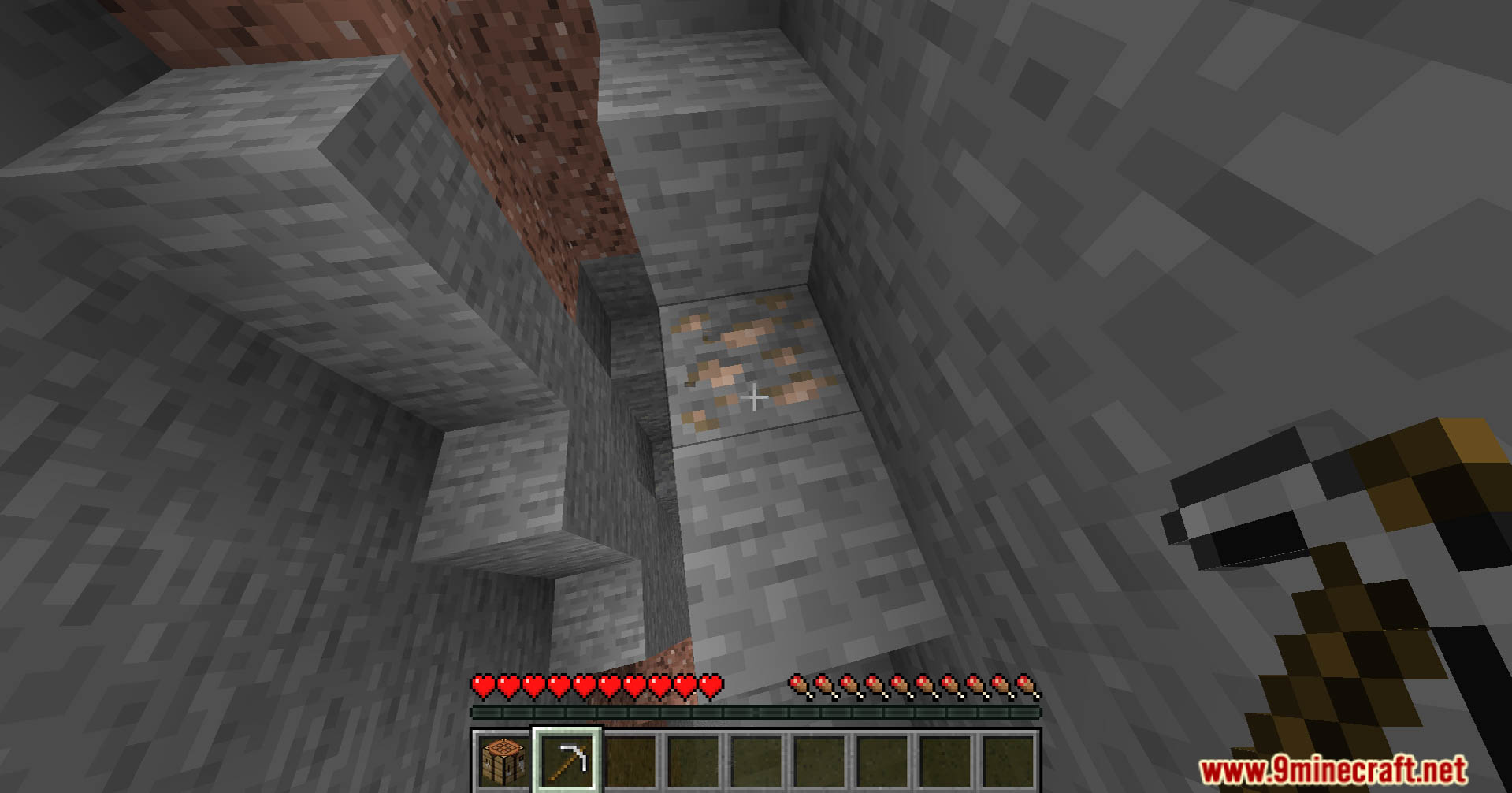
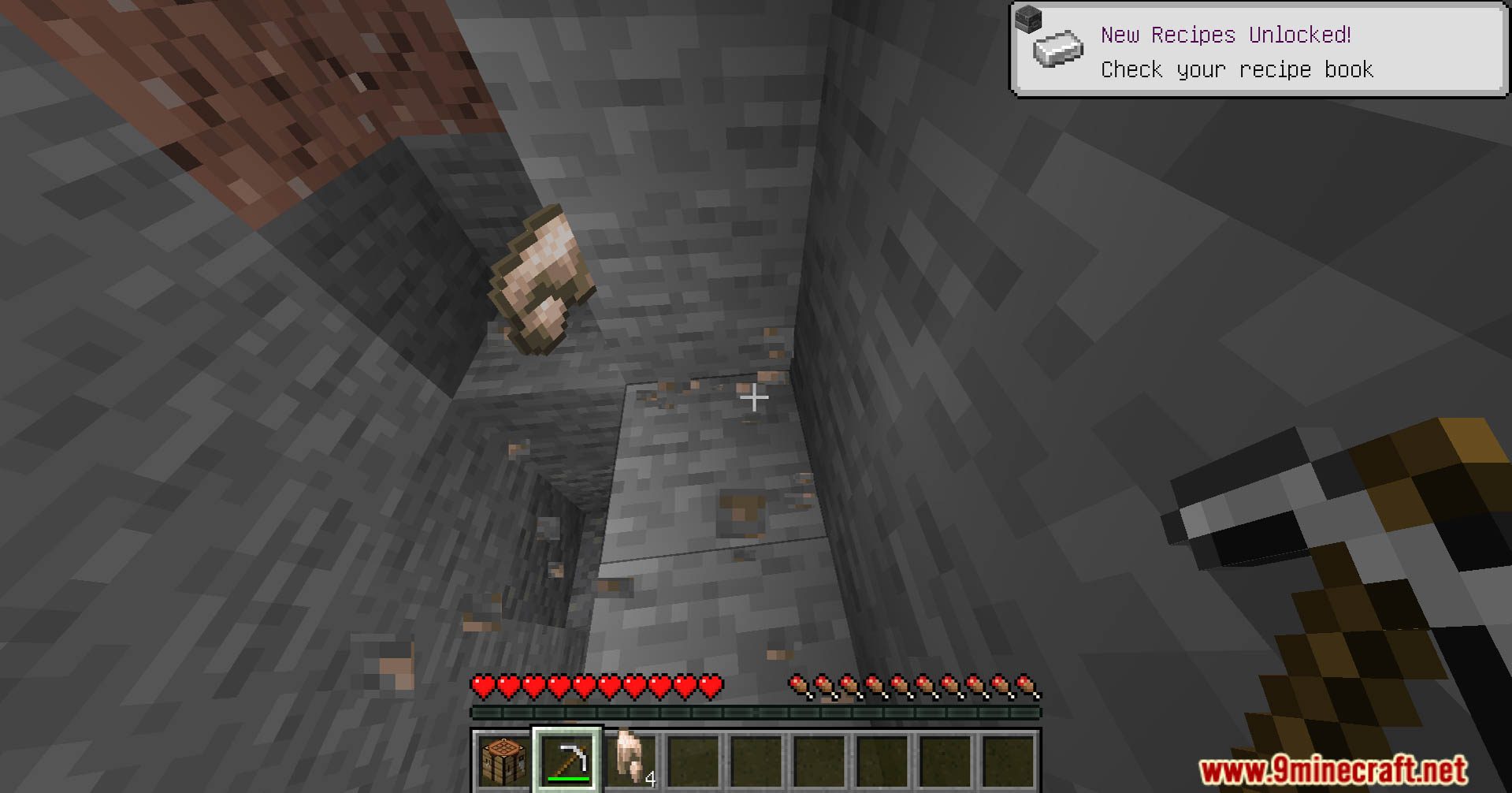
- Strategic Resource Gathering: Immerse yourself in a more strategic gameplay experience. The custom crafting recipes require specific materials, encouraging players to explore and gather resources strategically. The quest for materials becomes an integral part of the adventure.
- Balanced Gameplay Integration: The data pack is meticulously designed to maintain game balance. Crafting chain armor is a rewarding endeavor, but it ensures that the gameplay remains fair and engaging, preventing any overpowered advantages.
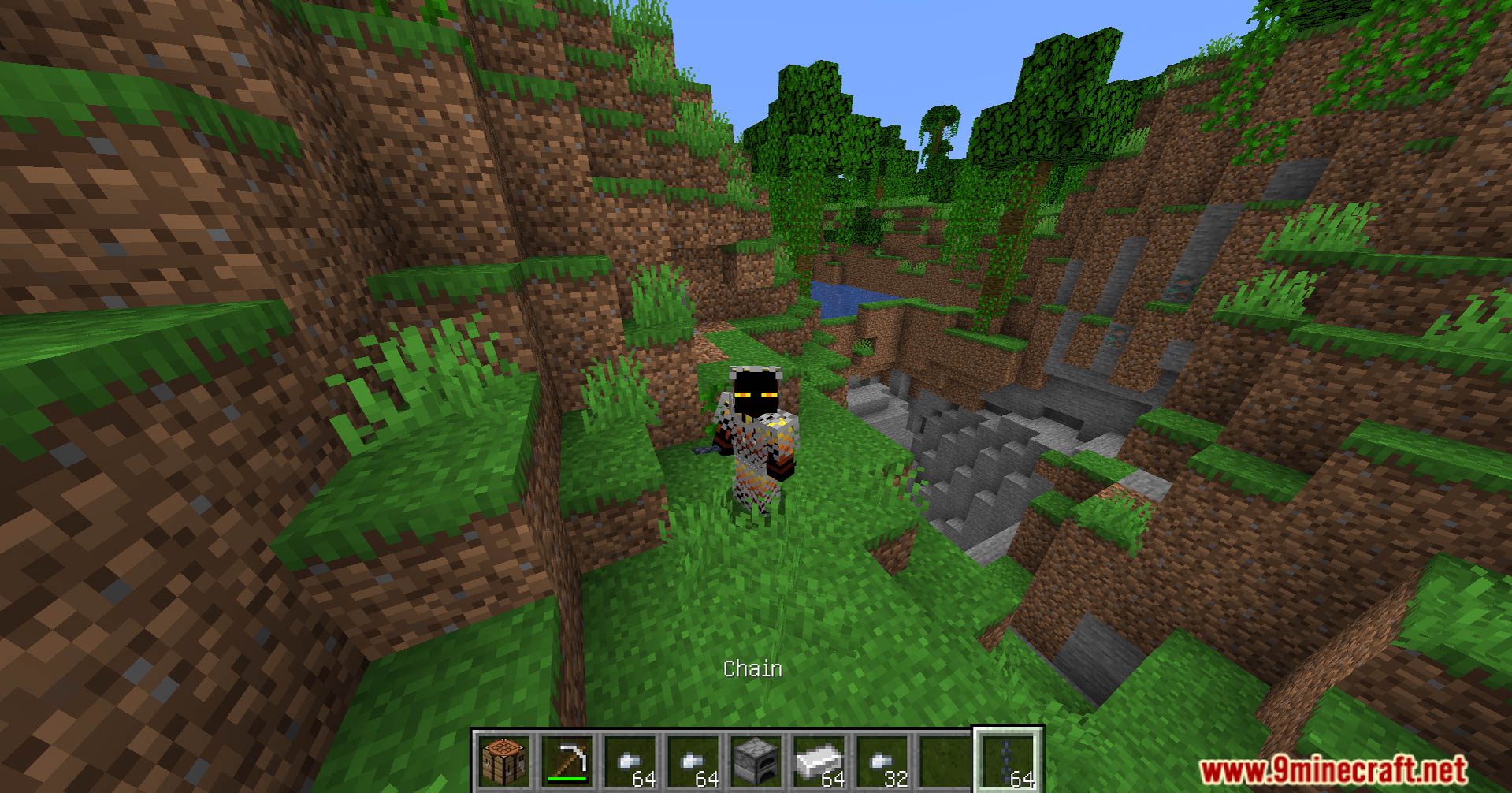
- Enhanced Aesthetics: Experience the visual satisfaction of donning crafted chain armor. The data pack not only introduces a new crafting system but also pays attention to the aesthetic details, ensuring that your custom-crafted chain armor flawlessly fits into the visual landscape of Minecraft.
Screenshots:
Craftable Chain Armor Data Pack Download Links
For Minecraft 1.20.4, 1.20.1, 1.19.4
Data Pack: Download from Server 1 – Download from Server 2
Quick facts
- Edition: Minecraft Java
- File type: .jar
- Minecraft versions listed: 1.20.4, 1.19.4
- How to install: Install the matching mod loader (Forge, Fabric or NeoForge) for your Minecraft version. → Download the .jar. → Put it in the .minecraft/mods folder and launch that loader profile.
- Where to get it: In MC Java Mods, or directly above on this page.
Install steps are the general flow for this file type — see the MC Java Mods guides for the full walkthrough.
Craftable Chain Armor Data Pack (1.20.4, 1.19.4) – Enhanced Crafting is a free Minecraft Java datapack. Compatible with Minecraft 1.20.4, 1.19.4. Download it and open it directly in the game.