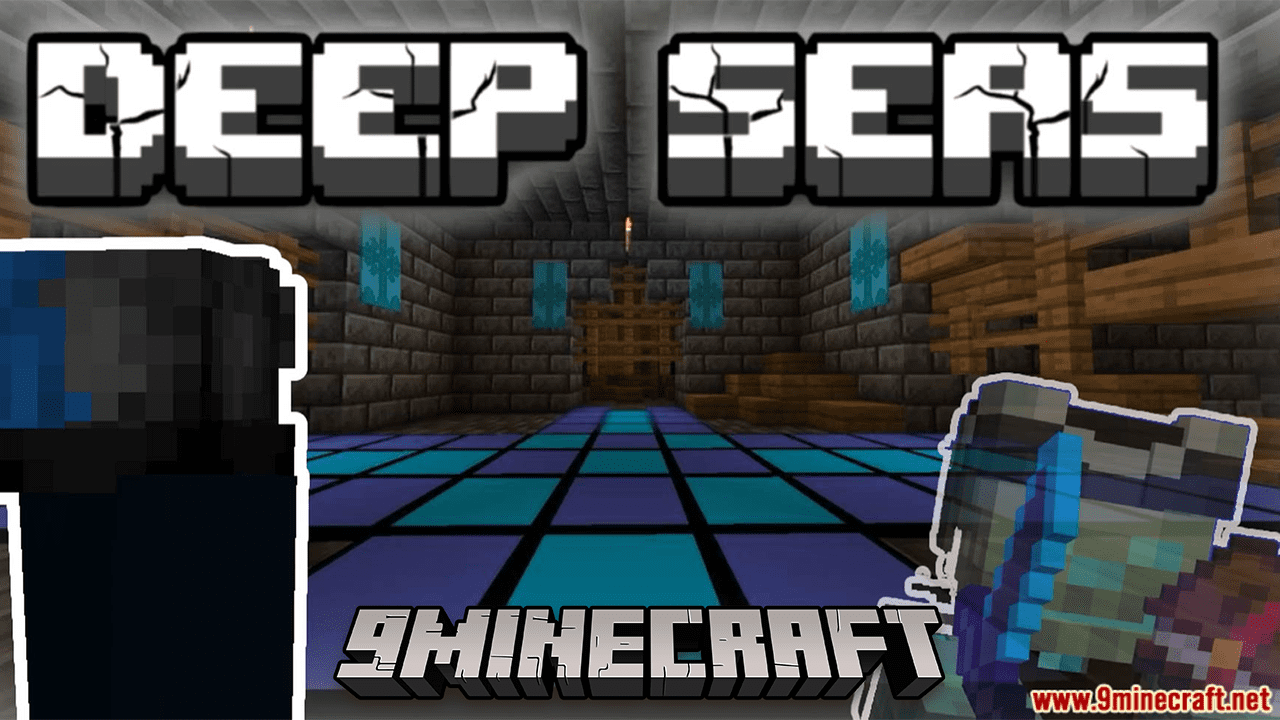
Deep Seas Data Pack (1.20.4, 1.19.4) – Ocean Overhaul Data Pack Transforms Minecraft Aquatic Realms!
Dive into the depths of Minecraft's oceans with the Deep Seas Data Pack, a transformative overhaul that breathes new life into aquatic landscapes…
⬇ Download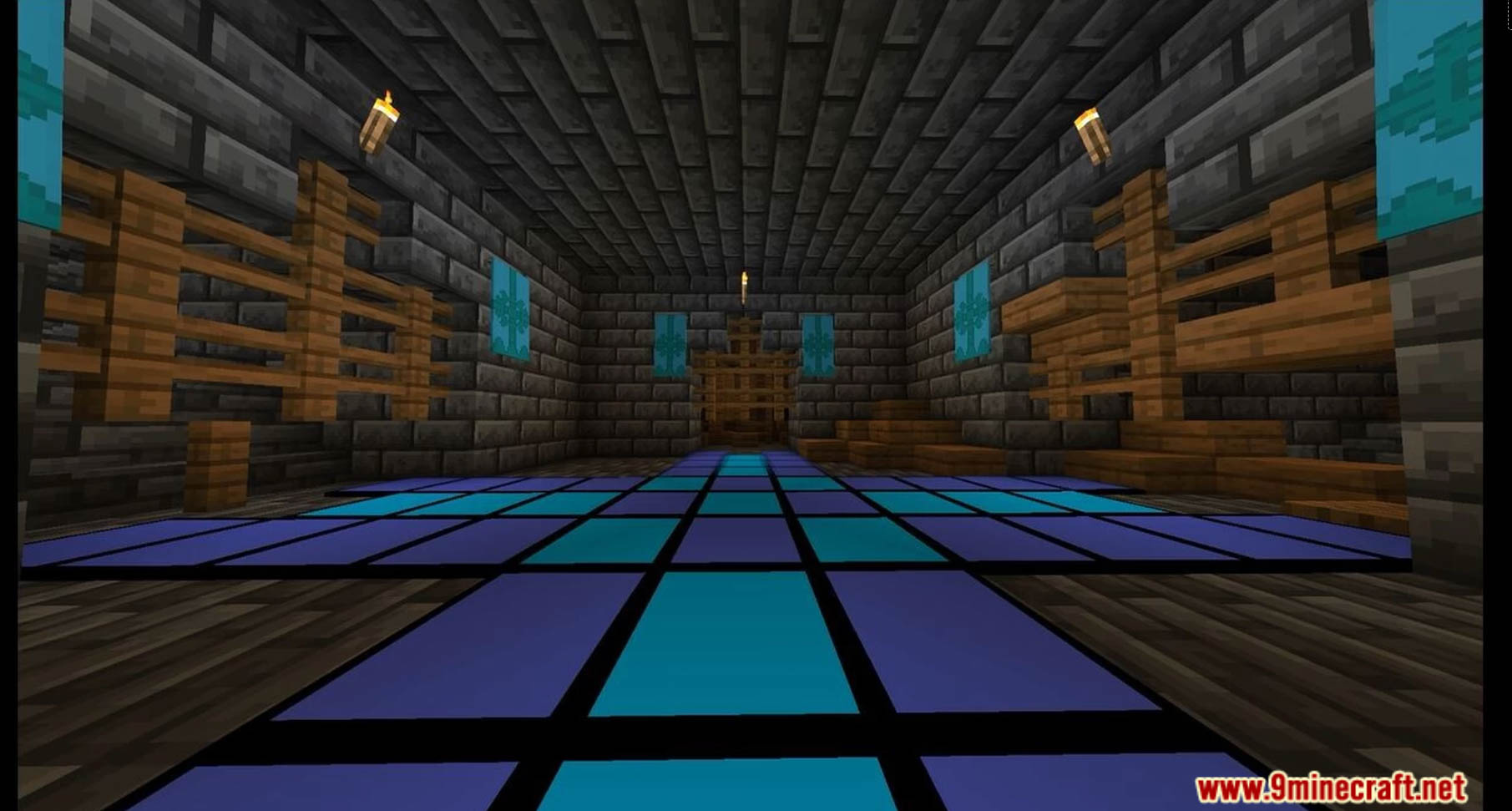
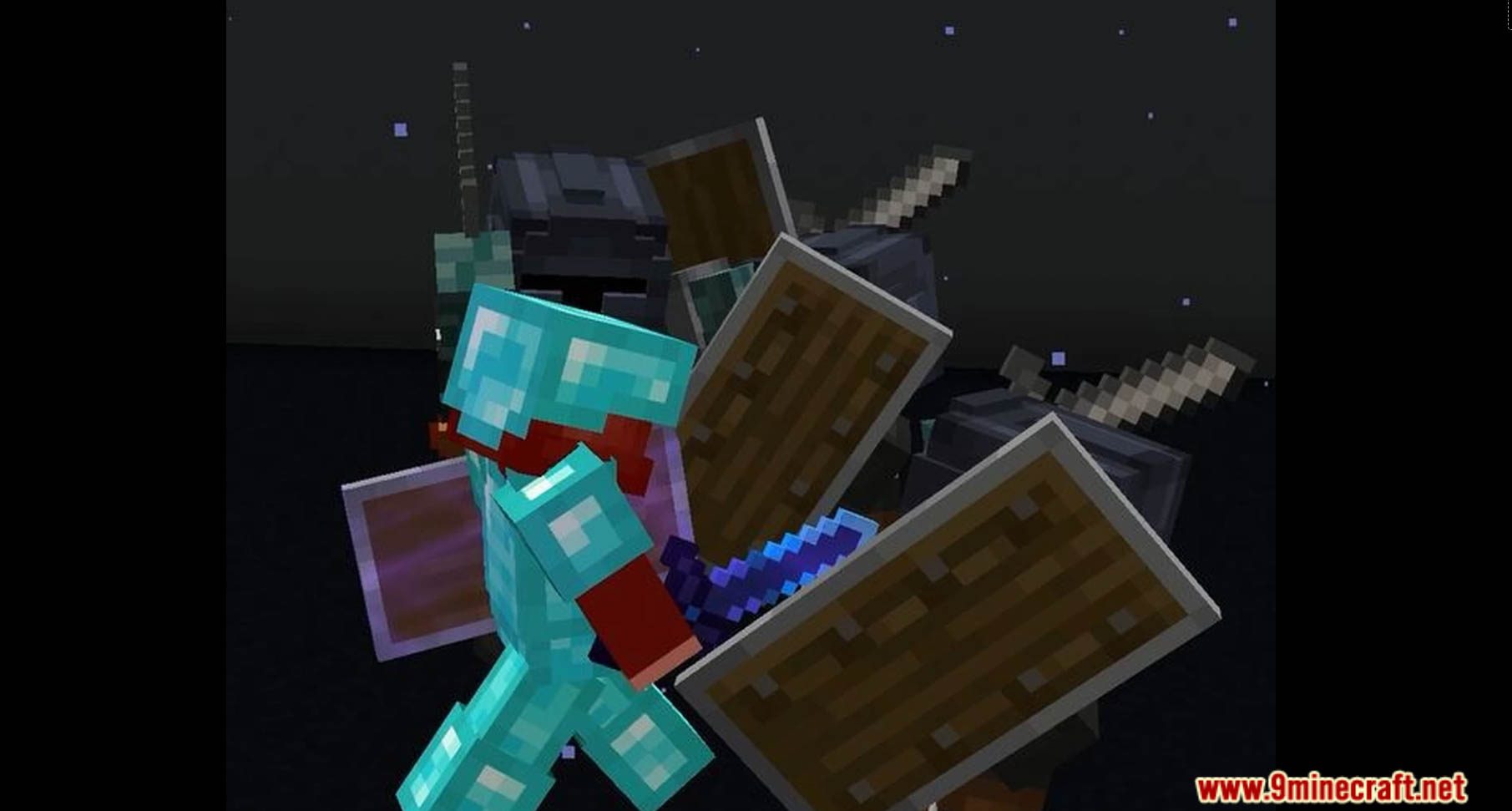
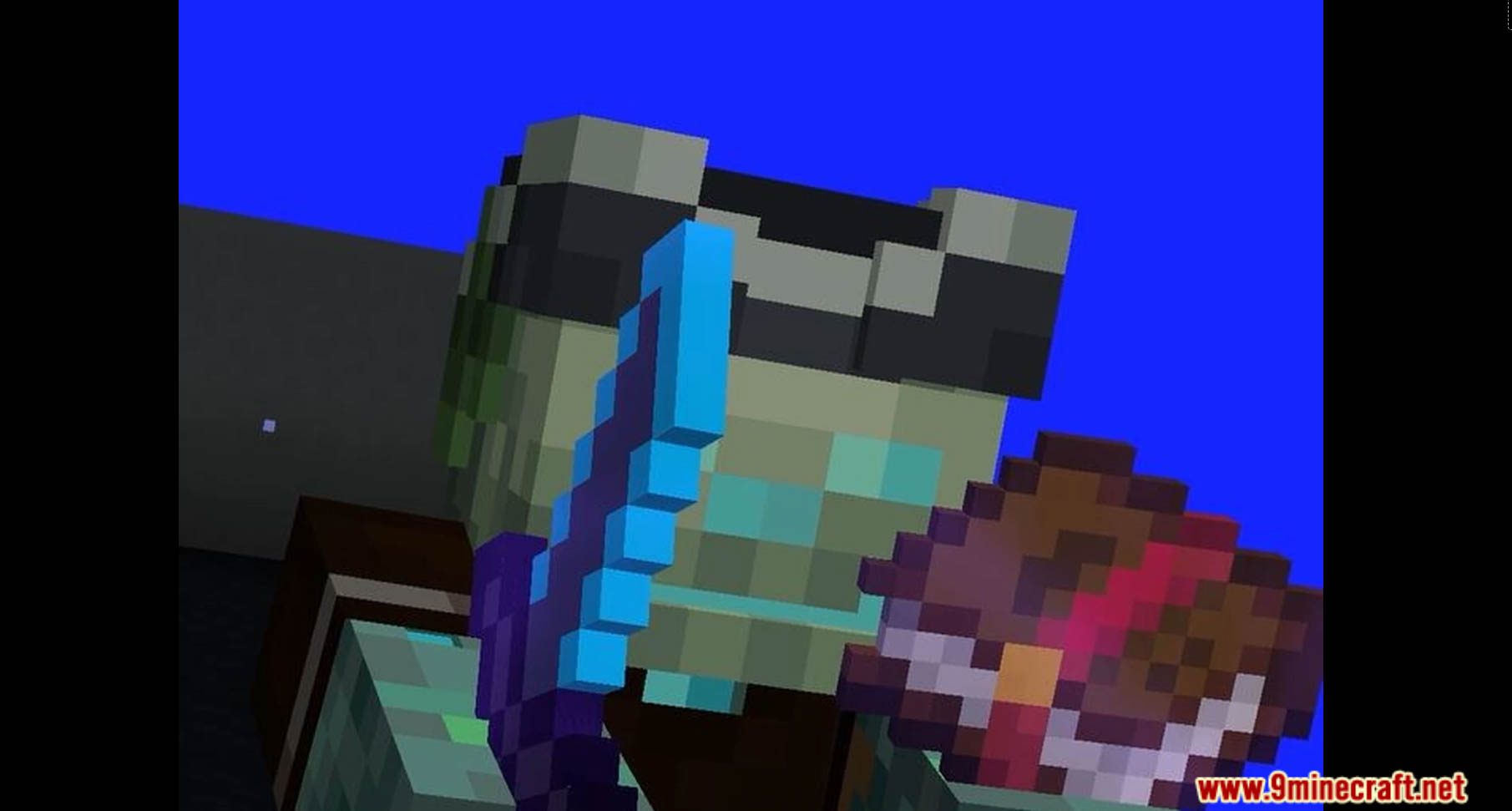
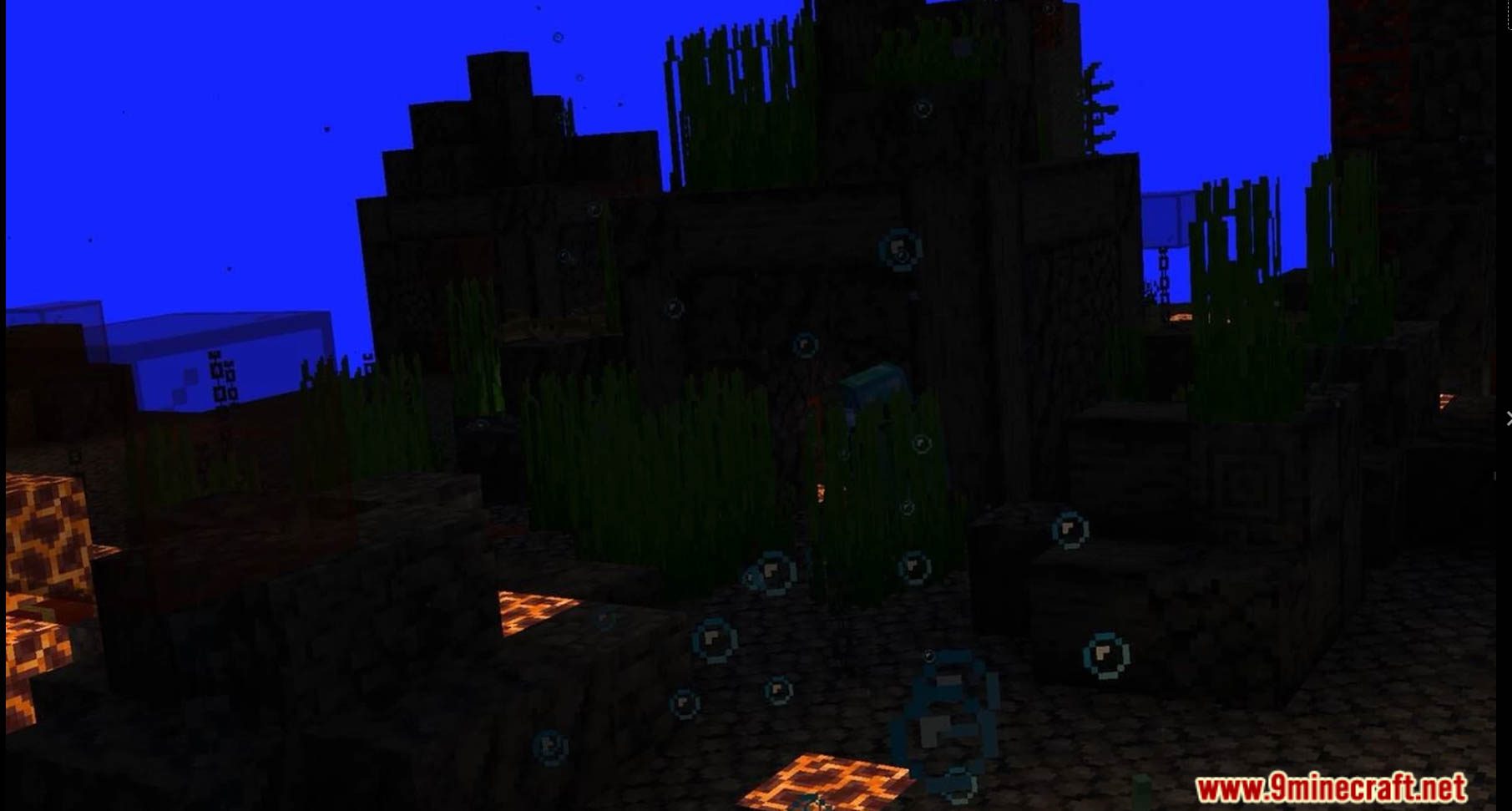
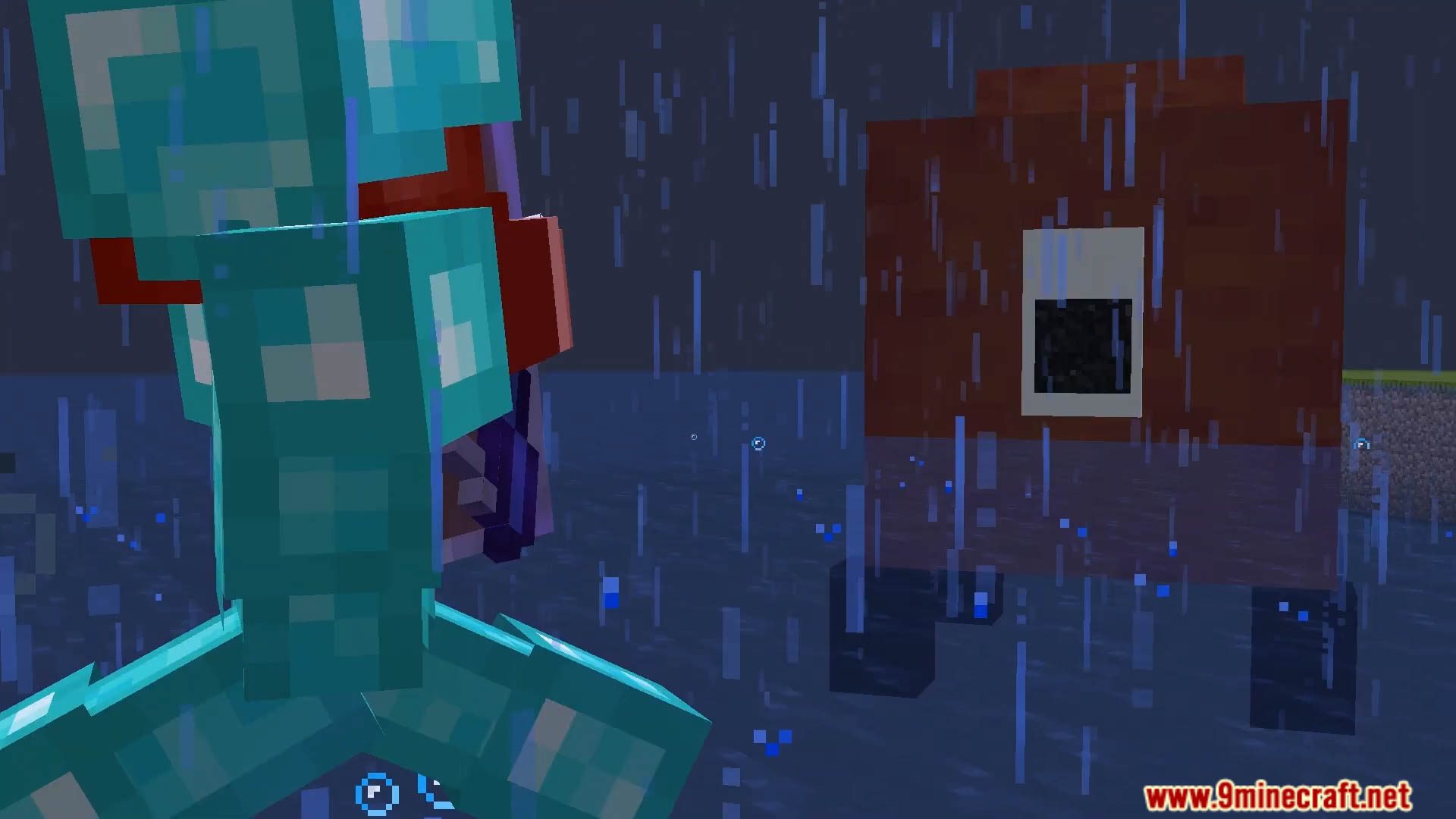
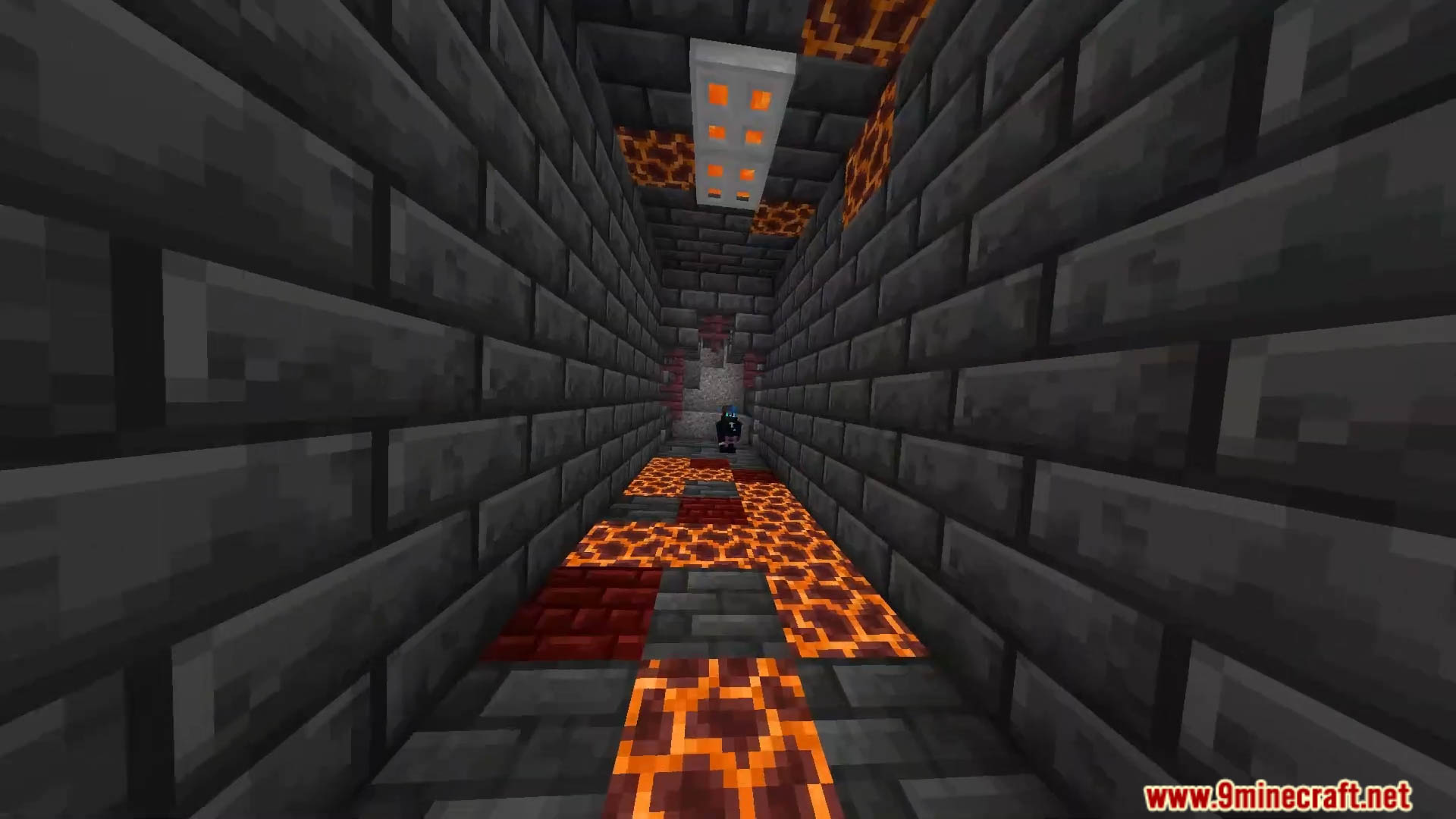
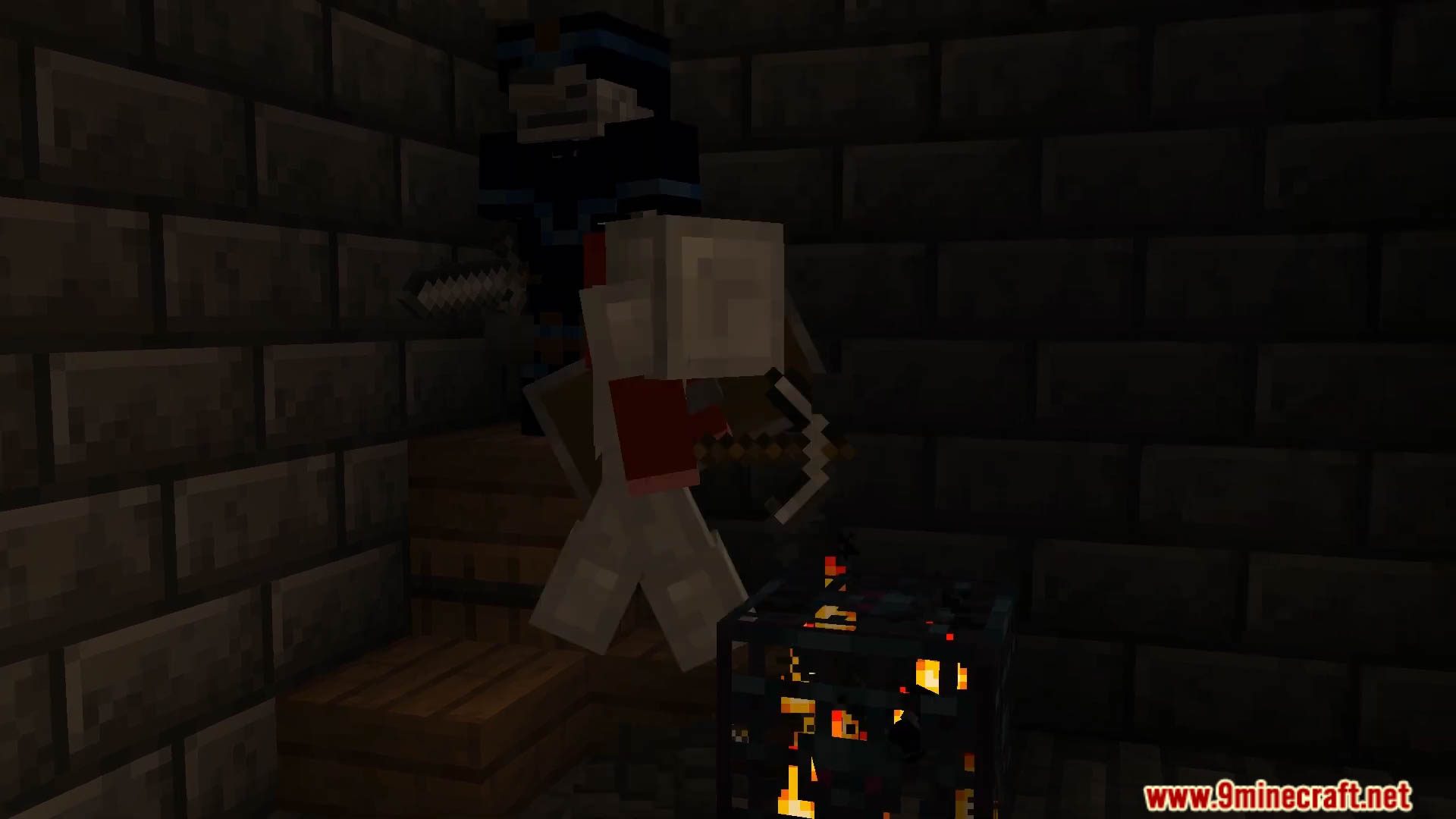
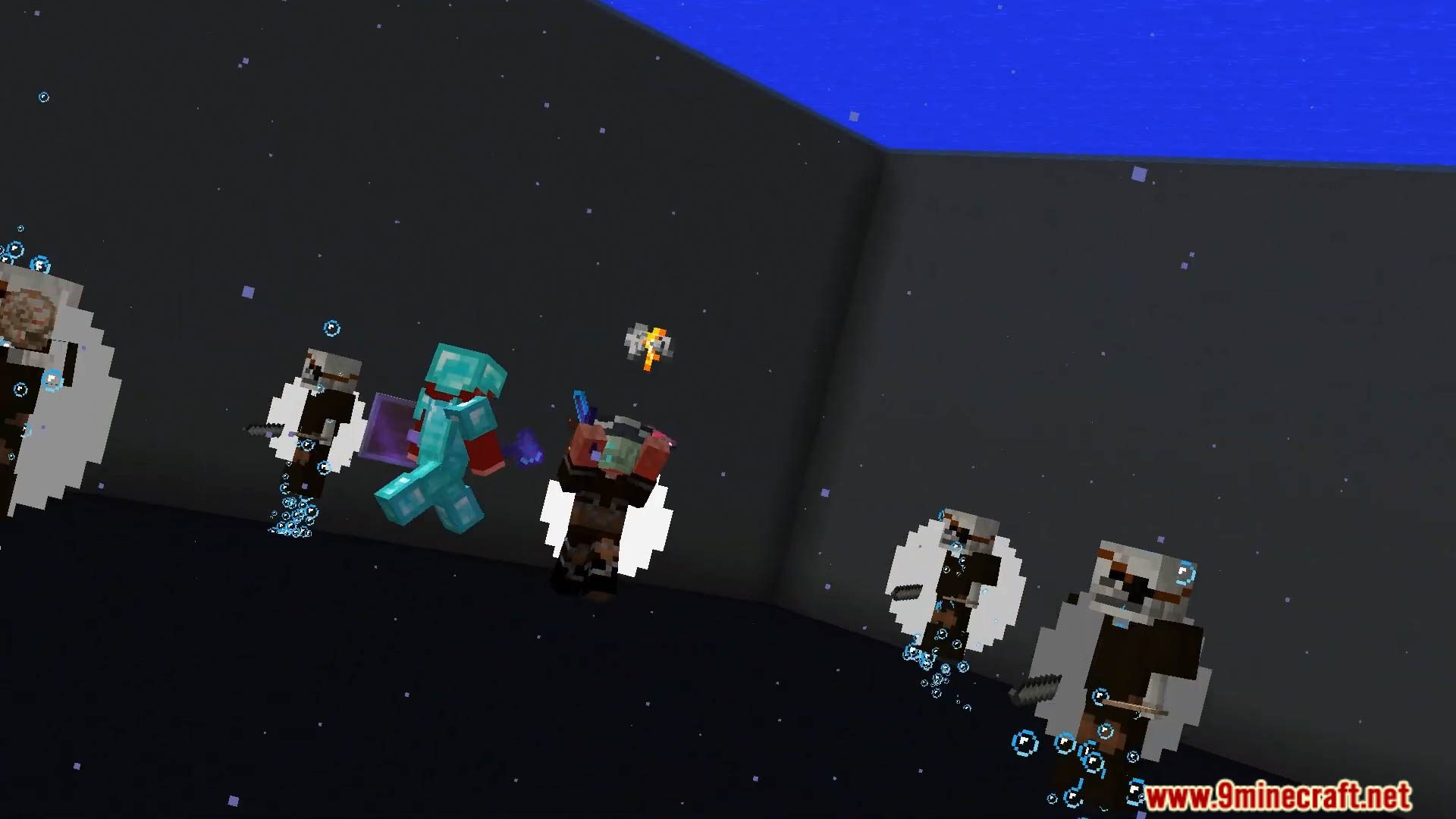
Dive into the depths of Minecraft’s oceans with the Deep Seas Data Pack, a transformative overhaul that breathes new life into aquatic landscapes. Experience a vibrant and immersive underwater world, teeming with marine life and hidden wonders. The Deep Seas Data Pack promises to redefine your Minecraft oceanic adventures. Enjoy playing this data pack!
Features:
- Vibrant Coral Reefs: Explore stunning coral reefs with a variety of colors and shapes, adding a burst of life to the ocean floor.
- Dynamic Underwater Flora: Witness the introduction of diverse underwater vegetation, creating a visually captivating underwater environment.
- New Aquatic Mobs: Encounter new and mysterious sea creatures that bring the ocean depths to life.
- Sunken Shipwrecks and Treasures: Uncover hidden shipwrecks and treasures nestled in the ocean floor, waiting to be discovered.
- Immersive Soundscapes: Immerse yourself in the soothing sounds of the deep seas, enhancing the overall underwater ambiance.
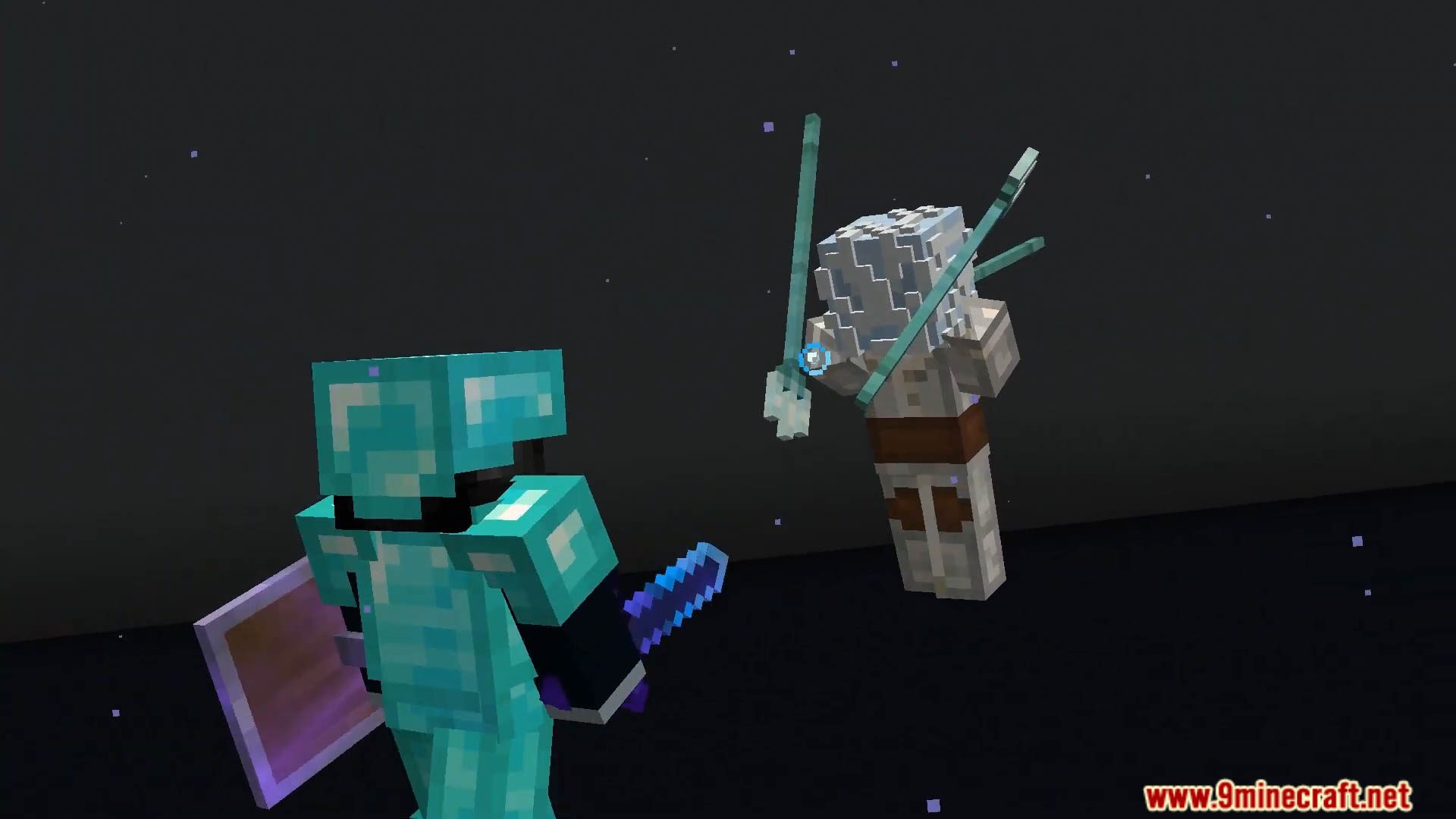
Screenshots:
Deep Seas Data Pack Download Links
For Minecraft 1.20.4, 1.20.1, 1.19.4
Data Pack: Download from Server 1 – Download from Server 2
- Edition: Minecraft Java
- File type: .jar
- Minecraft versions listed: 1.20.4, 1.19.4
- How to install: Install the matching mod loader (Forge, Fabric or NeoForge) for your Minecraft version. → Download the .jar. → Put it in the .minecraft/mods folder and launch that loader profile.
- Where to get it: In MC Java Mods, or directly above on this page.
Install steps are the general flow for this file type — see the MC Java Mods guides for the full walkthrough.
Deep Seas Data Pack (1.20.4, 1.19.4) – Ocean Overhaul Data Pack Transforms Minecraft Aquatic Realms! is a free Minecraft Java datapack. Compatible with Minecraft 1.20.4, 1.19.4. Download it and open it directly in the game.