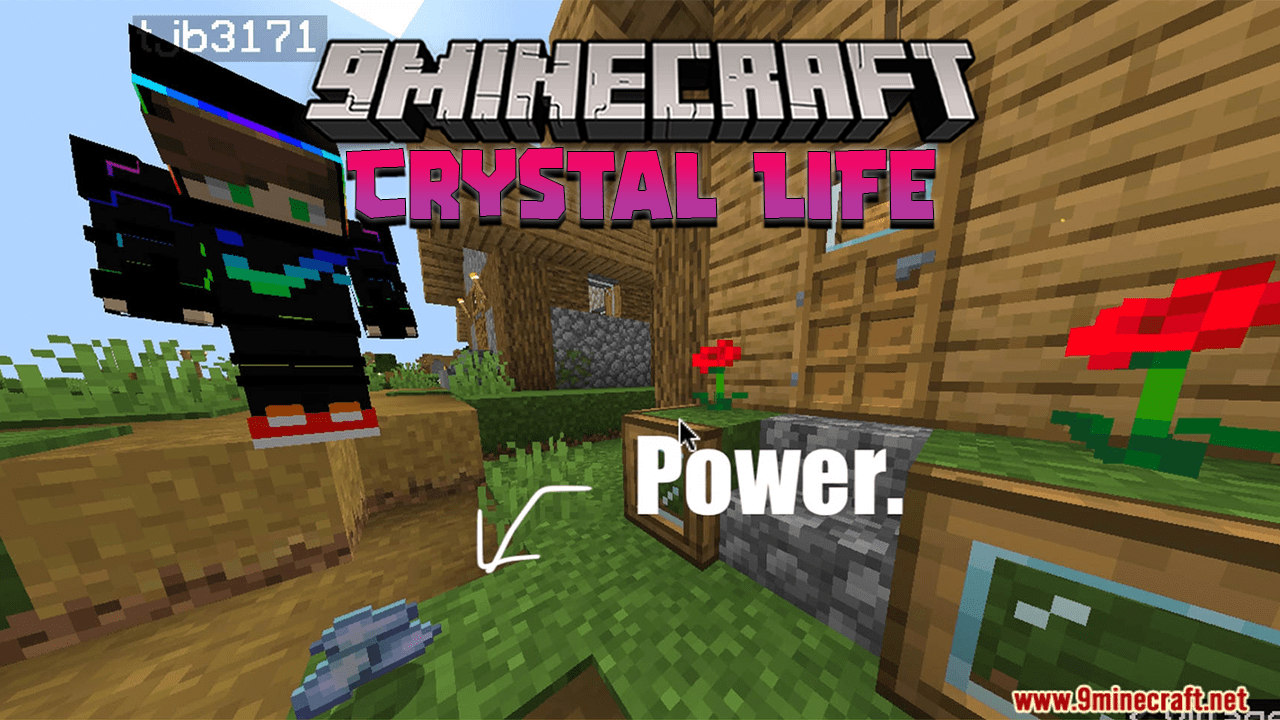
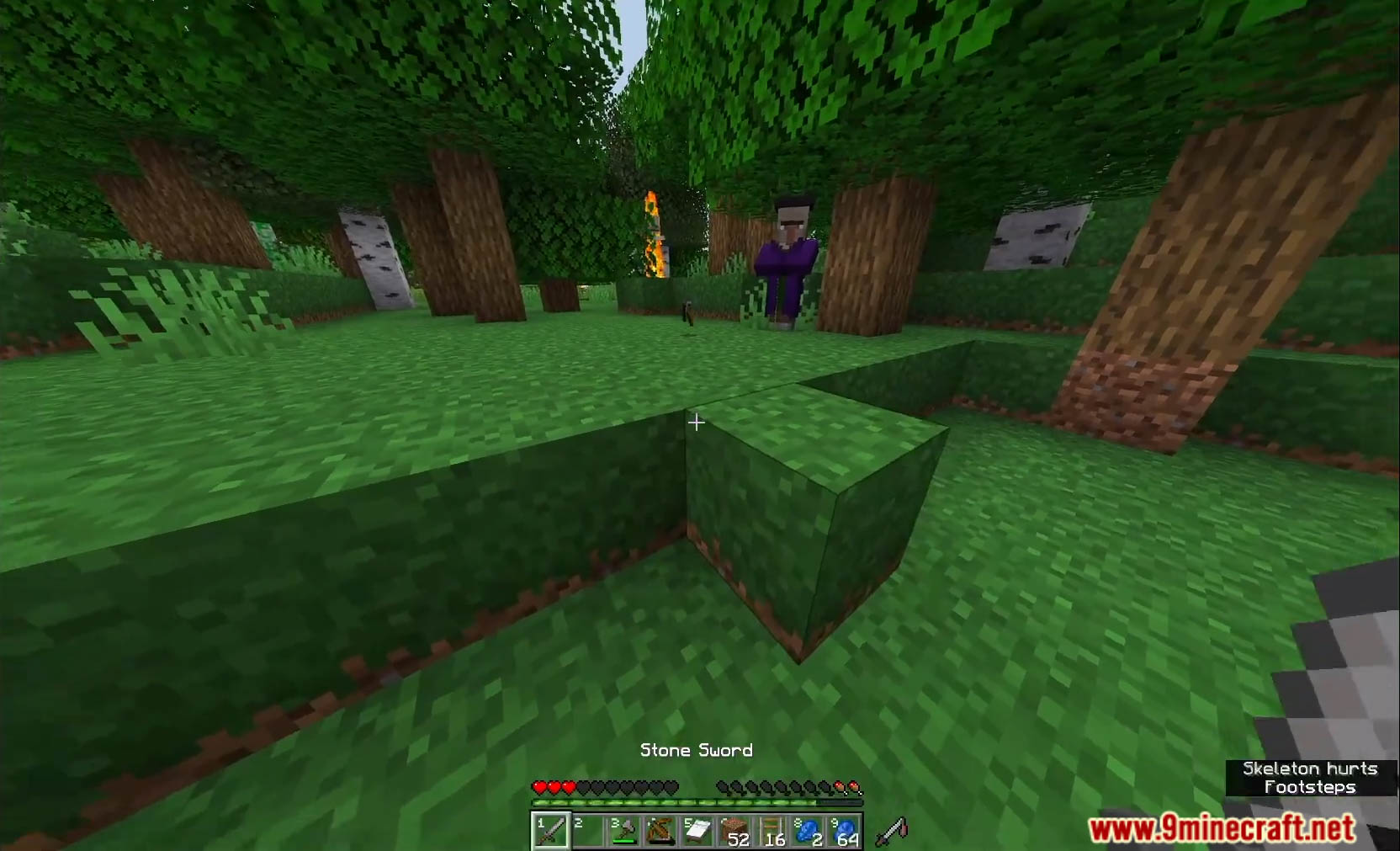
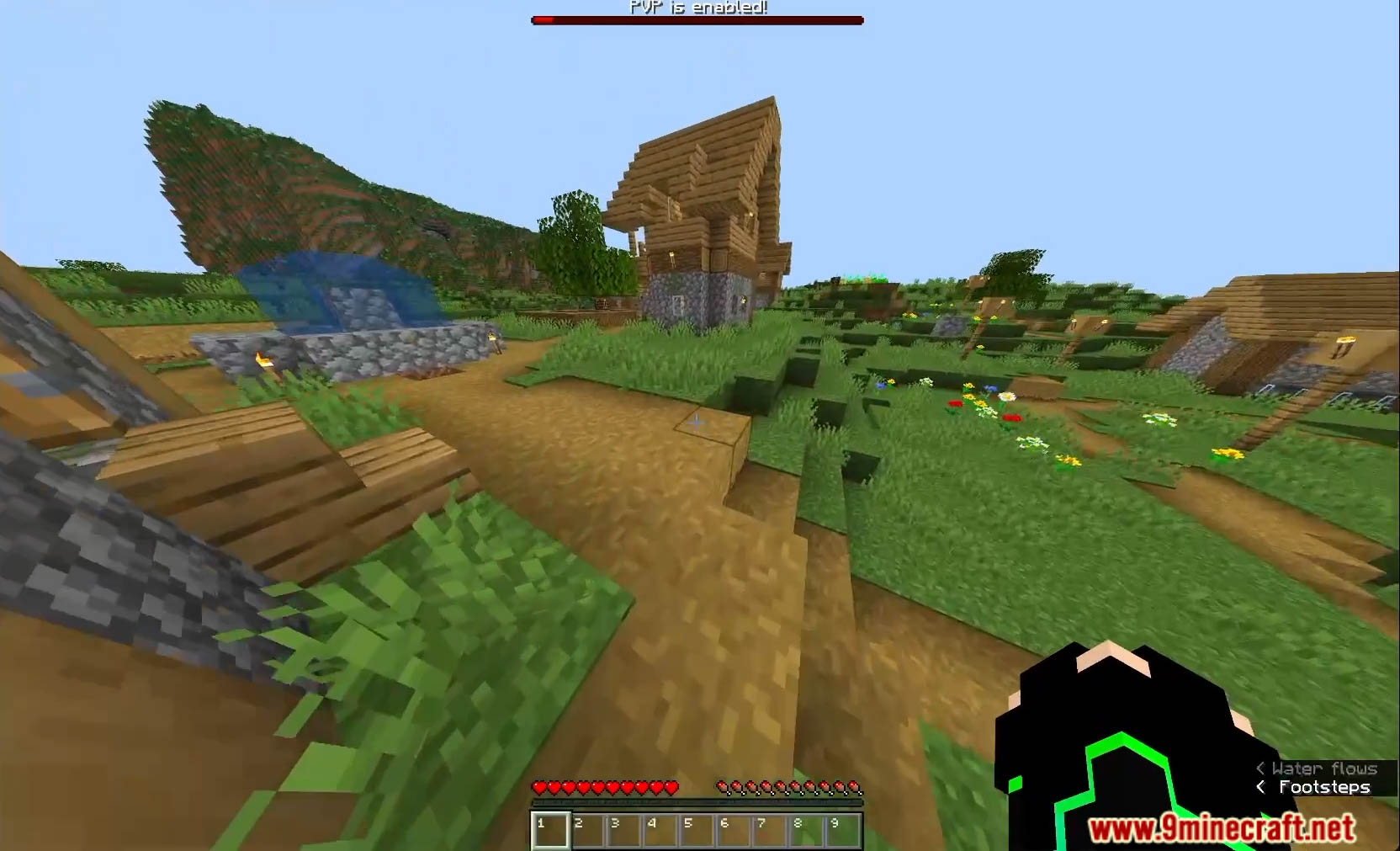
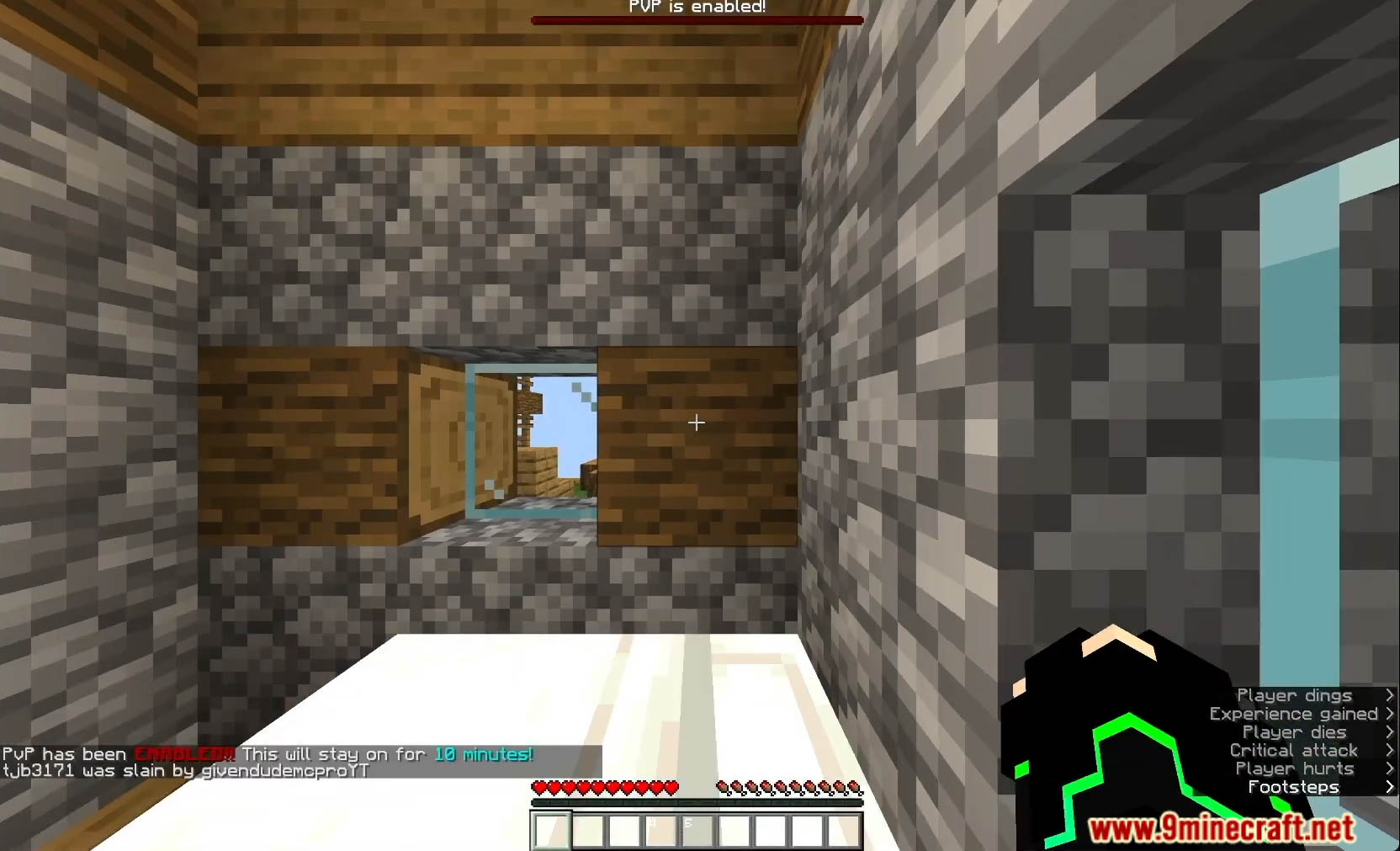
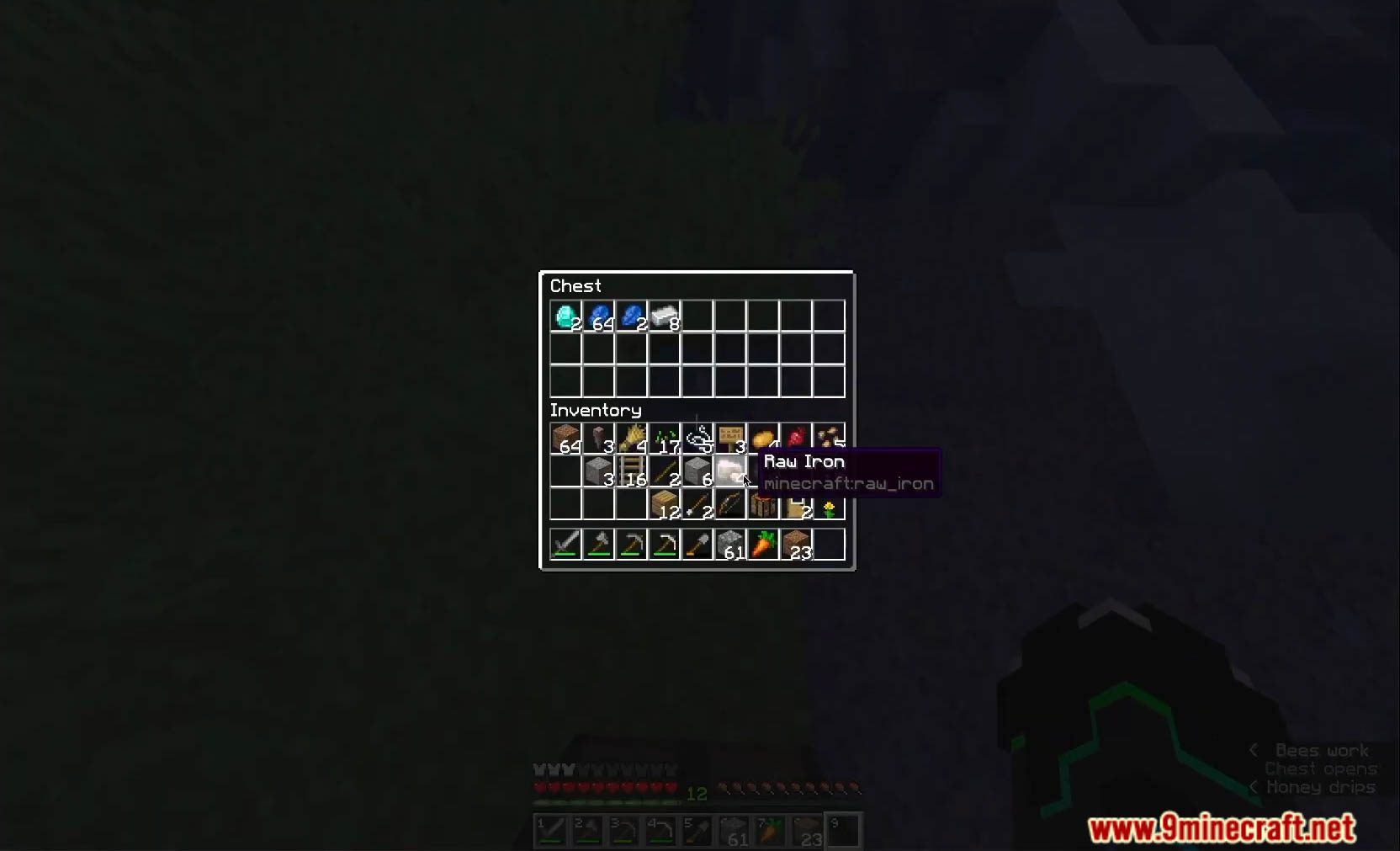
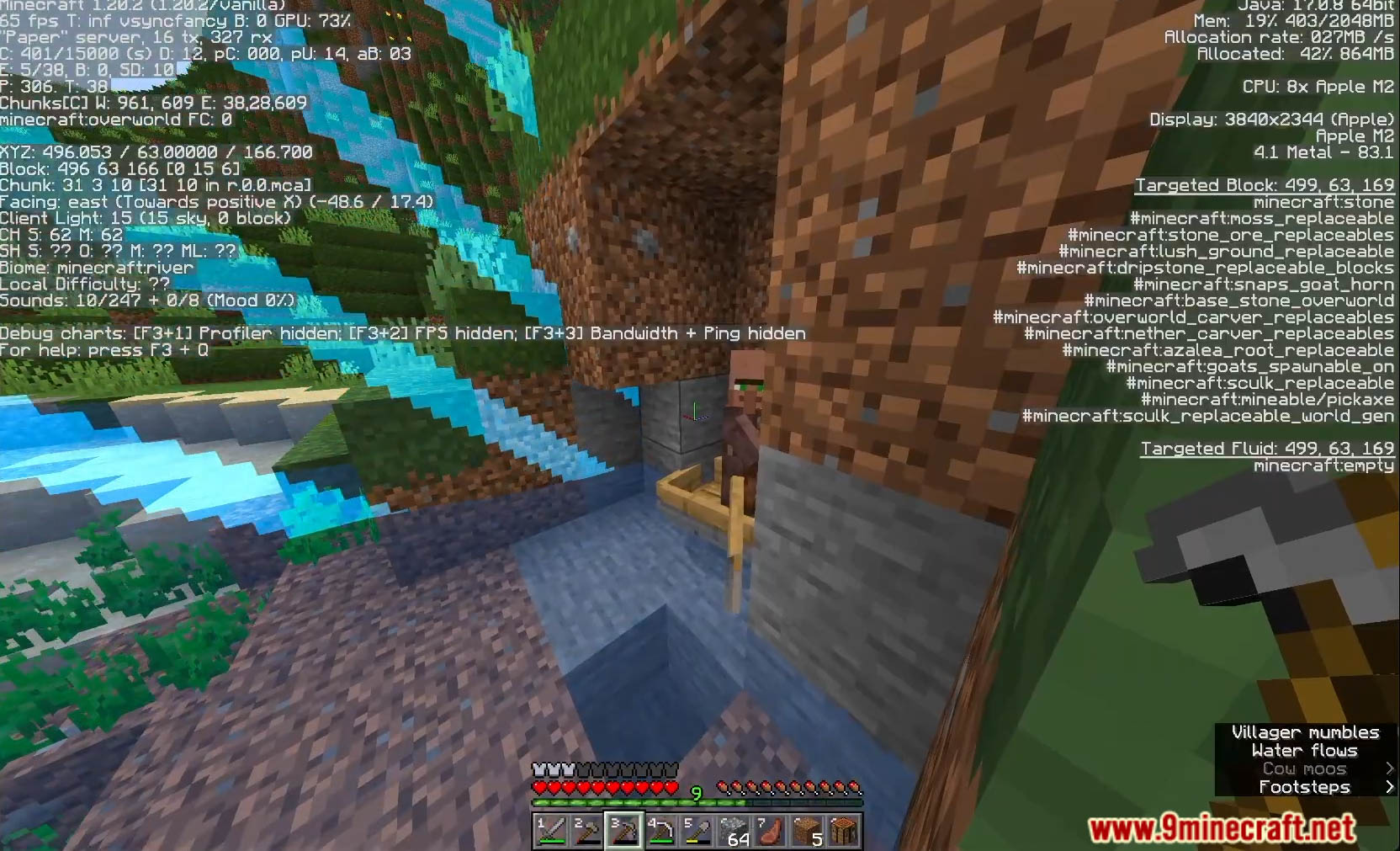
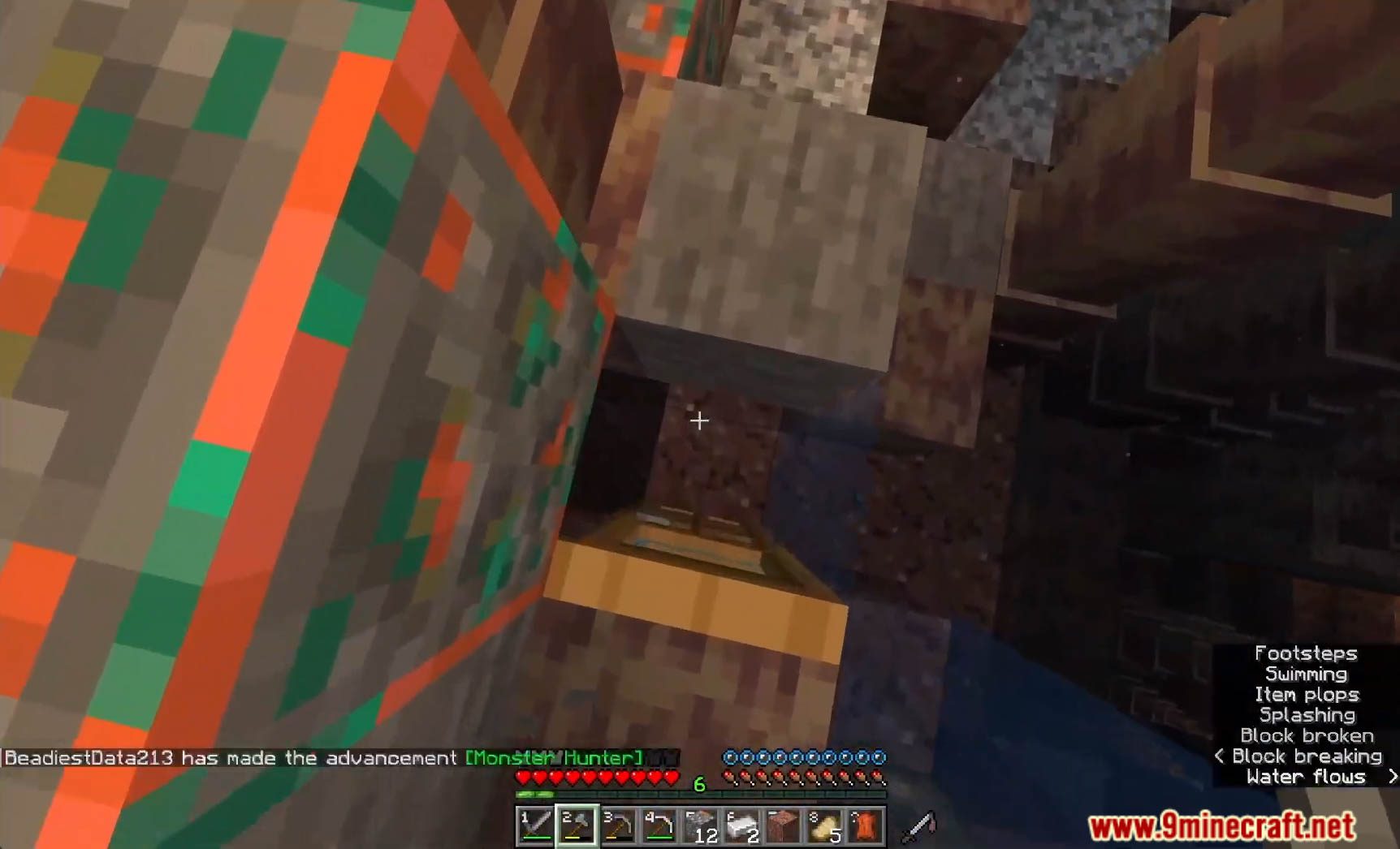
Embark on a thrilling multiplayer adventure with the Crystal Life Data Pack, a unique and challenging addition to Minecraft. This immersive experience introduces a dynamic 3-lives challenge, where players must navigate a world infused with crystals, each representing a precious life. Can you survive the Crystal Life challenge and emerge victorious? Enjoy playing this data pack!
Features:
- 3 Lives Challenge: Engage in an intense multiplayer challenge where each player is granted only three lives, adding an element of strategy and urgency to your gameplay.
- Crystal-Infused World: Explore a world enriched with mystical crystals, each possessing unique properties that impact the environment and gameplay dynamics.
- Custom Events: Encounter custom events triggered by the crystals, introducing unexpected challenges, opportunities, and twists to keep players on their toes.
- Strategic Decision-Making: Make strategic decisions on how to utilize your limited lives, whether to take risks for valuable rewards or play it safe to ensure survival.
- Multiplayer Compatibility: Flawlessly integrate the Crystal Life Data Pack into your multiplayer server, fostering a competitive and cooperative environment among players.
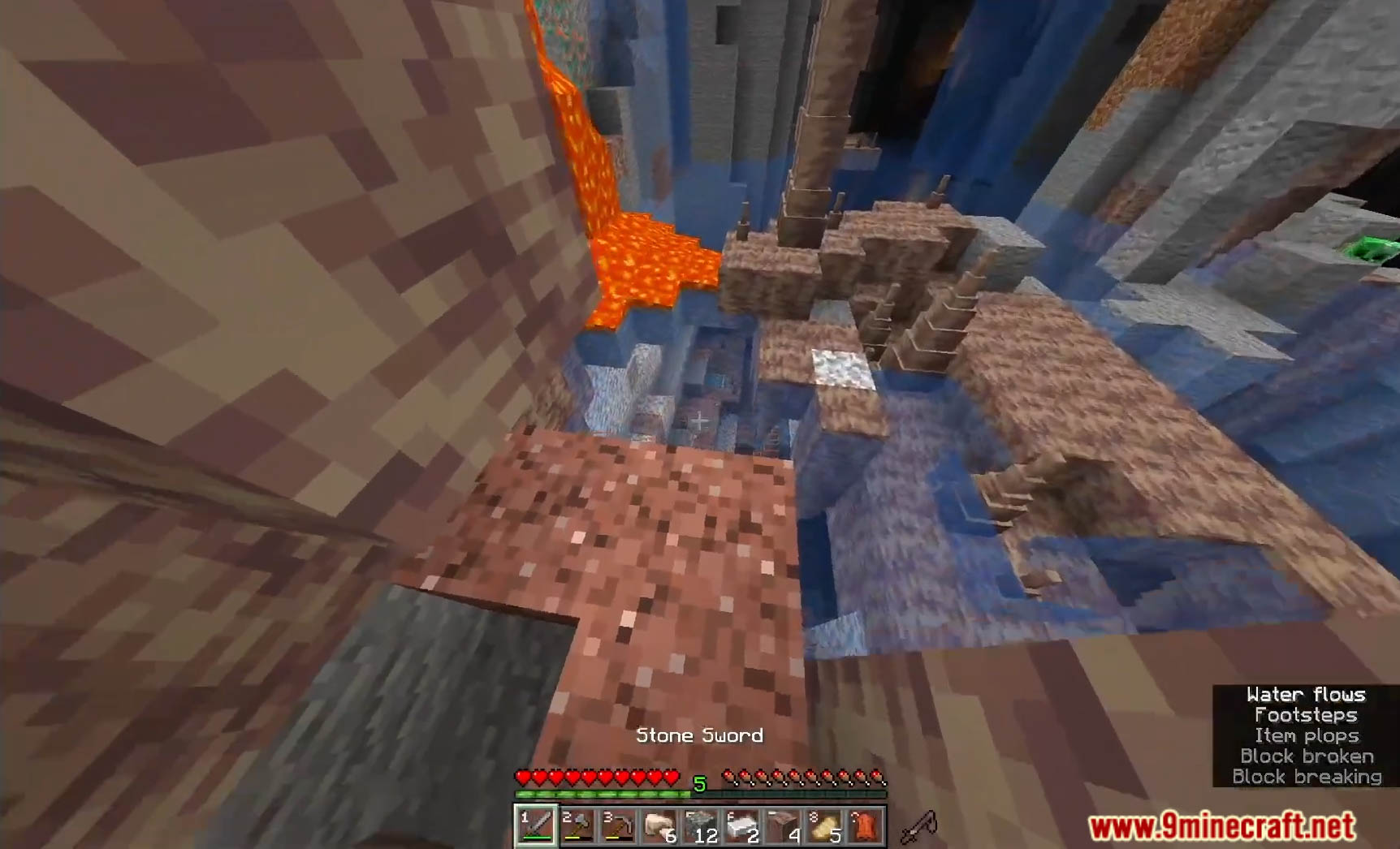
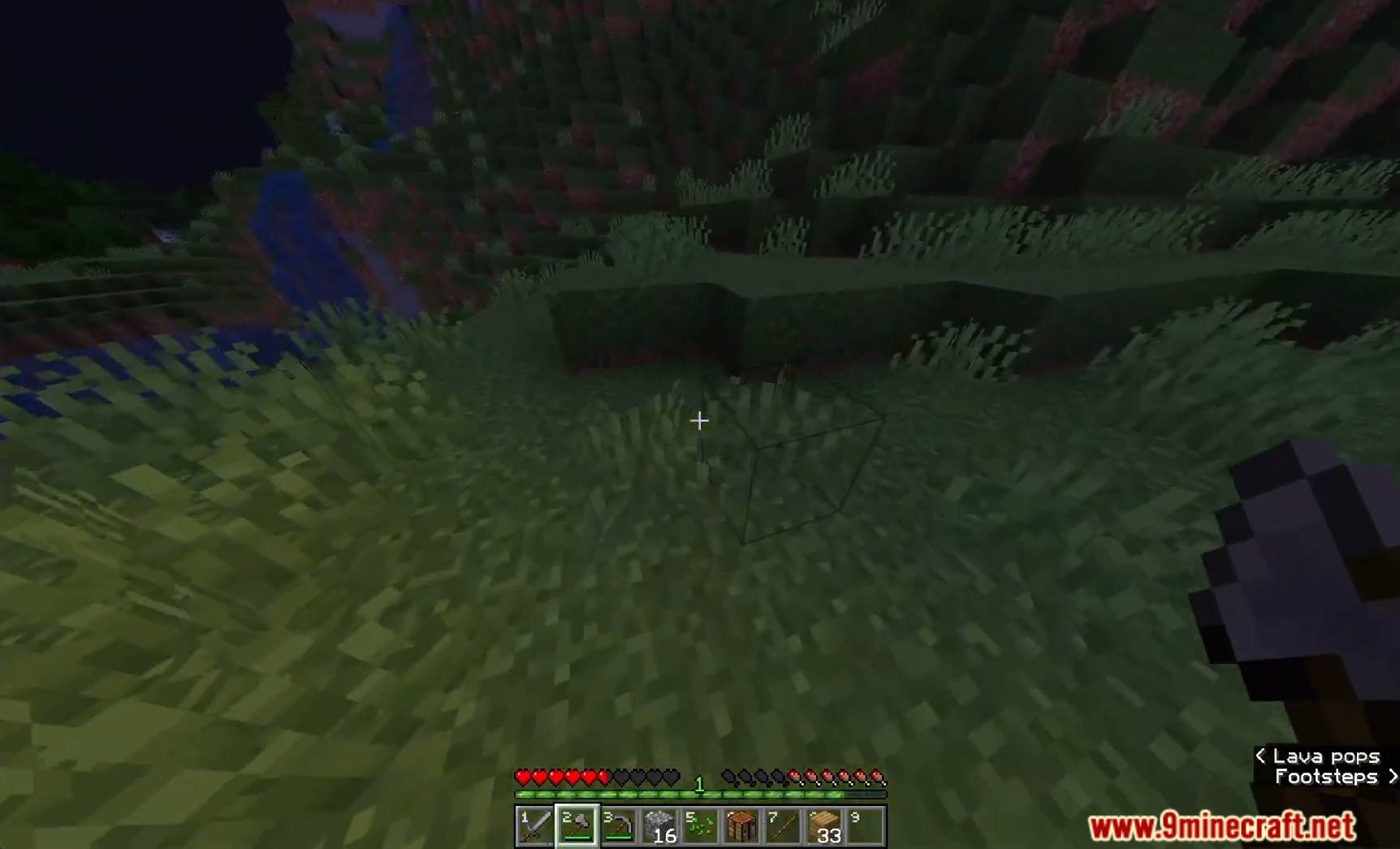
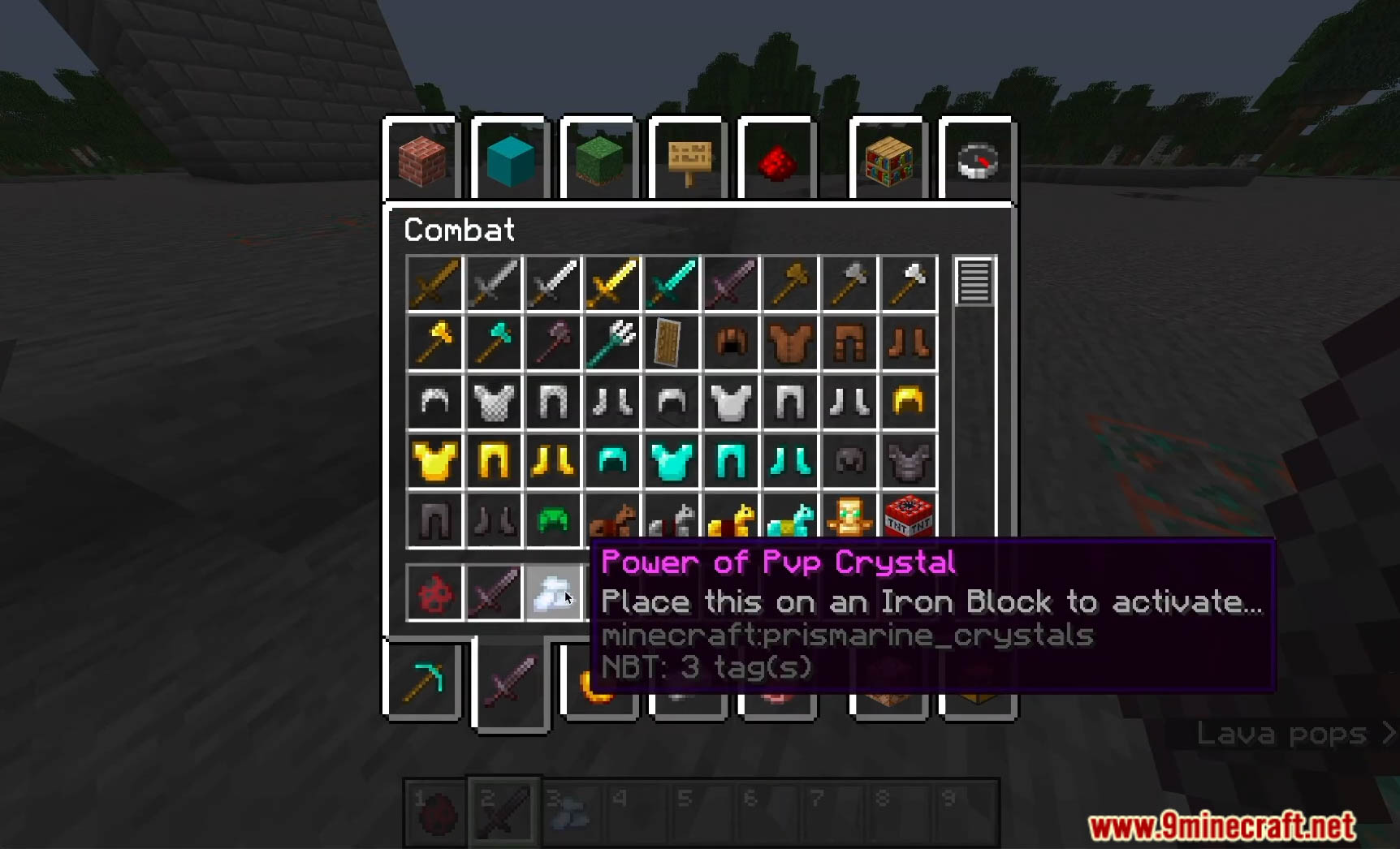
Screenshots:
Crystal Life Data Pack Download Links
For Minecraft 1.20.4, 1.20.2, 1.20.1, 1.19.4
Data Pack: Download from Server 1 – Download from Server 2
Quick facts
- Edition: Minecraft Java
- File type: .jar
- Minecraft versions listed: 1.20.4, 1.19.4
- How to install: Install the matching mod loader (Forge, Fabric or NeoForge) for your Minecraft version. → Download the .jar. → Put it in the .minecraft/mods folder and launch that loader profile.
- Where to get it: In MC Java Mods, or directly above on this page.
Install steps are the general flow for this file type — see the MC Java Mods guides for the full walkthrough.
Crystal Life Data Pack (1.20.4, 1.19.4) – Test Your Survival Skills is a free Minecraft Java datapack. Compatible with Minecraft 1.20.4, 1.19.4. Download it and open it directly in the game.