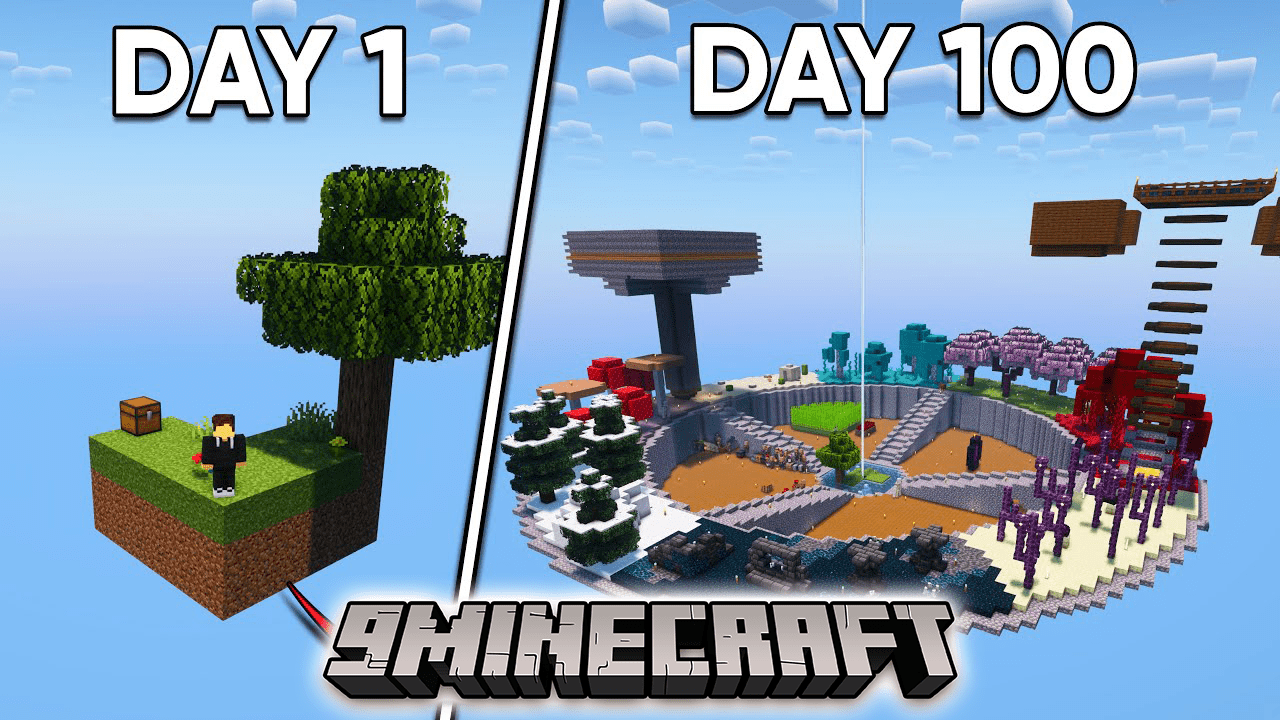
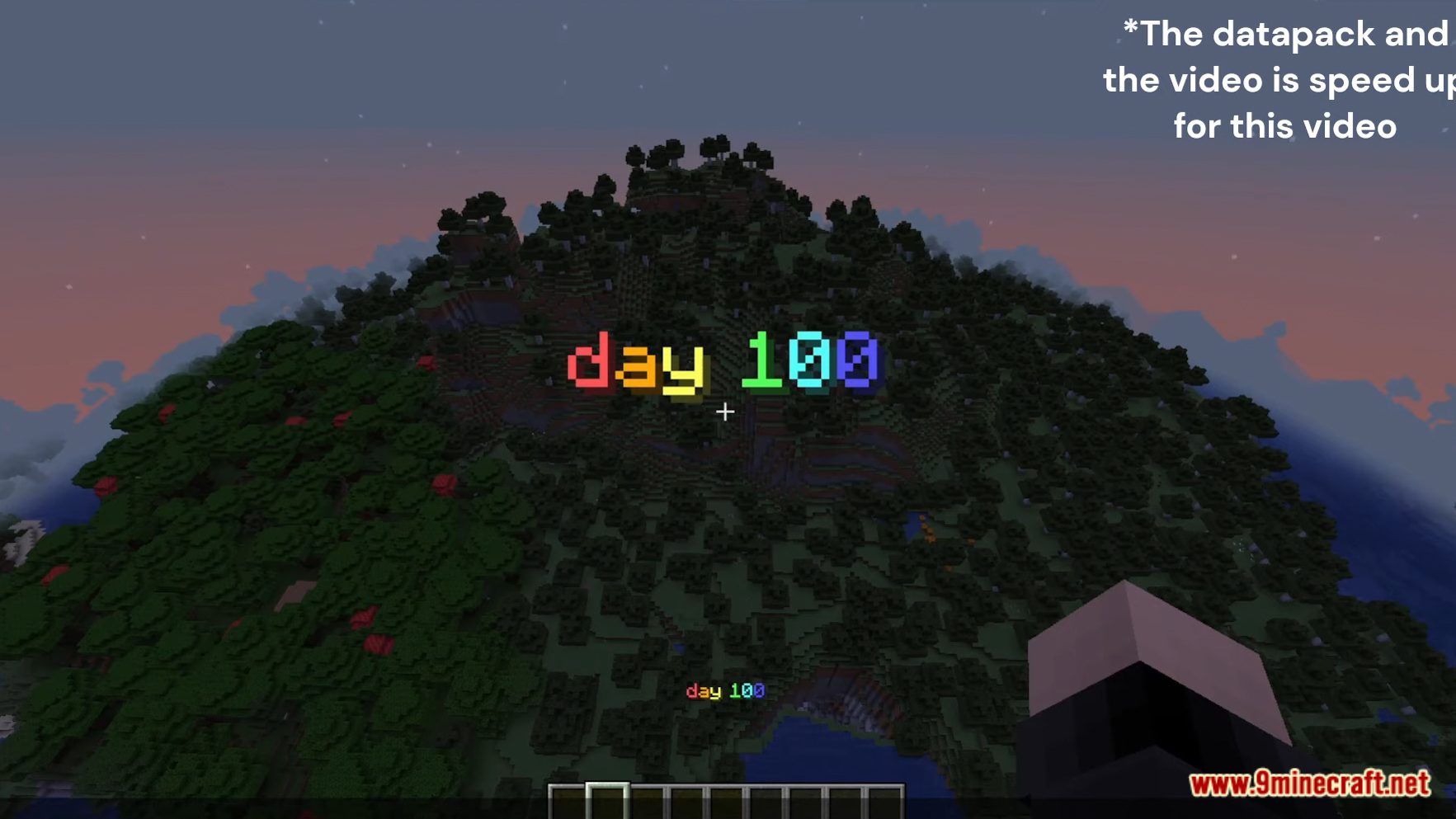
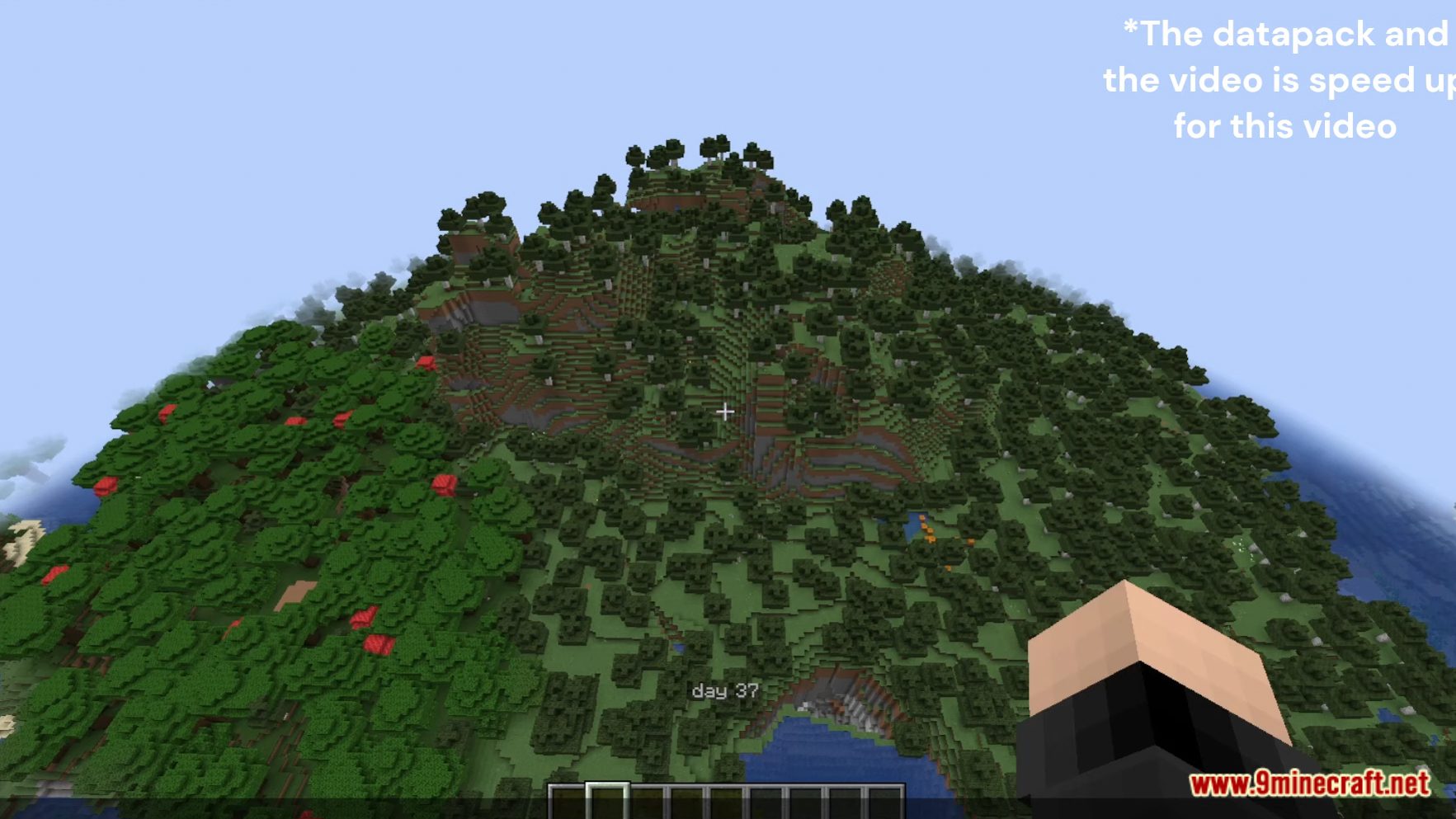
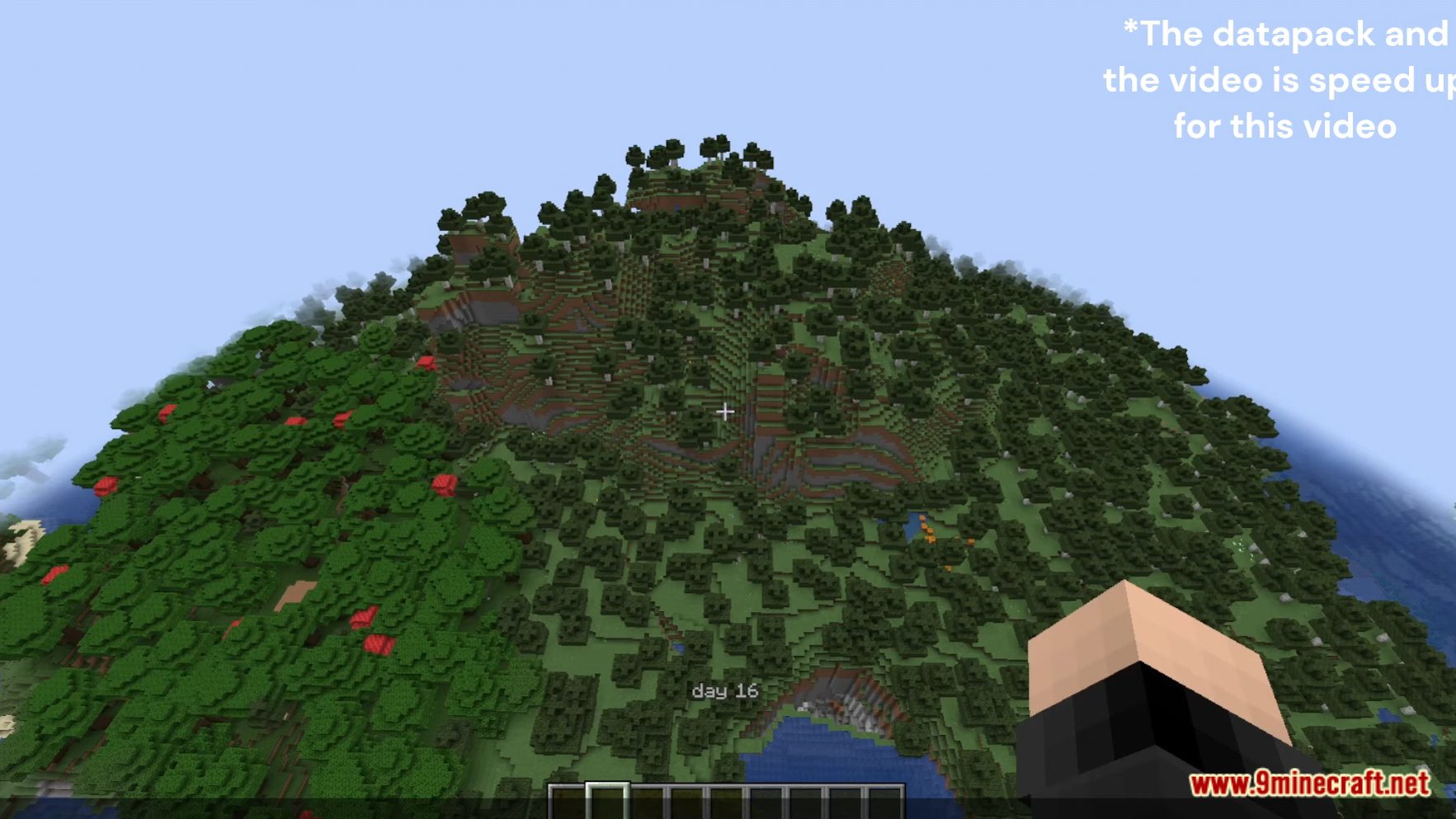
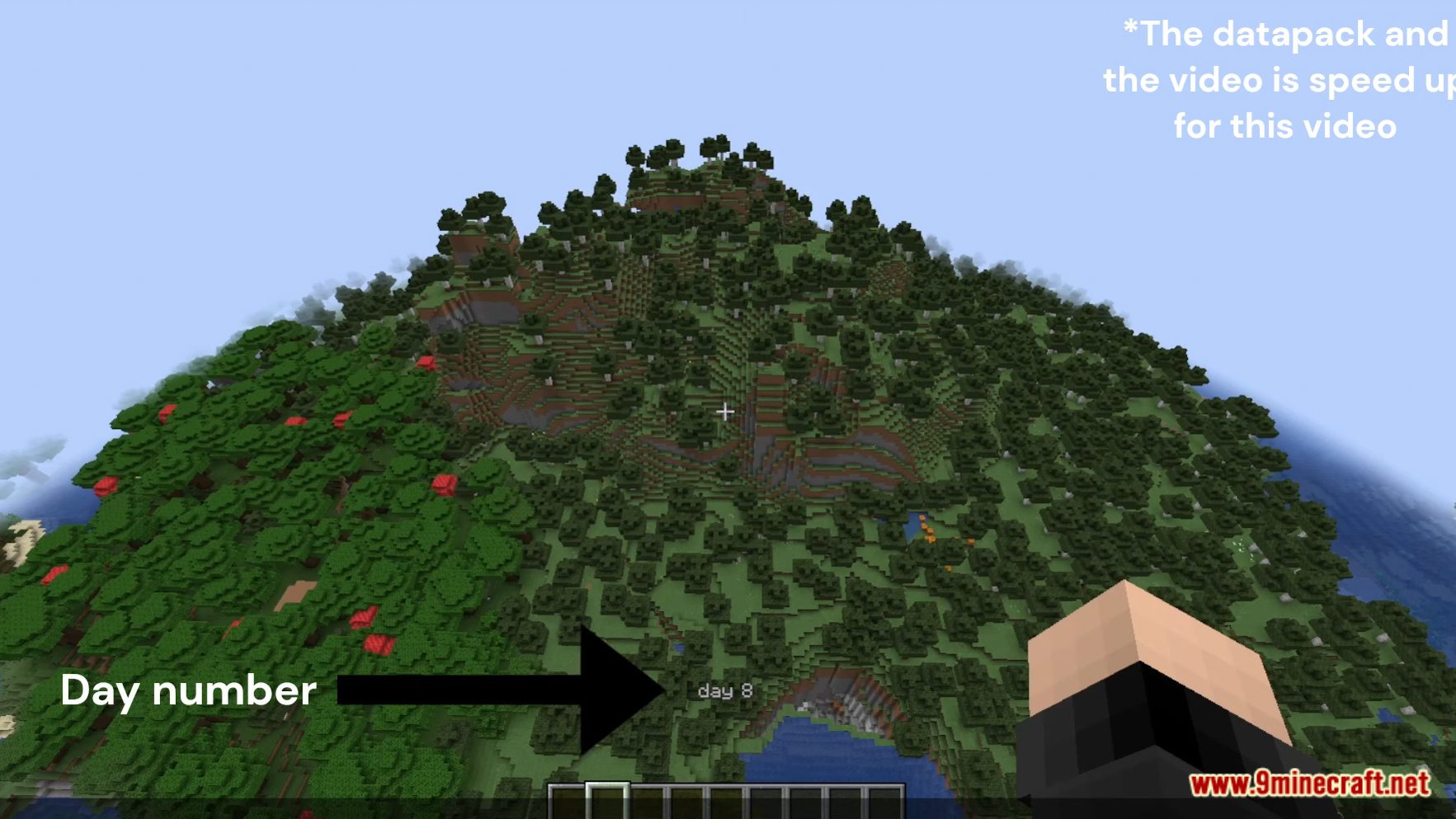
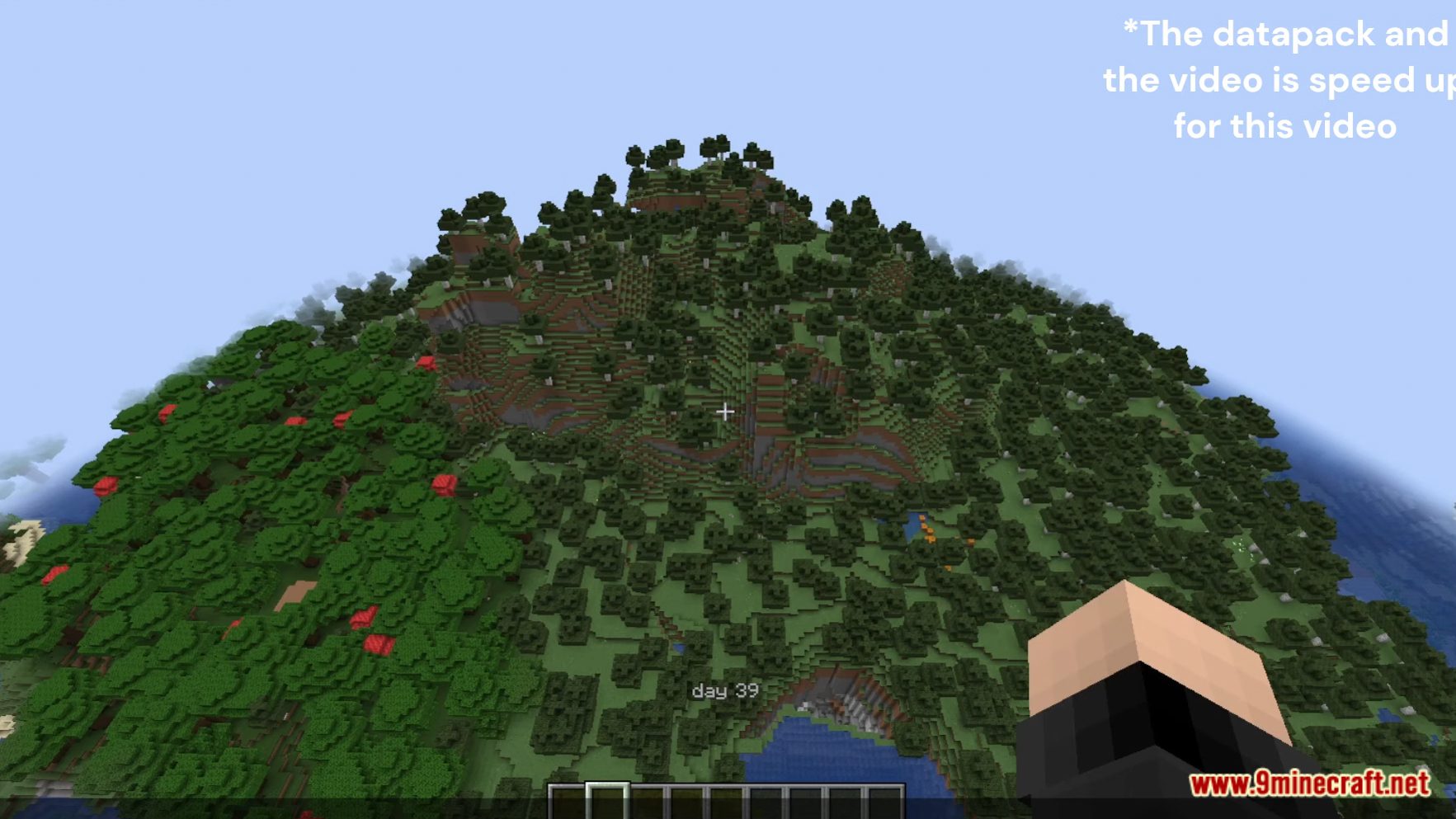
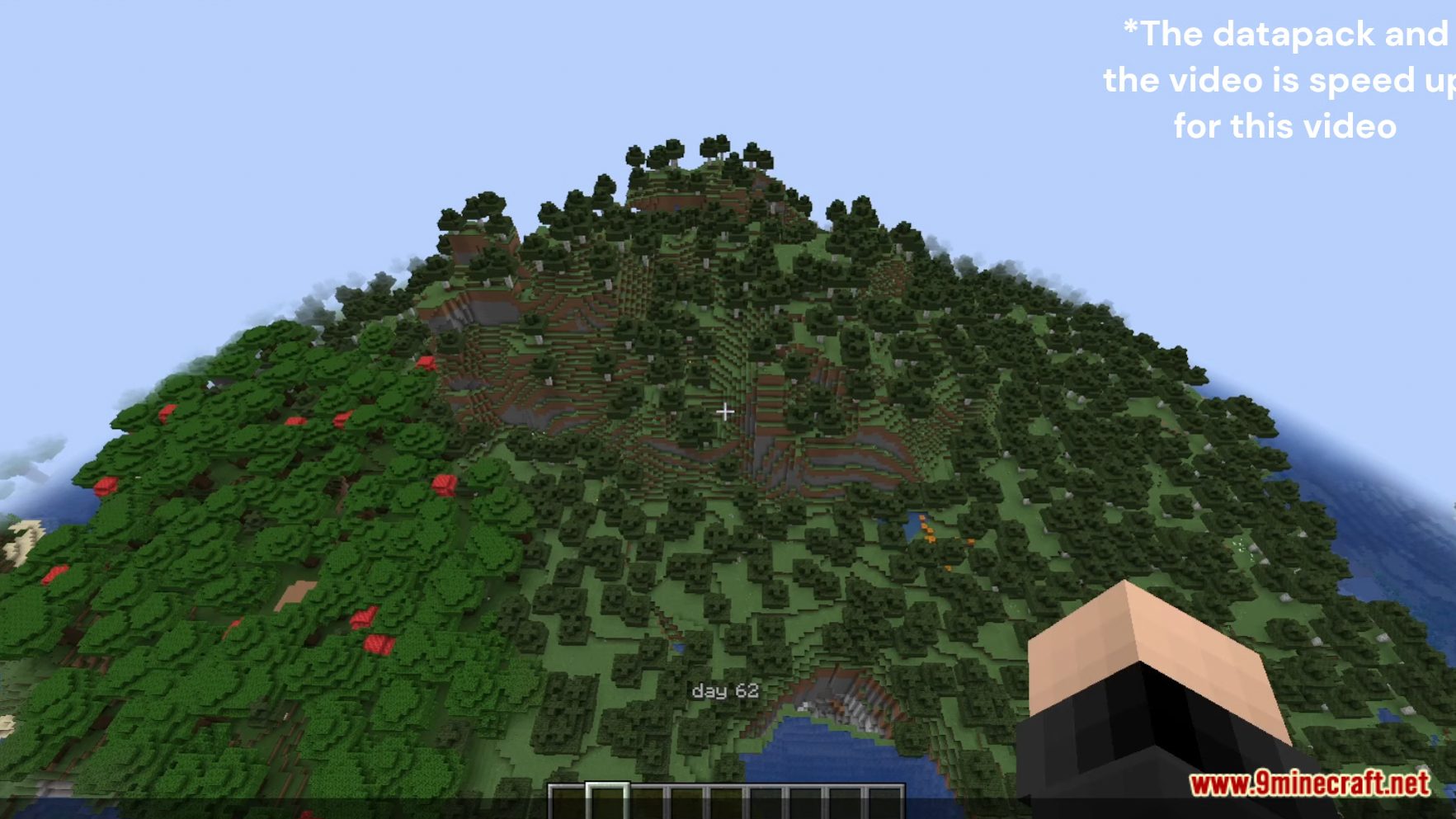
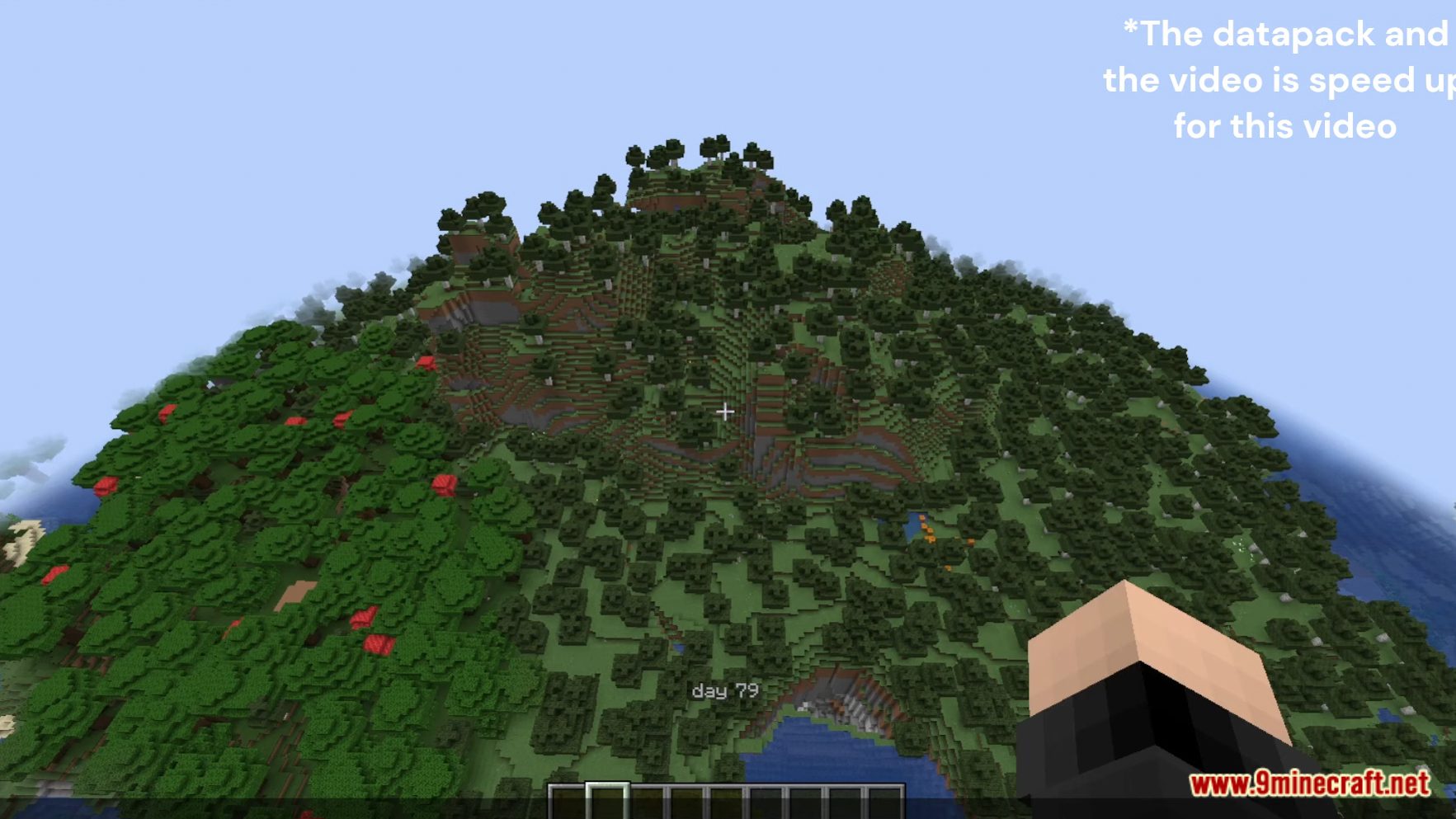
In the vast world of Minecraft, keeping track of your in-game achievements can be a rewarding challenge. 100 Days In Minecraft Data Pack is the perfect data pack to aid you on your journey. Whether you’re on a survival mission or striving to complete specific goals, this tool becomes your faithful companion, helping you monitor your progress with precision. Enjoy playing this data pack!
Features:
- Customizable Counters: Set up multiple counters to track various milestones simultaneously. Whether you’re counting days, nights, or something entirely different, it’s all within your control.
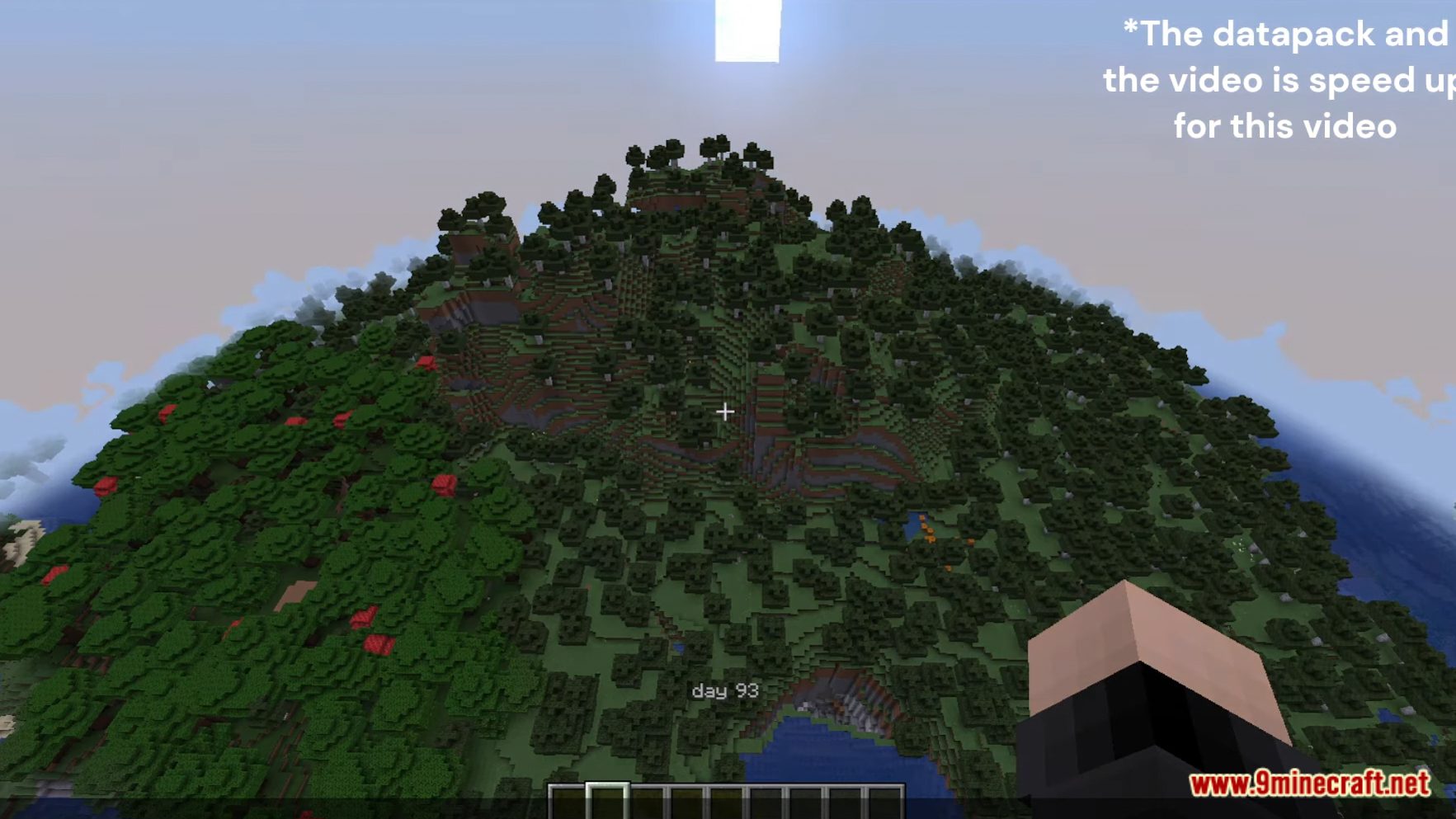
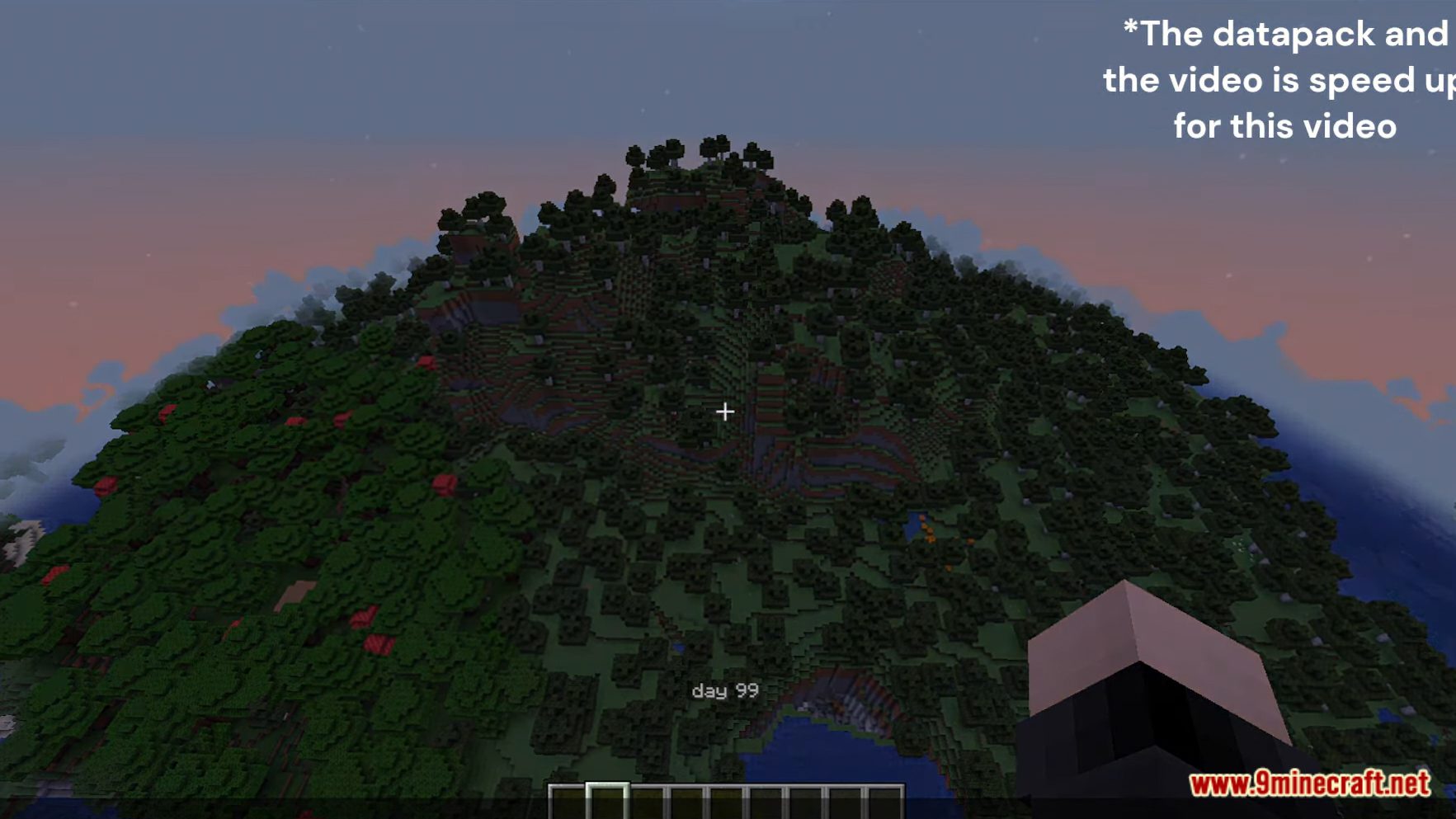
- Clean User Interface: The data pack offers a sleek, in-game interface to display your counters. Keep a close watch on your progress without the need for external tools or calculations.
- Real-time Tracking: Watch the counters tick away as you explore, build, or survive. Every action you take contributes to your counter’s progression.
- Goal Setting: Use counters to set specific goals for your Minecraft adventures. Want to reach 100 days of survival? This data pack will help you achieve it.
-
Screenshots:
100 Days In Minecraft Data Pack Download Links
For Minecraft 1.20.2, 1.20.1, 1.19.4
Data Pack: Download from Server 1 – Download from Server 2
For Minecraft 1.18.2, 1.18.1
Data Pack: Download from Server 1 – Download from Server 2
For Minecraft 1.17.1, 1.16.5
Data Pack: Download from Server 1 – Download from Server 2
- Edition: Minecraft Java
- File type: .jar
- Minecraft versions listed: 1.20.2, 1.19.4
- How to install: Install the matching mod loader (Forge, Fabric or NeoForge) for your Minecraft version. → Download the .jar. → Put it in the .minecraft/mods folder and launch that loader profile.
- Where to get it: In MC Java Mods, or directly above on this page.
Install steps are the general flow for this file type — see the MC Java Mods guides for the full walkthrough.
100 Days In Minecraft Data Pack (1.20.2, 1.19.4) – Keep You Stay On Track! is a free Minecraft Java datapack. Compatible with Minecraft 1.20.2, 1.19.4. Download it and open it directly in the game.