Zombies Plus Data Pack (1.20.2, 1.19.4) – Enhance The Undead Experience In Minecraft!
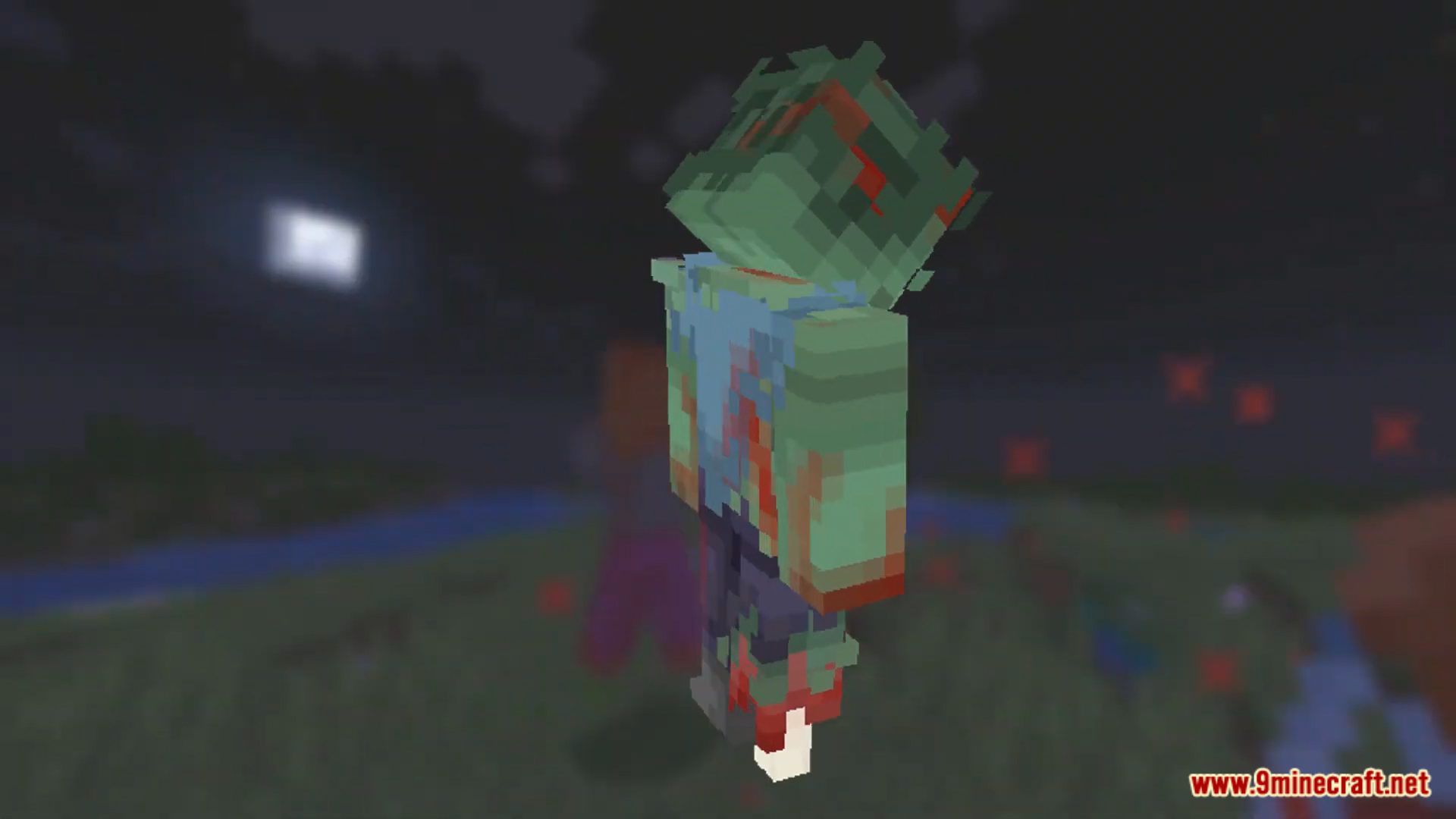
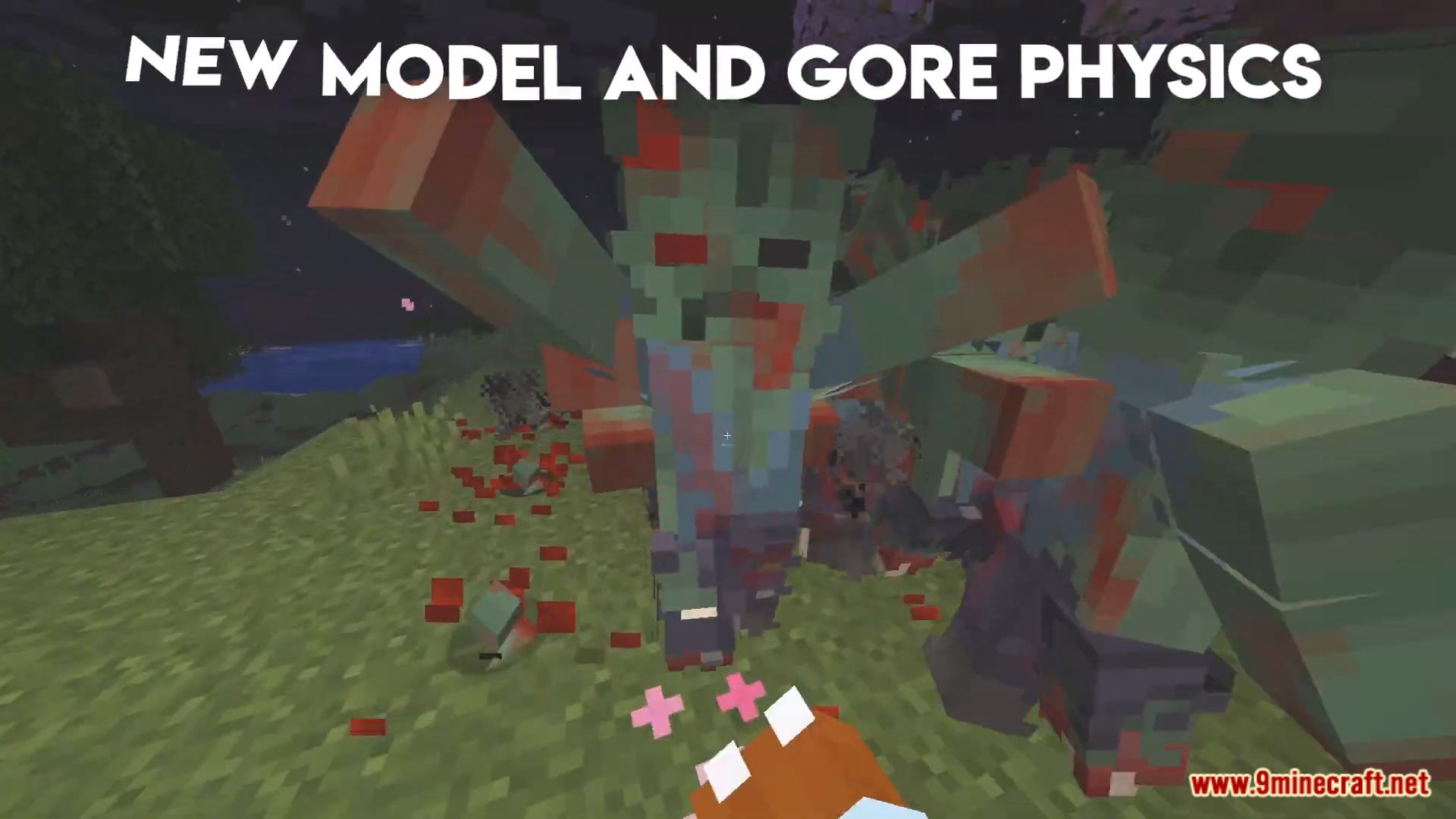
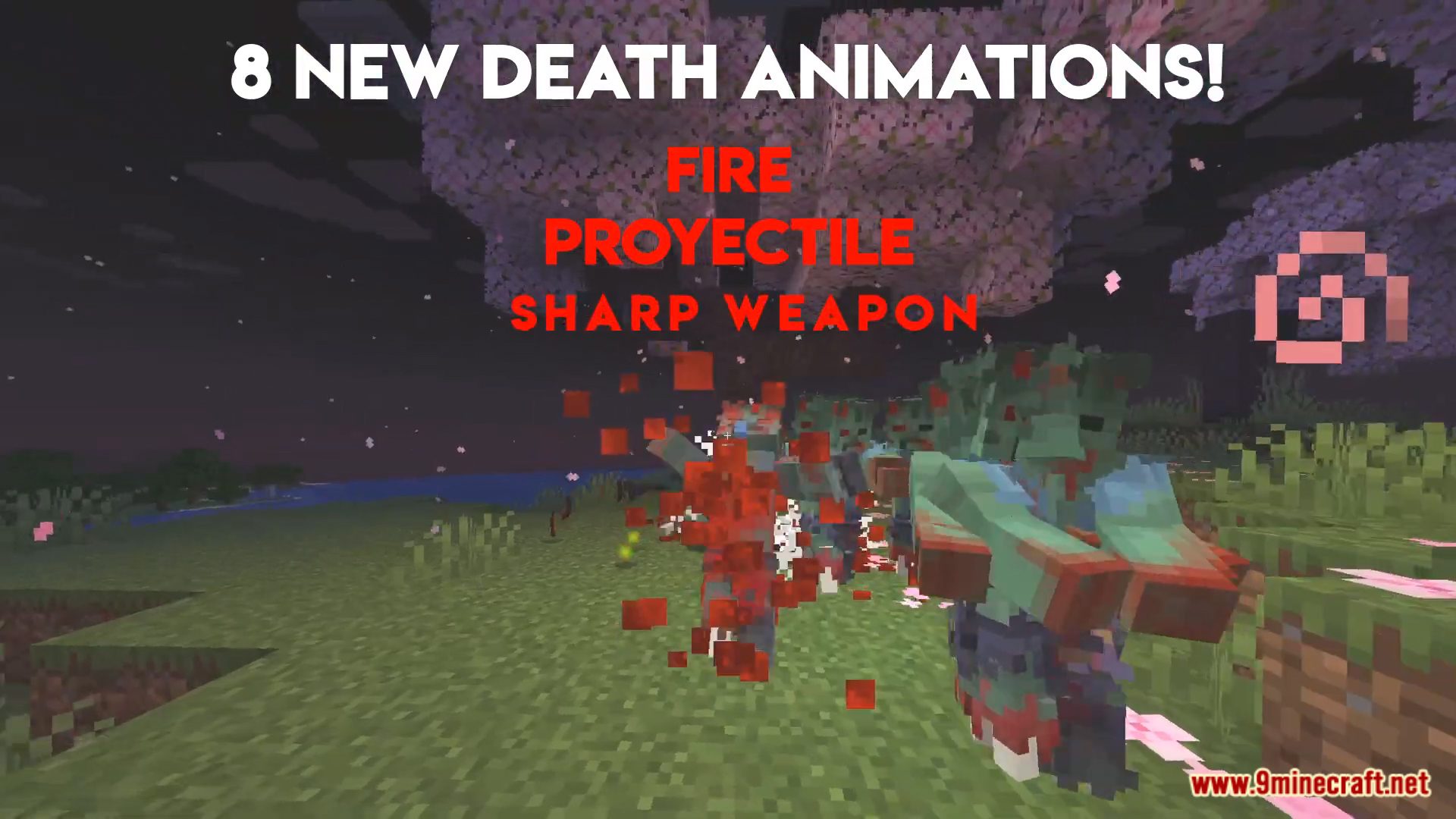
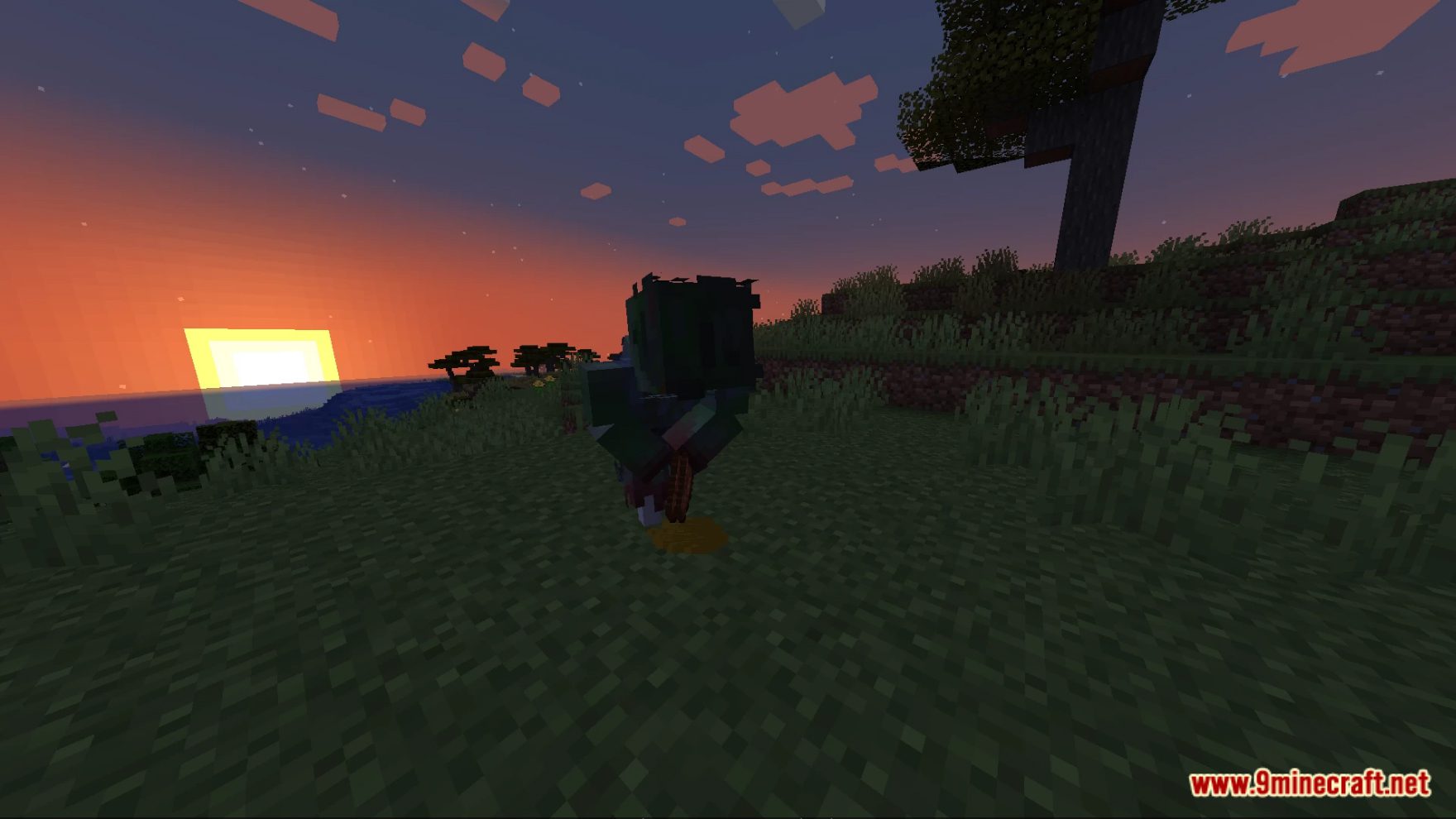
Elevate your encounters with the undead in Minecraft with the “Zombies Plus Datapack.” This immersive data pack redefines the zombie experience, introducing new challenges, abilities, and surprises that will keep you on your toes as you navigate the world teeming with the living dead. Enjoy playing this data pack!
Features:
- Enhanced Zombie Varieties: Encounter a wide range of zombie types, each with unique abilities and behaviors.
- Zombie Hordes: Face massive hordes of zombies that can swarm you from all directions.
- Diverse Zombie Abilities: Zombies exhibit different abilities, from poison attacks to summoning reinforcements.
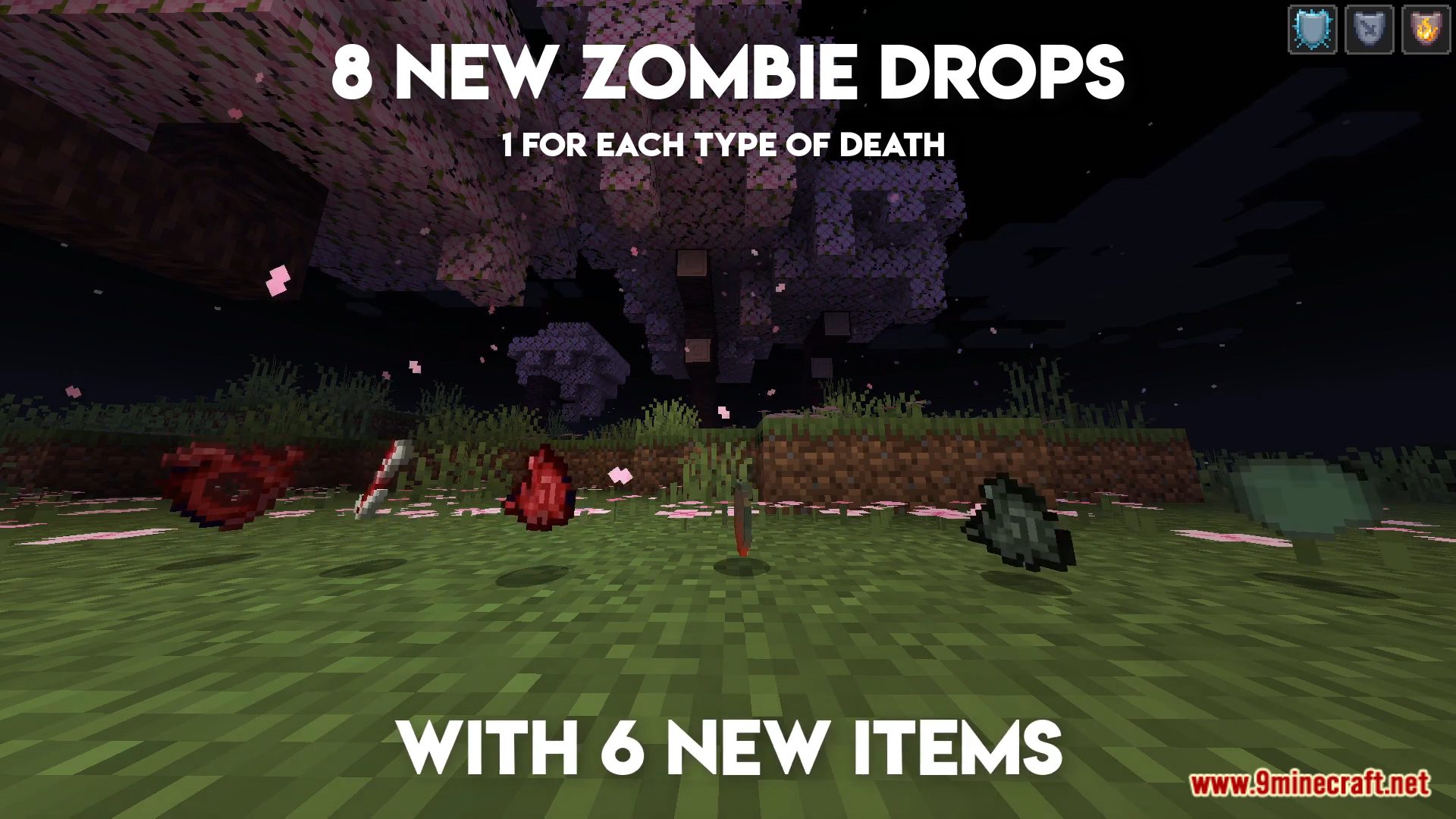
- Custom Drops: Collect rare and valuable loot dropped by the enhanced zombies.
- Zombie Bosses: Challenge powerful zombie bosses that guard precious treasures.
- Dynamic Events: Experience dynamic in-game events triggered by zombie interactions.
- Resource Management: Test your survival skills as you manage resources while fending off relentless zombies.
- Adaptive Gameplay: The difficulty scales as you progress, providing a continuous challenge.
Screenshots:
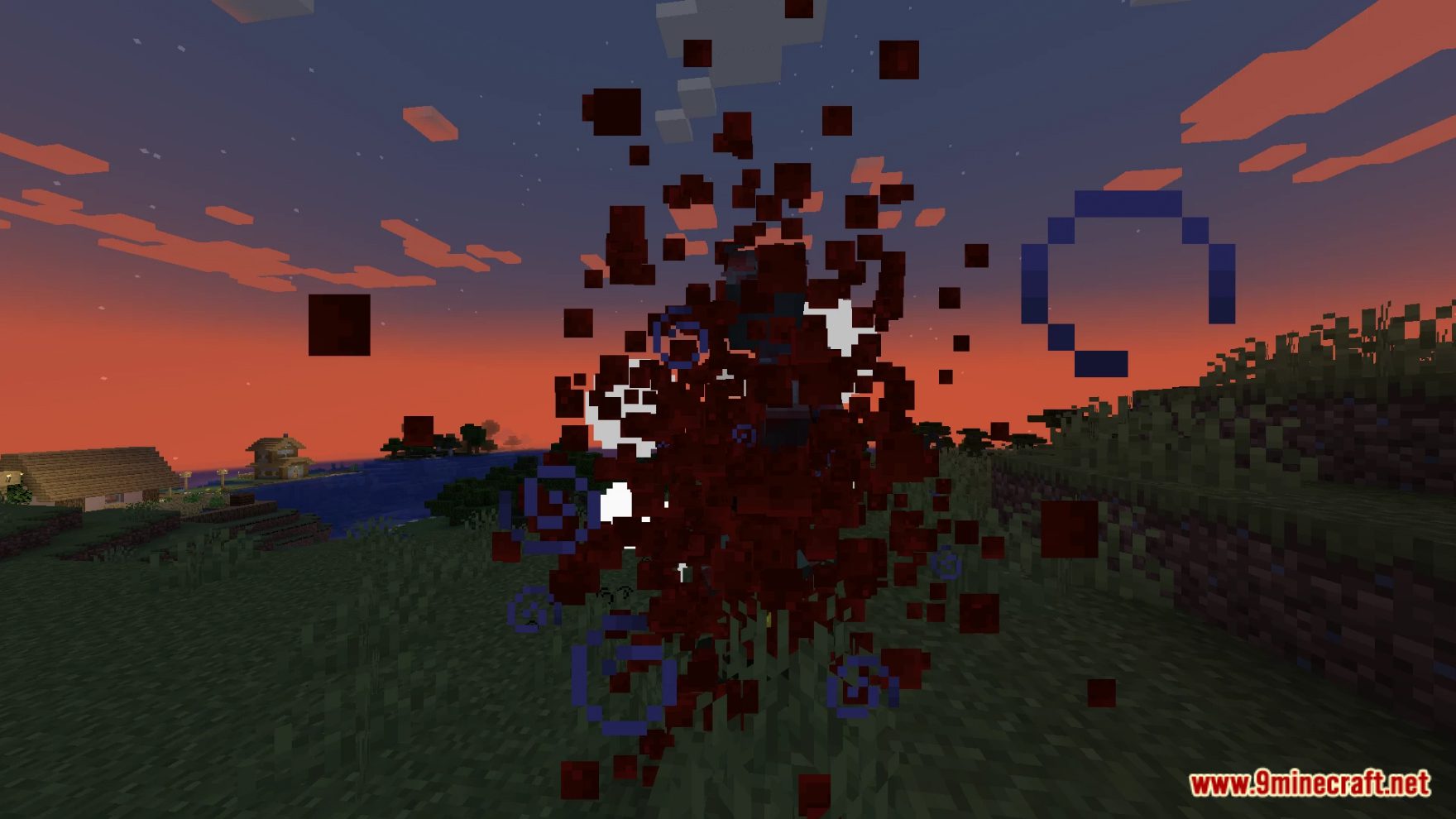
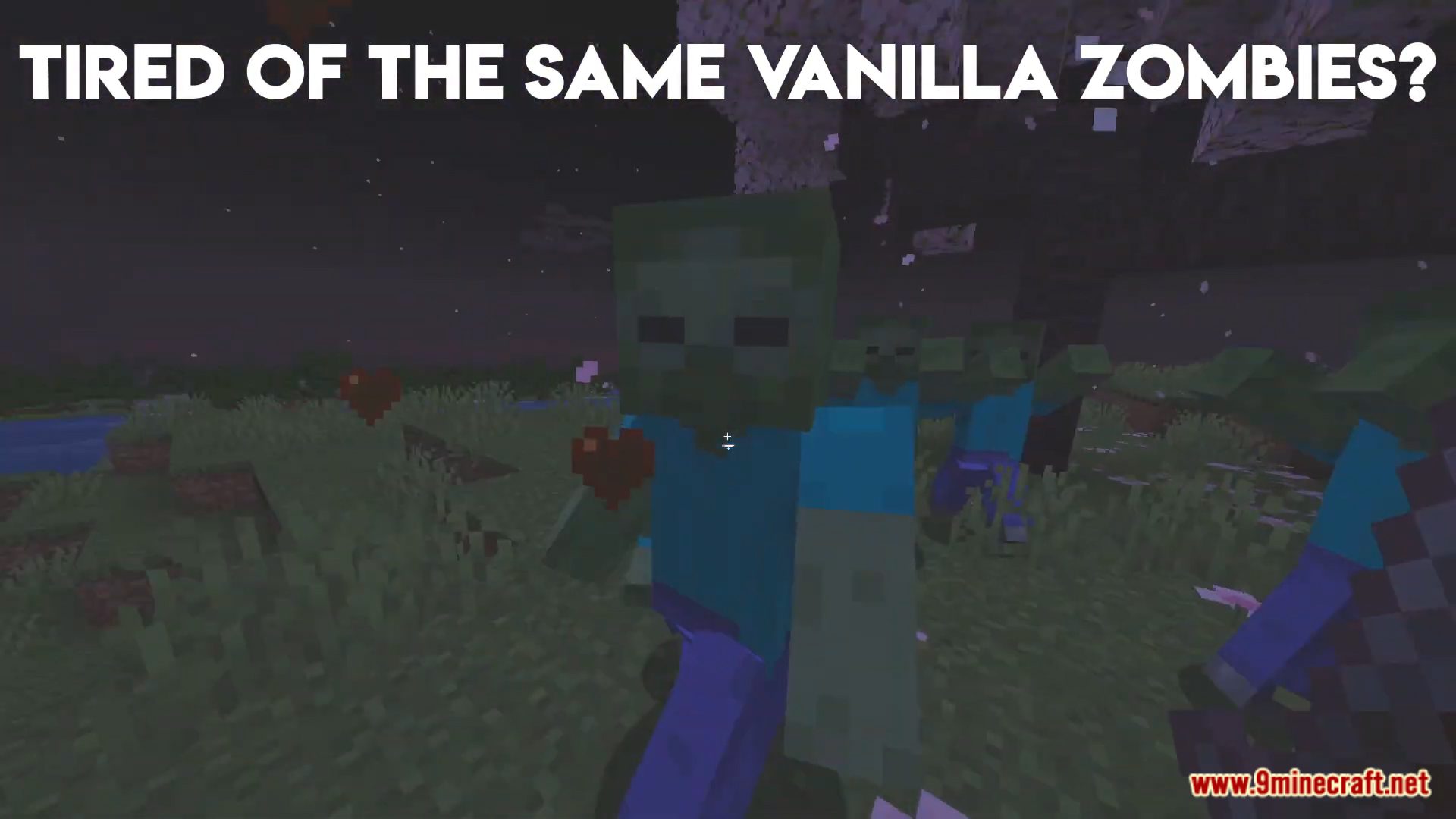
Zombies Plus Data Pack Download Links
For Minecraft 1.20.2, 1.20.1, 1.19.4
Data Pack: Download from Server 1 – Download from Server 2
Resource Pack: Download from Server 1 – Download from Server 2
- Edition: Minecraft Java
- File type: .jar
- Minecraft versions listed: 1.20.2, 1.19.4
- How to install: Install the matching mod loader (Forge, Fabric or NeoForge) for your Minecraft version. → Download the .jar. → Put it in the .minecraft/mods folder and launch that loader profile.
- Where to get it: In MC Java Mods, or directly above on this page.
Install steps are the general flow for this file type — see the MC Java Mods guides for the full walkthrough.
Zombies Plus Data Pack (1.20.2, 1.19.4) – Enhance The Undead Experience In Minecraft! is a free Minecraft Java datapack. Compatible with Minecraft 1.20.2, 1.19.4. Download it and open it directly in the game.