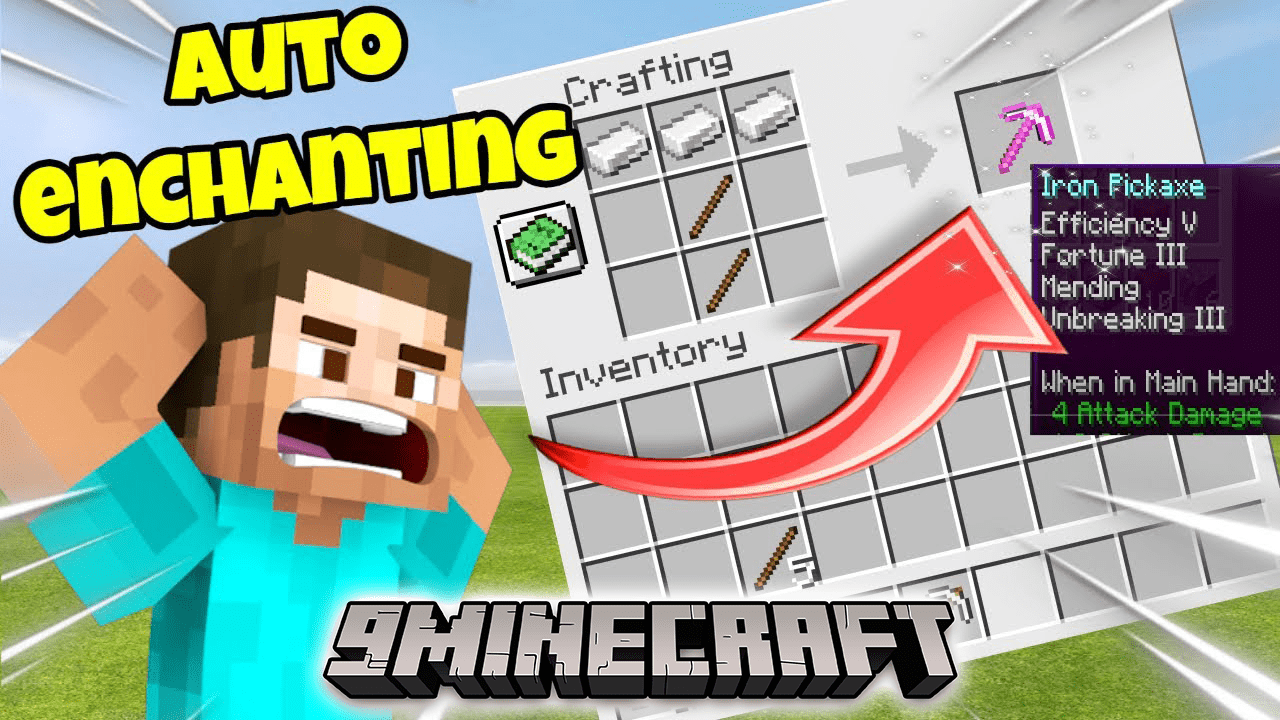
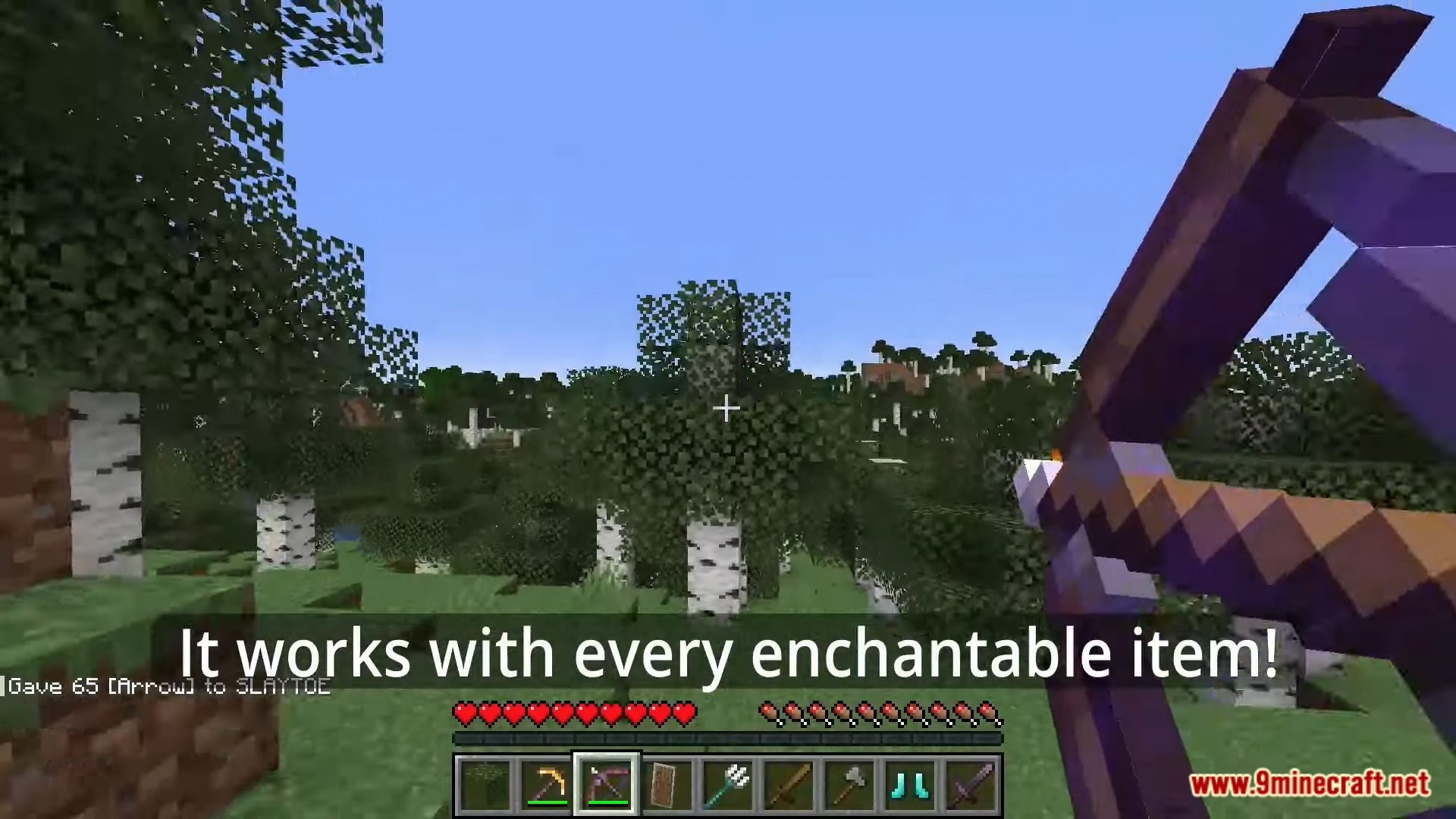
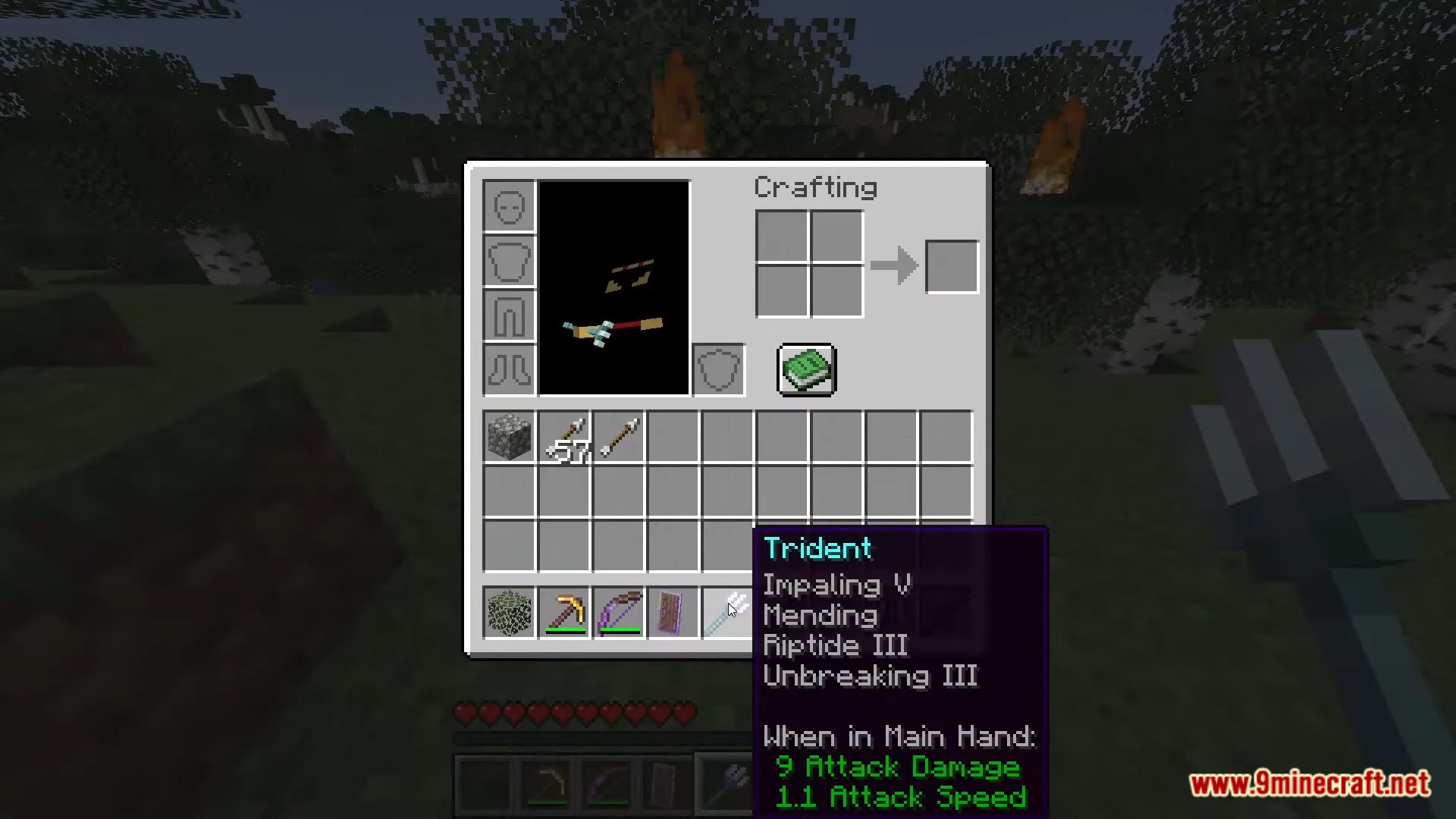
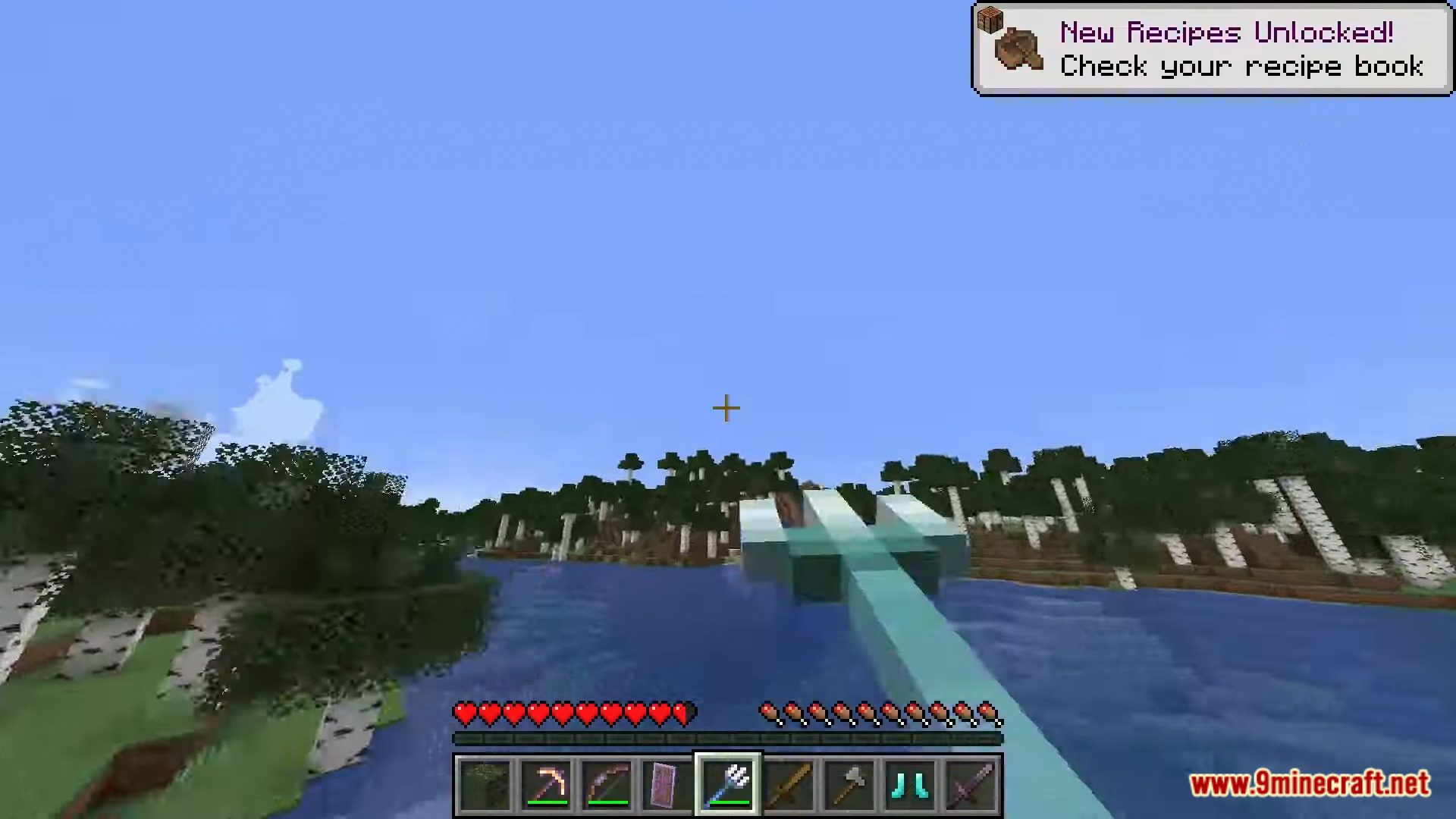

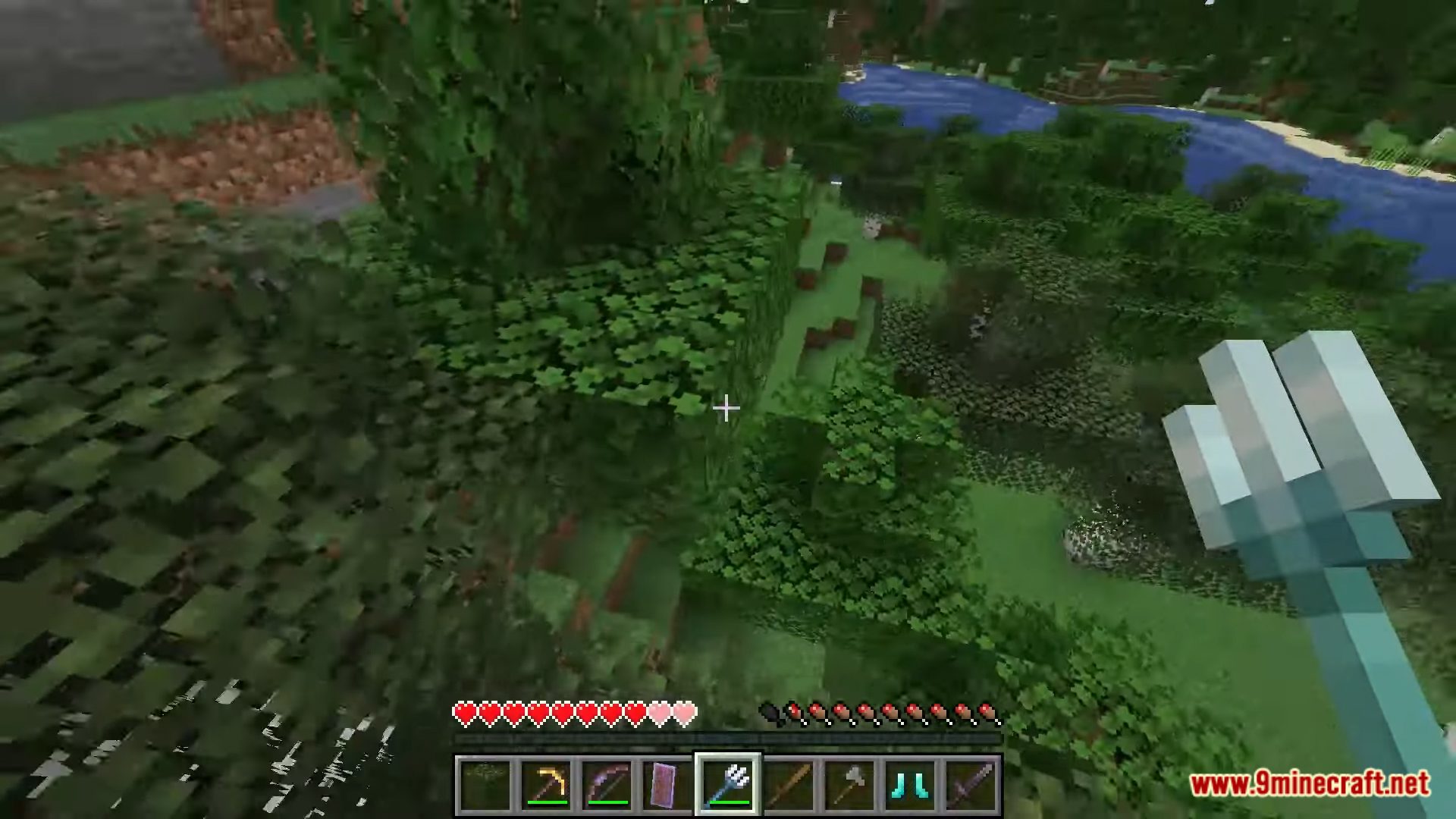
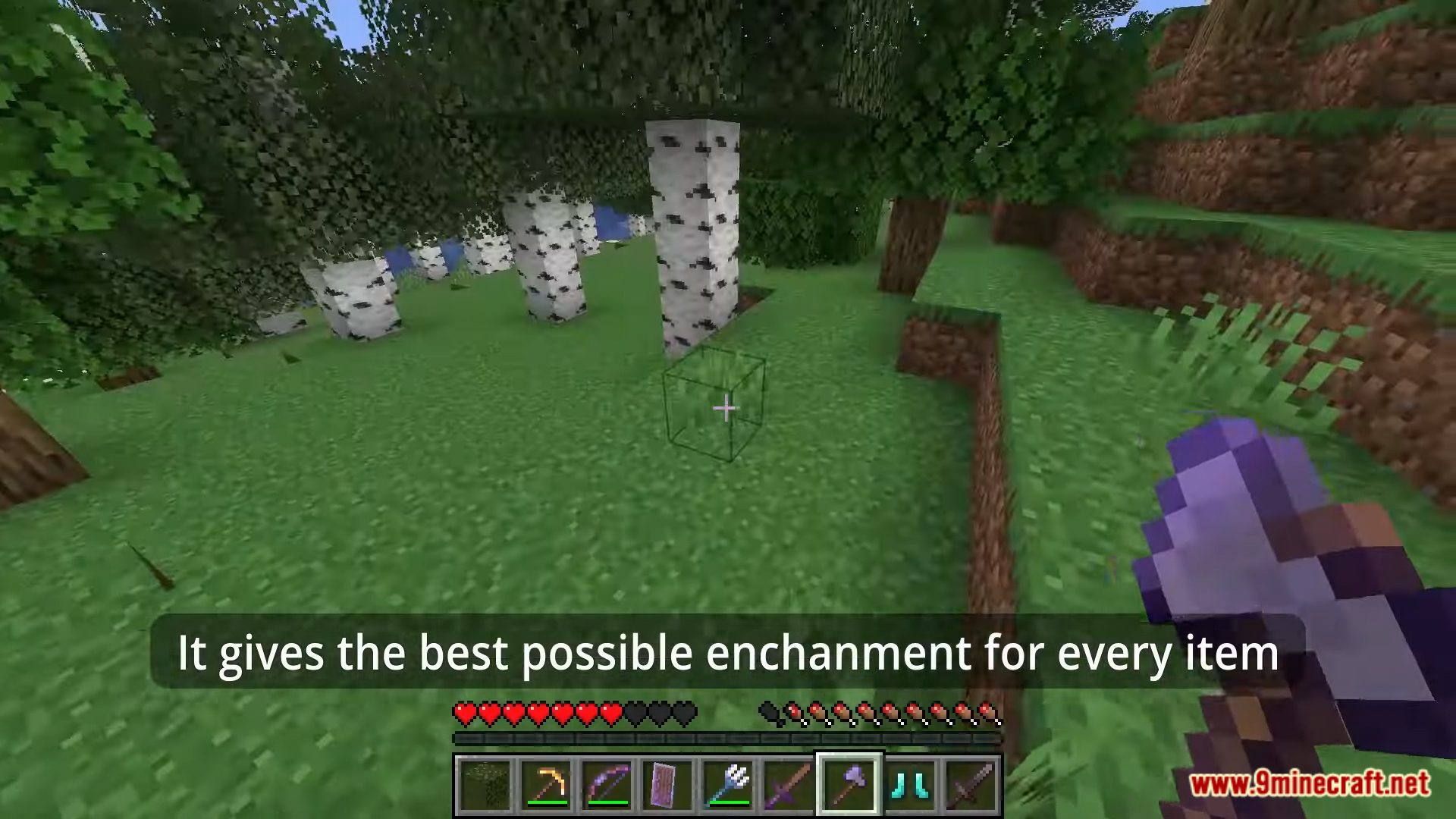
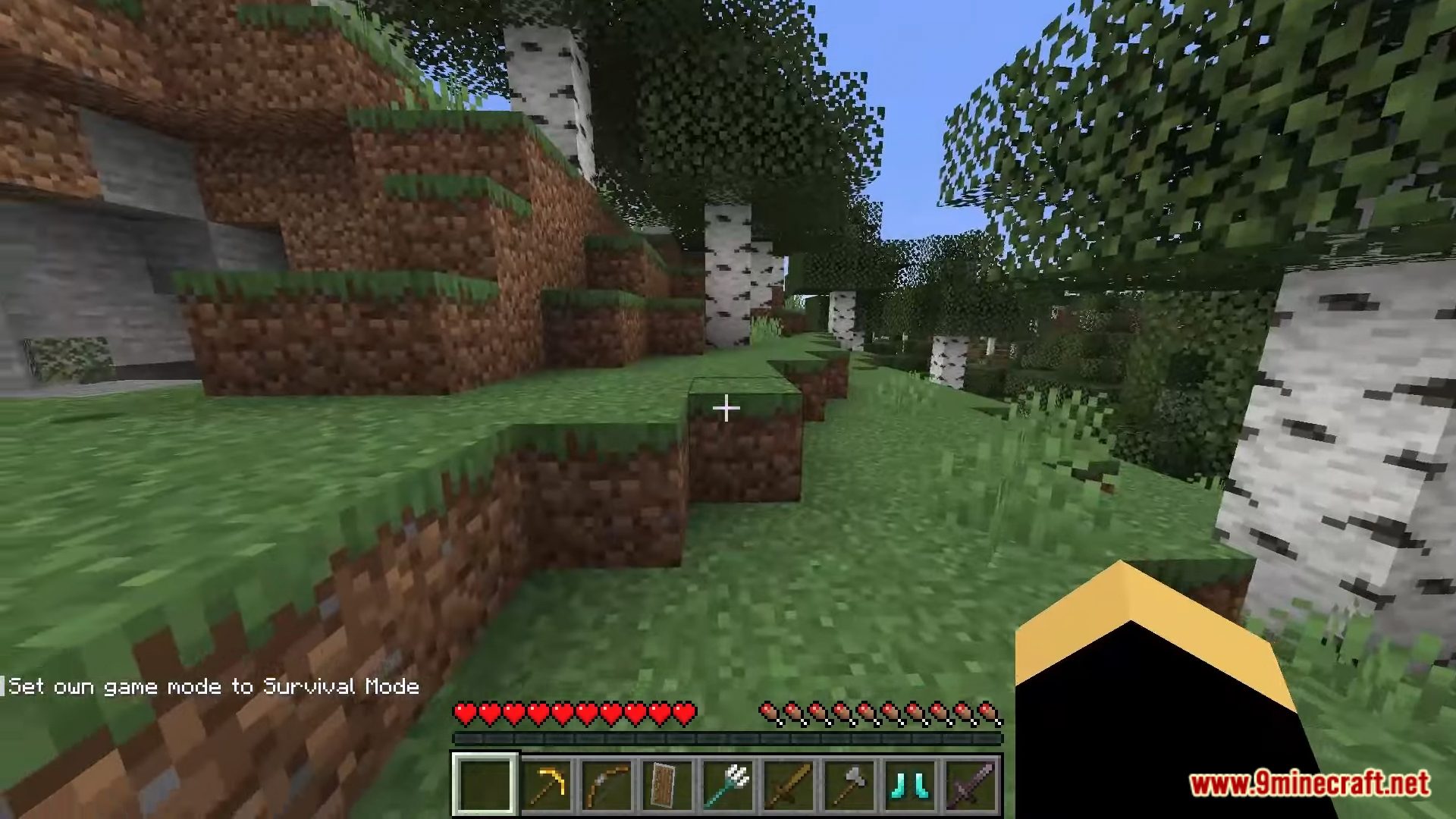
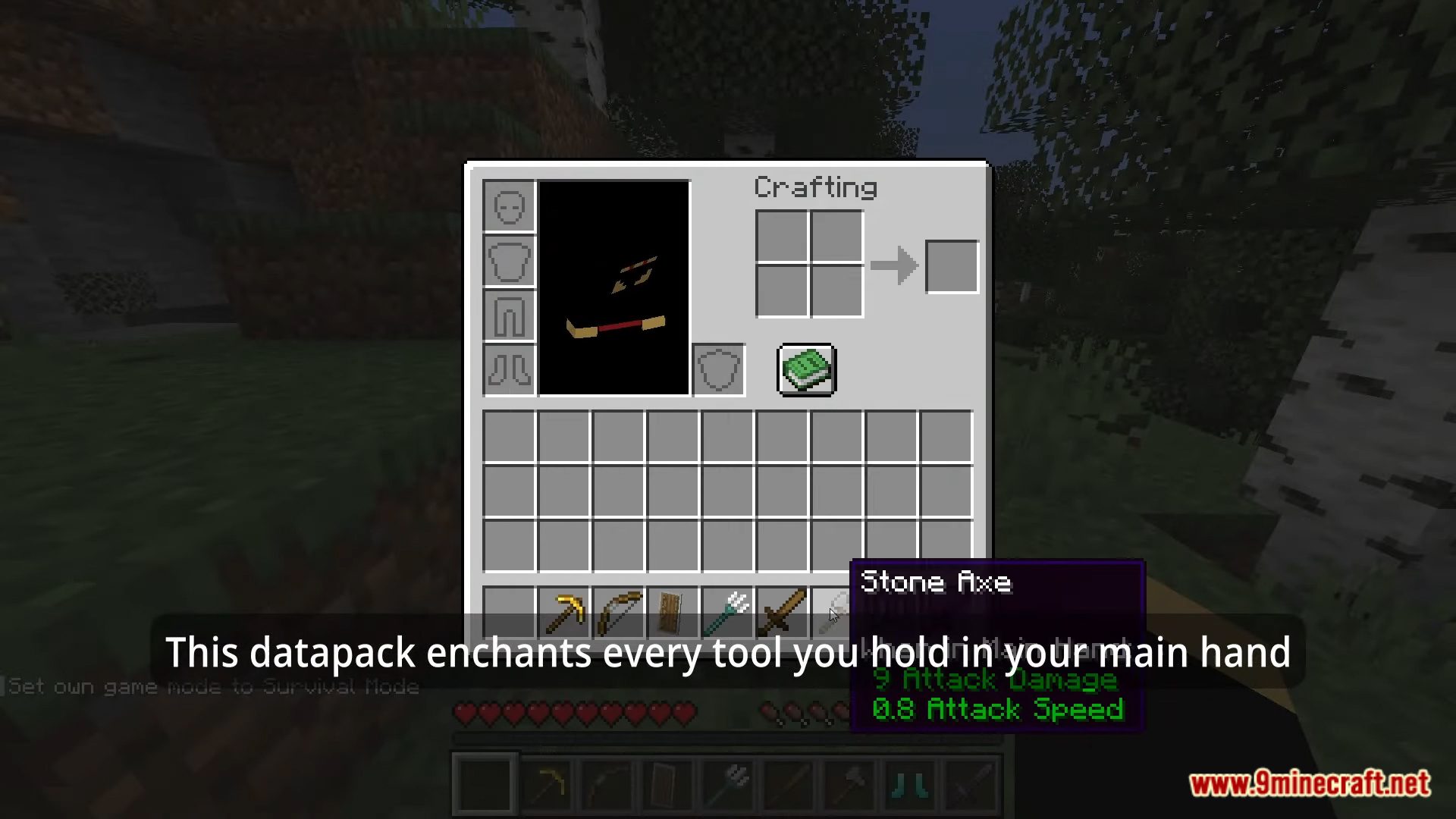
Discover the Auto Enchant Data Pack – a useful tool that allows you to automatically enhance your gear and boost your power in the Minecraft world. This data pack is a powerful tool developed for Minecraft players, enabling gear enhancement and combat improvement. With its automatic feature, you no longer need to spend time searching and gathering materials to enhance your gear. This Data Pack provides convenience and time-saving benefits, allowing you to focus on exploring and building your own world. Experience the Auto Enchant today and become a mighty warrior in your Minecraft world! Enjoy playing this data pack!
Features:
- Automatic gear enhancement: The Minecraft Auto Enchant Data Pack allows you to automatically enhance your gear, from creating new enchanting tables to applying enchantments to existing gear. Just click and wait, and the Data Pack will swiftly and efficiently carry out the enhancement process.
- Time and effort-saving: With the automatic feature, you no longer need to search and gather materials for gear enhancement. The Minecraft Auto Enchant Data Pack saves you time and effort, enabling you to concentrate on exploring the world and constructing unique structures.
Screenshots:
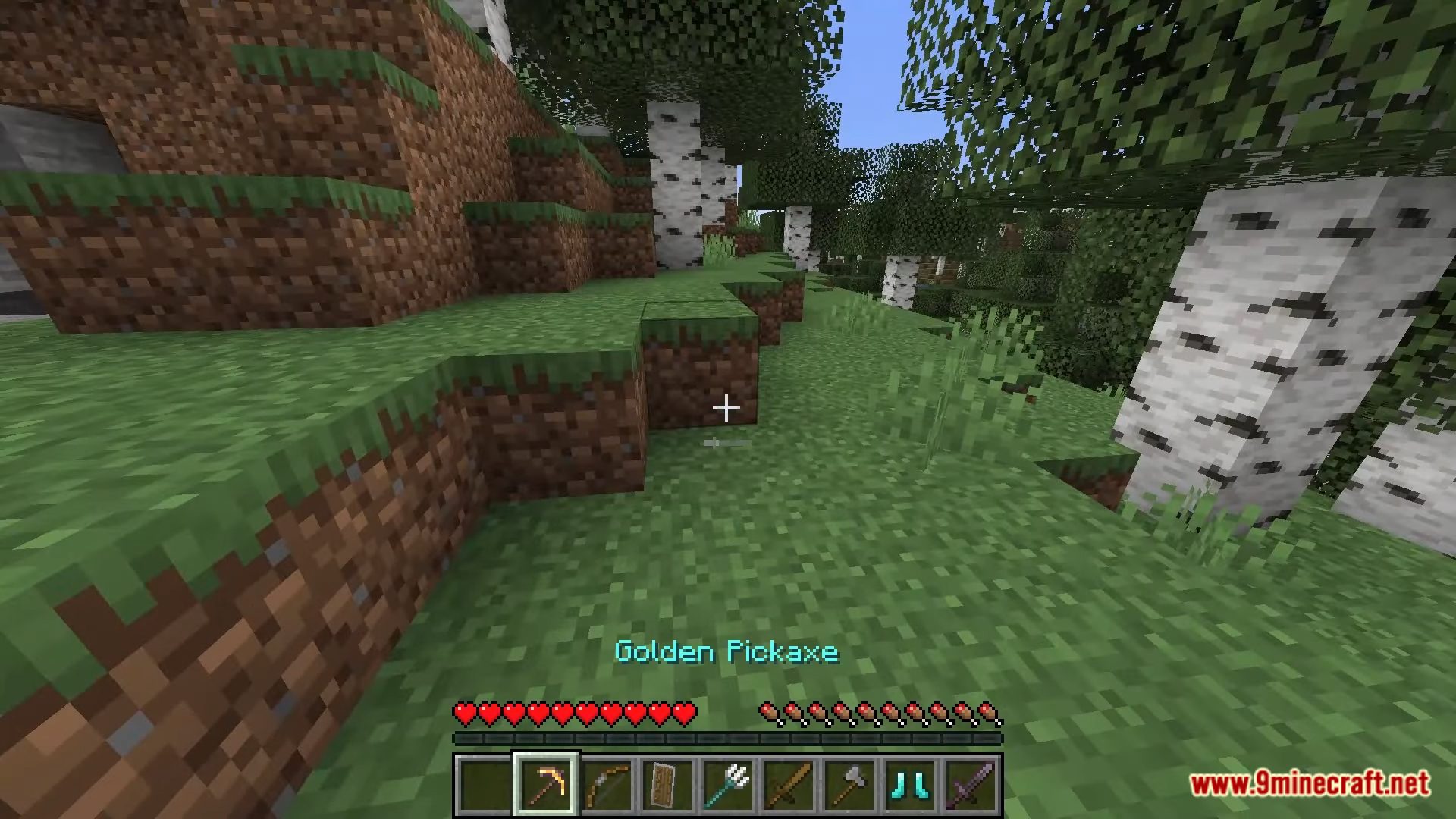
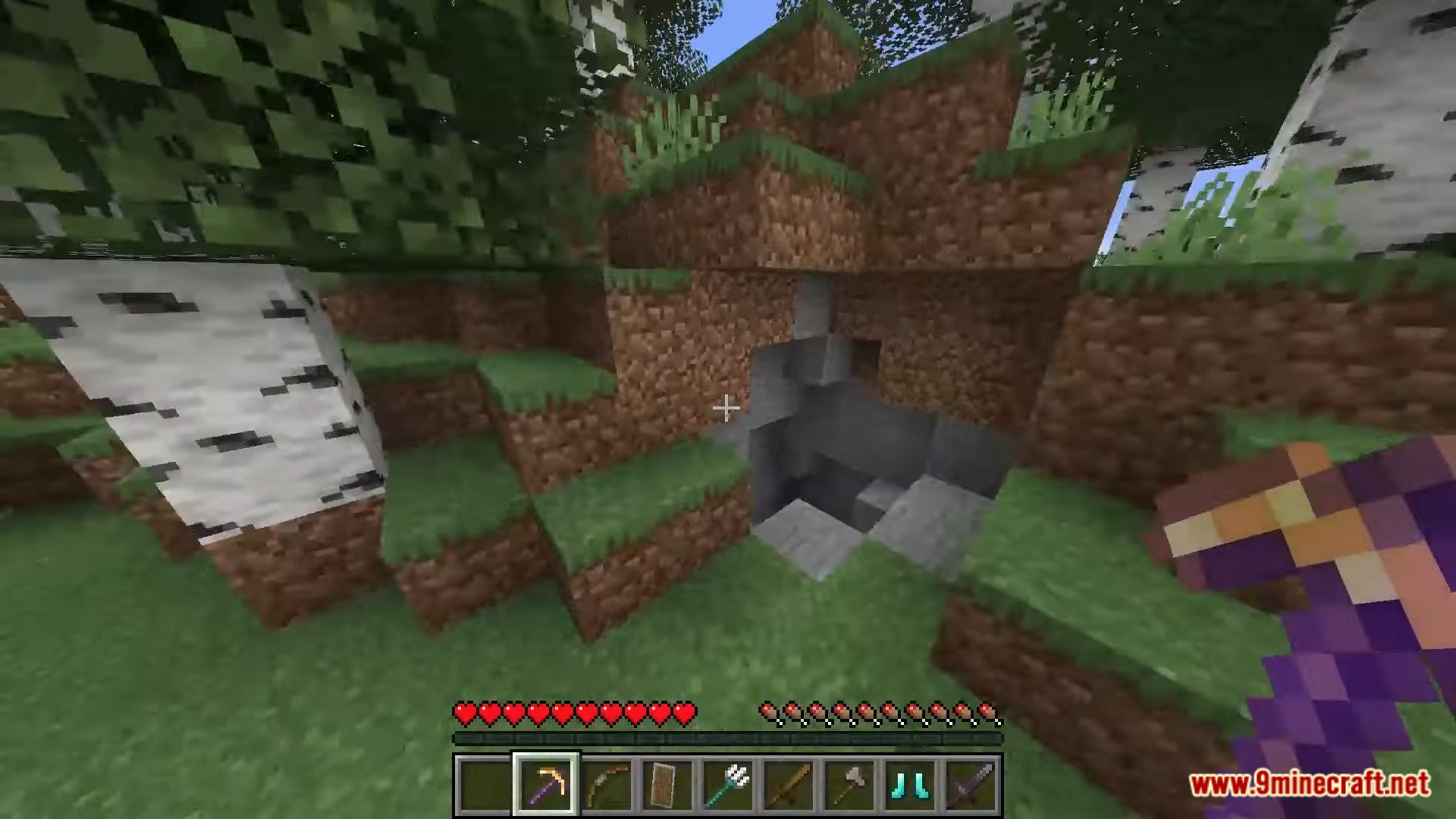
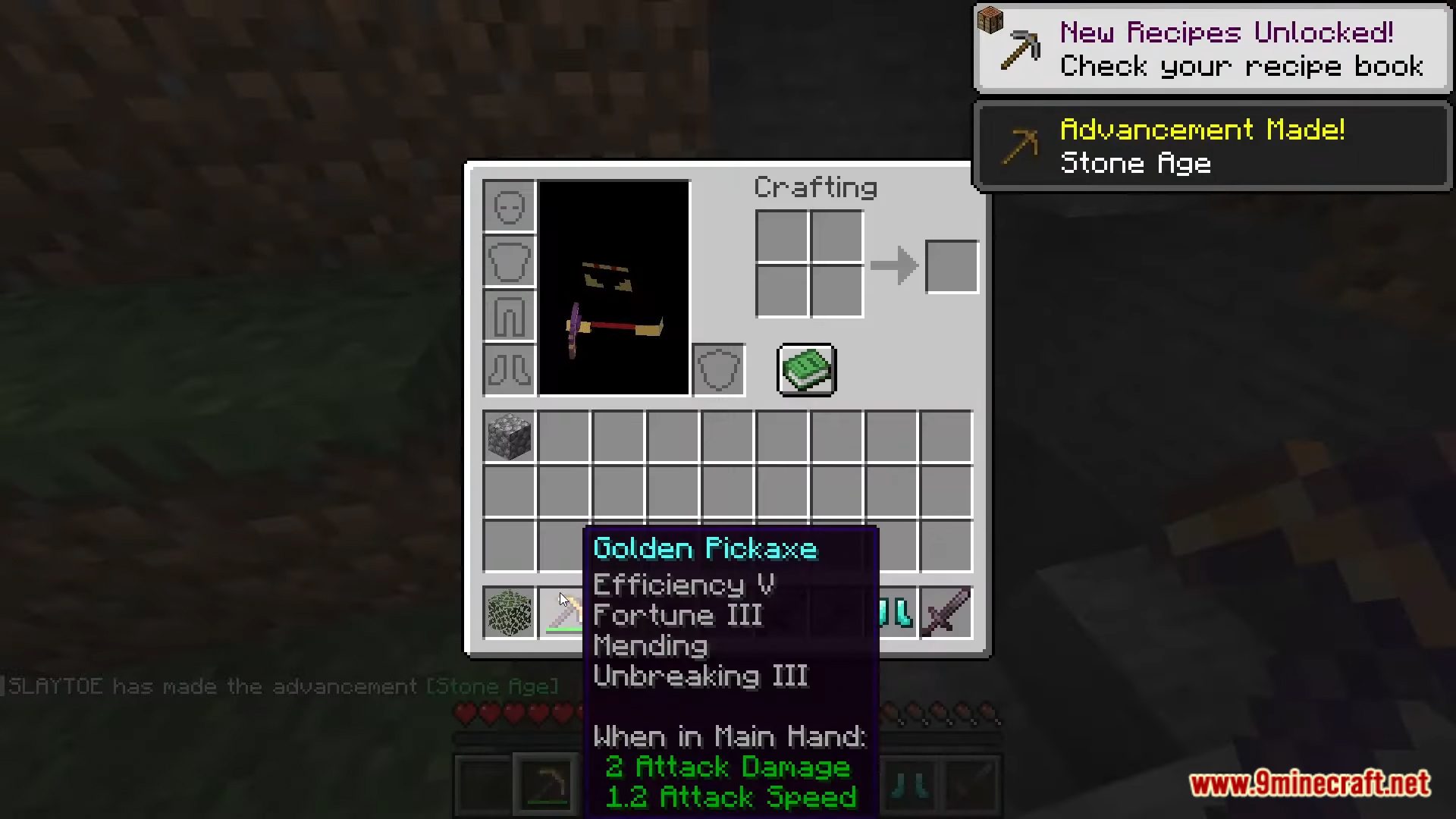
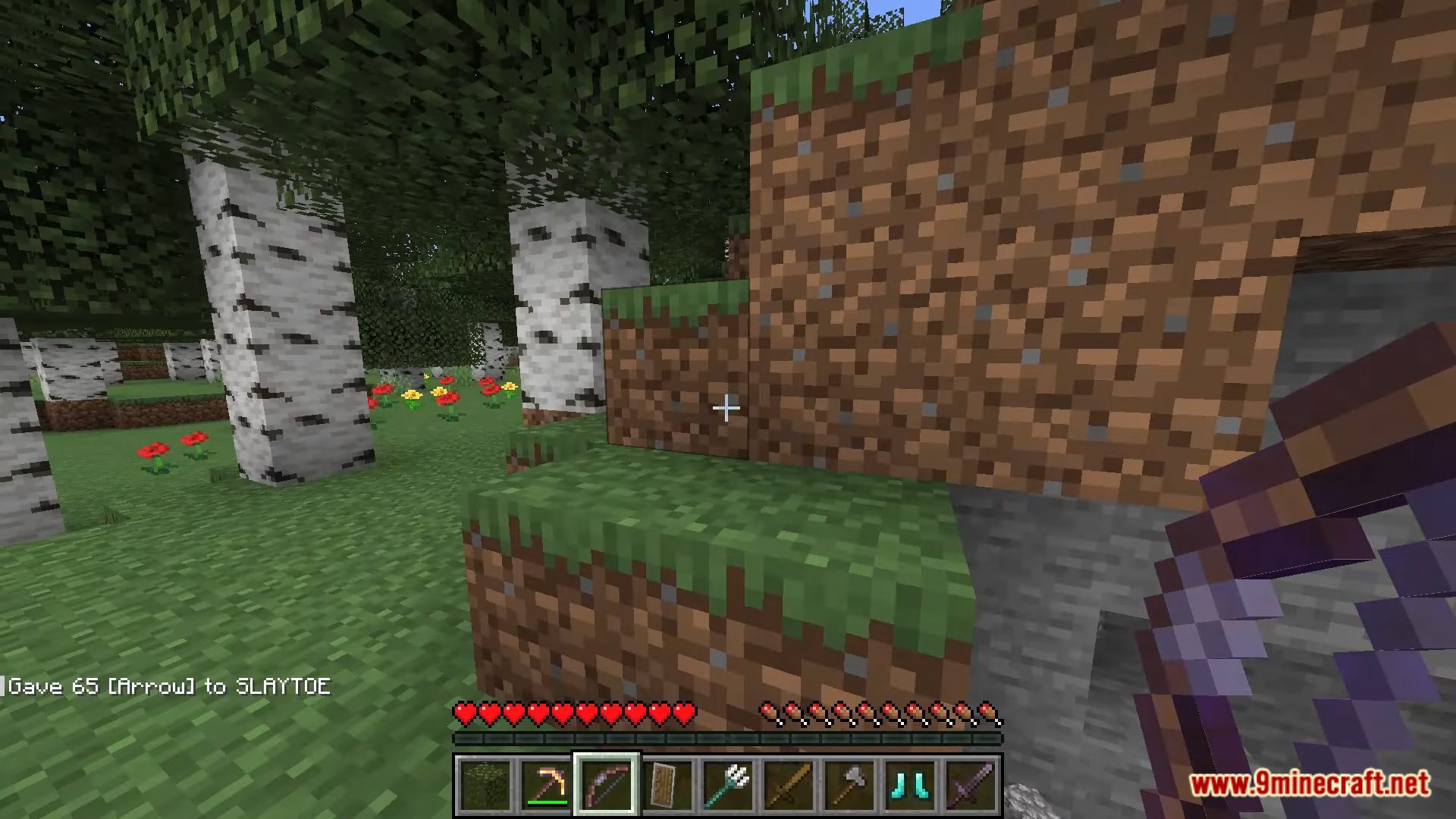
Auto Enchant Data Pack Download Links
For Minecraft 1.20.2, 1.20.1, 1.19.4
Data Pack: Download from Server 1 – Download from Server 2
For Minecraft 1.18.2, 1.18.1
Data Pack: Download from Server 1 – Download from Server 2
- Edition: Minecraft Java
- File type: .jar
- Minecraft versions listed: 1.20.2, 1.19.4
- How to install: Install the matching mod loader (Forge, Fabric or NeoForge) for your Minecraft version. → Download the .jar. → Put it in the .minecraft/mods folder and launch that loader profile.
- Where to get it: In MC Java Mods, or directly above on this page.
Install steps are the general flow for this file type — see the MC Java Mods guides for the full walkthrough.
Auto Enchant Data Pack (1.20.2, 1.19.4) – Enhance Your Gear Effortlessly! is a free Minecraft Java datapack. Compatible with Minecraft 1.20.2, 1.19.4. Download it and open it directly in the game.