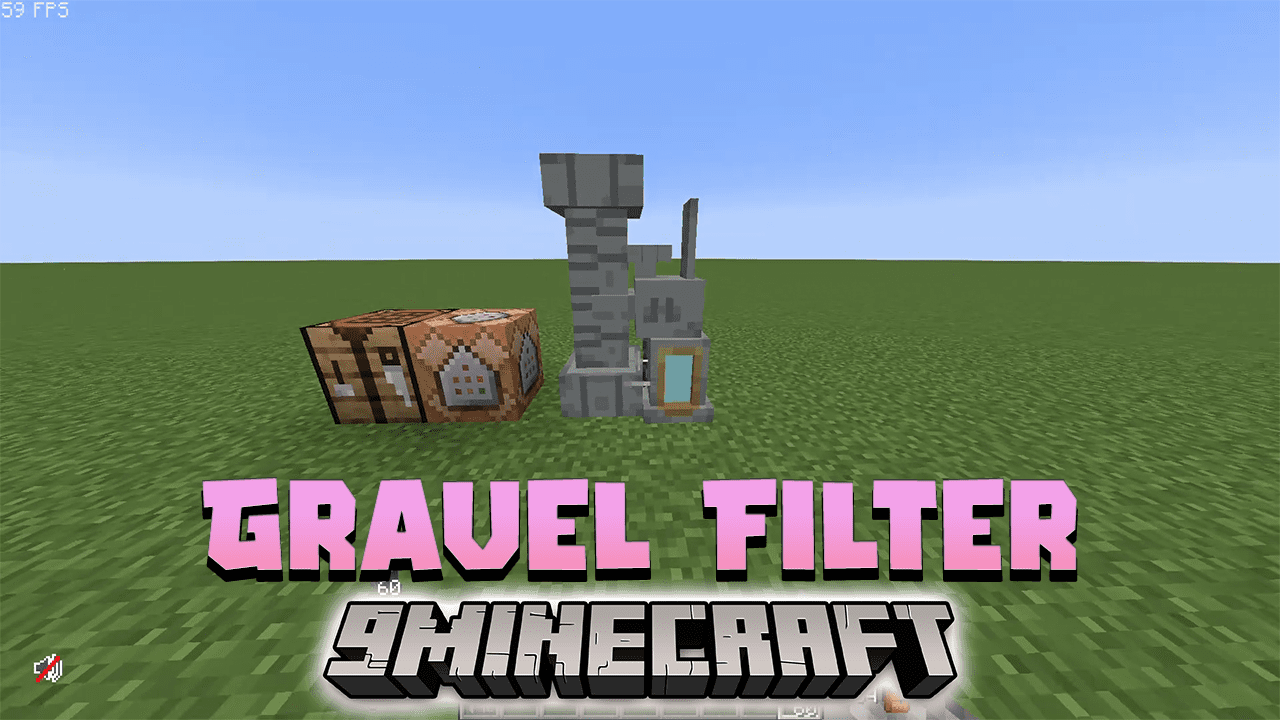
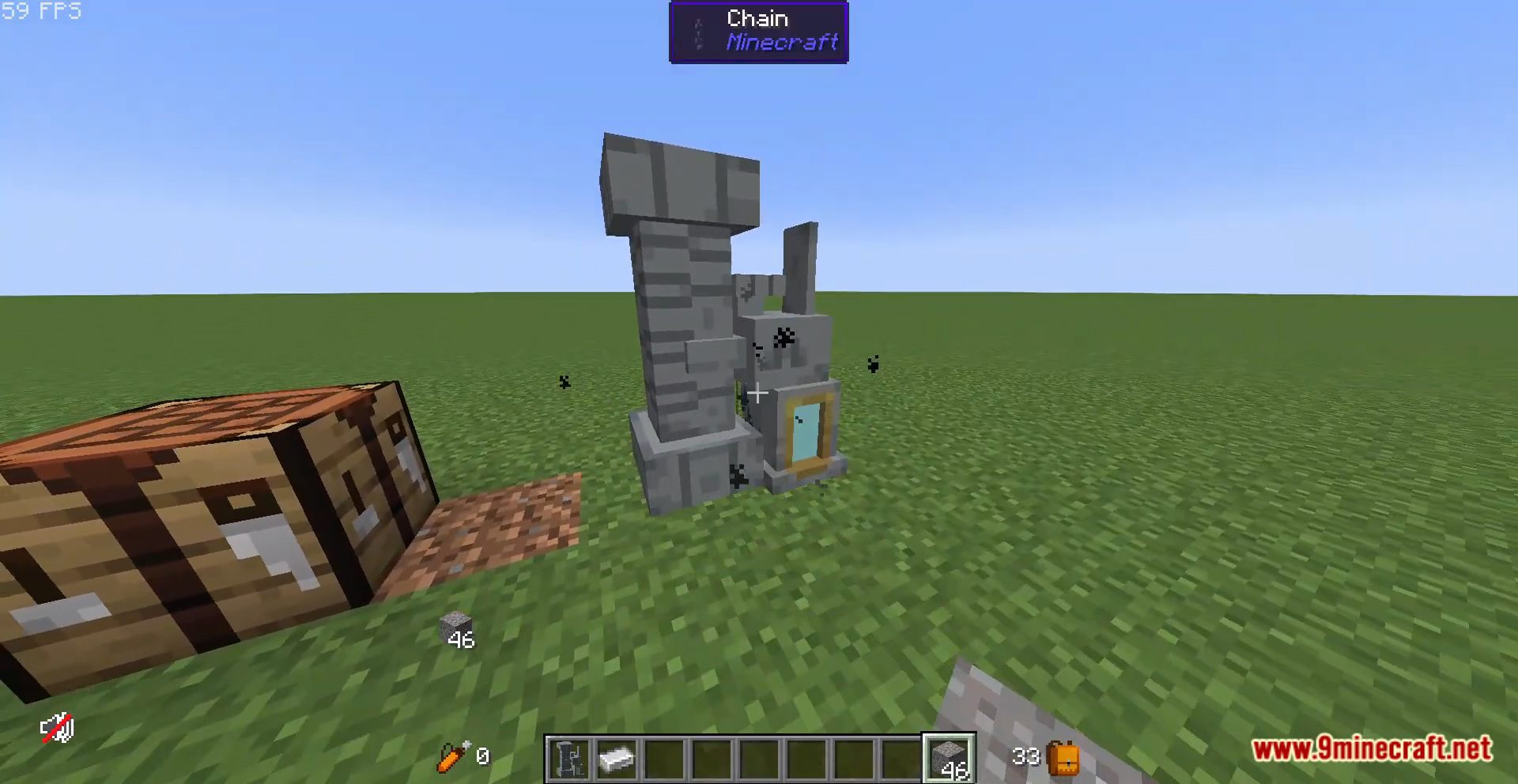
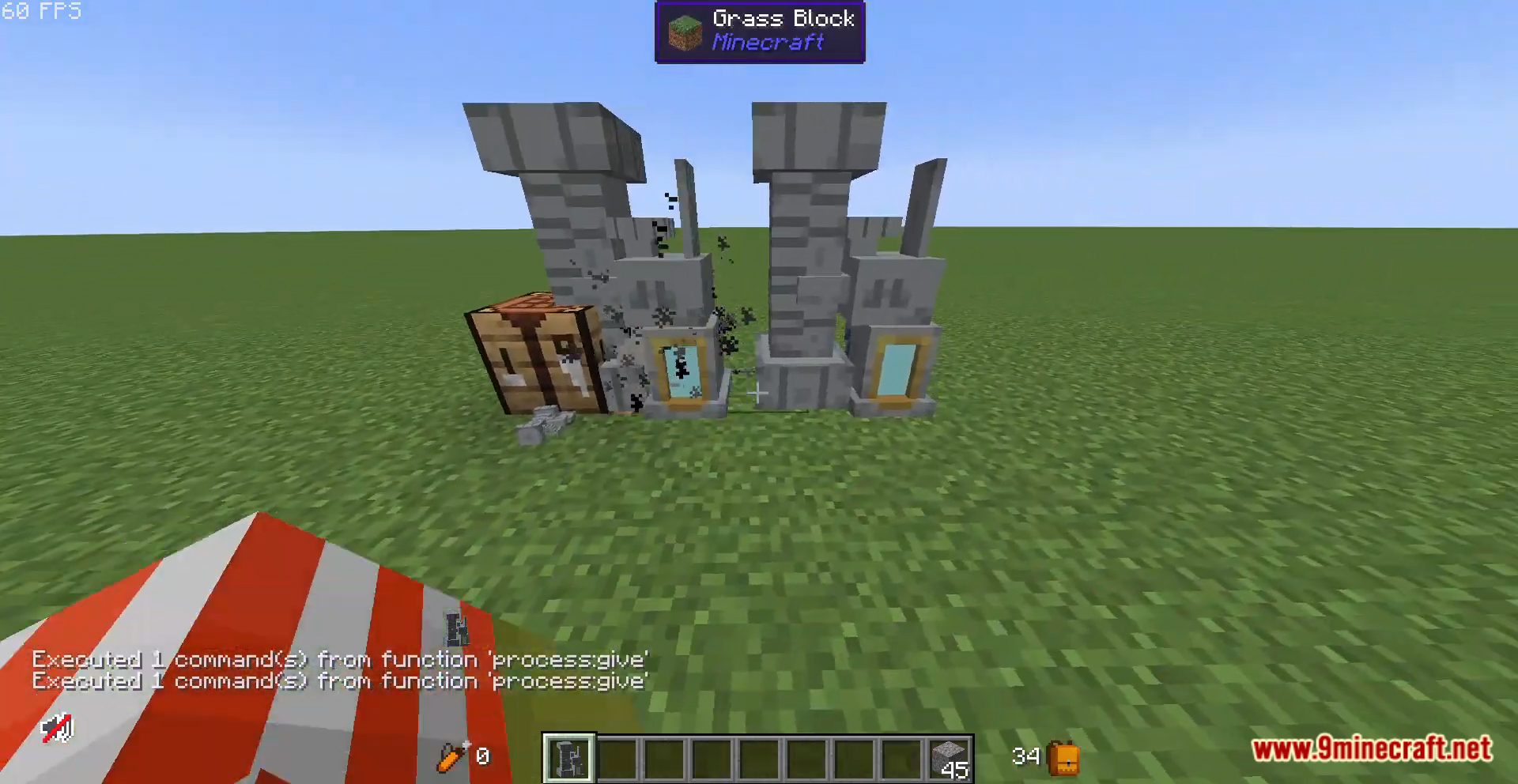
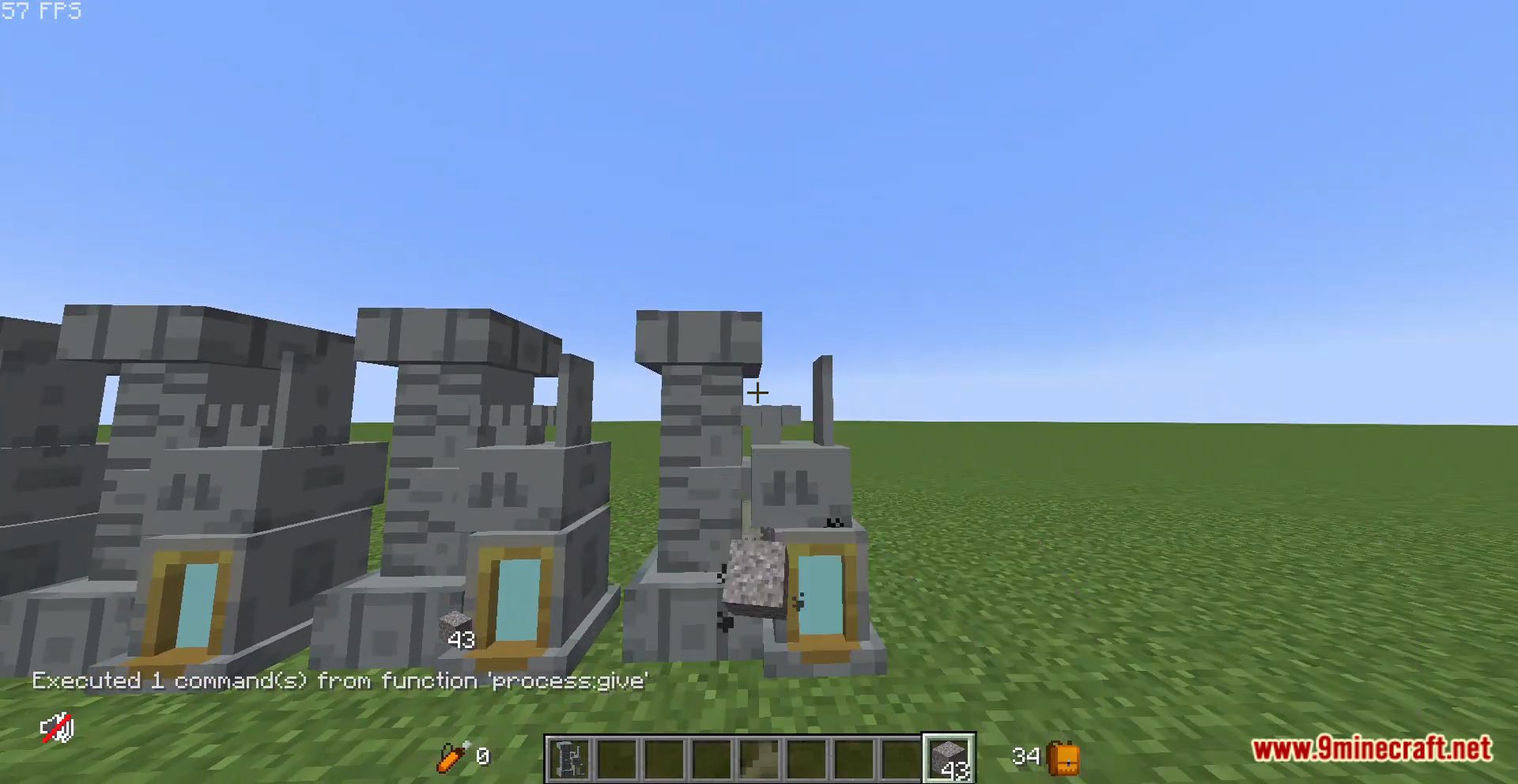
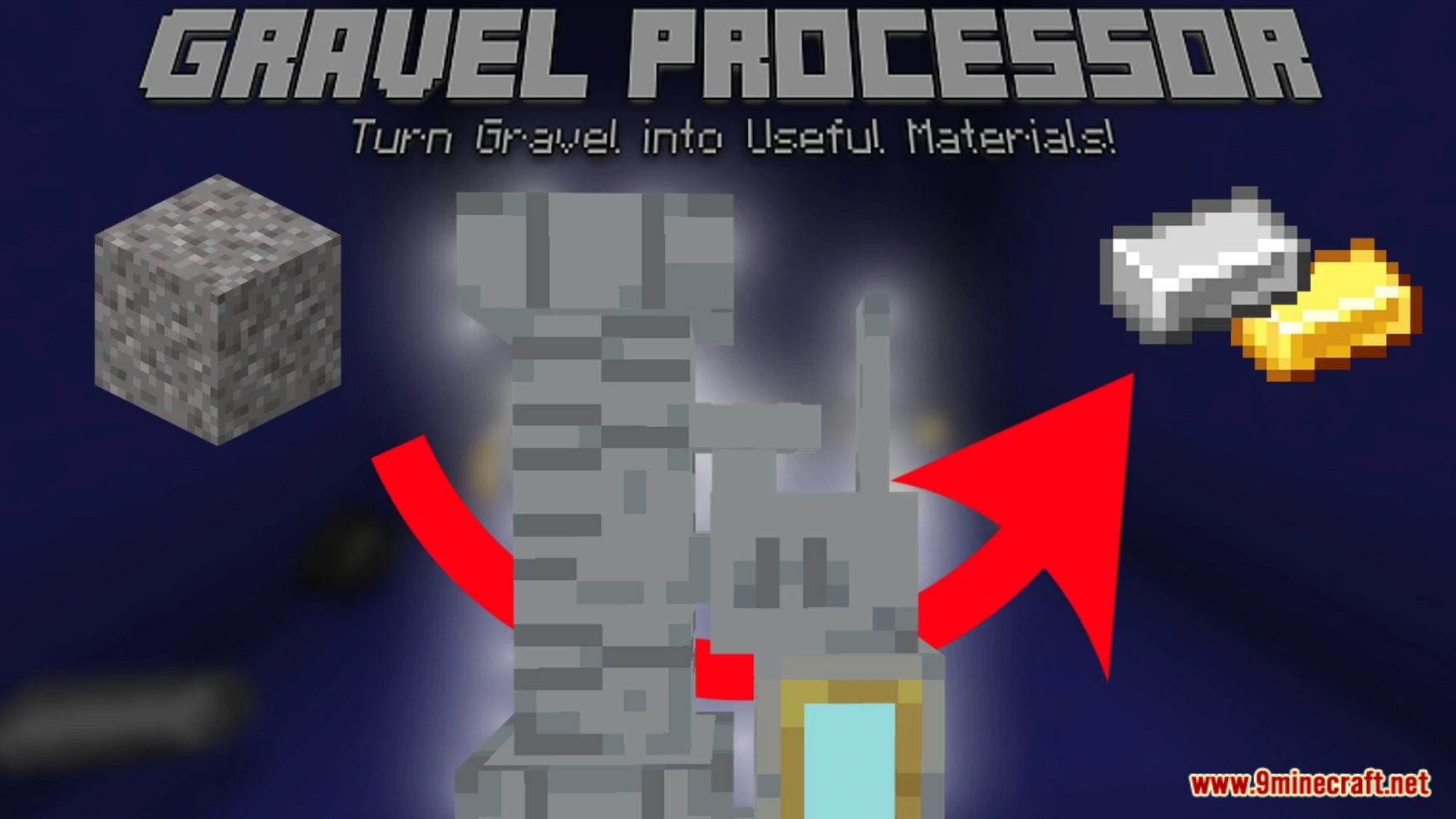
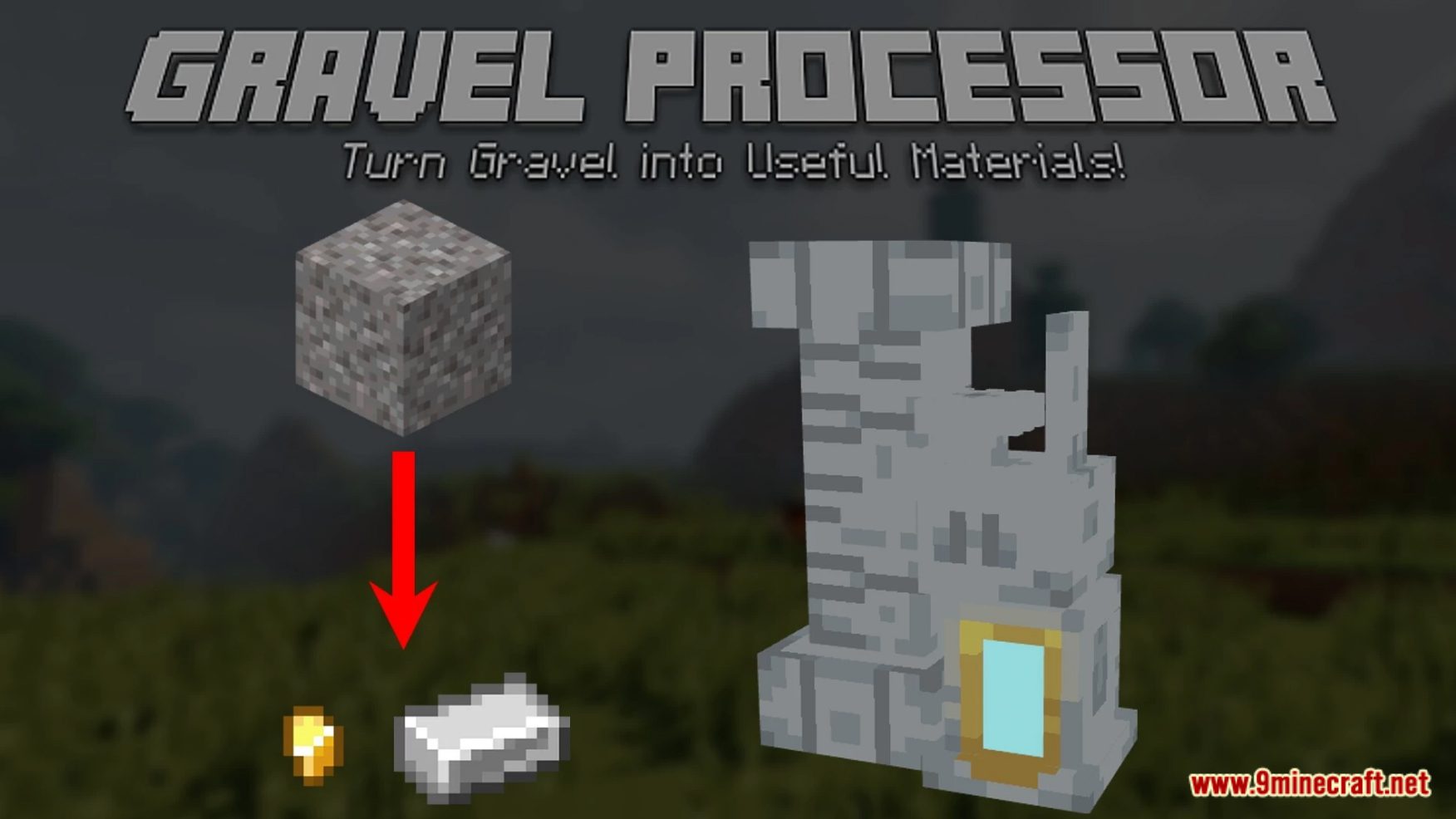
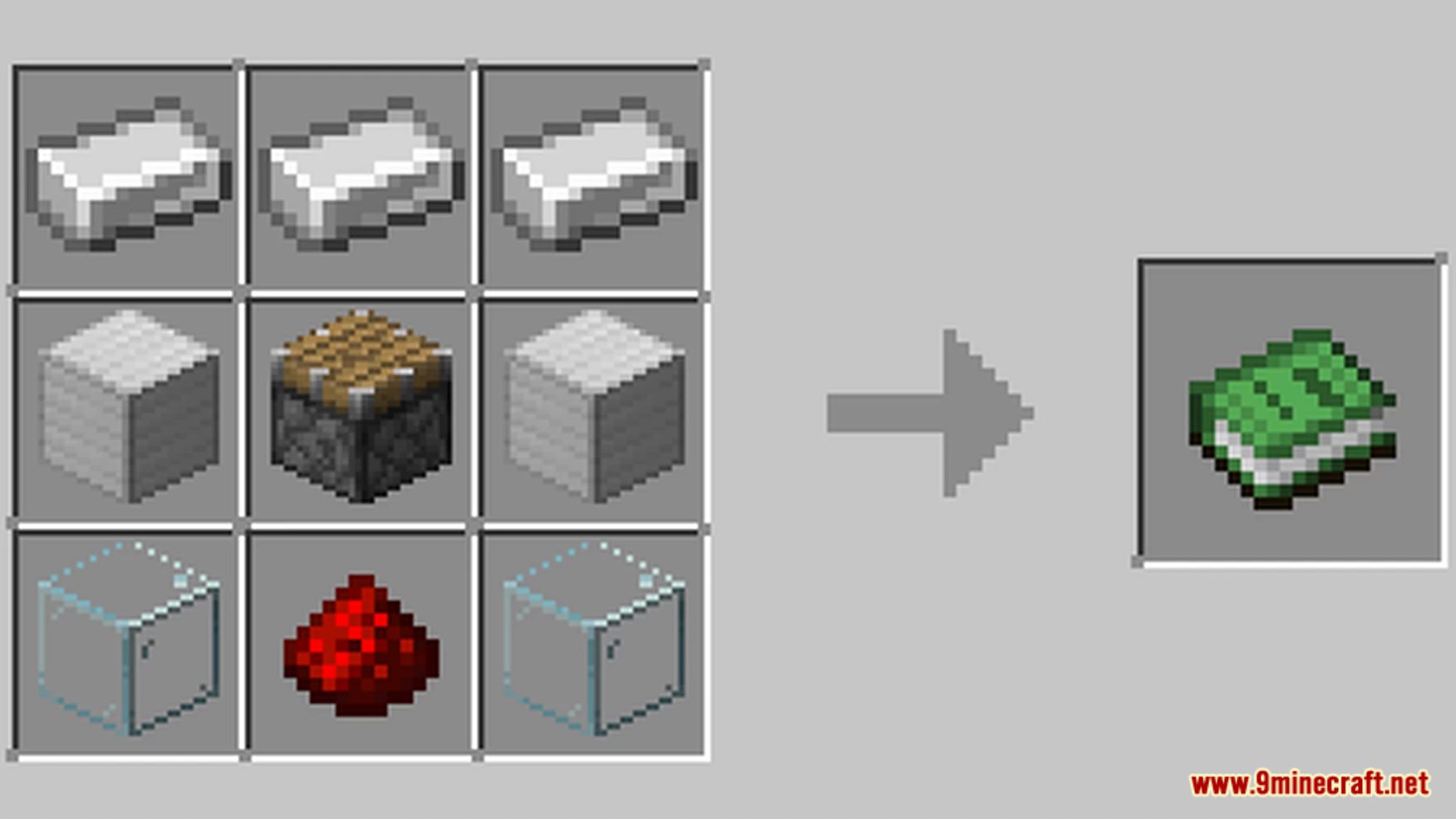
Gravel Filter Data Pack is a Minecraft data pack that brings a new level of efficiency to the game. It introduces a machine that turns gravel, often obtained from extensive building, into useful materials. This feature eliminates the need for players to delve into caves for small amounts of materials, thus enhancing resource management. Inspired by Terraria, the processor is crafted using a combination of redstone, a piston, iron blocks, iron ingots, and glass. The data pack is designed to provide players with a unique and engaging gameplay experience, offering a new way to interact with the Minecraft world. Enjoy playing this data pack!
Features:
- Gravel Processing: The data pack introduces a machine that turns gravel into useful materials. This feature enhances resource management and gameplay.
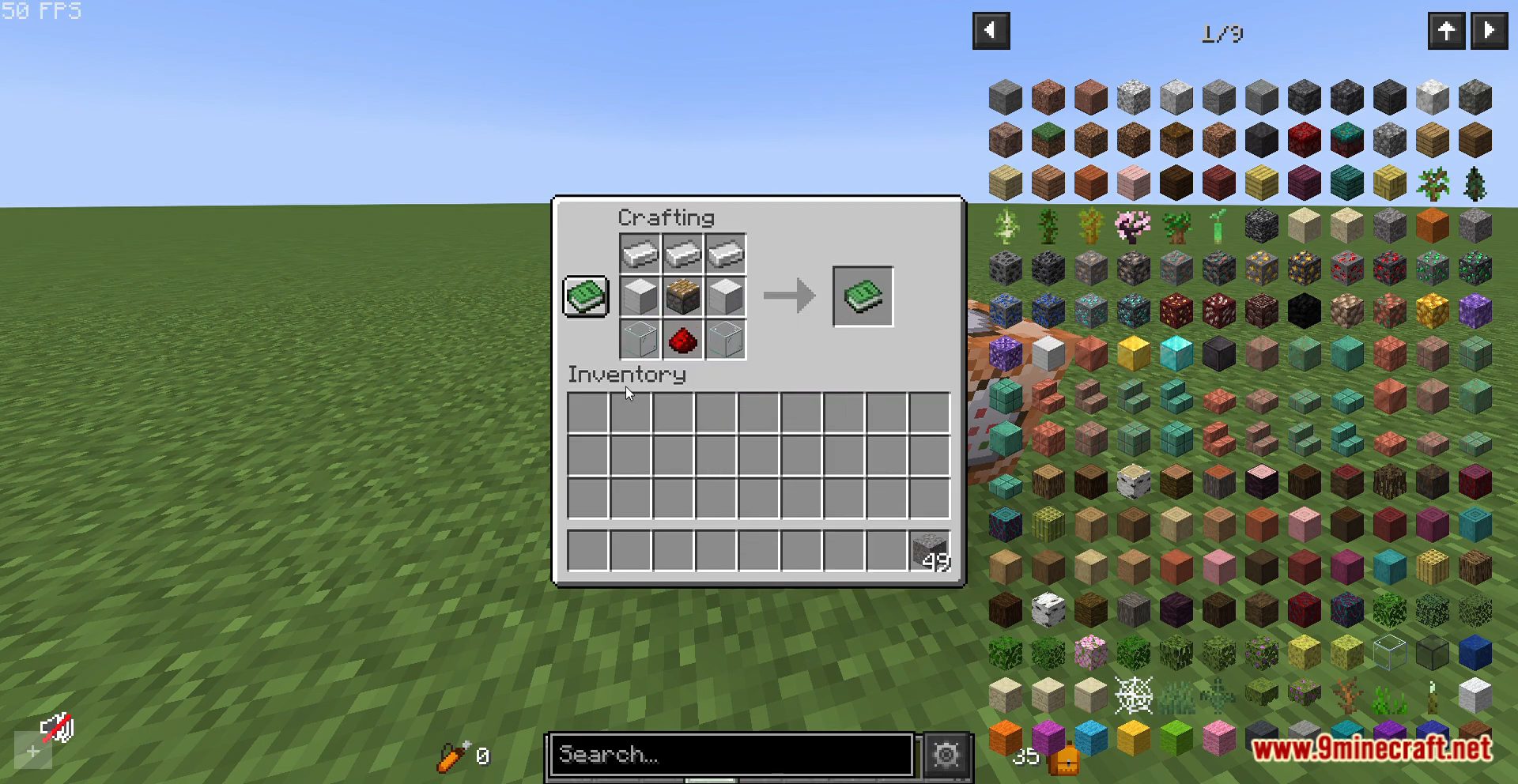
- Crafting the Processor: The processor is crafted using a combination of redstone, a piston, two iron blocks, three iron ingots, and two glass. The crafting recipe can be found in the images tab of the data pack page.
- Single Gravel Processing: The processor can only process one gravel at a time. Throwing stacks at it will not process the entire stack, encouraging players to manage their resources effectively.
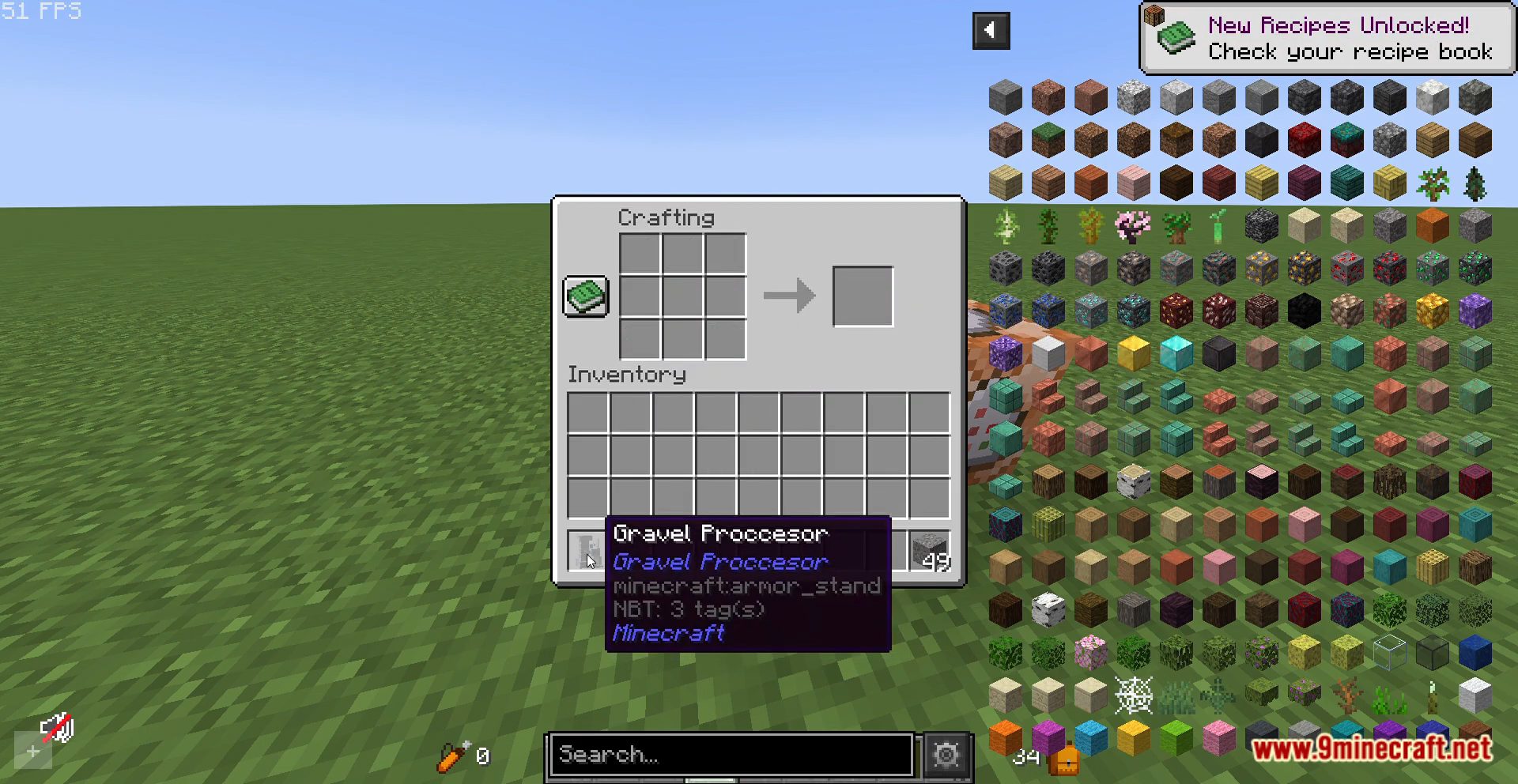
- Give Function: The data pack includes a give function command (/function process:give) that players can use to obtain the processor.
- Required Resource Pack: The data pack requires a specific resource pack to function properly. This ensures that the data pack and its features are displayed correctly in the game.
Screenshots:
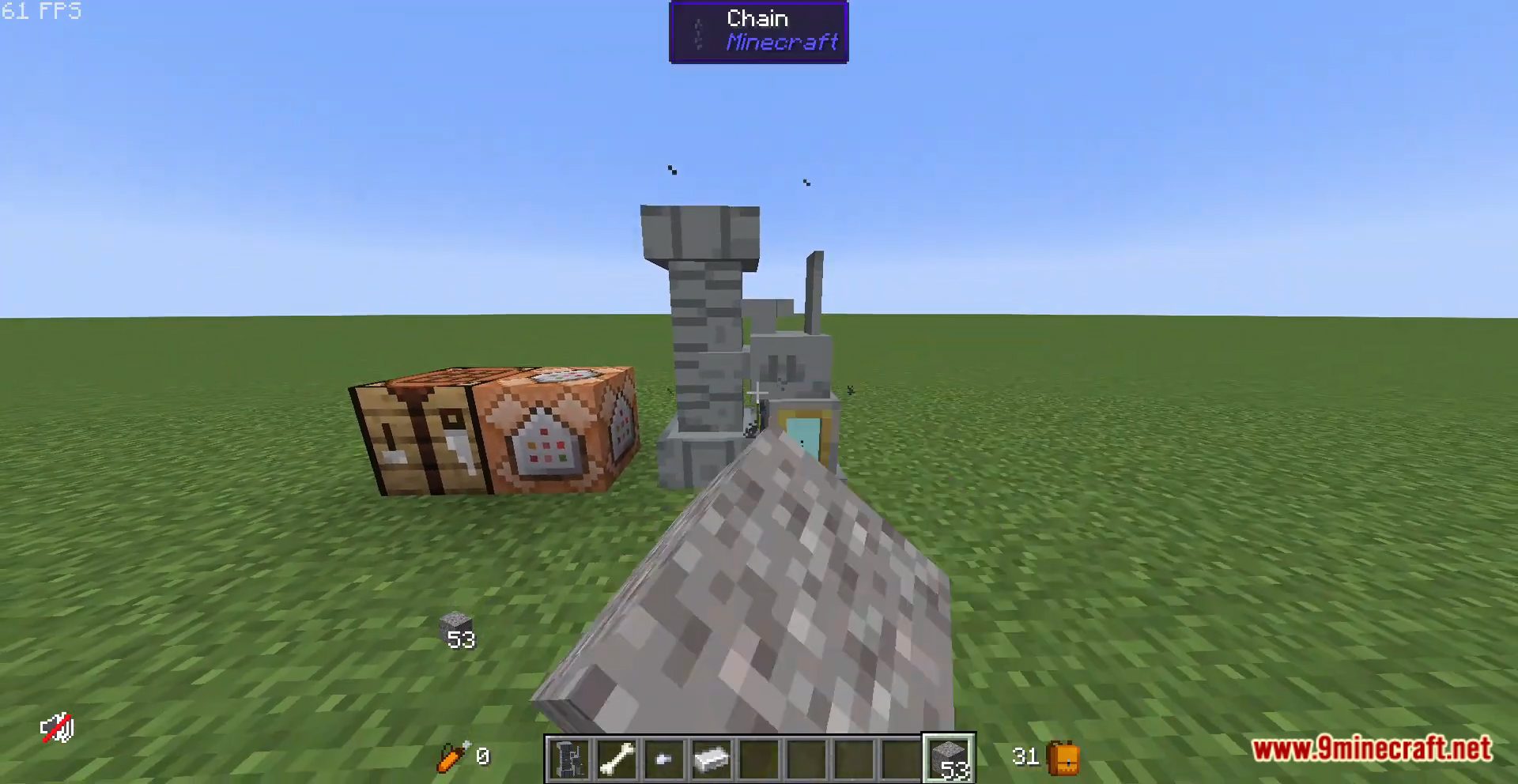
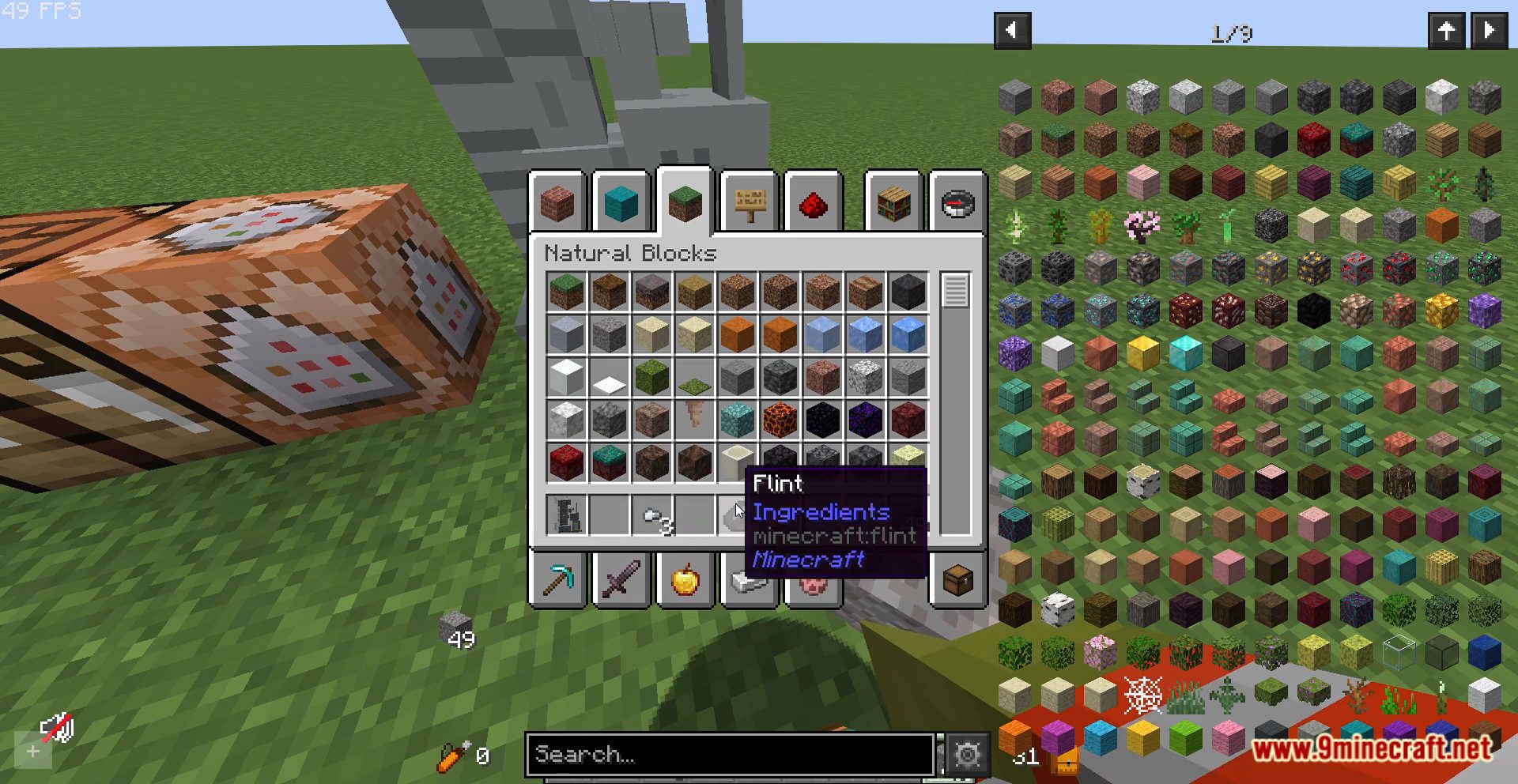
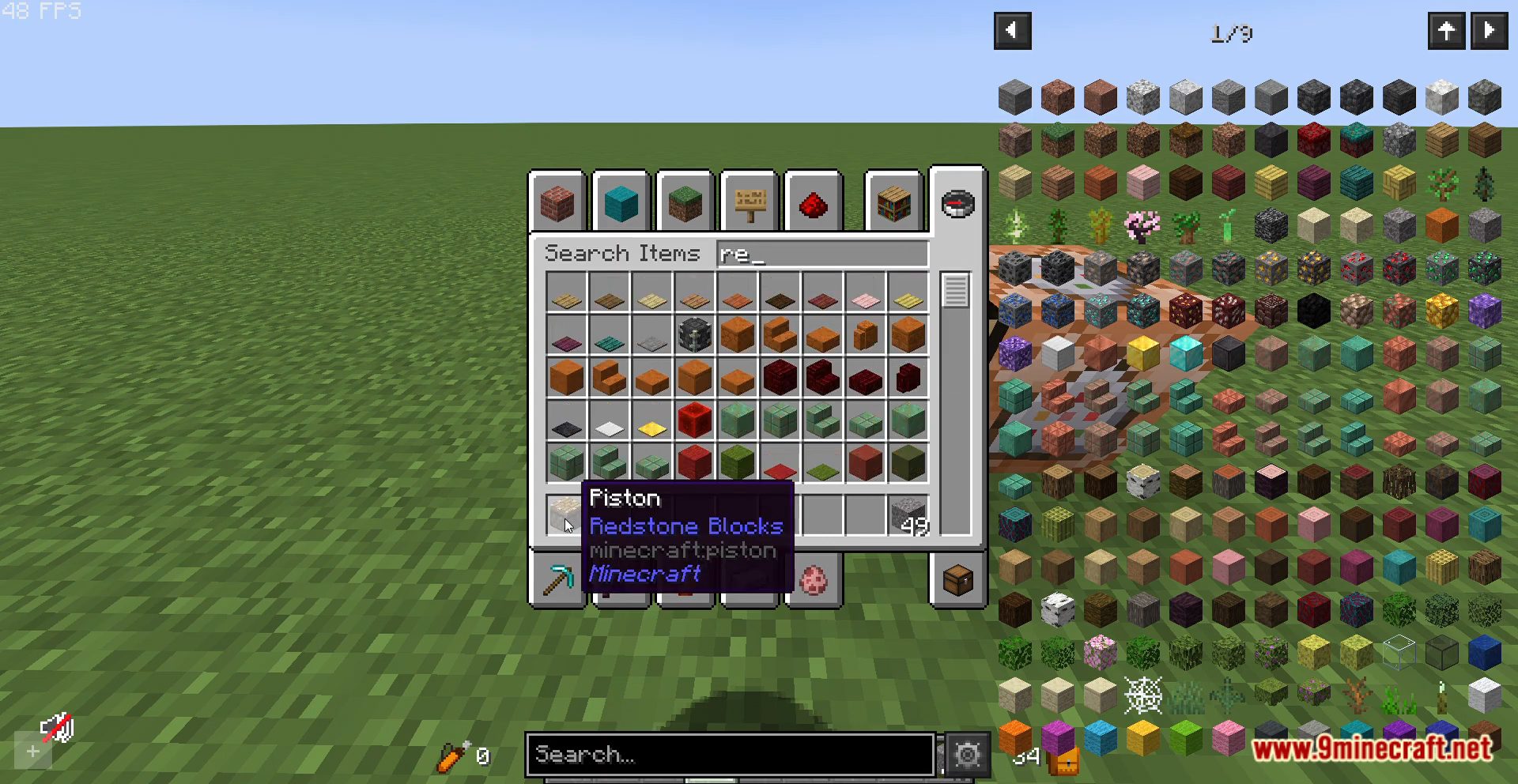
Gravel Filter Data Pack Download Links
For Minecraft 1.20.2, 1.20.1, 1.19.4
Data Pack: Download from Server 1 – Download from Server 2
Resource Pack: Download from Server 1 – Download from Server 2
For Minecraft 1.18.2, 1.18.1
Data Pack: Download from Server 1 – Download from Server 2
Resource Pack: Download from Server 1 – Download from Server 2
For Minecraft 1.17.1, 1.16.5
Data Pack: Download from Server 1 – Download from Server 2
Resource Pack: Download from Server 1 – Download from Server 2
- Edition: Minecraft Java
- File type: .jar
- Minecraft versions listed: 1.20.2, 1.19.4
- How to install: Install the matching mod loader (Forge, Fabric or NeoForge) for your Minecraft version. → Download the .jar. → Put it in the .minecraft/mods folder and launch that loader profile.
- Where to get it: In MC Java Mods, or directly above on this page.
Install steps are the general flow for this file type — see the MC Java Mods guides for the full walkthrough.
Gravel Filter Data Pack (1.20.2, 1.19.4) – Efficient Material Extraction! is a free Minecraft Java datapack. Compatible with Minecraft 1.20.2, 1.19.4. Download it and open it directly in the game.