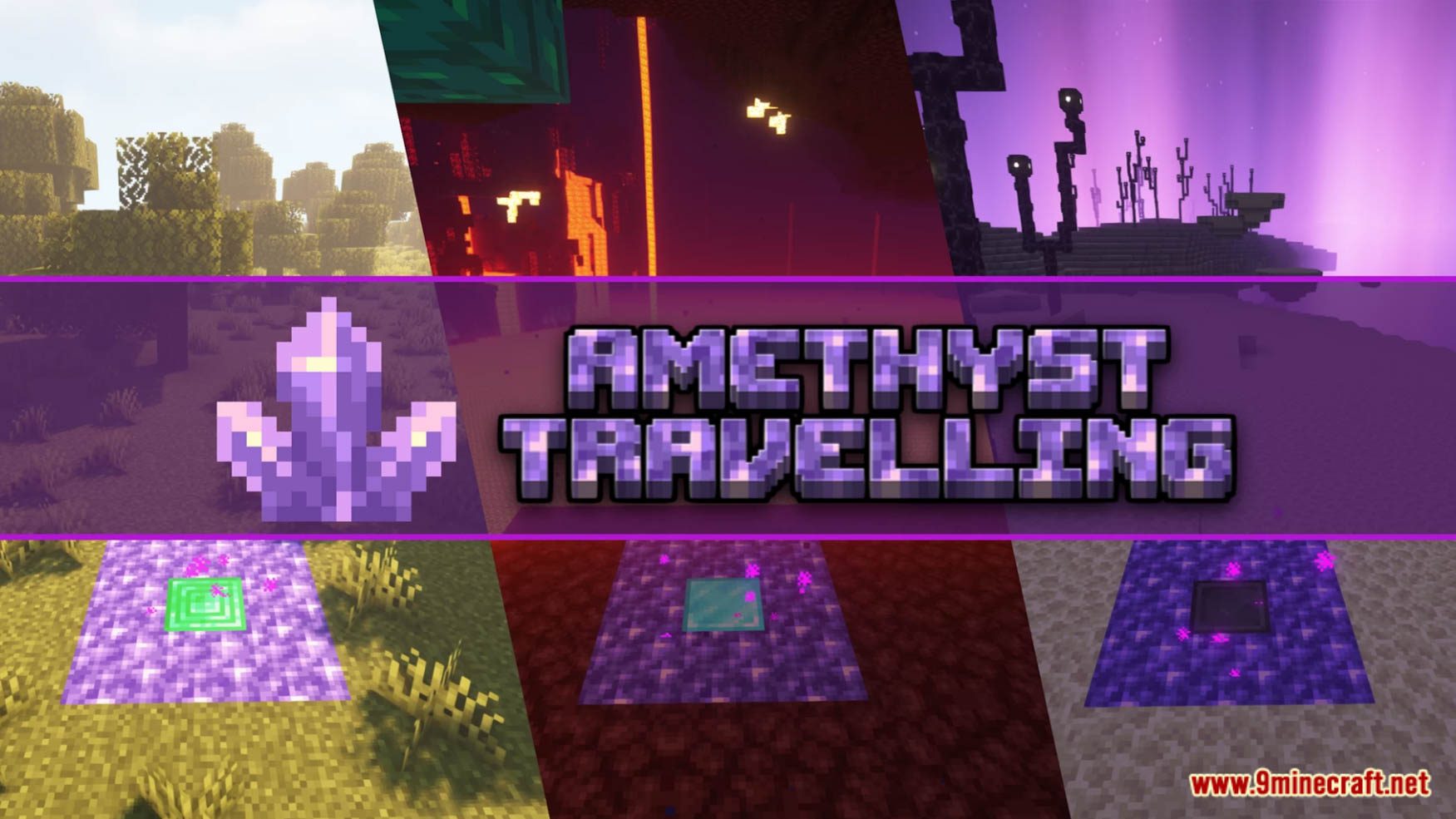
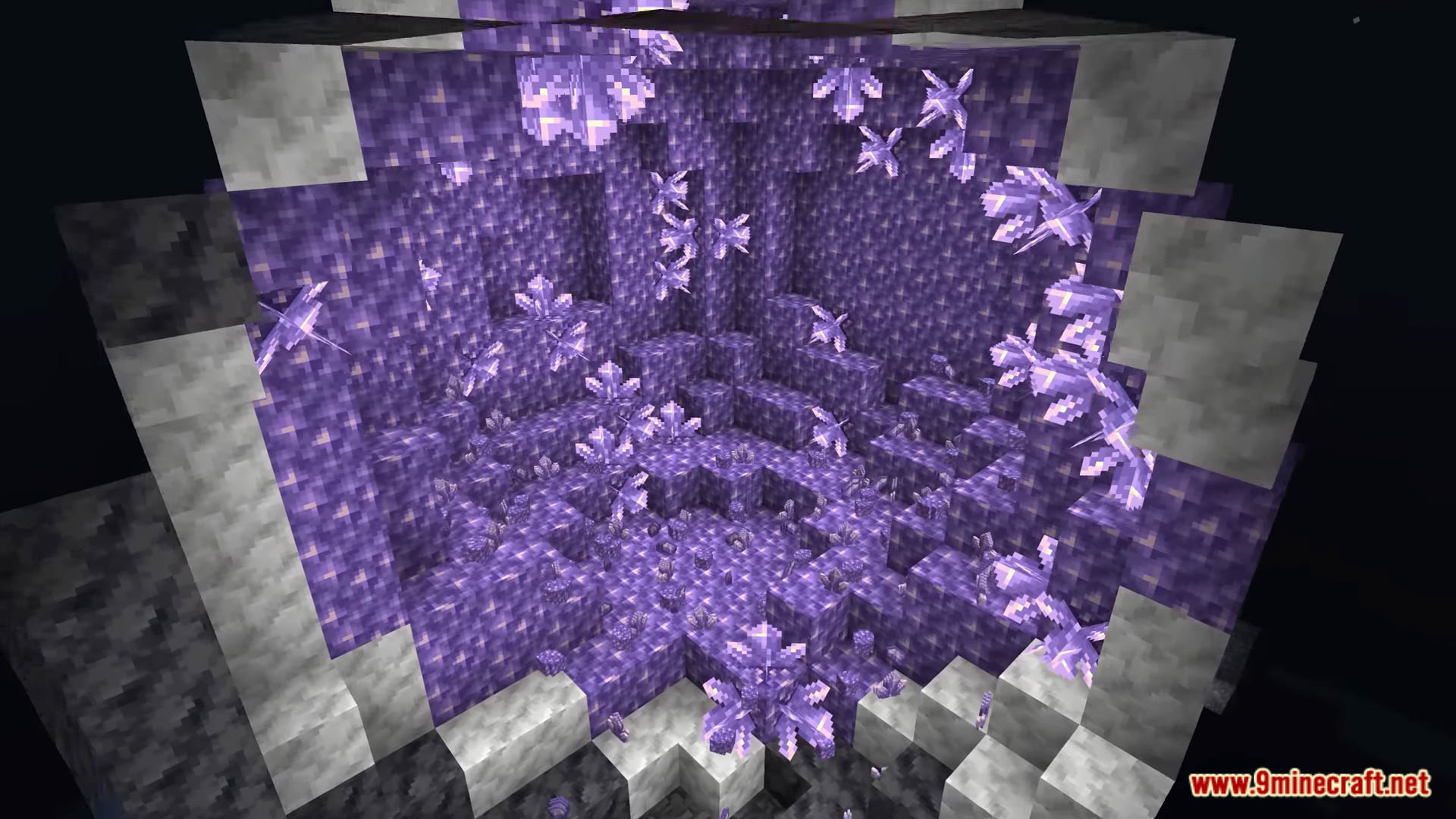
Amethyst Teleport Data Pack brings to you a new way to travel and transmit, that’s to teleport to anywhere you want using Amethyst! Amethyst Teleport is a Minecraft data pack for building fast travel points. It utilizes amethysts and makes them a consistently needed resource for fast travel. Enjoy playing this data pack!
Features:
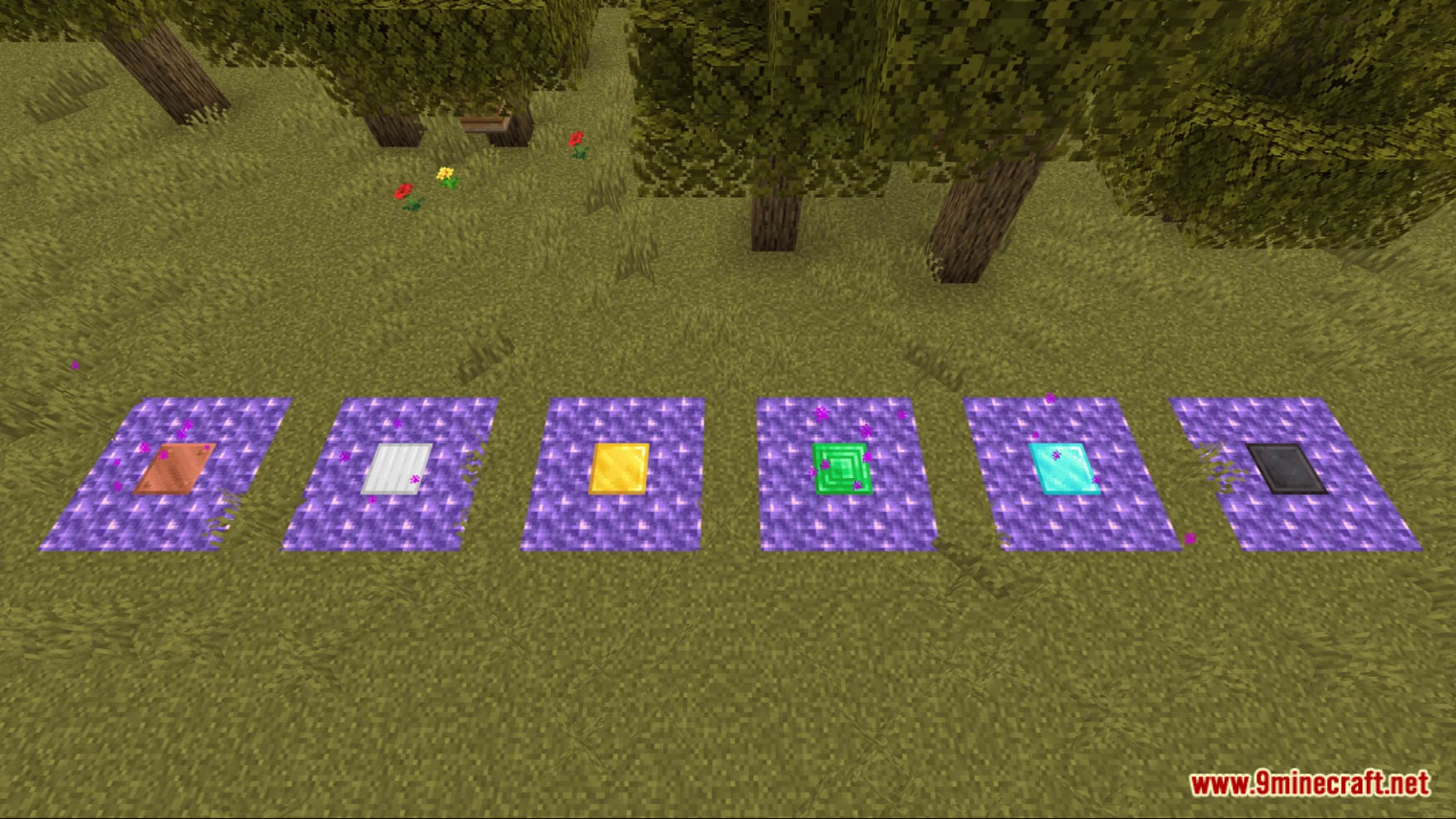
- Added many waypoints that allow you to travel between distant places and dimensions
To connect:
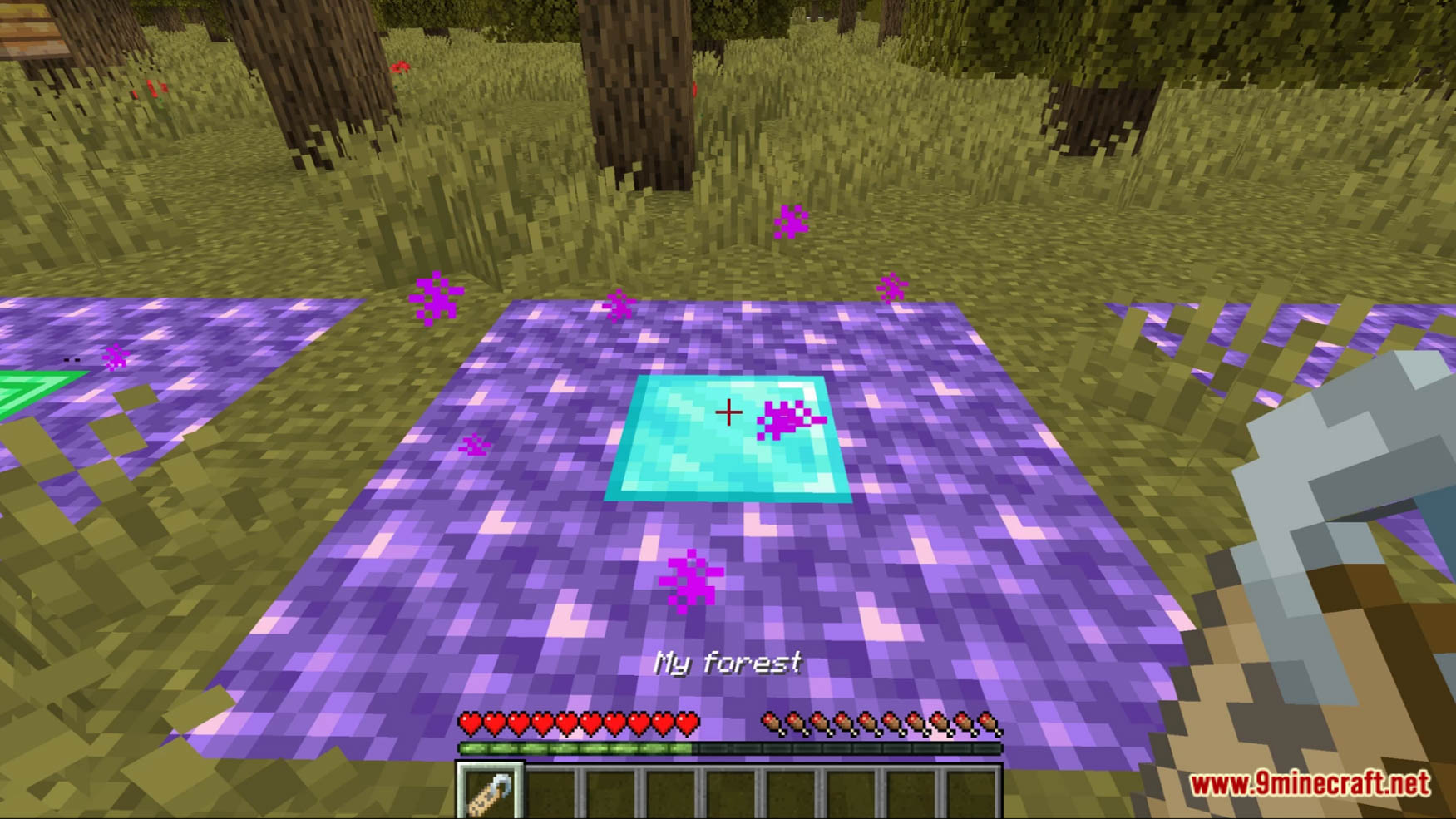
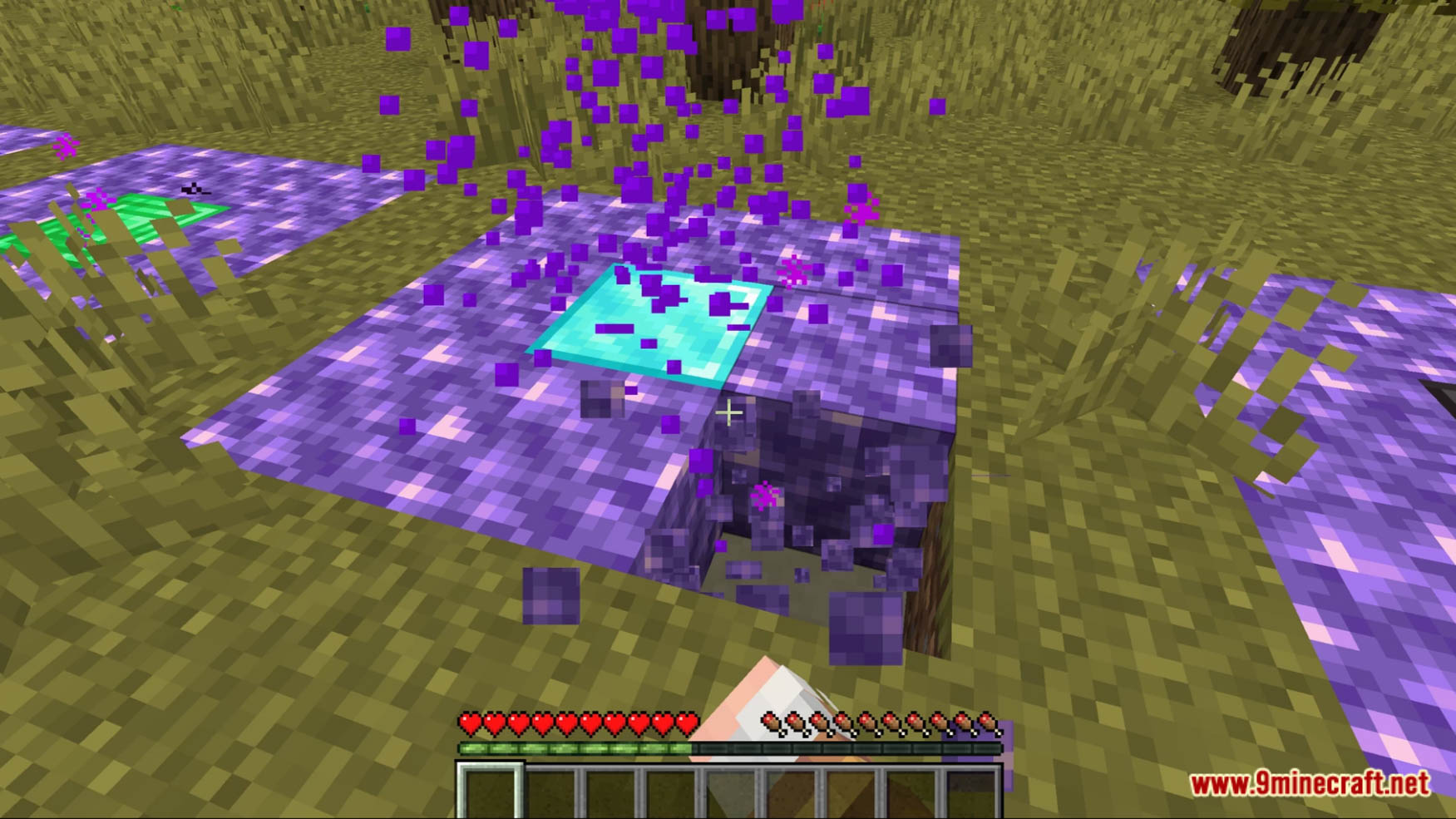
- To connect two fast travel points, the first one must be marked first. To do this, stand in the middle of an activated unconnected platform and hold an amethyst shard in your hand. Now you can go to the second activated unconnected platform and do the same as you did with the first.
To travel:
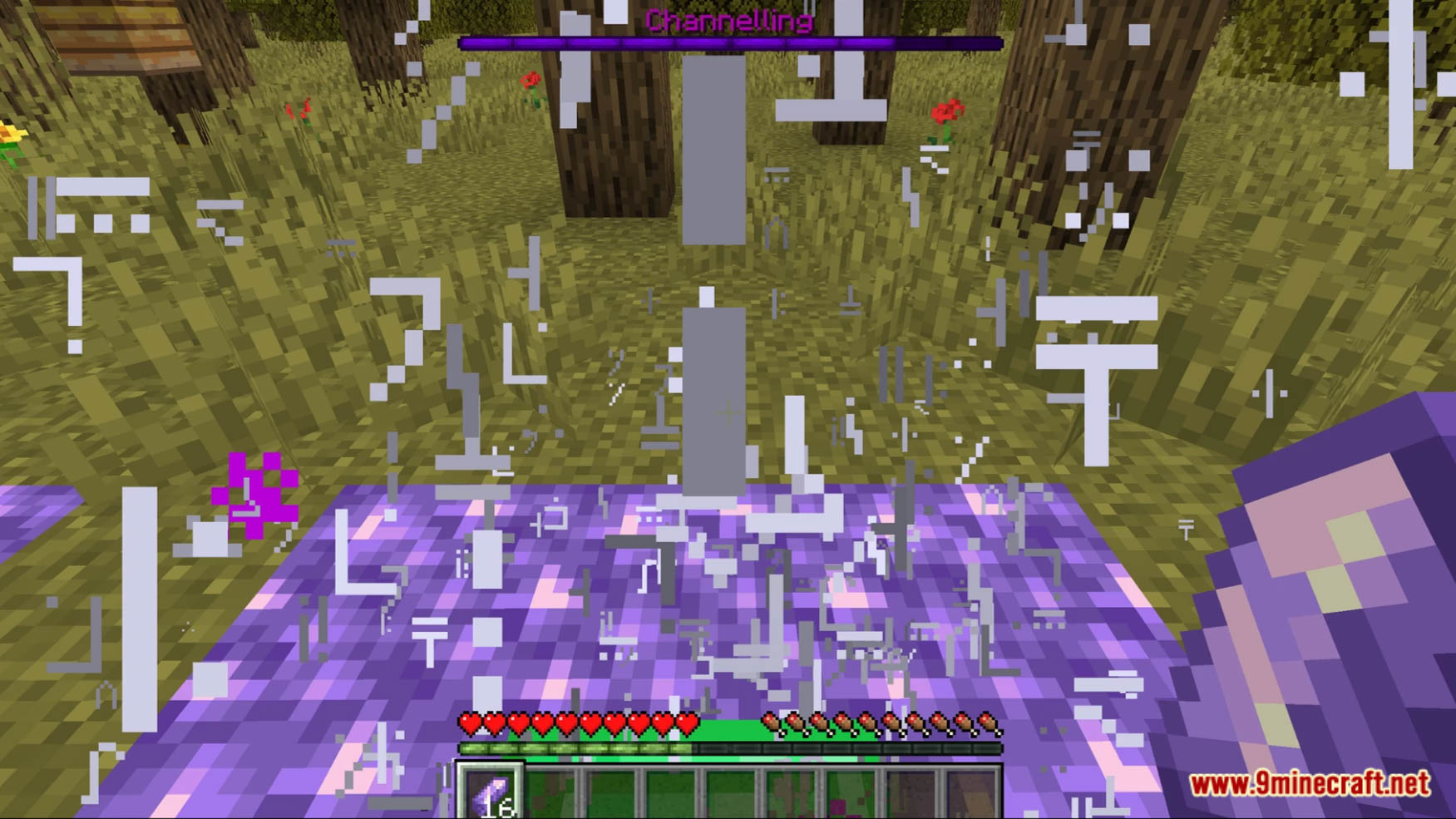
- To travel, stand in the center of an activated connected fast travel point and hold an amethyst shard in your hand. Now the fast travel point starts to channel. NPCs can be taken along by standing on the platform. However, these also consume an amethyst shard. After traveling, the platform must be re-entered or the amethyst shard must be taken in hand again.
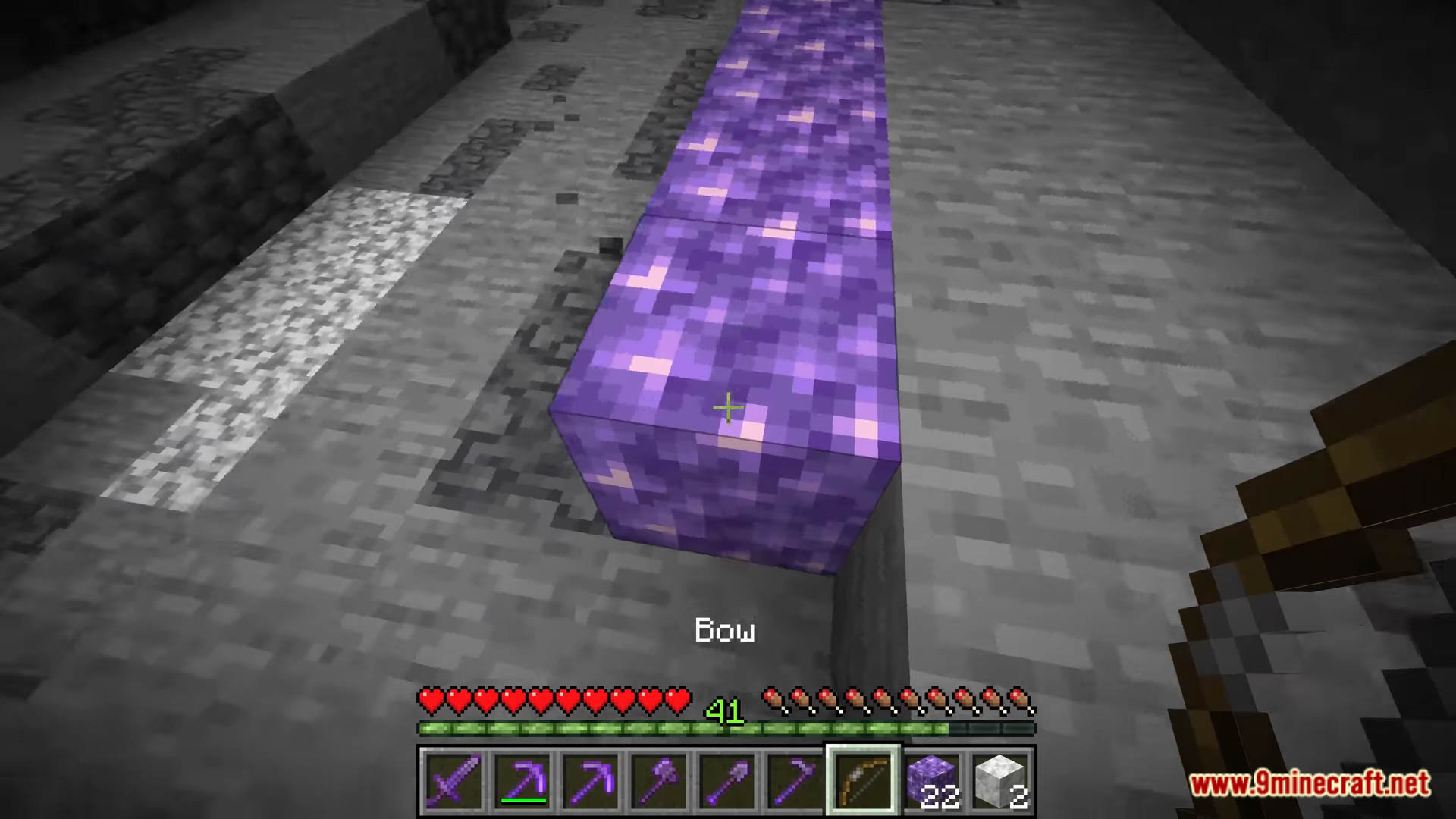
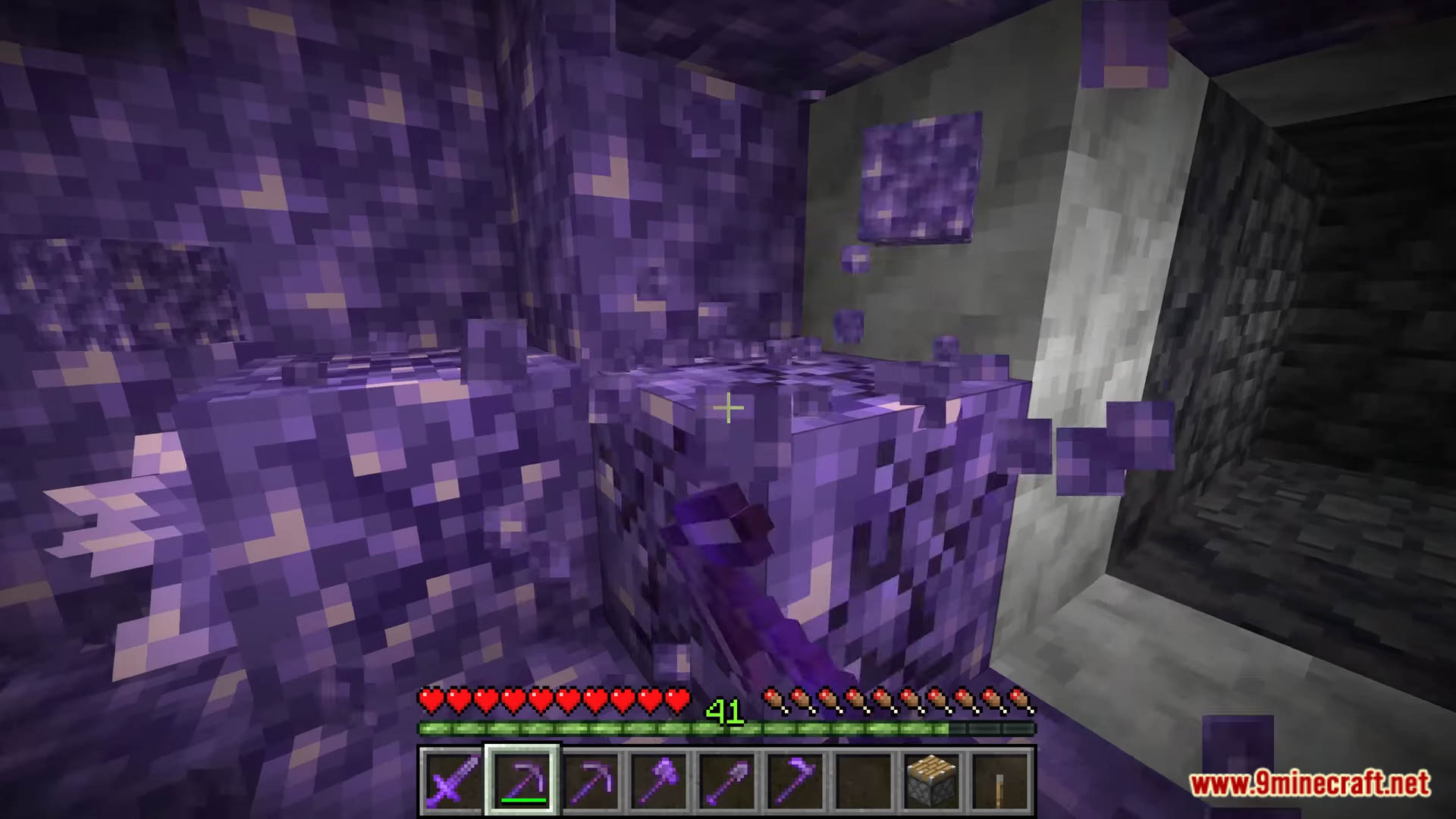
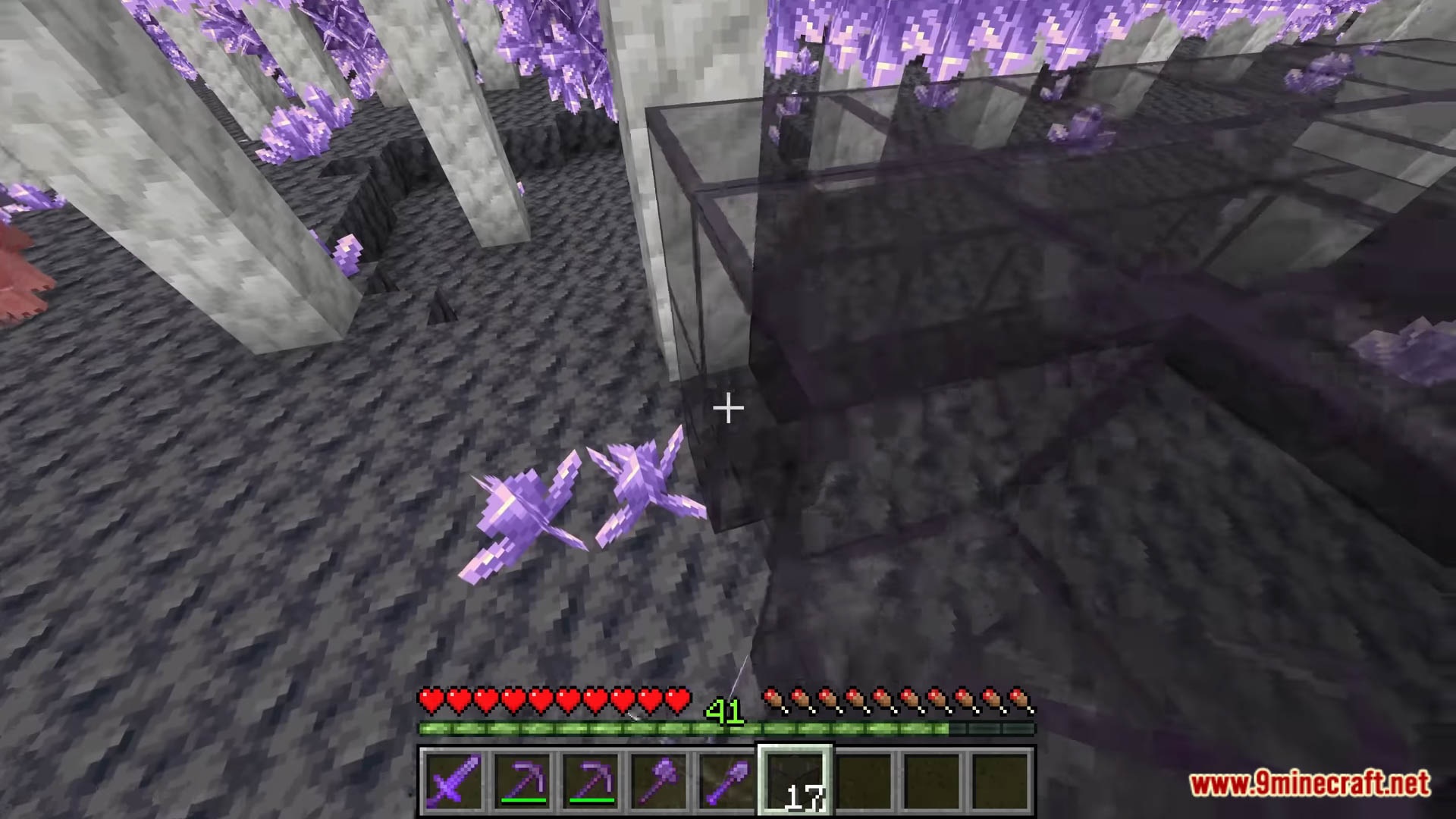
Screenshots:
Amethyst Teleport Data Pack Download Links
For Minecraft 1.20.2, 1.20.1, 1.19.4
Data Pack: Download from Server 1 – Download from Server 2
For Minecraft 1.18.2, 1.18.1
Data Pack: Download from Server 1 – Download from Server 2
For Minecraft 1.17.1
Data Pack: Download from Server 1 – Download from Server 2
- Edition: Minecraft Java
- File type: .jar
- Minecraft versions listed: 1.20.2, 1.19.4
- How to install: Install the matching mod loader (Forge, Fabric or NeoForge) for your Minecraft version. → Download the .jar. → Put it in the .minecraft/mods folder and launch that loader profile.
- Where to get it: In MC Java Mods, or directly above on this page.
Install steps are the general flow for this file type — see the MC Java Mods guides for the full walkthrough.
Amethyst Teleport Data Pack (1.20.2, 1.19.4) – Fast Travel With Amethyst! is a free Minecraft Java datapack. Compatible with Minecraft 1.20.2, 1.19.4. Download it and open it directly in the game.