
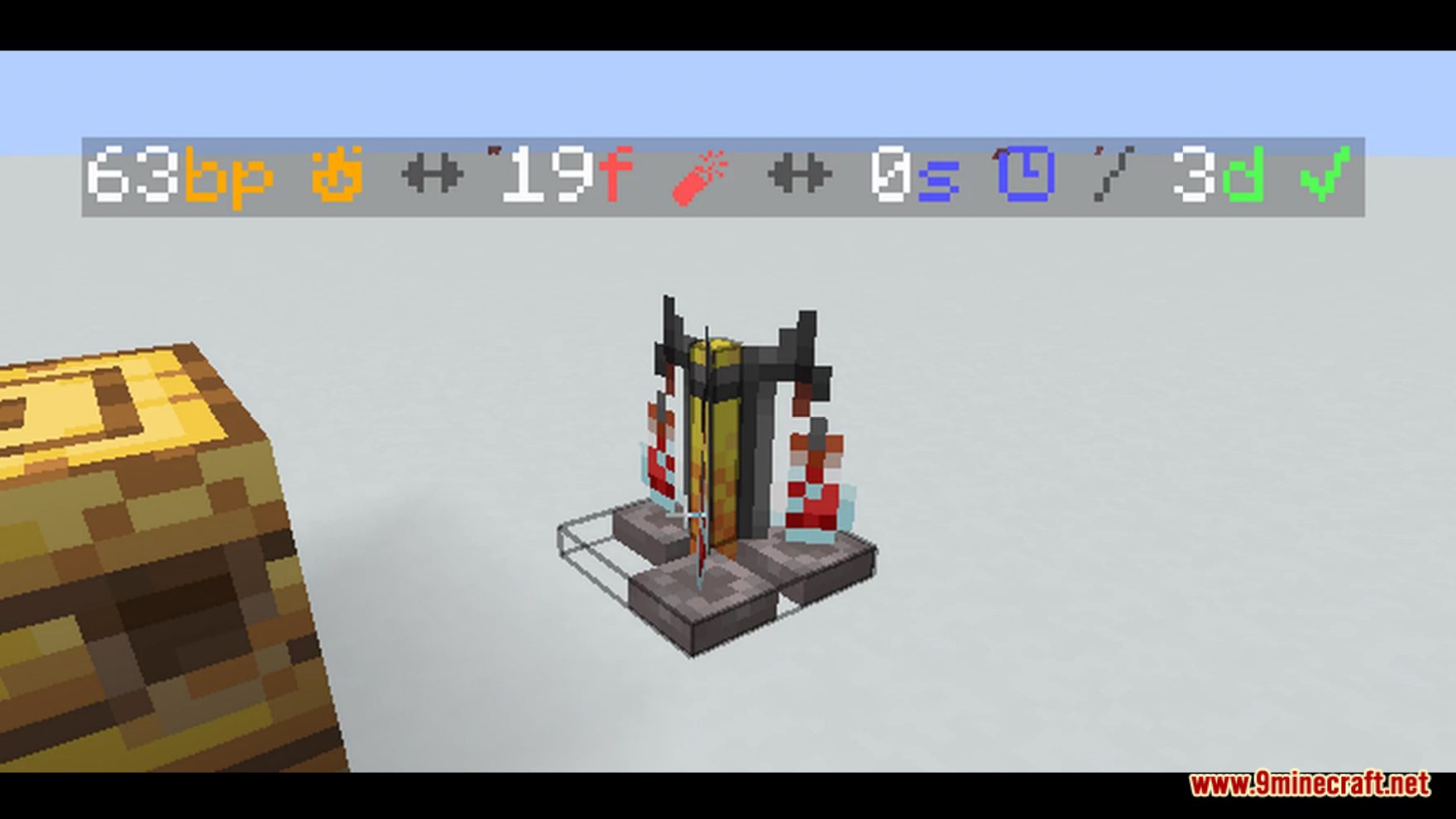
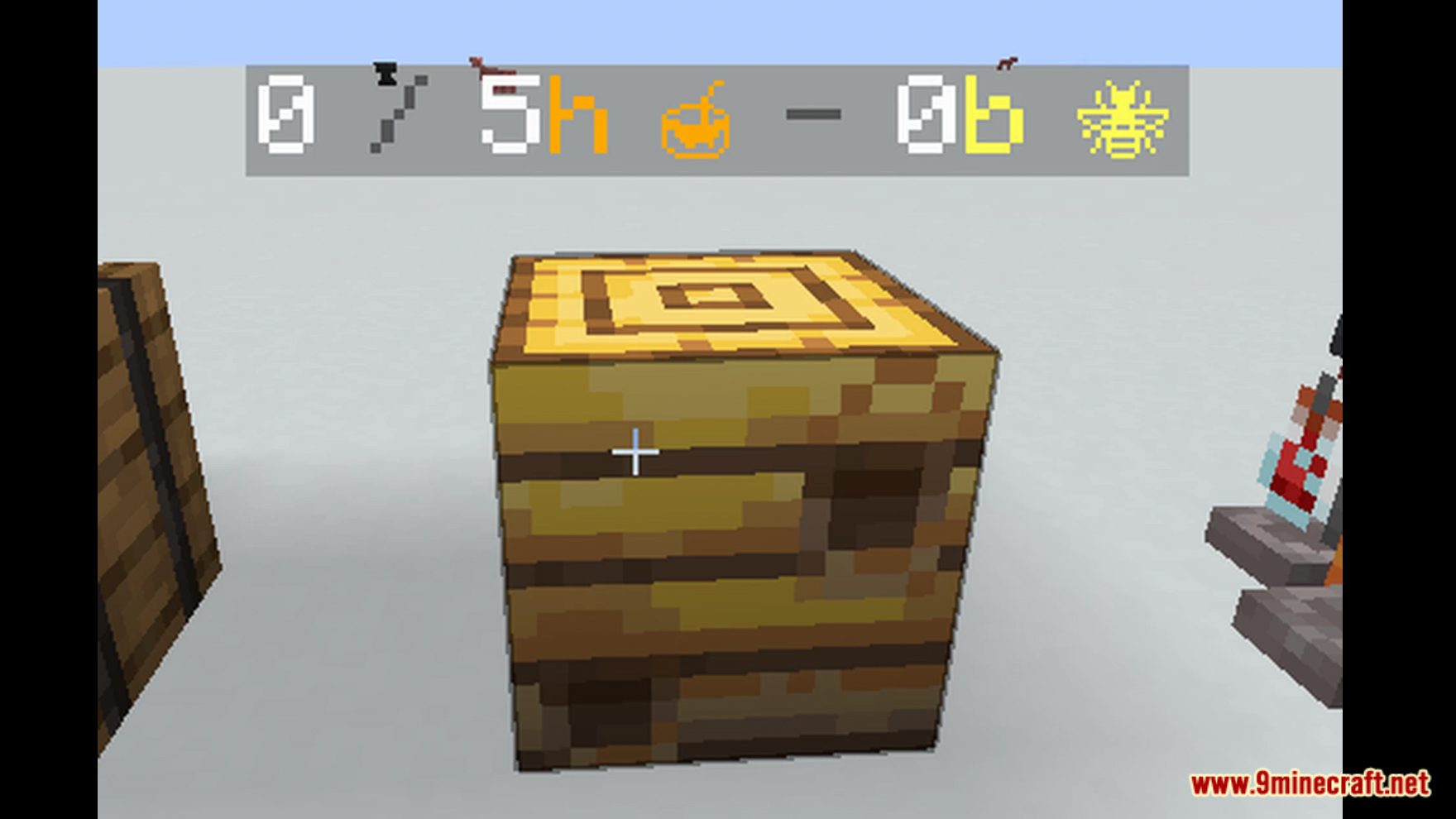


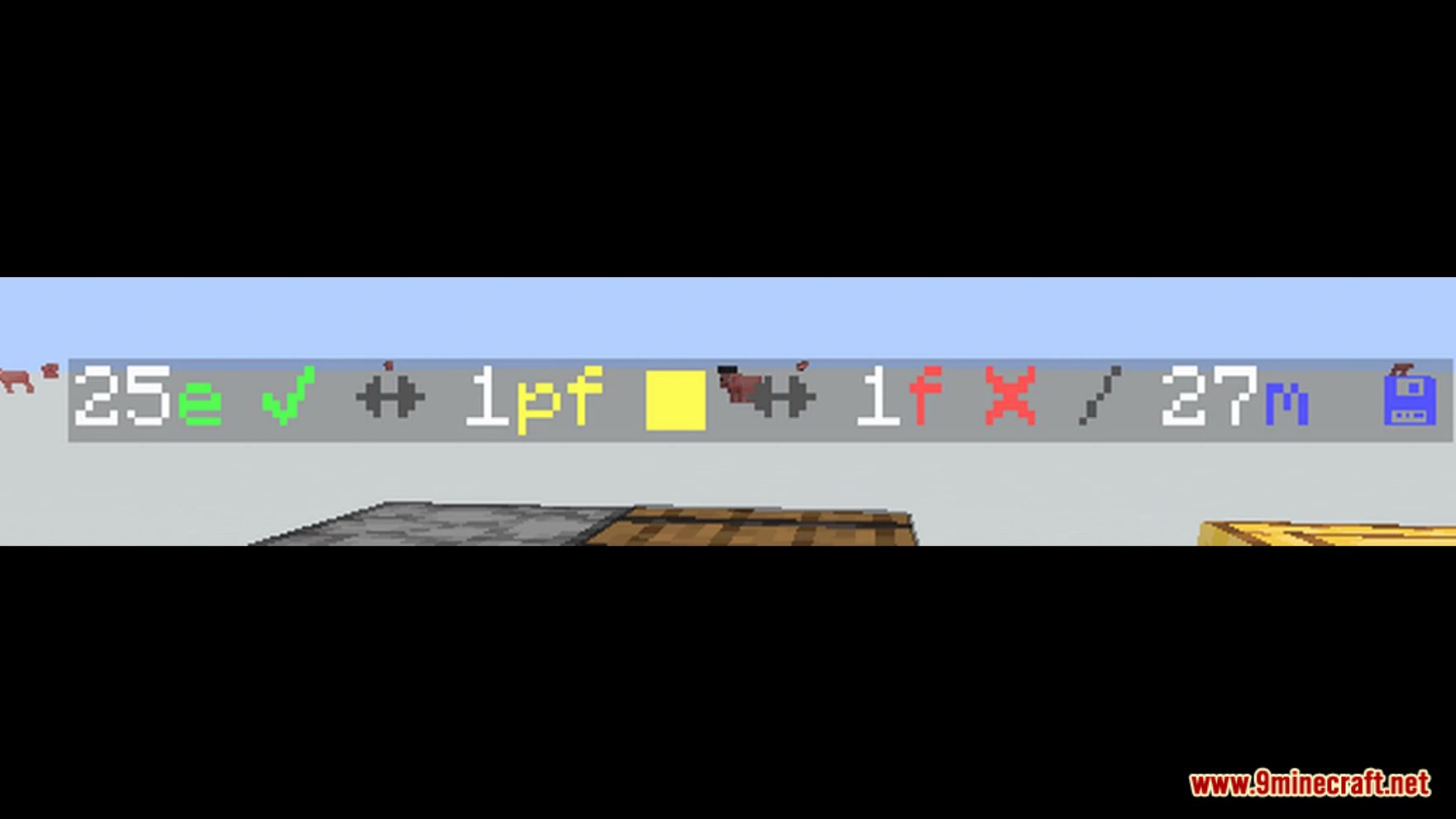
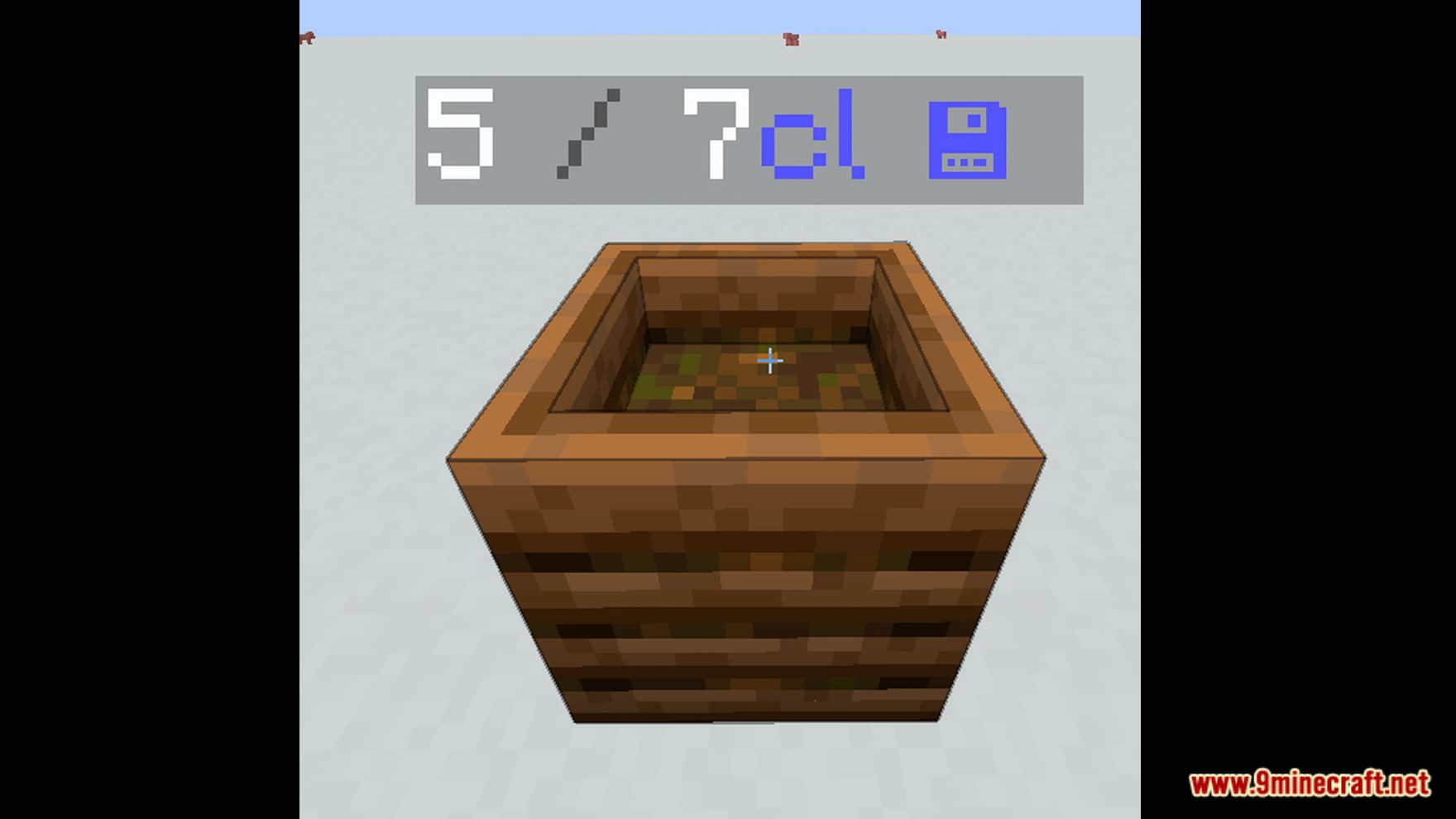


Kazii Display Data Pack introduces you to a new function in Minecraft! This data pack will display a variety of things. This data pack is mostly automated by itself, but there is a pre-cautions that needs to be taken: Make sure coordinates from 0 255 0 to 1 256 0 are cleared with no obstructions, it must be cleared out for the data pack to place blocks for operating. Before installing, make sure you make a backup of your world in case something breaks. This data pack is intended for mainly-survival, especially with new worlds. Already existing worlds should not be affected by it as much as how it was built. Enjoy playing this data pack!
Features:
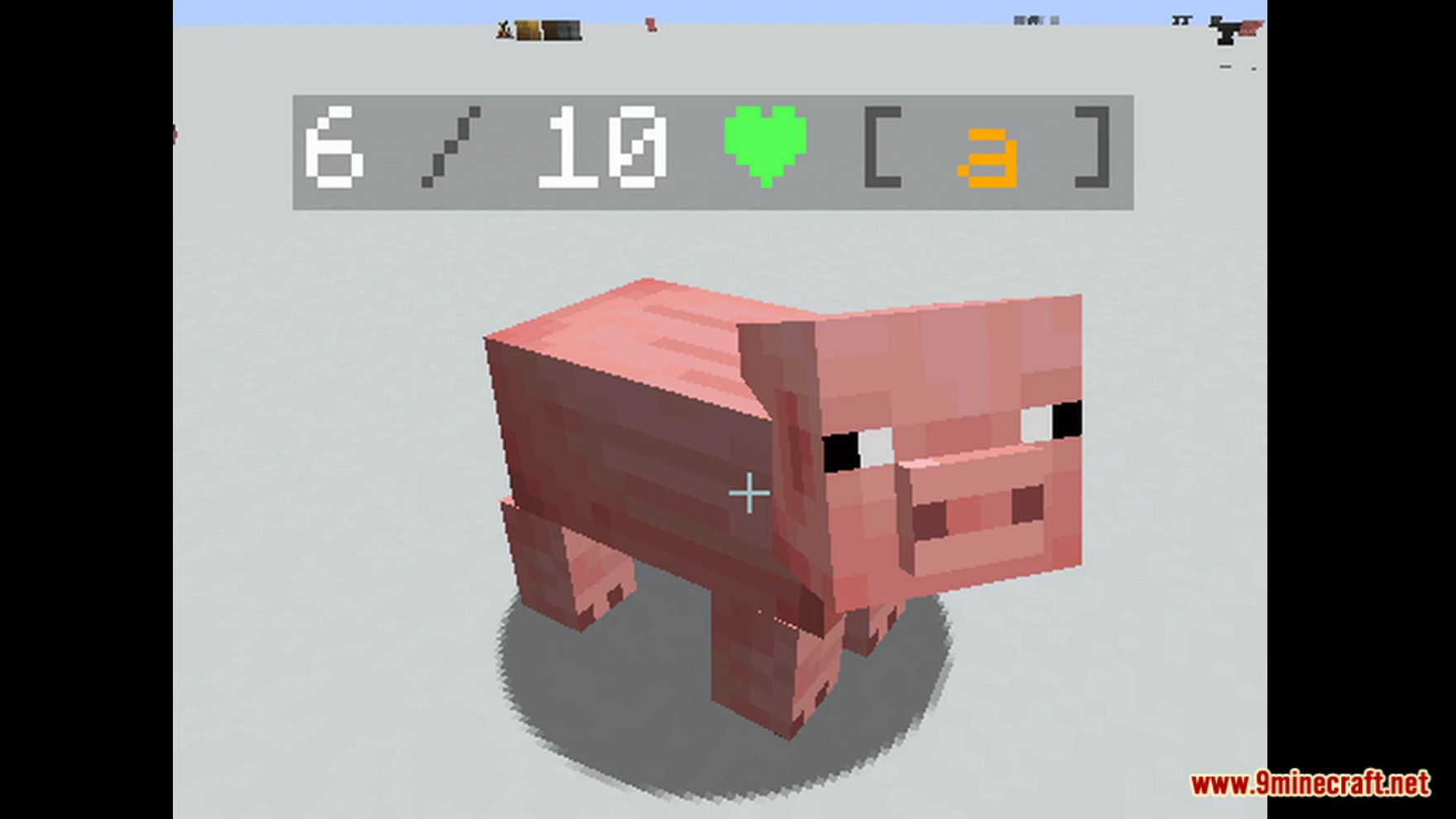
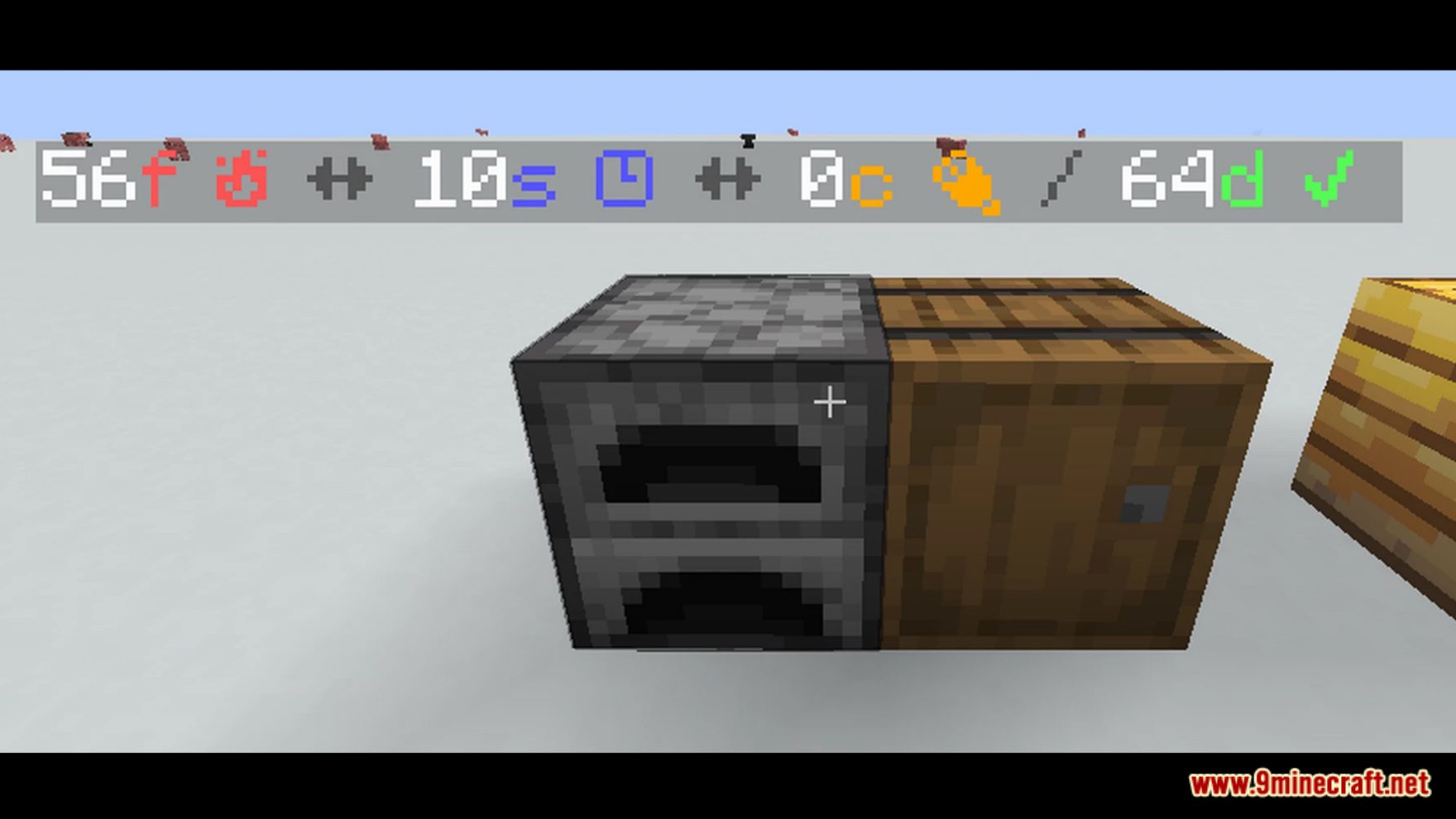
- Added indicators to your Minecraft worlds!
Screenshots:
Kazii Display Data Pack Download Links
For Minecraft 1.19.4, 1.19.2
Data Pack: Download from Server 1 – Download from Server 2
- Edition: Minecraft Java
- File type: .jar
- Minecraft versions listed: 1.19.4, 1.19.2
- How to install: Install the matching mod loader (Forge, Fabric or NeoForge) for your Minecraft version. → Download the .jar. → Put it in the .minecraft/mods folder and launch that loader profile.
- Where to get it: In MC Java Mods, or directly above on this page.
Install steps are the general flow for this file type — see the MC Java Mods guides for the full walkthrough.
Kazii Display Data Pack (1.19.4, 1.19.2) – Indicators! is a free Minecraft Java datapack. Compatible with Minecraft 1.19.4, 1.19.2. Download it and open it directly in the game.