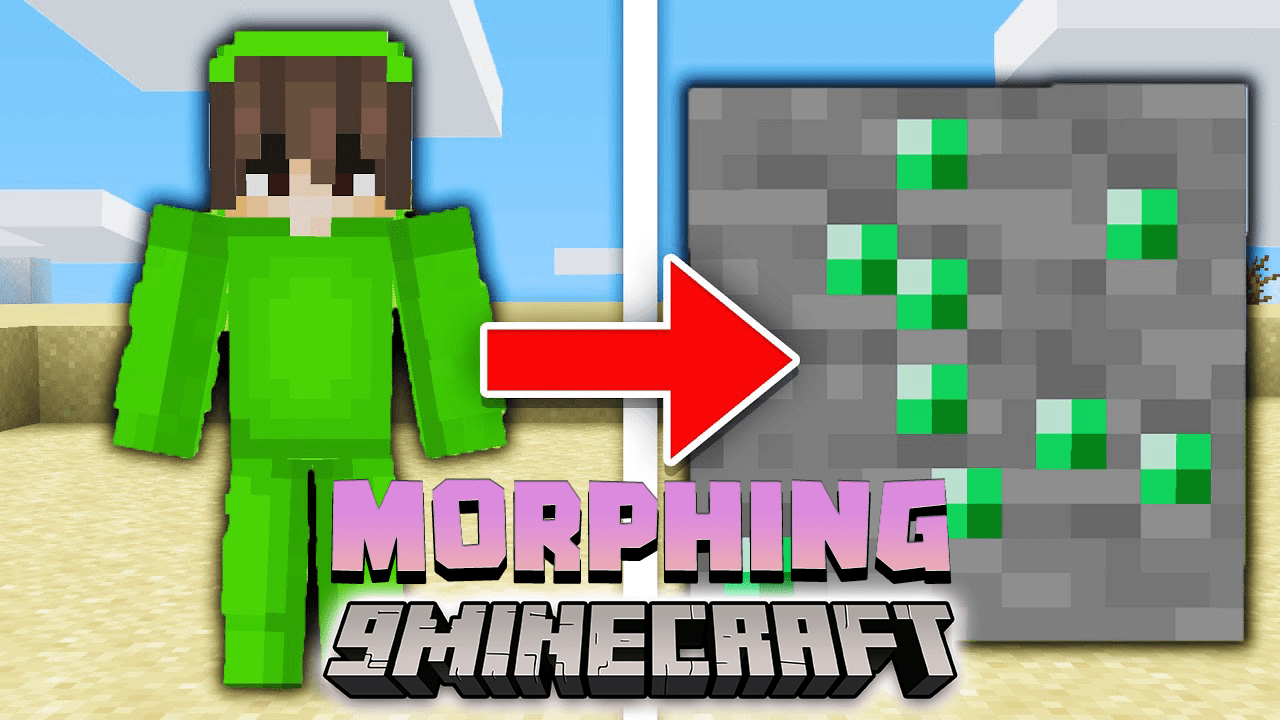
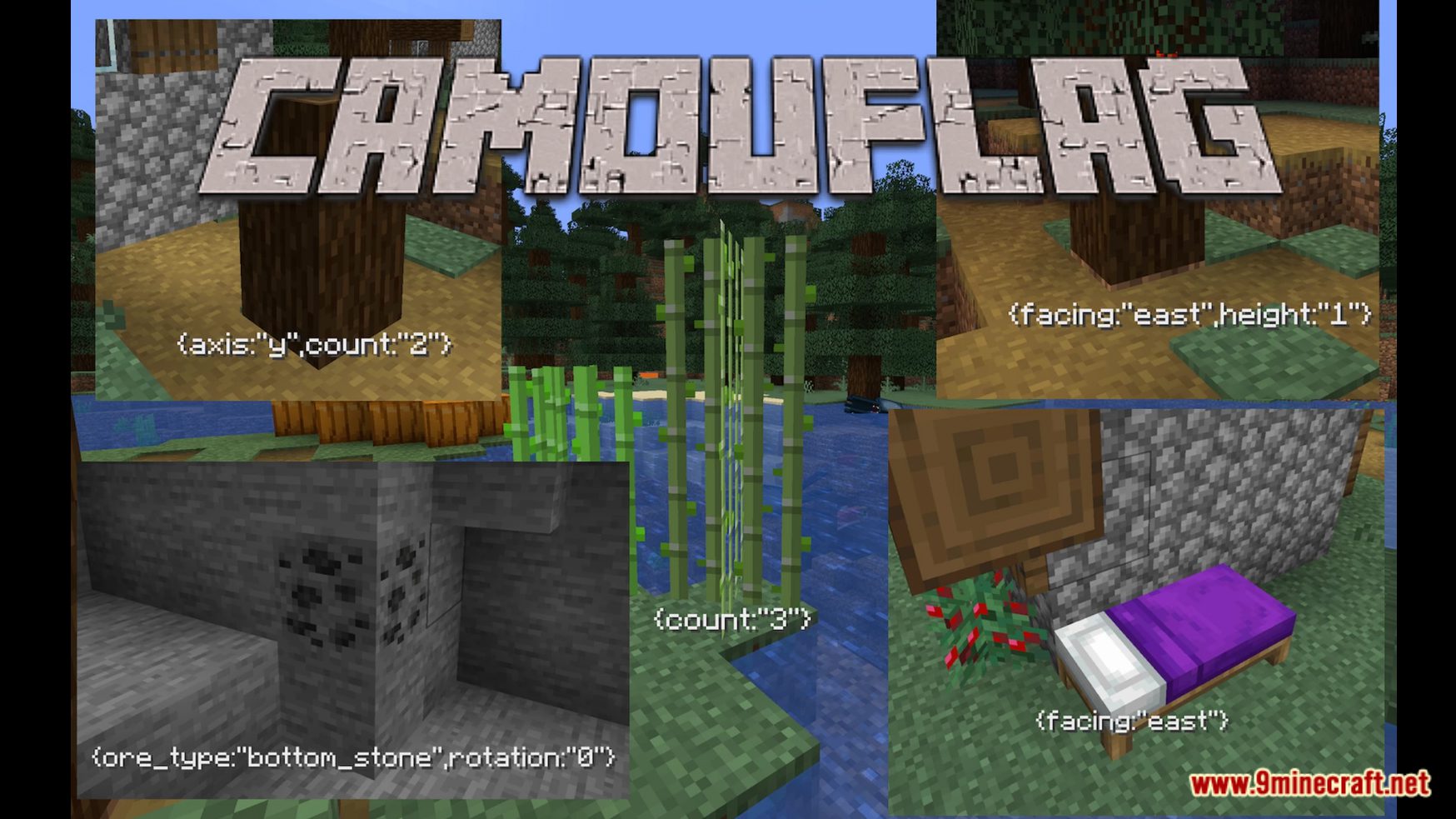
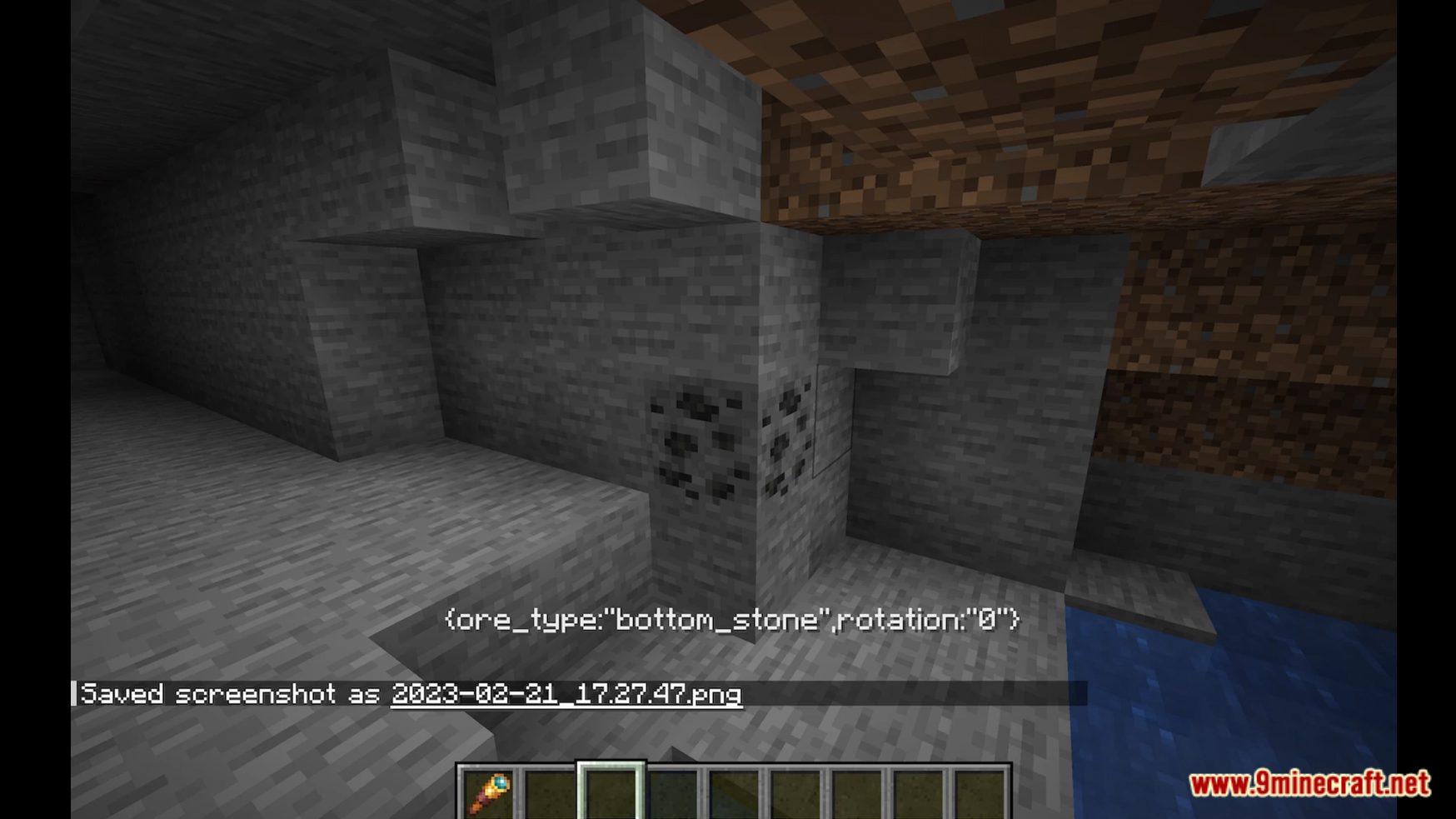
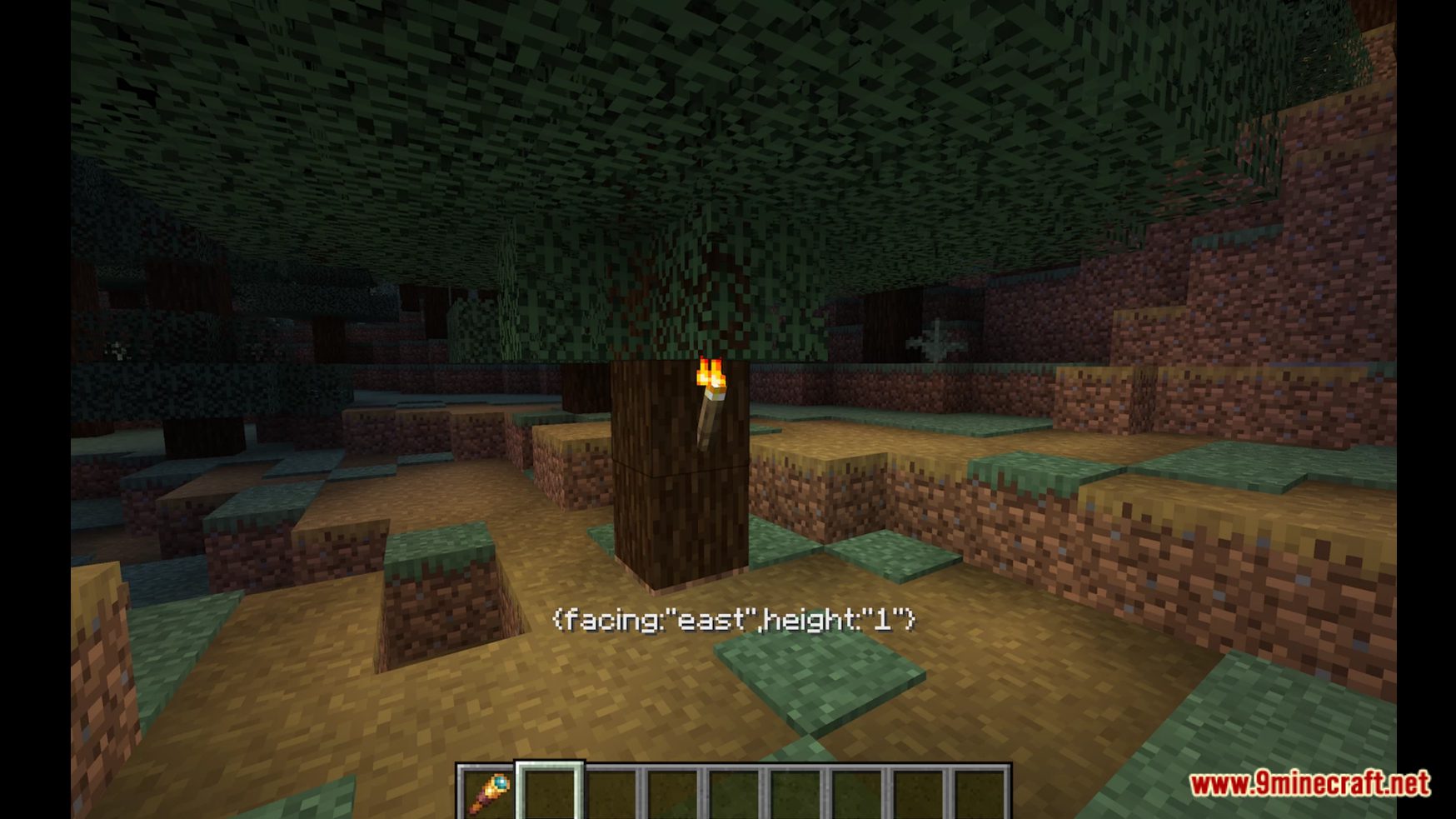
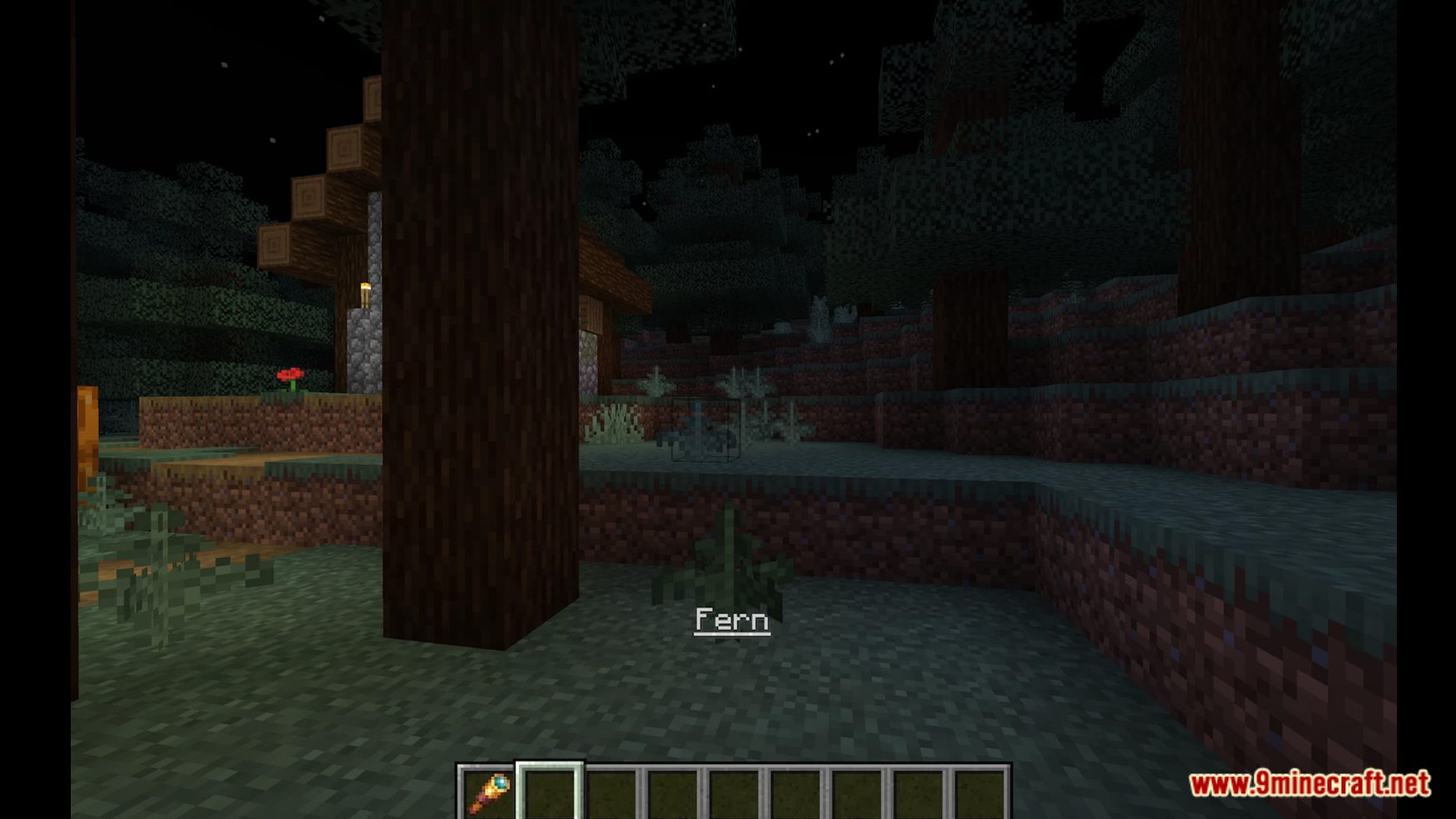
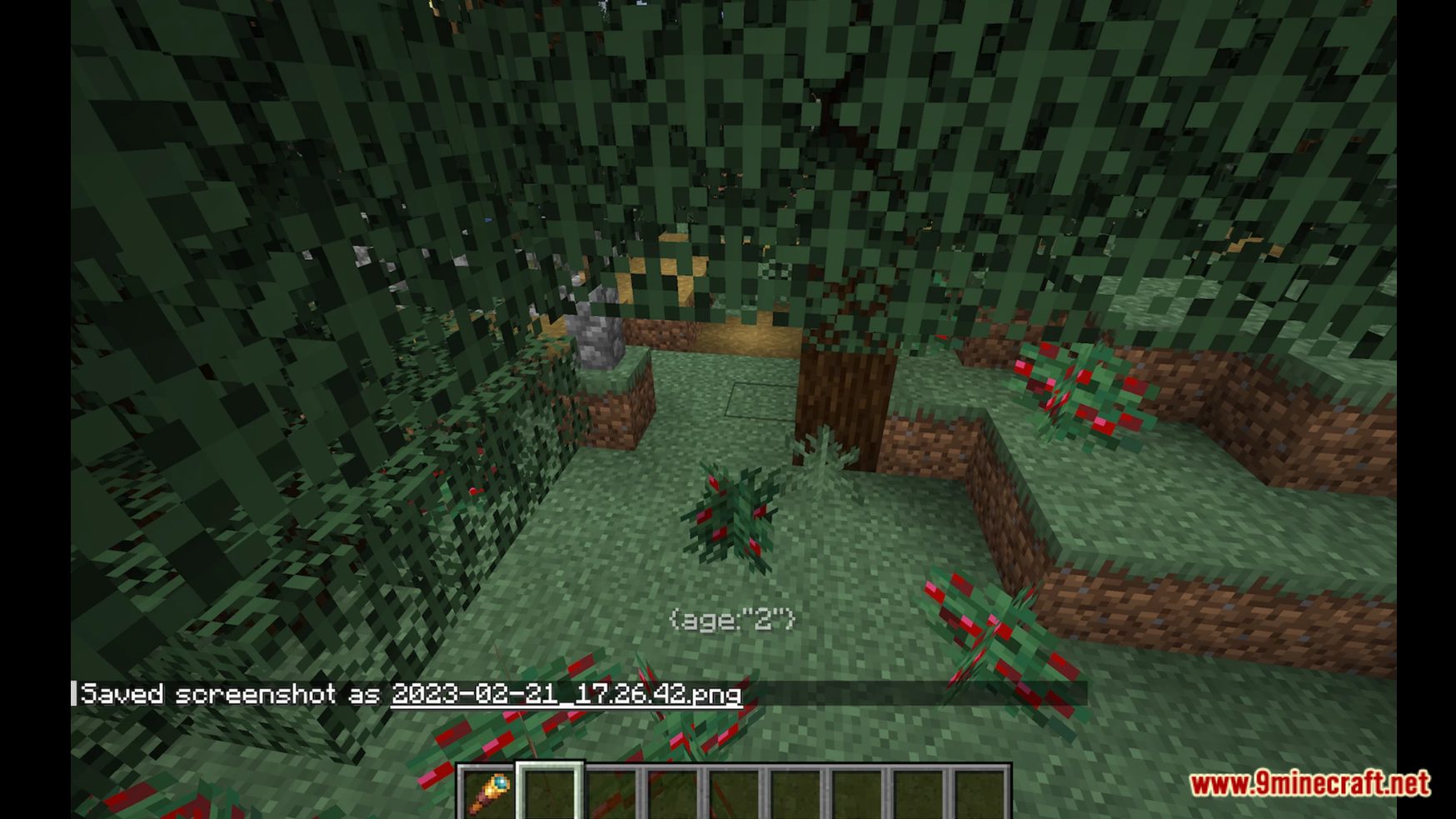
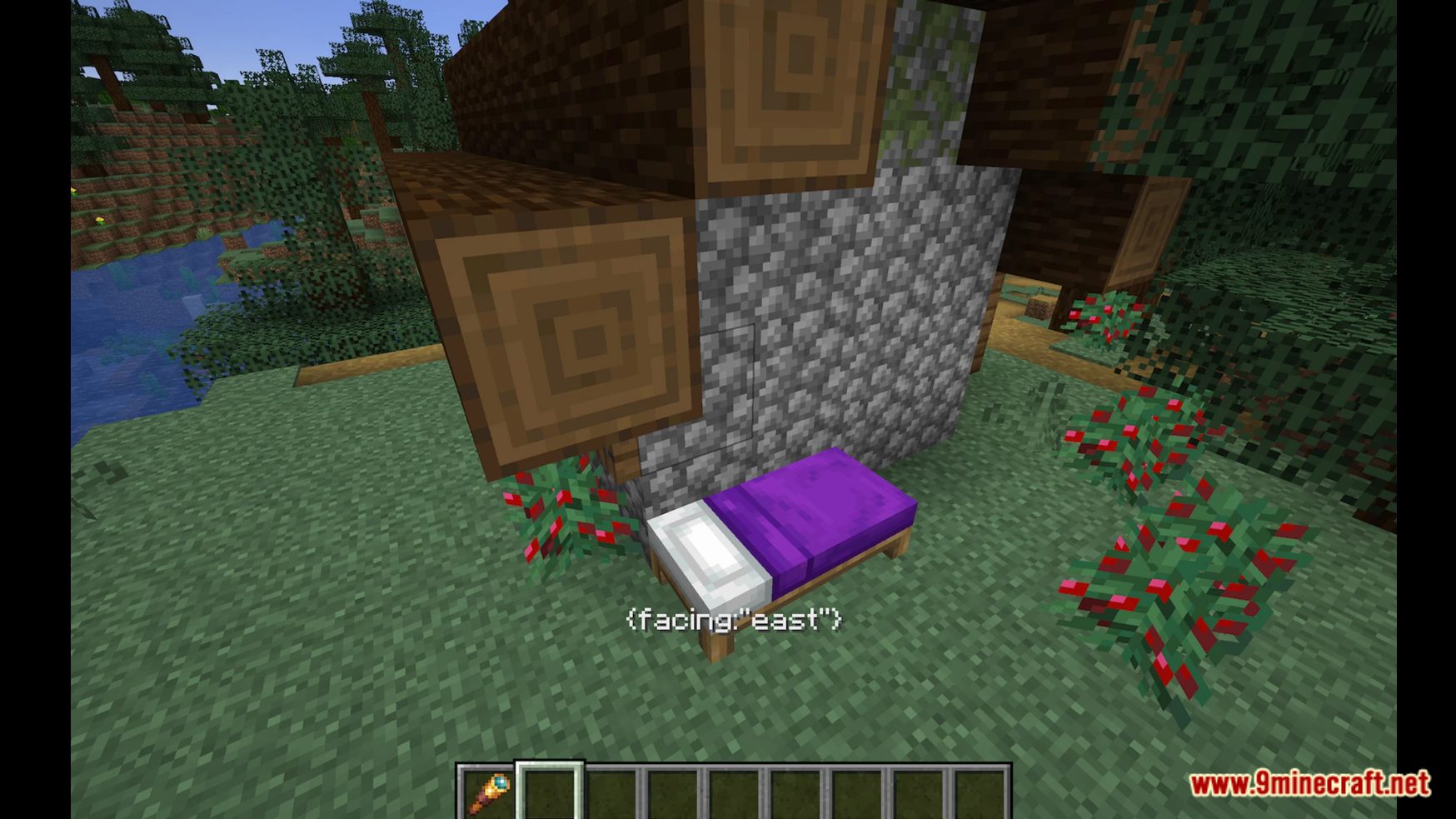
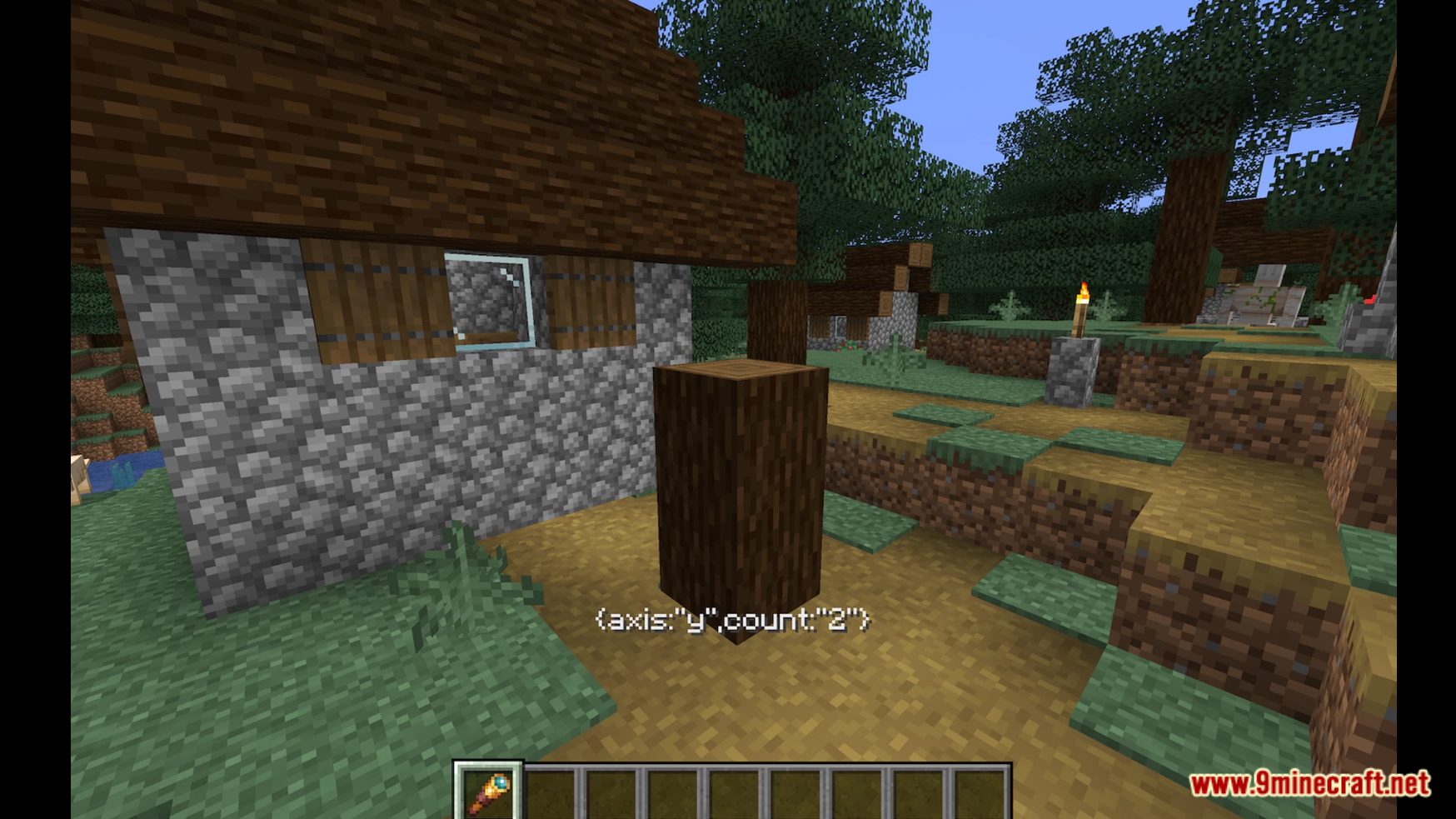
Block Morphing Data Pack brings you a new function in Minecraft! This data pack allows you to disguise yourself by morphing into (almost) any block in the game. You can change the state of the block you’re morphed into, for example, rotate it (chests, wall torches, etc.) or make it higher (sugar canes, etc) and more! Enjoy playing this data pack!
Features:
- Allows you to morph into a block in Minecraft!
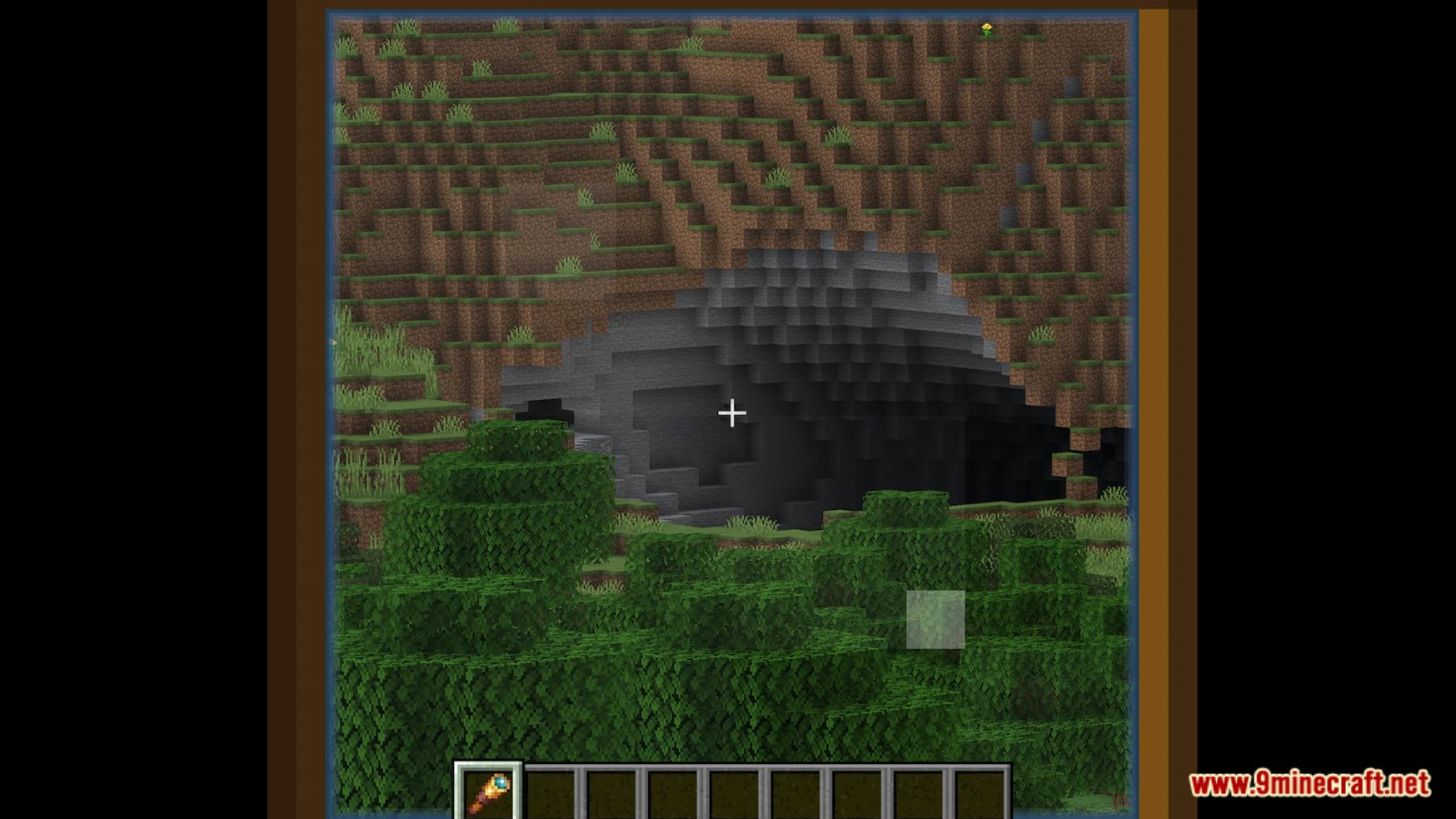
- To morph, just look at a block using a spyglass and you’ll be morphed.
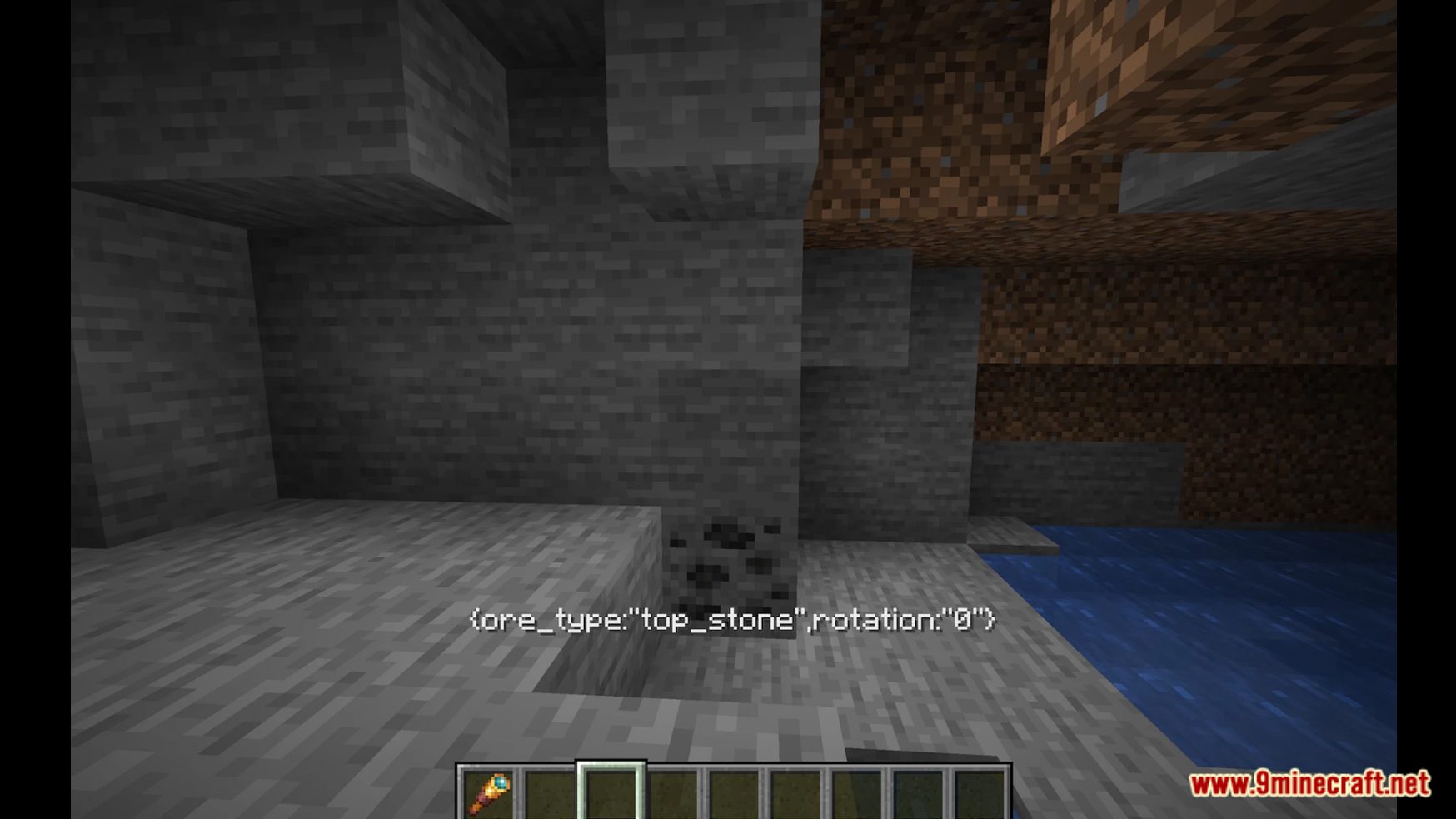
- To change the block state, you need to tap crouch while standing in place and not moving (click shift for less than 0.25 seconds).
- To stop morphing into anything you were morphed into, use “/trigger camouflag.demorph”
- If you stand still for 3 seconds while morphed, you will align your XZ coordinates to middle of the block.
- Use the following command to disable/reenable the feature (for you only) “/trigger camouflag.toggle.autoalign”
Screenshots:
Block Morphing Data Pack Download Links
For Minecraft 1.19.4
Data Pack: Download from Server 1 – Download from Server 2
Quick facts
- Edition: Minecraft Java
- File type: .jar
- Minecraft version listed: 1.19.4
- How to install: Install the matching mod loader (Forge, Fabric or NeoForge) for your Minecraft version. → Download the .jar. → Put it in the .minecraft/mods folder and launch that loader profile.
- Where to get it: In MC Java Mods, or directly above on this page.
Install steps are the general flow for this file type — see the MC Java Mods guides for the full walkthrough.
Block Morphing Data Pack (1.19.4) – Transform Into Block! is a free Minecraft Java datapack. Compatible with Minecraft 1.19.4. Download it and open it directly in the game.