
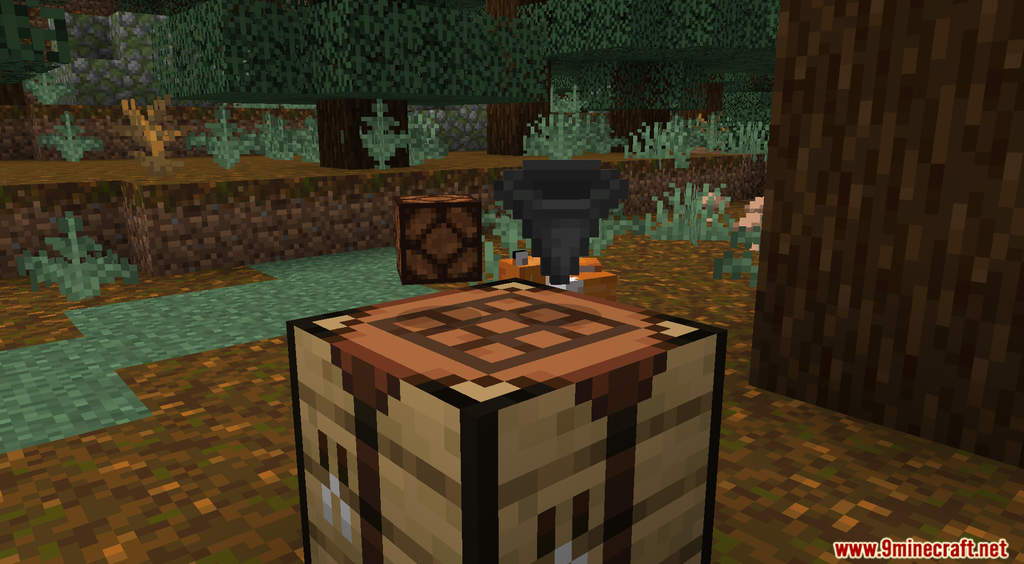
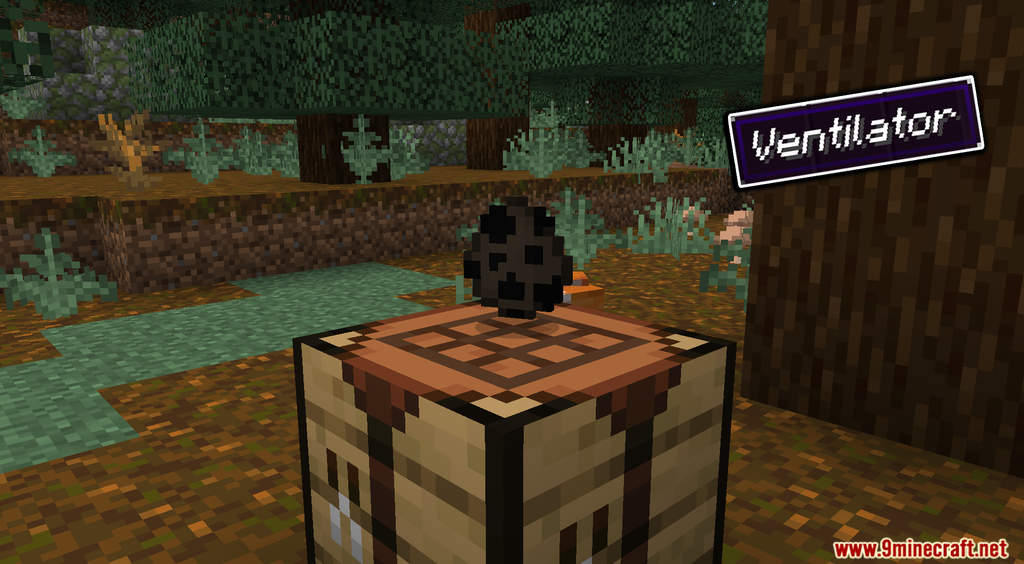
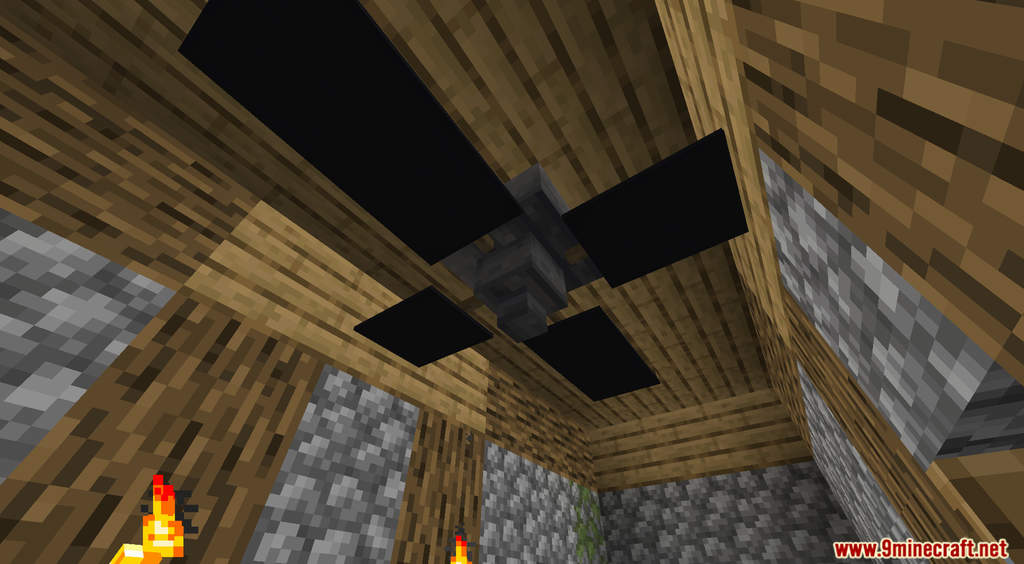
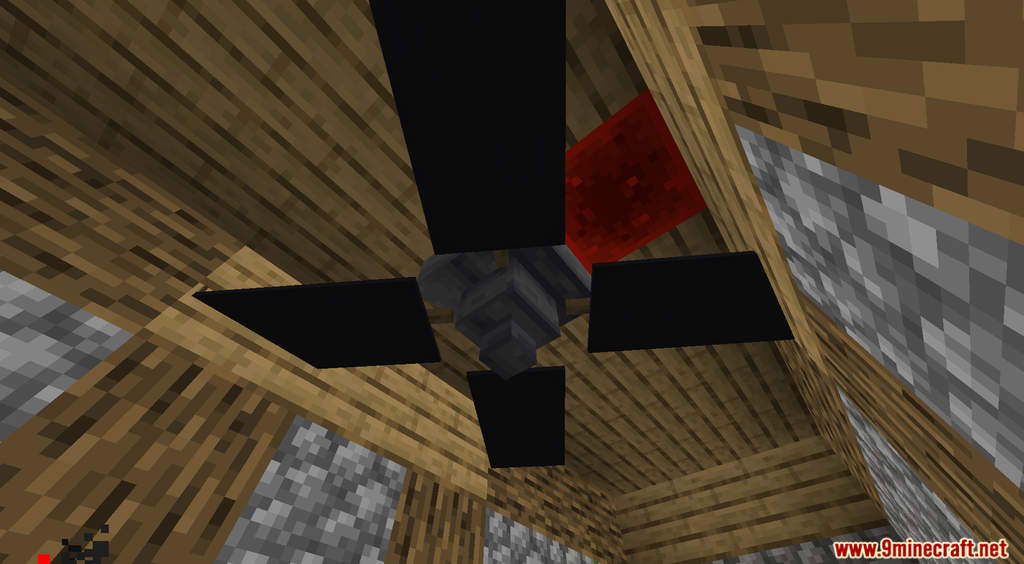
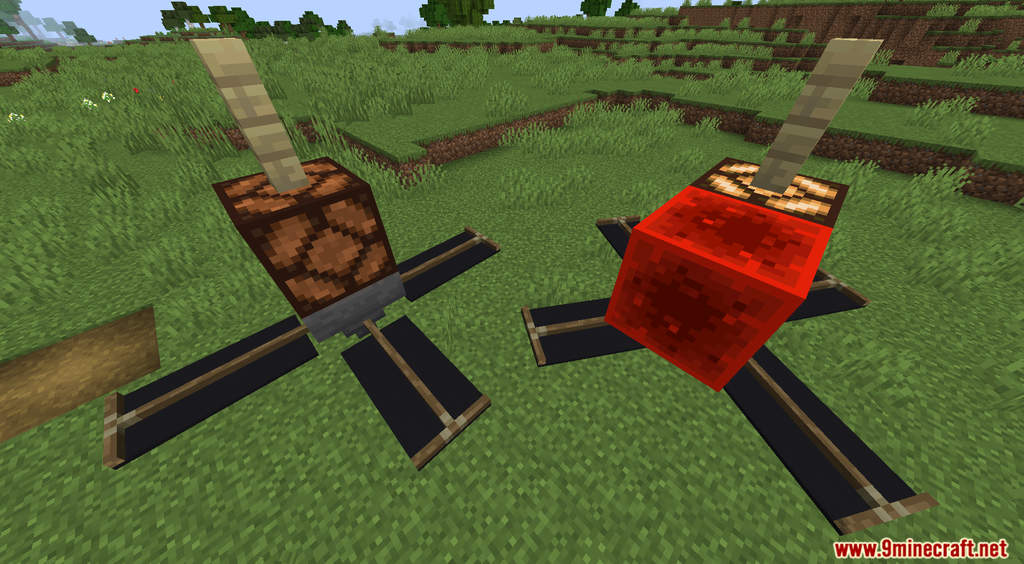
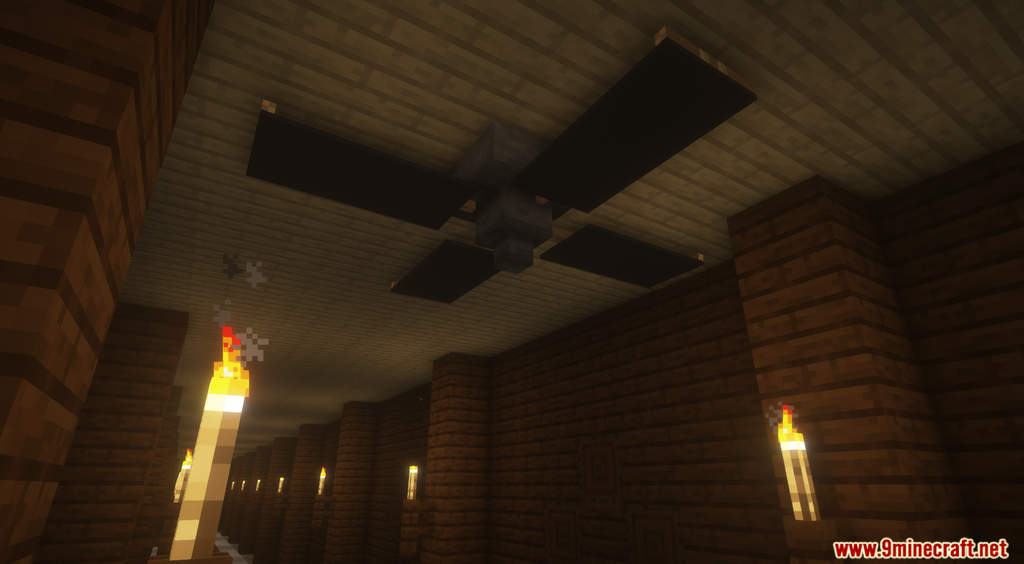
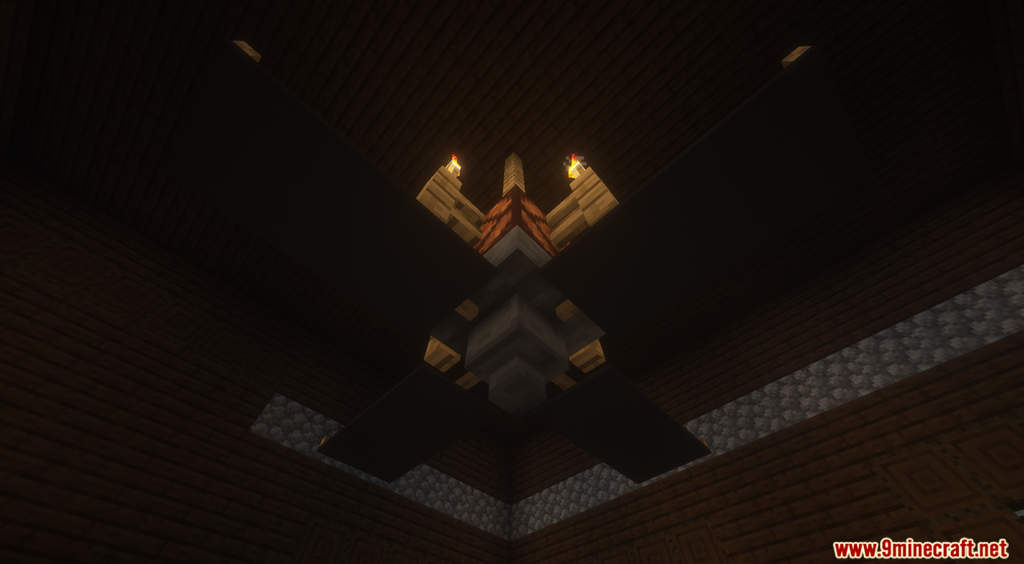
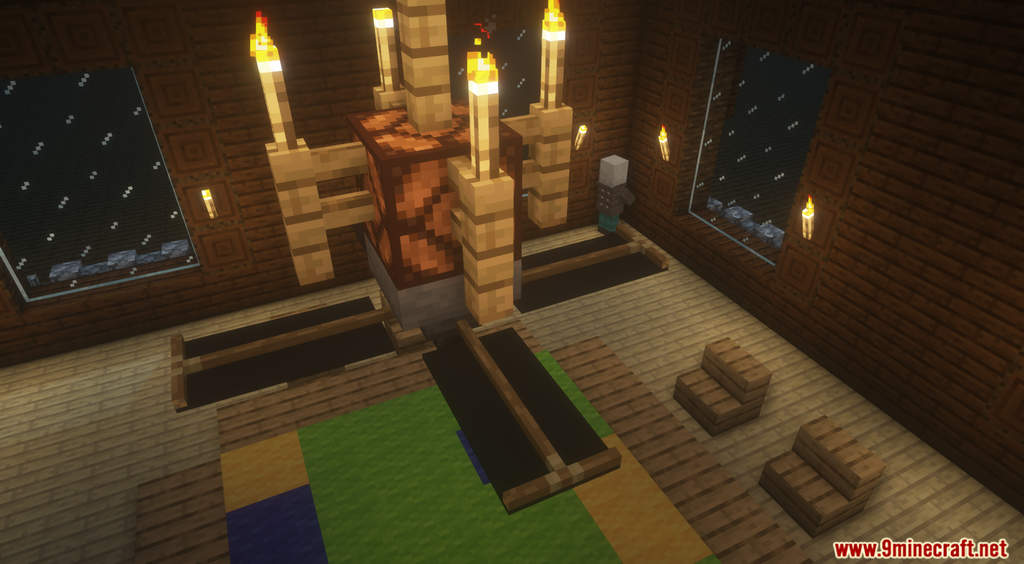
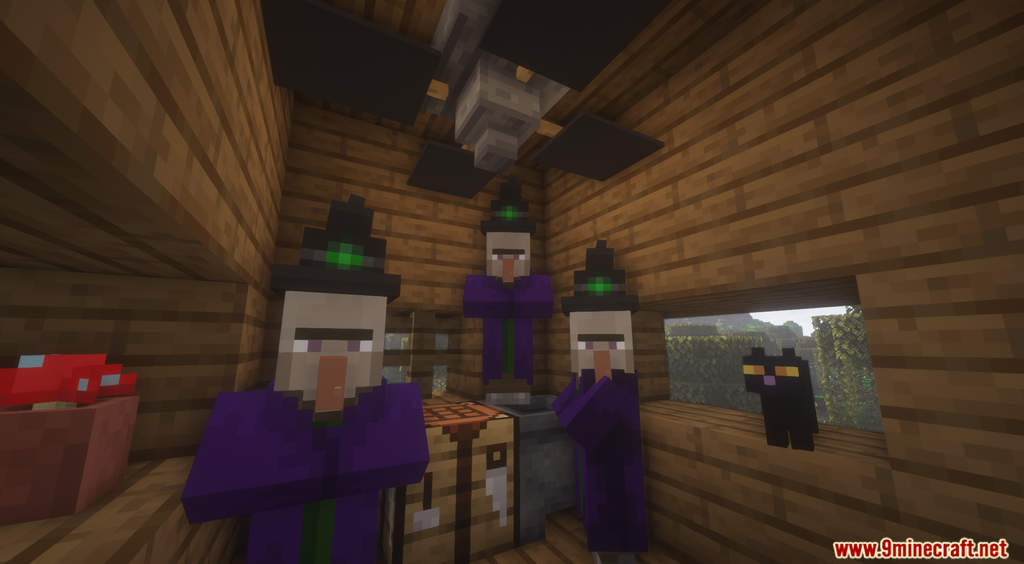
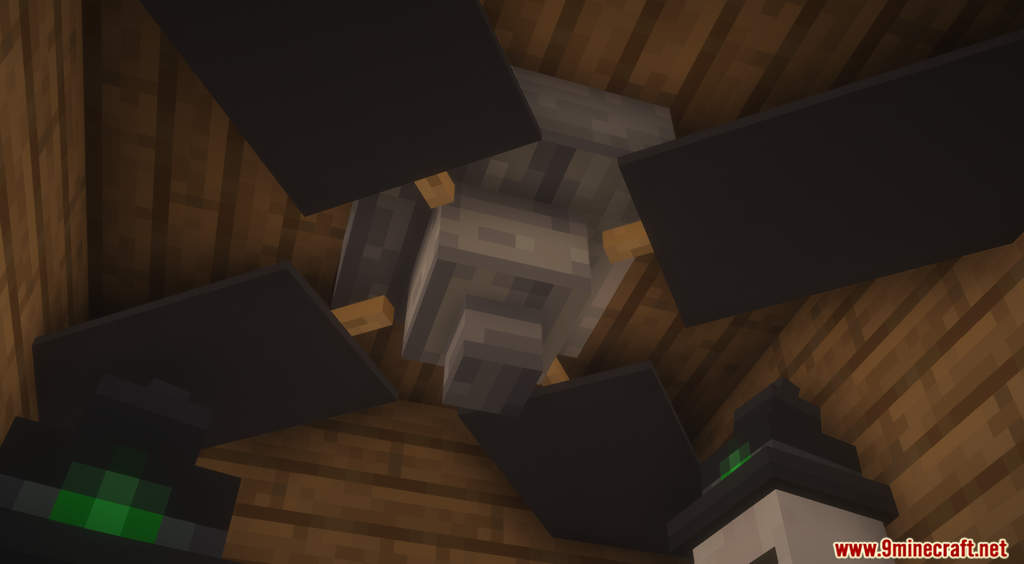
Working Ventilators Data Pack adds a new decoration block to Minecraft. The Ventilator or Ceiling Fan is a nice decoration piece to add to your modern houses. It also interacts with redstone and will spin if it receives a signal. This data pack uses a clever combination of invisible armor stands and banners to create a unique block that looks like a Ceiling Fan without using any resource pack. To craft the Ventilator, you need to drop 1 Hopper and 1 Redstone Lamp on the Crafting Table. Have fun!
Features:
- Working Ventilators/Ceiling Fans for decoration.
- The Ventilator can only be placed if there are 2 empty blocks below it.
Screenshots:
Working Ventilators Data Pack Download Links
For Minecraft 1.19.3, 1.19.2, 1.19
For Minecraft 1.18.2, 1.18.1
- Edition: Minecraft Java
- File type: .jar
- Minecraft versions listed: 1.19.3, 1.18.2
- How to install: Install the matching mod loader (Forge, Fabric or NeoForge) for your Minecraft version. → Download the .jar. → Put it in the .minecraft/mods folder and launch that loader profile.
- Where to get it: In MC Java Mods, or directly above on this page.
Install steps are the general flow for this file type — see the MC Java Mods guides for the full walkthrough.
Working Ventilators Data Pack (1.19.3, 1.18.2) – Decorative Ceiling Fan is a free Minecraft Java datapack. Compatible with Minecraft 1.19.3, 1.18.2. Download it and open it directly in the game.