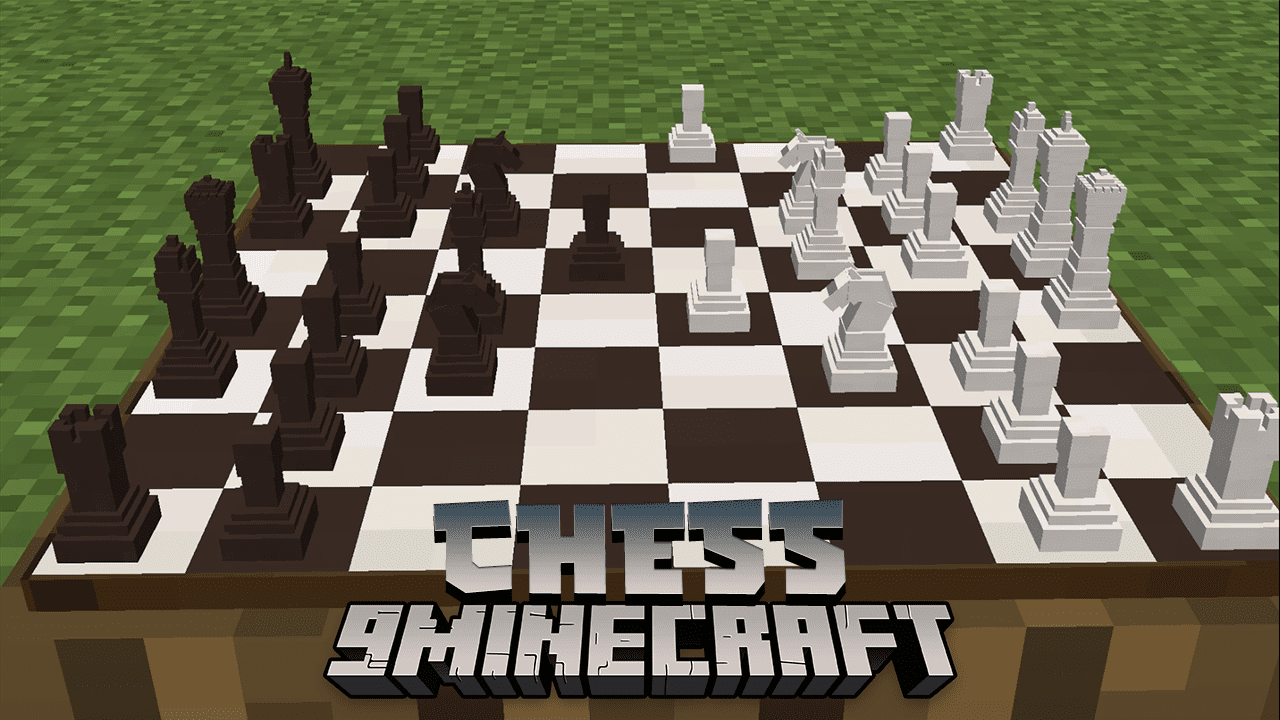
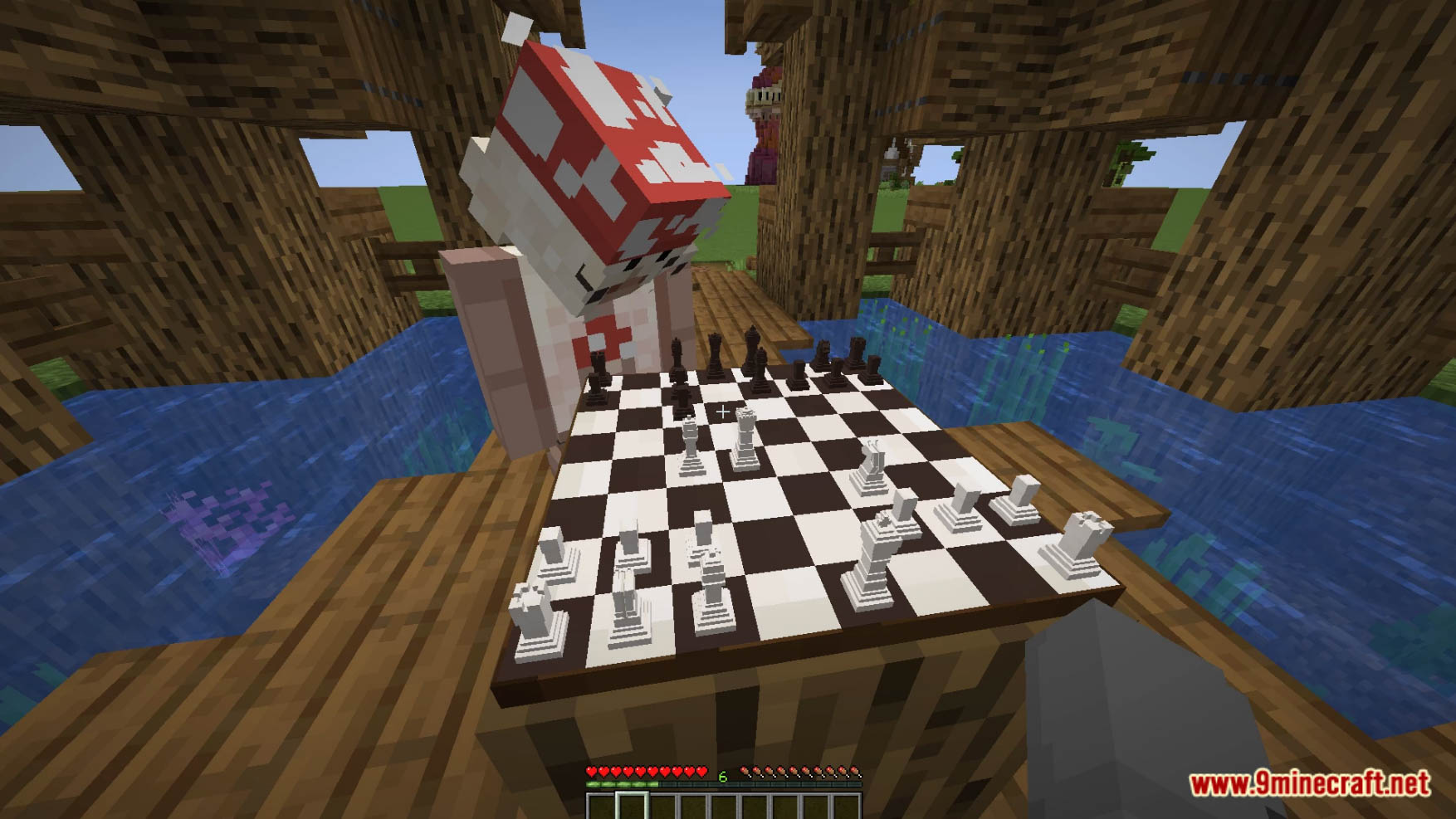
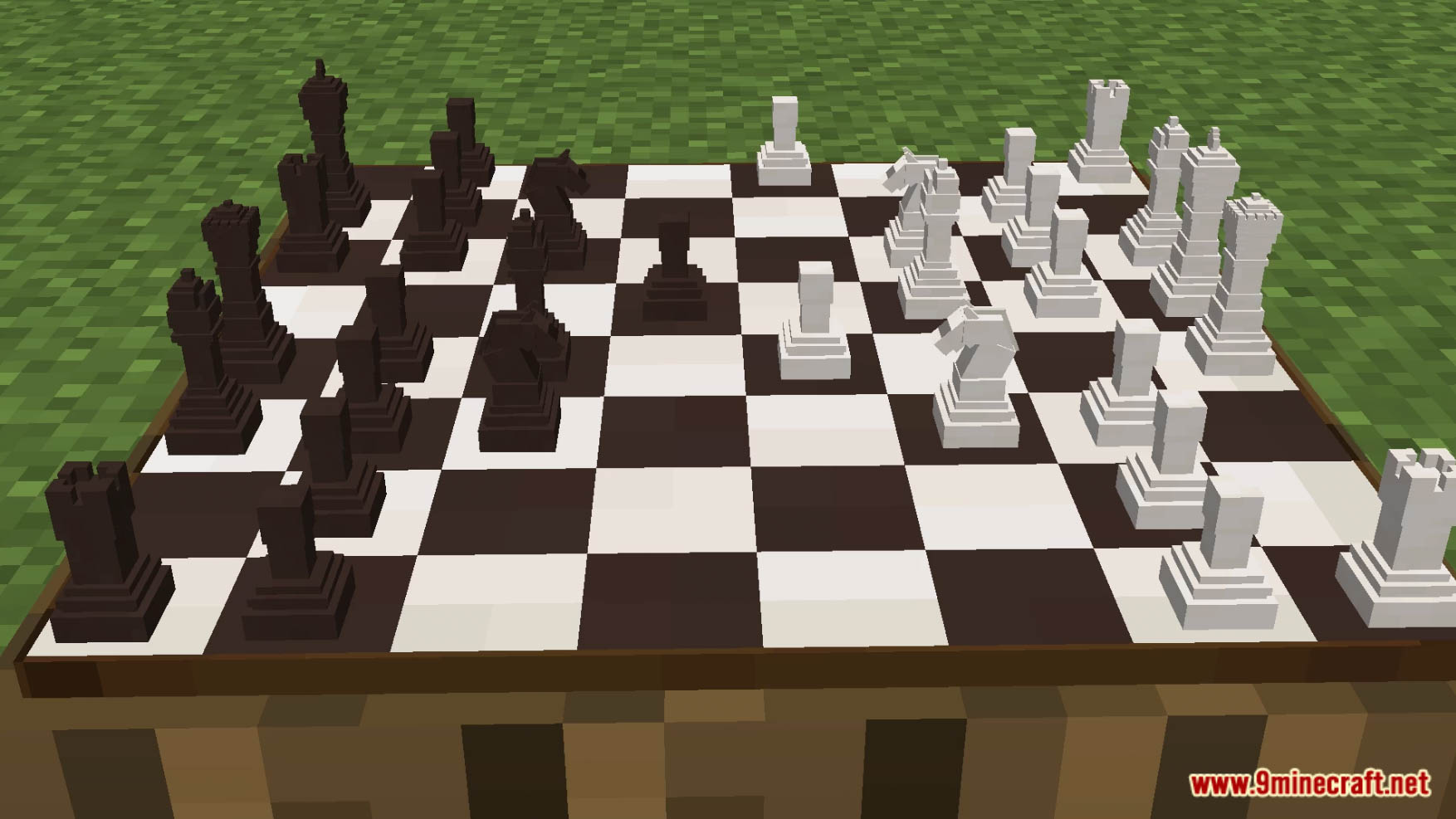
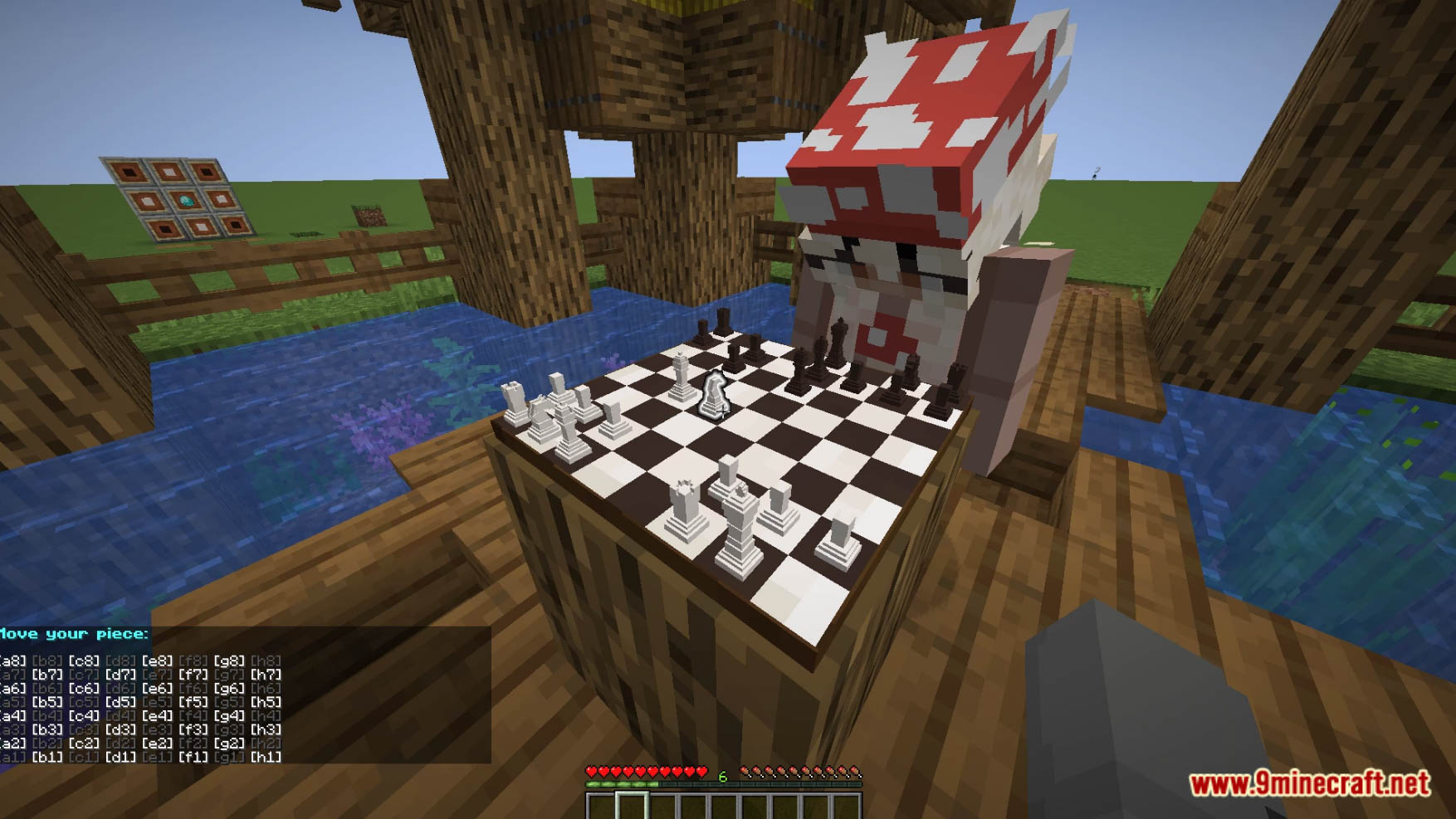
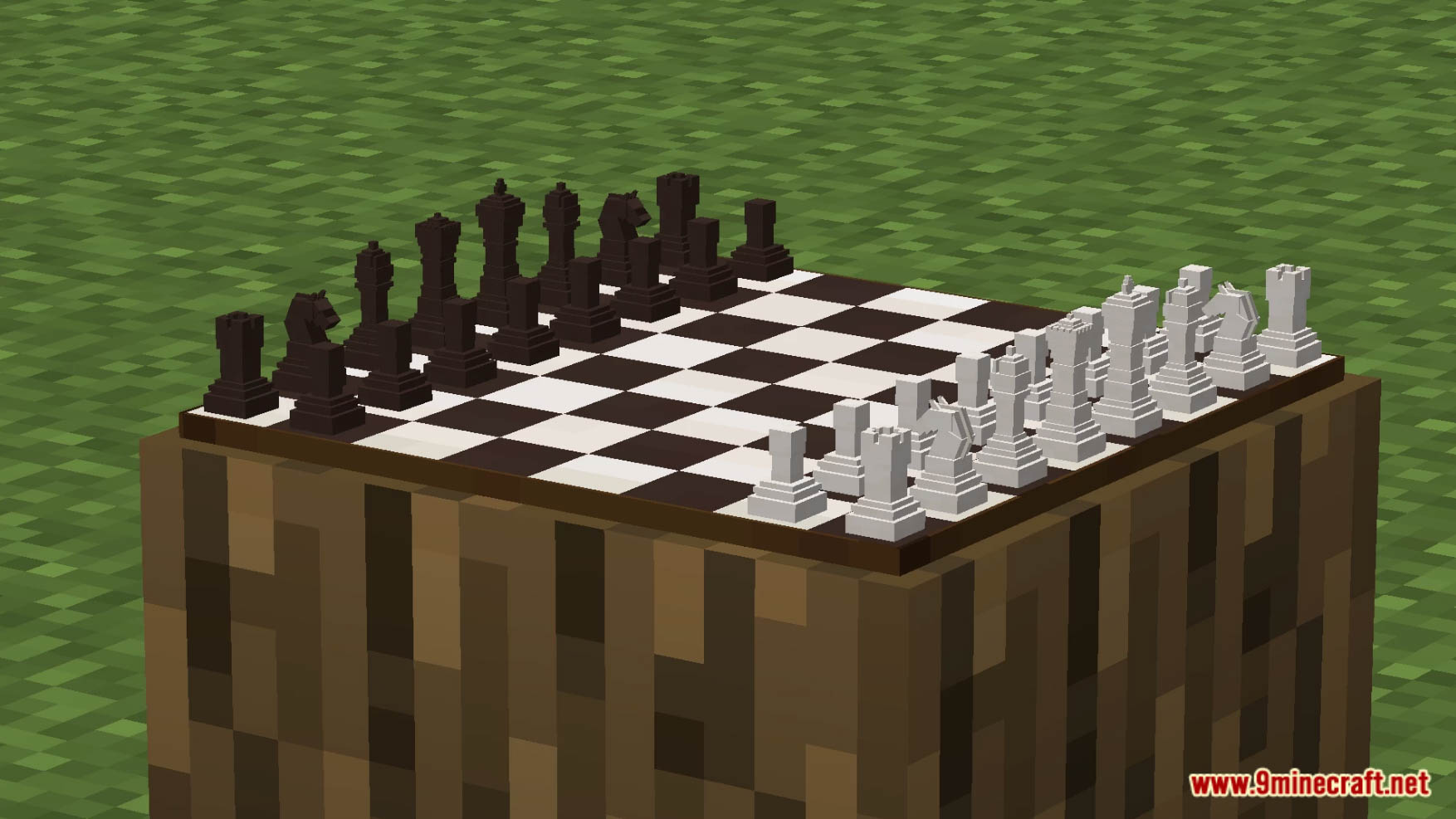
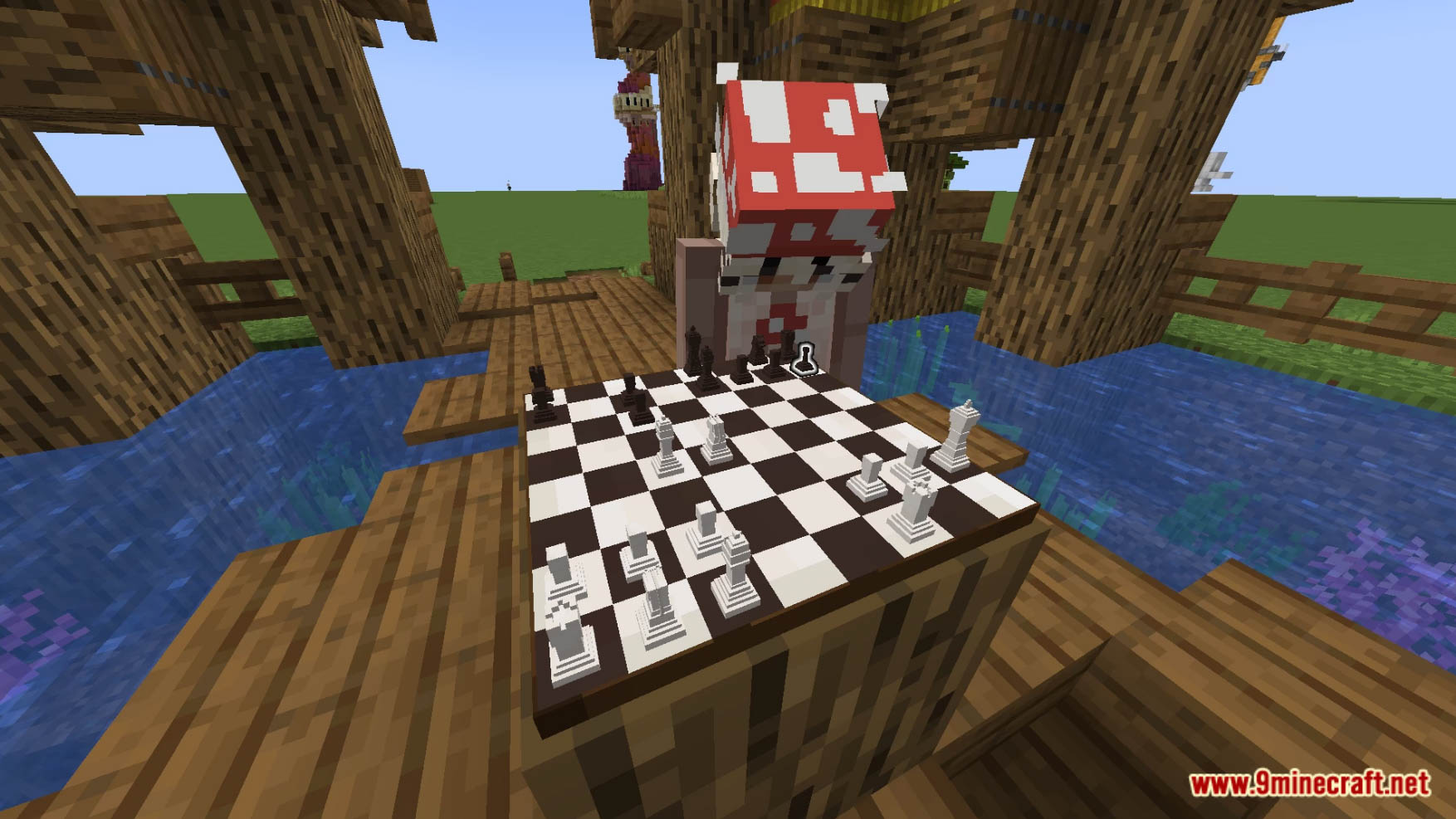
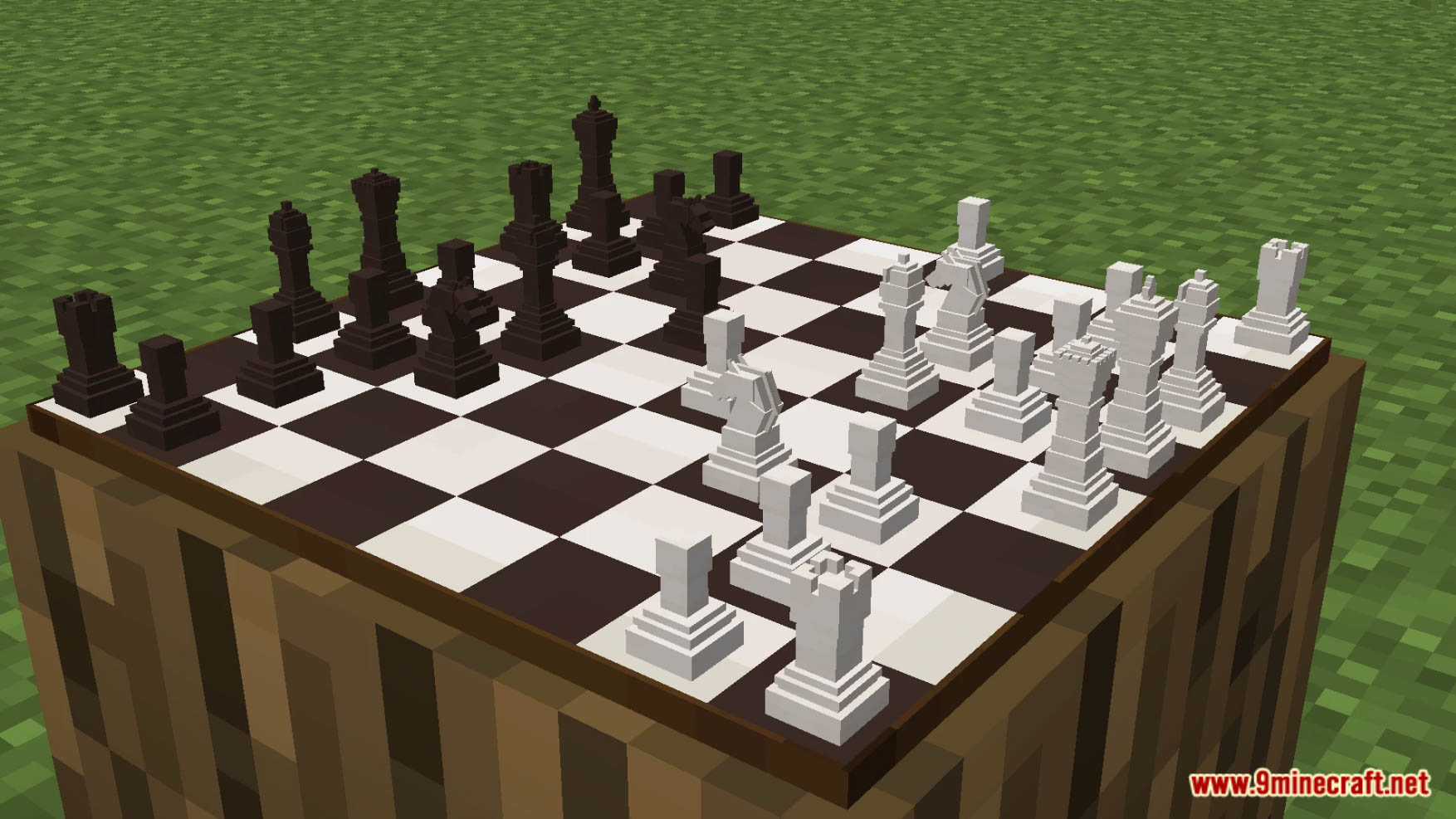
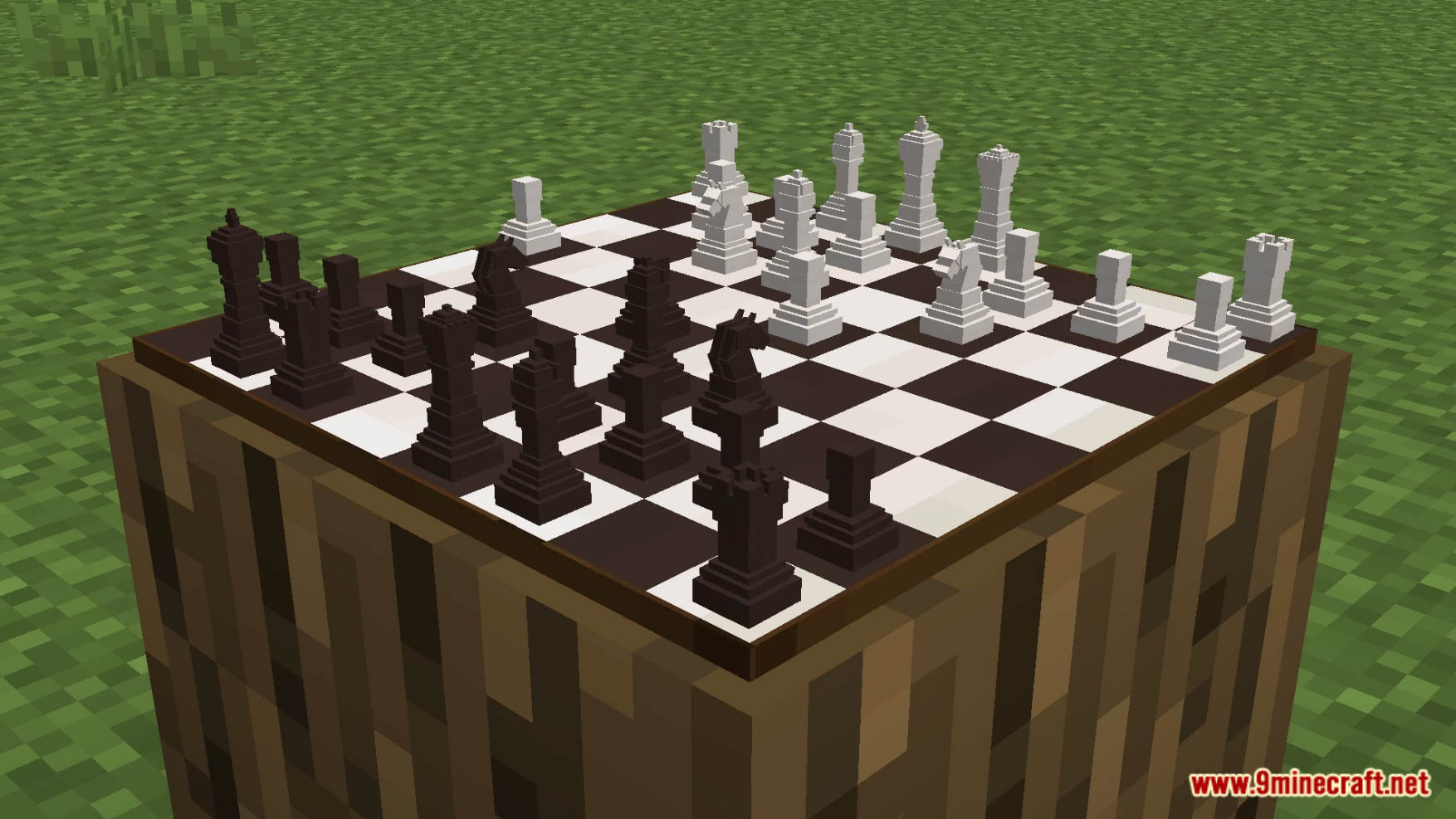
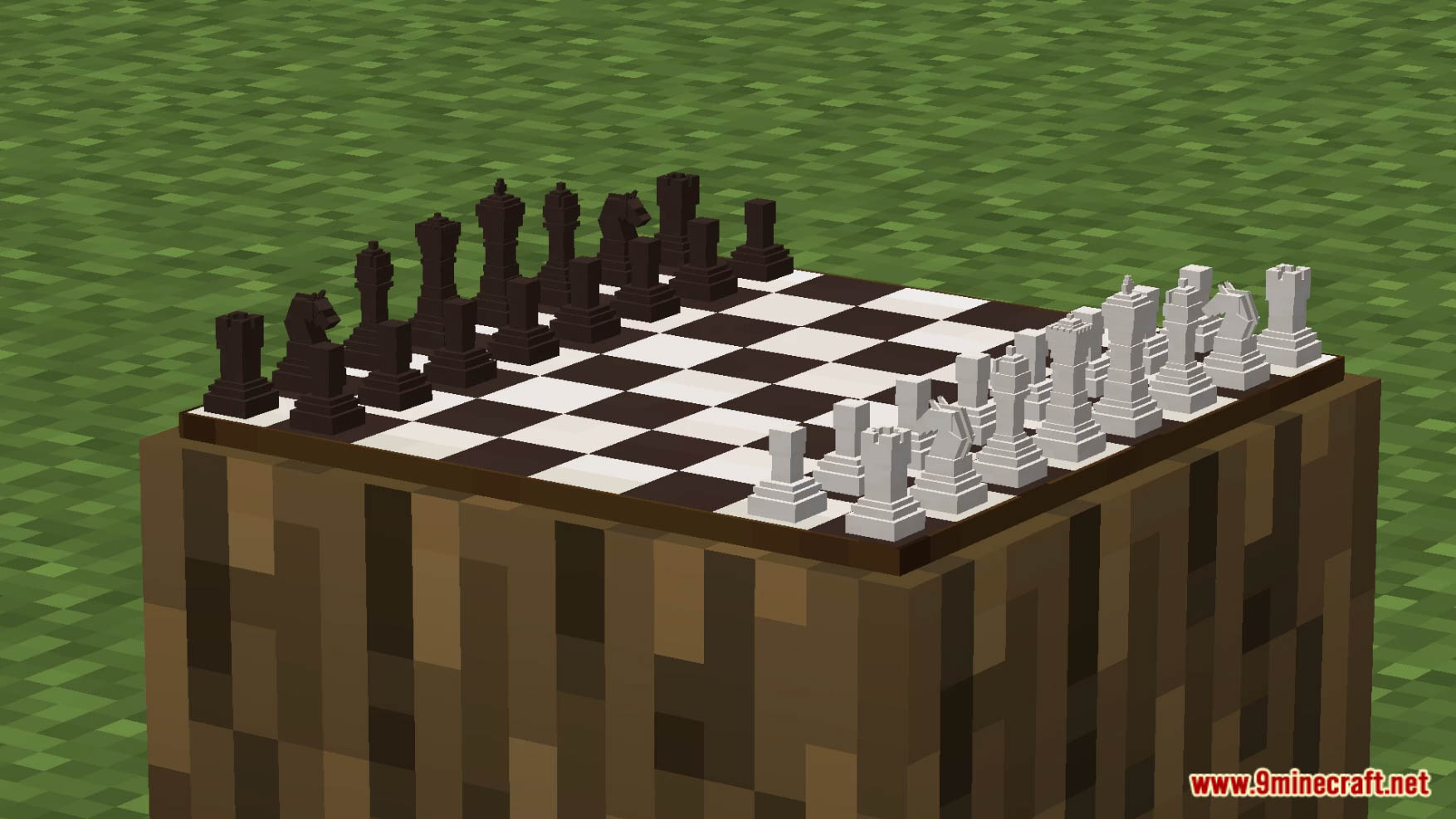
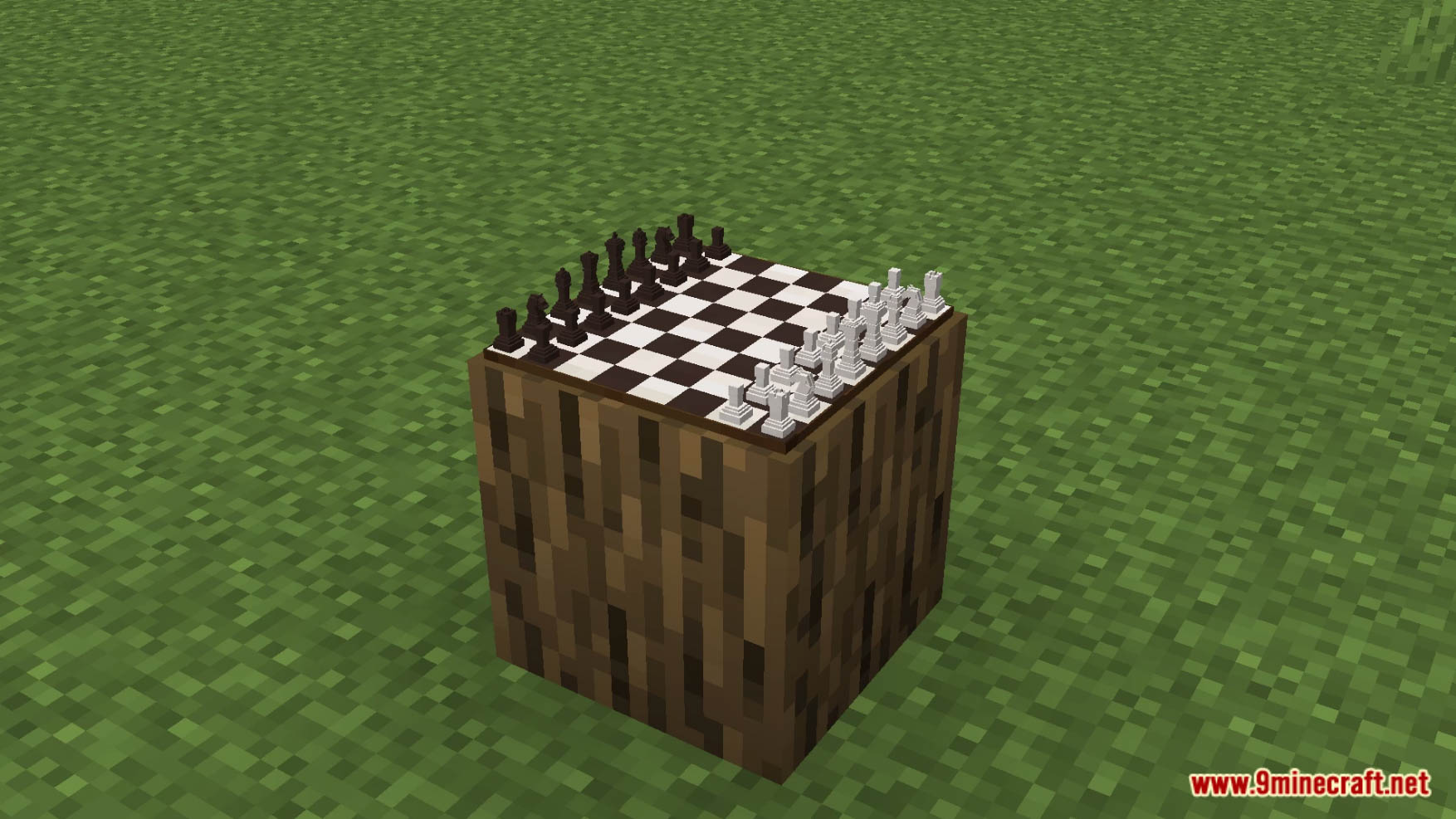
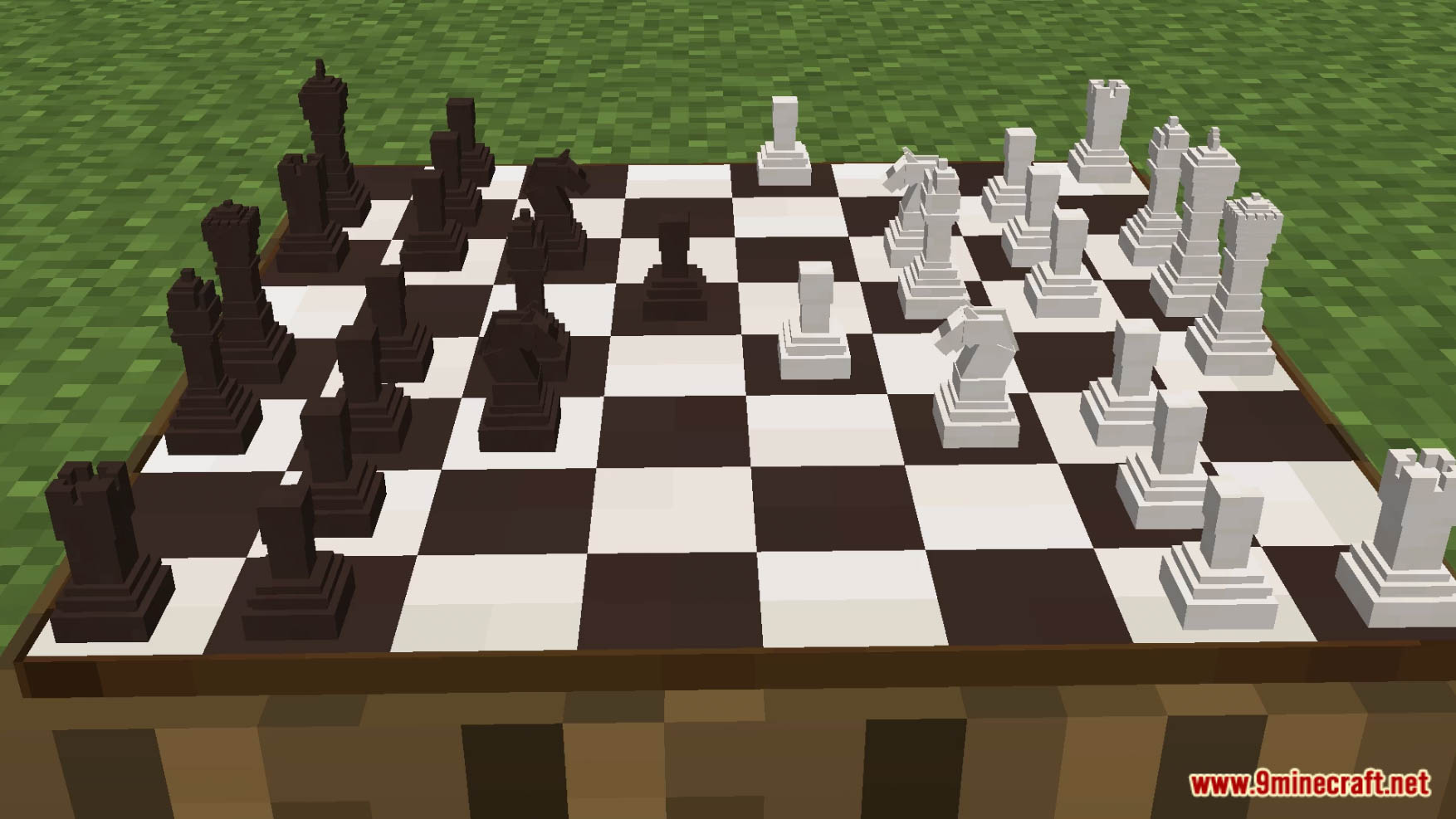
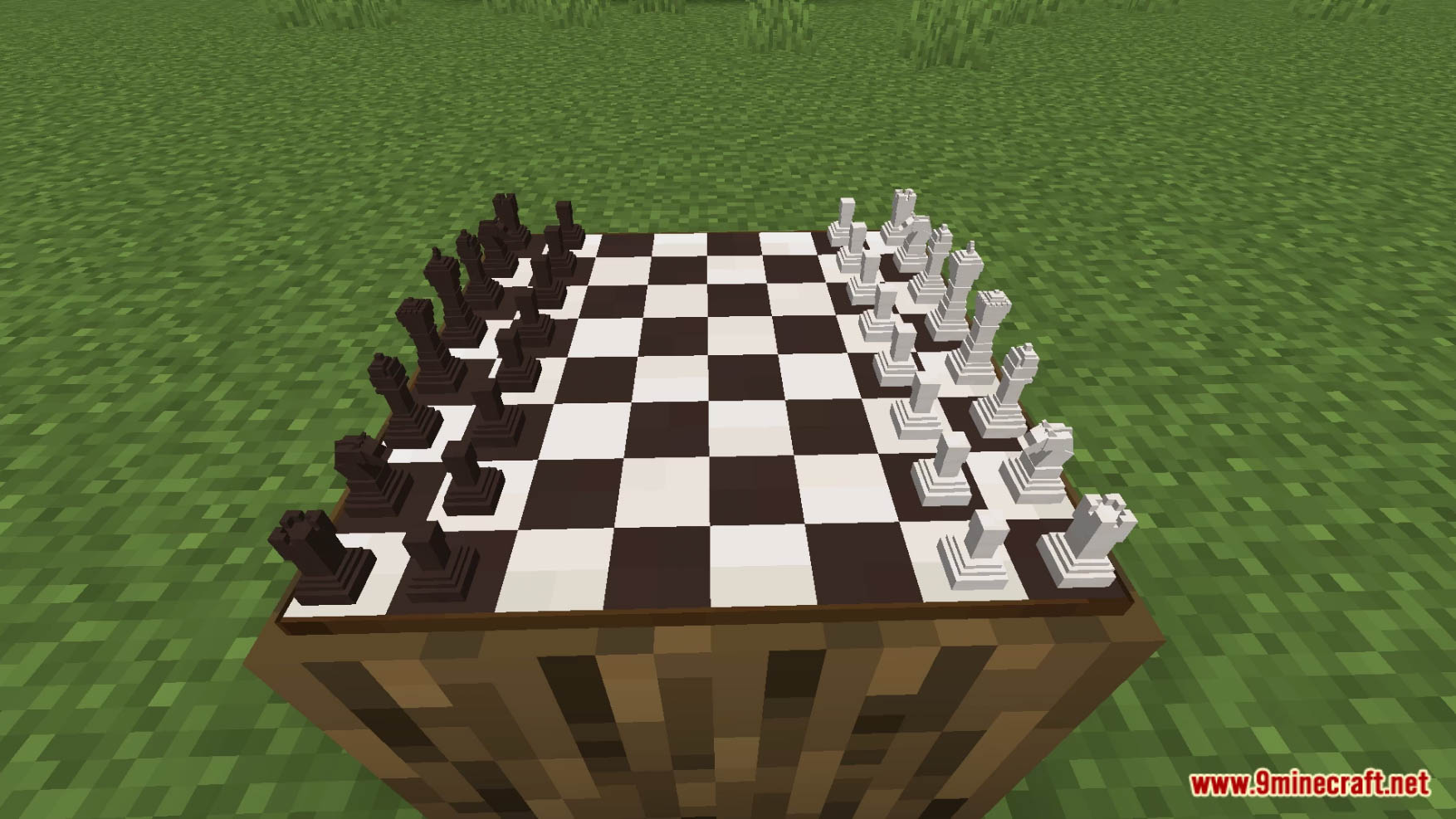
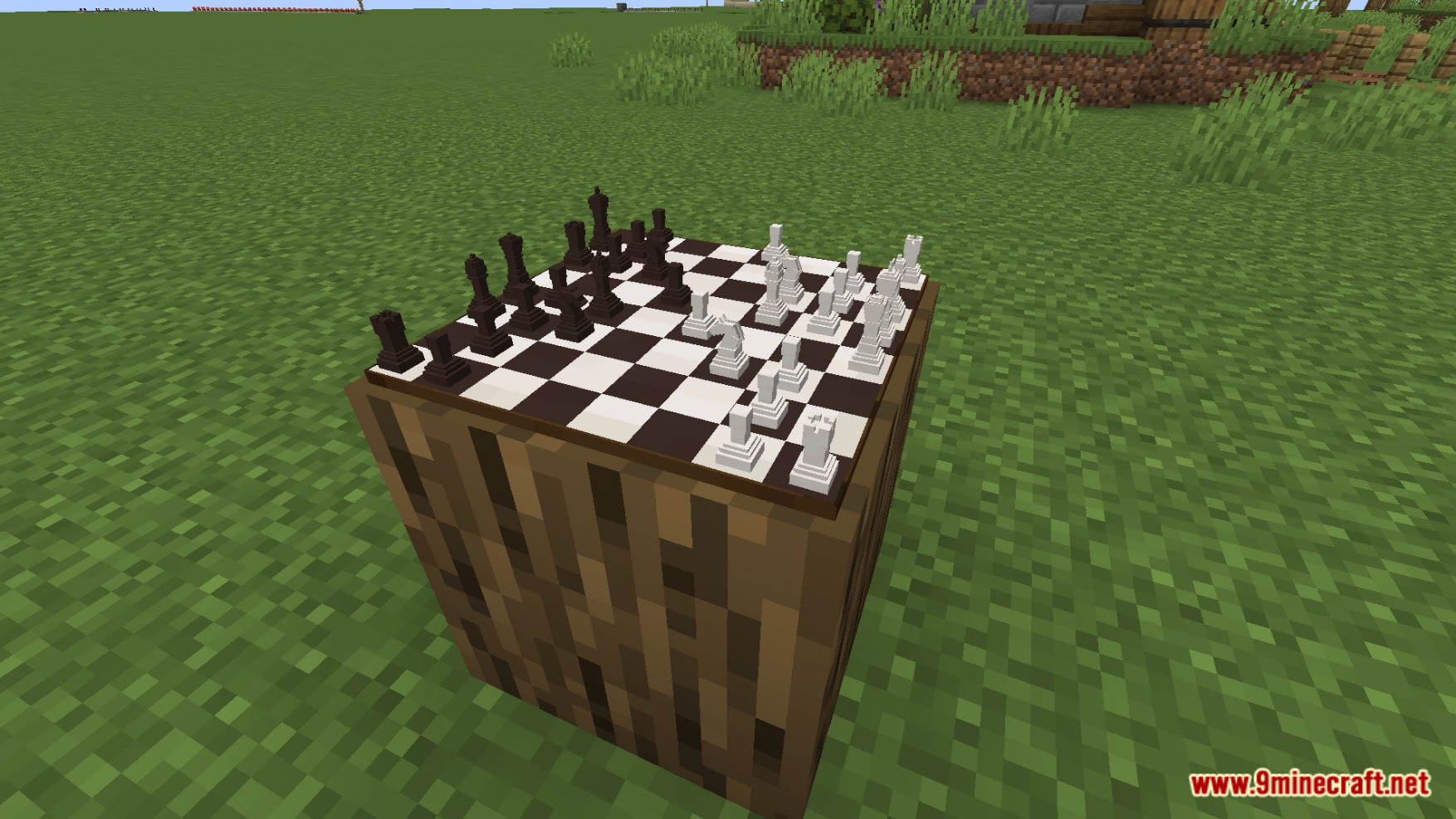
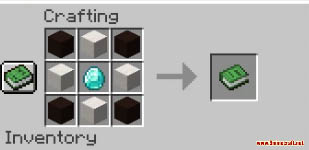
Chess Data Pack adds working chess into vanilla Minecraft! To craft a chessboard, put 4 black terracotta in the corner of the crafting table, 4 quartz blocks on the edges, and a diamond in the center. Or refer to the final image of the upload. To use a chessboard, simply right-click on the piece you would like to move. Your selected piece will glow for a second, you will receive a little sound effect, and you will be prompted with a message on where you want to move your piece. All you need to do is click the message on the right square! Please note: There is no chess engine; you can move any piece wherever you want. It is up to you and the other player to understand the game. To destroy a chessboard, either break the block underneath it or throw a dirt block on top of it. Enjoy playing this data pack!
Features:
- Added Chess to Minecraft!
Screenshots:
Crafting Recipes:
Chess Data Pack Download Links
For Minecraft 1.19.3, 1.19.2, 1.19
Data Pack: Download from Server 1
Resource Pack: Download from Server 1
For Minecraft 1.18.2, 1.18.1
Data Pack: Download from Server 1
Resource Pack: Download from Server 1
- Edition: Minecraft Java
- File type: .jar
- Minecraft versions listed: 1.19.3, 1.18.2
- How to install: Install the matching mod loader (Forge, Fabric or NeoForge) for your Minecraft version. → Download the .jar. → Put it in the .minecraft/mods folder and launch that loader profile.
- Where to get it: In MC Java Mods, or directly above on this page.
Install steps are the general flow for this file type — see the MC Java Mods guides for the full walkthrough.
Chess Data Pack (1.19.3, 1.18.2) – Play Chess In Minecraft! is a free Minecraft Java datapack. Compatible with Minecraft 1.19.3, 1.18.2. Download it and open it directly in the game.