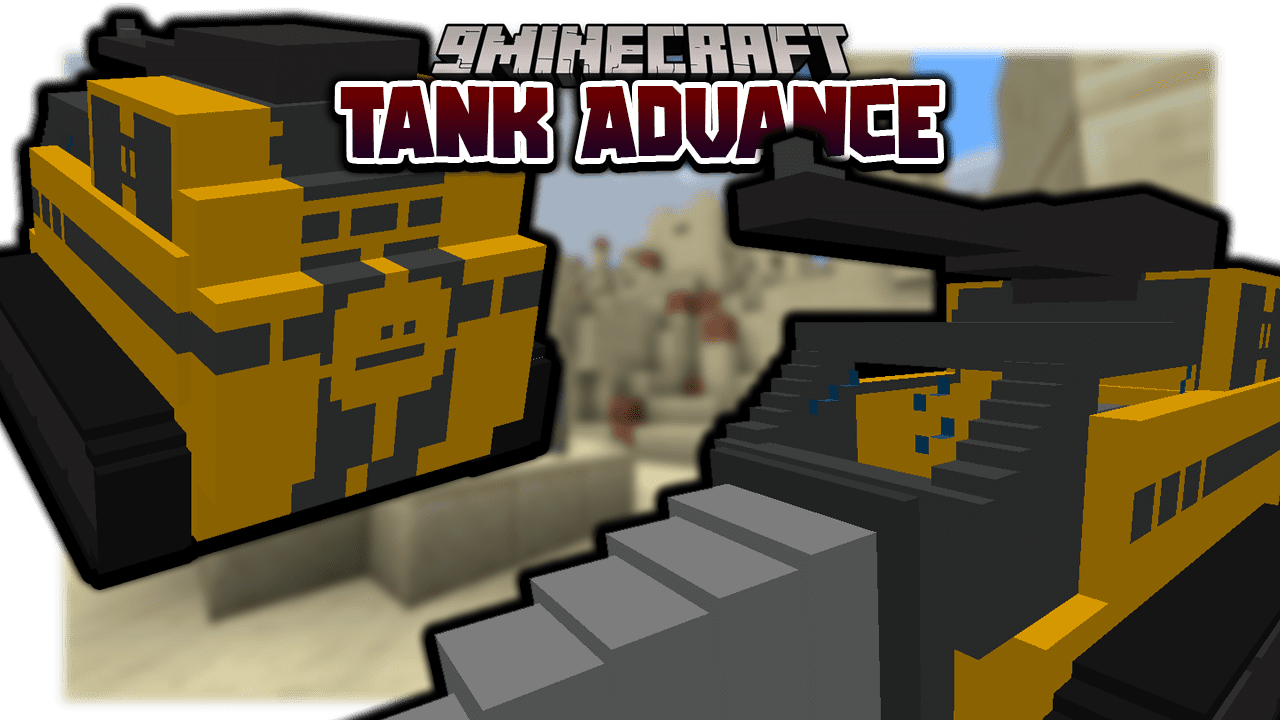
Tank Advance Data Pack (1.19.3, 1.18.2) – Armored Fighting Vehicle
Java data pack listed for Minecraft 1.18–1.19. File opened and checked on 29 Oct 2026; downloads from the MC Java Mods app on Android.
⬇ Download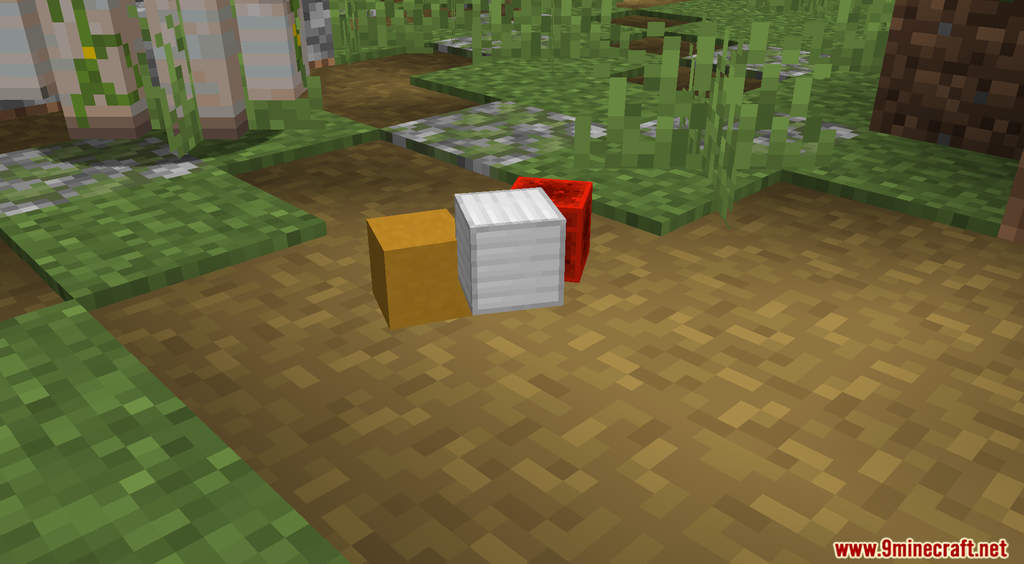
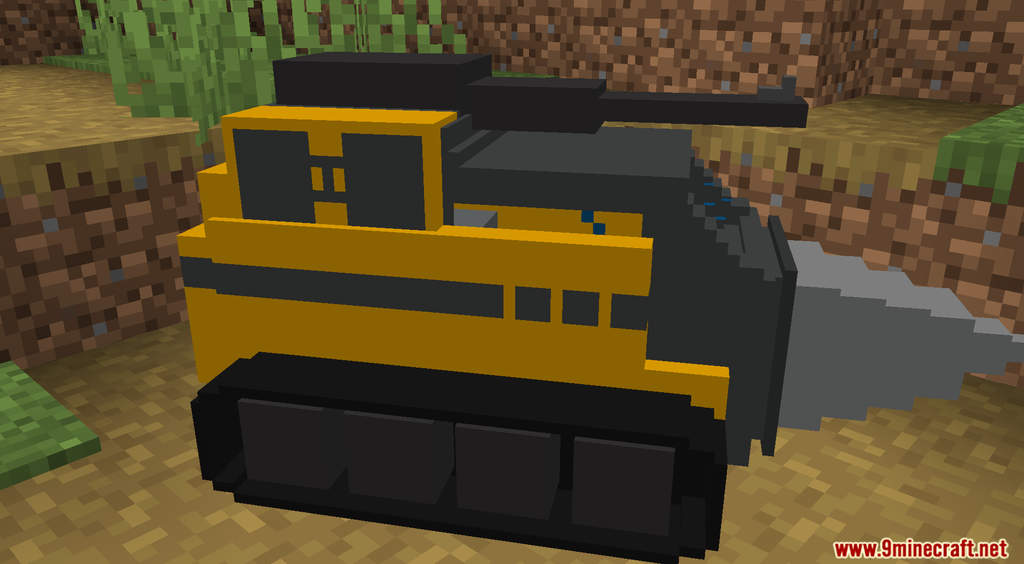
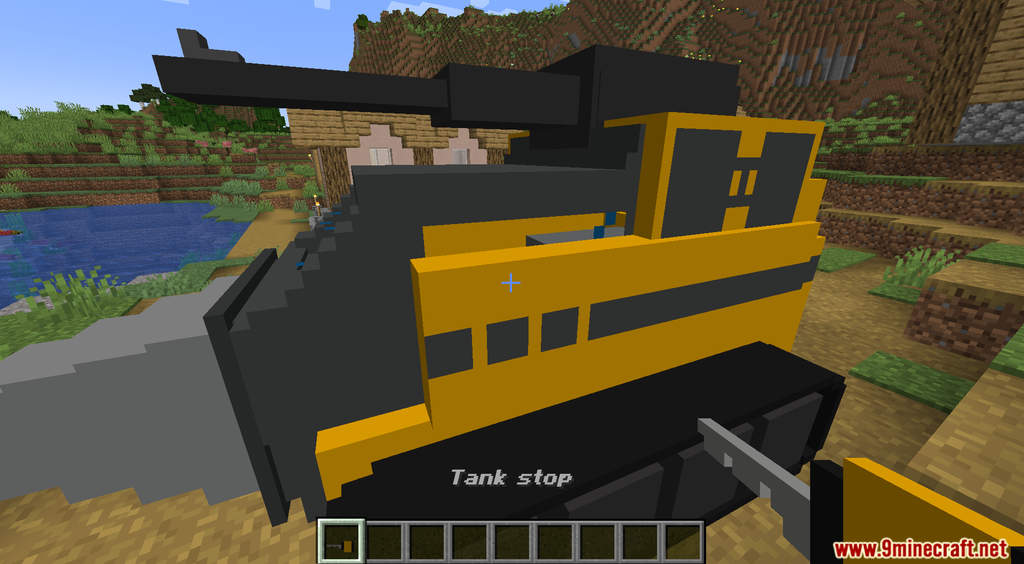
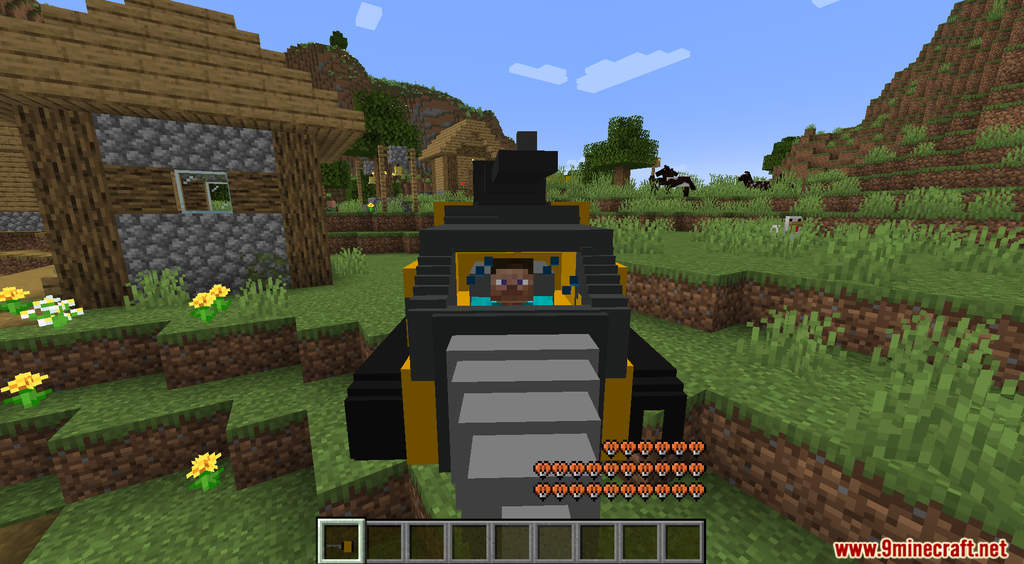
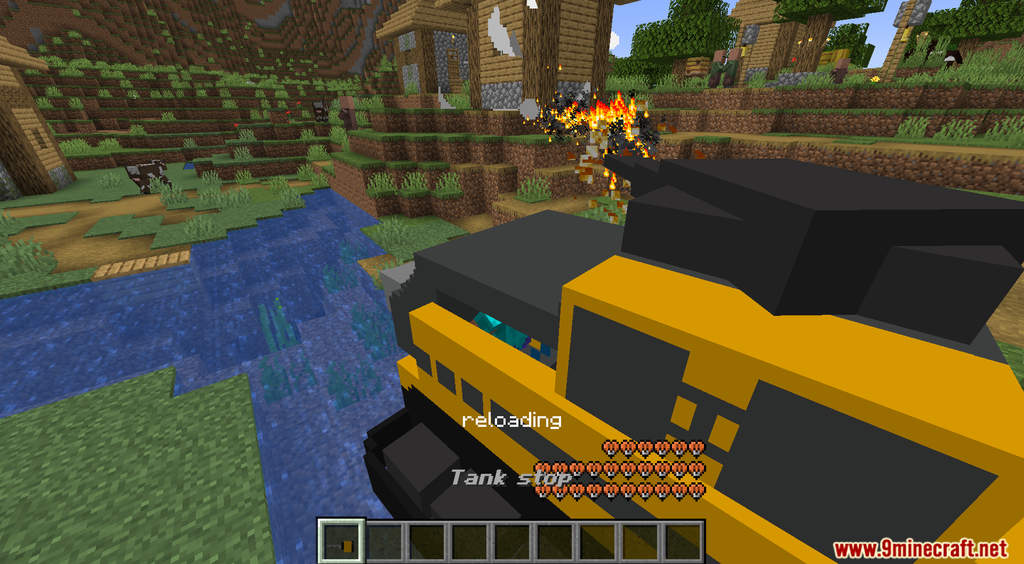
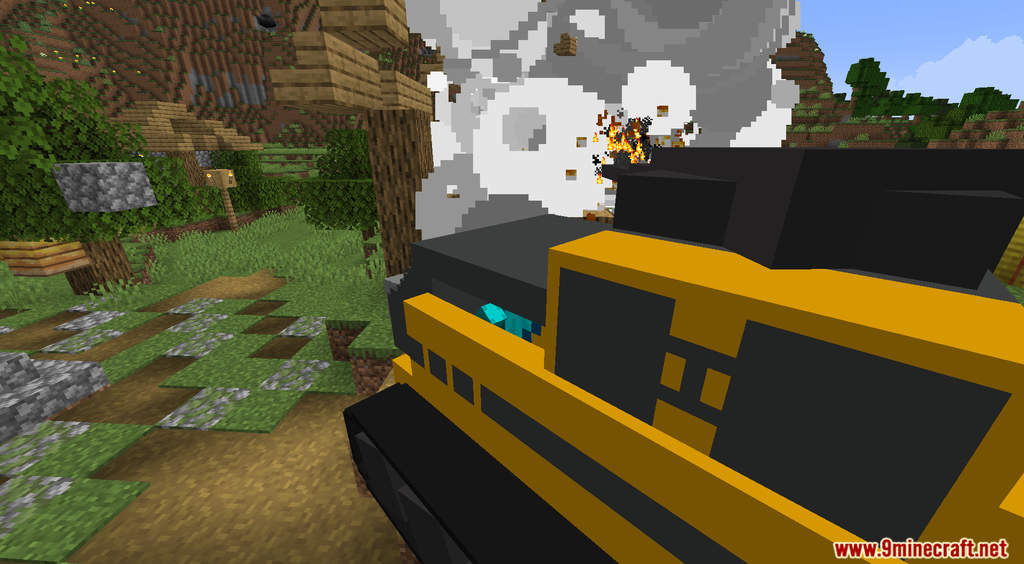
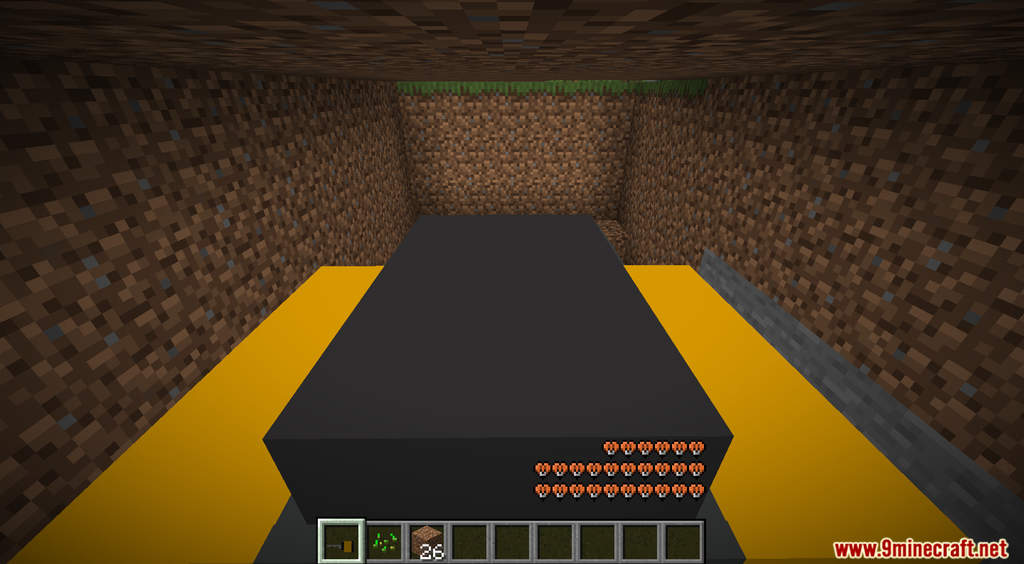
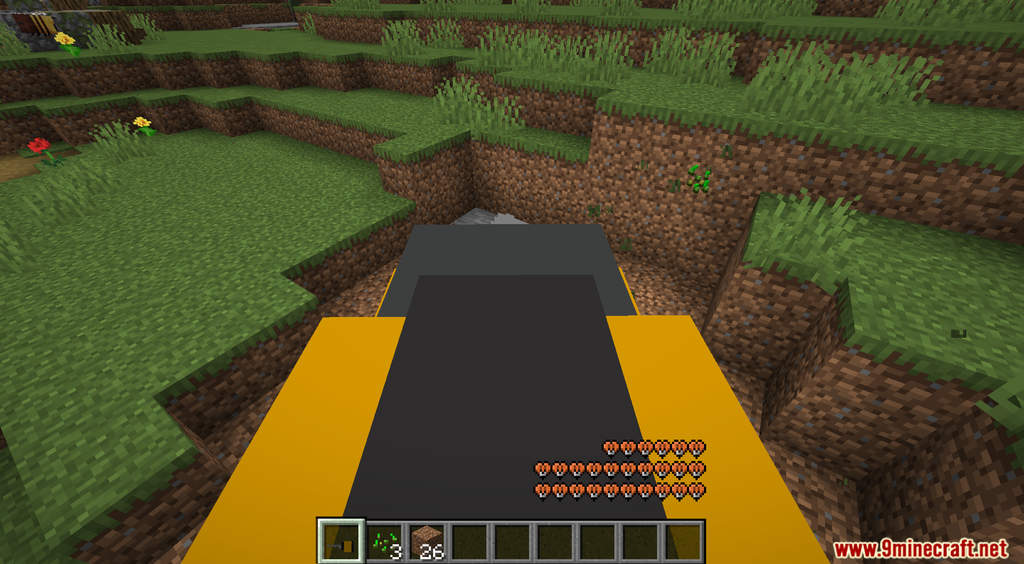
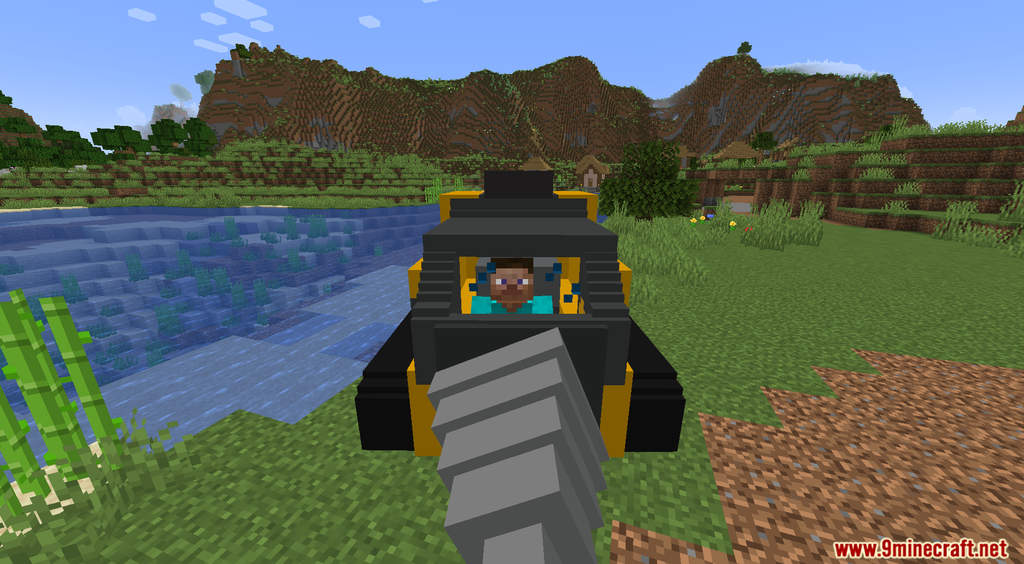
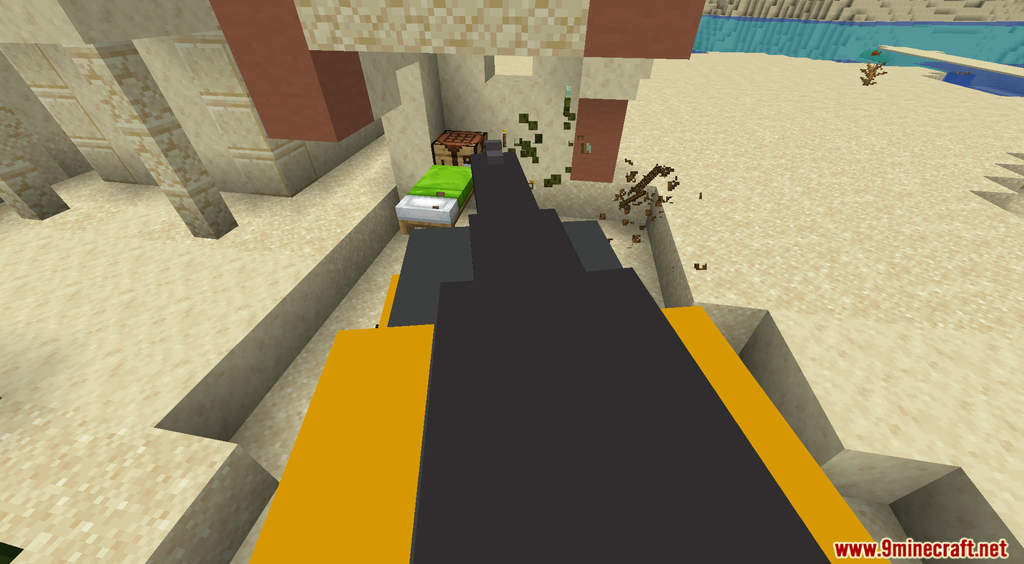
Tank Advance Data Pack adds an armored vehicle to Minecraft. With Tank Advance, you can craft and use a tank to your liking. As with any tank, the tank in Tank Advance is a war machine that can bring total annihilation. When riding a tank, you have the option to fire the massive gun to destroy your opponents. Or activate the drill to carve out a path wherever you go. Tank Advance is a great choice for a weapon of conquest. Try it out now!
Features:
- Adds a tank to Minecraft.
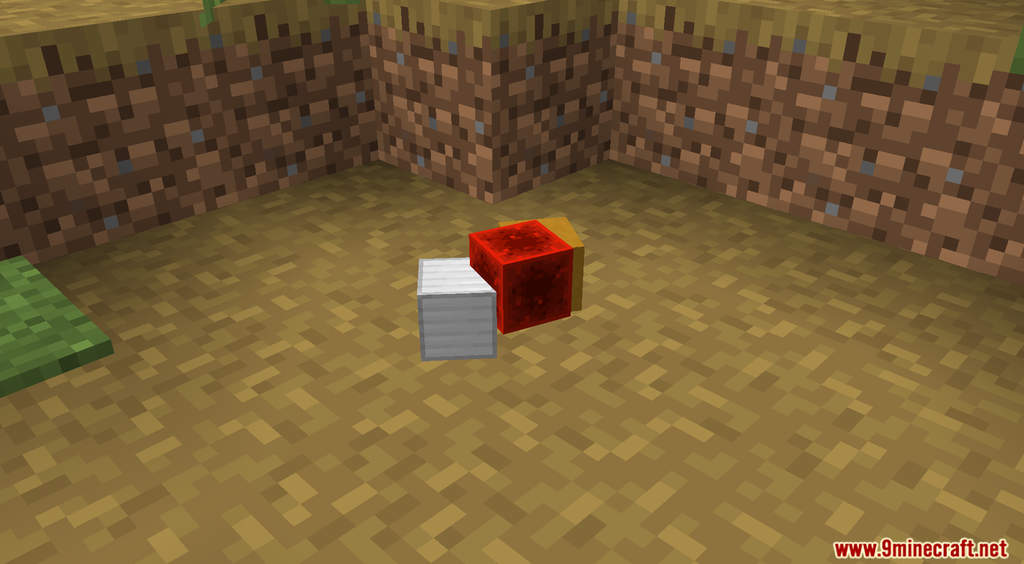
- To craft a tank, you need to drop 5 Iron Blocks, 5 Redstone Blocks, and 5 Yellow Terracotta on the ground. Next, you need to craft the tank key by dropping 2 Redstone Dust, and 1 Lever on the ground.
- You can use the key to unlock and move the tank. Press “Q” to fire the gun. Press the yellow button on the left side to activate the drill.
Screenshots:
Tank Advance Data Pack Download Links
For Minecraft 1.19.3, 1.19.2, 1.19.1, 1.19
Data Pack: Download from Server 1
Resource Pack: Download from Server 1
For Minecraft 1.18.2, 1.18.1
Data Pack: Download from Server 1
Resource Pack: Download from Server 1
- Edition: Minecraft Java
- File type: .jar
- Minecraft versions listed: 1.19.3, 1.18.2
- How to install: Install the matching mod loader (Forge, Fabric or NeoForge) for your Minecraft version. → Download the .jar. → Put it in the .minecraft/mods folder and launch that loader profile.
- Where to get it: In MC Java Mods, or directly above on this page.
Install steps are the general flow for this file type — see the MC Java Mods guides for the full walkthrough.
Tank Advance Data Pack (1.19.3, 1.18.2) – Armored Fighting Vehicle is a free Minecraft Java datapack. Compatible with Minecraft 1.19.3, 1.18.2. Download it and open it directly in the game.