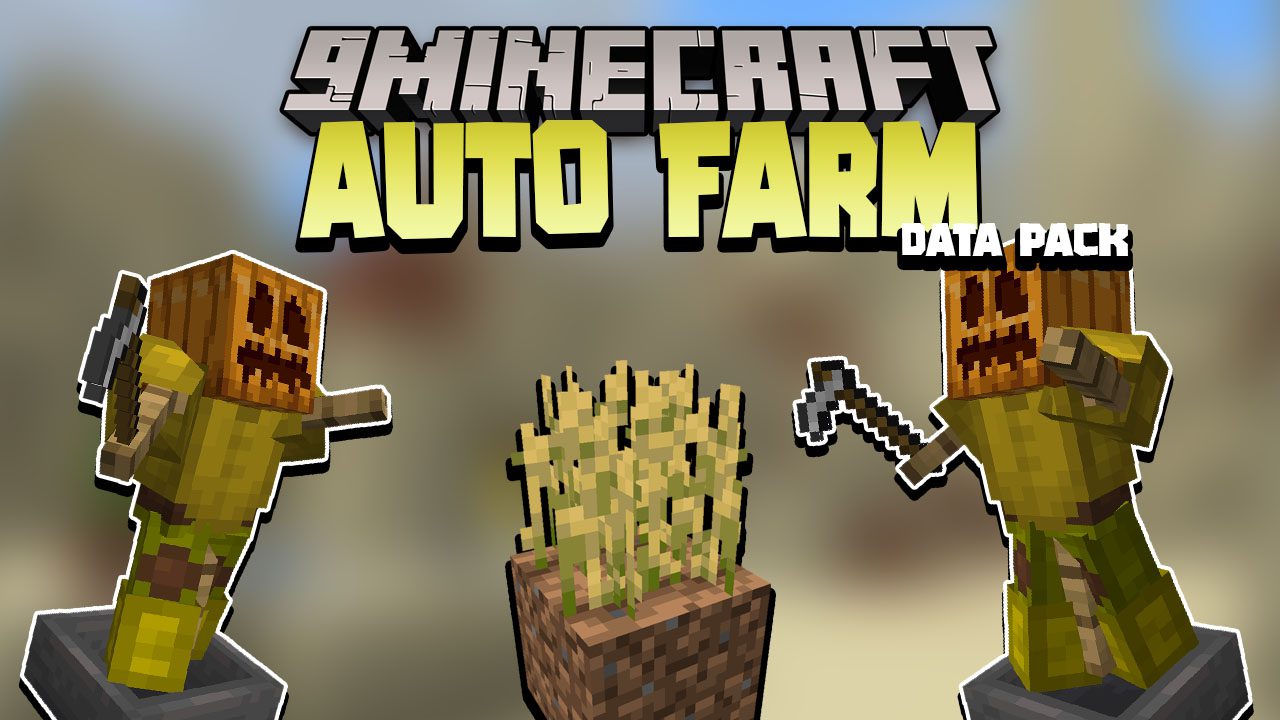
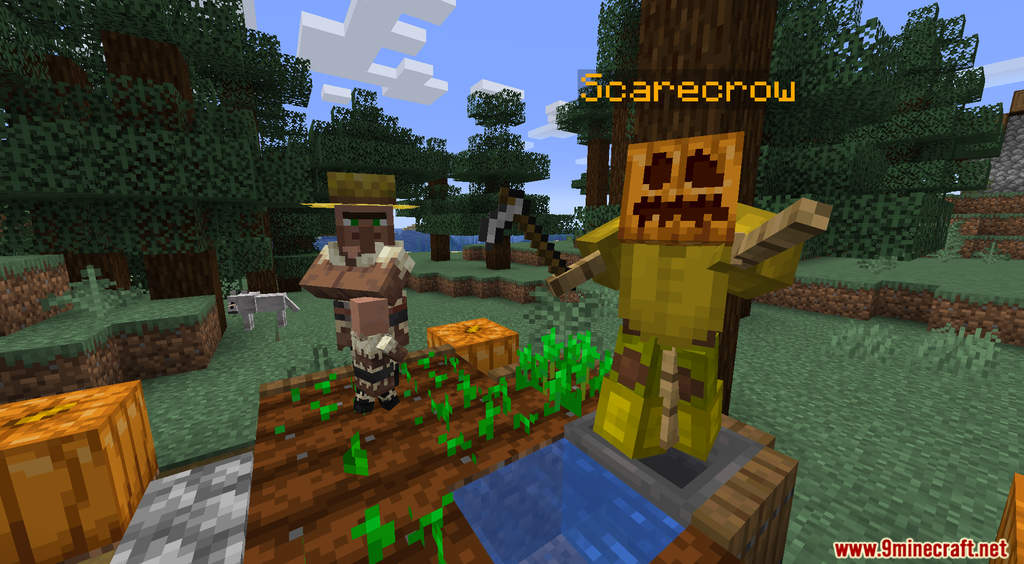
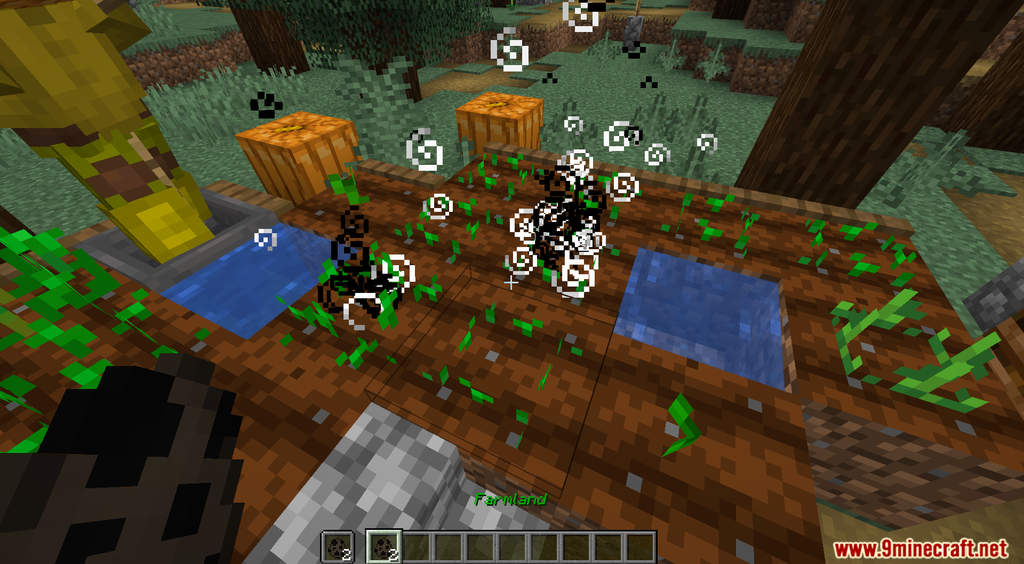
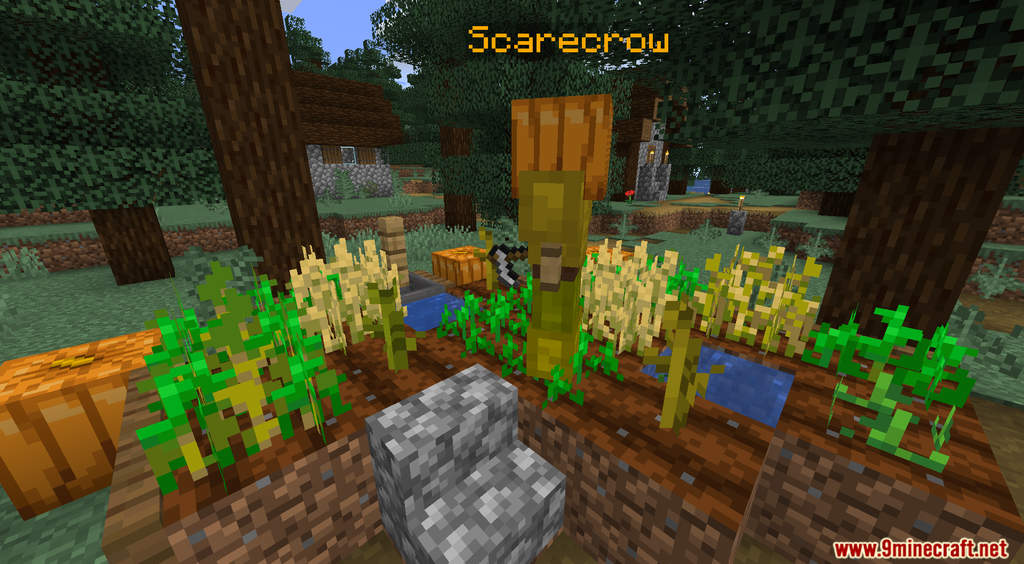
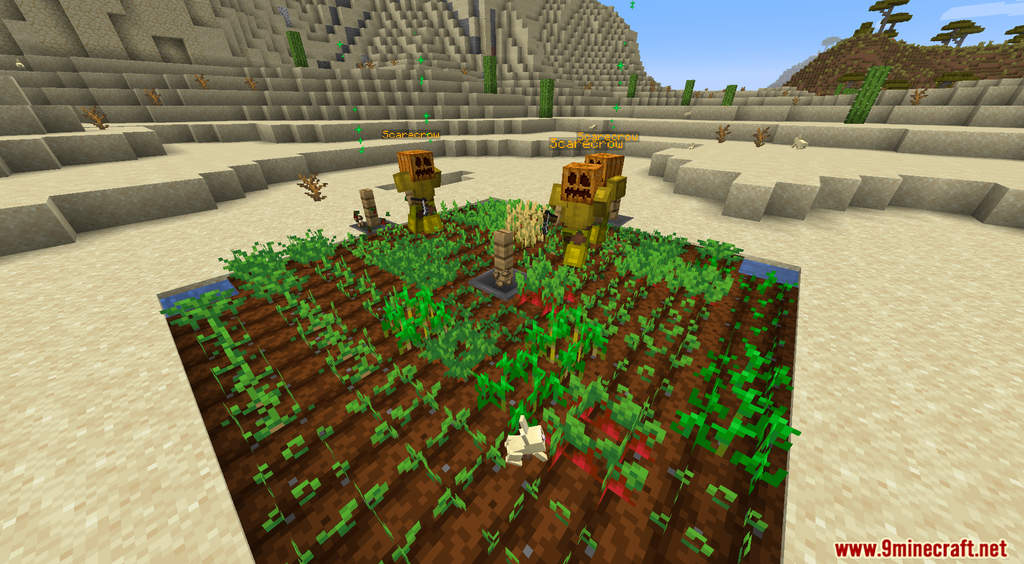
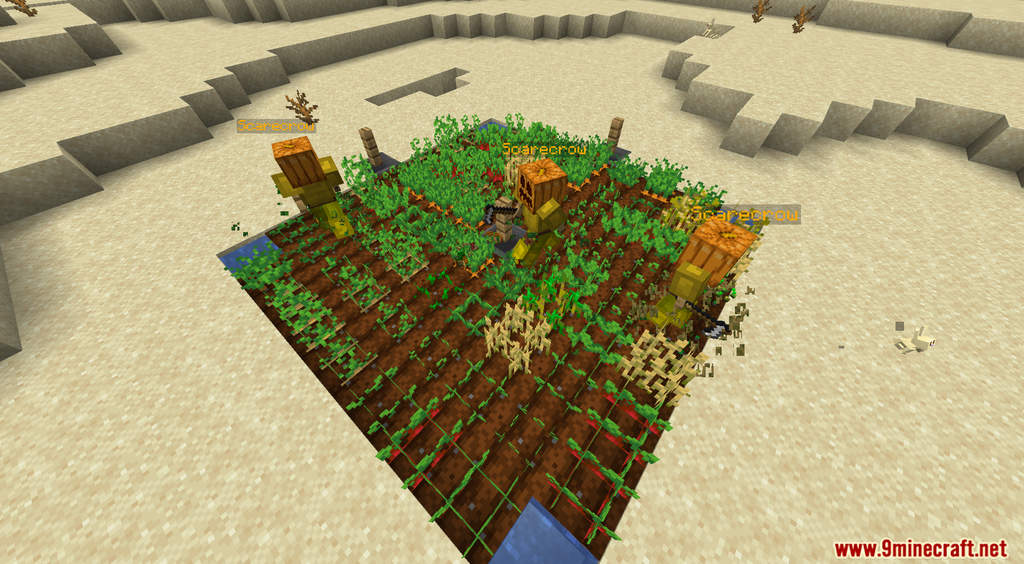
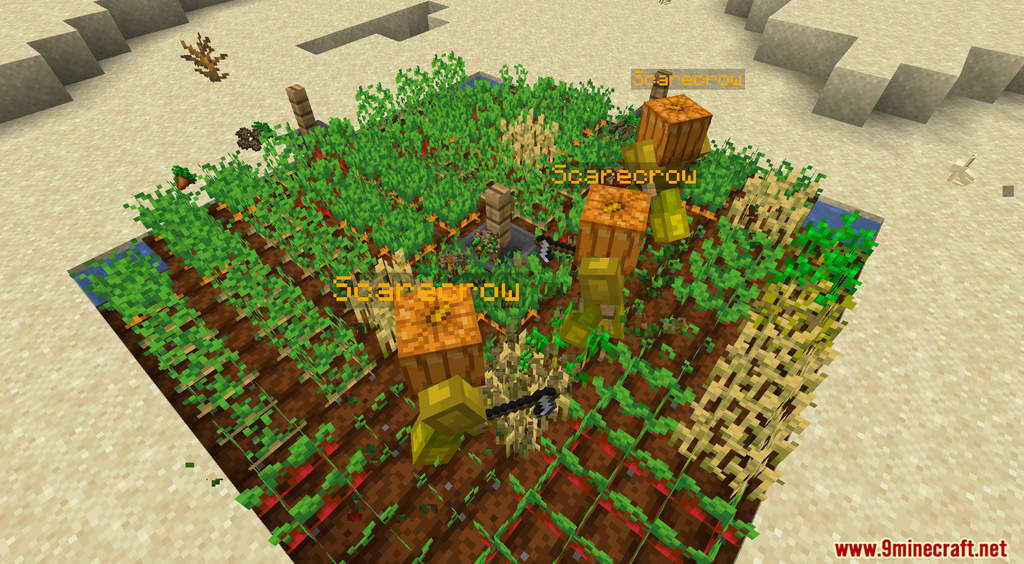
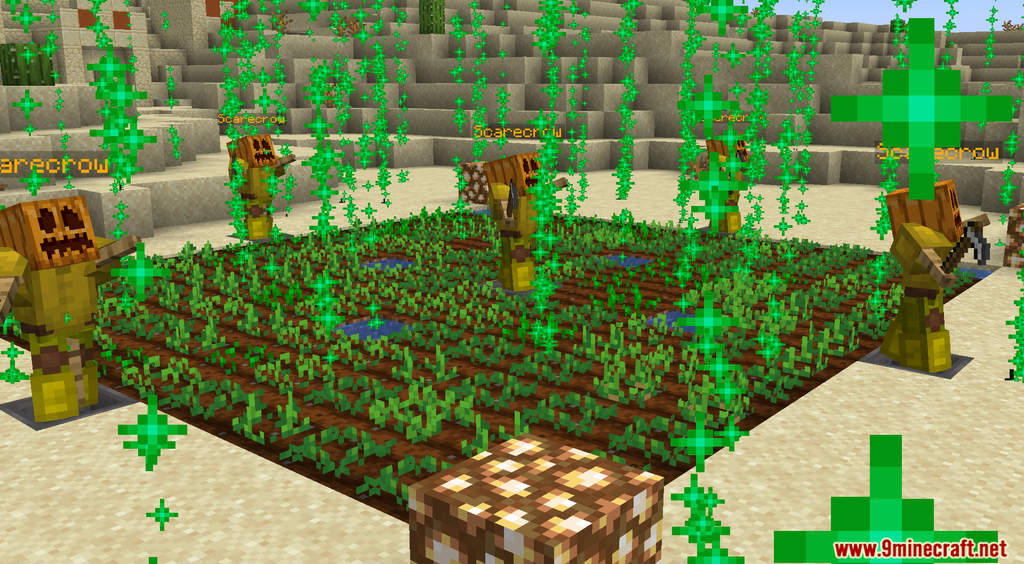
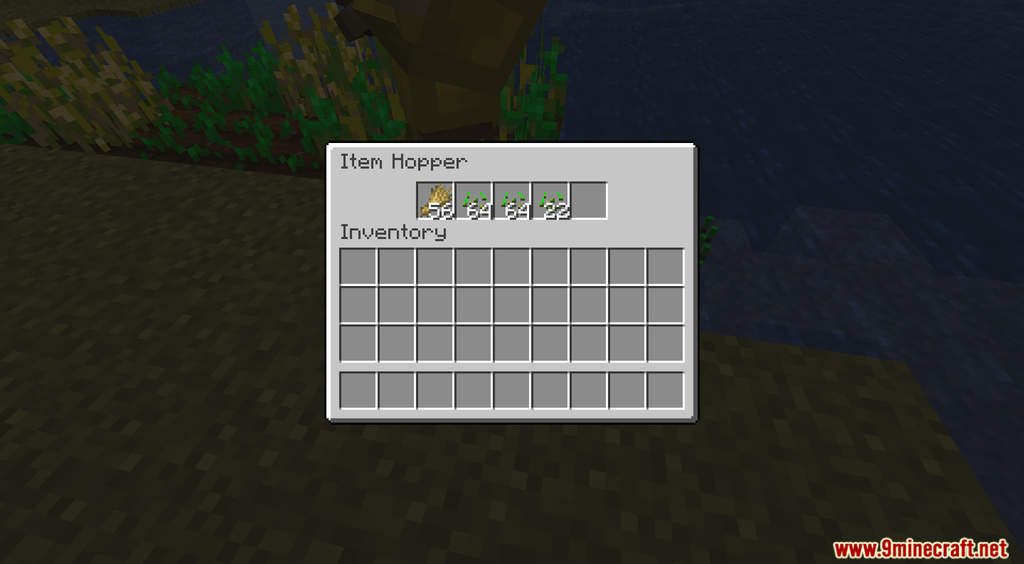
Auto Farm Data Pack introduces a new mechanic that helps you with farming. It can be dreadful going through a massive field of crops to harvest and replant. However, with Auto Farm, you can easily automate that process. By placing down a Scarecrow and marking the block as Farmland, the Scarecrow will automatically harvest and replant the crops for you!
Features:
- Scarecrow that can harvest for you. To get a Scarecrow, drop a Diamond and an Iron Hoe.
- You need to use Farmland to mark the block first. To get Farmland, drop 4 Iron Nuggets and 4 Oak Planks.
- Press shift to see the range of your Scarecrow.
Screenshots:


Auto Farm Data Pack Download Links
For Minecraft 1.19.3, 1.19.2, 1.19.1, 1.19
For Minecraft 1.18.2, 1.18.1
For Minecraft 1.17.1
Quick facts
- Edition: Minecraft Java
- File type: .jar
- Minecraft versions listed: 1.19.3, 1.18.2
- How to install: Install the matching mod loader (Forge, Fabric or NeoForge) for your Minecraft version. → Download the .jar. → Put it in the .minecraft/mods folder and launch that loader profile.
- Where to get it: In MC Java Mods, or directly above on this page.
Install steps are the general flow for this file type — see the MC Java Mods guides for the full walkthrough.
Auto Farm Data Pack (1.19.3, 1.18.2) – Harvest, Replant is a free Minecraft Java datapack. Compatible with Minecraft 1.19.3, 1.18.2. Download it and open it directly in the game.