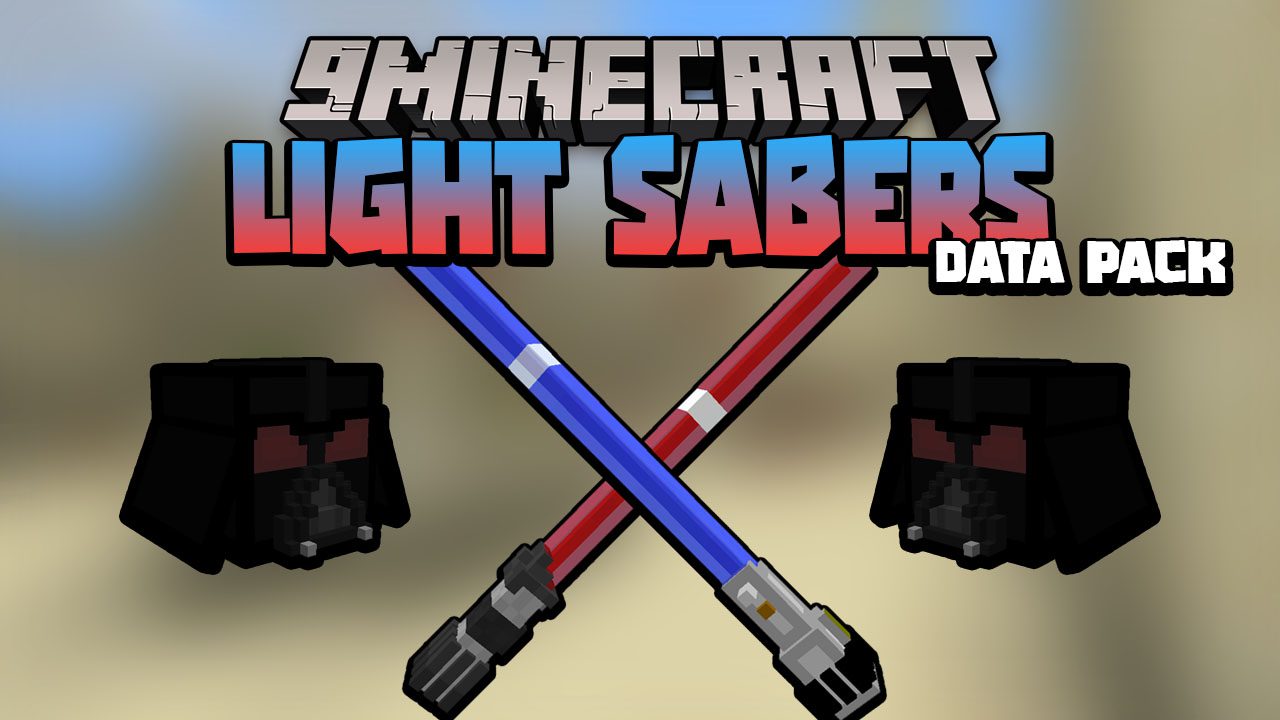
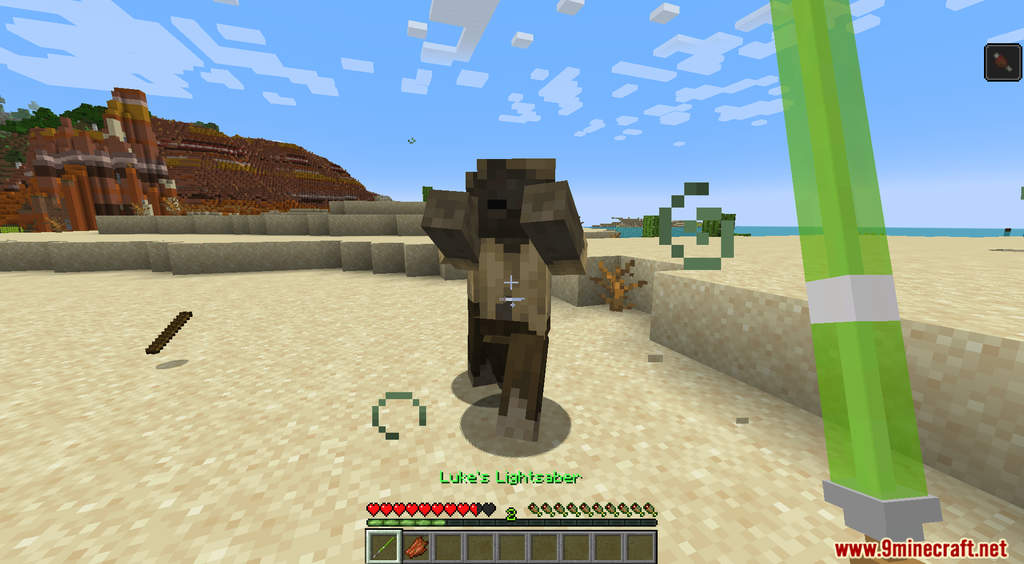
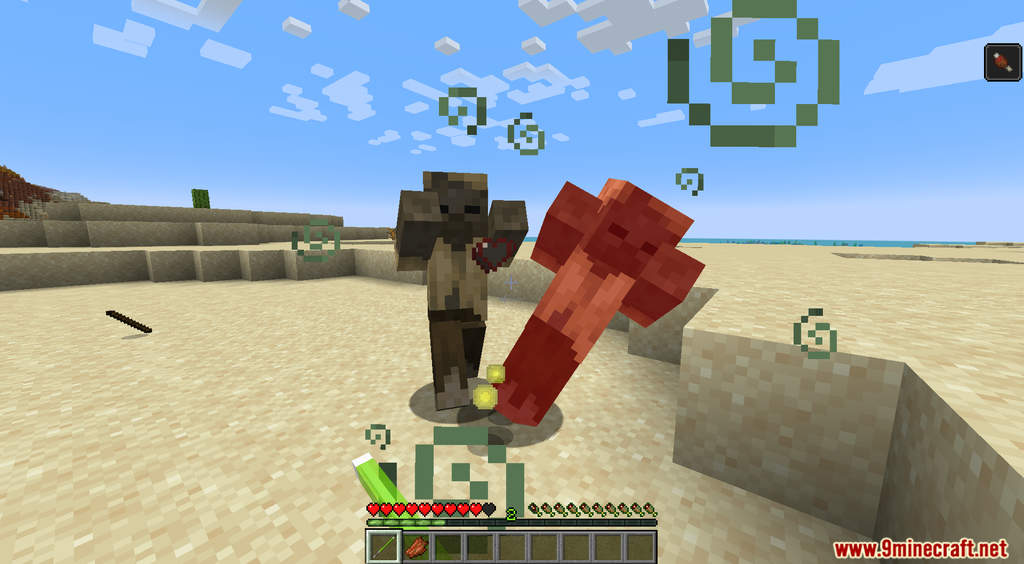
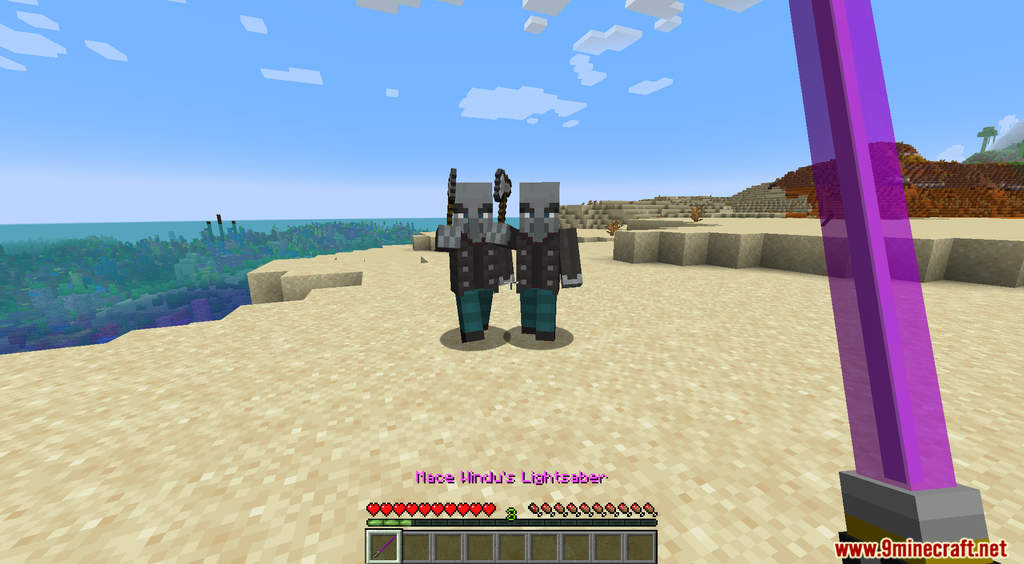
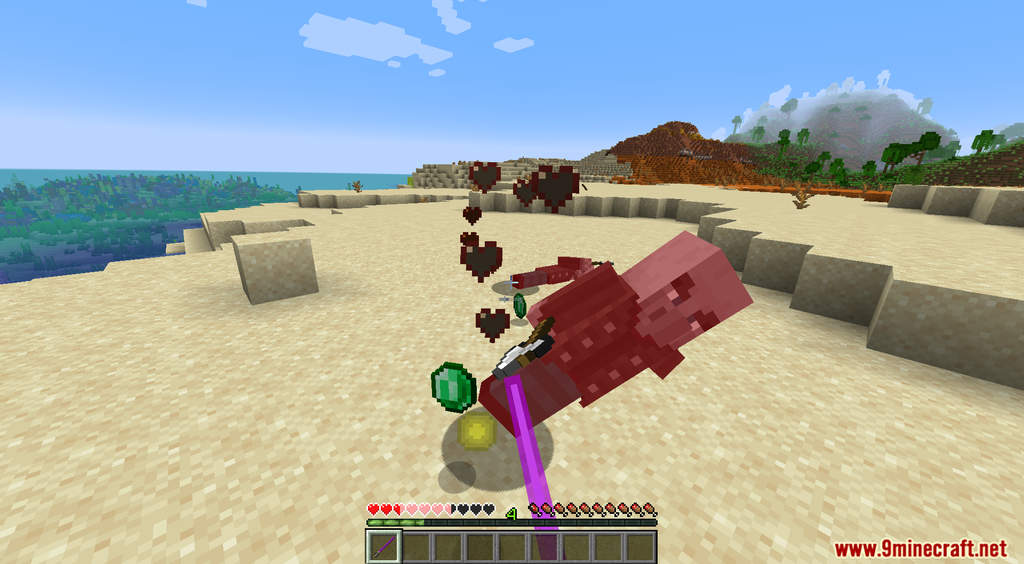
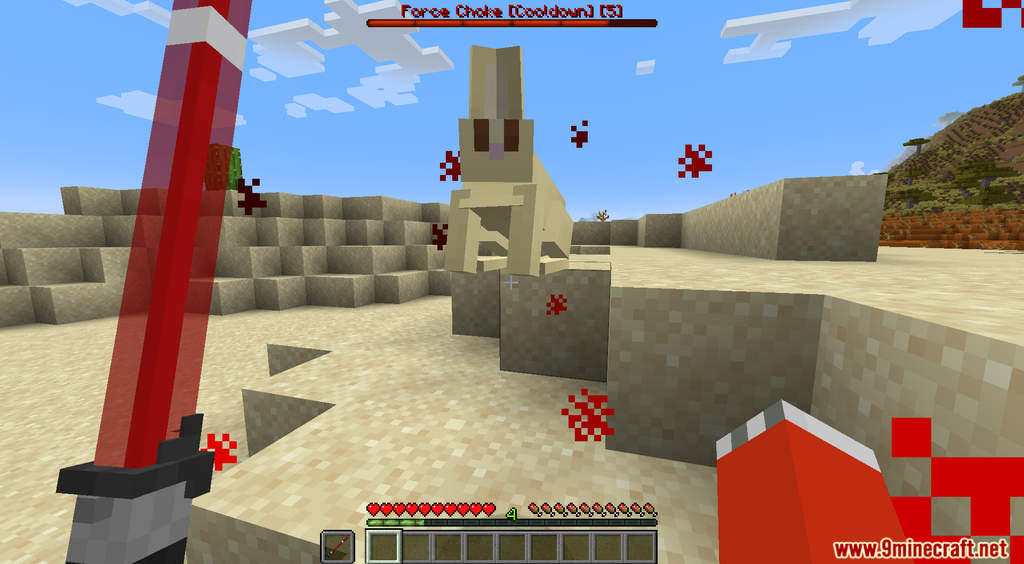
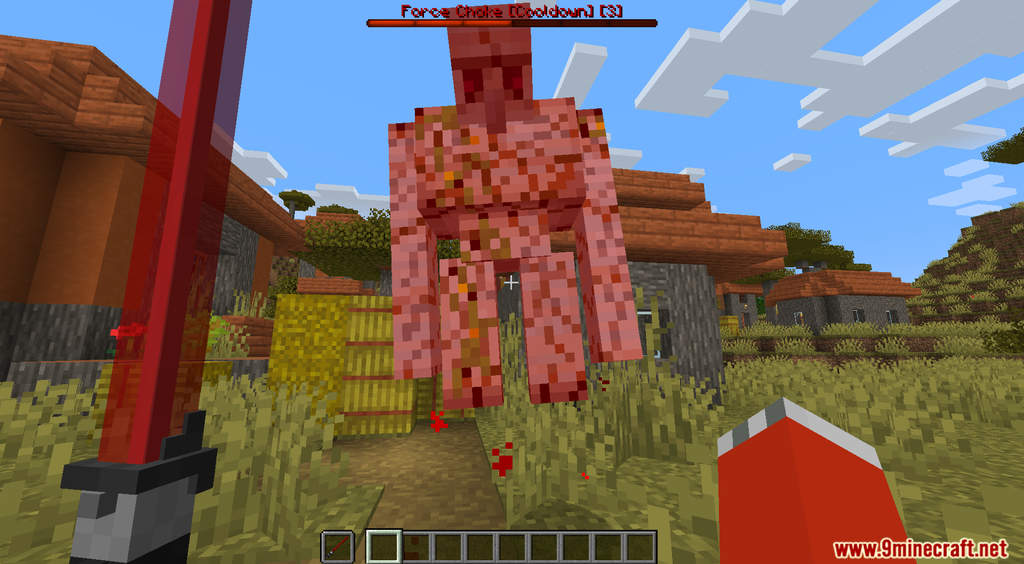
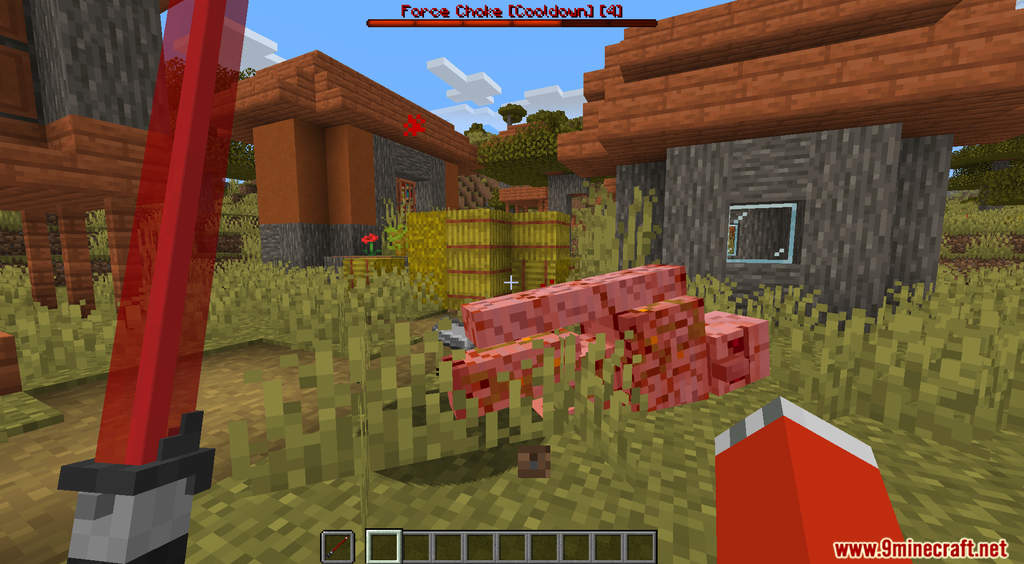
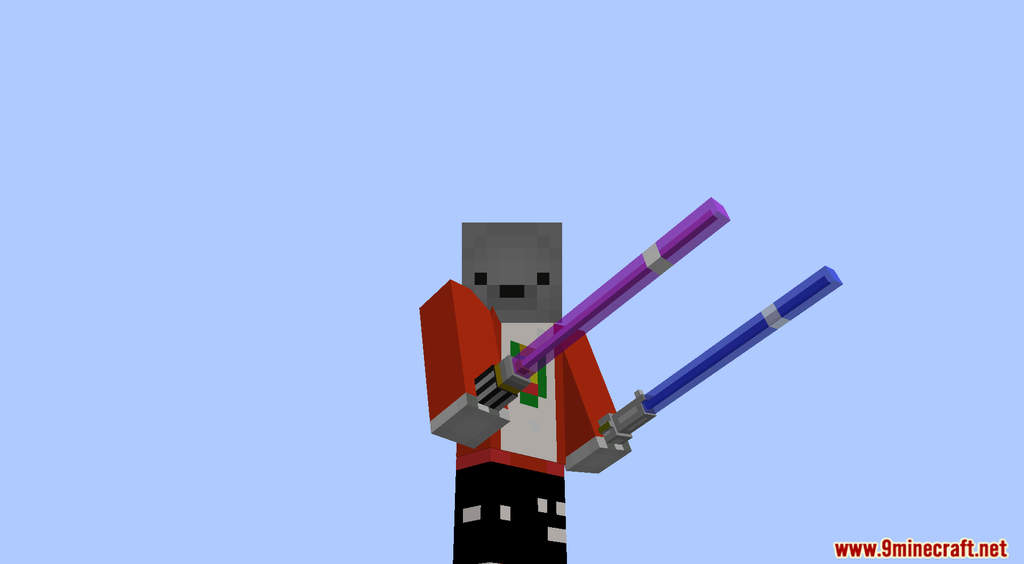
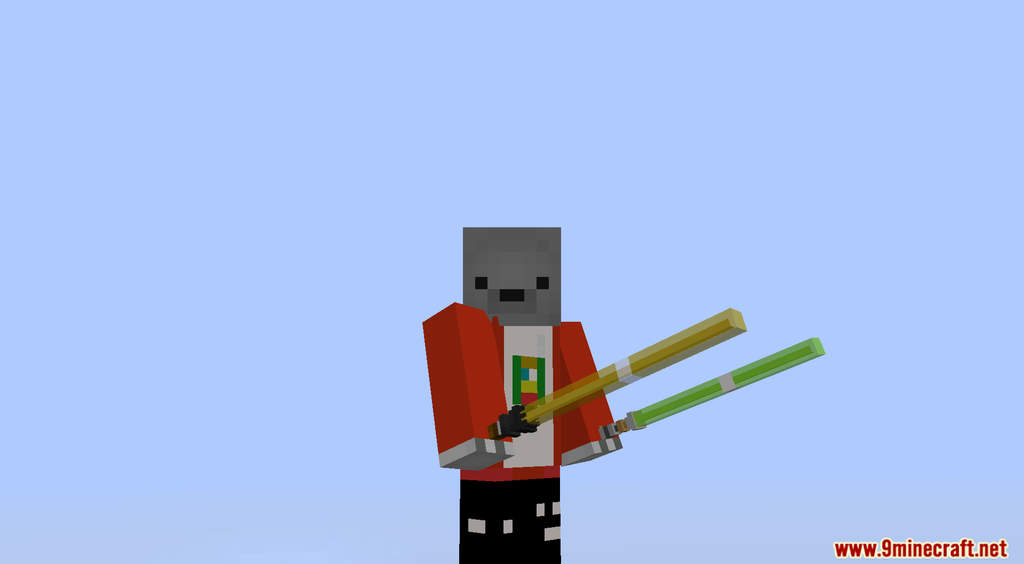
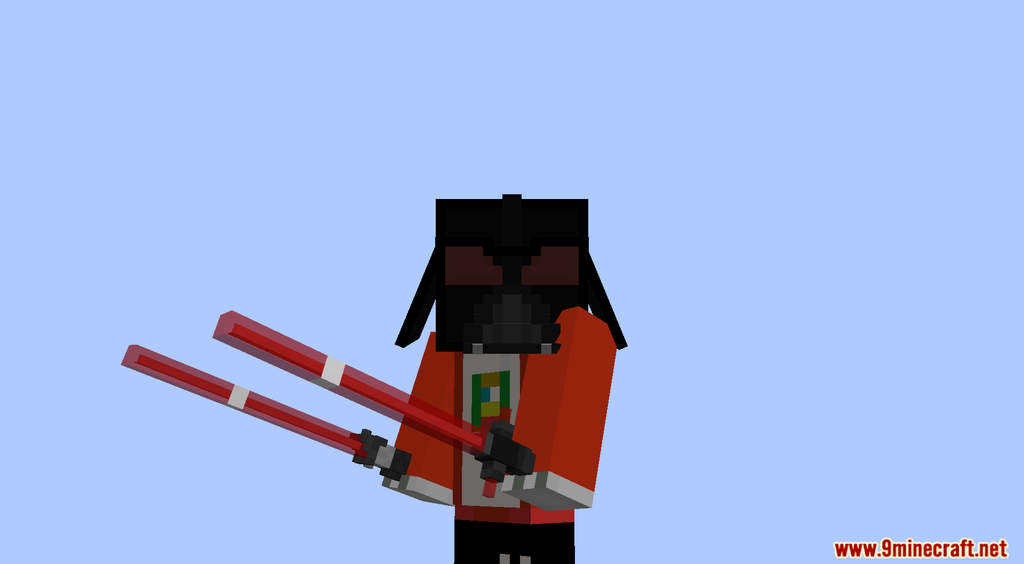
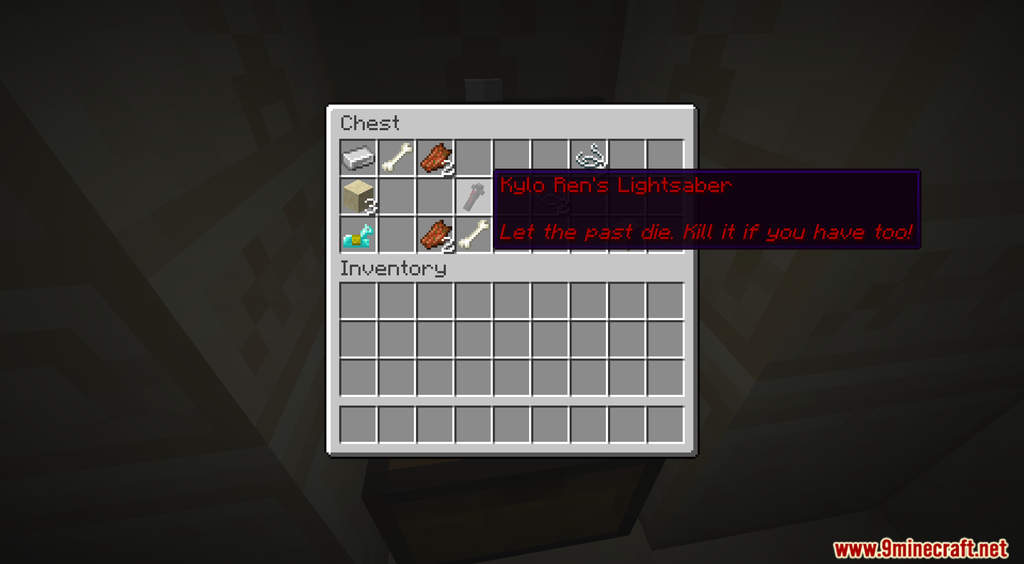
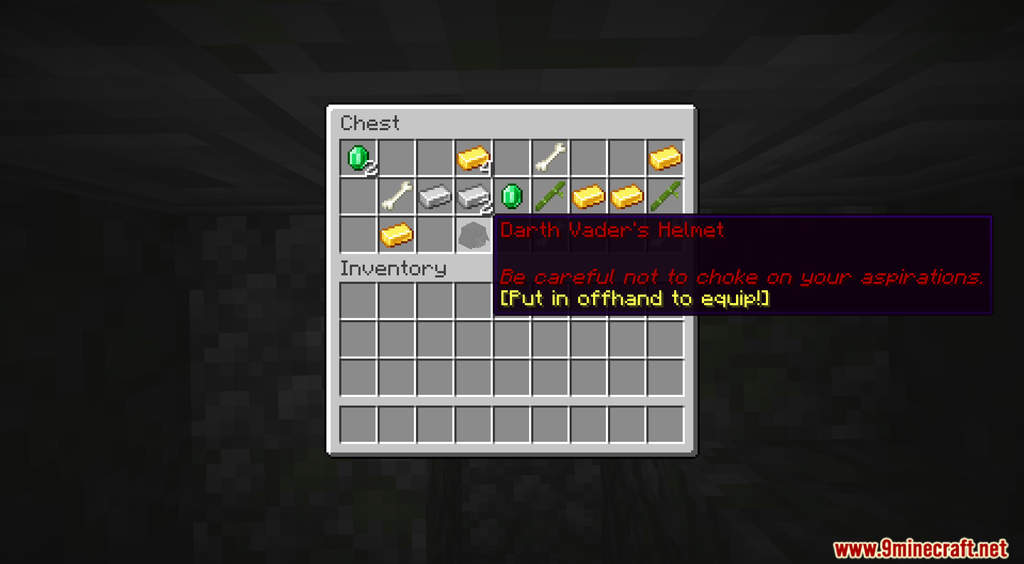
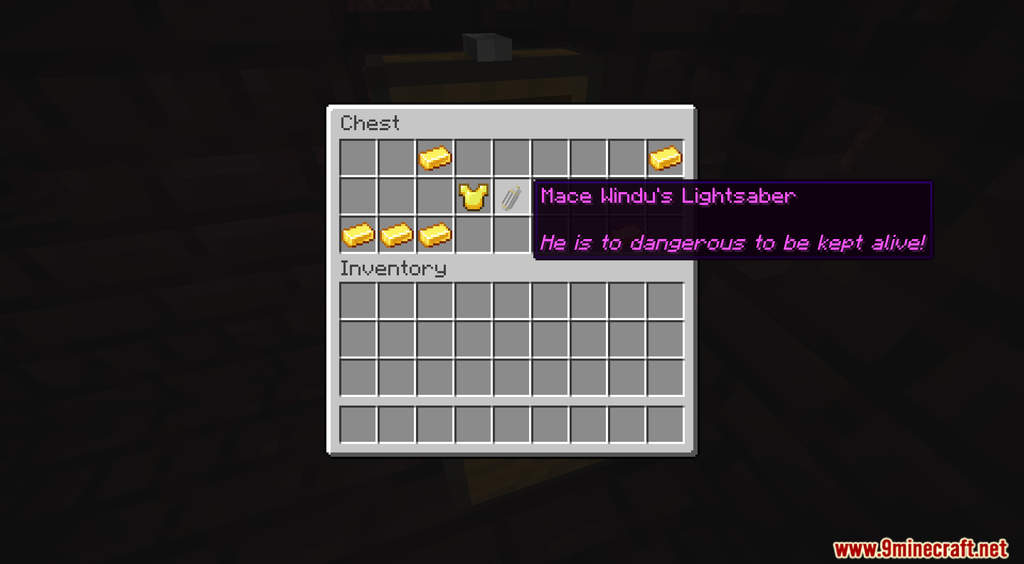
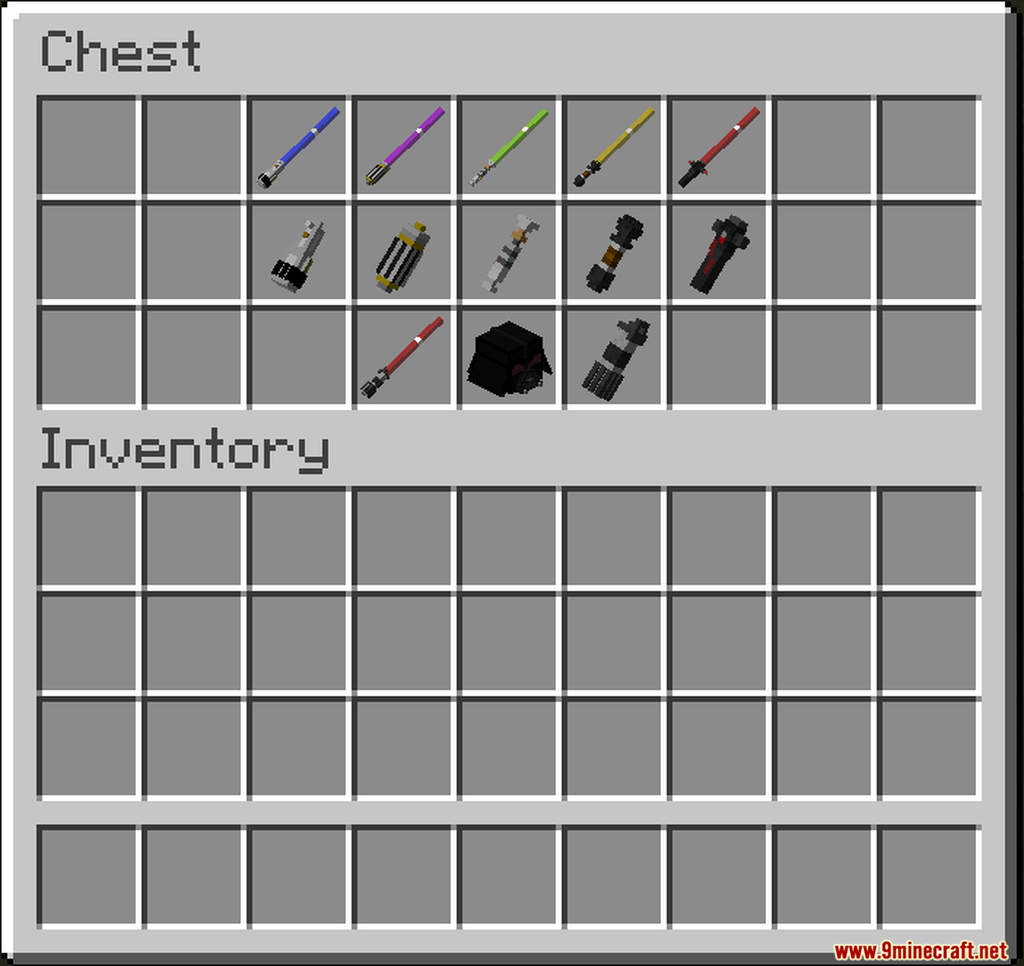
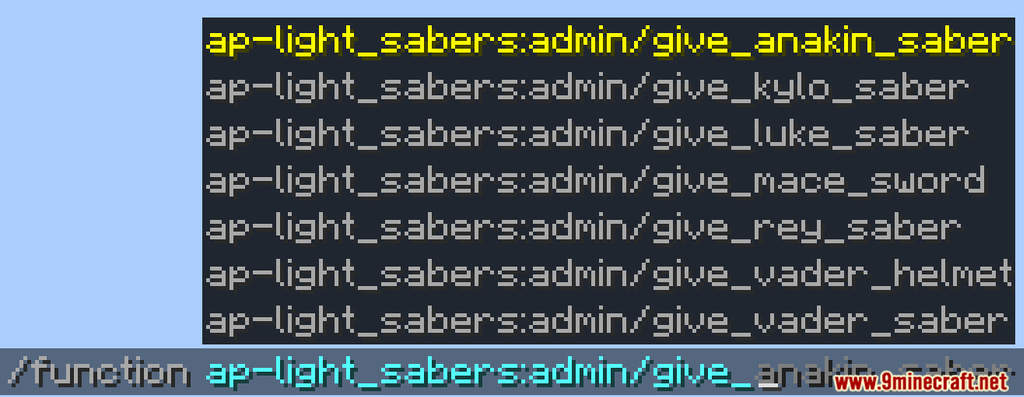
Light-Sabers Data Pack introduces the fictional energy sword Lightsaber from the popular series Star Wars into Minecraft. These Lightsabers are hidden in chests throughout your world. You can find them in loot chests from various dungeons such as Desert Temple, Jungle Temple, Nether Fortress, etc. For their raw stats alone, the Lightsabers are already good enough as a melee weapon. However, with a Lightsaber in hand, you will also have control over the Force. There are many different Lightsabers in this data pack, you can even put on the Darth Vader’s helmet and do a Force Choke to kill your opponents.
Features:
- Lightsabers and Force power.
- Put in Lightsaber in your off-hand and hold right-click to use Force Move.
- Put on the Darth Vader’s helmet with a red Lightsaber in your off-hand, then press shift + right-click to perform Force Choke.
Screenshots:
Light-Sabers Data Pack Download Links
For Minecraft 1.19.3, 1.19.2, 1.19.1, 1.19
Data Pack: Download from Server 1
Resource Pack: Download from Server 1
For Minecraft 1.18.2
Data Pack: Download from Server 1
Resource Pack: Download from Server 1
For Minecraft 1.18.1, 1.17.1
Data Pack: Download from Server 1 – Download from Server 2
Resource Pack: Download from Server 1 – Download from Server 2
- Edition: Minecraft Java
- File type: .jar
- Minecraft versions listed: 1.19.3, 1.18.2
- How to install: Install the matching mod loader (Forge, Fabric or NeoForge) for your Minecraft version. → Download the .jar. → Put it in the .minecraft/mods folder and launch that loader profile.
- Where to get it: In MC Java Mods, or directly above on this page.
Install steps are the general flow for this file type — see the MC Java Mods guides for the full walkthrough.
Light-Sabers Data Pack (1.19.3, 1.18.2) – Star Wars Weapons is a free Minecraft Java datapack. Compatible with Minecraft 1.19.3, 1.18.2. Download it and open it directly in the game.