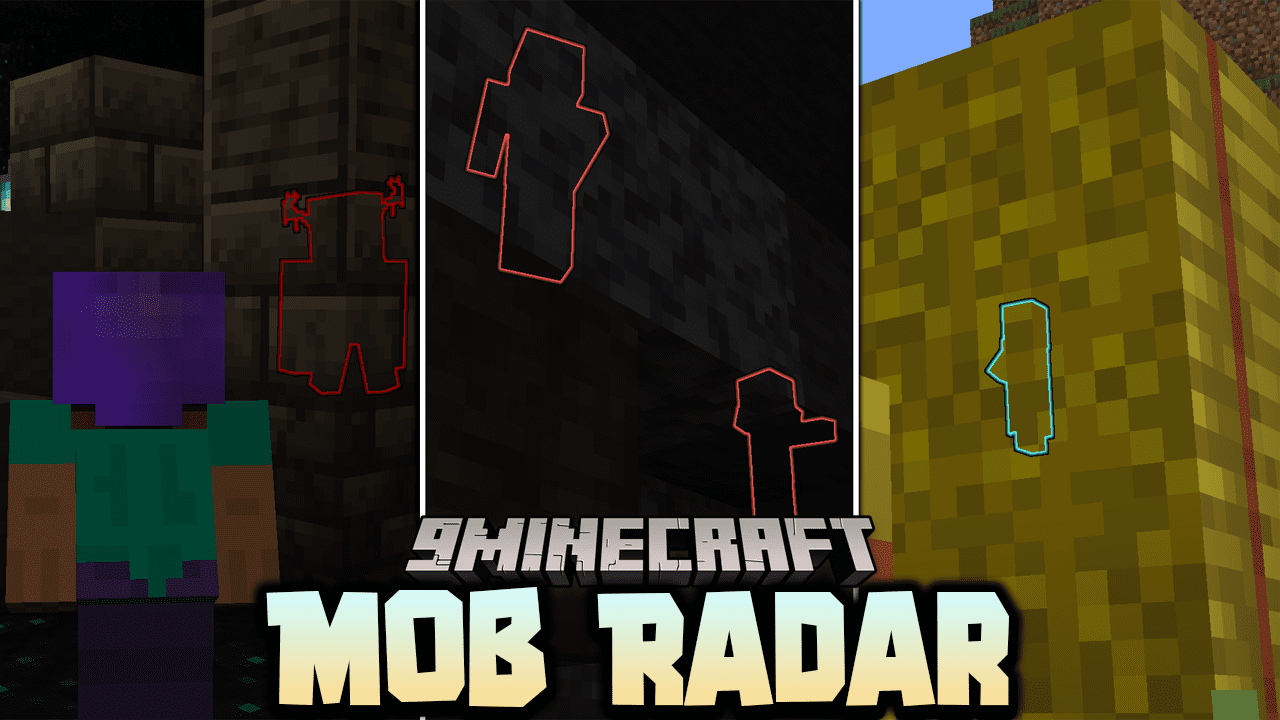
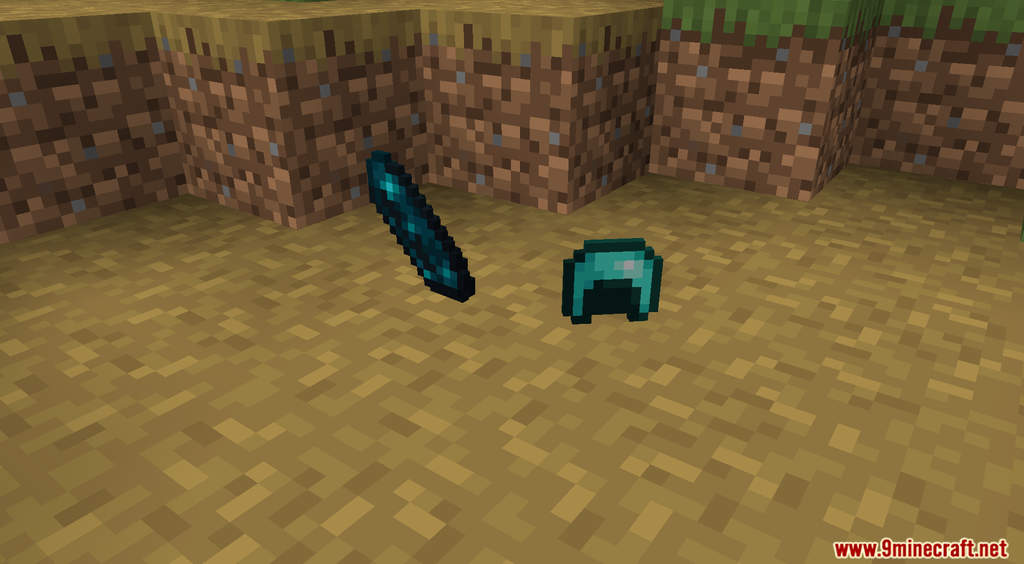
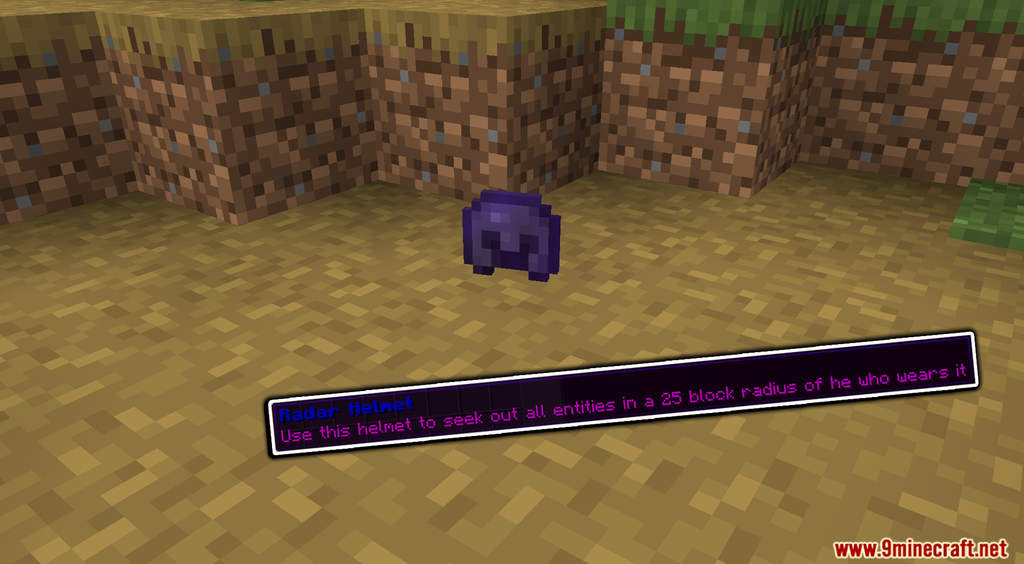
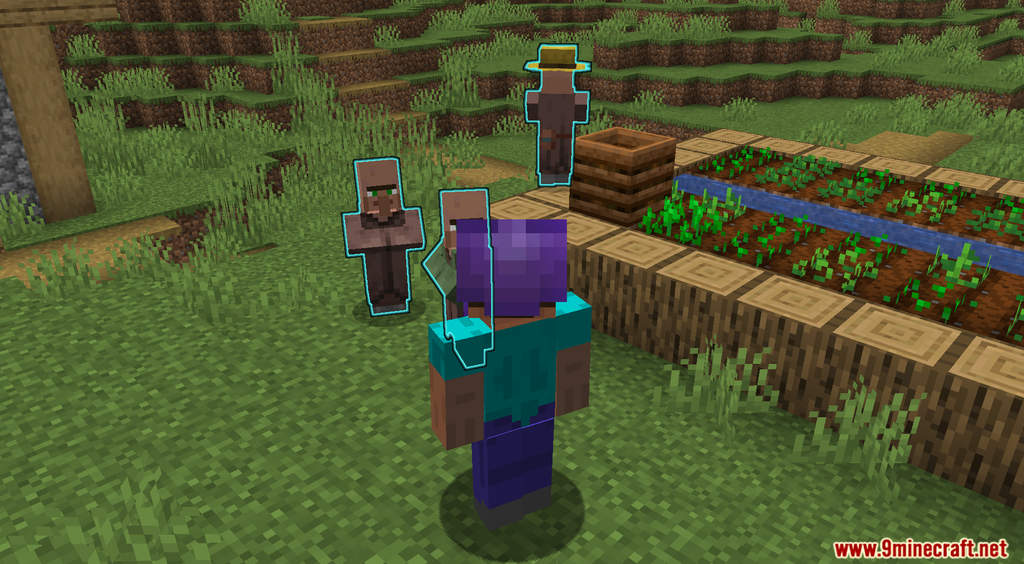
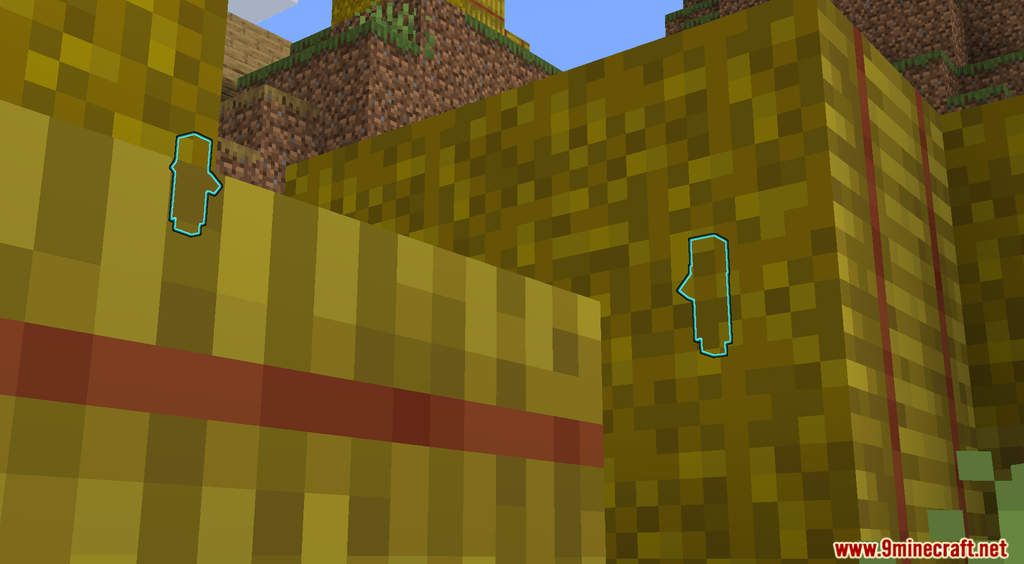
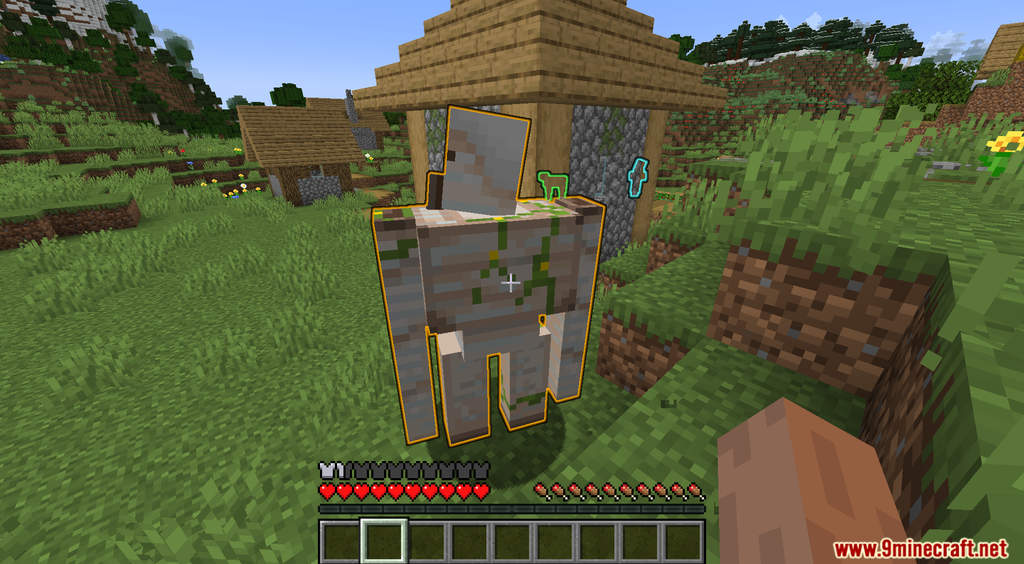
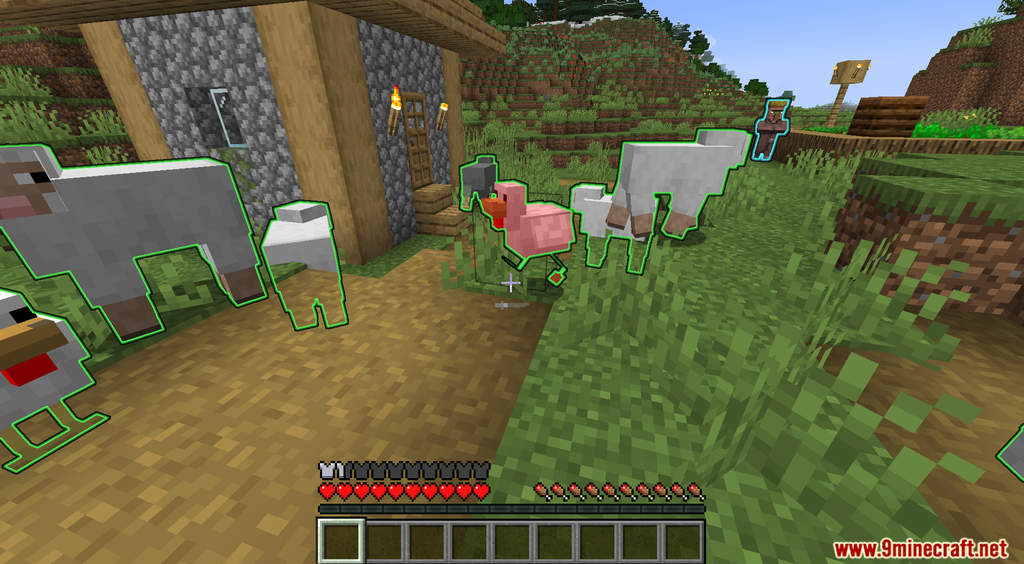
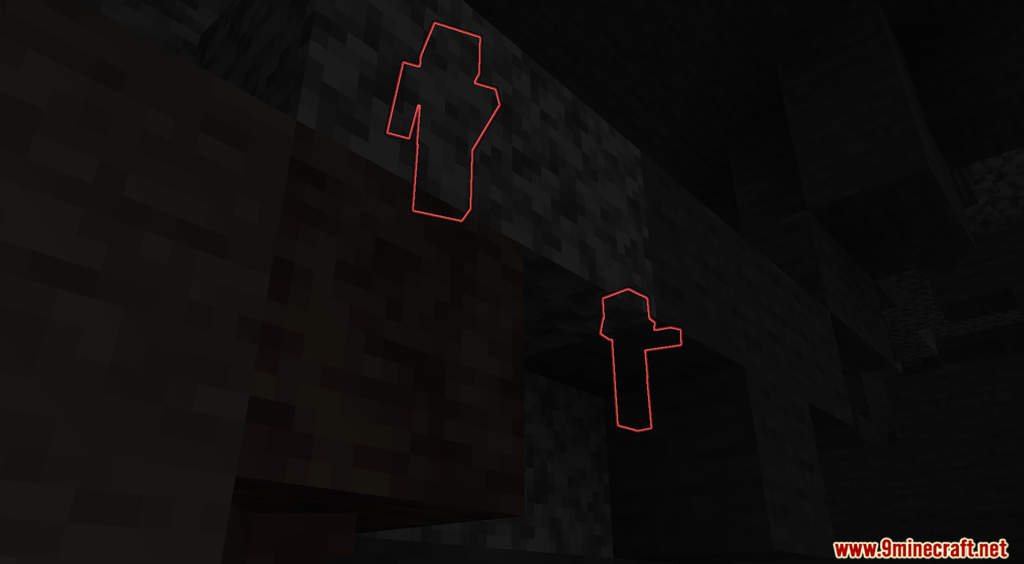
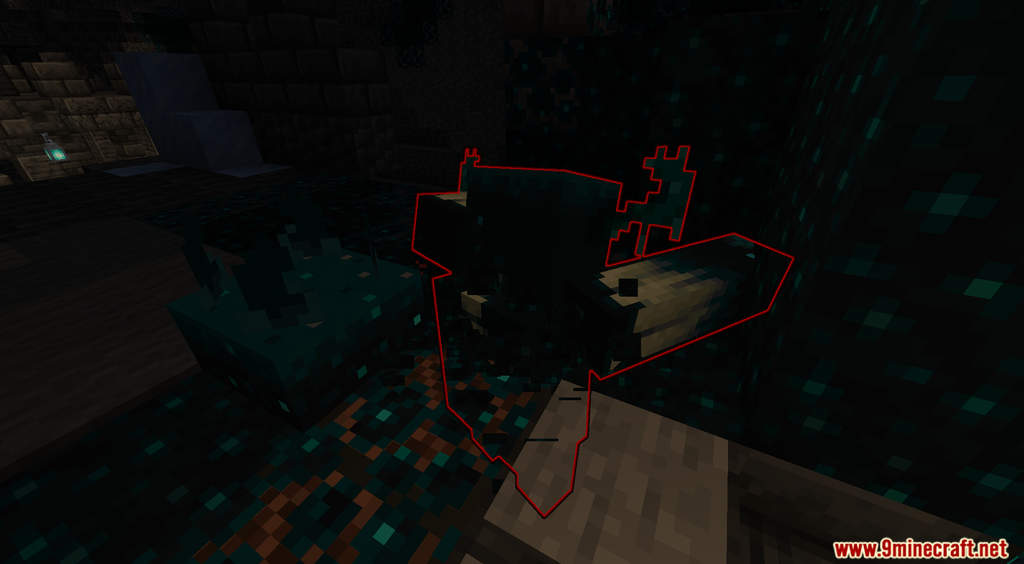
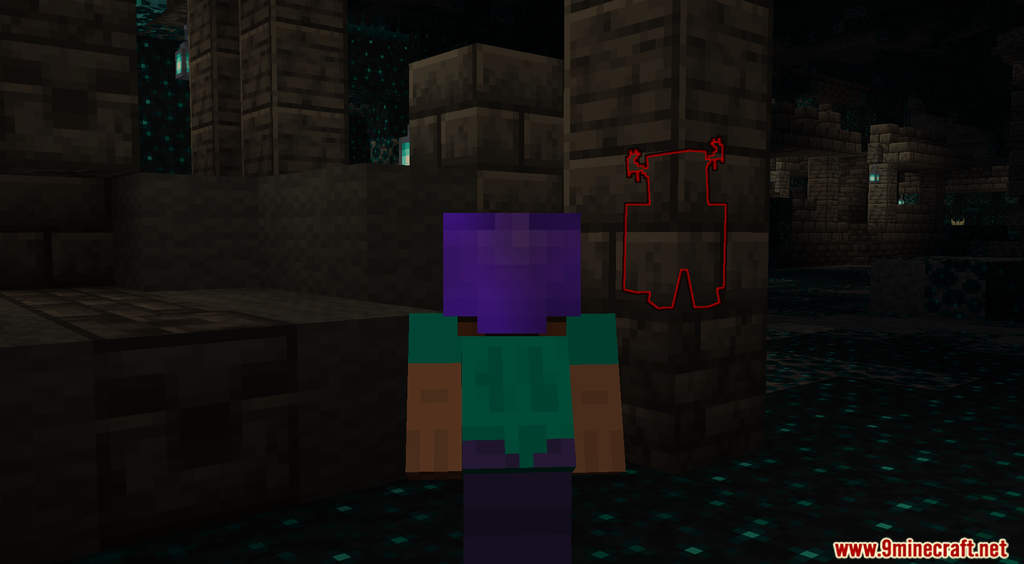
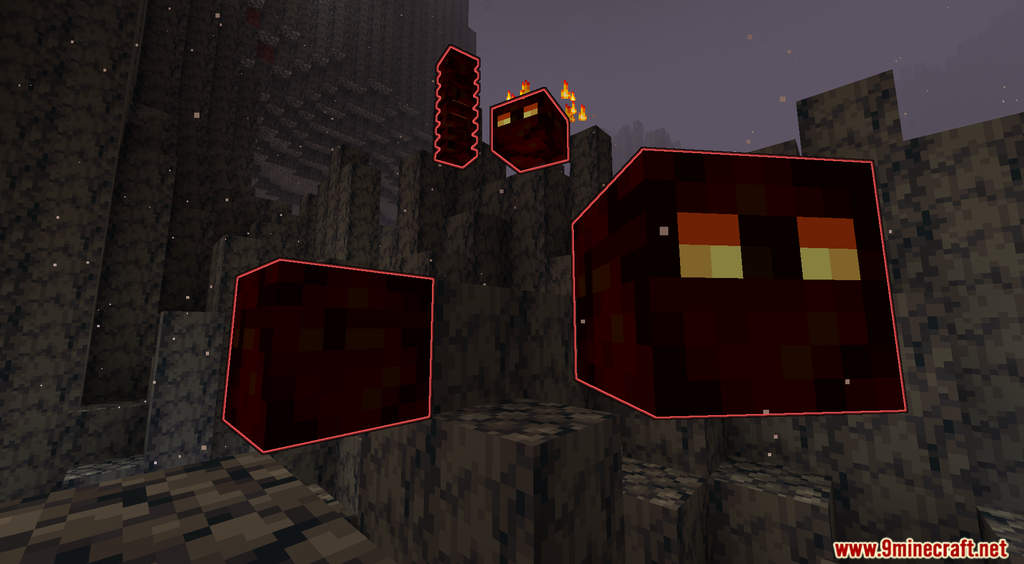
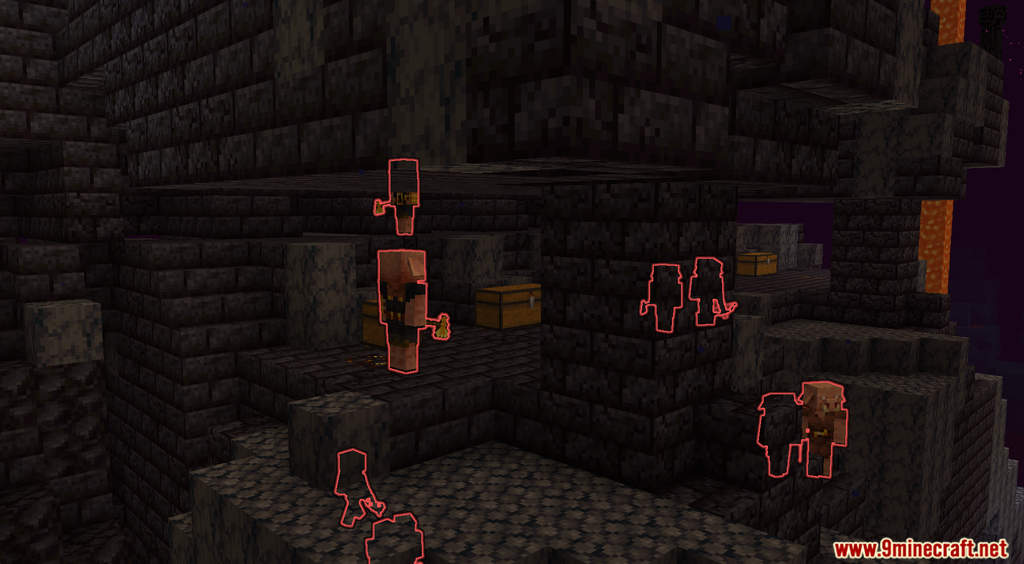
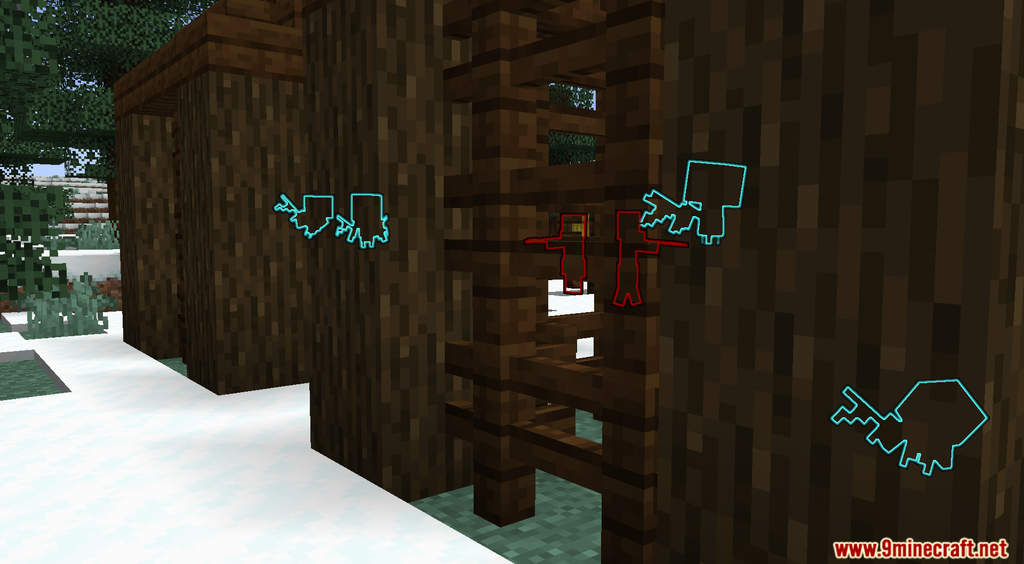
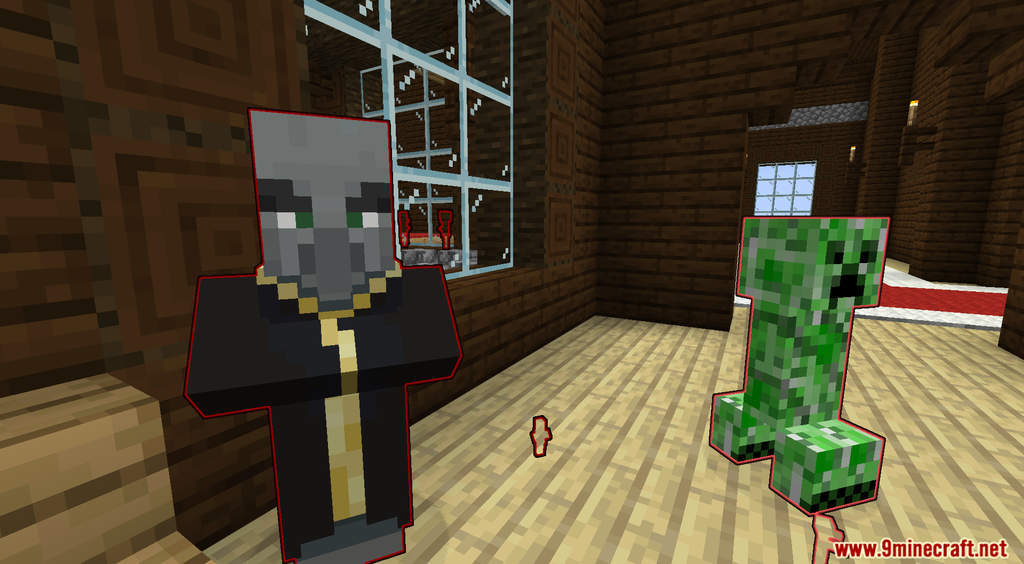
Mob Radar Data Pack highlights every creature around you. After installing this data pack, you can craft a unique helmet that can scan the area around you and detect any mob within it. All creatures will be grouped into different categories so you know if you are in danger or not. For example, while you are caving, you can see how many hostile creatures are close to you so you can prepare yourself for combat. Mob Radar is extremely useful in such cases. To craft the Radar Helmet, you need to drop 1 Diamond Helmet, and 2 Echo Shards on the ground. Download and try this now!
Features:
- A Radar Helmet that can scan for mobs and creatures.
Screenshots:
Mob Radar Data Pack Download Links
For Minecraft 1.19.3, 1.19.2, 1.19
- Edition: Minecraft Java
- File type: .jar
- Minecraft versions listed: 1.19.3, 1.19.2
- How to install: Install the matching mod loader (Forge, Fabric or NeoForge) for your Minecraft version. → Download the .jar. → Put it in the .minecraft/mods folder and launch that loader profile.
- Where to get it: In MC Java Mods, or directly above on this page.
Install steps are the general flow for this file type — see the MC Java Mods guides for the full walkthrough.
Mob Radar Data Pack (1.19.3, 1.19.2) – Detects Mobs around You is a free Minecraft Java datapack. Compatible with Minecraft 1.19.3, 1.19.2. Download it and open it directly in the game.