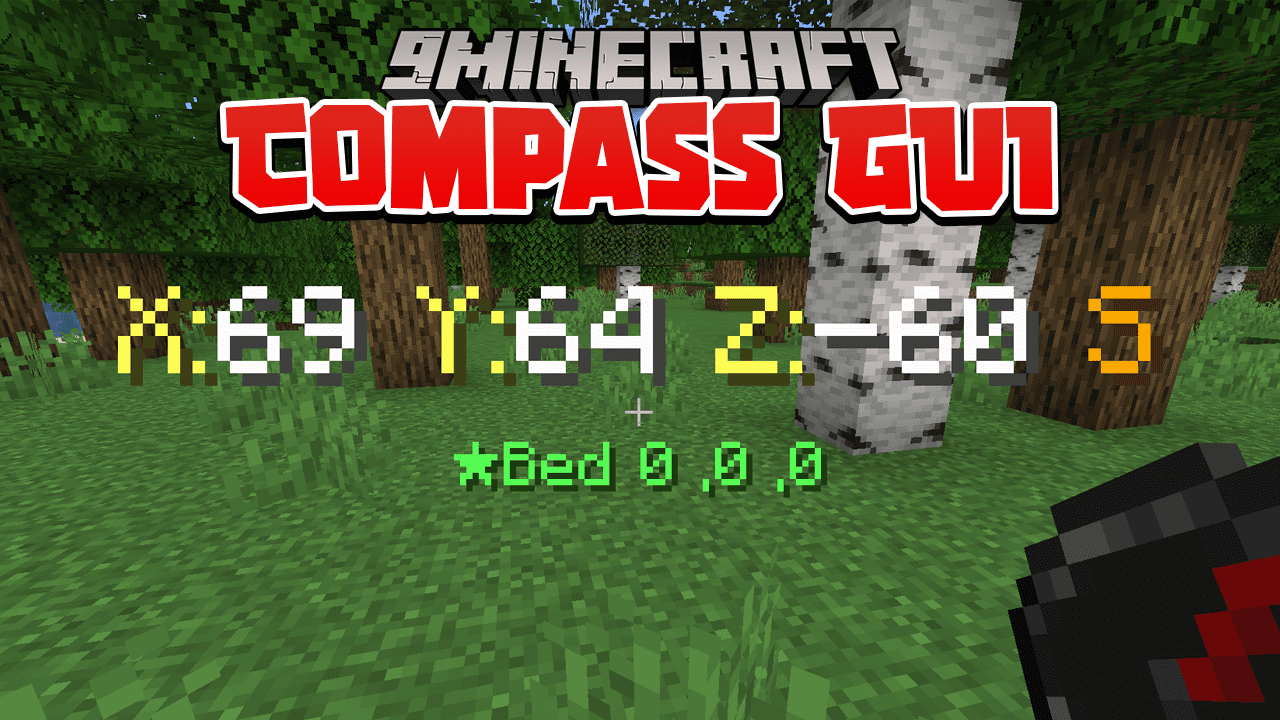
Compass GUI Data Pack (1.19.3, 1.19.2) – Better Compasses
Java data pack listed for Minecraft 1.19. Downloads from the MC Java Mods app on Android.
⬇ Download
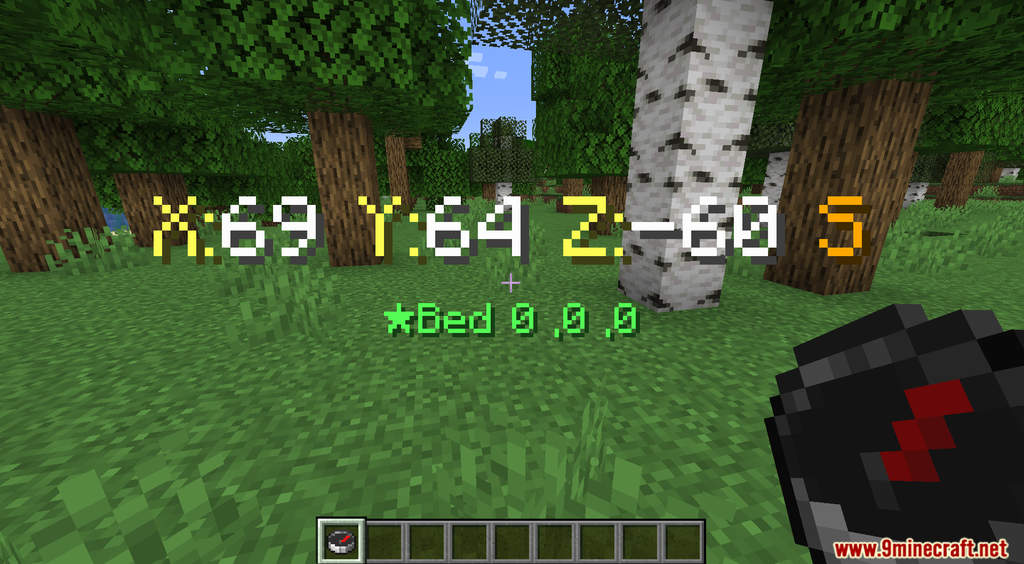
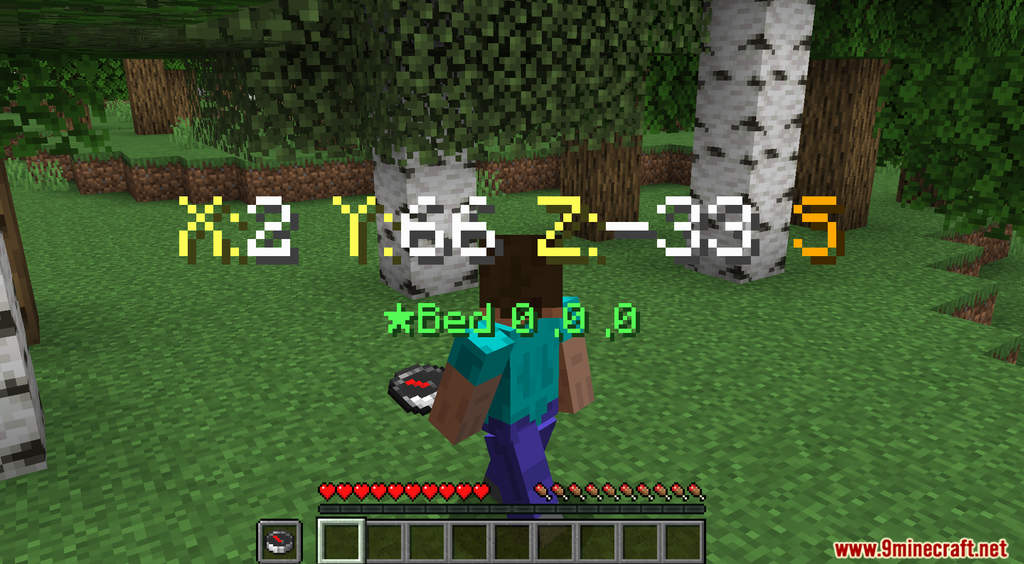
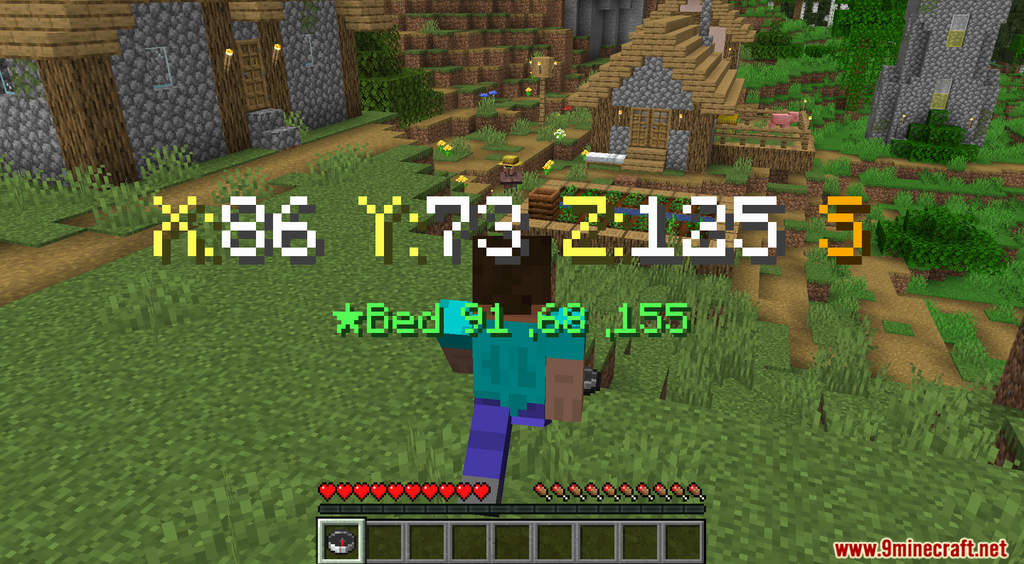
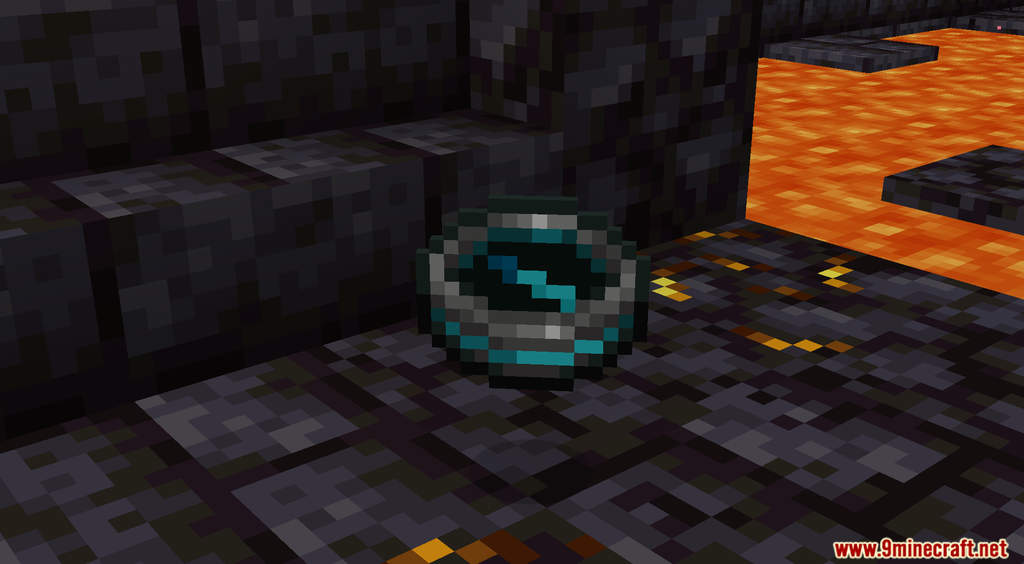
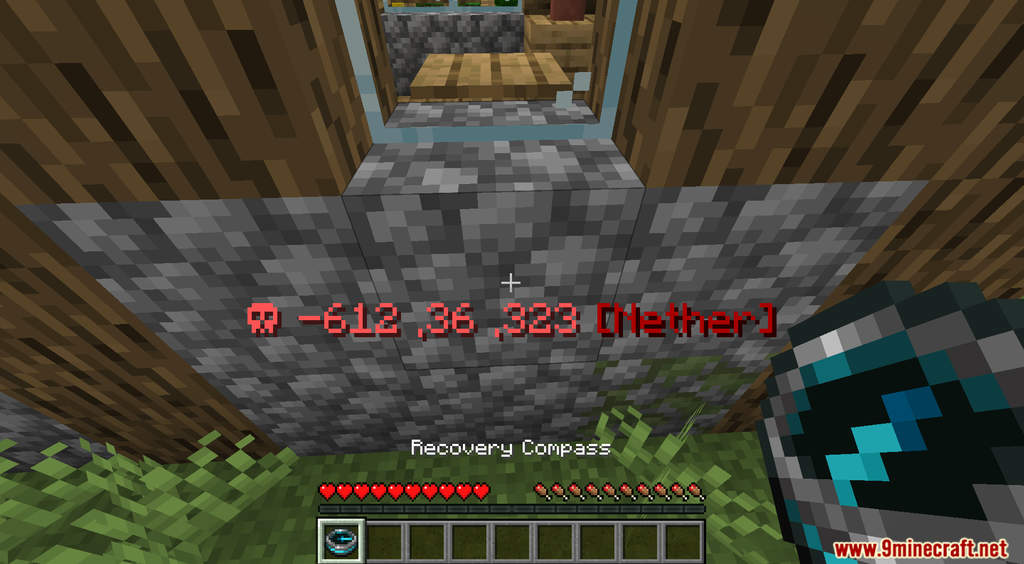
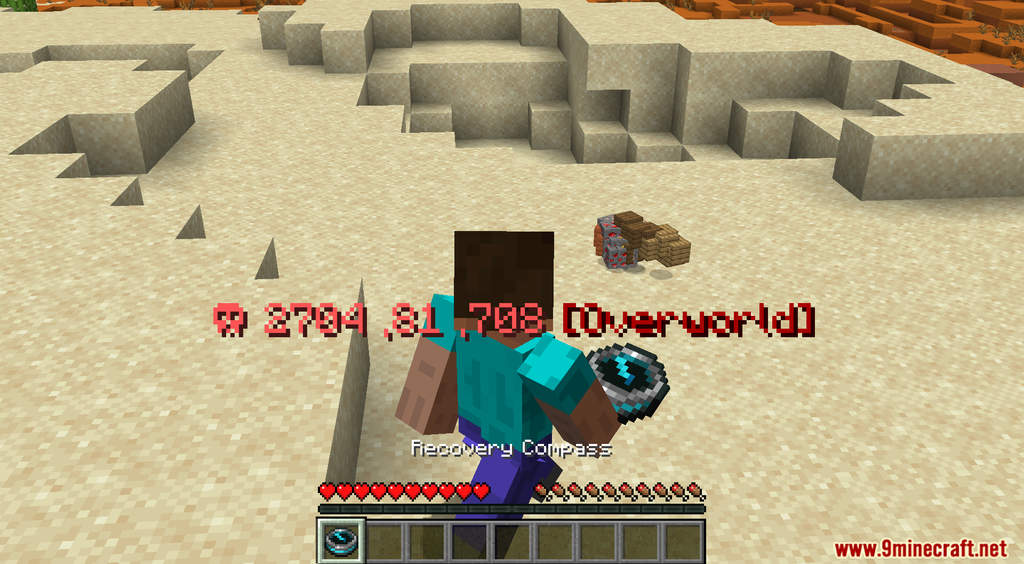
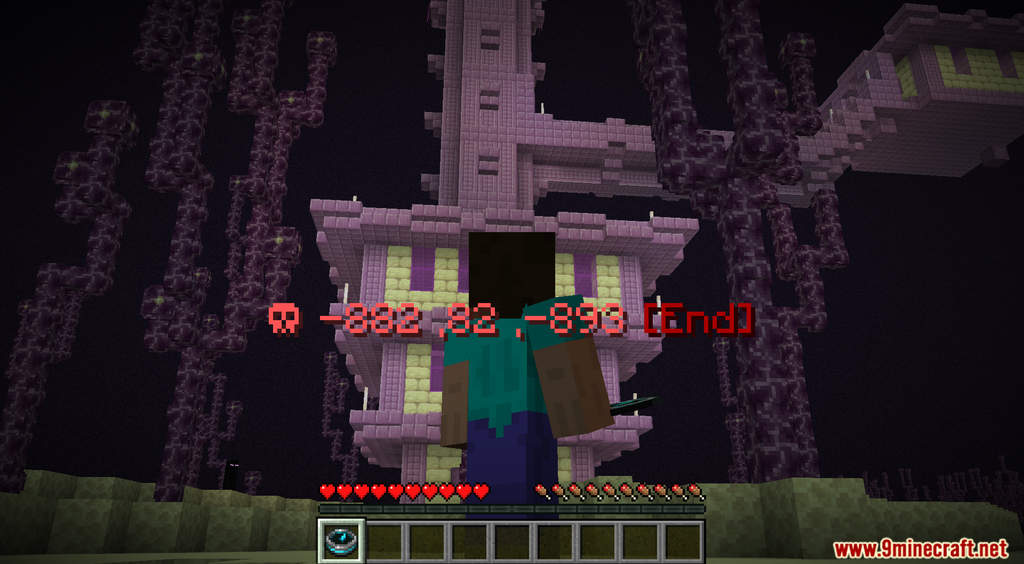
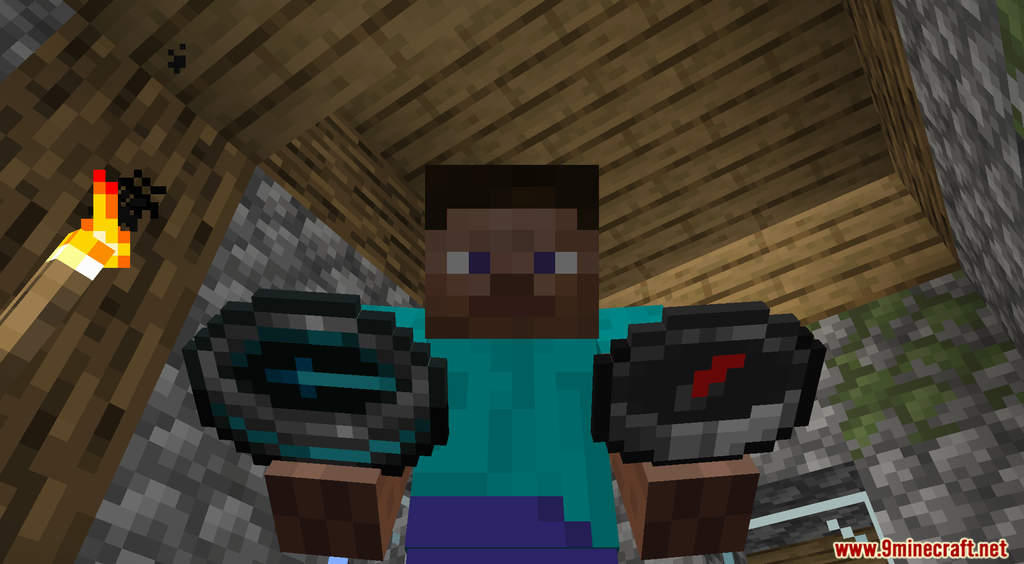
Compass GUI Data Pack shows you detailed information about your coordinates when you’re holding a Compass. Compass in Minecraft can point you toward certain locations such as your spawn point, a Lodestone, or your previous death if it’s a Recovery Compass. However, Compass can only point you to the direction but not the exact coordinate. This data pack makes Compass a much better item by displaying the X, Y, and Z coordinates on your screen. It will tell you exactly where is your spawn point and where you died previously.
Features:
- Holding a Compass or Recovery Compass will now show you the exact coordinates.
Screenshots:
Compass GUI Data Pack Download Links
For Minecraft 1.19.3, 1.19.2, 1.19
- Edition: Minecraft Java
- File type: .jar
- Minecraft versions listed: 1.19.3, 1.19.2
- How to install: Install the matching mod loader (Forge, Fabric or NeoForge) for your Minecraft version. → Download the .jar. → Put it in the .minecraft/mods folder and launch that loader profile.
- Where to get it: In MC Java Mods, or directly above on this page.
Install steps are the general flow for this file type — see the MC Java Mods guides for the full walkthrough.
Compass GUI Data Pack (1.19.3, 1.19.2) – Better Compasses is a free Minecraft Java datapack. Compatible with Minecraft 1.19.3, 1.19.2. Download it and open it directly in the game.