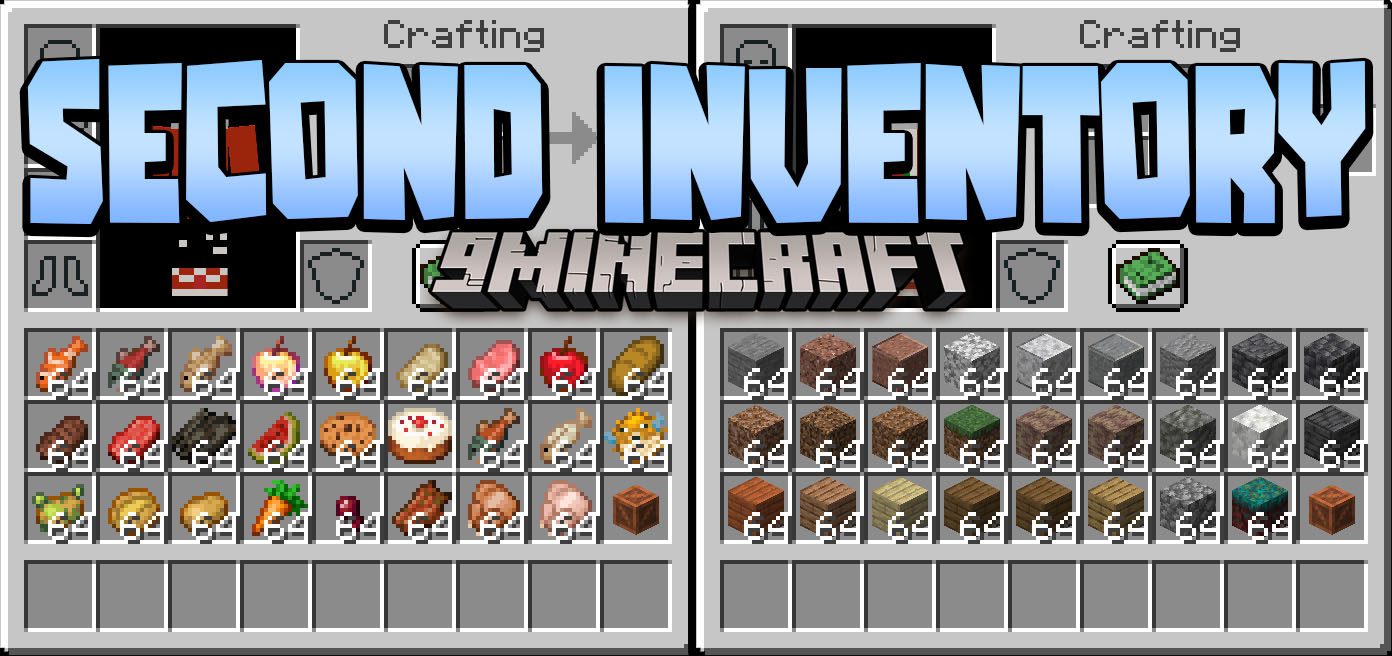

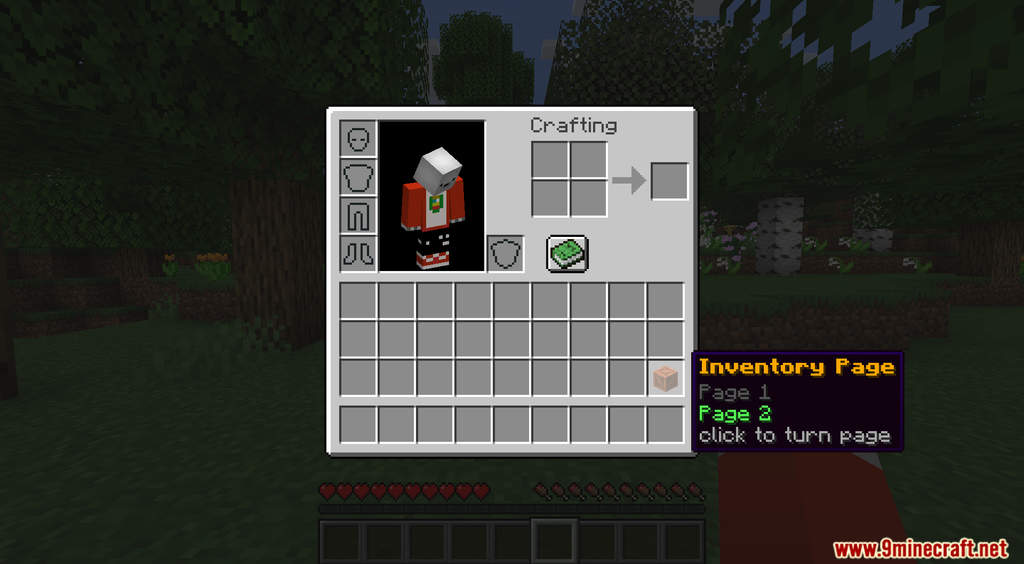
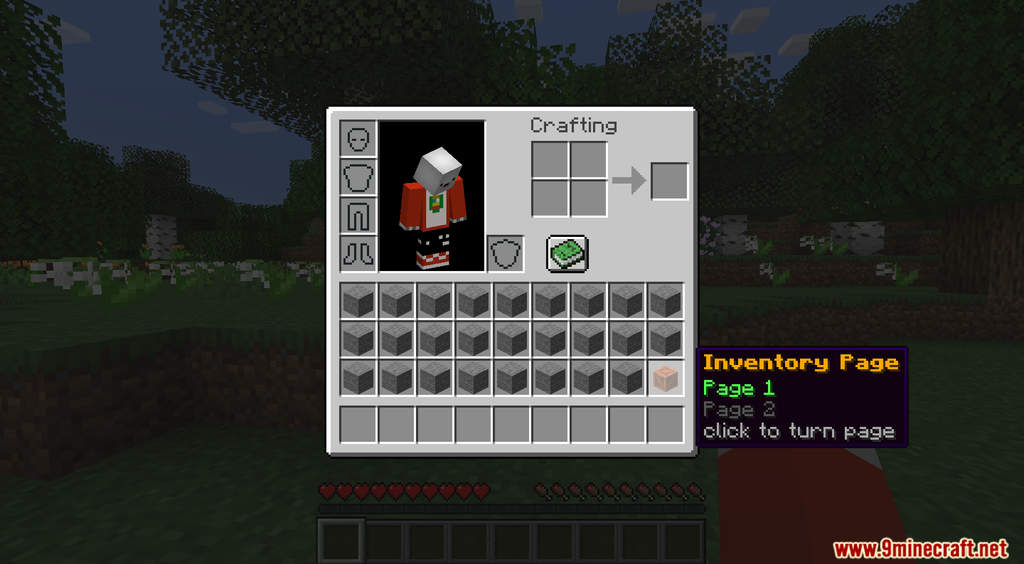
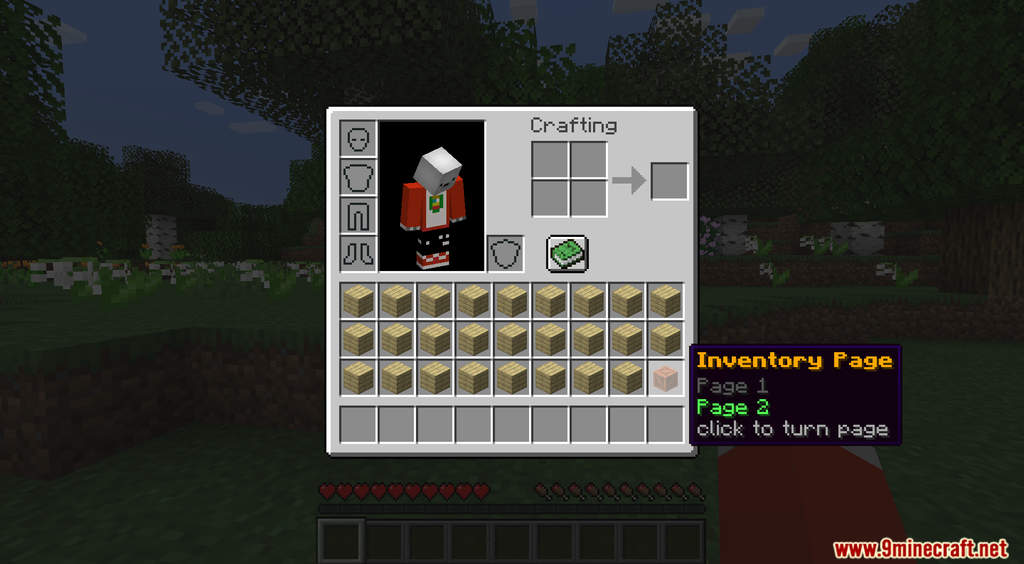
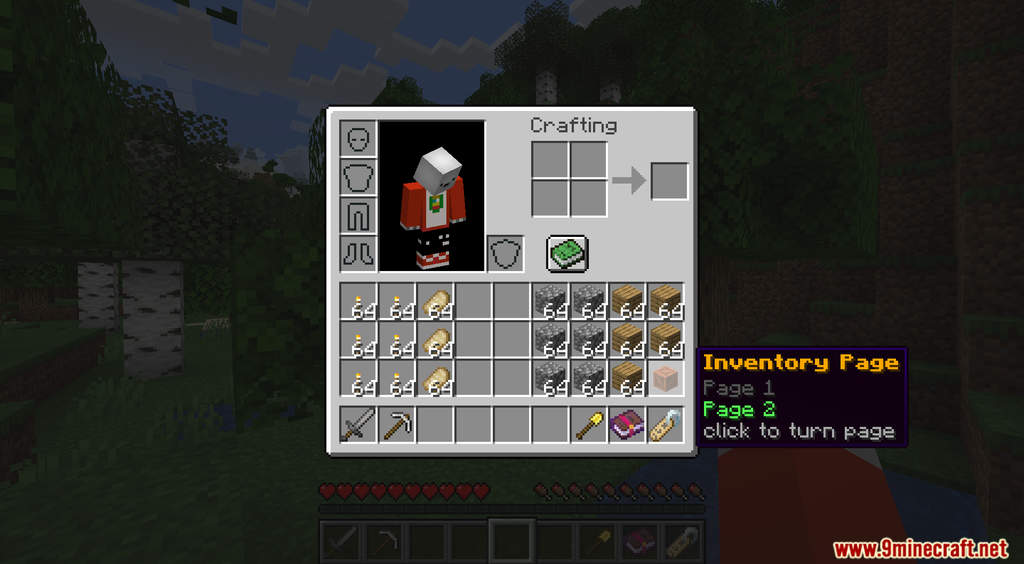
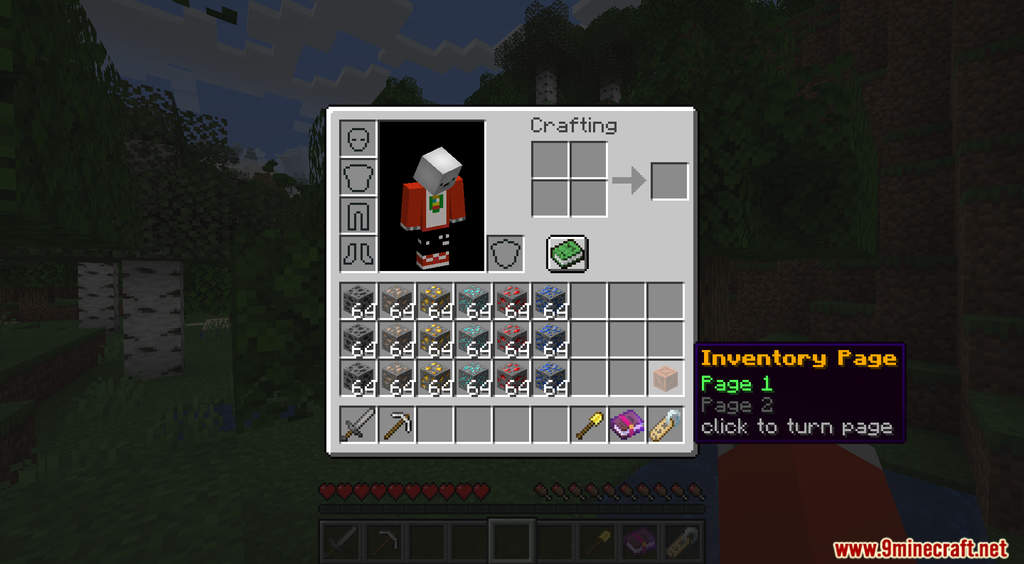
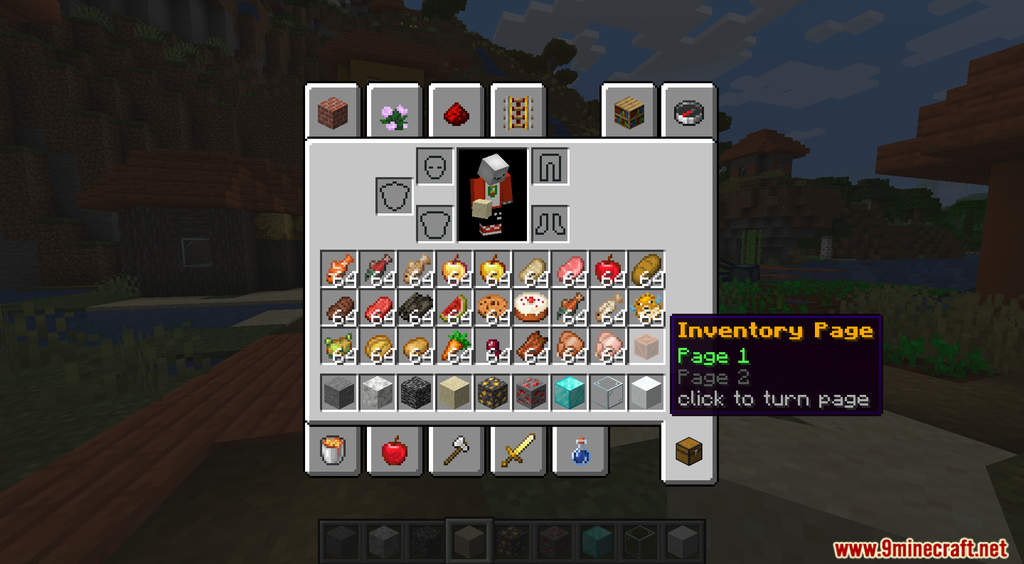
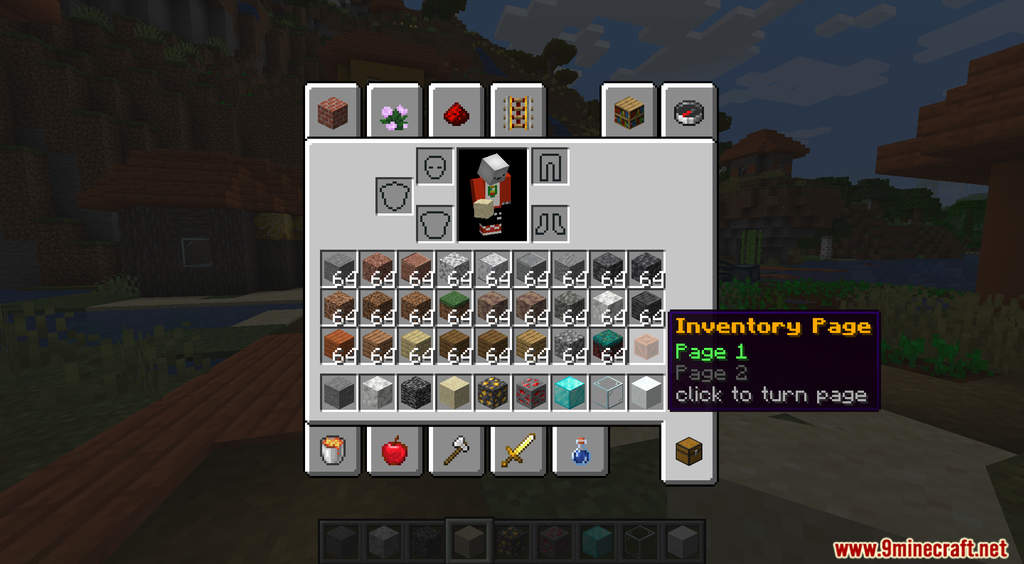
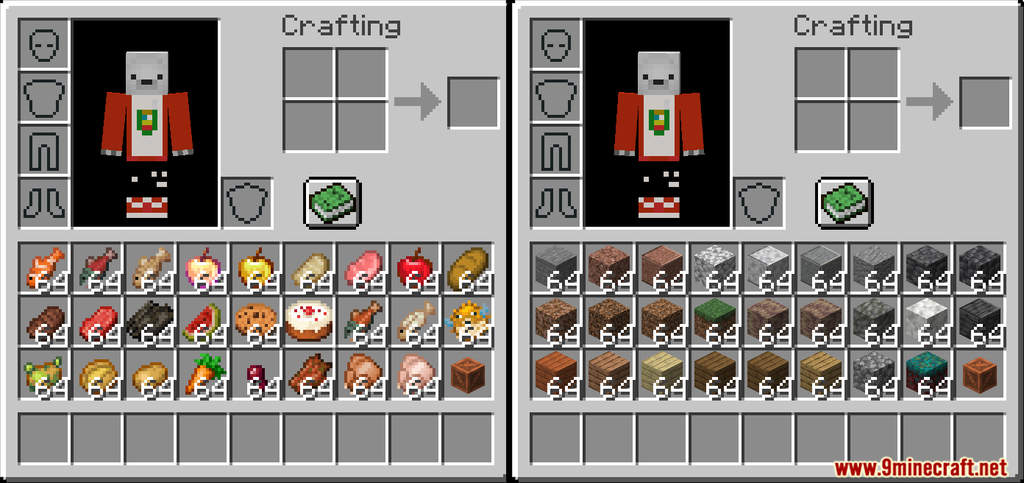
Second Inventory Page Data Pack gives you more inventory slots to work with. Usually, the player only has 36 inventory slots including the hotbar. This is quite a low number because you need to hold so many items in Minecraft. Because of this, you often run into inventory issues where you don’t have enough space. This data pack aims to fix that problem by introducing a second inventory page so you can store more items. After installing this data pack, you can see a new icon in your inventory. Clicking this icon will open up a second inventory page that you can use to store extra items. Have fun!
Features:
- A second inventory page.
- Also works when you are in Creative Mode.
Screenshots:
Second Inventory Page Data Pack Download Links
For Minecraft 1.19.1, 1.19
For Minecraft 1.18.2, 1.18.1
- Edition: Minecraft Java
- File type: .jar
- Minecraft versions listed: 1.19.3, 1.18.2
- How to install: Install the matching mod loader (Forge, Fabric or NeoForge) for your Minecraft version. → Download the .jar. → Put it in the .minecraft/mods folder and launch that loader profile.
- Where to get it: In MC Java Mods, or directly above on this page.
Install steps are the general flow for this file type — see the MC Java Mods guides for the full walkthrough.
Second Inventory Page Data Pack (1.19.3, 1.18.2) – More Storage is a free Minecraft Java datapack. Compatible with Minecraft 1.19.3, 1.18.2. Download it and open it directly in the game.