

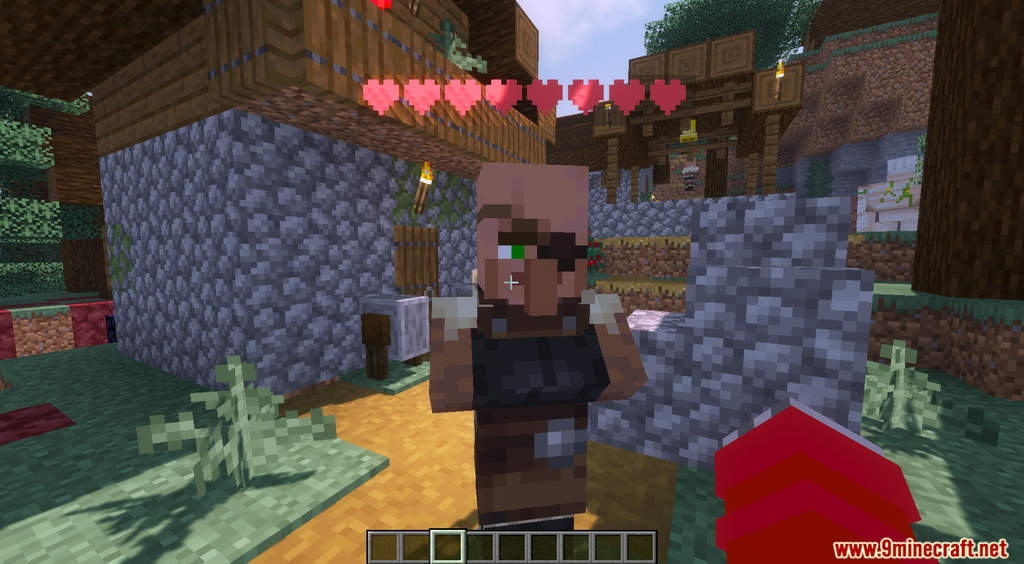

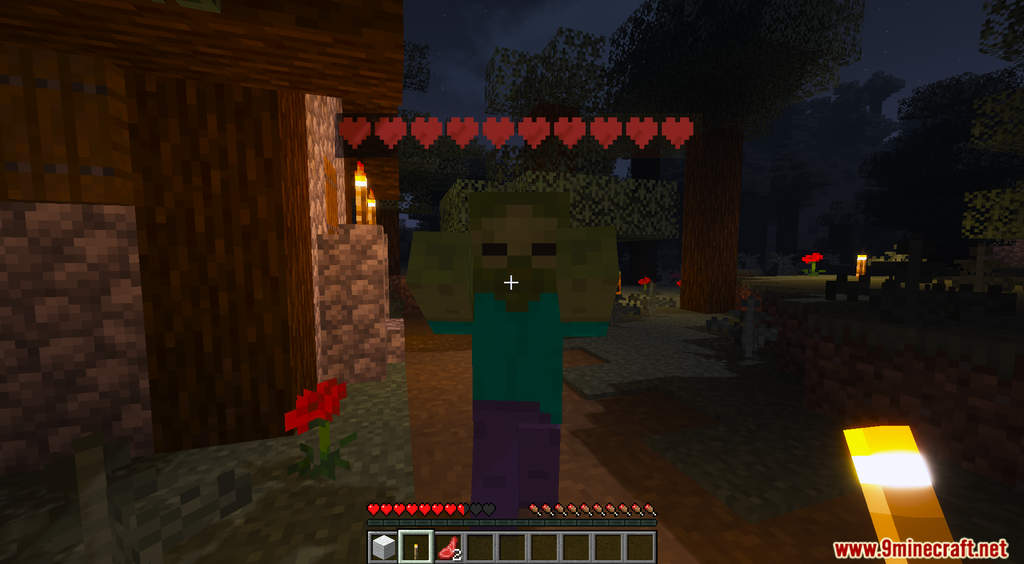
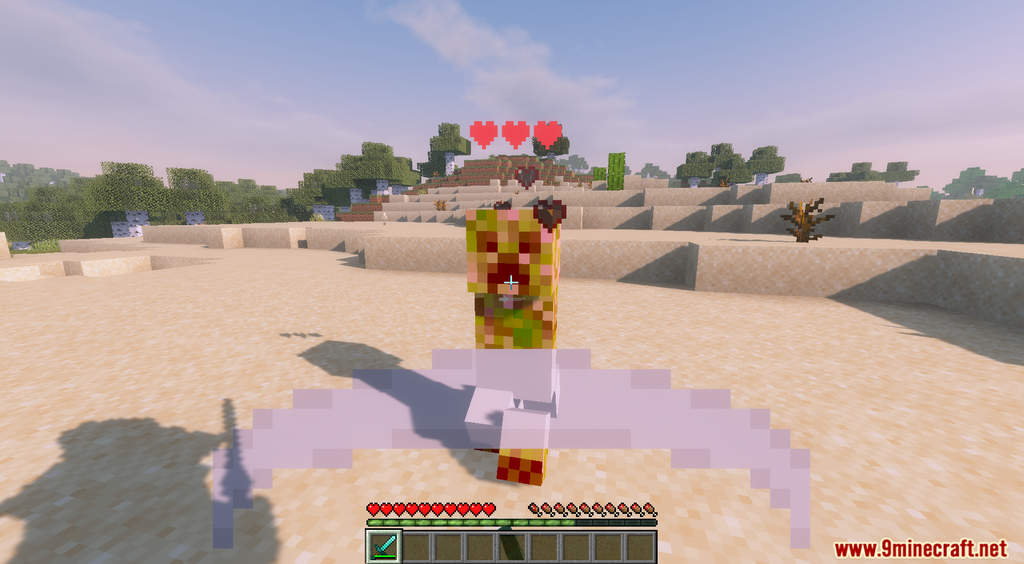
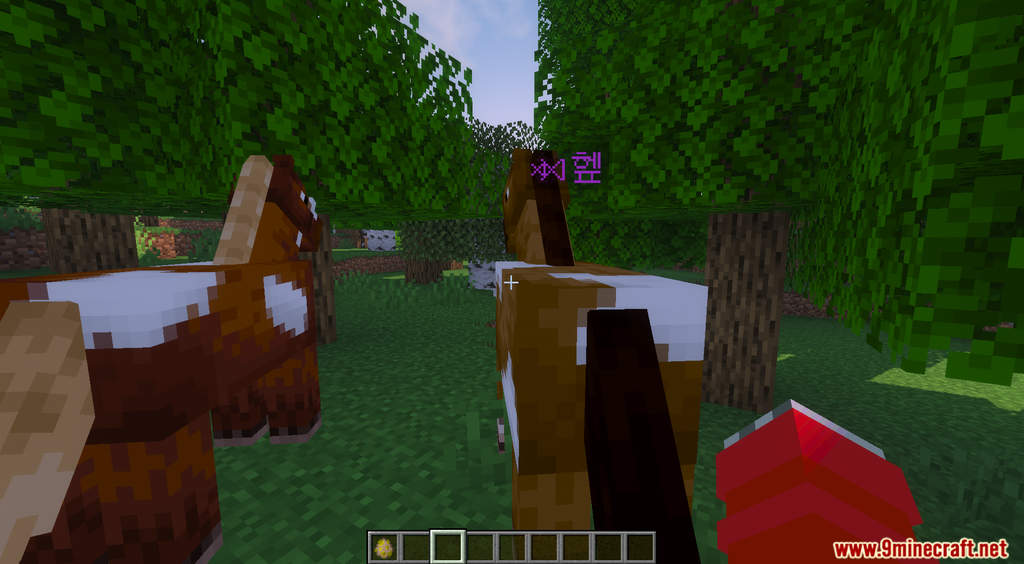
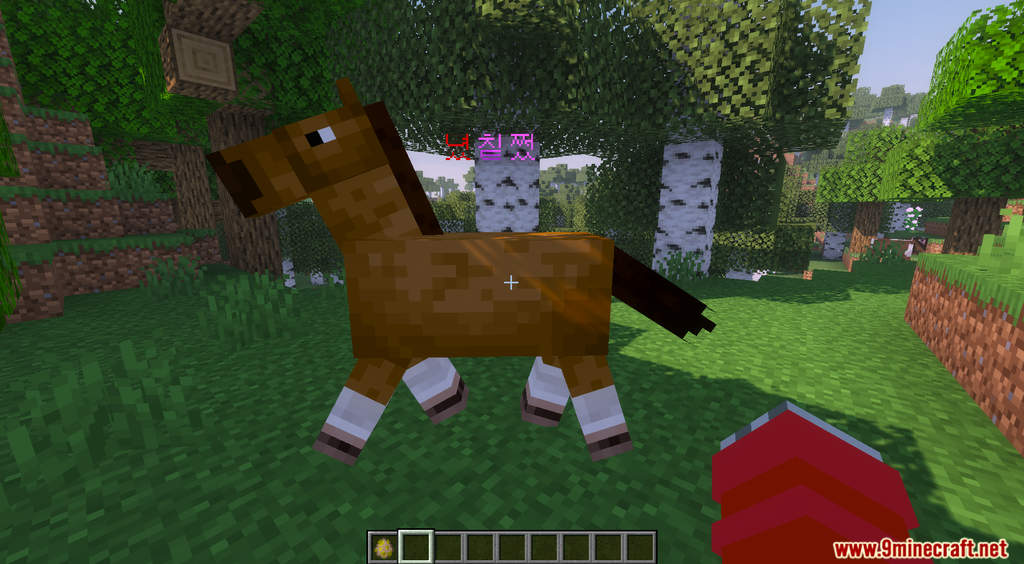

Easy Mob Health Data Pack displays the remaining HP of a creature. Usually, for most of the mob in Minecraft, there is no way for you to tell if they are low or high on HP. However, this is essential information that can be quite critical sometimes. This data pack is a lightweight and straightforward data pack that will see precisely how many HP a mob has left. After installing this data pack, there will be a display bar on top of every mob to indicate their remaining HP. Have fun!
Features:
- Displays the HP for all creatures.
- Heart symbol indicates if a mob has 1 to 20 HP.
- Random purple symbol indicates if a mob has 21 to 40 HP.
- Random golden symbol indicates if a mob has more than 40 HP.
Screenshots:


Easy Mob Health Data Pack Download Links
For Minecraft 1.19.3, 1.19.2, 1.19
For Minecraft 1.18.2, 1.18.1
For Minecraft 1.17.1
- Edition: Minecraft Java
- File type: .jar
- Minecraft versions listed: 1.19.3, 1.18.2
- How to install: Install the matching mod loader (Forge, Fabric or NeoForge) for your Minecraft version. → Download the .jar. → Put it in the .minecraft/mods folder and launch that loader profile.
- Where to get it: In MC Java Mods, or directly above on this page.
Install steps are the general flow for this file type — see the MC Java Mods guides for the full walkthrough.
Easy Mob Health Data Pack (1.19.3, 1.18.2) – Health Indicator is a free Minecraft Java datapack. Compatible with Minecraft 1.19.3, 1.18.2. Download it and open it directly in the game.