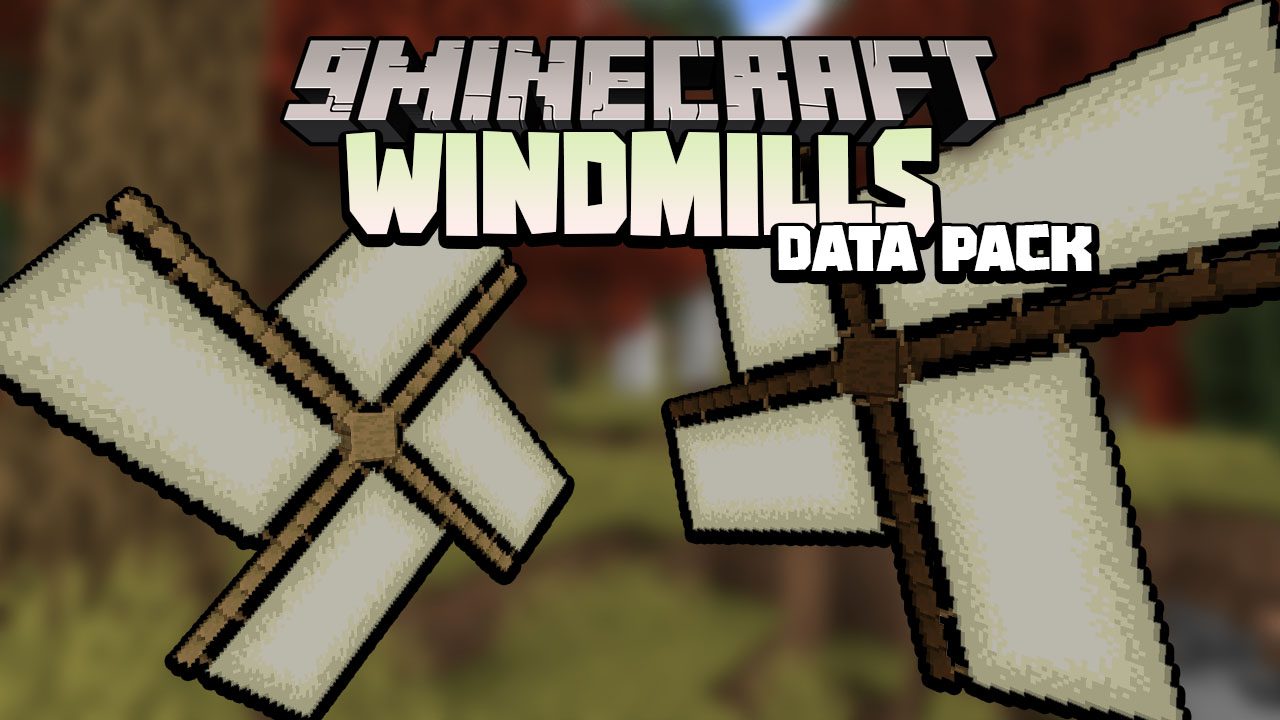
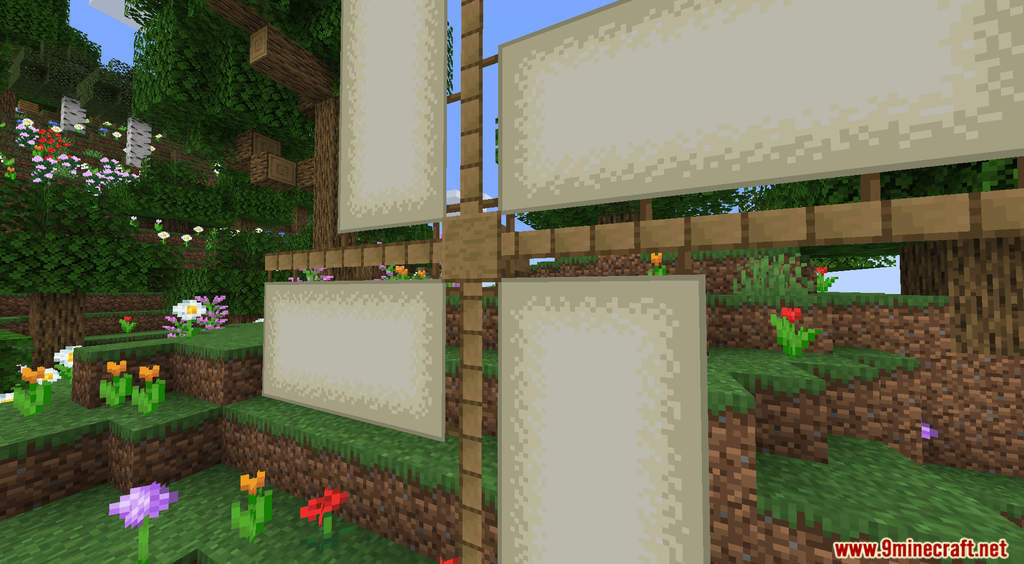
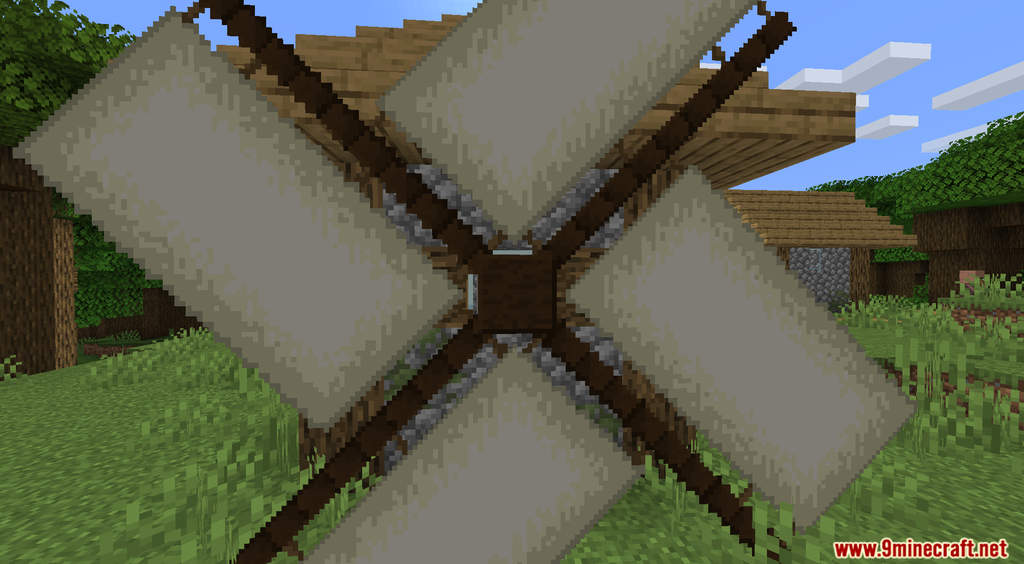
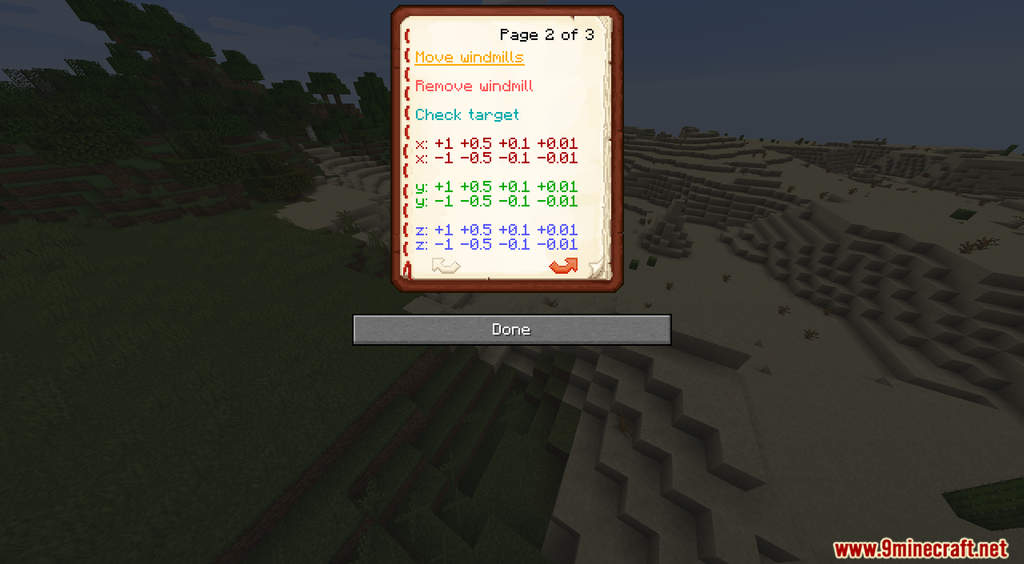
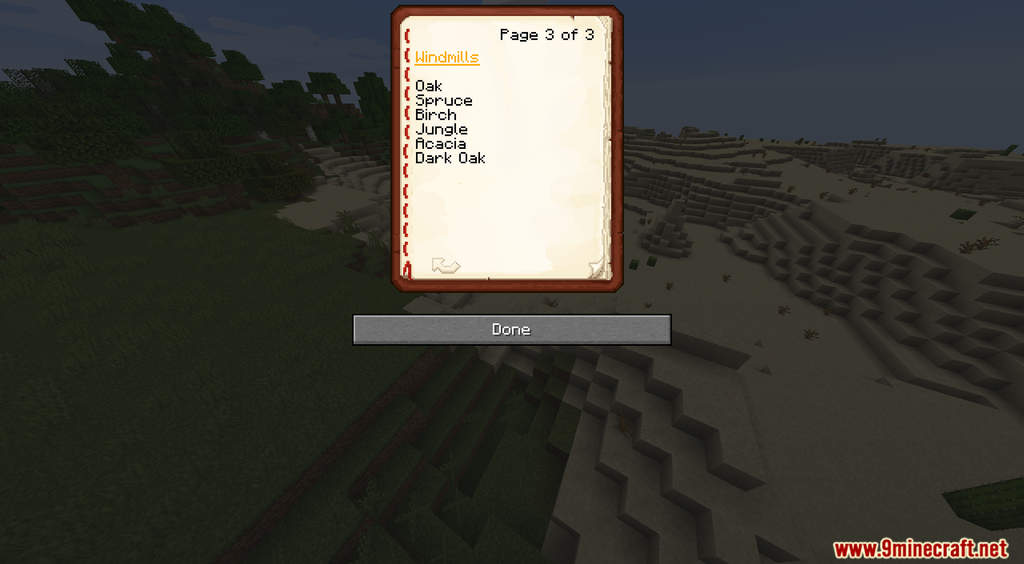
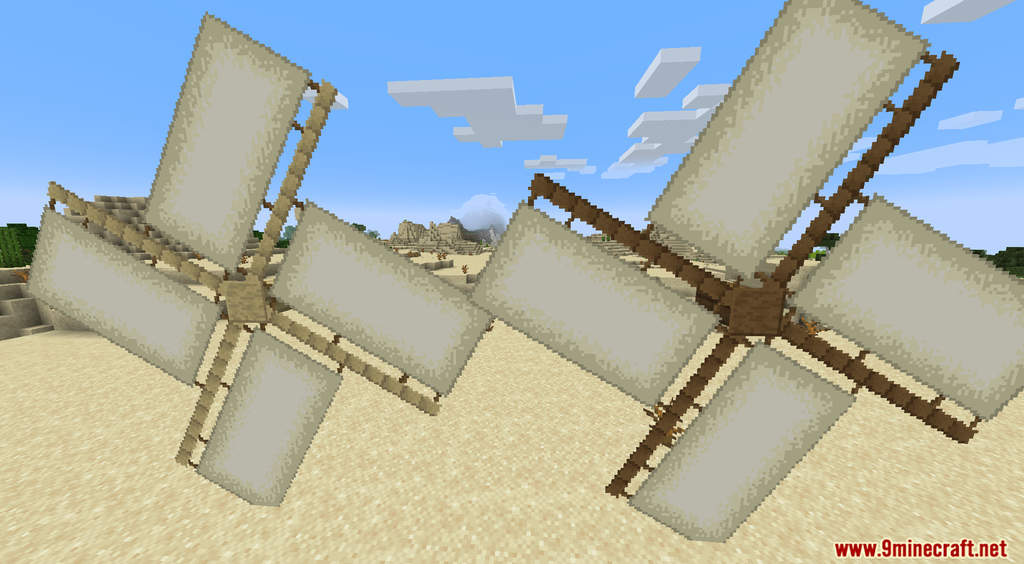
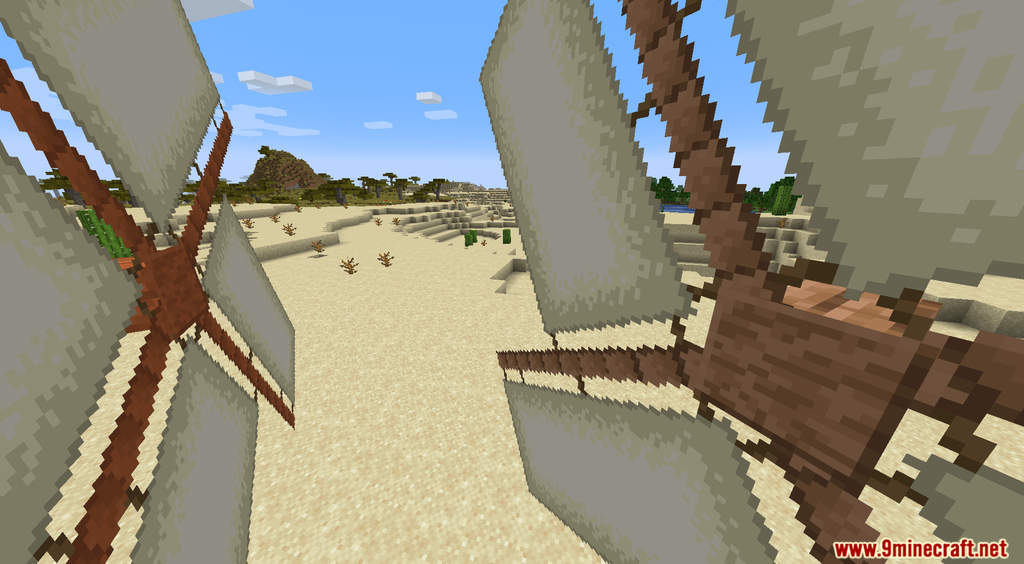
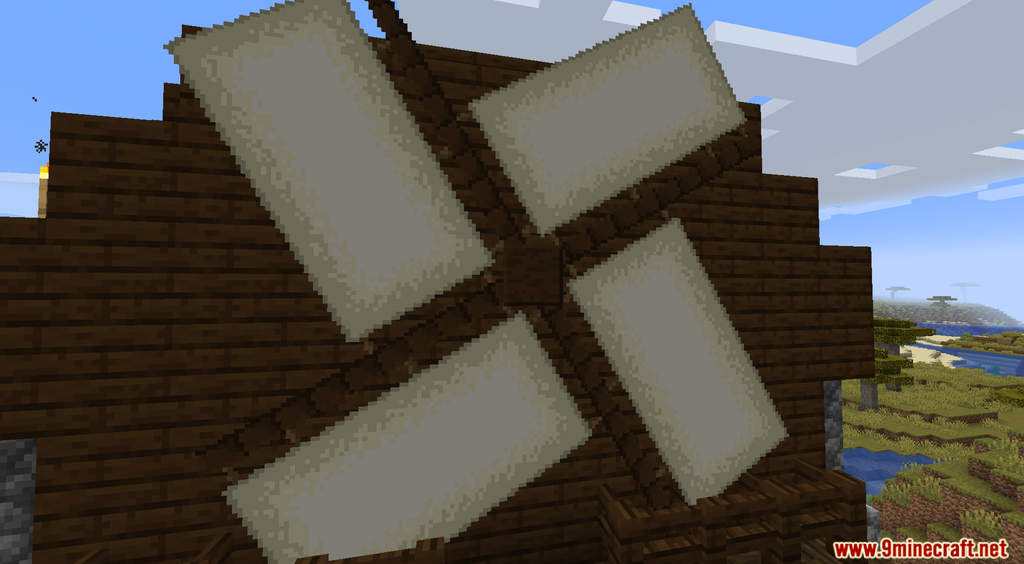
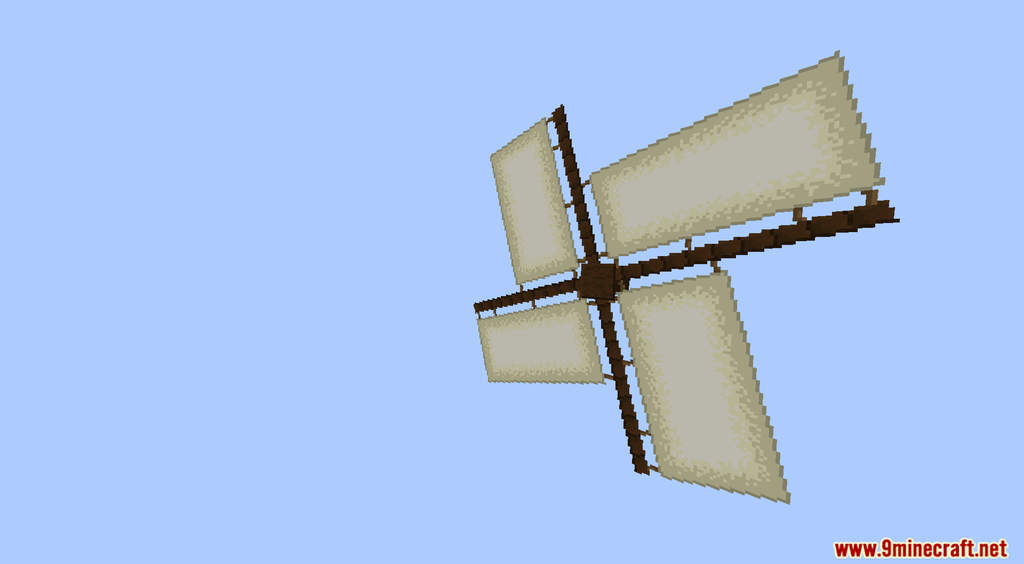
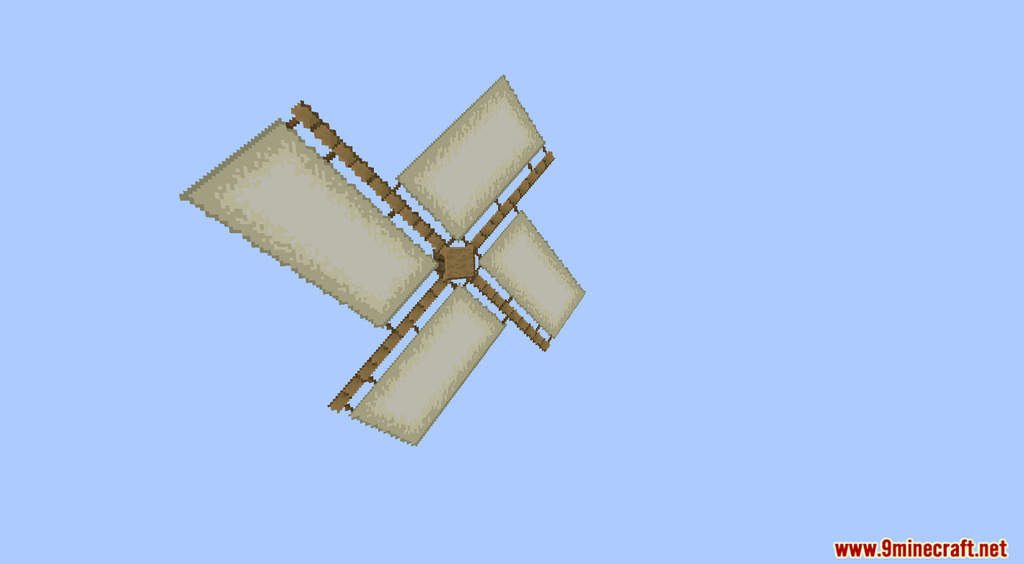
Windmills Data Pack introduces a new decorative block into Minecraft. As the name suggested, this new block is a windmill. It’s not just a windmill. It is an animated windmill that will help you make your build more lively! To create a windmill, you need the control book. Use this command to get the control book [/function ercerus:windmills/command_book]. This control book is everything you need in this data pack. When you have the control book in hand, you can create, destroy, move, or rotate your windmills however you want. Have fun!
Features:
- Animated windmill block.
Screenshots:

Windmills Data Pack Download Links
For Minecraft 1.19.4, 1.19.2, 1.19.1, 1.19
Data Pack: Download from Server 1
Resource Pack: Download from Server 1
For Minecraft 1.18.2, 1.18.1, 1.17.1
Data Pack: Download from Server 1
Resource Pack: Download from Server 1
- Edition: Minecraft Java
- File type: .jar
- Minecraft versions listed: 1.19.4, 1.18.2
- How to install: Install the matching mod loader (Forge, Fabric or NeoForge) for your Minecraft version. → Download the .jar. → Put it in the .minecraft/mods folder and launch that loader profile.
- Where to get it: In MC Java Mods, or directly above on this page.
Install steps are the general flow for this file type — see the MC Java Mods guides for the full walkthrough.
Windmills Data Pack (1.19.4, 1.18.2) – Animated Windmills is a free Minecraft Java datapack. Compatible with Minecraft 1.19.4, 1.18.2. Download it and open it directly in the game.