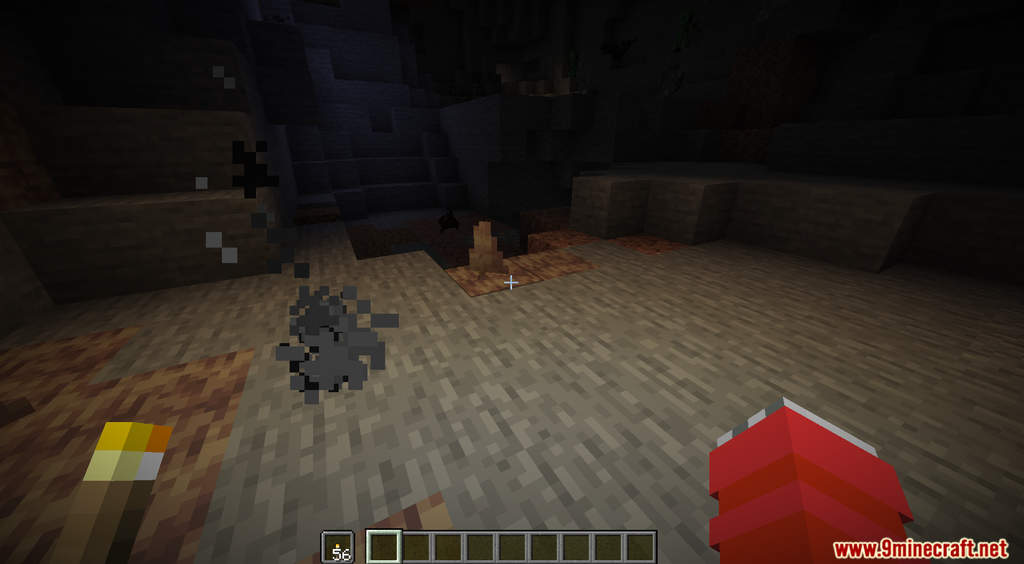
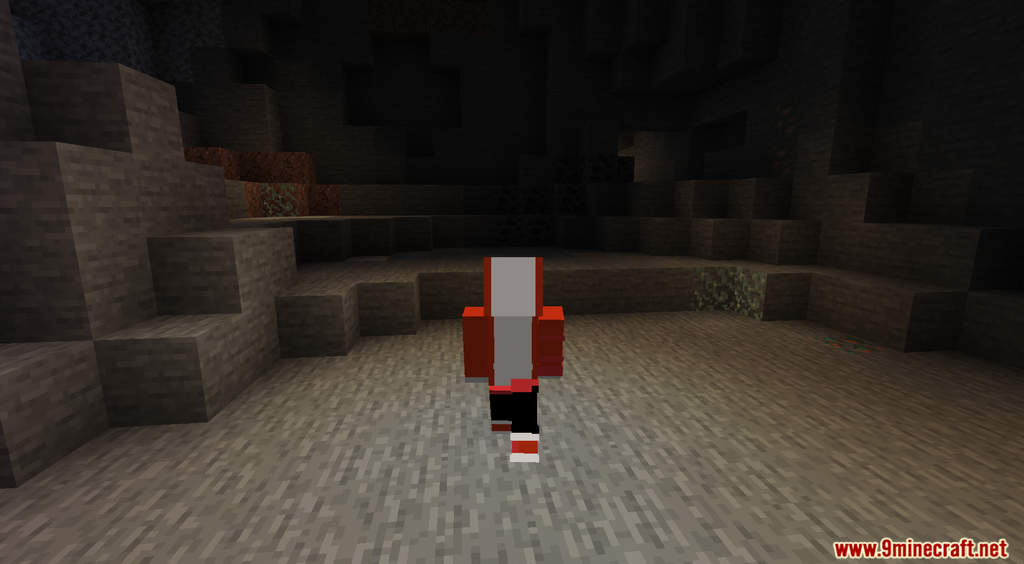
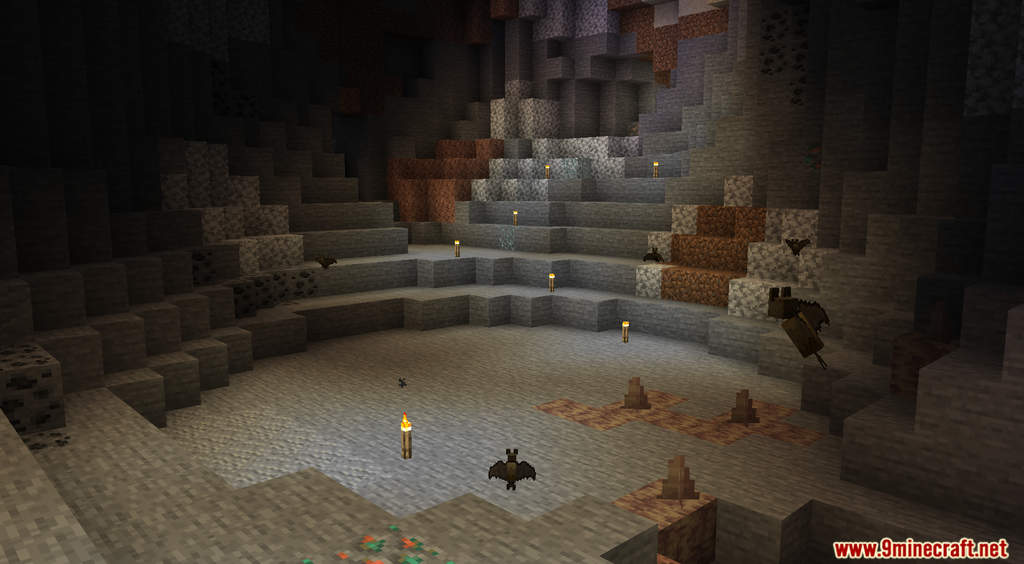
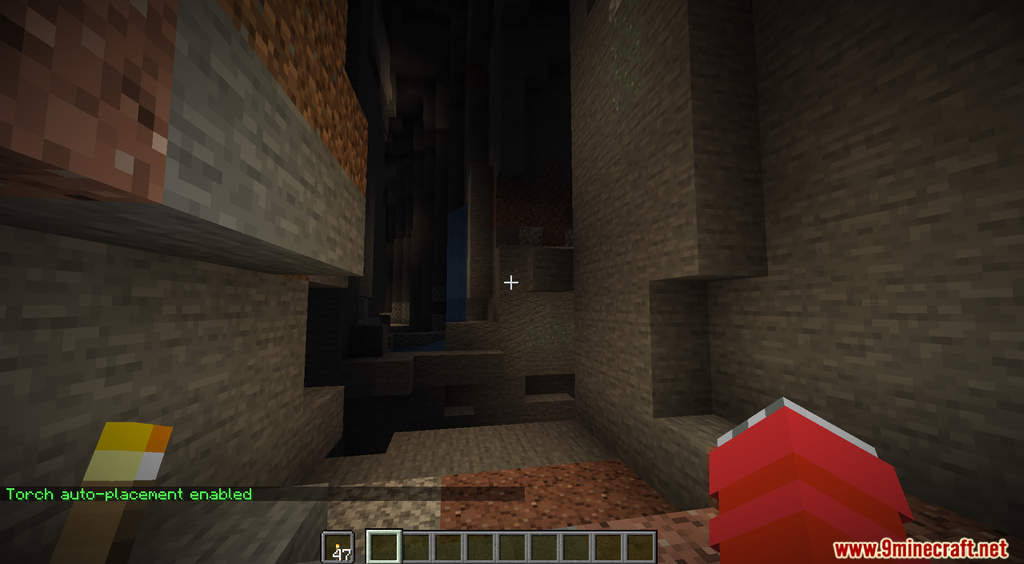
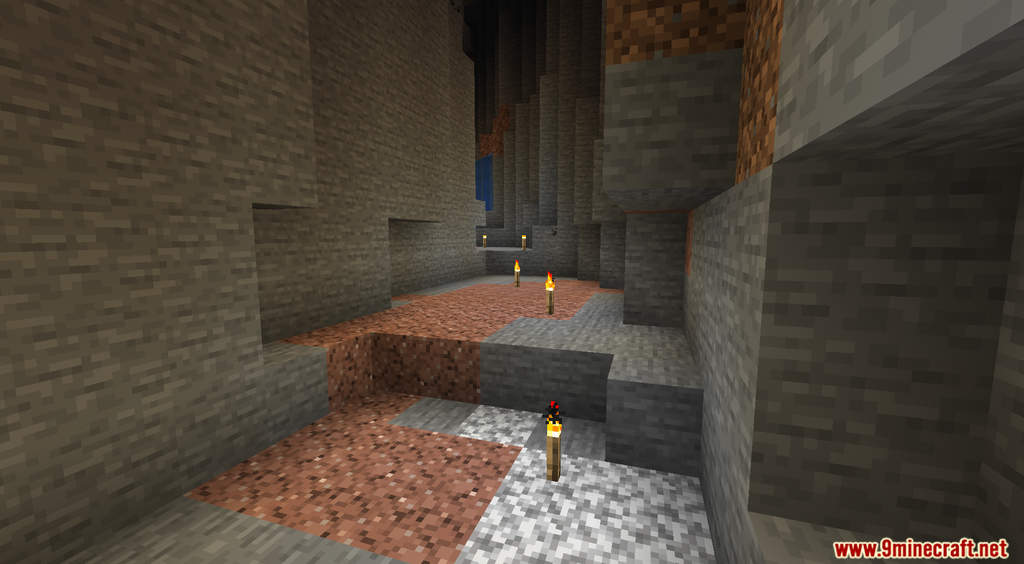
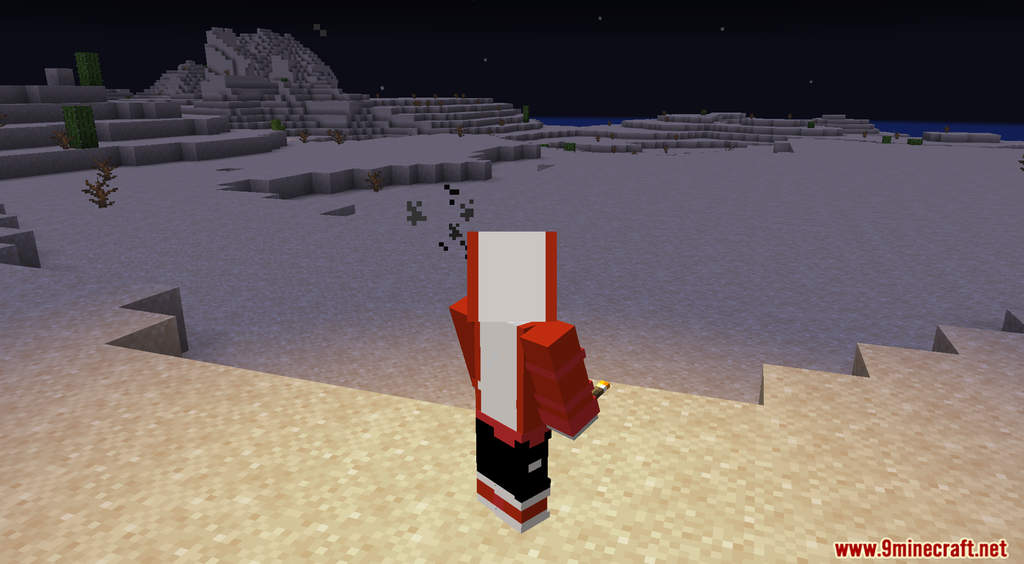
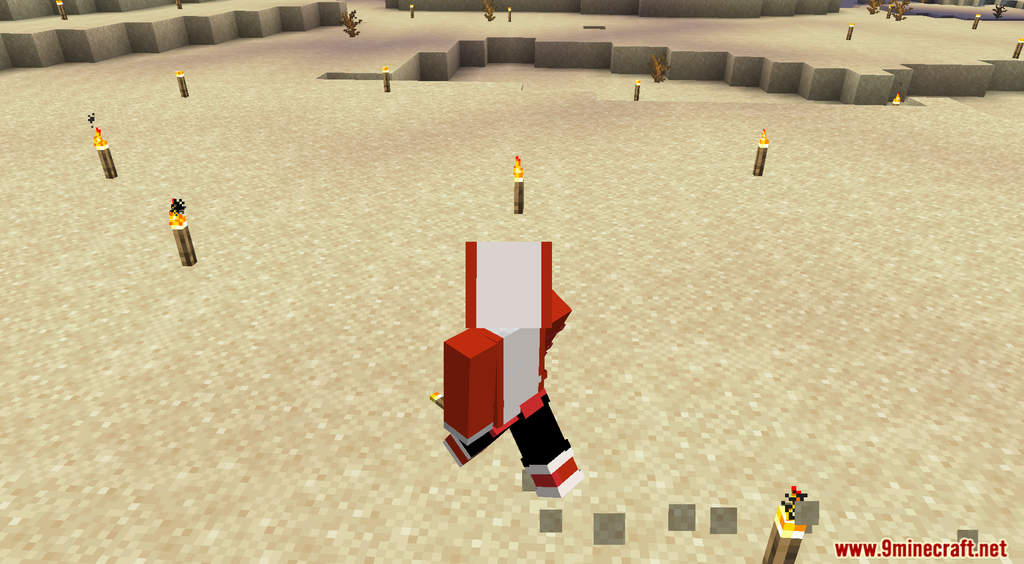
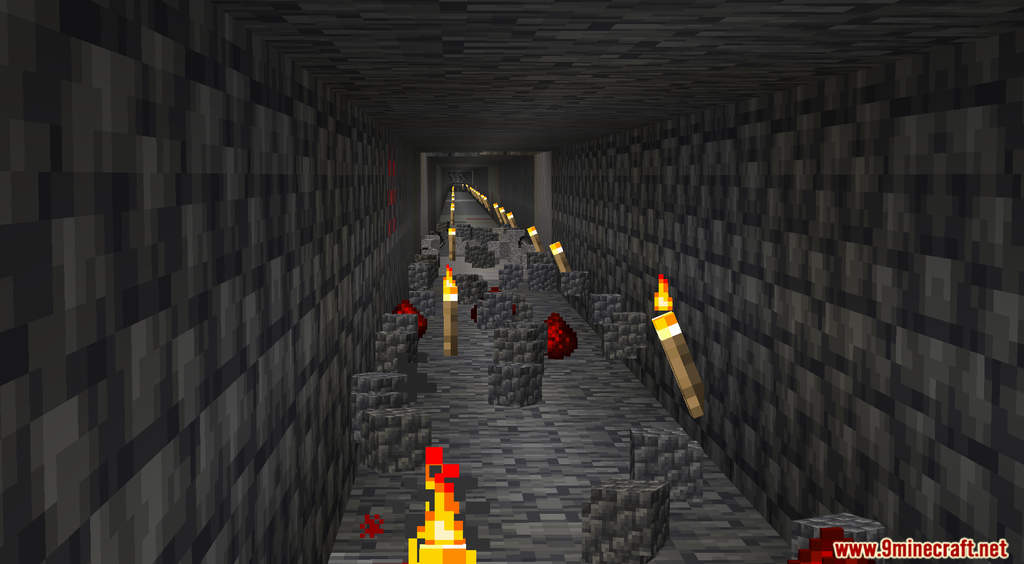
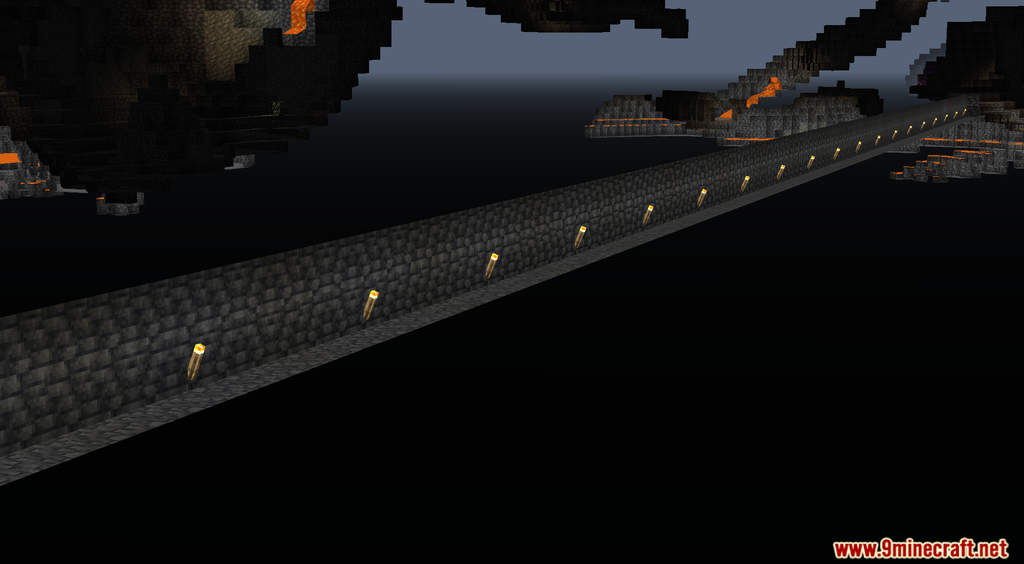
Auto Torch Data Pack is a new feature that can automatically place down torches for you. If you want to see clearly in the night, you need to place down torches. Torches also help you with survivability because they can prevent monsters from spawning. Torches are essential, and you need to remember to place them down wherever you go. This can get really tiresome because of how many torches you need to put down. If you don’t want to manually place down torches every few steps, then this data pack is for you! When you have torches in your off-hand, this data pack will place them down for you if the light level is low enough for hostile mobs to spawn.
Features:
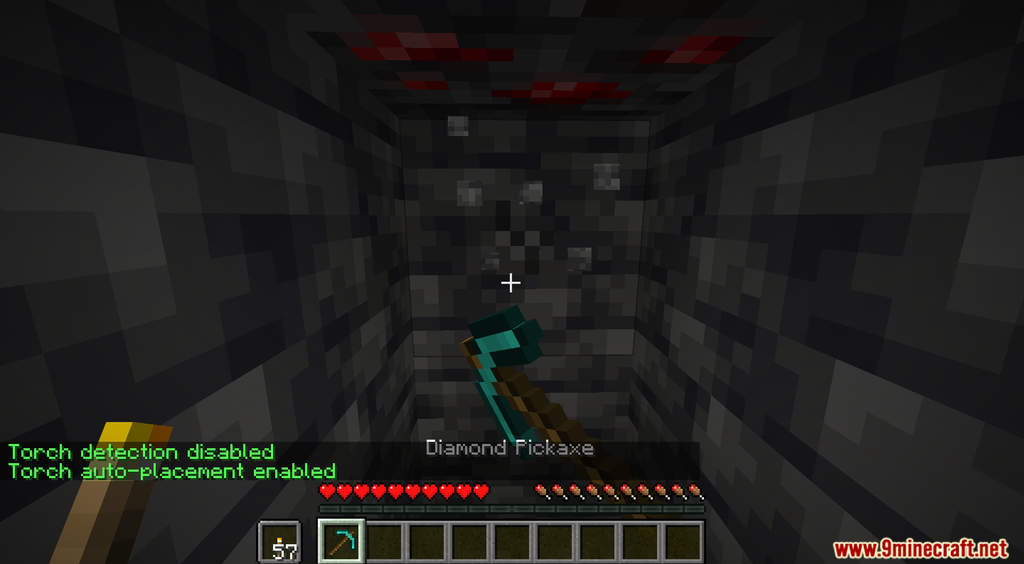
- Automatic torch placement when you have torches in your off-hand.
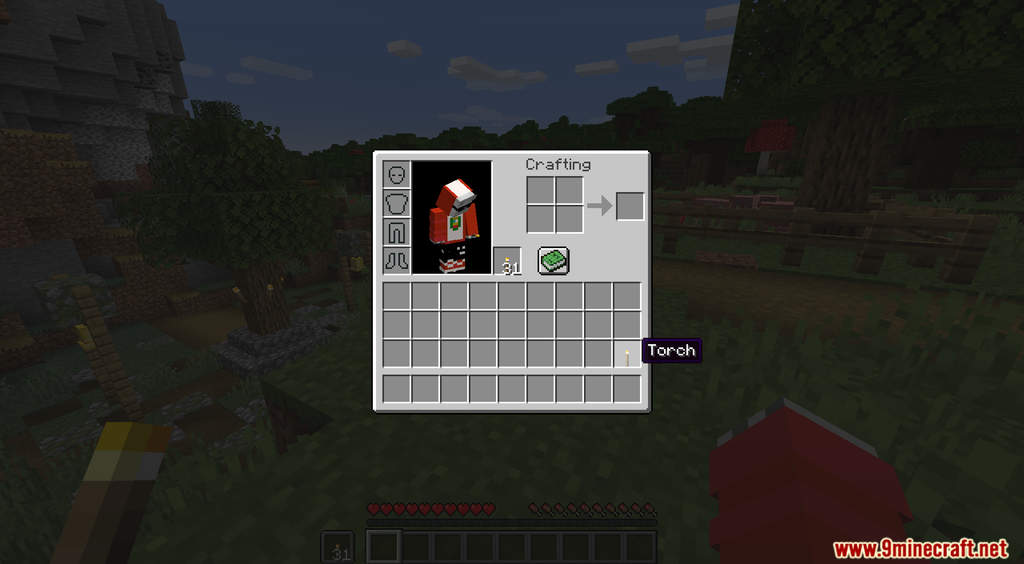
- Place a torch in the lower-right corner of your inventory to disable auto-torch features.
Screenshots:

Auto Torch Data Pack Download Links
For Minecraft 1.18.2
For Minecraft 1.18.1, 1.17.1
- Edition: Minecraft Java
- File type: .jar
- Minecraft versions listed: 1.18.2, 1.17.1
- How to install: Install the matching mod loader (Forge, Fabric or NeoForge) for your Minecraft version. → Download the .jar. → Put it in the .minecraft/mods folder and launch that loader profile.
- Where to get it: In MC Java Mods, or directly above on this page.
Install steps are the general flow for this file type — see the MC Java Mods guides for the full walkthrough.
Auto Torch Data Pack (1.18.2, 1.17.1) – Automatic Torch Placement is a free Minecraft Java datapack. Compatible with Minecraft 1.18.2, 1.17.1. Download it and open it directly in the game.