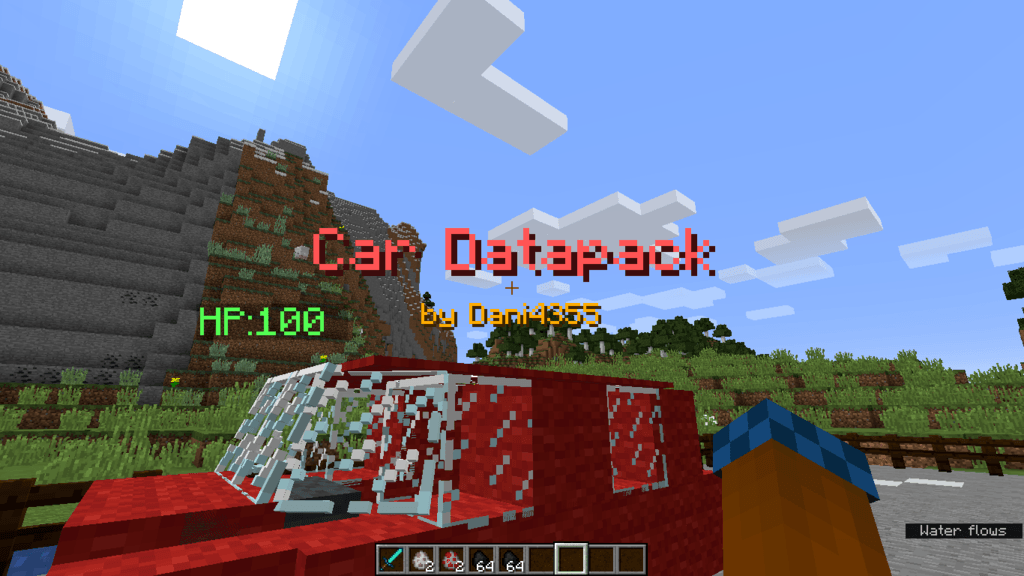
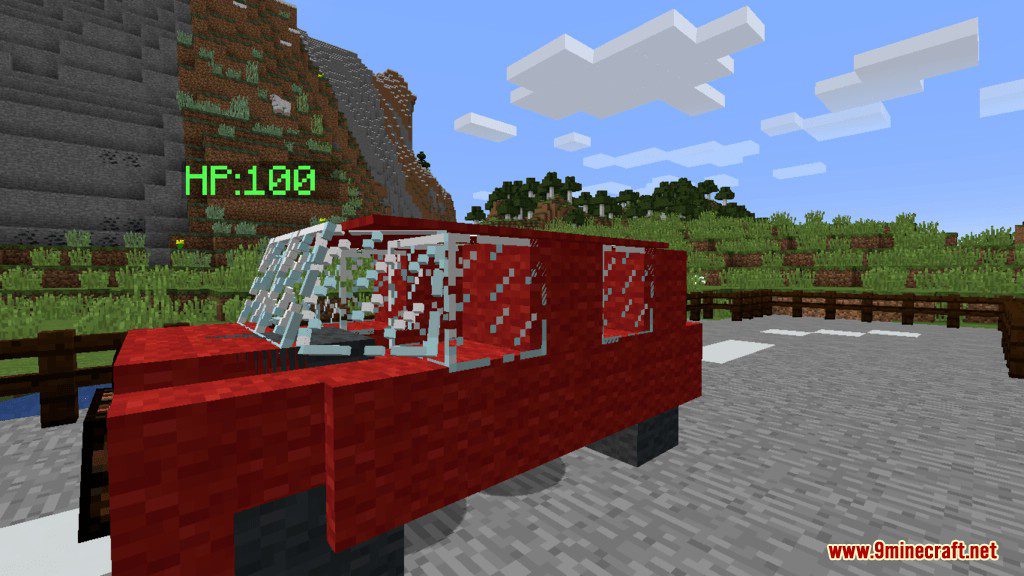
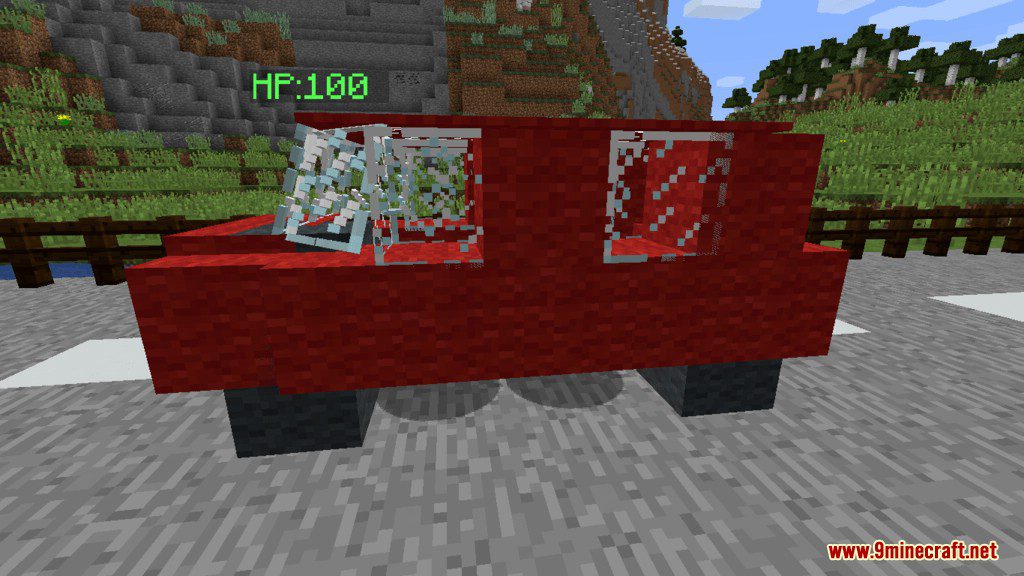
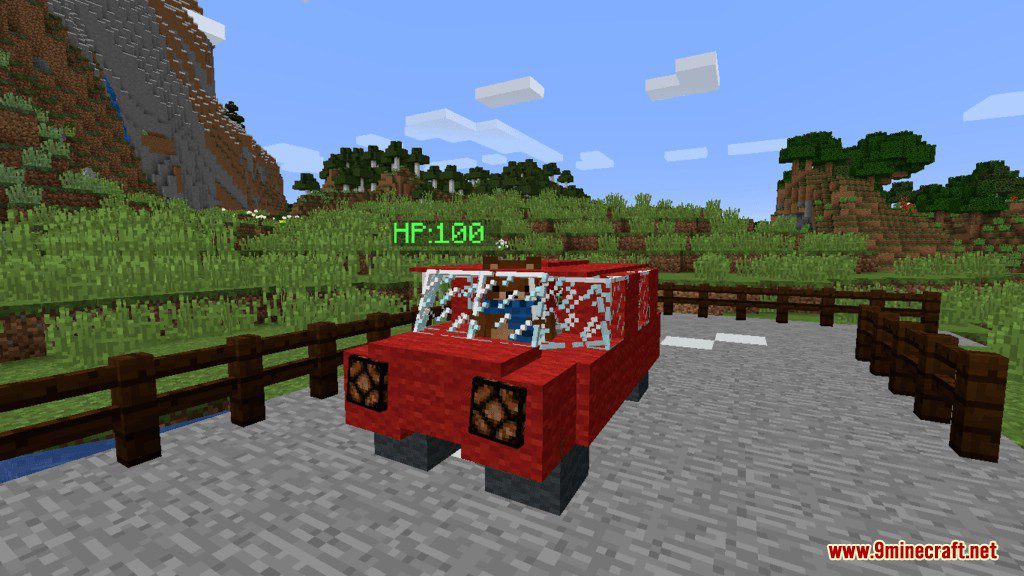
Car Data Pack is exactly what the name tells you, it adds cars in the game for you to travel around faster and safer than walking on foot. The Car has its own model and health bar, you can also interact with the car in many ways.
How to Use:
- Type command /reload to get a car spawn egg, despawn egg and some fuel.
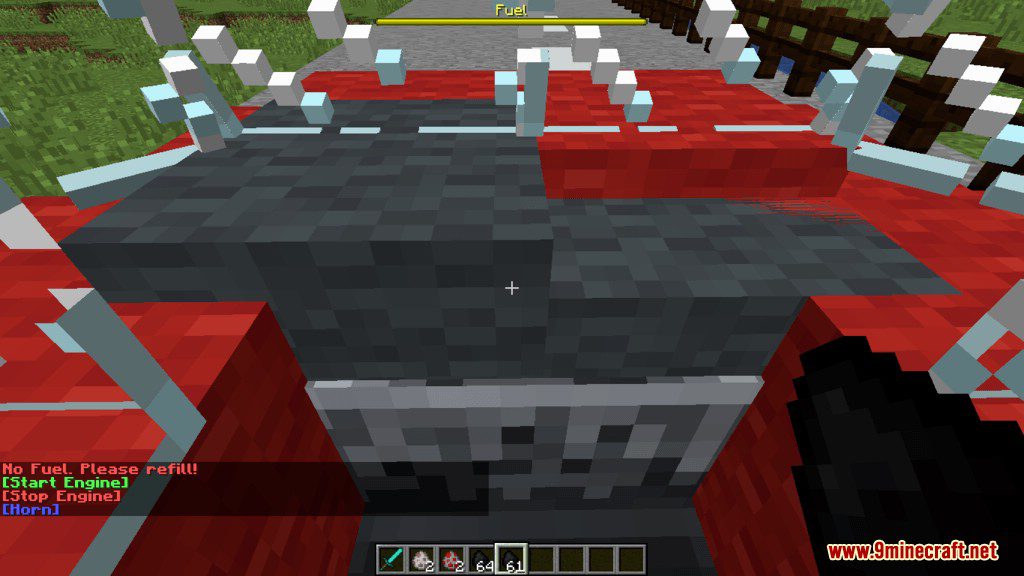
- Throw the fuel on the car to refuel it.
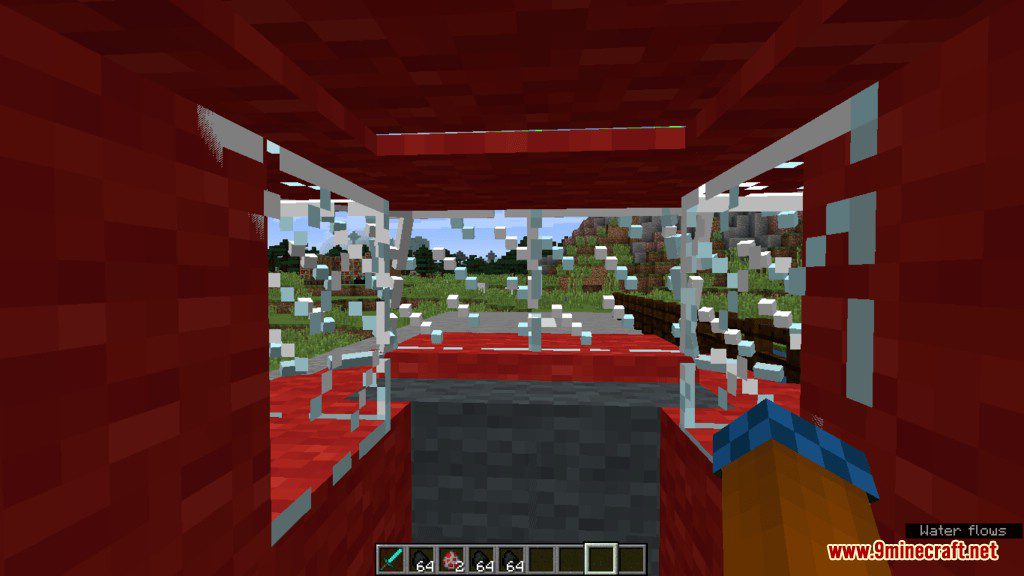
- Sit in the front minecart, click on the start engine to get 5 glass panes.
- Use the 5 glass panes to control the speed.
Features:
- The car has working headlights and sounds.
- t can carry up to 2 players.
- The car has 100HP.
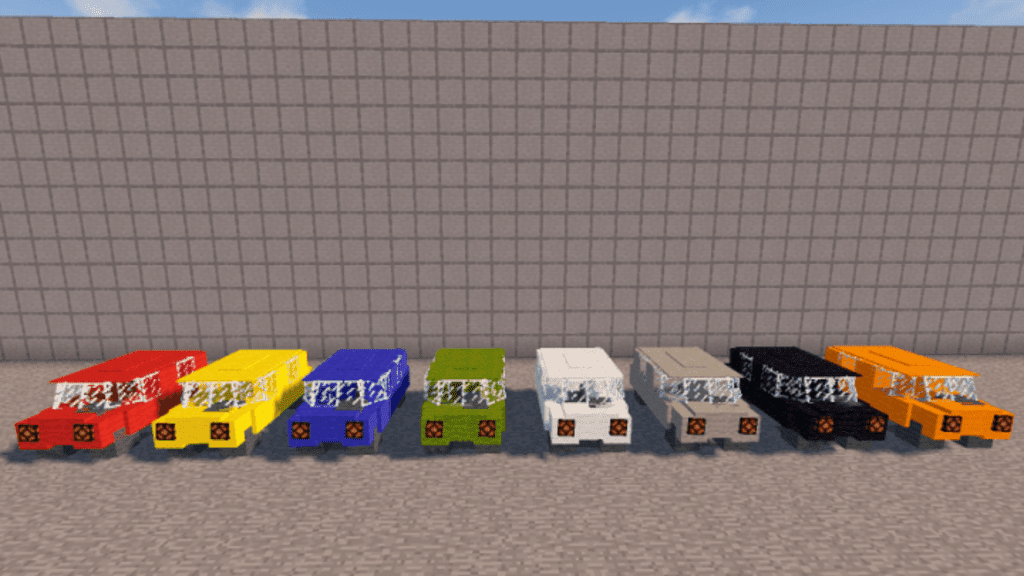
- You can change the color by dropping the dye near the car.
- You can also see how fast you’re driving.
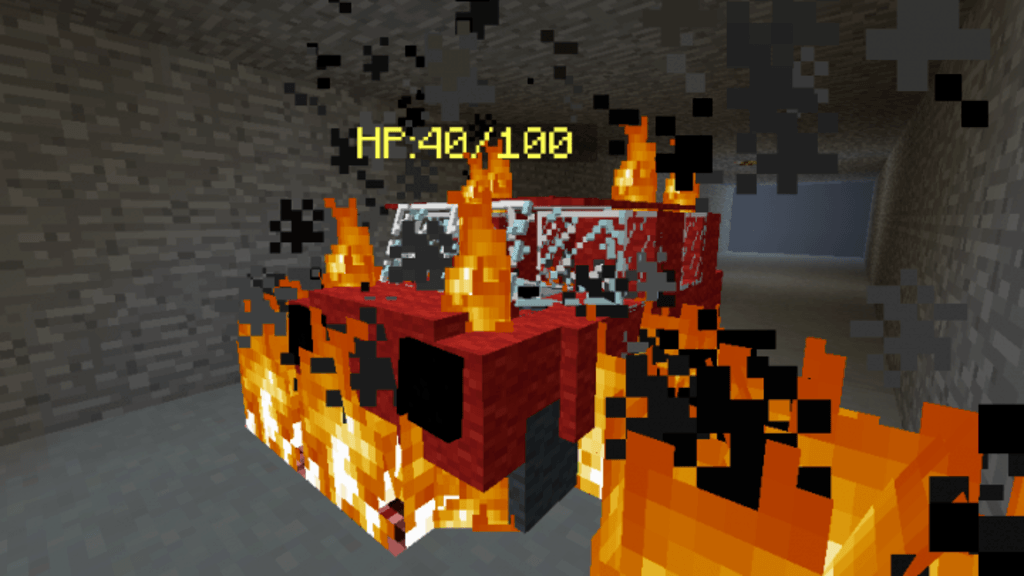
It can be damaged by:
- Shooting an arrow.
- Driving into fire.
- Exploding TNT.
- Driving at high speed into a wall.
Screenshots:
Car Data Pack Download Links
For Minecraft 1.14, 1.13.2
For Minecraft 1.16.5
Quick facts
- Edition: Minecraft Java
- File type: .jar
- Minecraft version listed: 1.16.5
- How to install: Install the matching mod loader (Forge, Fabric or NeoForge) for your Minecraft version. → Download the .jar. → Put it in the .minecraft/mods folder and launch that loader profile.
- Where to get it: In MC Java Mods, or directly above on this page.
Install steps are the general flow for this file type — see the MC Java Mods guides for the full walkthrough.
Car Data Pack (1.16.5, 1.14) – Minecraft Drifting is a free Minecraft Java datapack. Compatible with Minecraft 1.16.5. Download it and open it directly in the game.