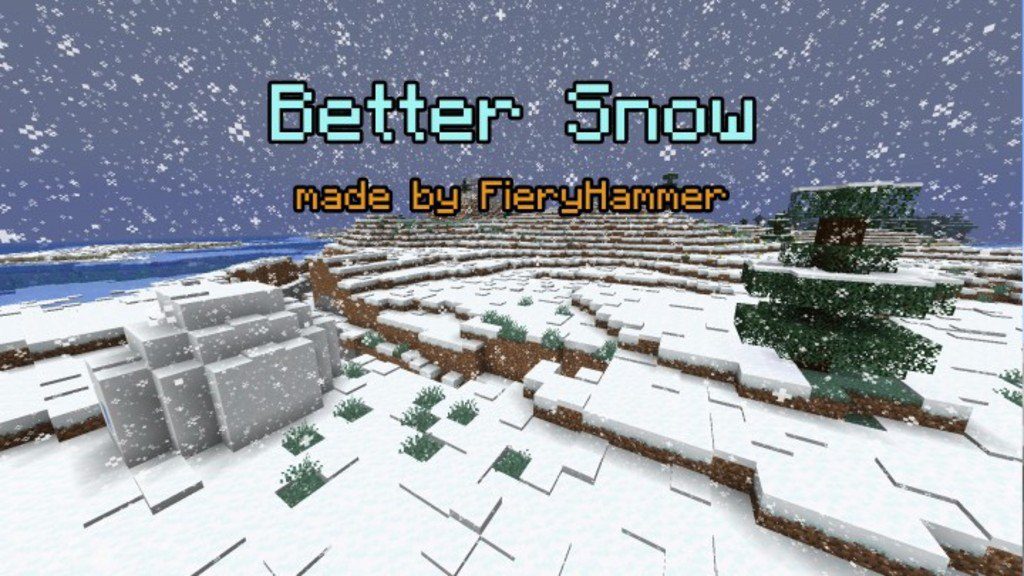
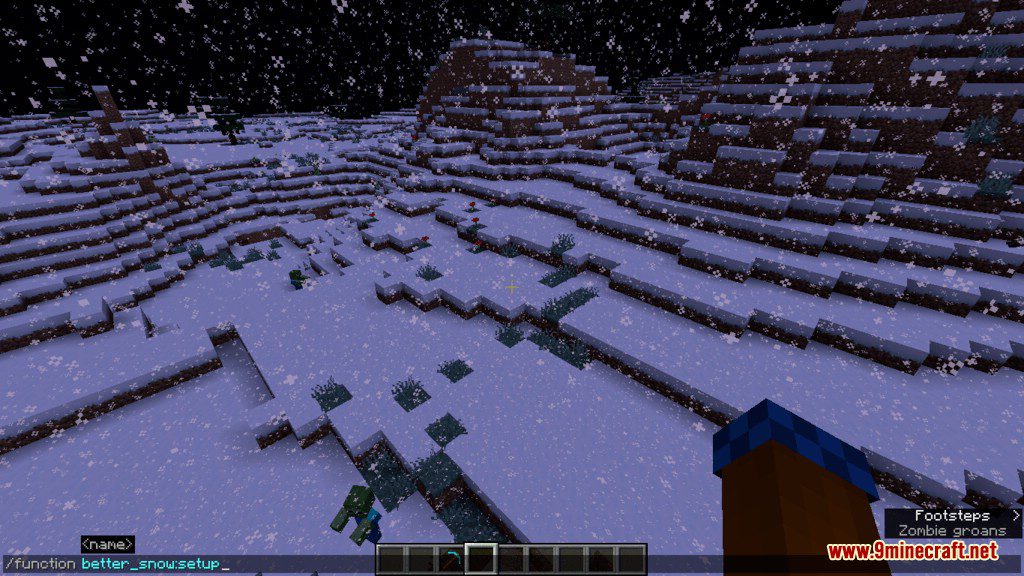
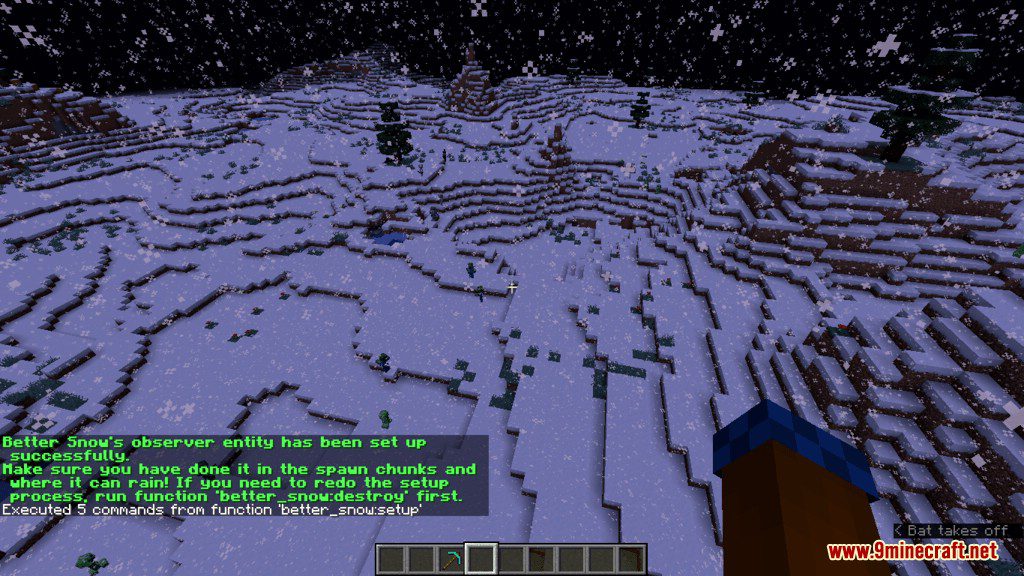
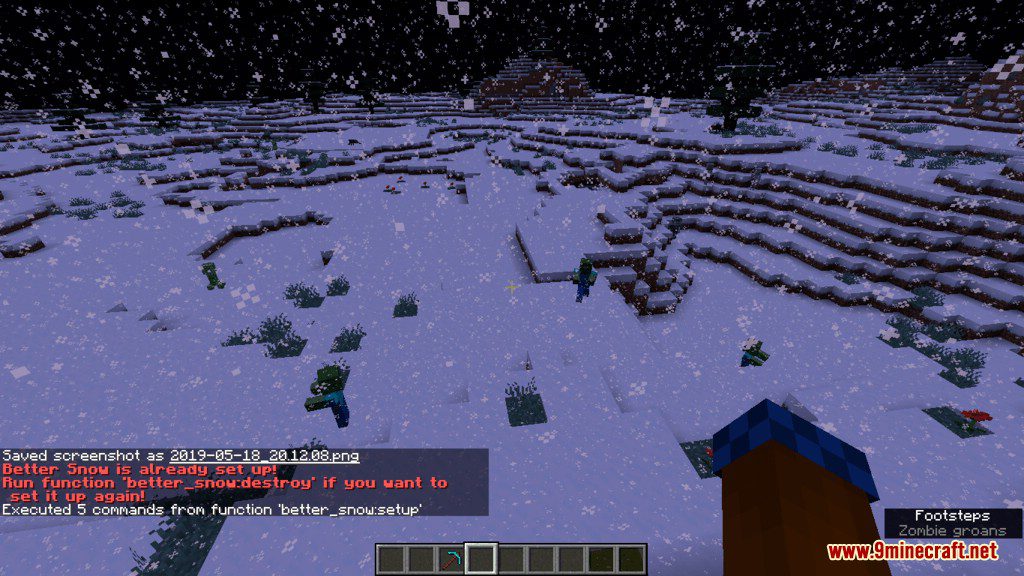
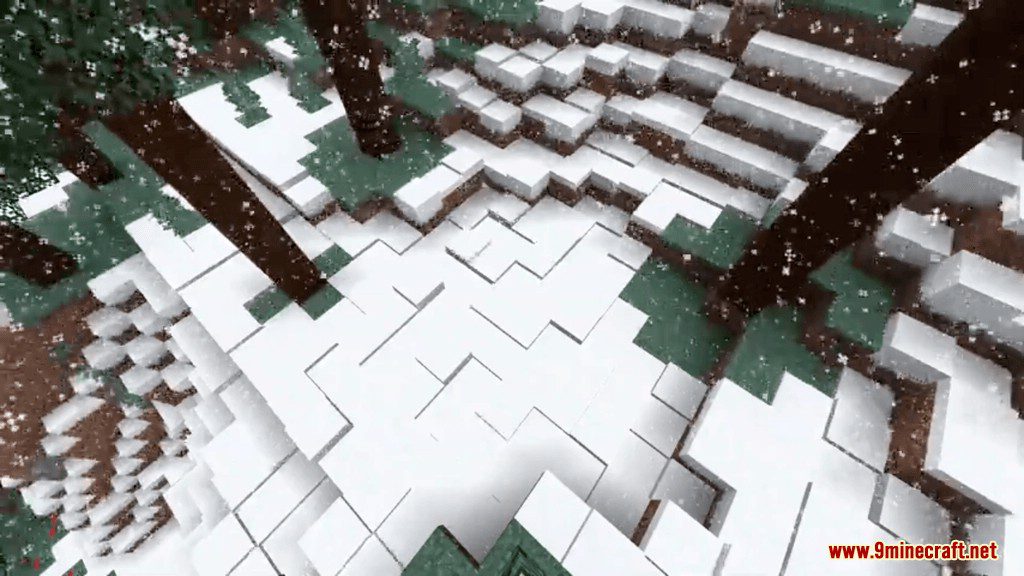
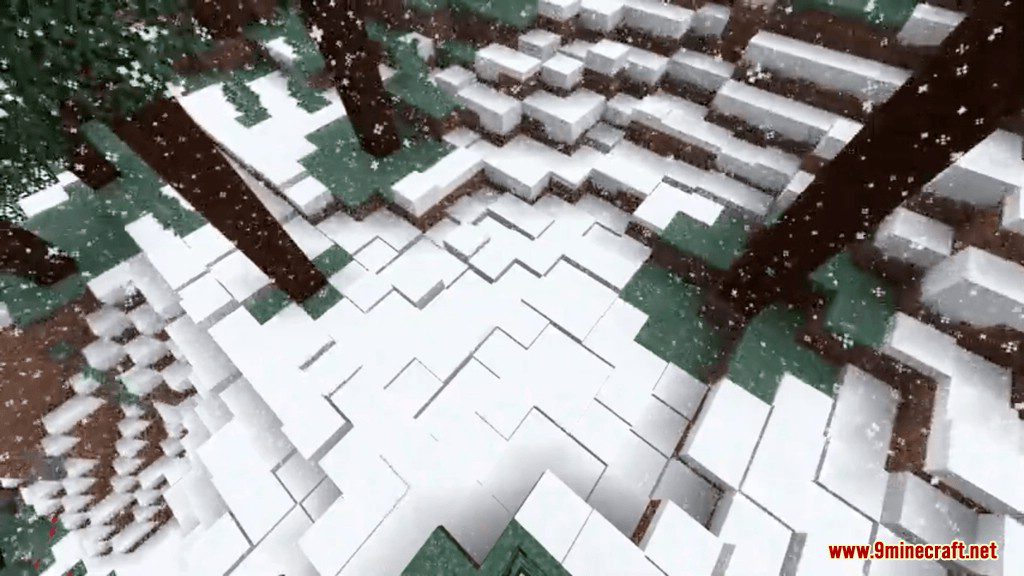
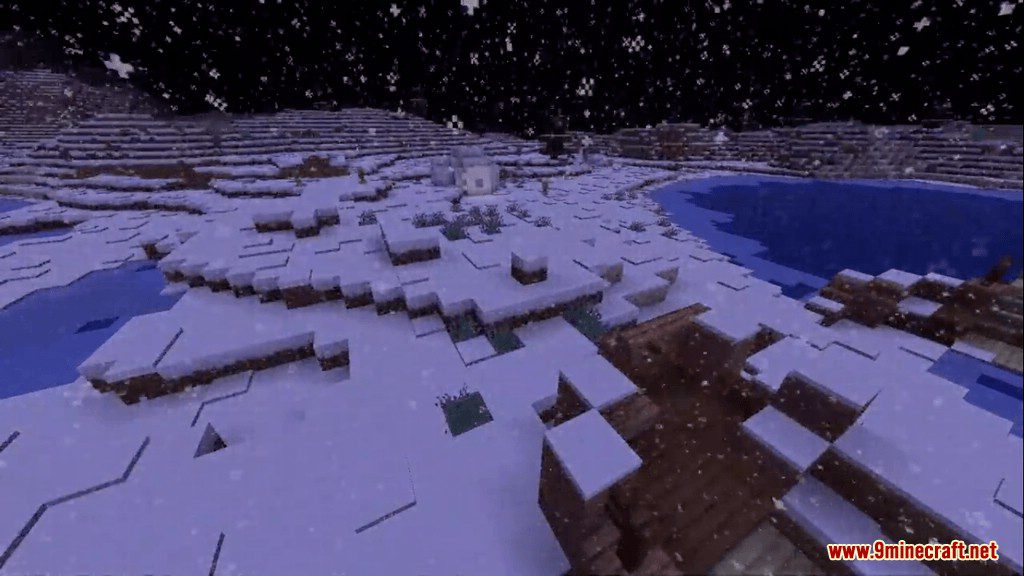
Better Snow Data Pack is an aesthetic improvement data pack to your Minecraft world. You might know that the snowy places in Bedrock Edition are a bit more realistic as the snow layer when it is snowing. So now you can have it in the Java Edition.
How to Use:
- Run the function better_snow:setup in the spawn chunks where it can rain (and not snow).
- After this is done, you will see snow slowly piling up layer by layer in snowy places.
- If there are no places like this, run the command where it is suitable and type ‘/forceload add ~ ~’ in the same place.
- Type command function better_snow:destroy to remove the previous snow layer effect.
- you can’t have 2 function better_snow:setup command in one spot.
Screenshots:
Better Snow Data Pack Download Links
For Minecraft 1.14
For Minecraft 1.15
Quick facts
- Edition: Minecraft Java
- File type: .jar
- How to install: Install the matching mod loader (Forge, Fabric or NeoForge) for your Minecraft version. → Download the .jar. → Put it in the .minecraft/mods folder and launch that loader profile.
- Where to get it: In MC Java Mods, or directly above on this page.
Install steps are the general flow for this file type — see the MC Java Mods guides for the full walkthrough.
Better Snow Data Pack (1.15.2) – It's Snowy Out Side is a free Minecraft Java datapack. Download it and open it directly in the game.