
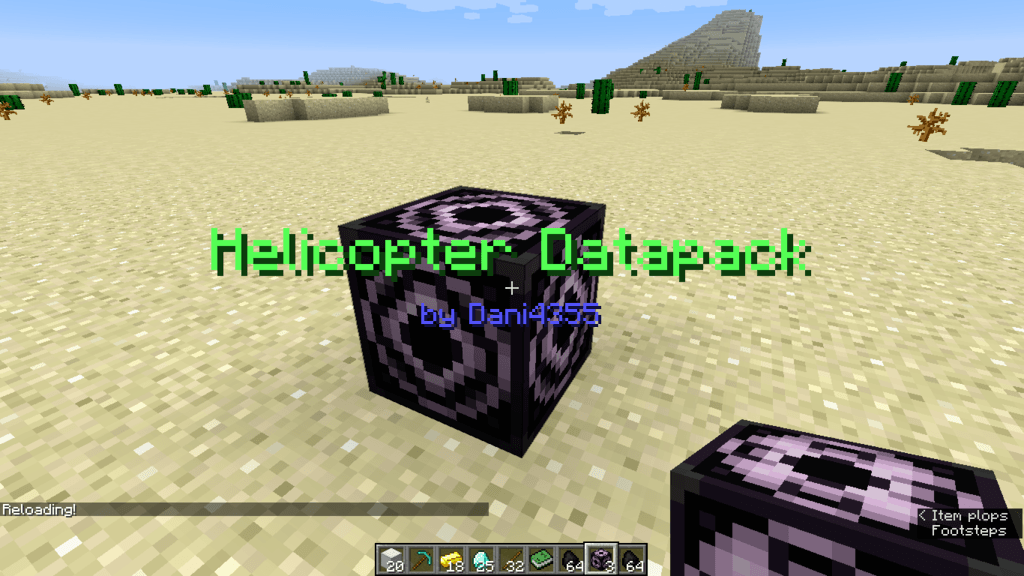
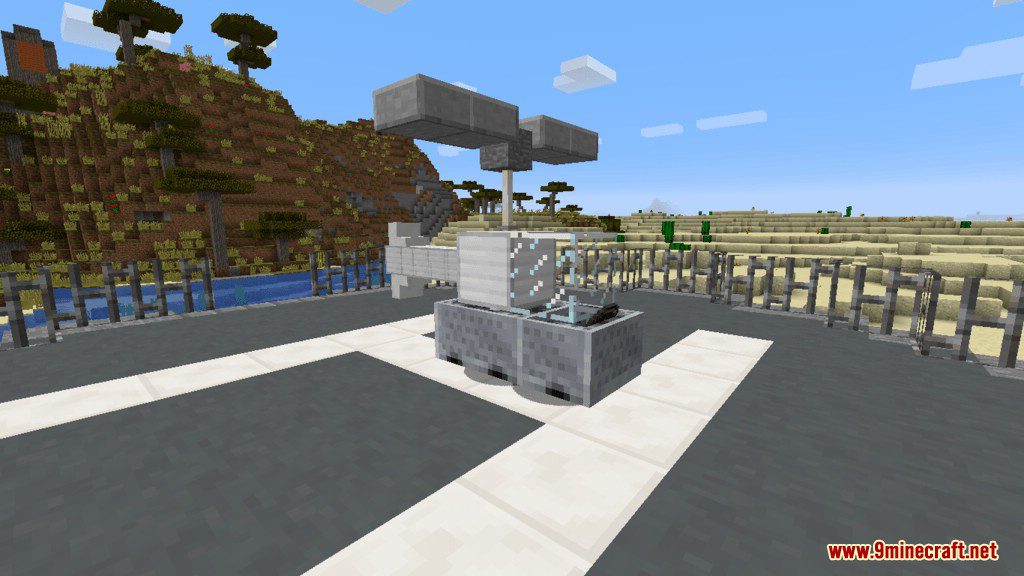
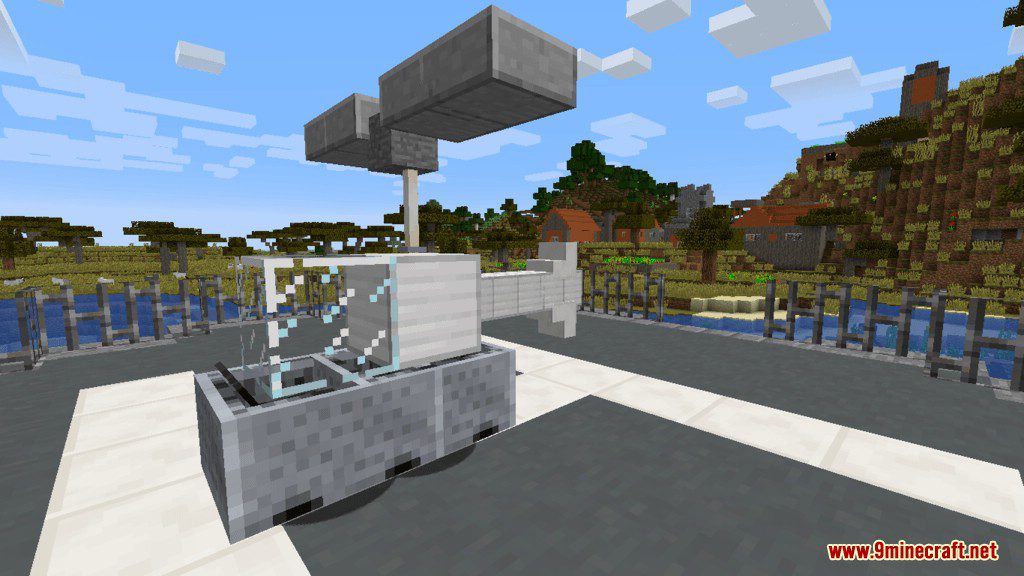
Flying Helicopter Data Pack add to your Minecraft world a new transportation method, a helicopter! So if you identified as an Apache Attack Helicopter, the vehicle doesn’t have weapons on them but this is the closest you can get to a helicopter in Minecraft. So what are you waiting for? hoping and enjoy the ride.
How to Use:
- After installing the data pack you need to type the command /reload.
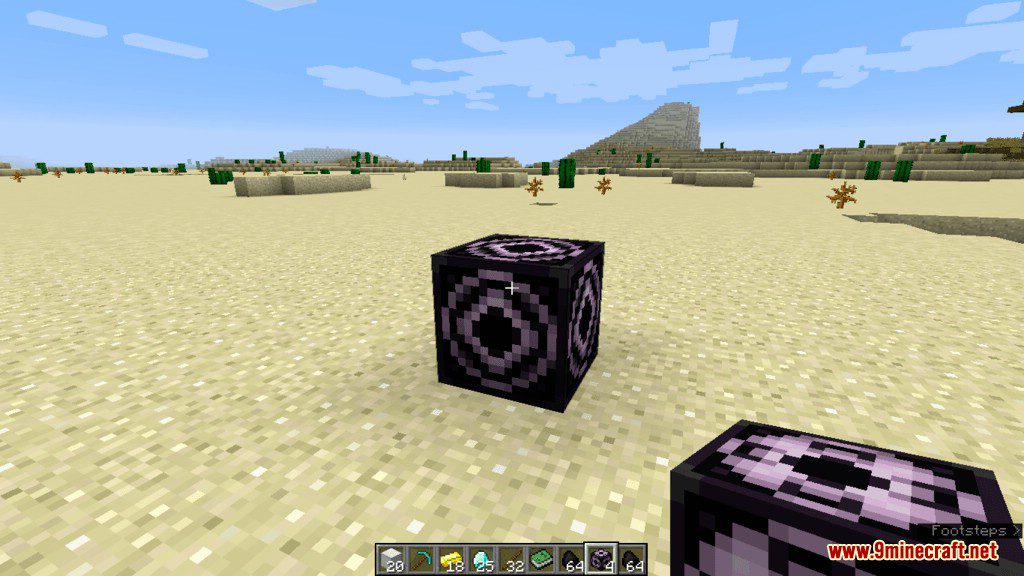
- The game will give you some fuel and a structure block.
- Place the block where you want to position your heliport, then right click the block.
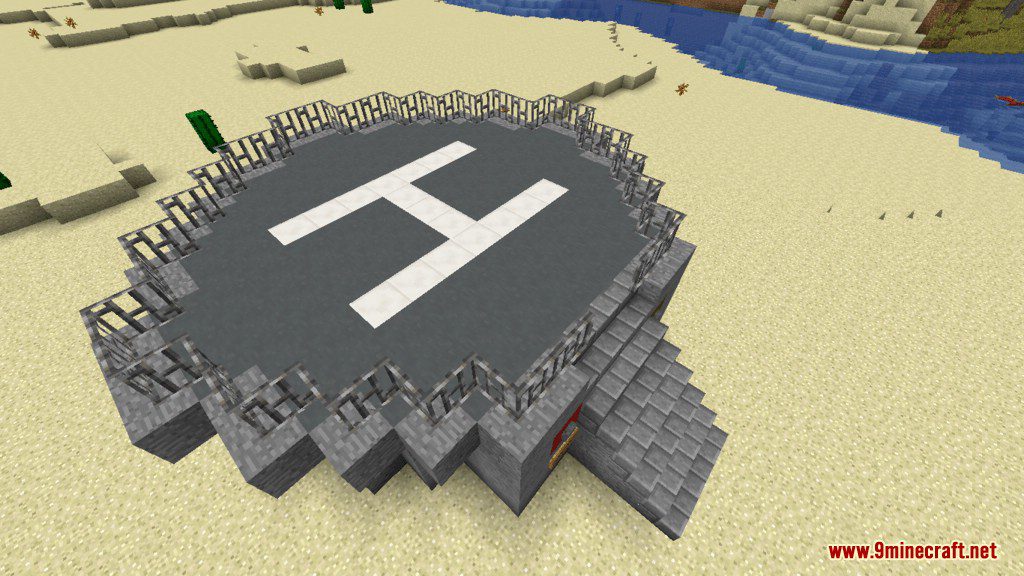
- Chose how tall, wide, long your heliport will be (I recommend 0 : 0 : 0 as it will spawn a default).
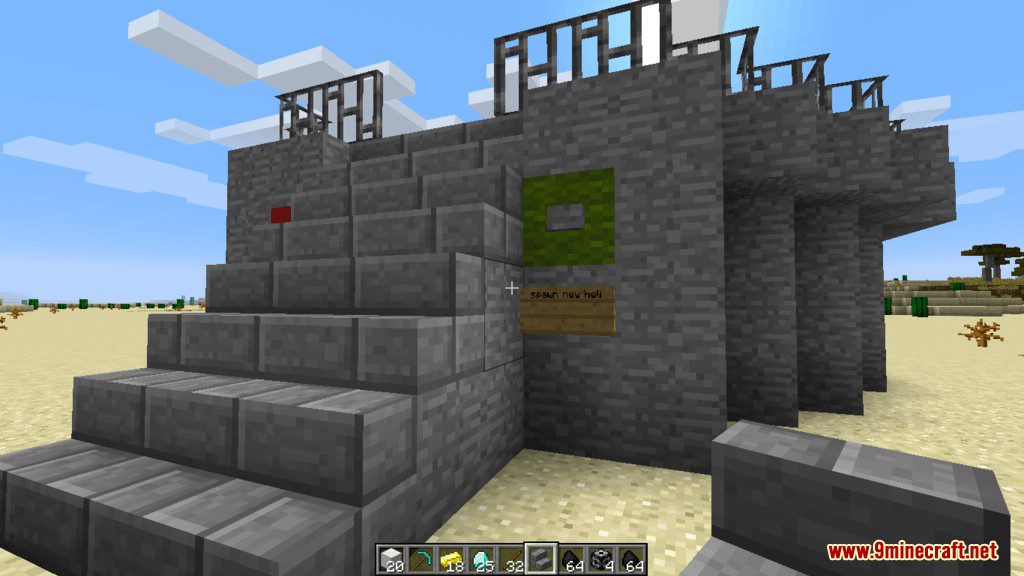
- Click Load 2 times to spawn in your heliport and push the “spawn helicopter” button.
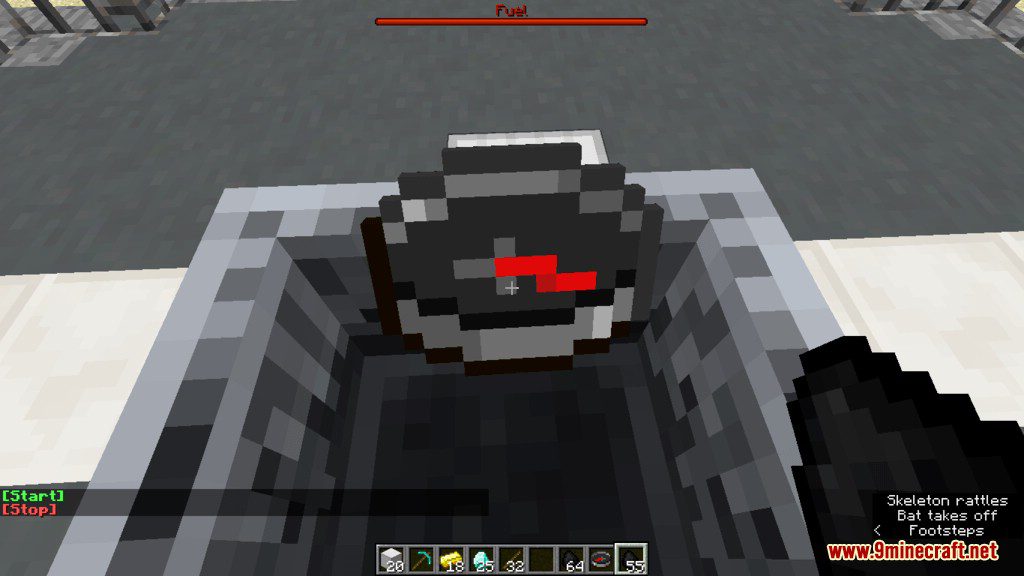
- Throw your fuel on the helicopter (1 should be enough) and press right click to enter.
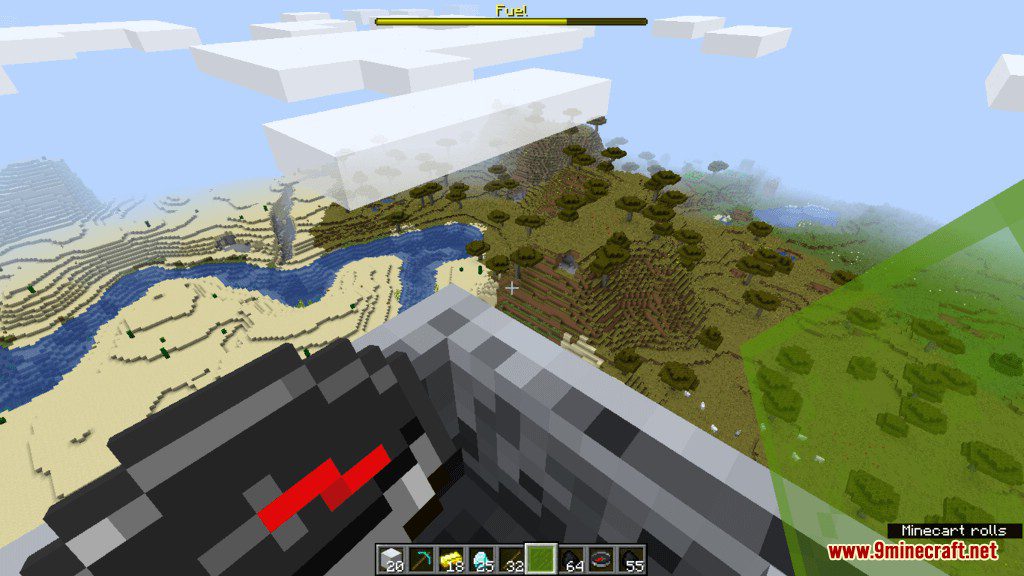
- Open chat to start the engine, then you will receive three different glass panes with that you can control the altitude and the movement.
- You can turn the helicopter if you look in the direction you want to fly.
Screenshots:
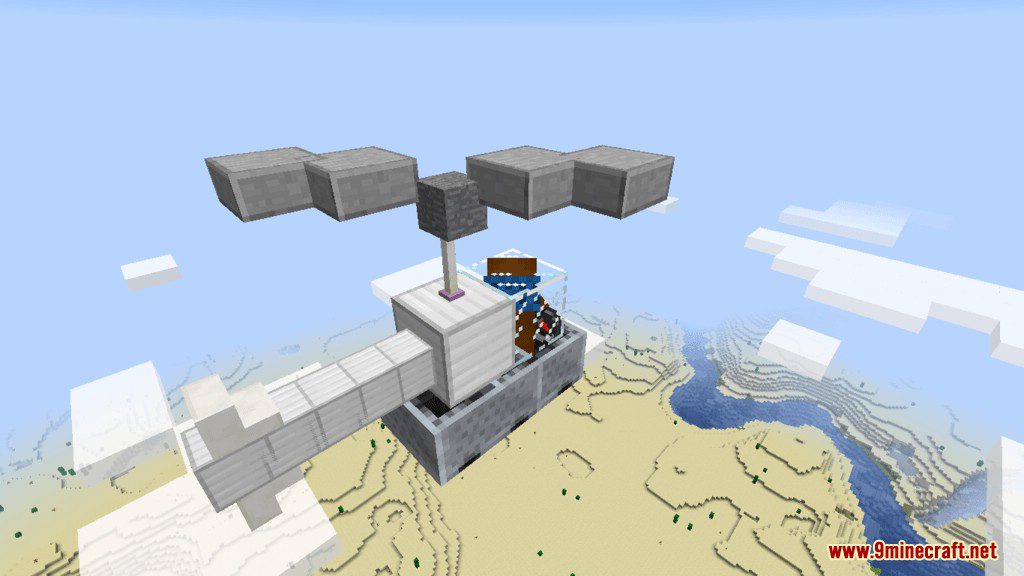
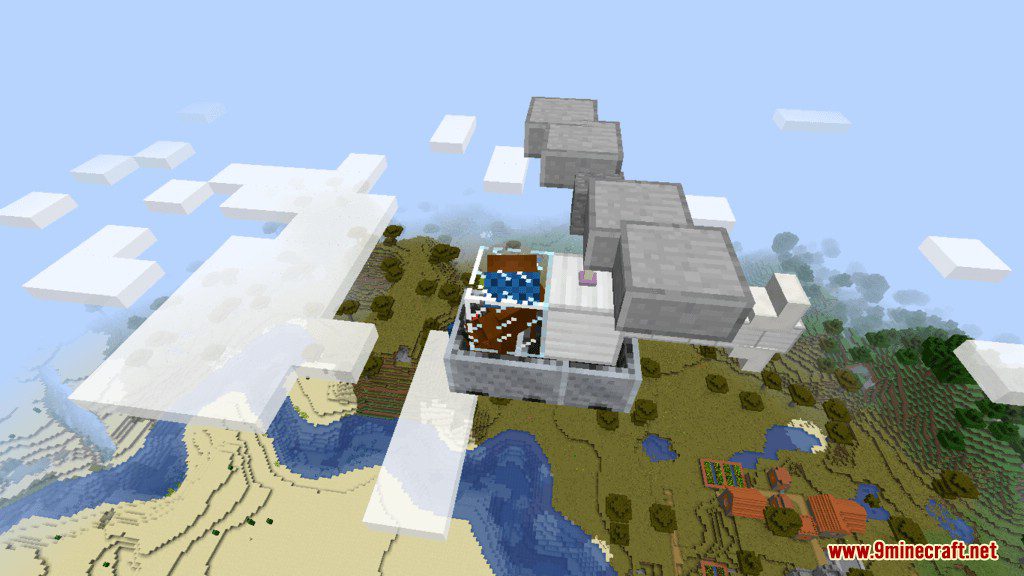
Flying Helicopter Data Pack Download Links
For Minecraft 1.16.5, 1.13.2
Quick facts
- Edition: Minecraft Java
- File type: .jar
- Minecraft version listed: 1.16.5
- How to install: Install the matching mod loader (Forge, Fabric or NeoForge) for your Minecraft version. → Download the .jar. → Put it in the .minecraft/mods folder and launch that loader profile.
- Where to get it: In MC Java Mods, or directly above on this page.
Install steps are the general flow for this file type — see the MC Java Mods guides for the full walkthrough.
Flying Helicopter Data Pack (1.16.5, 1.13.2) – Travel Around With Style is a free Minecraft Java datapack. Compatible with Minecraft 1.16.5. Download it and open it directly in the game.