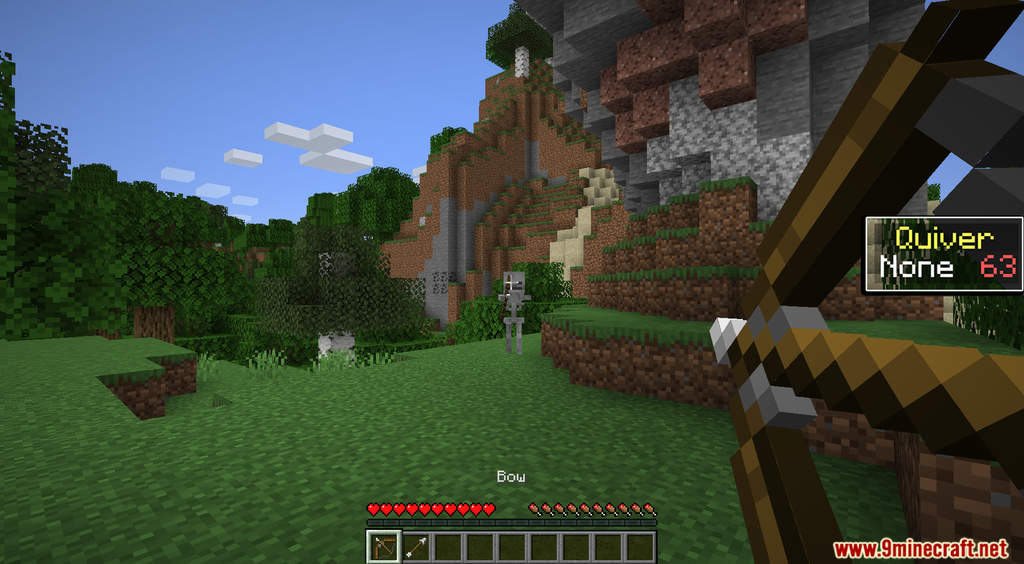
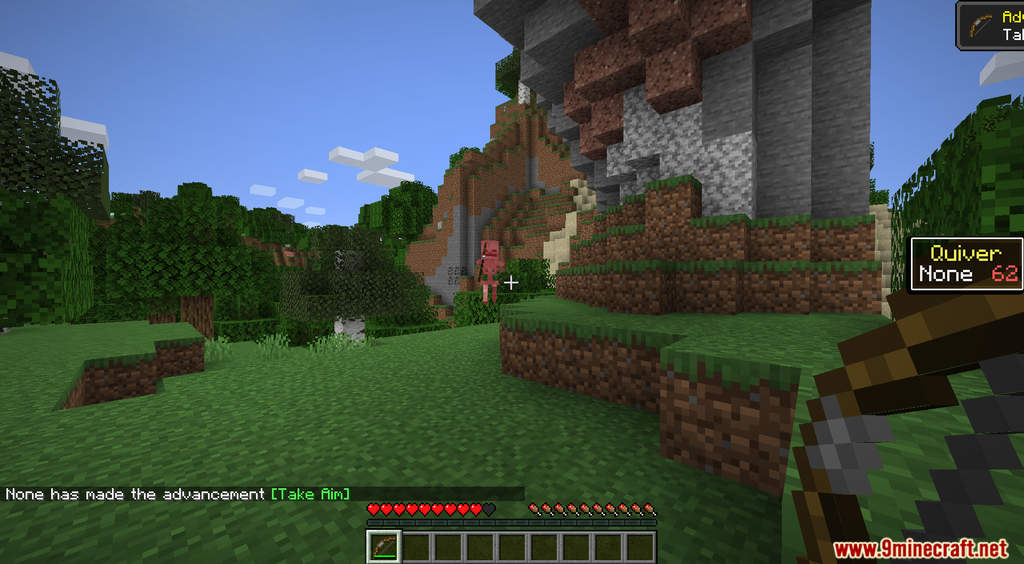
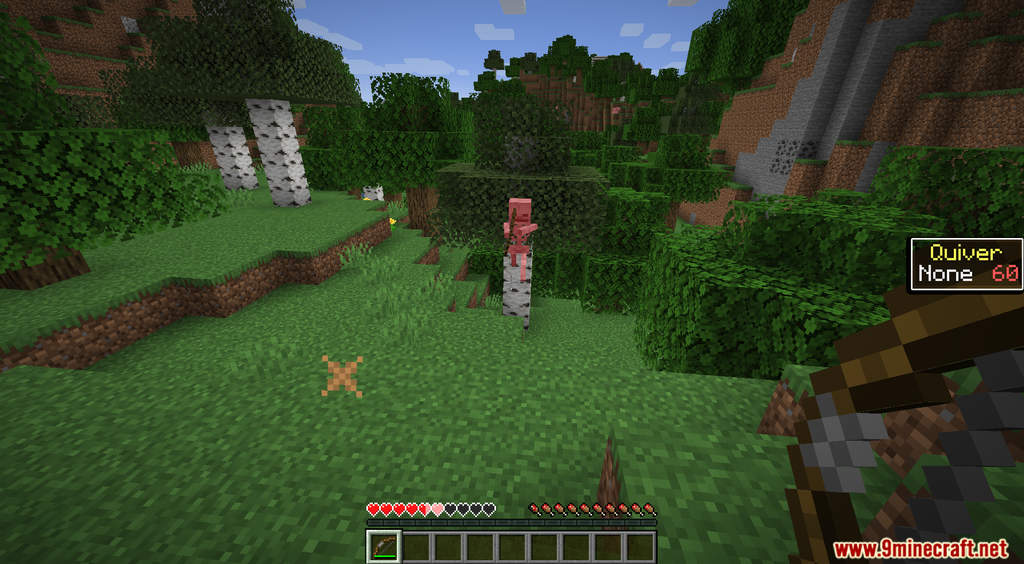
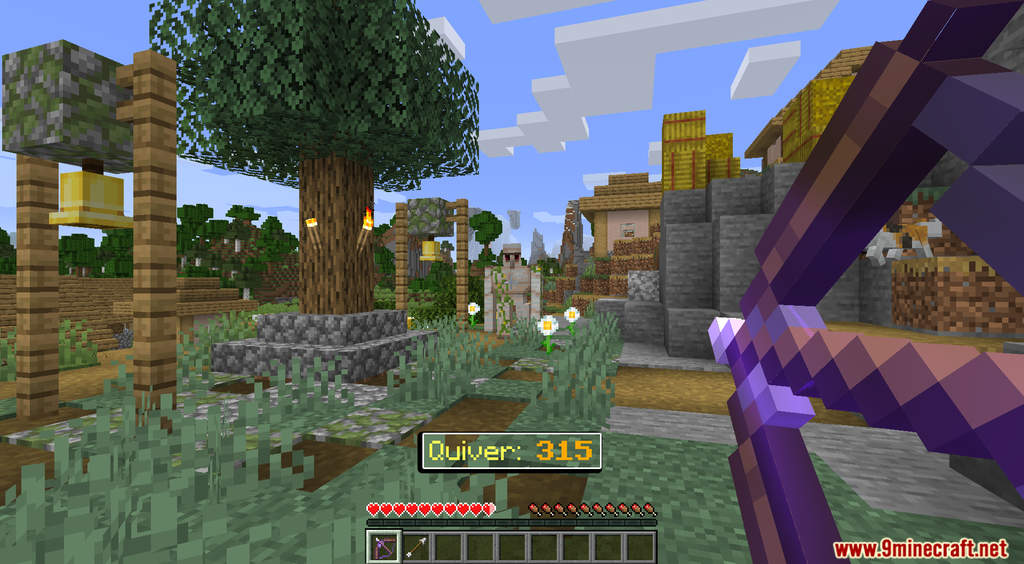
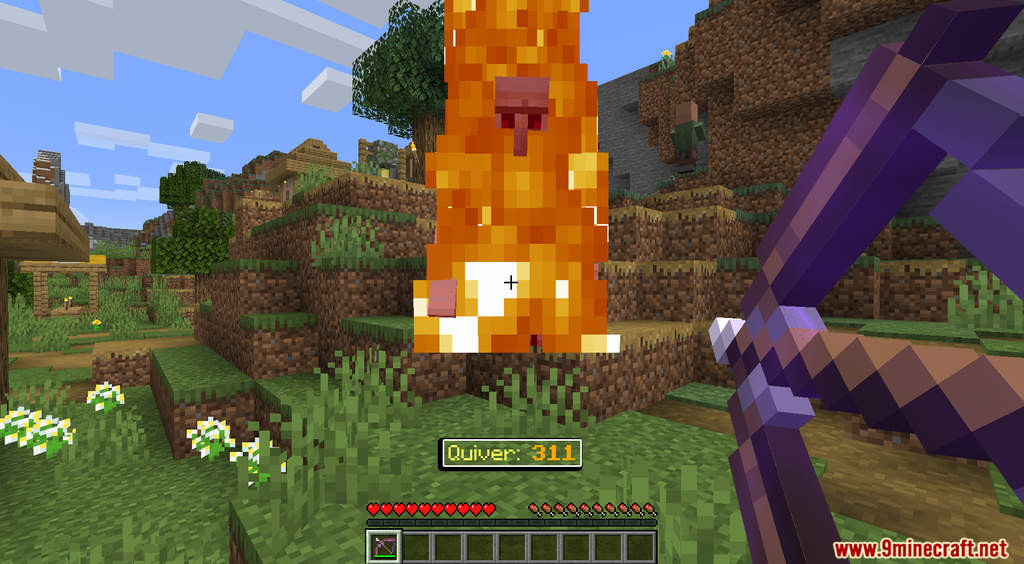
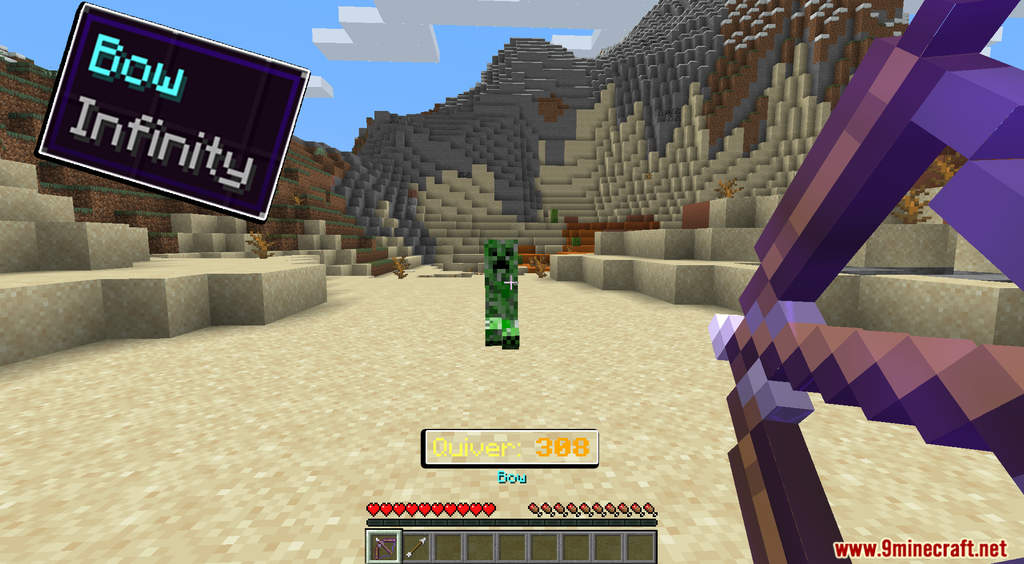
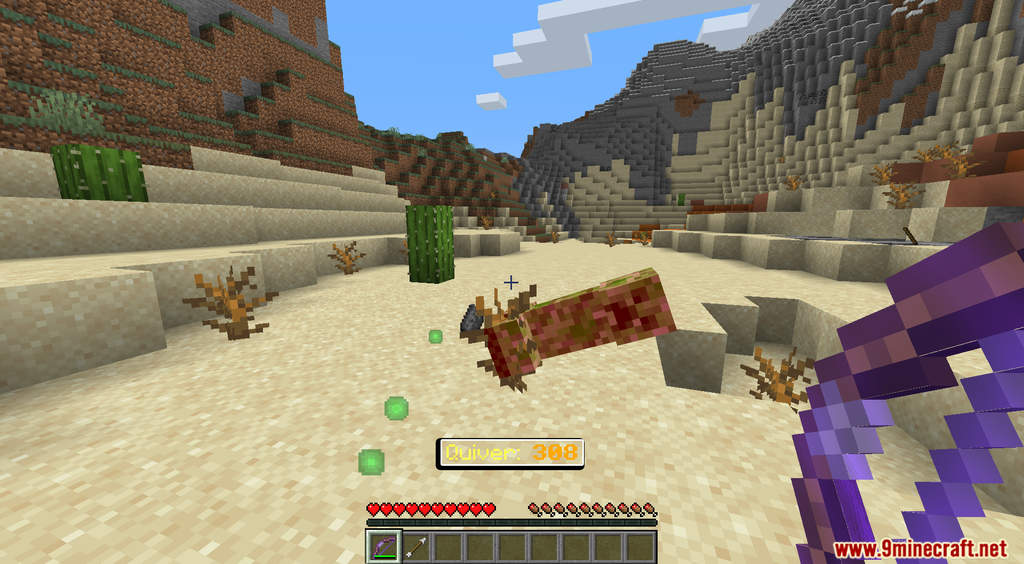

Quiver Data Pack 1.18.1, 1.17.1 introduces a new mechanic into the game to help you manage your arrows. In Minecraft, to use a Bow or Crossbow, you need to have arrows in your inventory. When you are packing for a fight, you might want to bring a lot of arrows with you, but that could take up a lot of inventory spaces. With this data pack, you will no longer have to worry about that. After installing this data pack, all your arrows will be automatically deposited into a quiver. So you can bring as much as you want and don’t have to worry about inventory spaces. Have fun!
Features:
- Arrows will now be automatically deposited into a quiver.
- You can use these commands to show you how much arrows you have left [/trigger quiver-scboard] or [/trigger quiver-actionbar].
Screenshots:

Quiver Data Pack 1.18.1, 1.17.1 Download Links
For Minecraft 1.17.1, 1.16.5
For Minecraft 1.18.1
- Edition: Minecraft Java
- File type: .jar
- Minecraft versions listed: 1.18.1, 1.17.1
- How to install: Install the matching mod loader (Forge, Fabric or NeoForge) for your Minecraft version. → Download the .jar. → Put it in the .minecraft/mods folder and launch that loader profile.
- Where to get it: In MC Java Mods, or directly above on this page.
Install steps are the general flow for this file type — see the MC Java Mods guides for the full walkthrough.
Quiver Data Pack 1.18.1, 1.17.1 (Arrows Storage) is a free Minecraft Java datapack. Compatible with Minecraft 1.18.1, 1.17.1. Download it and open it directly in the game.