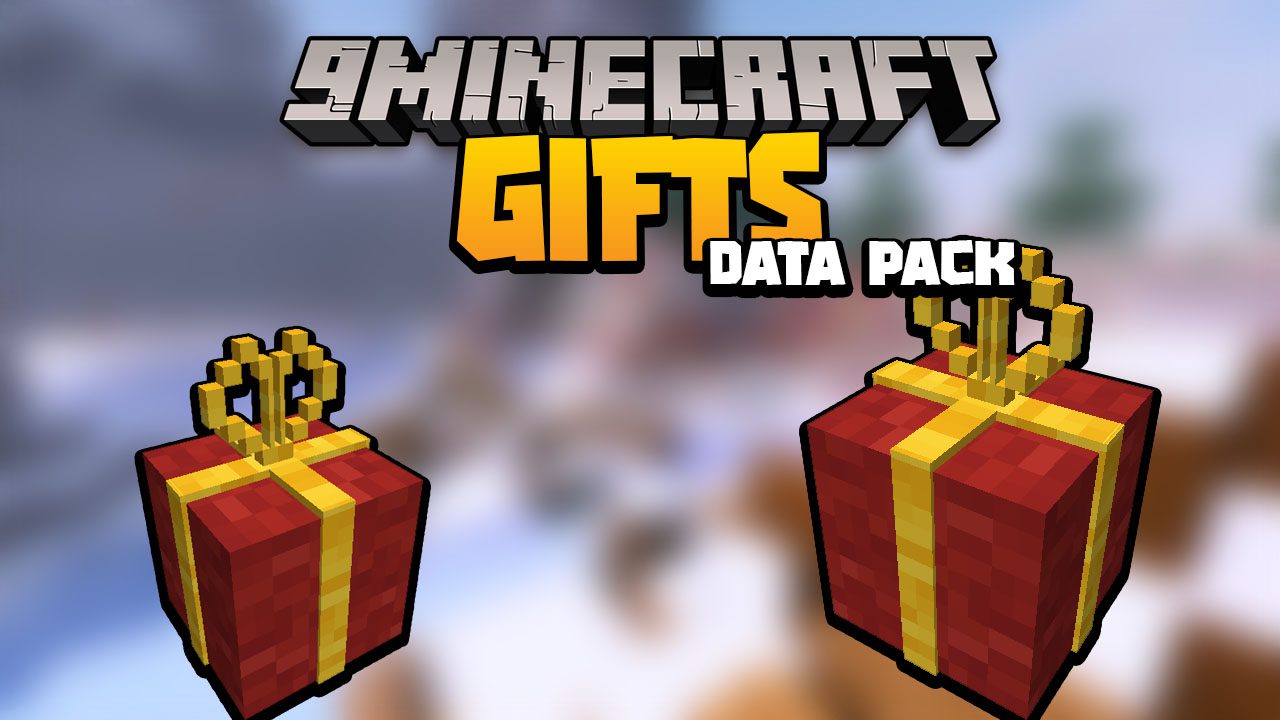
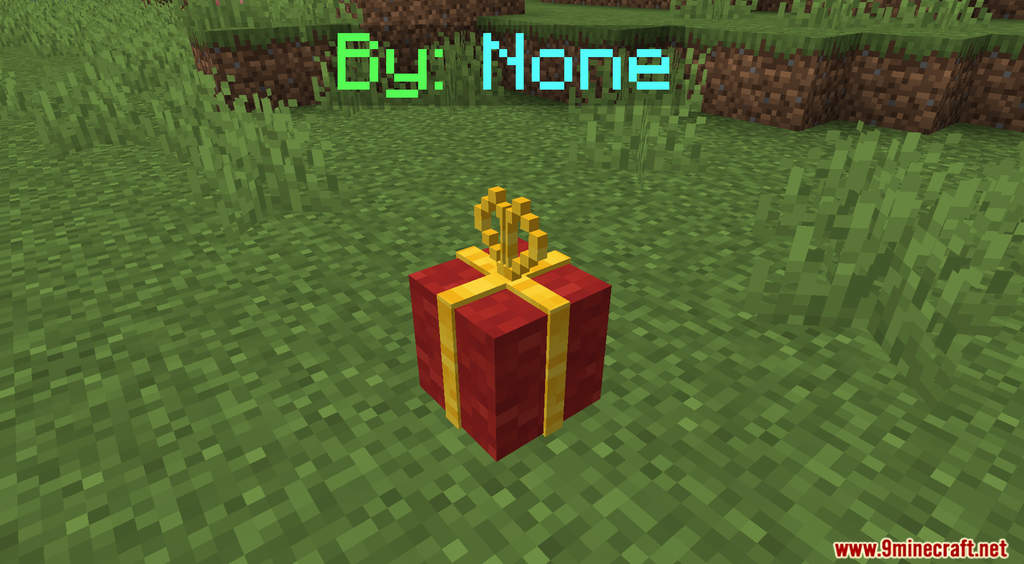
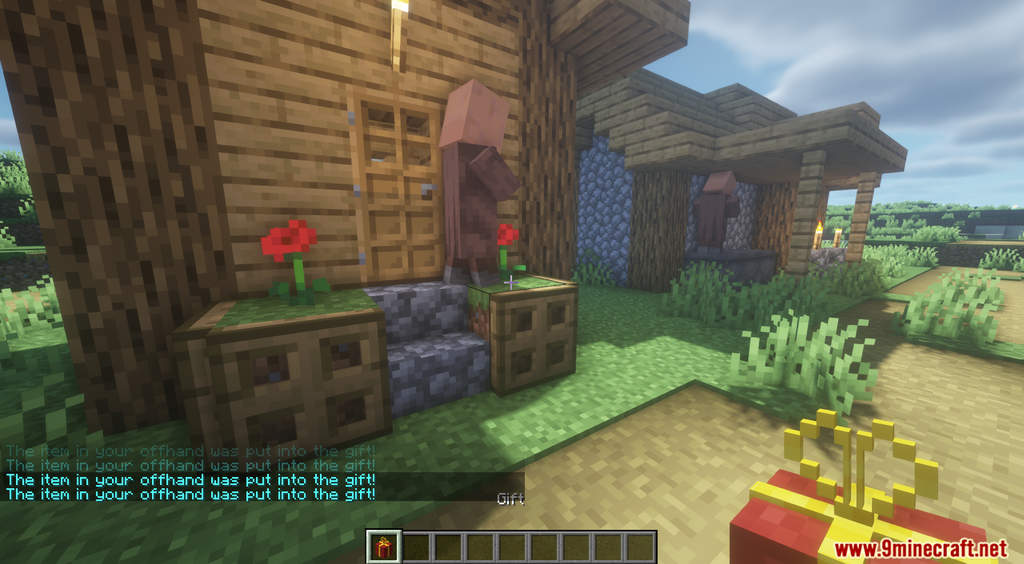
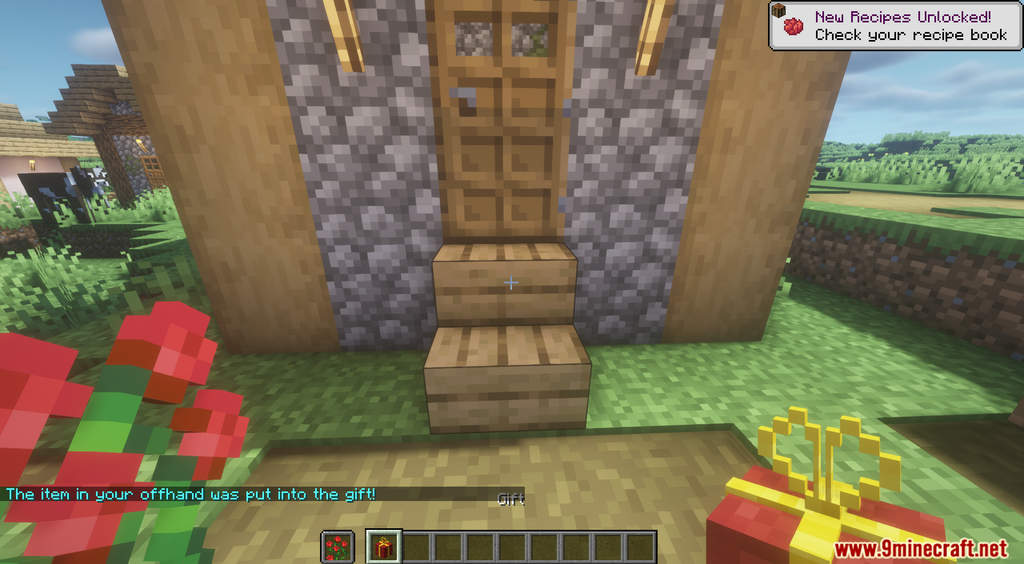
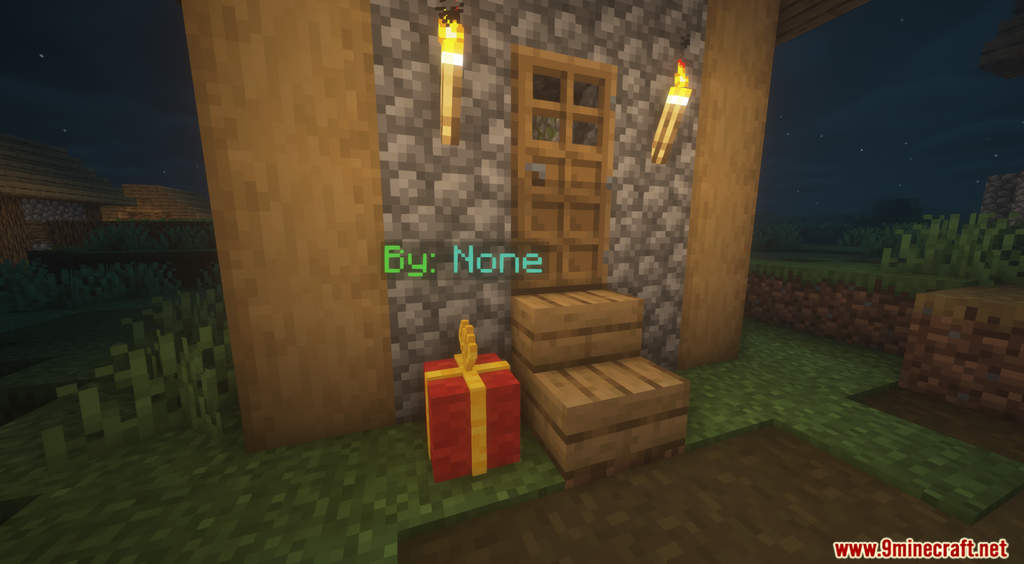
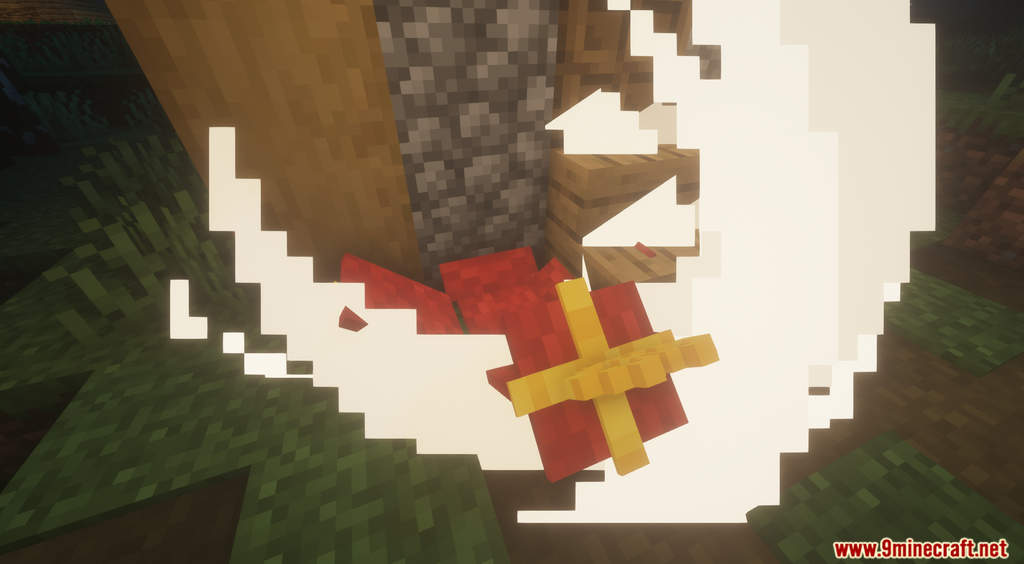
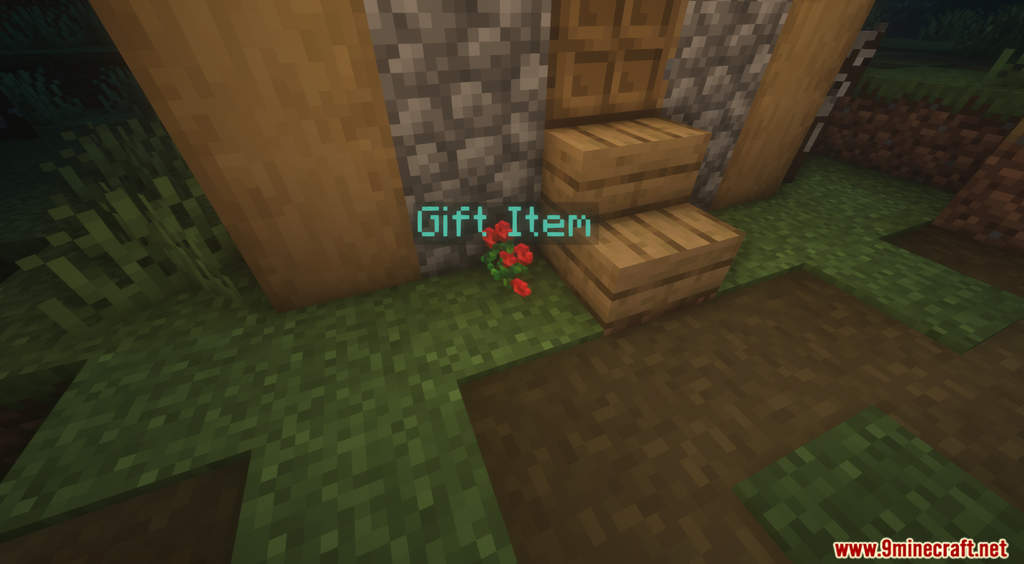
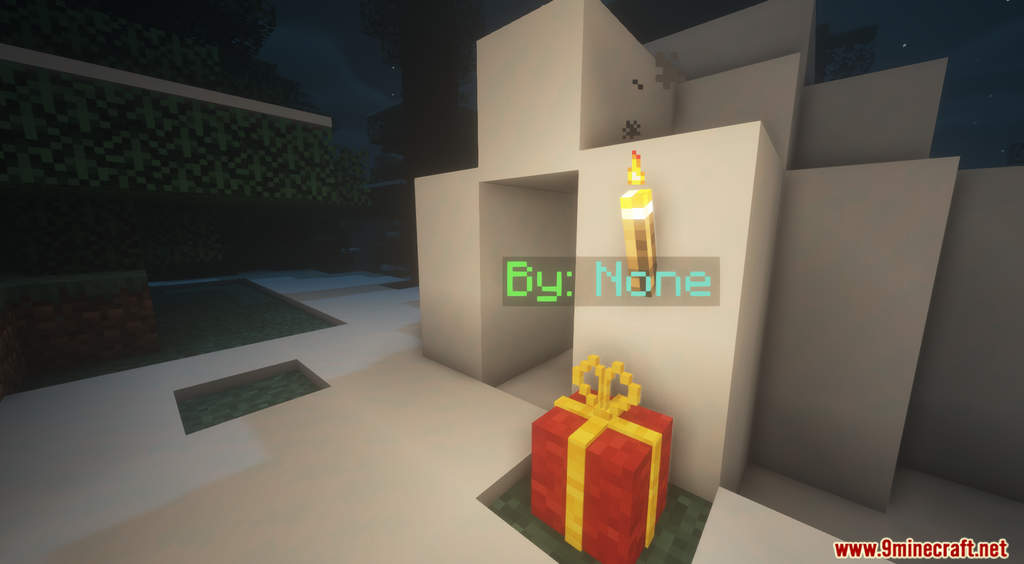
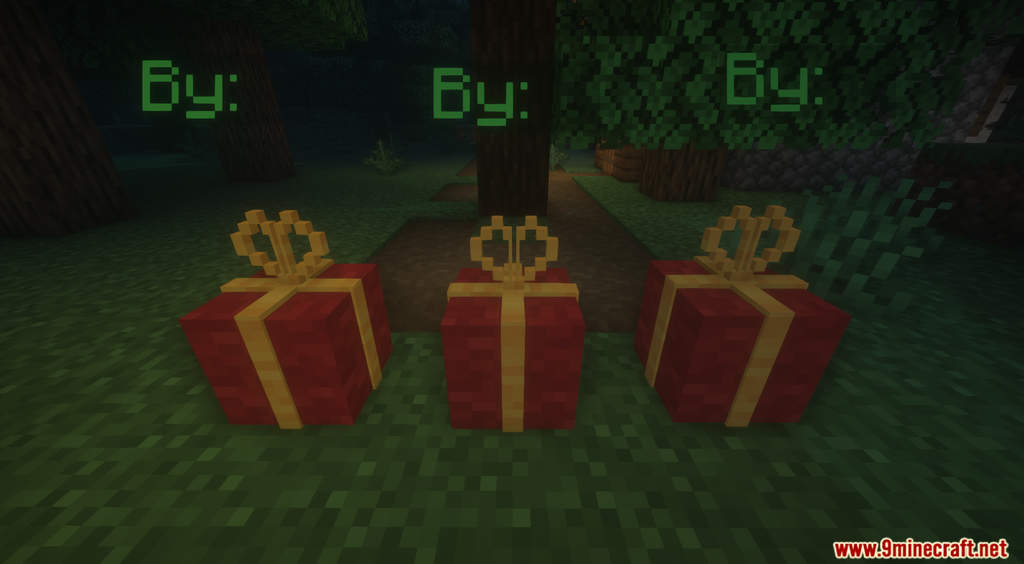
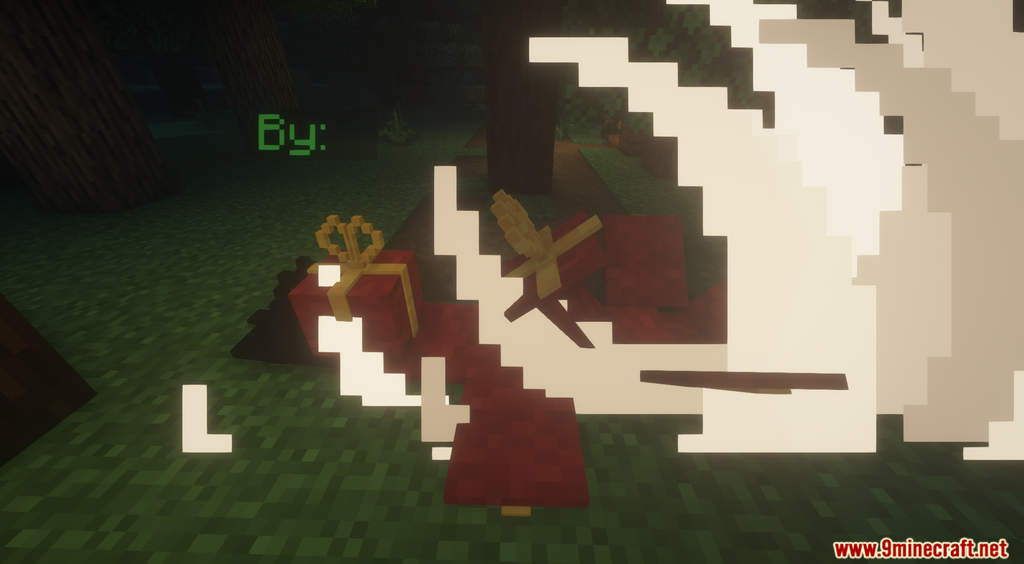
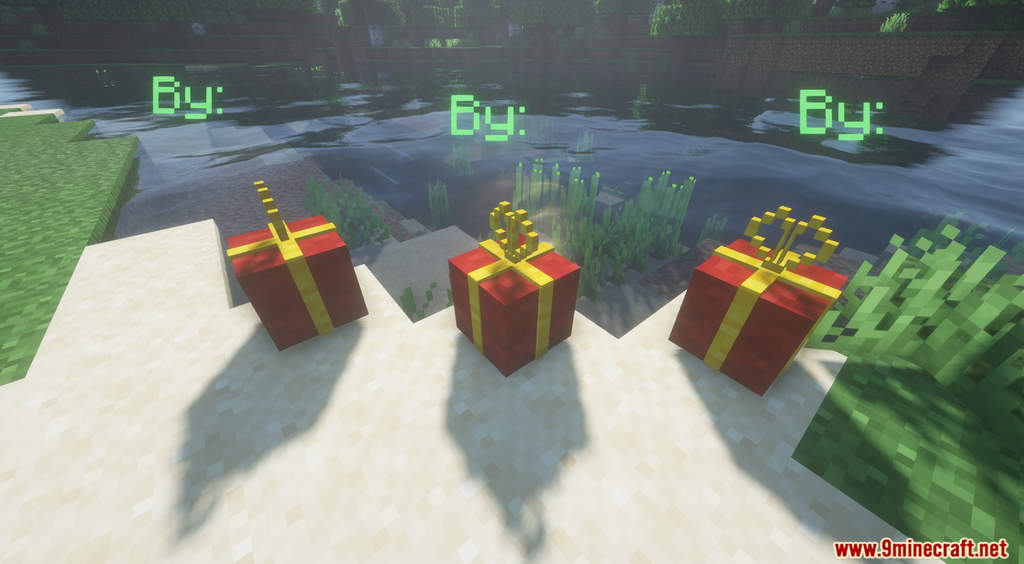
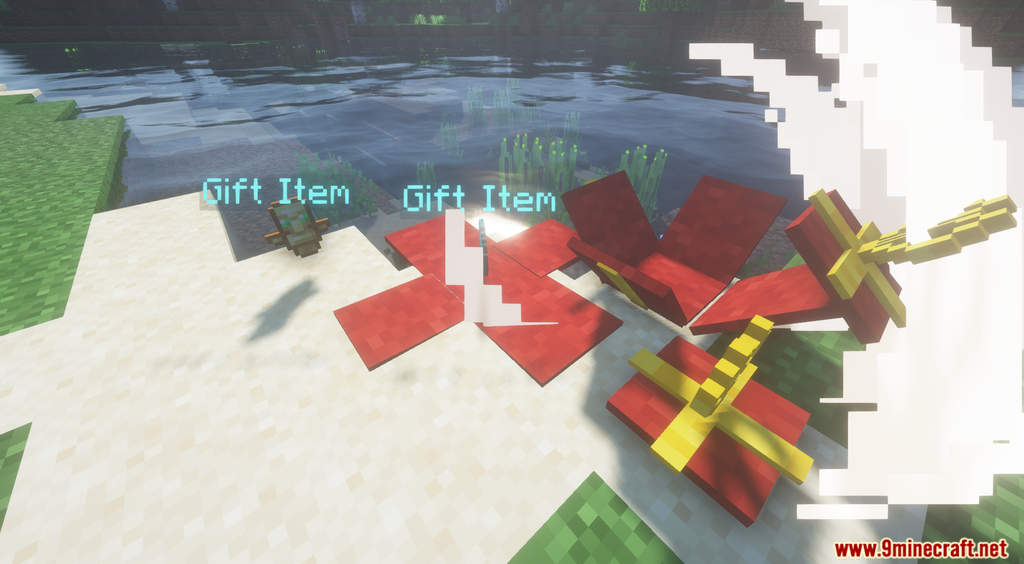
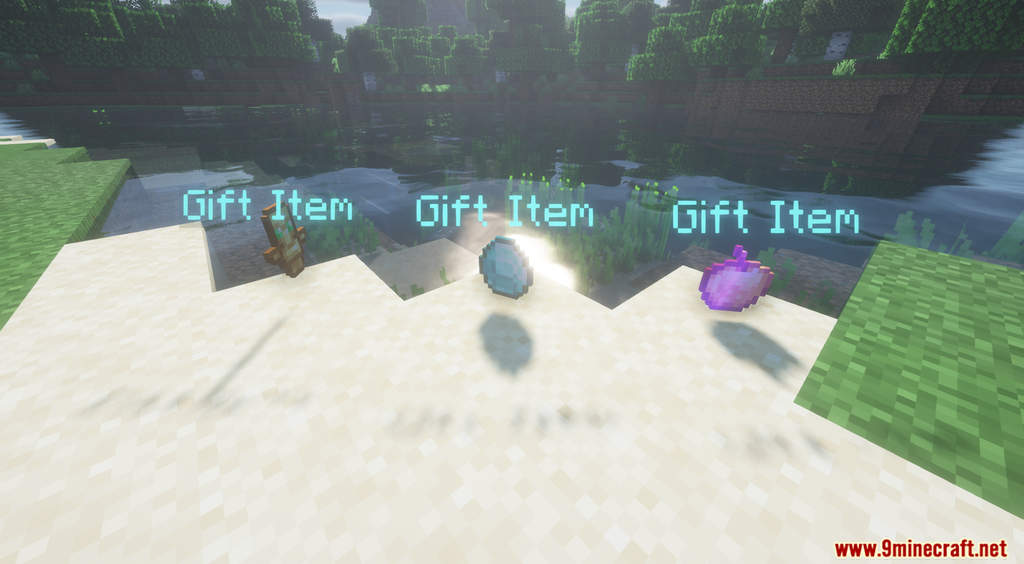
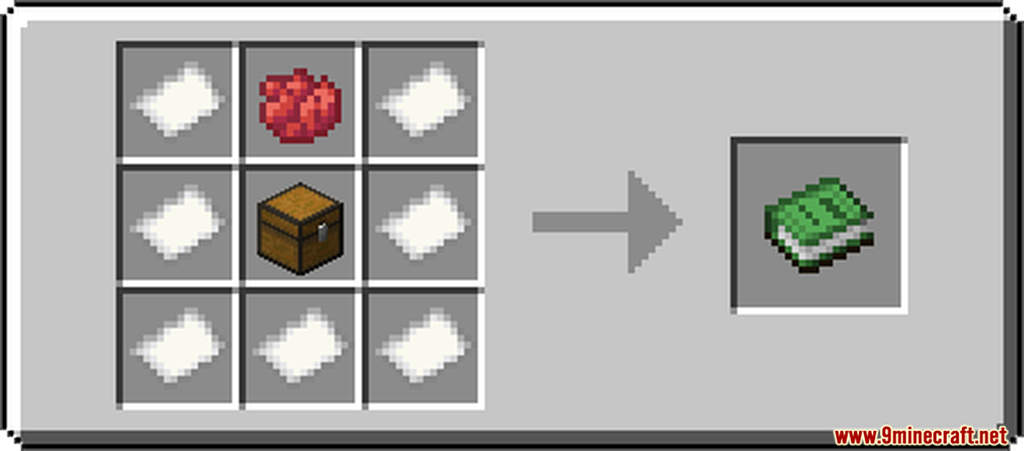
Gifts Data Pack 1.18.1, 1.17.1 introduces a new and simple block into the game. After installing this data pack, you can now craft a gift package, wrap them and gift them away! This functional gift block also acts as a decoration block for your world. You need Papers, Chests, and Red Dyes to craft the gift box. After you’ve crafted it, you need to put an item in the gift box. To do that, hold the items you want to put in on your off-hand and then right-click. After placing the gift box down, you can right-click to open it. Have fun!
Features:
- Working gift boxes.
Screenshots:
Crafting Recipes:
Gifts Data Pack 1.18.1, 1.17.1 Download Links
For Minecraft 1.18.1, 1.17.1
Data Pack: Download from Server 1 – Download from Server 2
Resource Pack: Download from Server 1 – Download from Server 2
- Edition: Minecraft Java
- File type: .jar
- Minecraft versions listed: 1.18.1, 1.17.1
- How to install: Install the matching mod loader (Forge, Fabric or NeoForge) for your Minecraft version. → Download the .jar. → Put it in the .minecraft/mods folder and launch that loader profile.
- Where to get it: In MC Java Mods, or directly above on this page.
Install steps are the general flow for this file type — see the MC Java Mods guides for the full walkthrough.
Gifts Data Pack 1.18.1, 1.17.1 (Gift Boxes) is a free Minecraft Java datapack. Compatible with Minecraft 1.18.1, 1.17.1. Download it and open it directly in the game.