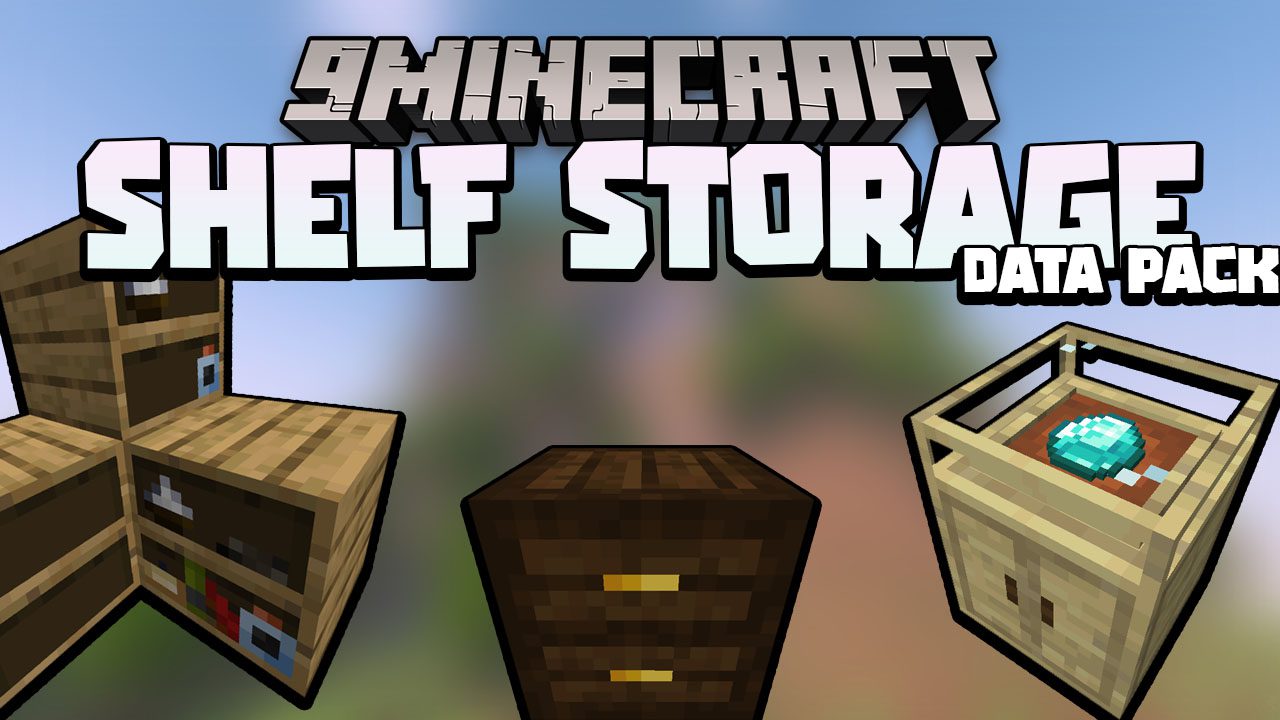
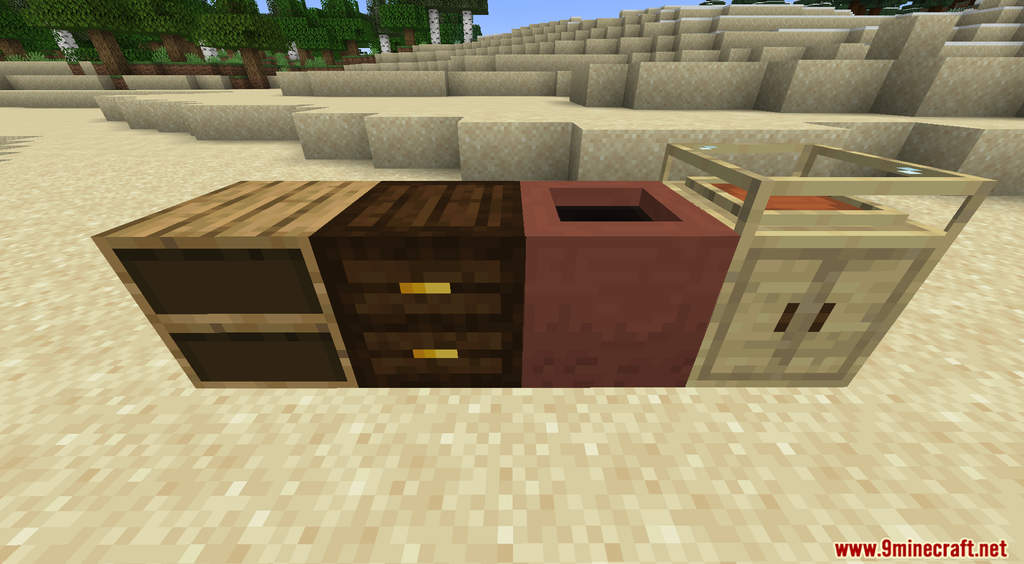
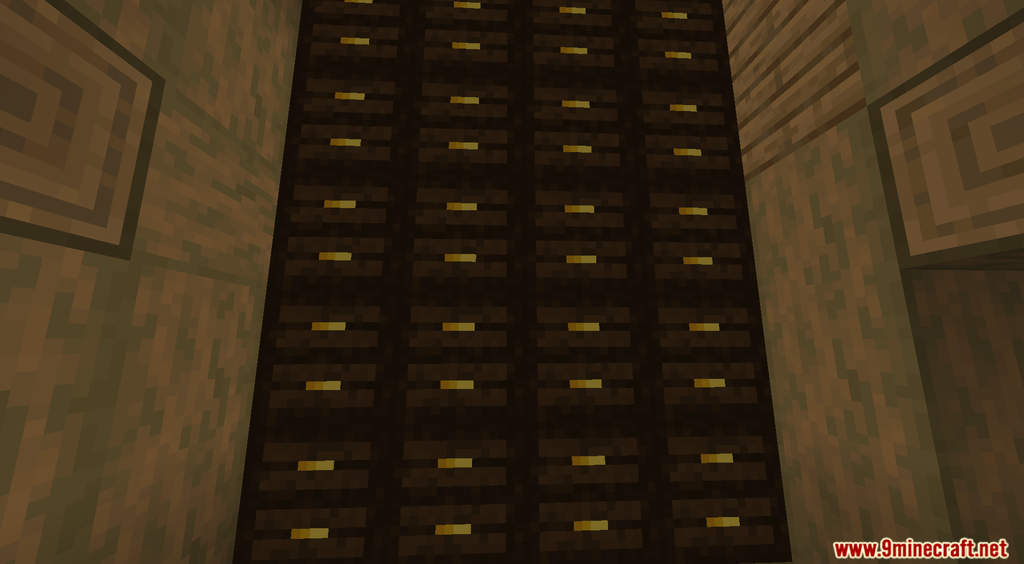
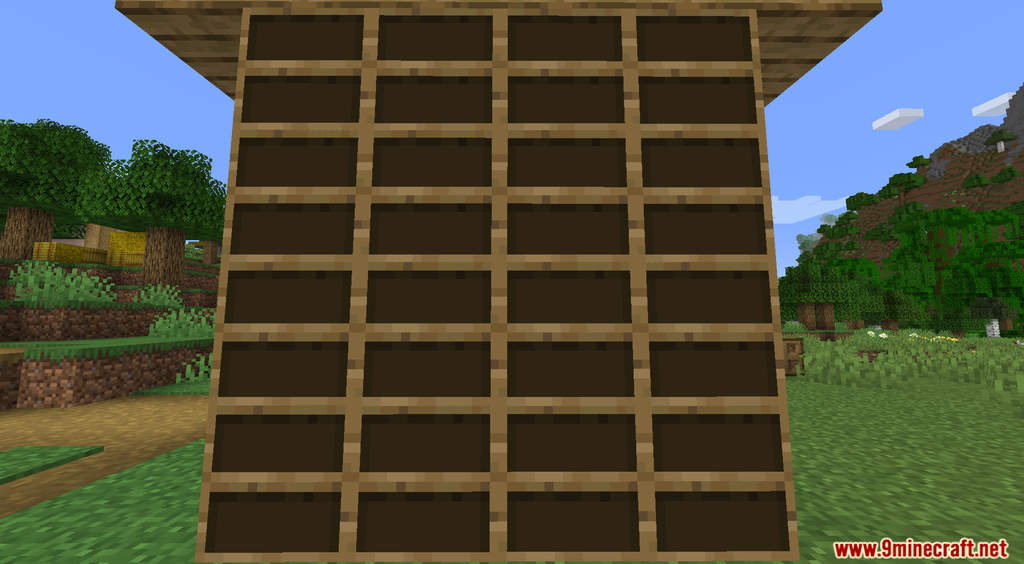
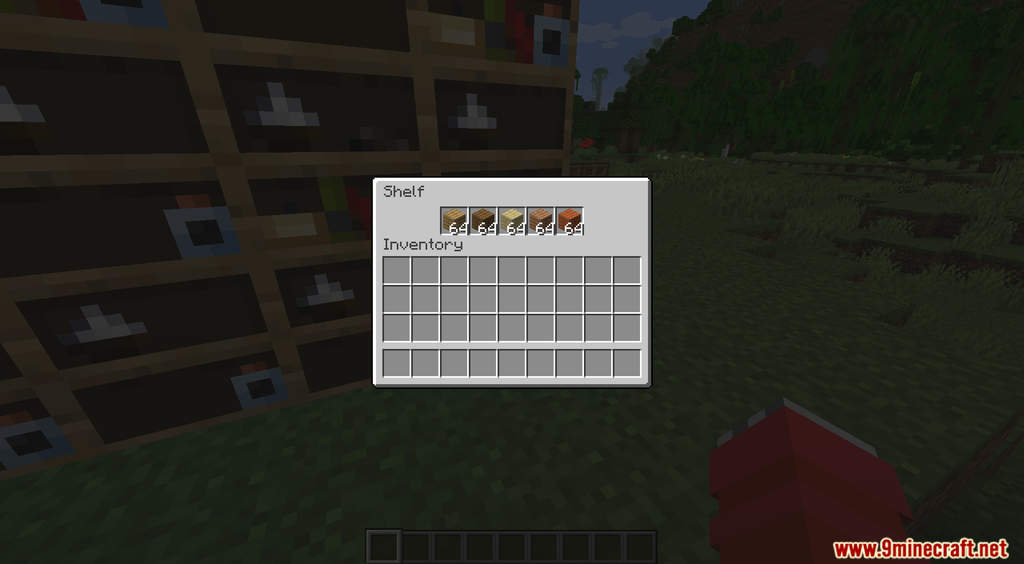
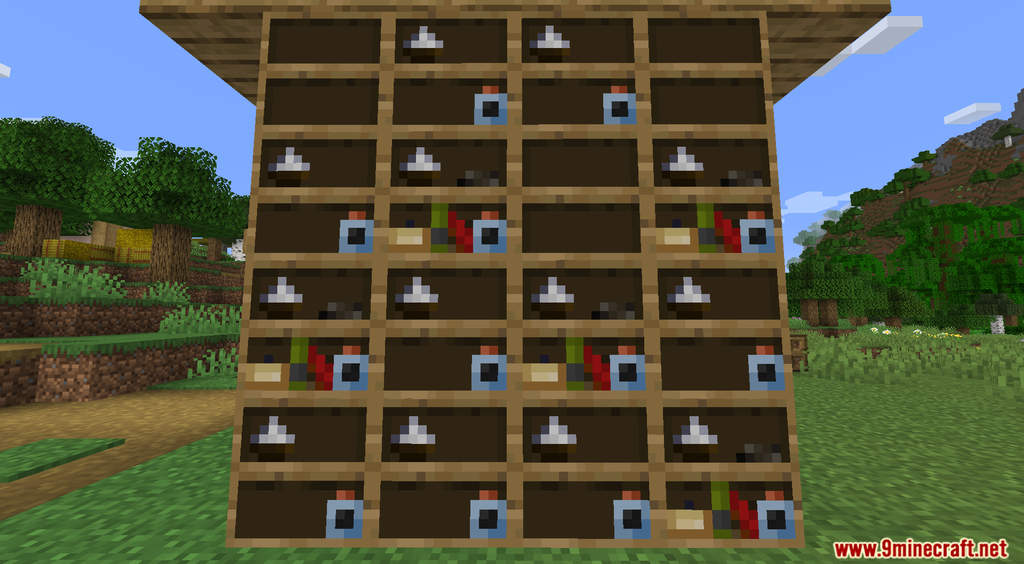
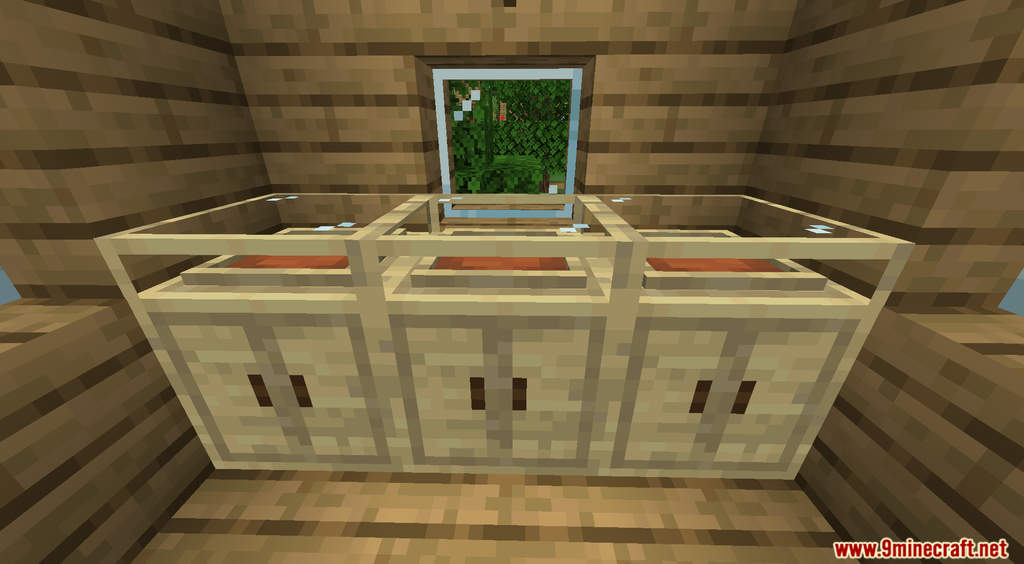
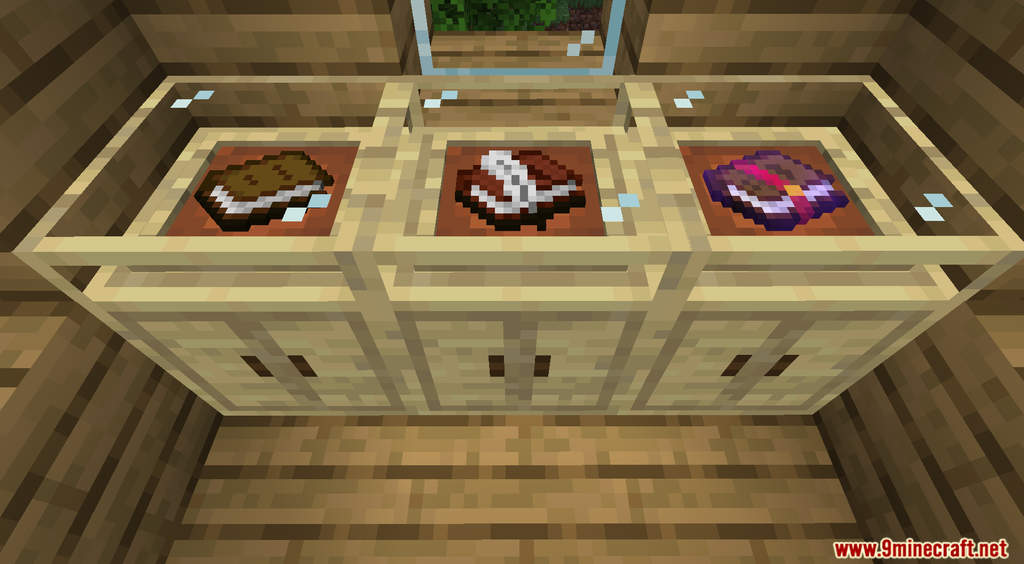
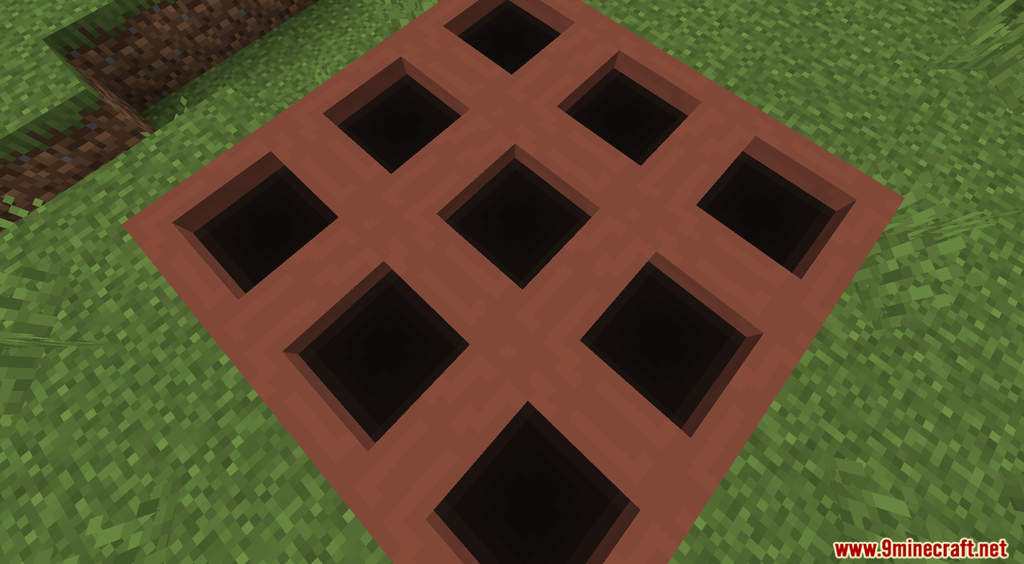
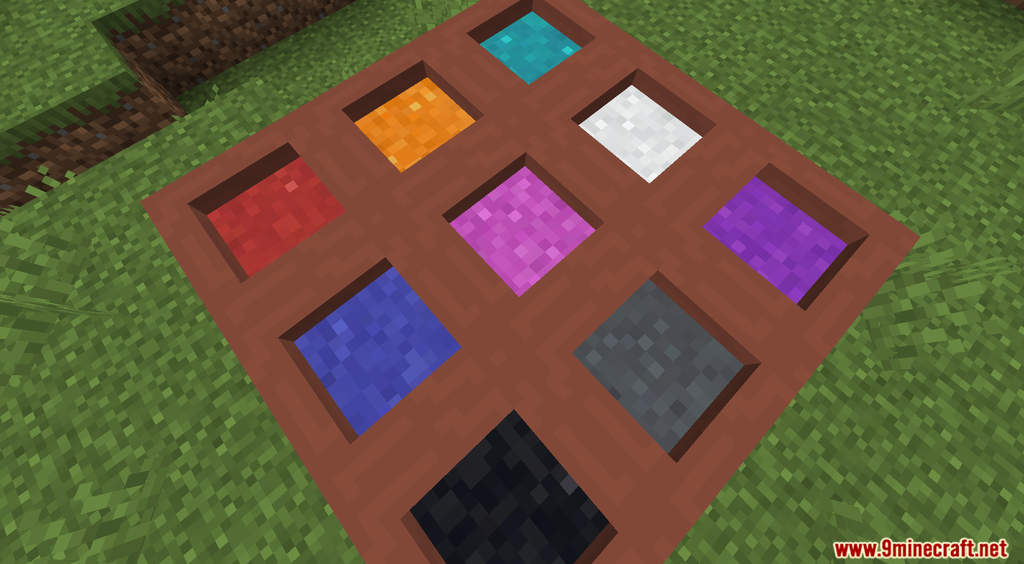
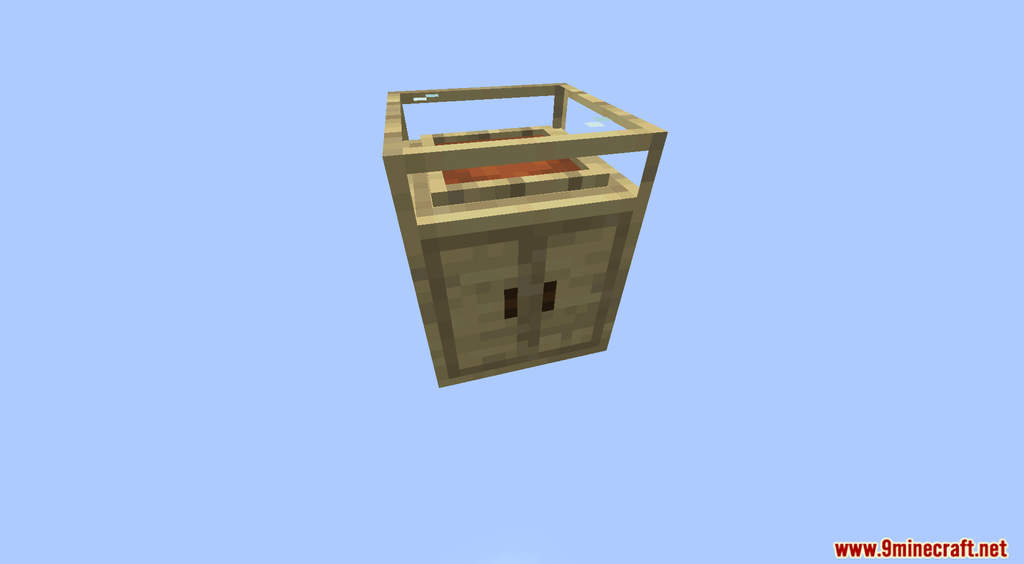
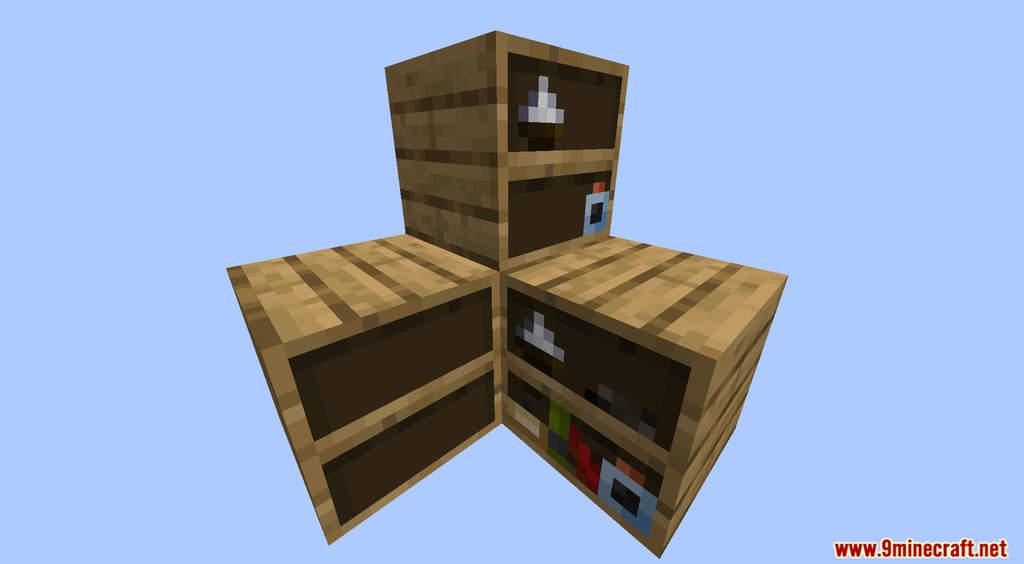
Shelf Storage Data Pack 1.18.1, 1.17.1 introduces new storage options into Minecraft. Storage in Minecraft is quite limited. There are only a few options when it comes to storage and even fewer of them are common. This data pack changes that by adding new storage blocks that also work as decorative blocks. Currently, there are four different blocks that can be used to store items and blocks. Their appearance also changes as you put different items in them. For example, the Clay Pot will display the color of the powder stored inside them. Have fun!
Features:
- New storage blocks for you to choose from.
Screenshots:
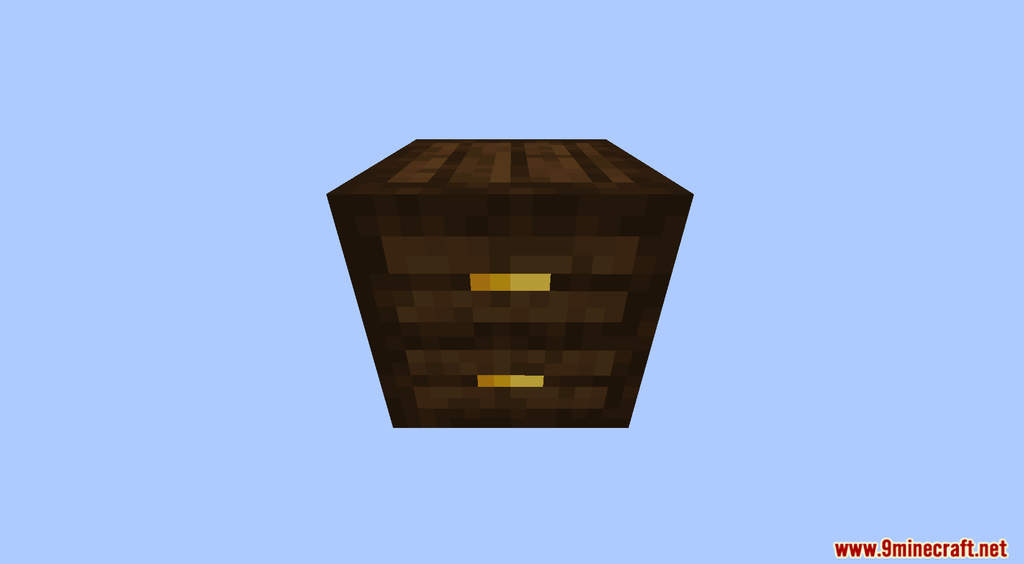
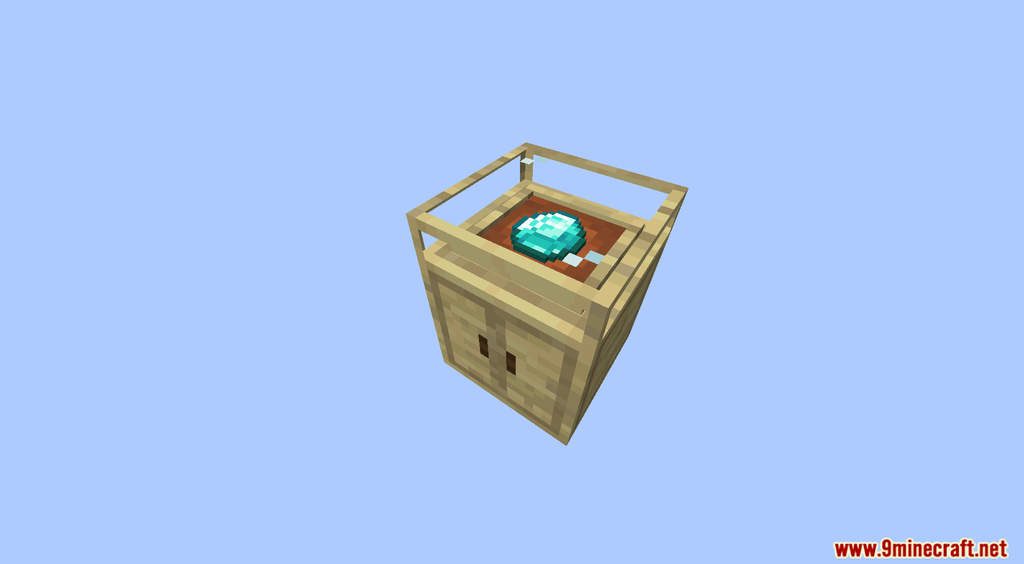
Crafting Recipes:
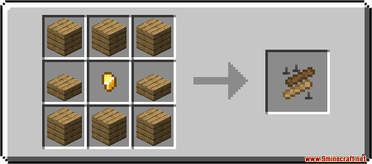
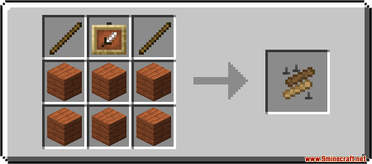
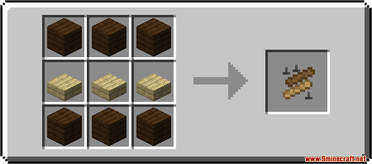
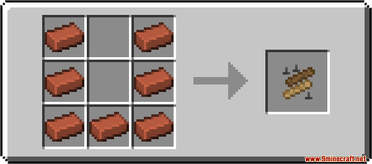
Shelf Storage Data Pack 1.18.1, 1.17.1 Download Links
For Minecraft 1.18.1, 1.17.1
Data Pack: Download from Server 1 – Download from Server 2
Resource Pack: Download from Server 1 – Download from Server 2
- Edition: Minecraft Java
- File type: .jar
- Minecraft versions listed: 1.18.1, 1.17.1
- How to install: Install the matching mod loader (Forge, Fabric or NeoForge) for your Minecraft version. → Download the .jar. → Put it in the .minecraft/mods folder and launch that loader profile.
- Where to get it: In MC Java Mods, or directly above on this page.
Install steps are the general flow for this file type — see the MC Java Mods guides for the full walkthrough.
Shelf Storage Data Pack 1.18.1, 1.17.1 (Storage Blocks) is a free Minecraft Java datapack. Compatible with Minecraft 1.18.1, 1.17.1. Download it and open it directly in the game.