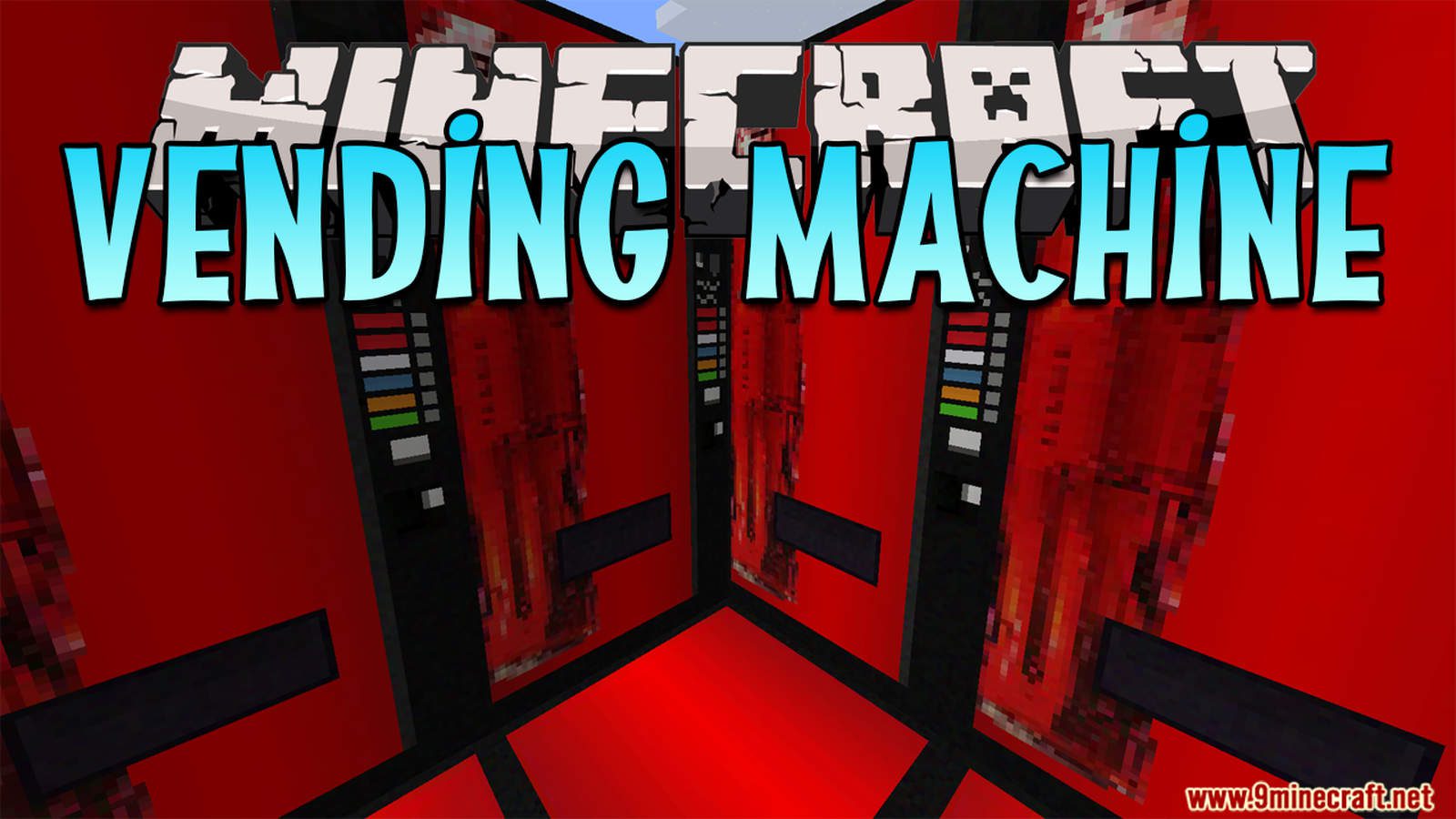
Vending Machine Data Pack 1.16.5, 1.15.2 (New Items)
Java data pack listed for Minecraft 1.16. Downloads from the MC Java Mods app on Android.
⬇ Download
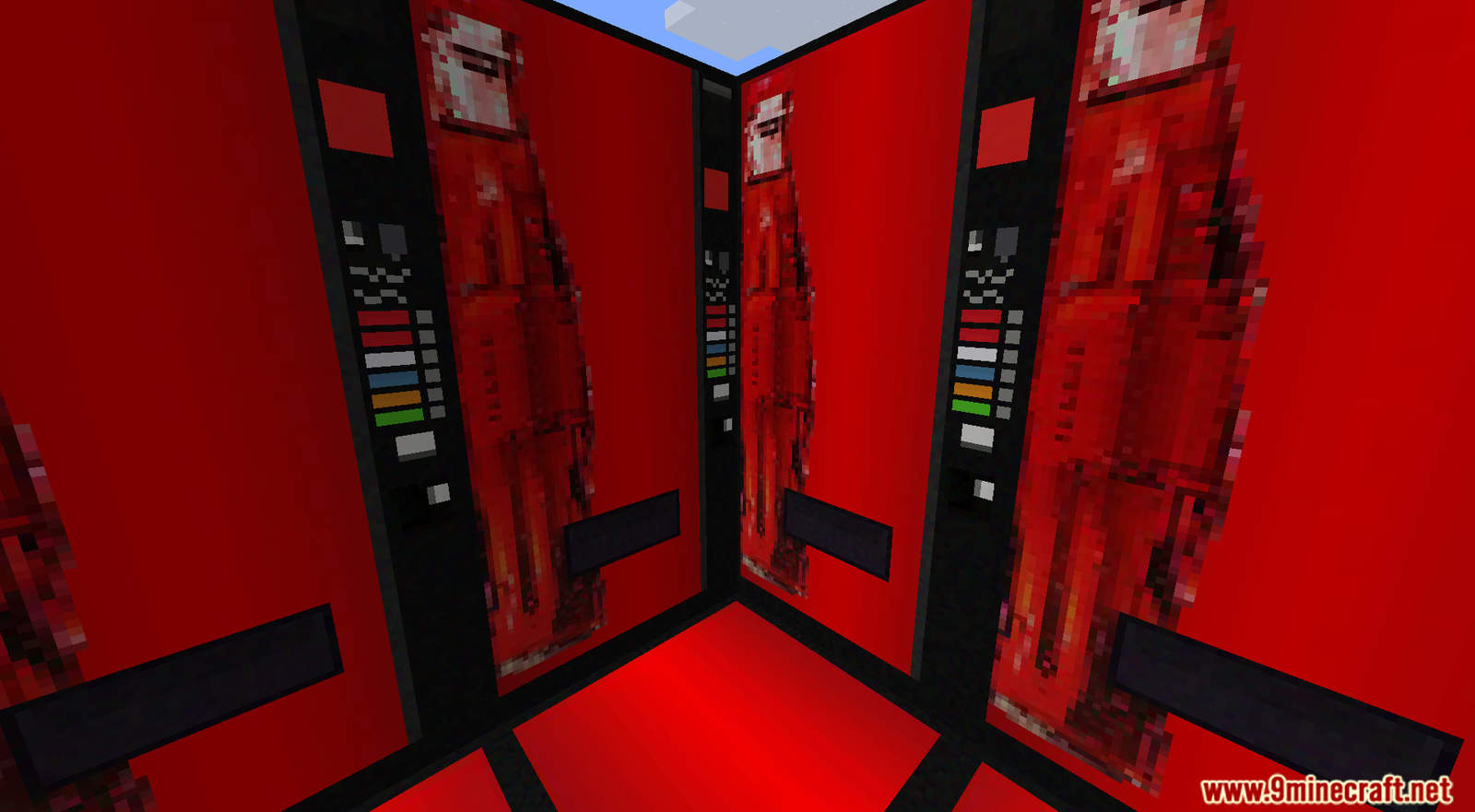
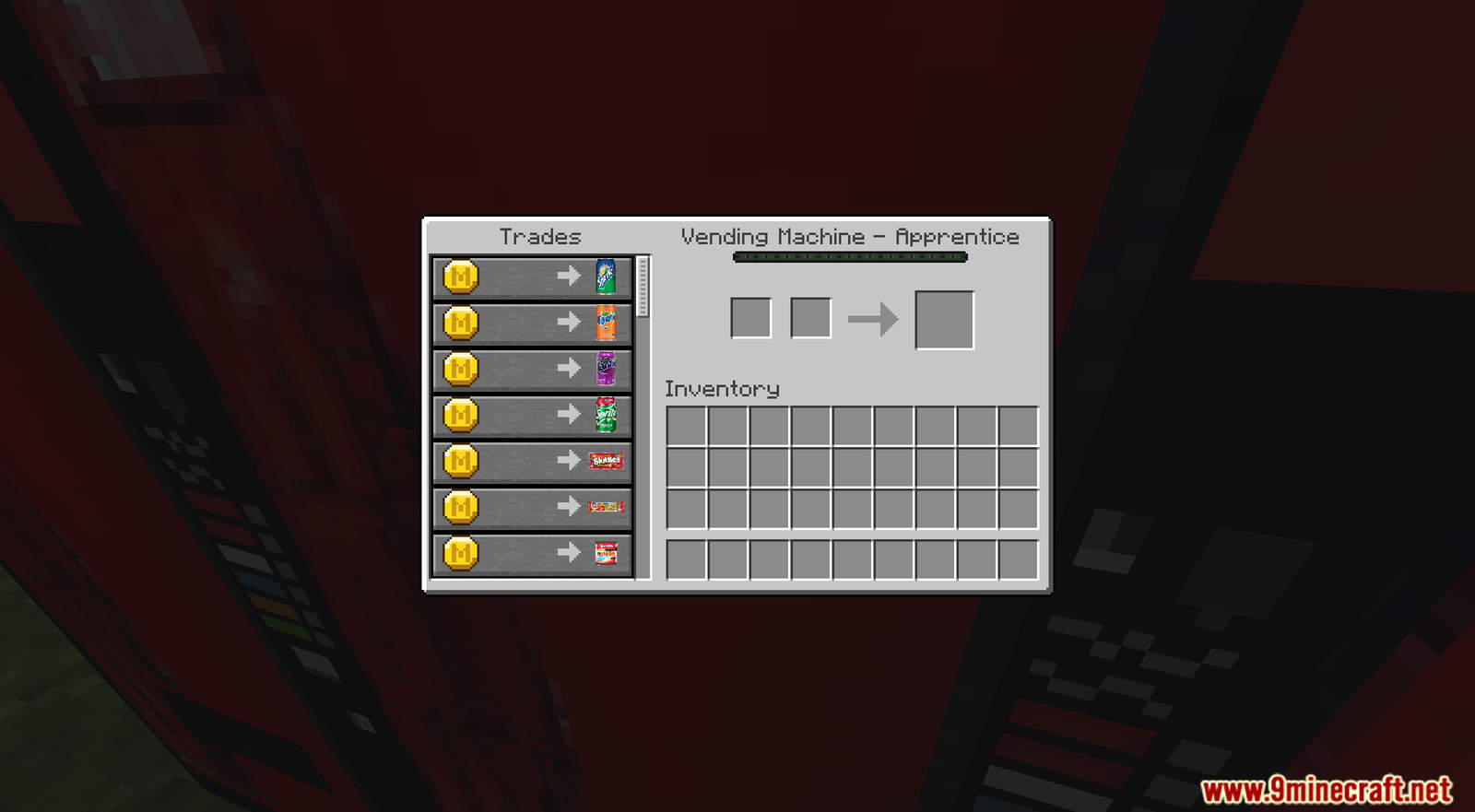
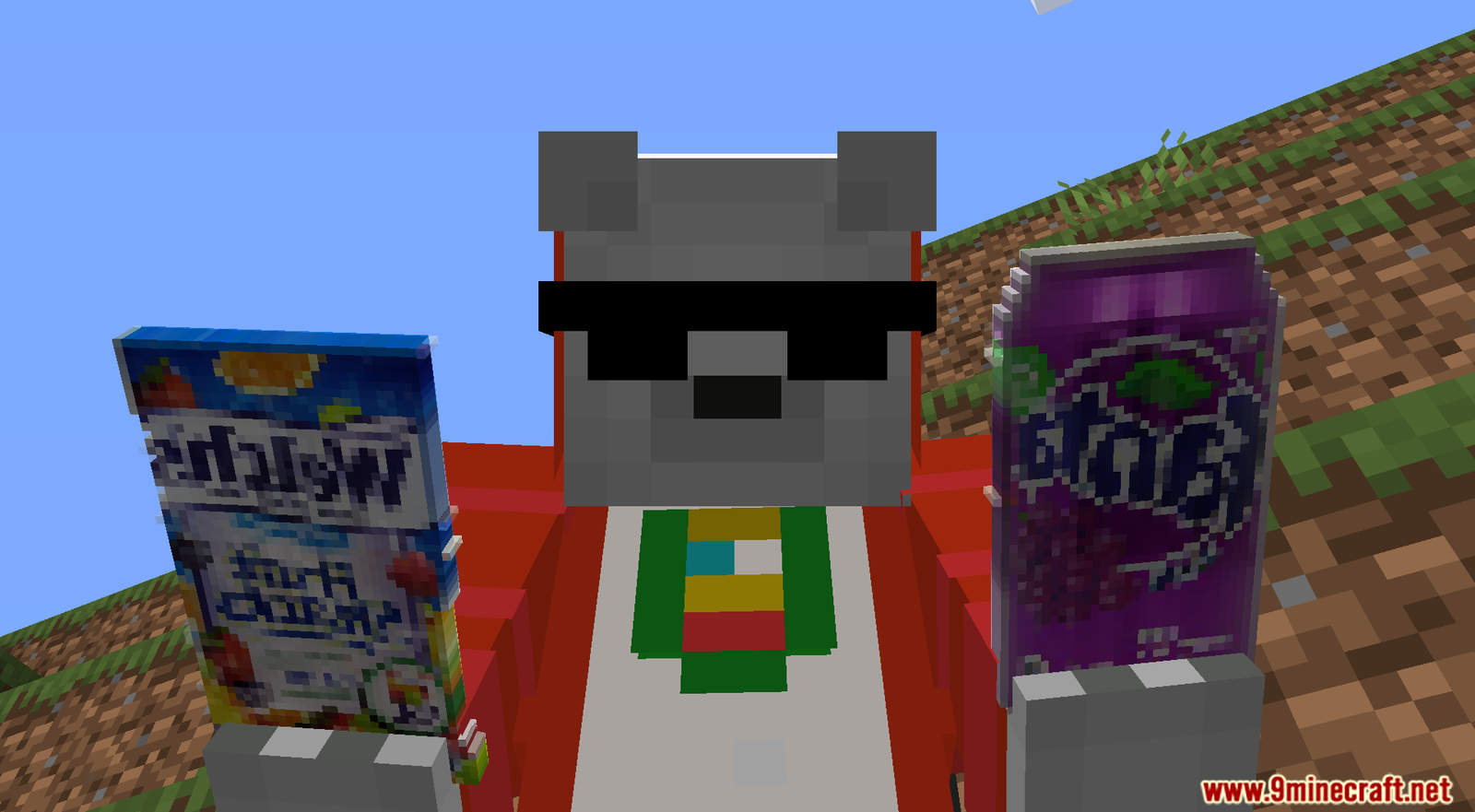
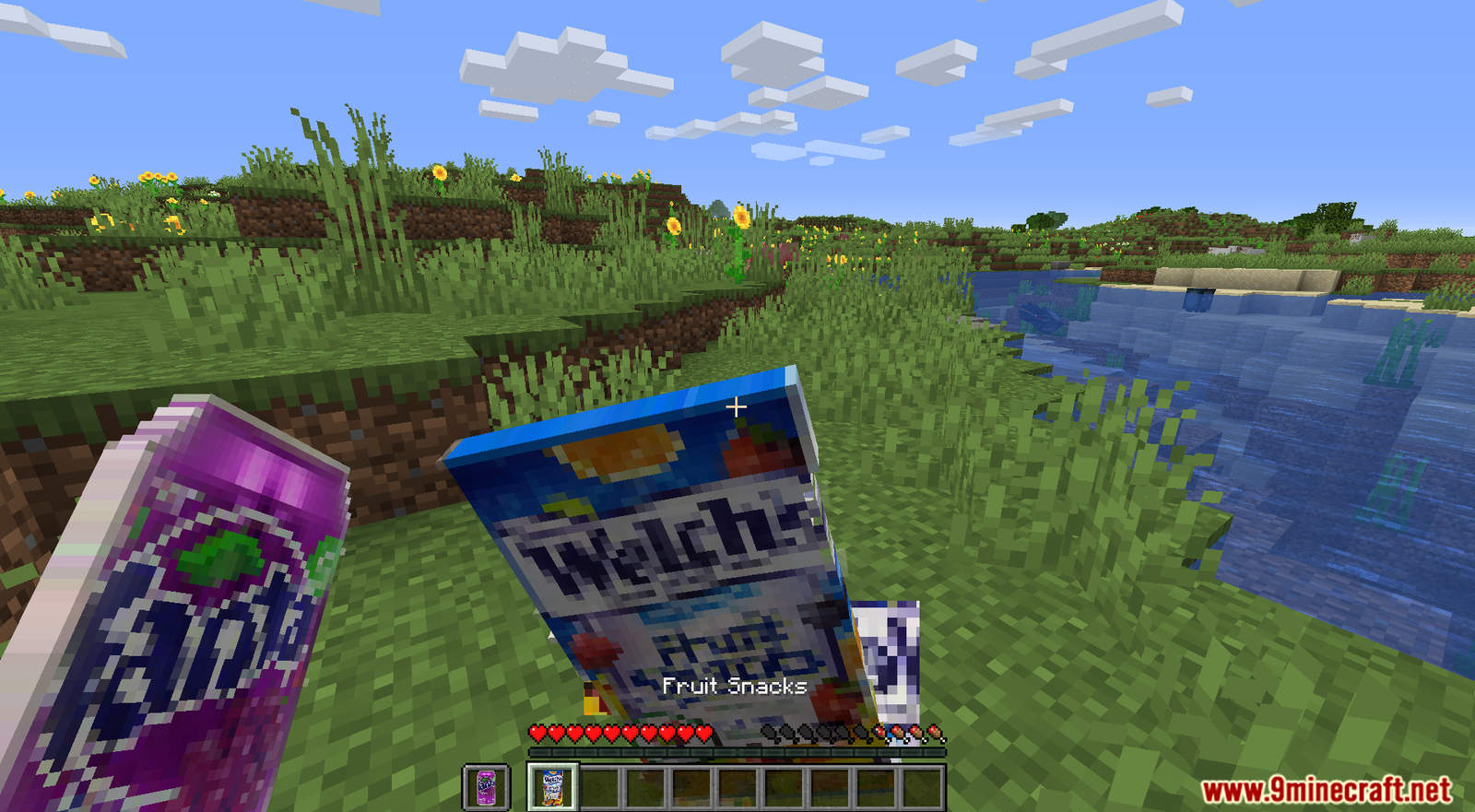
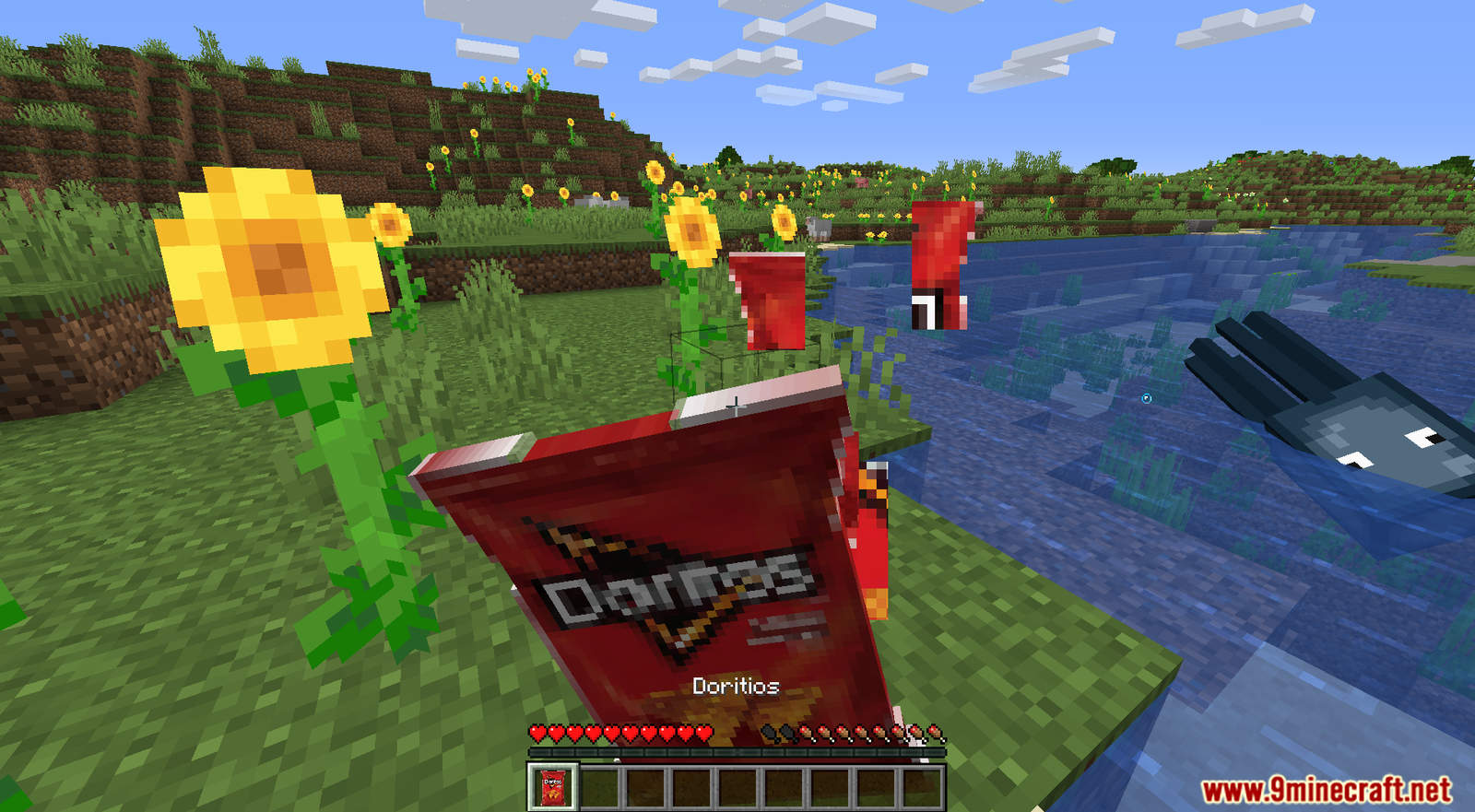
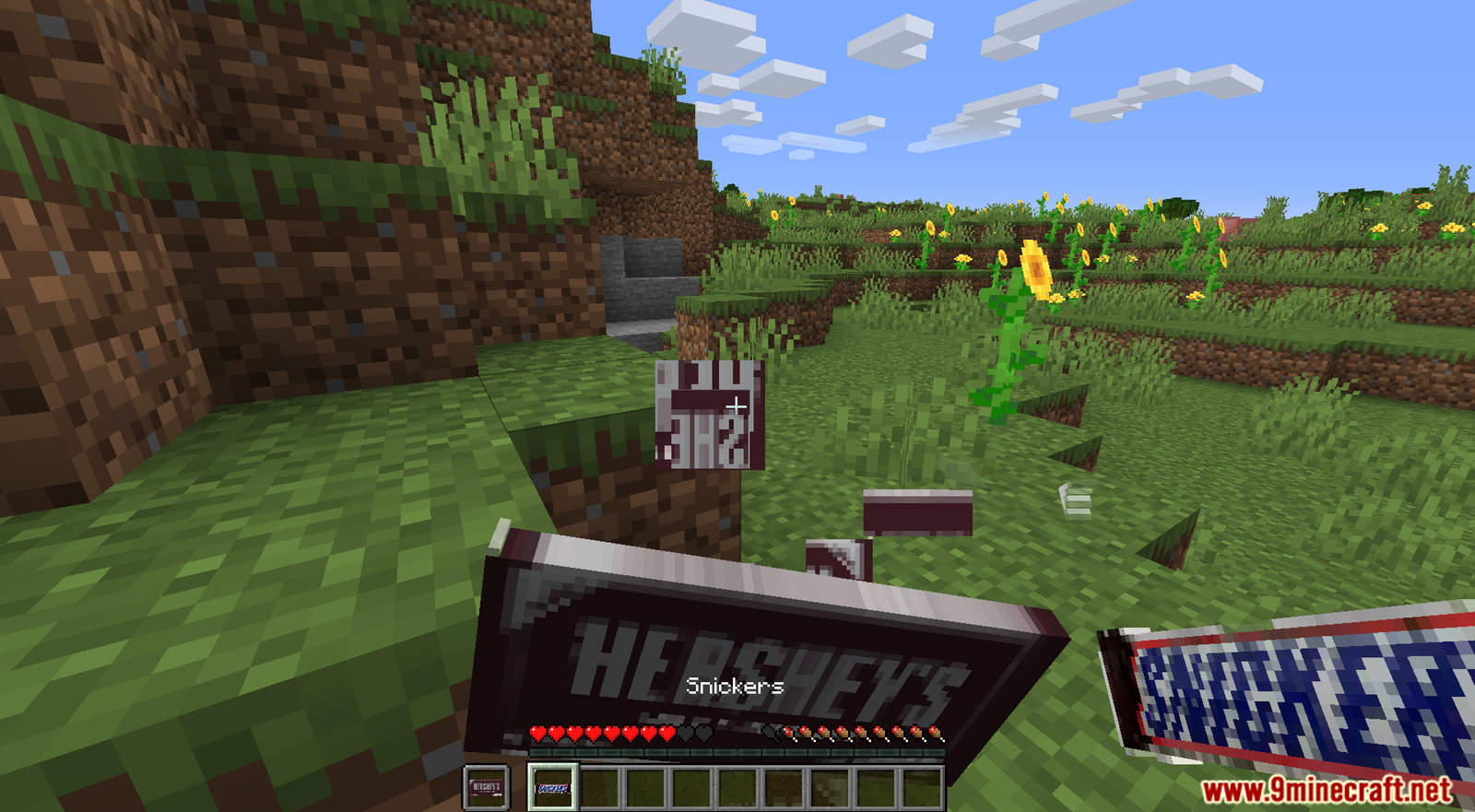
Vending Machine Data Pack 1.16.5, 1.15.2 will add an unique item into Minecraft! Allows you to craft and buy new food items from the Vending Machine using Minecoin. You can also create a custom Vending Machine by placing a barrel under it and then press shift. Vending Machine can also be turned on/off by redstone.
Features:
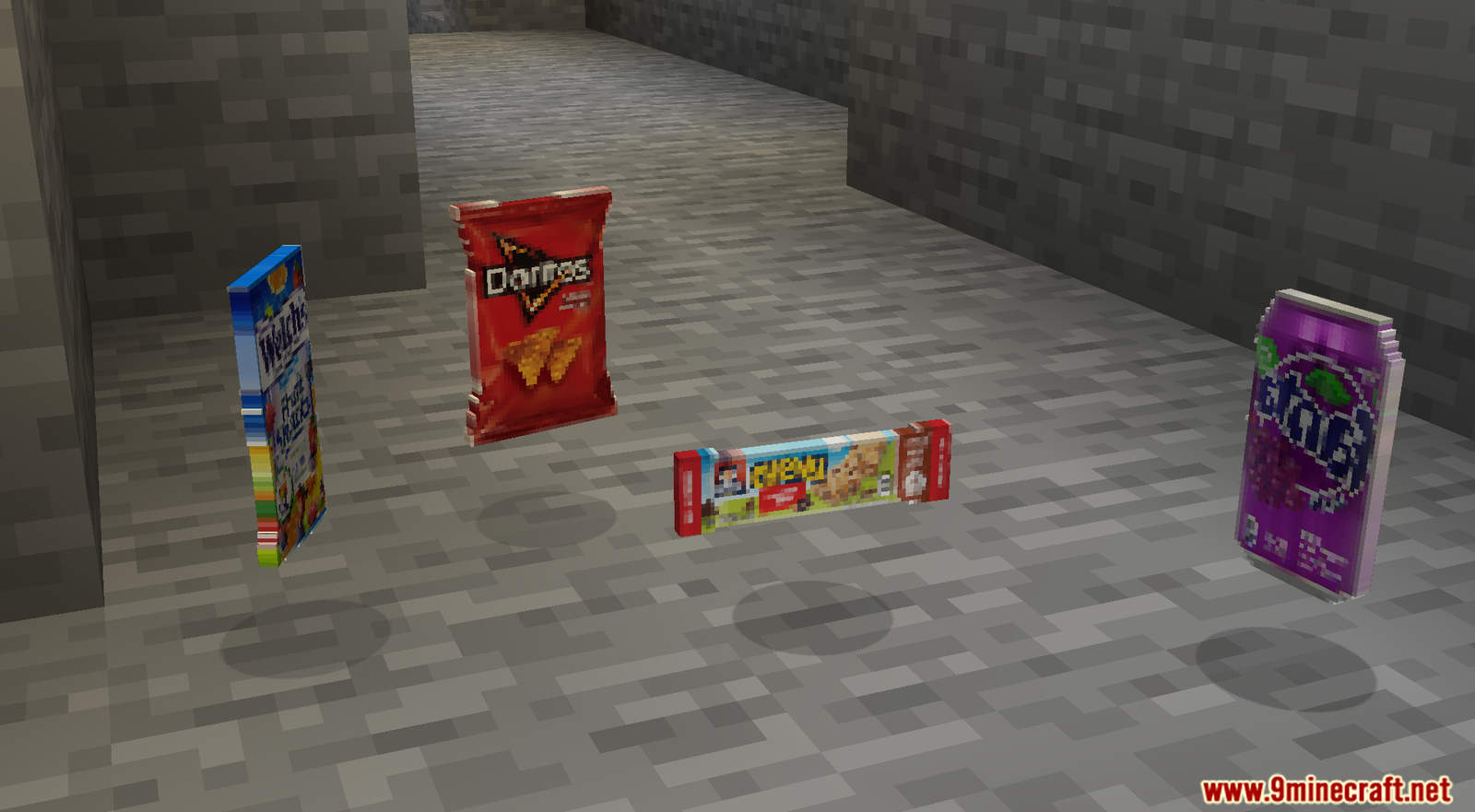
Lits of new foods that you can buy from the Vending Machine.
- sprite
- limited edition sprite cranberry
- Fanta orange
- Fanta grape
- skittles
- Granola bar
- Nutella
- Snickers
- Hershey
- Twix
- Trail mix
- Doritos
- Lays
- Fruit snacks
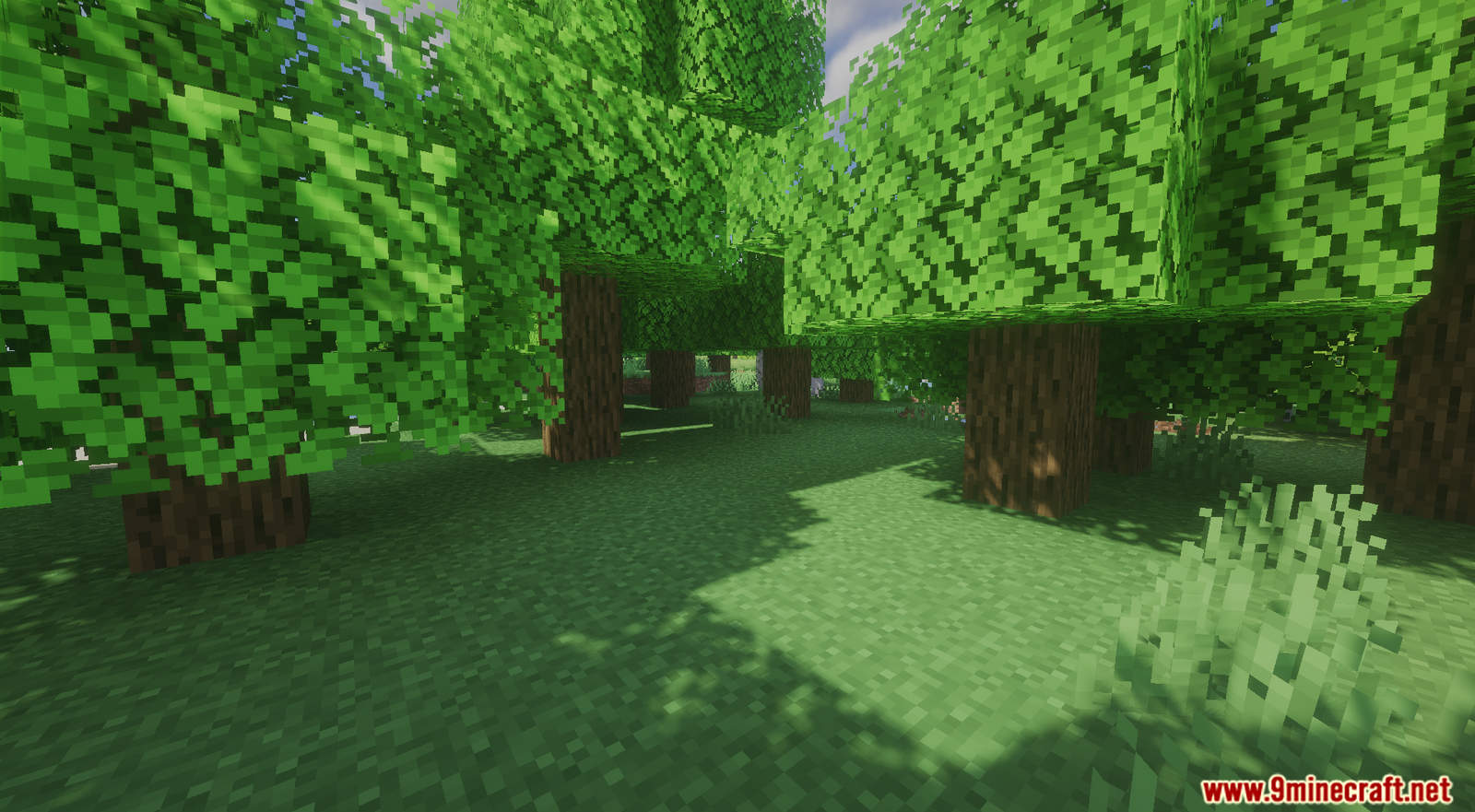
Screenshots:
Crafting Recipes:
-
- In order to craft the Vending Machine, you need to use the Custom Crafting Table from LSP Recipe Core API.
- In order to buy the items from Vending Machine, you need to use Minecoin
.
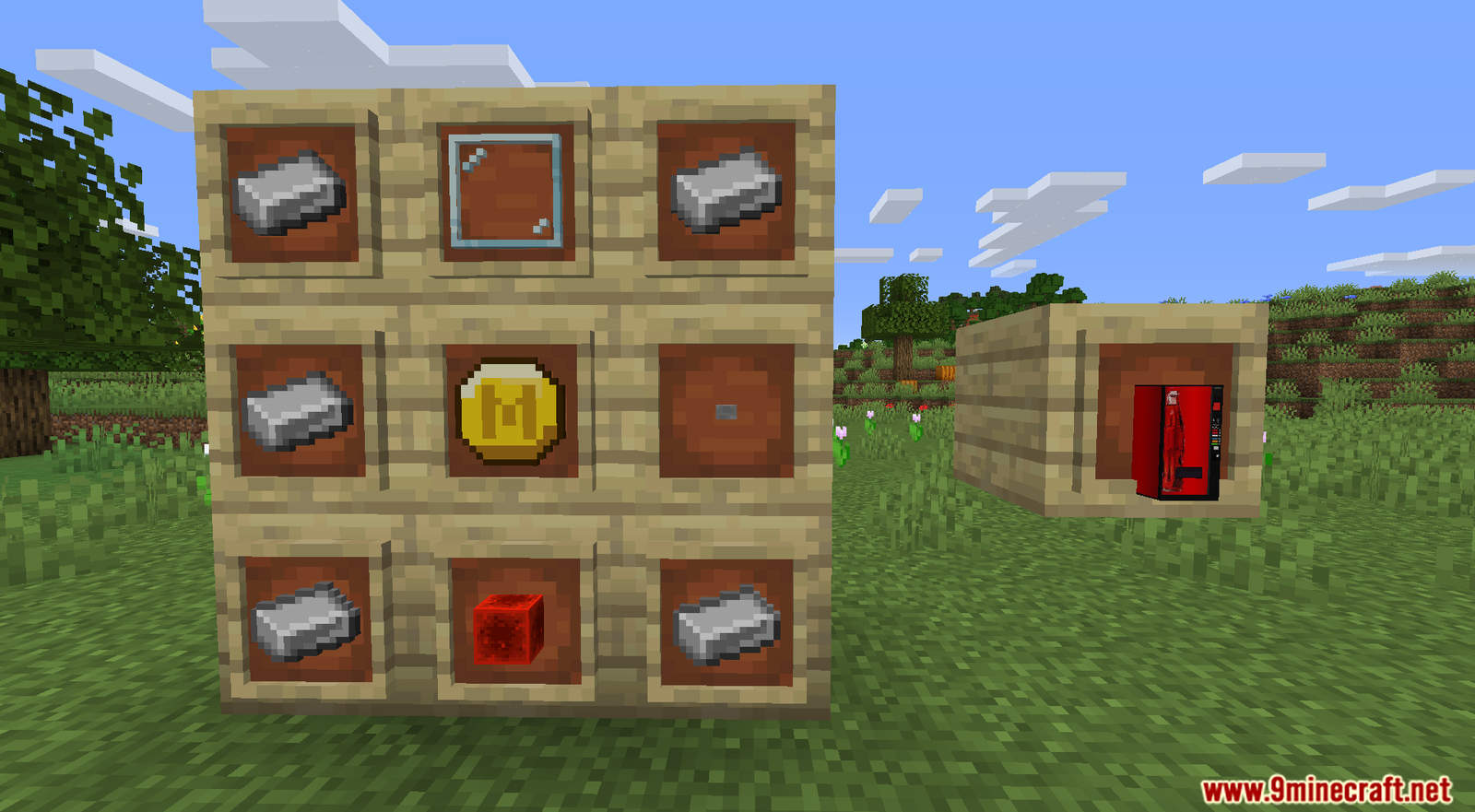
Remember to install these two data packs as well!
Vending Machine Data Pack 1.16.5, 1.15.2 Download Links
For Minecraft 1.15.2 and 1.14.4:
Data Pack: Download from Server 1
Resource Pack: Download from Server 1
For Minecraft 1.16.5:
Data Pack: Download from Server 1
Resource Pack: Download from Server 1
- Edition: Minecraft Java
- File type: .jar
- Minecraft version listed: 1.16.5
- How to install: Install the matching mod loader (Forge, Fabric or NeoForge) for your Minecraft version. → Download the .jar. → Put it in the .minecraft/mods folder and launch that loader profile.
- Where to get it: In MC Java Mods, or directly above on this page.
Install steps are the general flow for this file type — see the MC Java Mods guides for the full walkthrough.
Vending Machine Data Pack 1.16.5, 1.15.2 (New Items) is a free Minecraft Java datapack. Compatible with Minecraft 1.16.5. Download it and open it directly in the game.
Related Java mods
The Experiment Map (26.2, 1.20.1) – Escape the Redstone Lab
Cyclic

More Magic

AiT Plus

PSball's Plant Hybrids