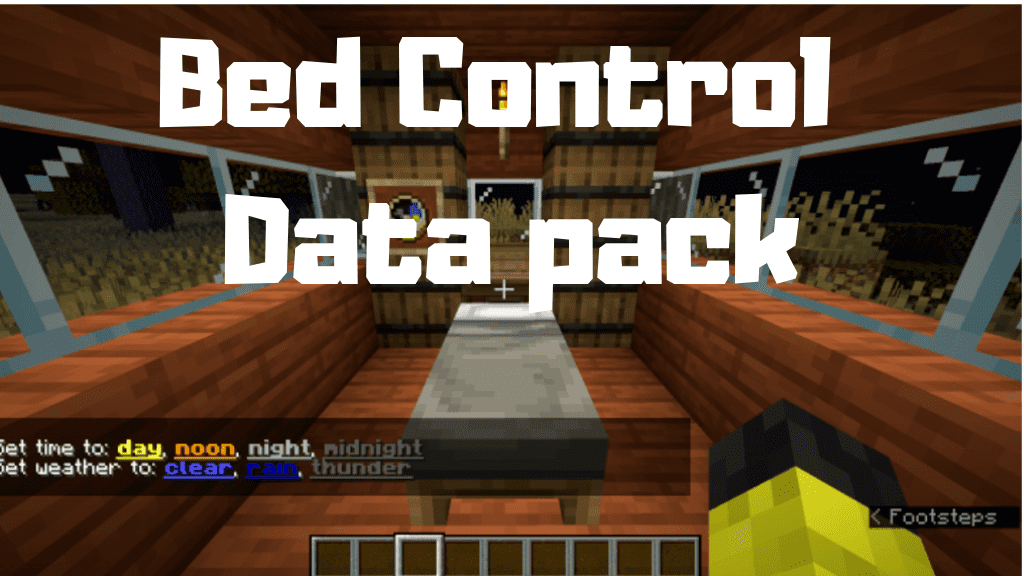
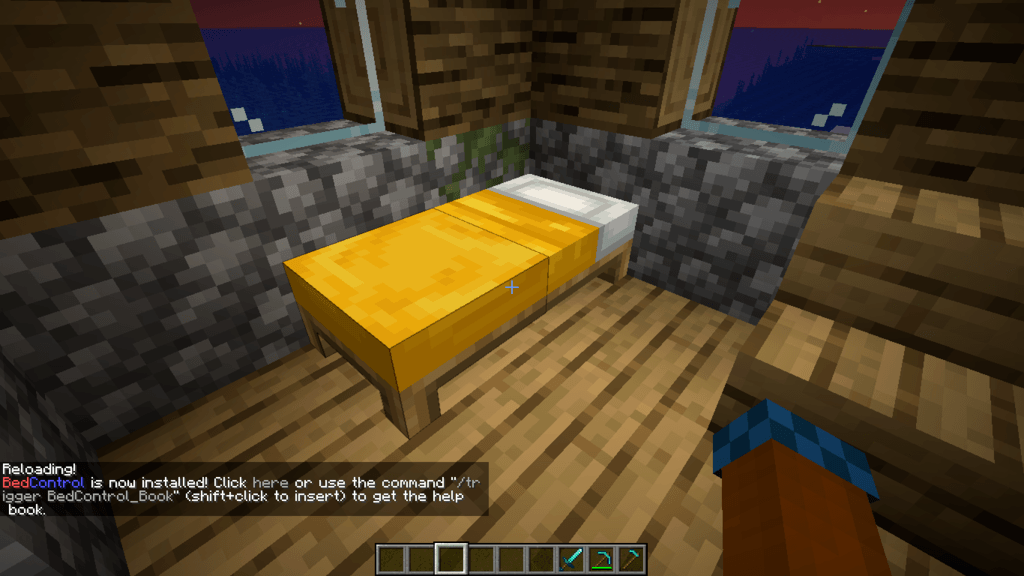
Bed Control Data Pack is here to modify a very common action in Minecraft – sleeping. In detail, this is just a small utility pack designed for those wanting greater control over time and weather, while remaining balanced and not game-breakingly overpowered.
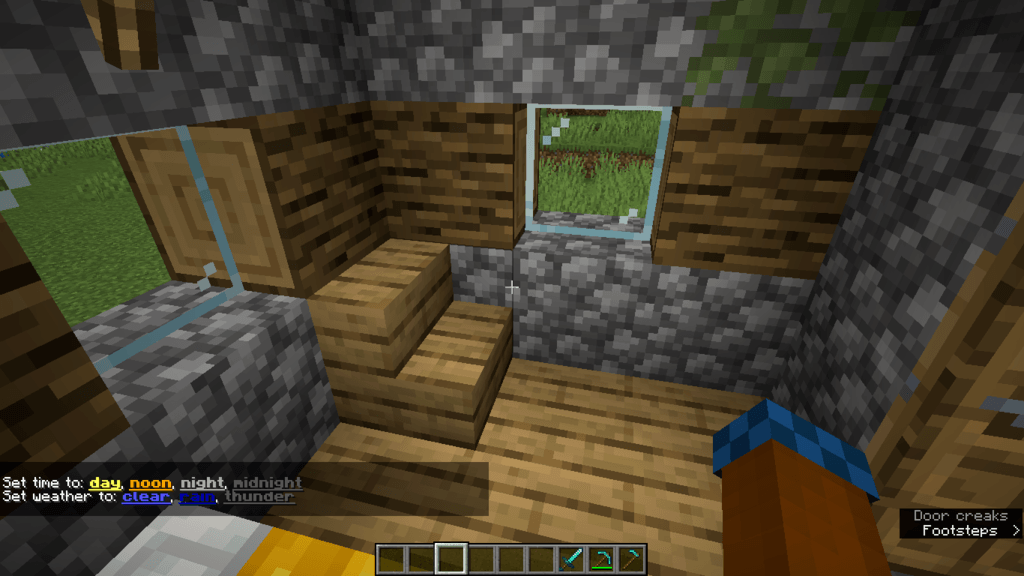
Simply sleep on a bed, and when you wake up you will have a message with some colored options in it. Click one of these options to switch time or weather.
Functions:
- When you go to sleep, a message will appear in the chat with highlighted options, simply click the one you want.
- Available options for times: day (sunrise), noon, night (sunset), midnight.
- Available weather options: clear, rain, thunder.
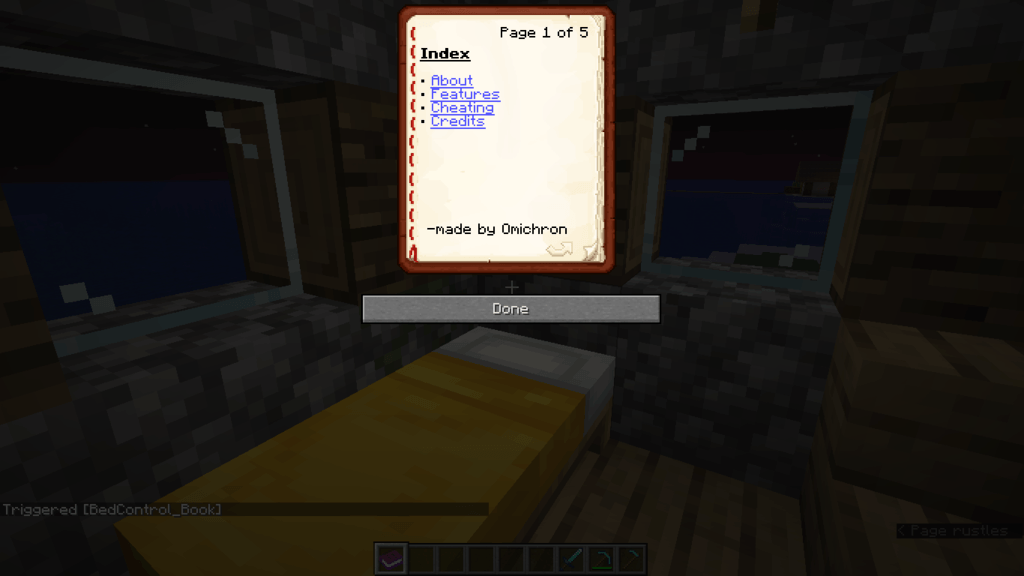
- You can type /Trigger BedControl_Book to get more info.
- Works in survival, creative and adventure mode.
Screenshots:
Bed Control Data Pack Download Links
For Minecraft 1.14.2
Quick facts
- Edition: Minecraft Java
- File type: .jar
- How to install: Install the matching mod loader (Forge, Fabric or NeoForge) for your Minecraft version. → Download the .jar. → Put it in the .minecraft/mods folder and launch that loader profile.
- Where to get it: In MC Java Mods, or directly above on this page.
Install steps are the general flow for this file type — see the MC Java Mods guides for the full walkthrough.
Bed Control Data Pack 1.14.2 is a free Minecraft Java datapack. Download it and open it directly in the game.