DatapacksJava
Lockable Chests Data Pack 1.14.2, 1.14 (Keep Your Stuff Safe)
Lockable Chests Data Pack is exactly what it's advertised as. This data pack lets you lock any chest in Minecraft vanilla survival mode and Creative Mode…
⬇ Download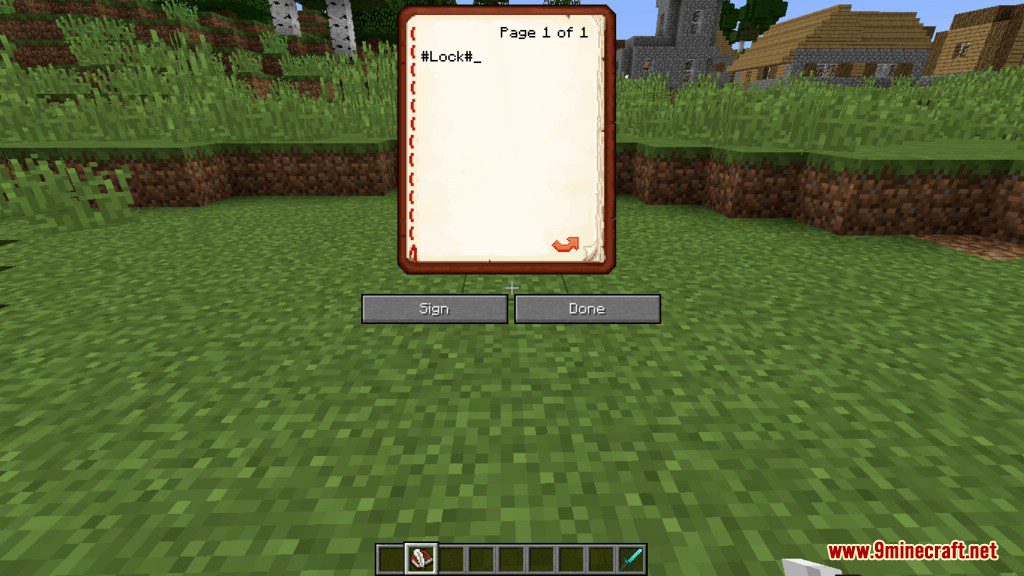
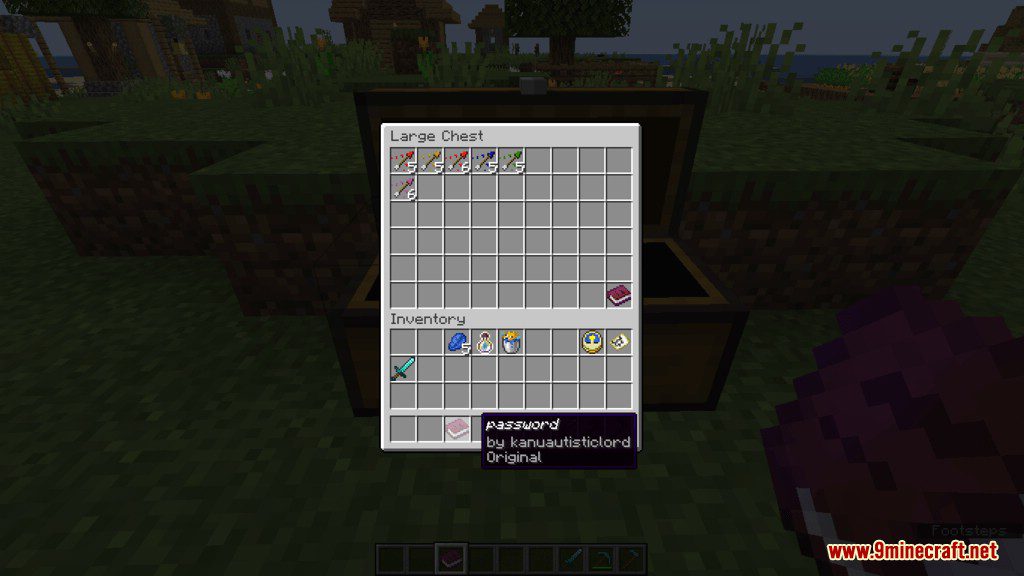
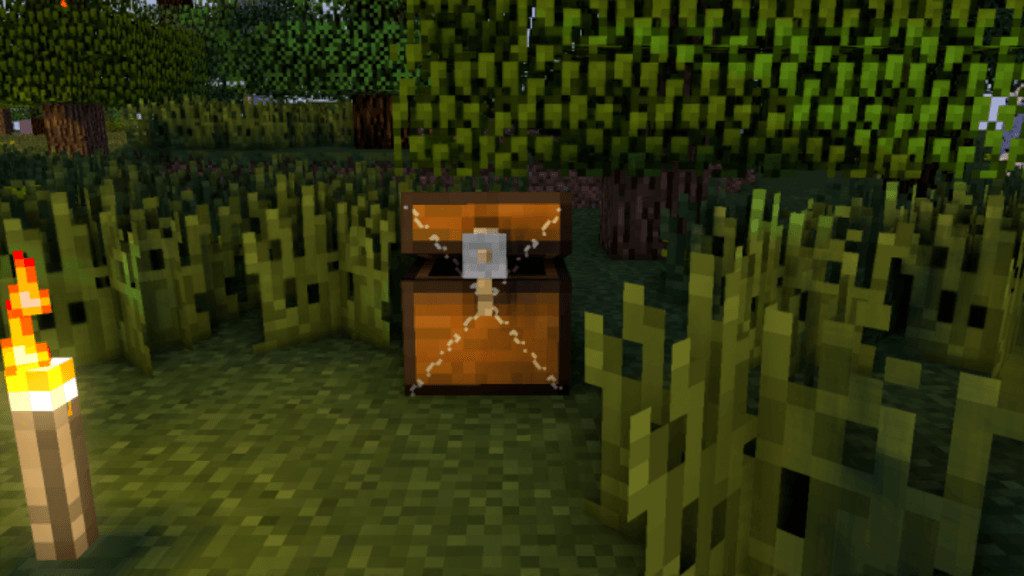
Lockable Chests Data Pack is exactly what it’s advertised as. This data pack lets you lock any chest in Minecraft vanilla survival mode and Creative Mode, a function that’s not available in Minecraft vanilla currently. So now, you can protect your belongings by putting them is a chest and lock them up.
How to Use:
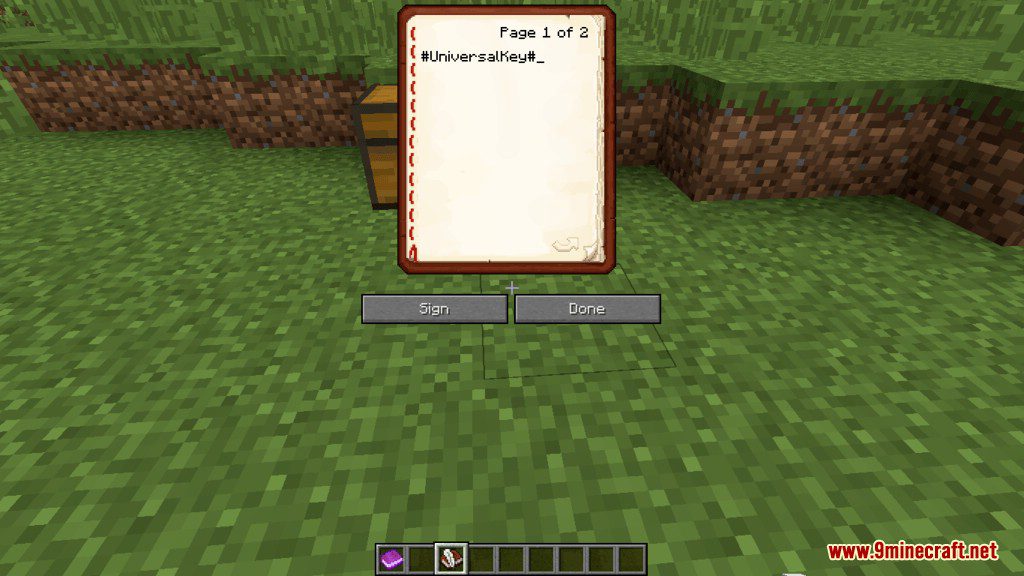
- Get 2 Writable Books, then type in the first-page #Lock# then on the second-page type your “chest password” then Hit Done (It’s necessary to click Done before signing).
- While holding (Shift + Right Click) at the chest, sign your Book.
- Then just place one of them in the last slot of your chest, the other signed book will act as a key to the chest.
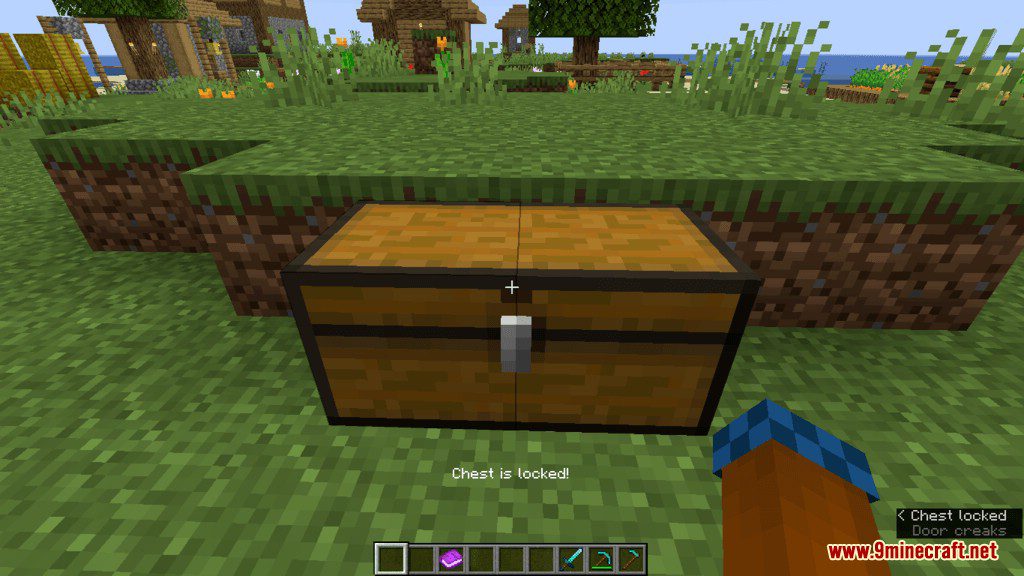
- After this, the chest will be locked and can only be opened when you are holding the signed book.
- Players can’t break protected chests manually
- If a protected chest breaks, it will warn on chat, saying who’s the owner
Screenshots:
Lockable Chests Data Pack Download Links
For Minecraft 1.14.2
Quick facts
- Edition: Minecraft Java
- File type: .jar
- How to install: Install the matching mod loader (Forge, Fabric or NeoForge) for your Minecraft version. → Download the .jar. → Put it in the .minecraft/mods folder and launch that loader profile.
- Where to get it: In MC Java Mods, or directly above on this page.
Install steps are the general flow for this file type — see the MC Java Mods guides for the full walkthrough.
Lockable Chests Data Pack 1.14.2, 1.14 (Keep Your Stuff Safe) is a free Minecraft Java datapack. Download it and open it directly in the game.