Colorful Blocks Addon (26.x, 1.21) – MCPE/Bedrock Mod
Bedrock add-on listed for Minecraft 1.21 (behavior + resource pack). File opened and checked on 21 Sep 2026; installs from the MC Bedrock Mods app on Android.
⬇ Download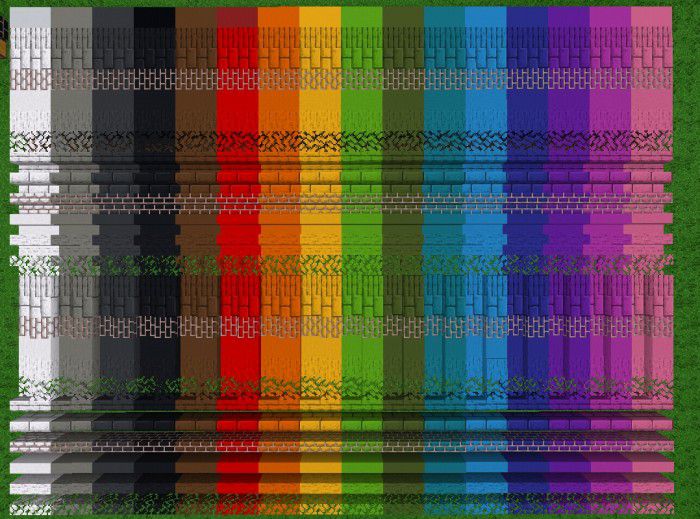
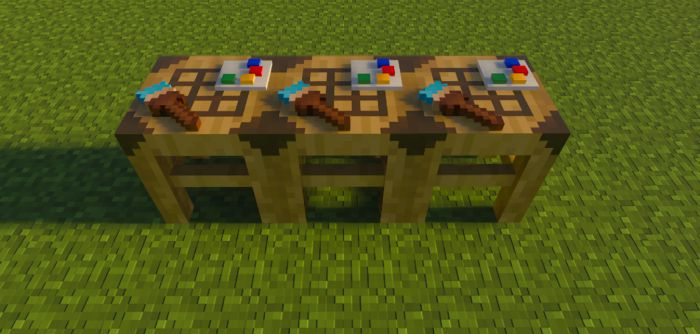
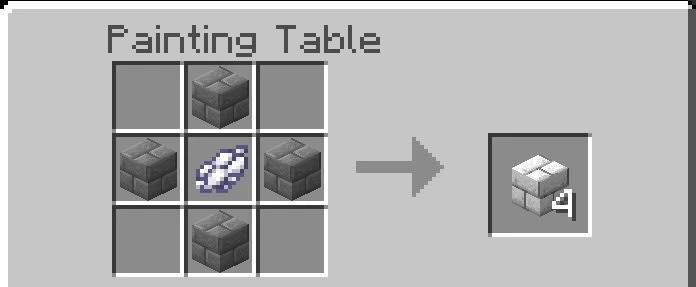
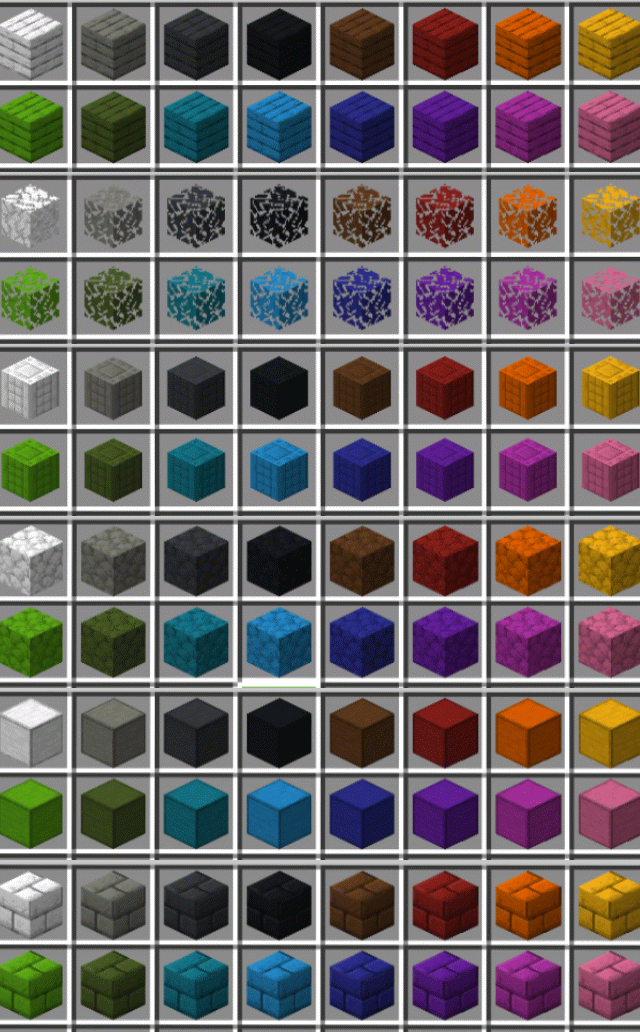
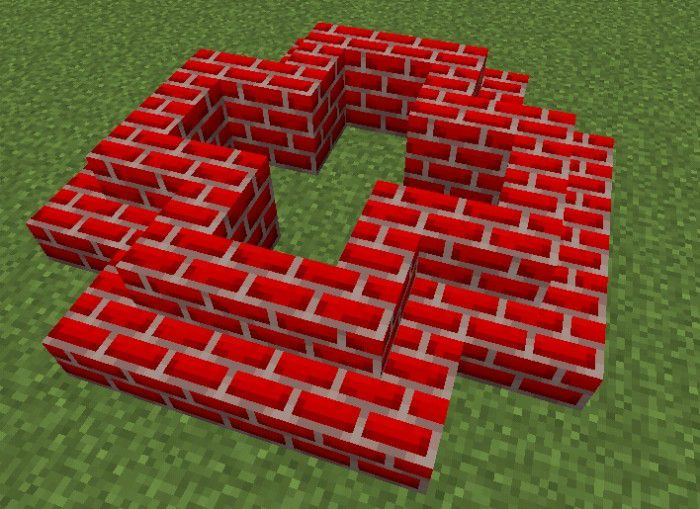
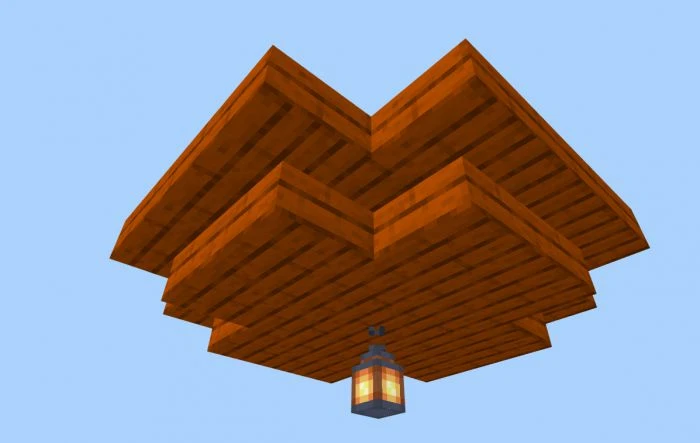
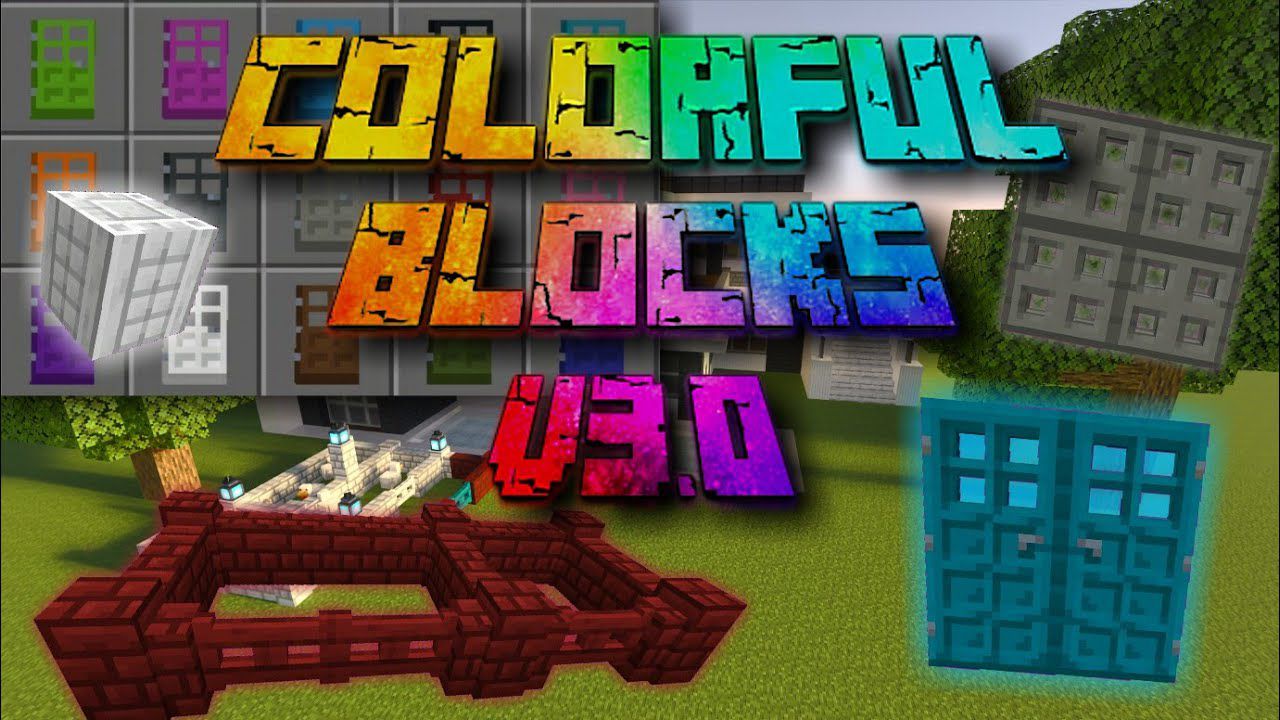
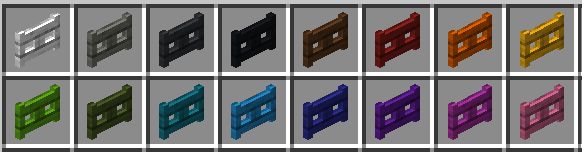
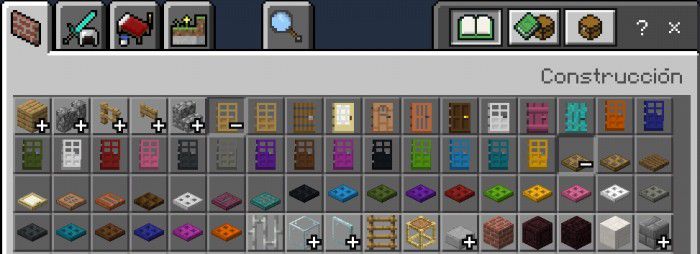
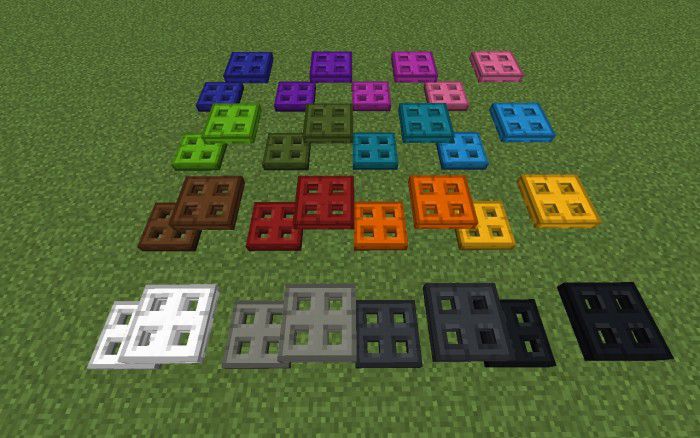
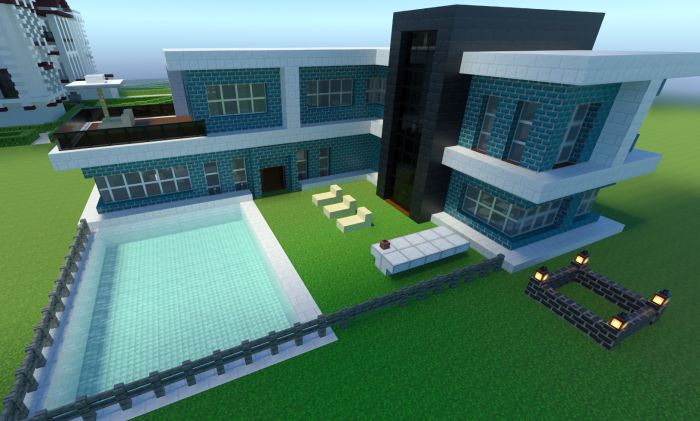
Colorful Blocks Addon adds many blocks with the 16 colors of the game, the blocks can be obtained in creative mode and survival mode. This addon improves all boards: now you can paint the boards in the desired shades, and now you can paint the boards in the desired shades.
Features:
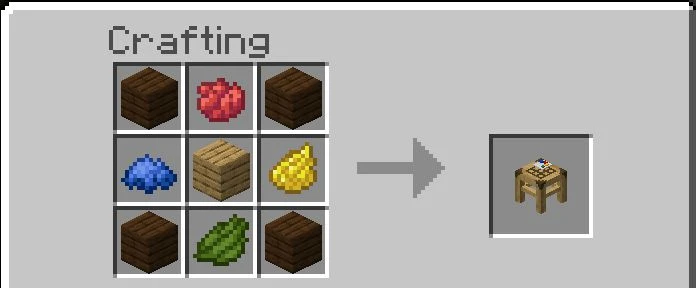
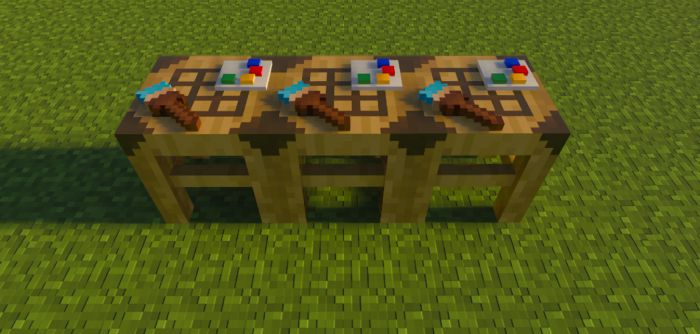
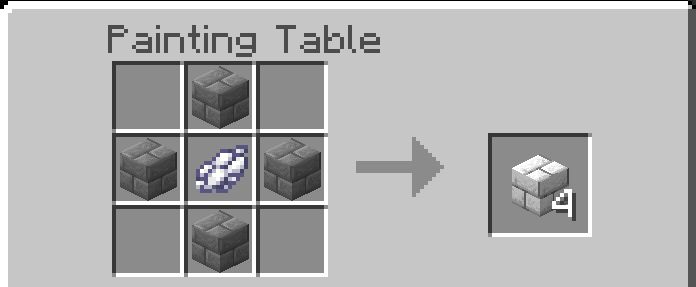
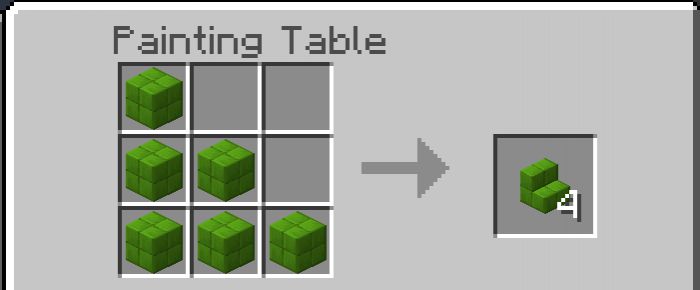
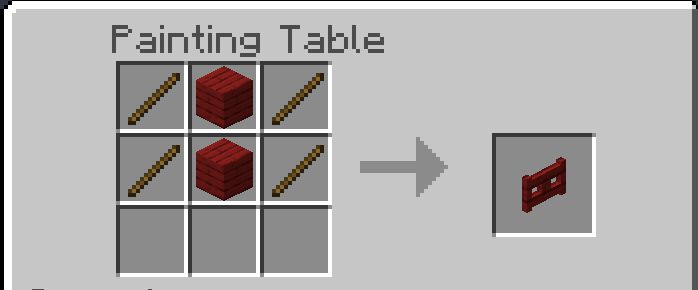
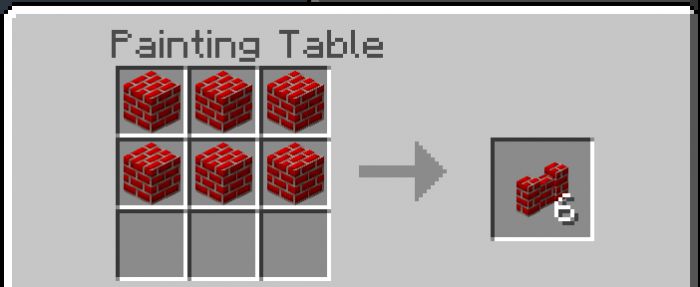
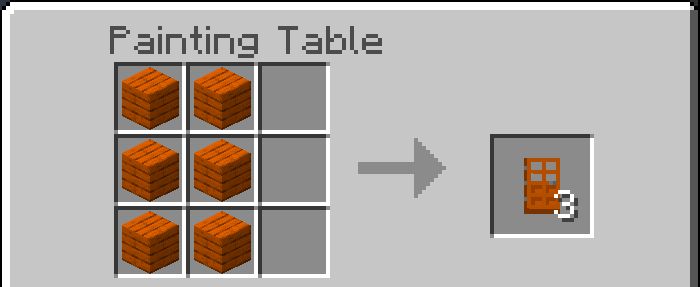
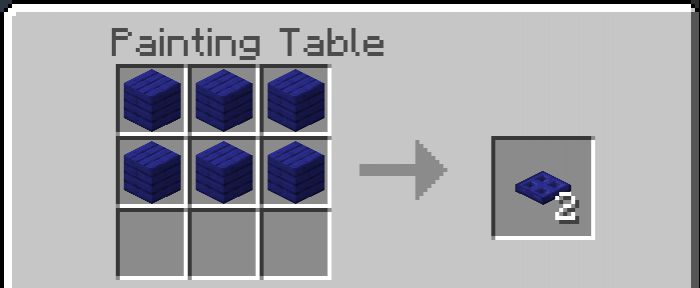
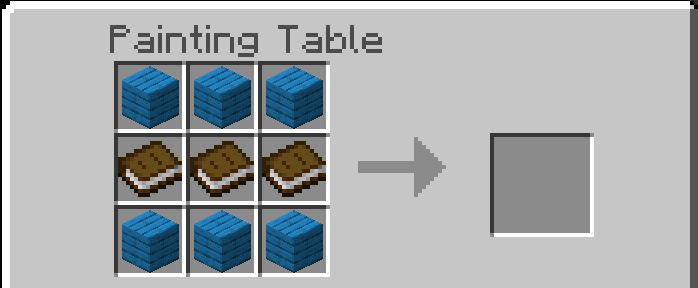
Painting Table
- This table is used to create all the blocks that this addon adds.
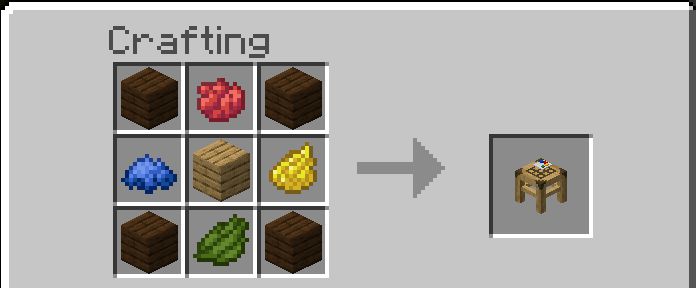
- To get this block in survival you need dyes and wood.
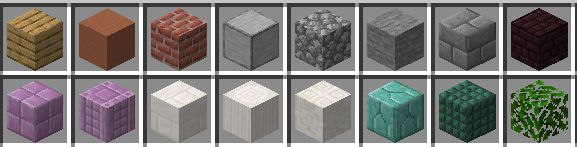
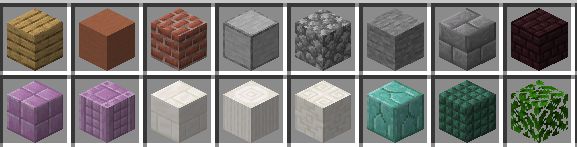
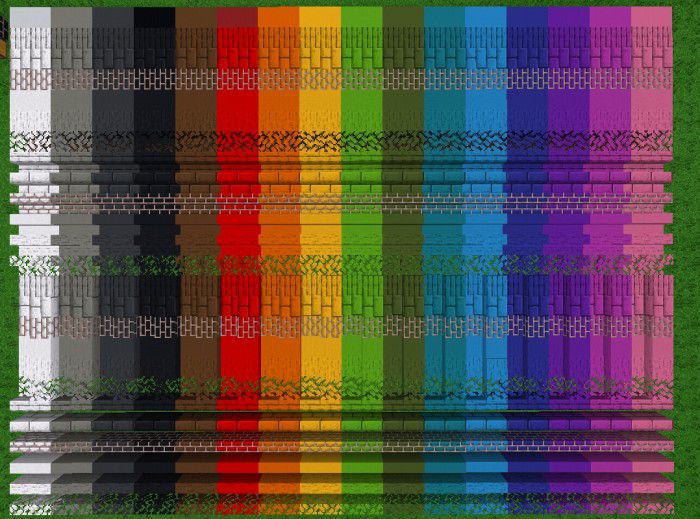
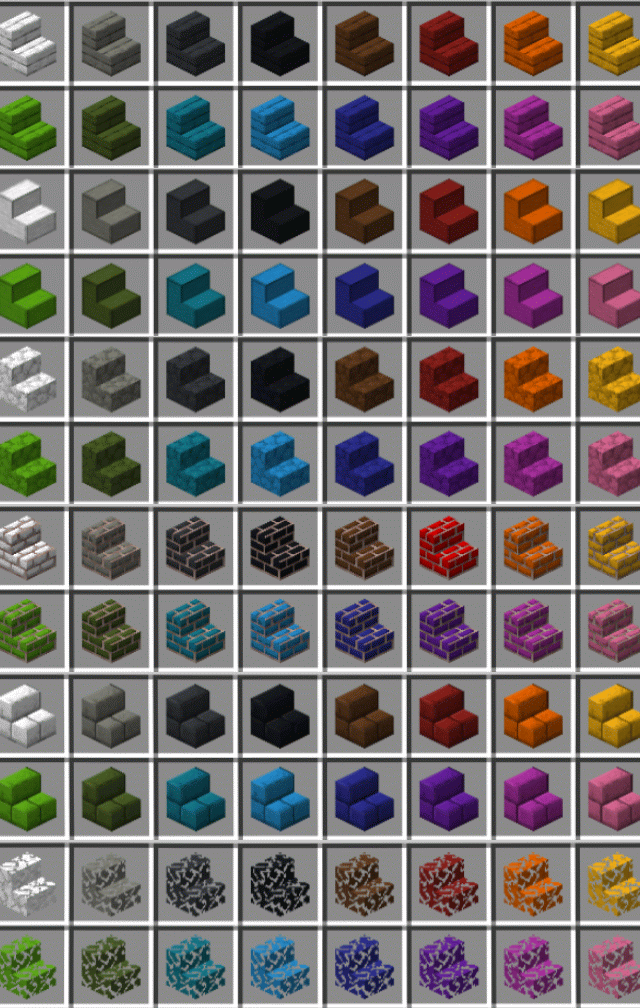
Blocks
- All these blocks can be tinted.
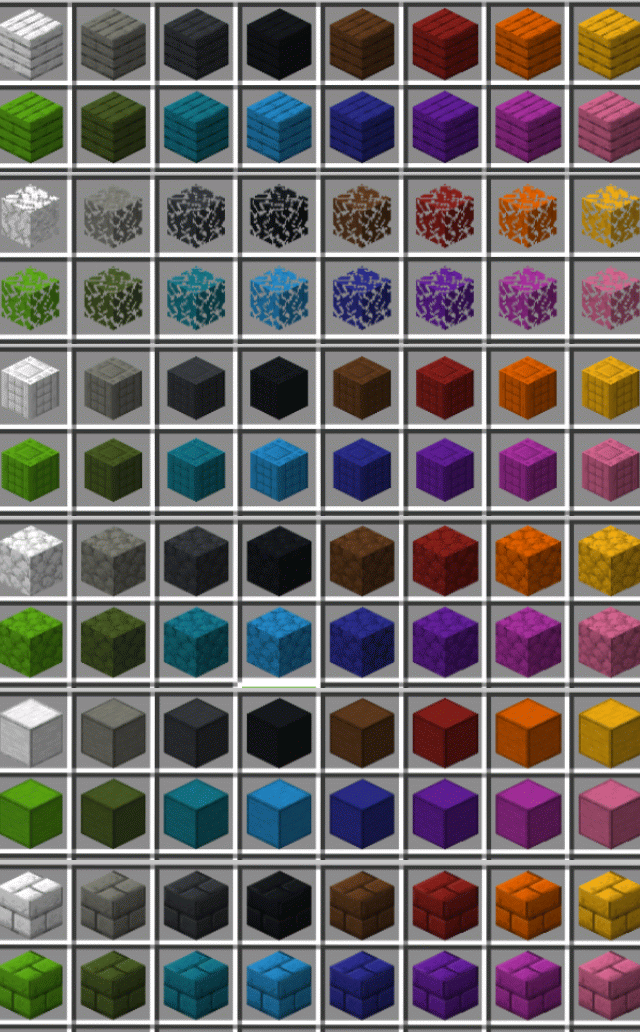
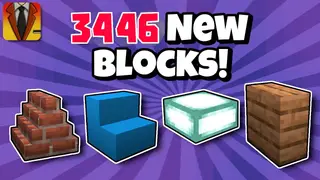
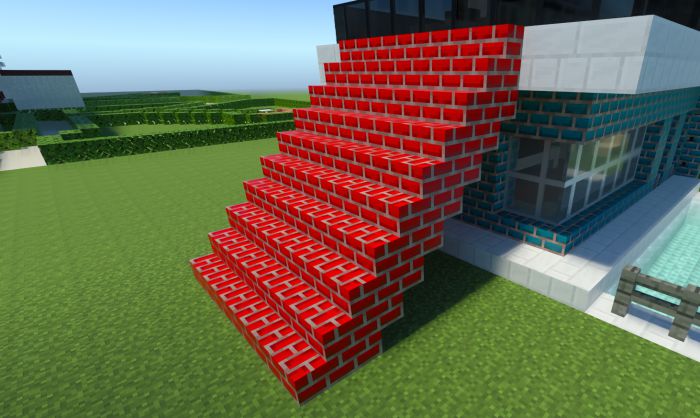
Stairs
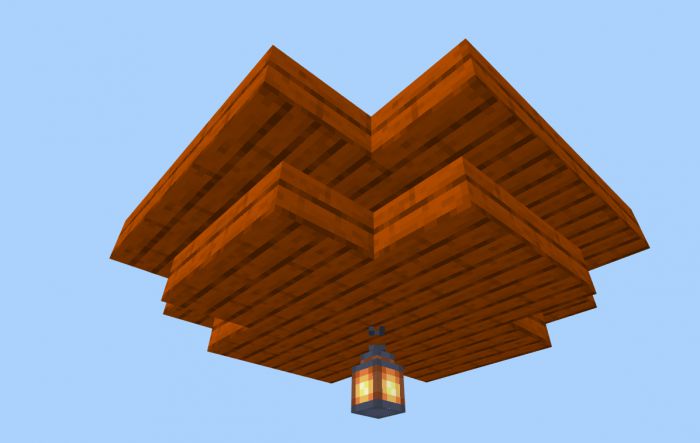
- Stairs have all corner states.
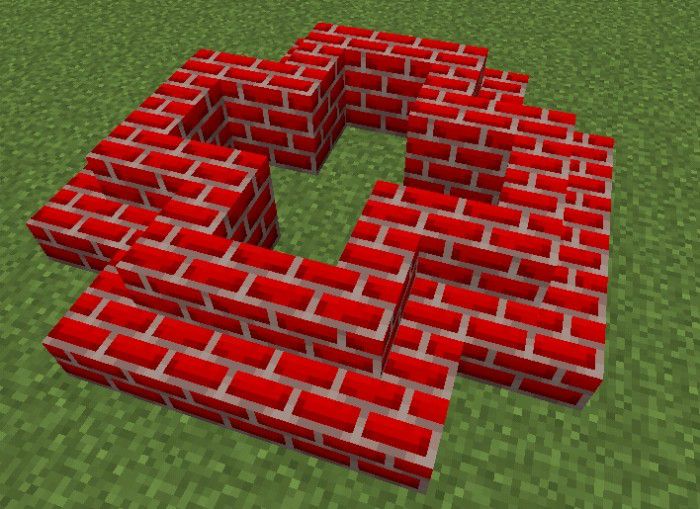
- If you touch a block on the side, the state of the inverted stairs is placed
Slabs and Vertical Slabs
- Slabs can now be turned into a whole block by tapping up or down.
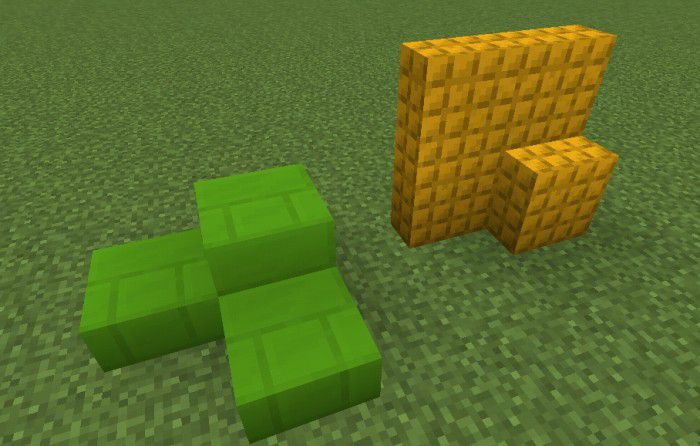
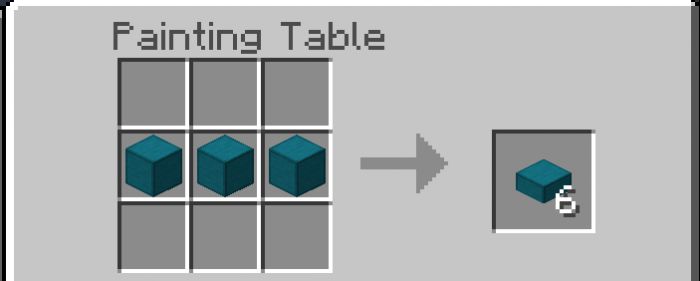
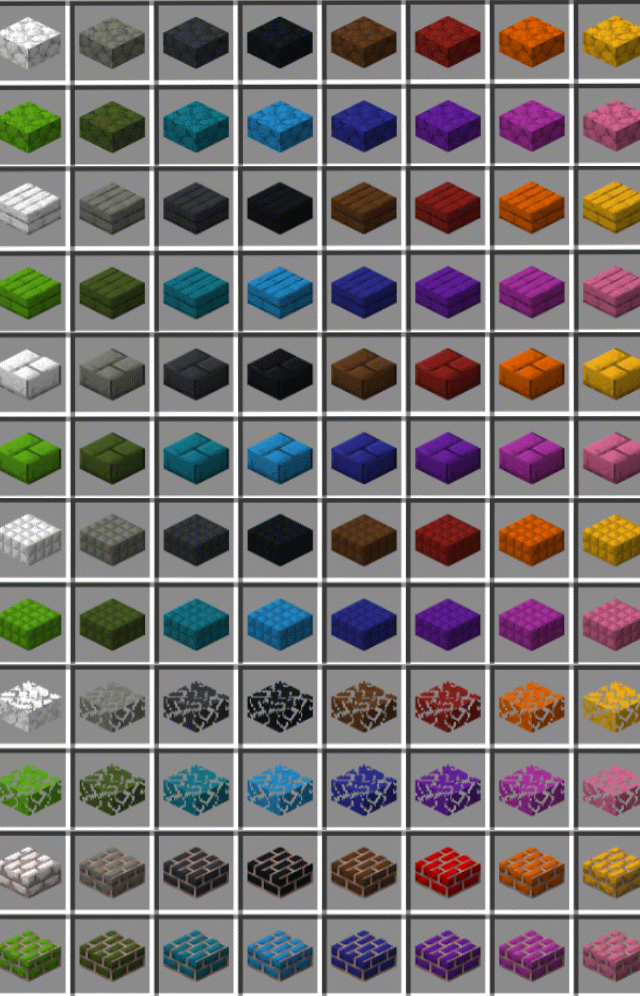
- Vertical slabs can now be turned into a full block by tapping on the sides.
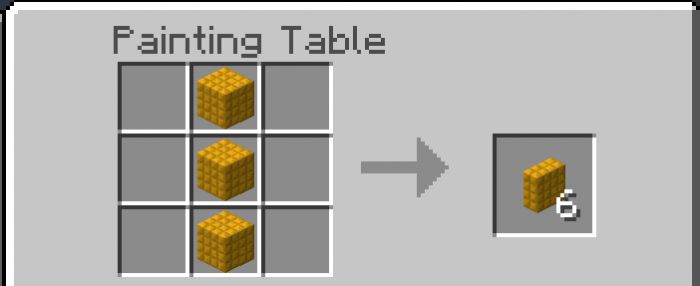
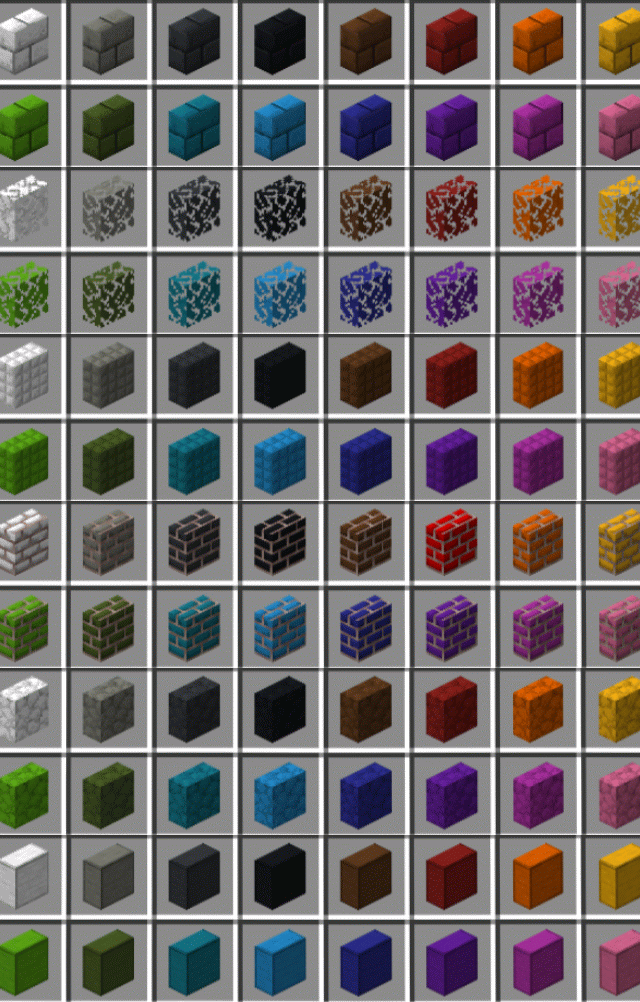
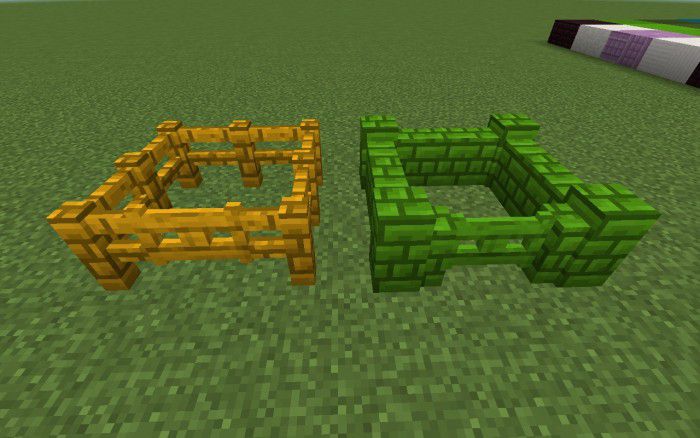
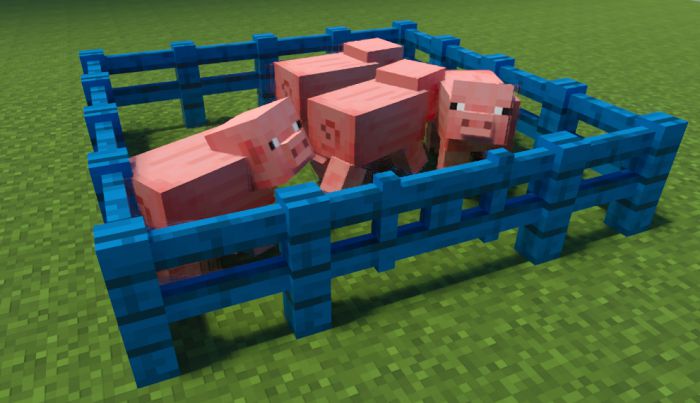
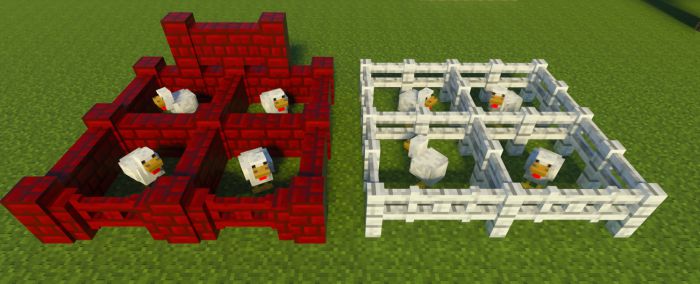
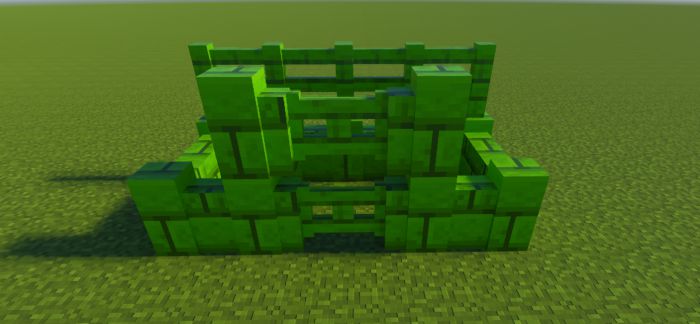
Fences
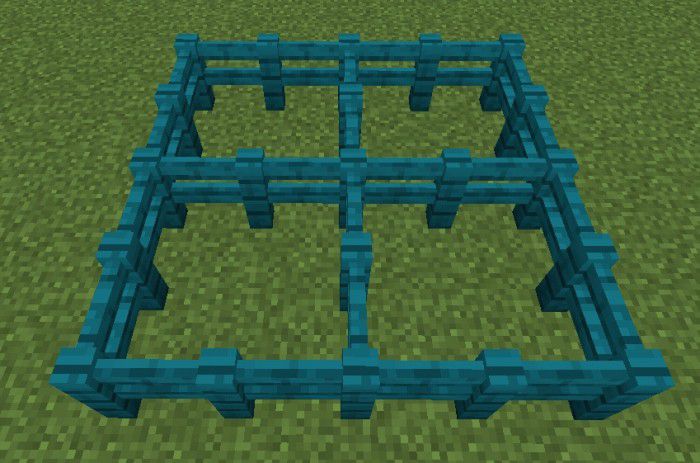
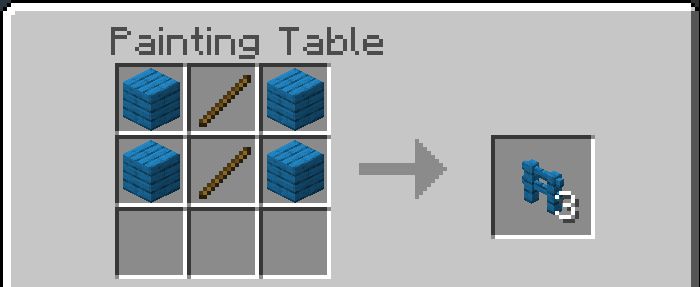
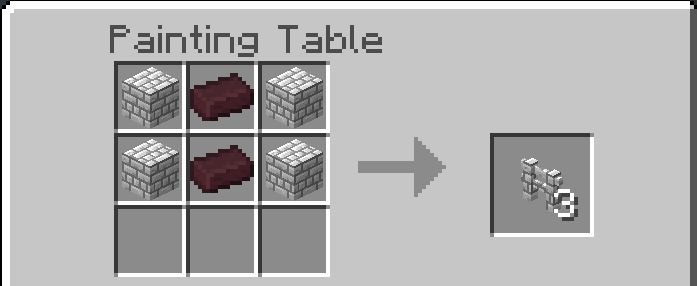
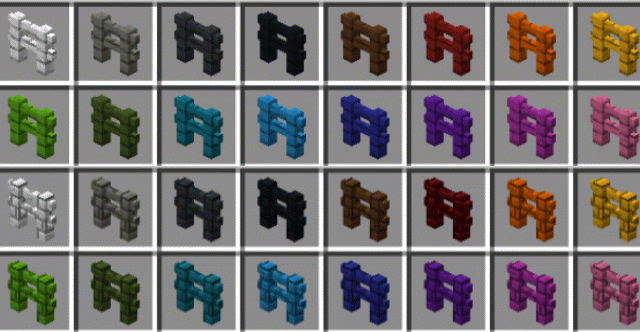
Fence Gates
- Fence gates change state when walls are near them.
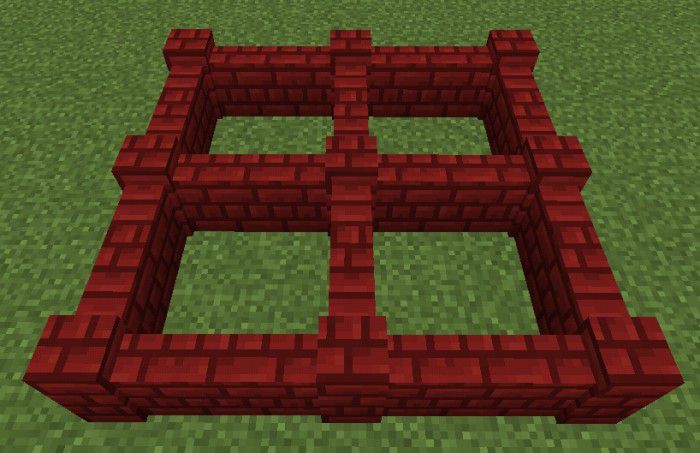
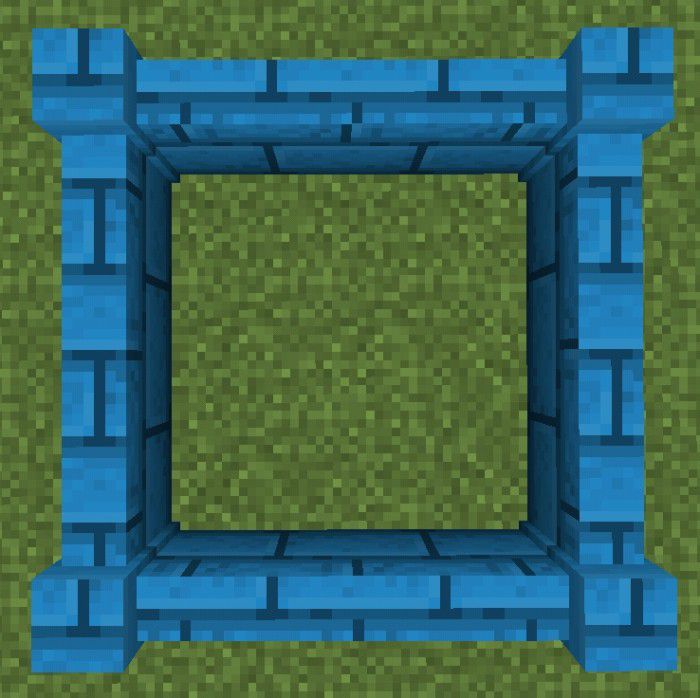
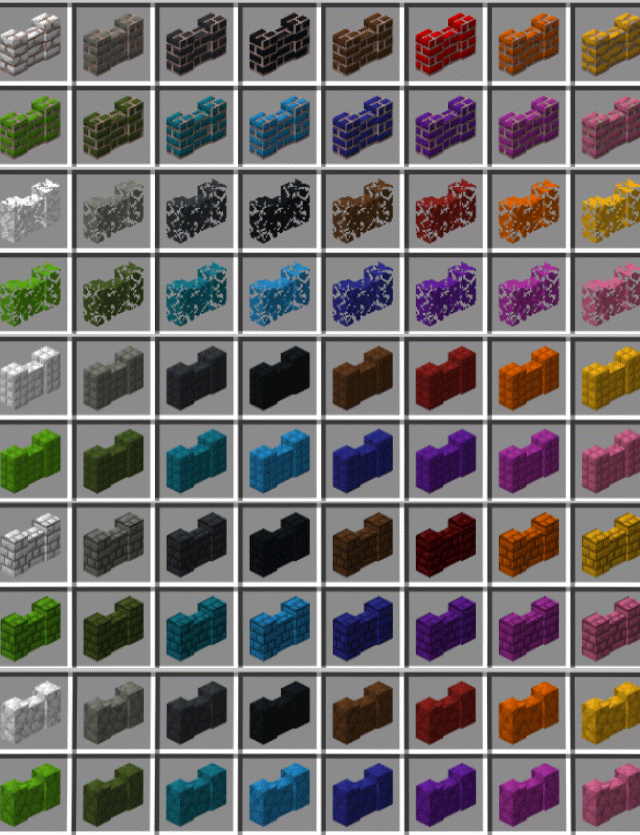
Walls
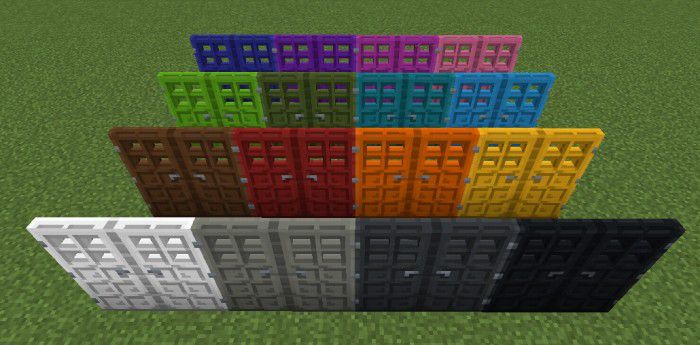
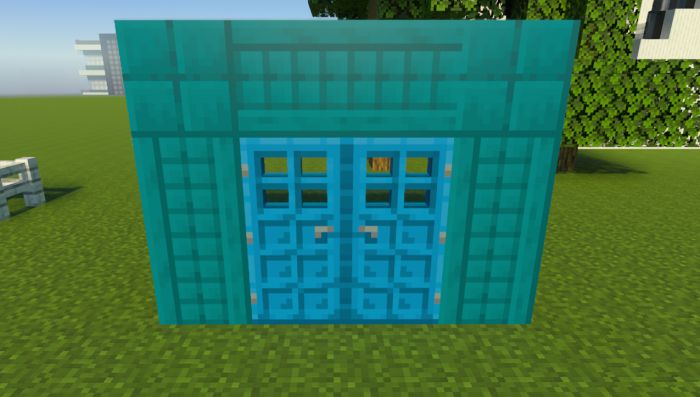
Doors
Trapdoors
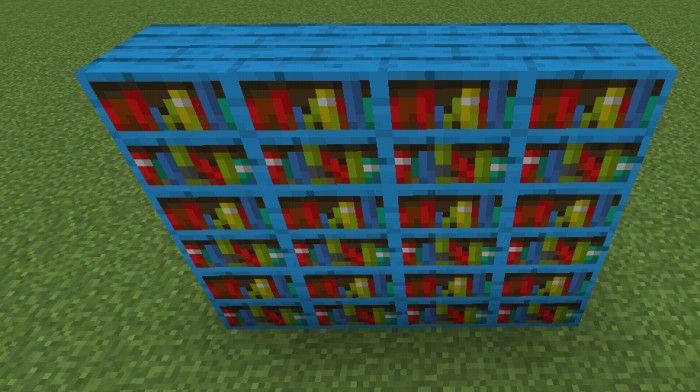
Bookshelves
Screenshots:
Installation Note:
- Make sure you activated “Holiday Creator Features” and “Molang Features”.
Colorful Blocks Addon Download Links
For Minecraft PE/Bedrock 1.19
Behavior: Download from server 1 – Download from server 2
Resource: Download from server 1 – Download from server 2
For Minecraft PE/Bedrock 1.20
Behavior: Download from server 1 – Download from server 2
Resource: Download from server 1 – Download from server 2
3D Doors: Download from server 1 – Download from server 2
For Minecraft PE/Bedrock 1.21
mcaddon: Download from server 1 – Download from server 2
- Edition: Minecraft Bedrock
- File type: .mcpack or .mcaddon
- Minecraft version listed: 1.21
- How to install: Download the .mcpack or .mcaddon file. → Open it — Minecraft imports it. → In your world: Behavior Packs → Available → Activate, then the same under Resource Packs.
- Where to get it: In MCModsHub, or directly above on this page.
Install steps are the general flow for this file type — How to install Minecraft Bedrock addons & mods walks through it step by step.
- Pack type: .mcaddon — behaviour and resource pack in one file
- Complete pack — everything it depends on is inside the file
- Download size: 3.3 MB
- Download link checked 17 Jun 2026 — working
- Mirrored on our own servers — the download does not depend on the original host
These come from our own check of the pack file, not from the source page.