Reforge Addon (26.x, 1.21) – MCPE/Bedrock Mod
Bedrock add-on listed for Minecraft 1.21 (behavior + resource pack). File opened and checked on 24 Sep 2026; installs from the MC Bedrock Mods app on Android.
⬇ Download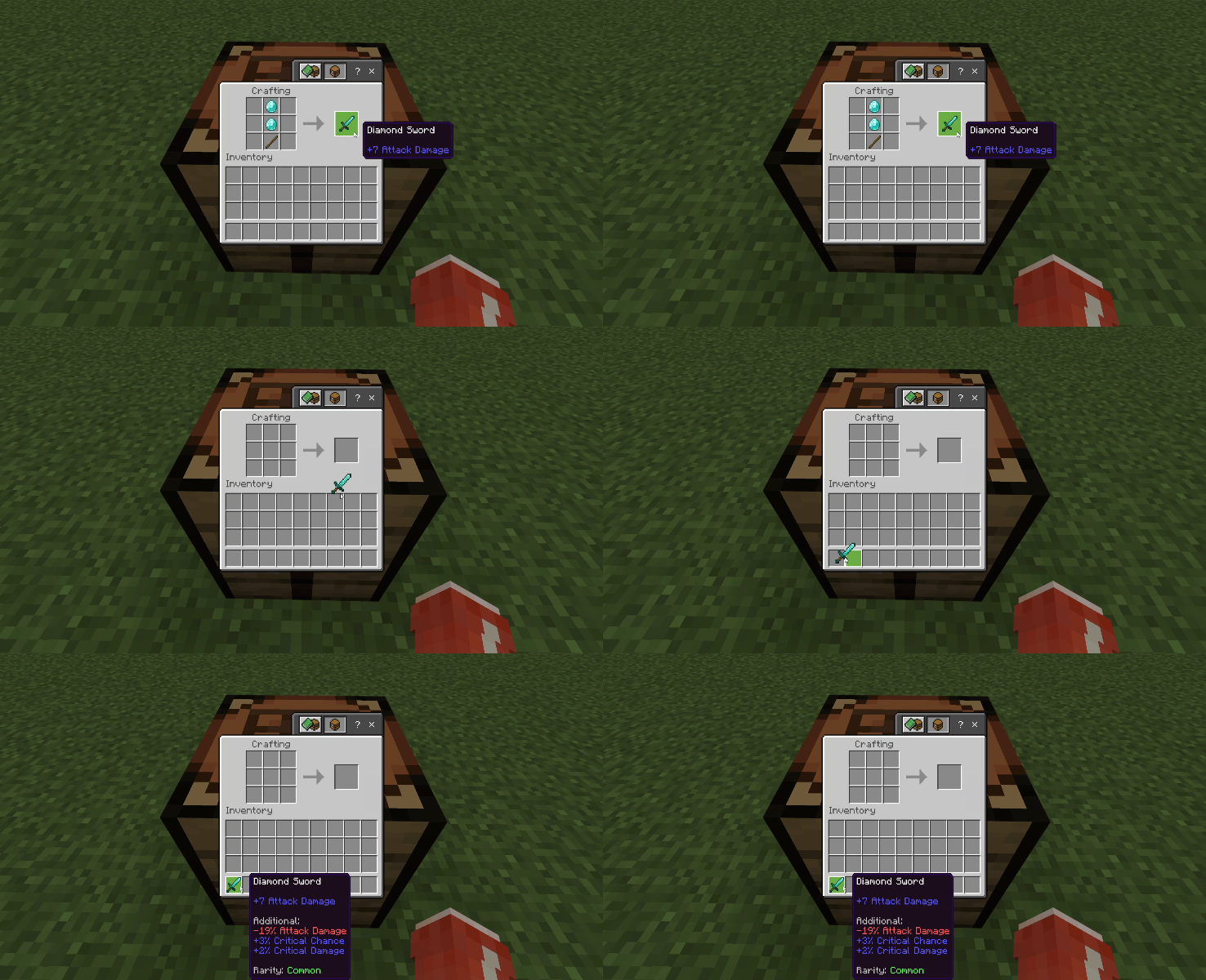
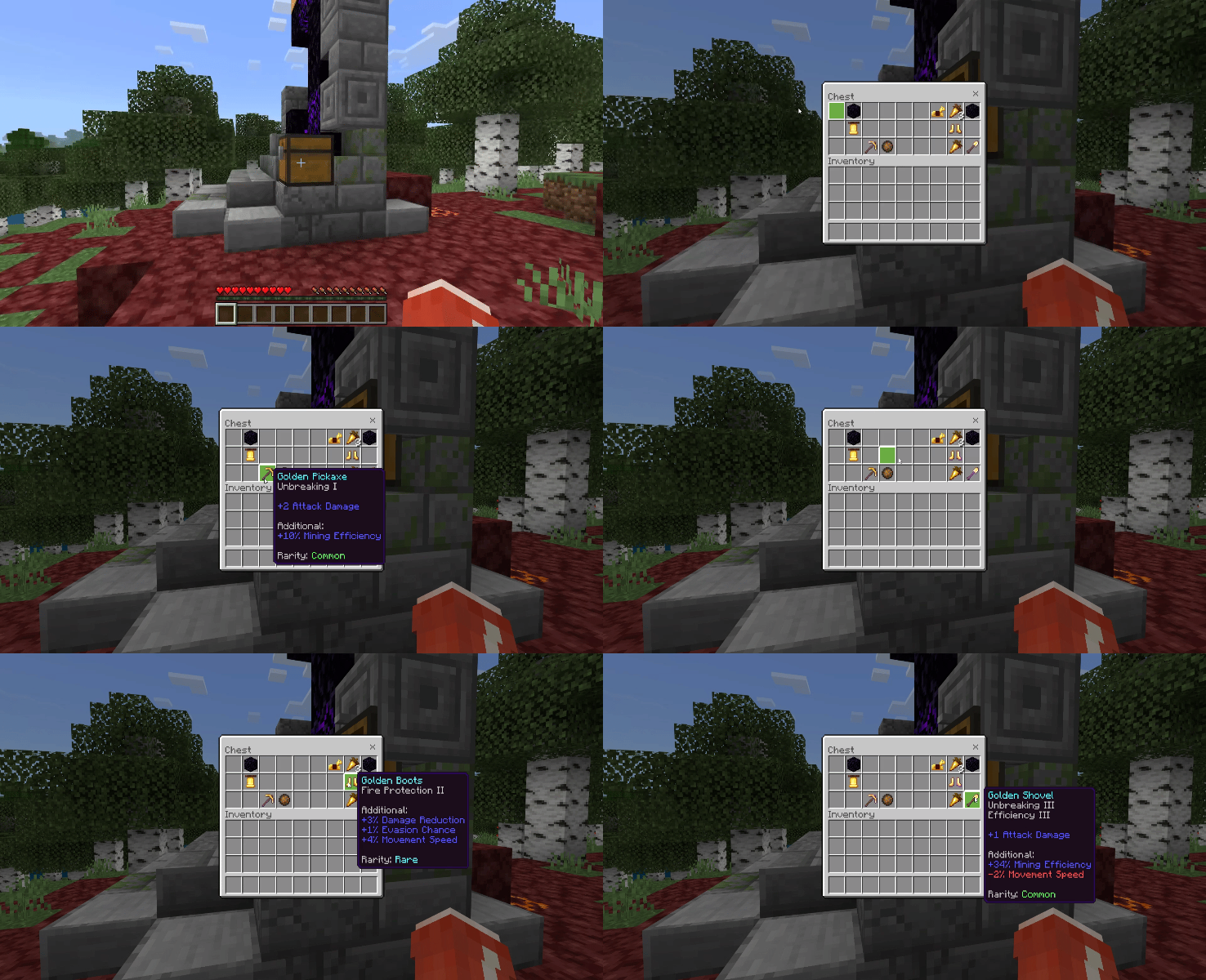
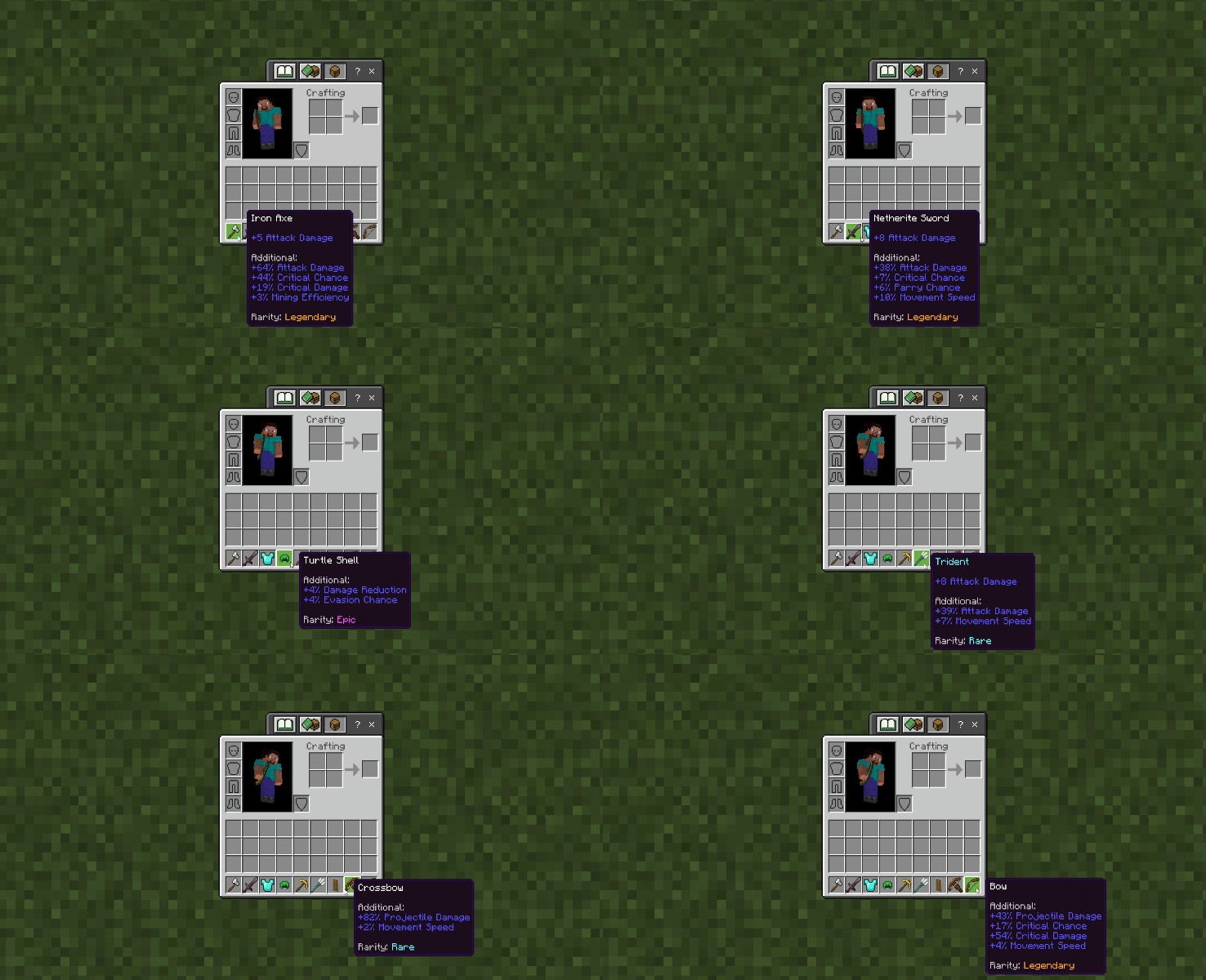
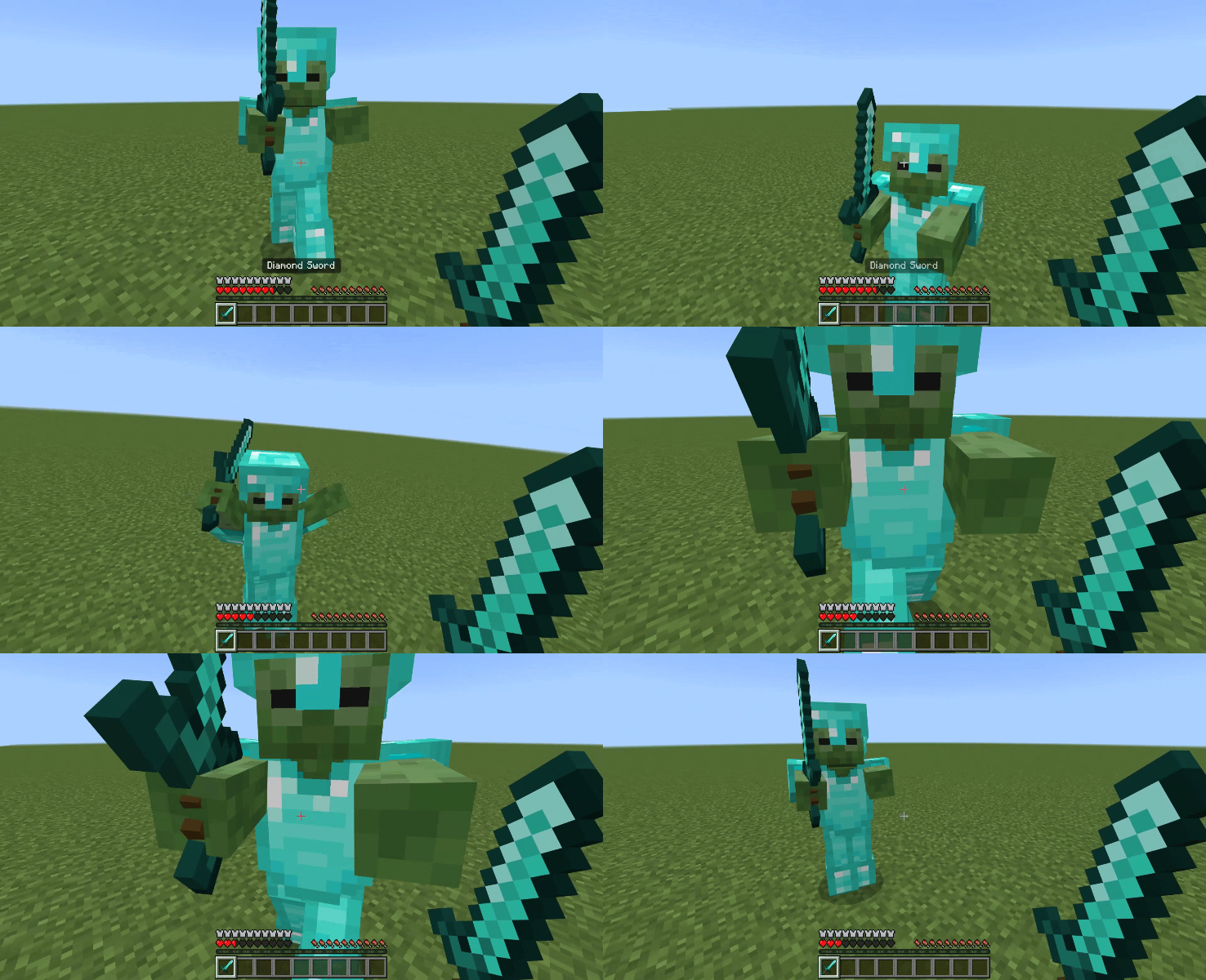
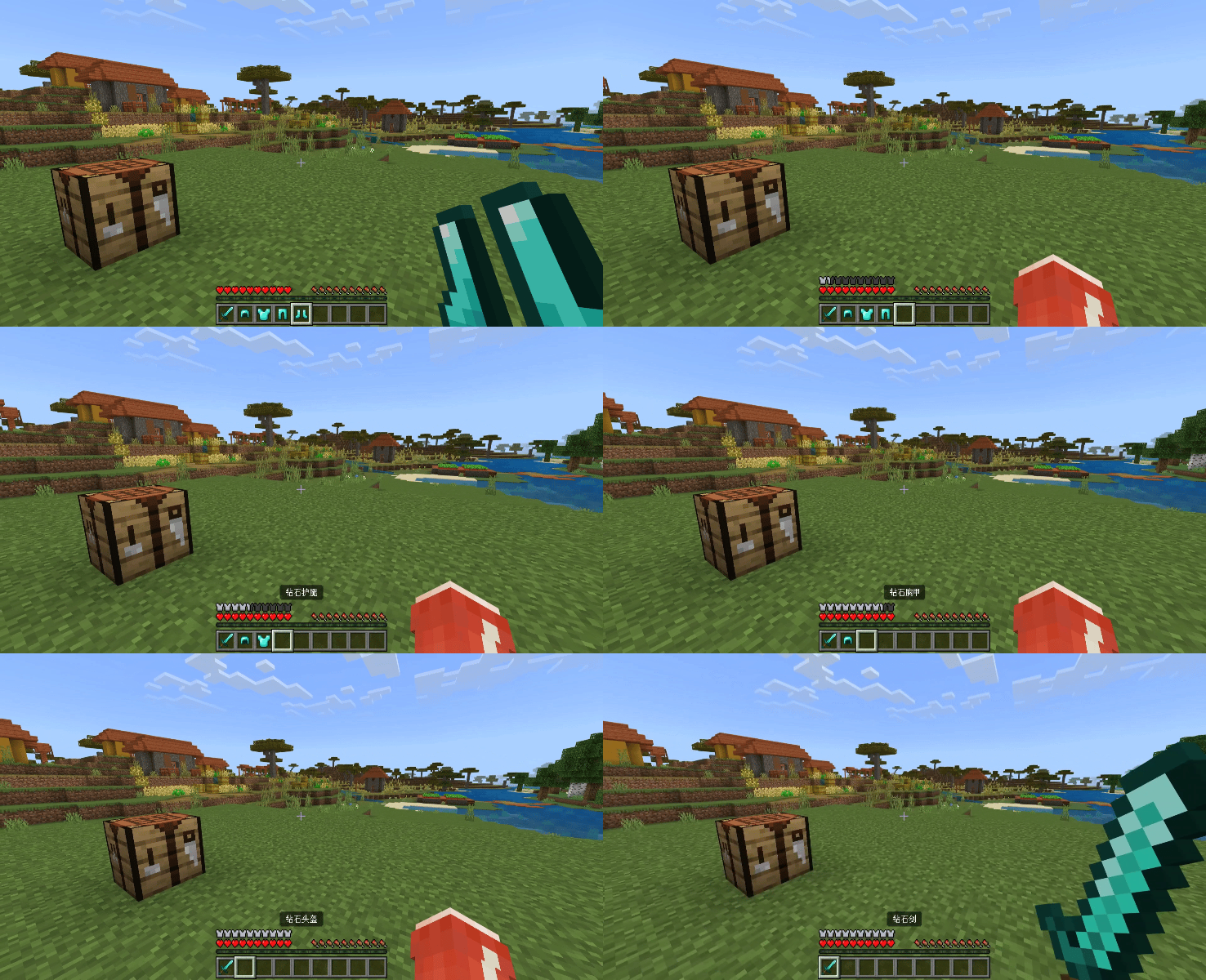
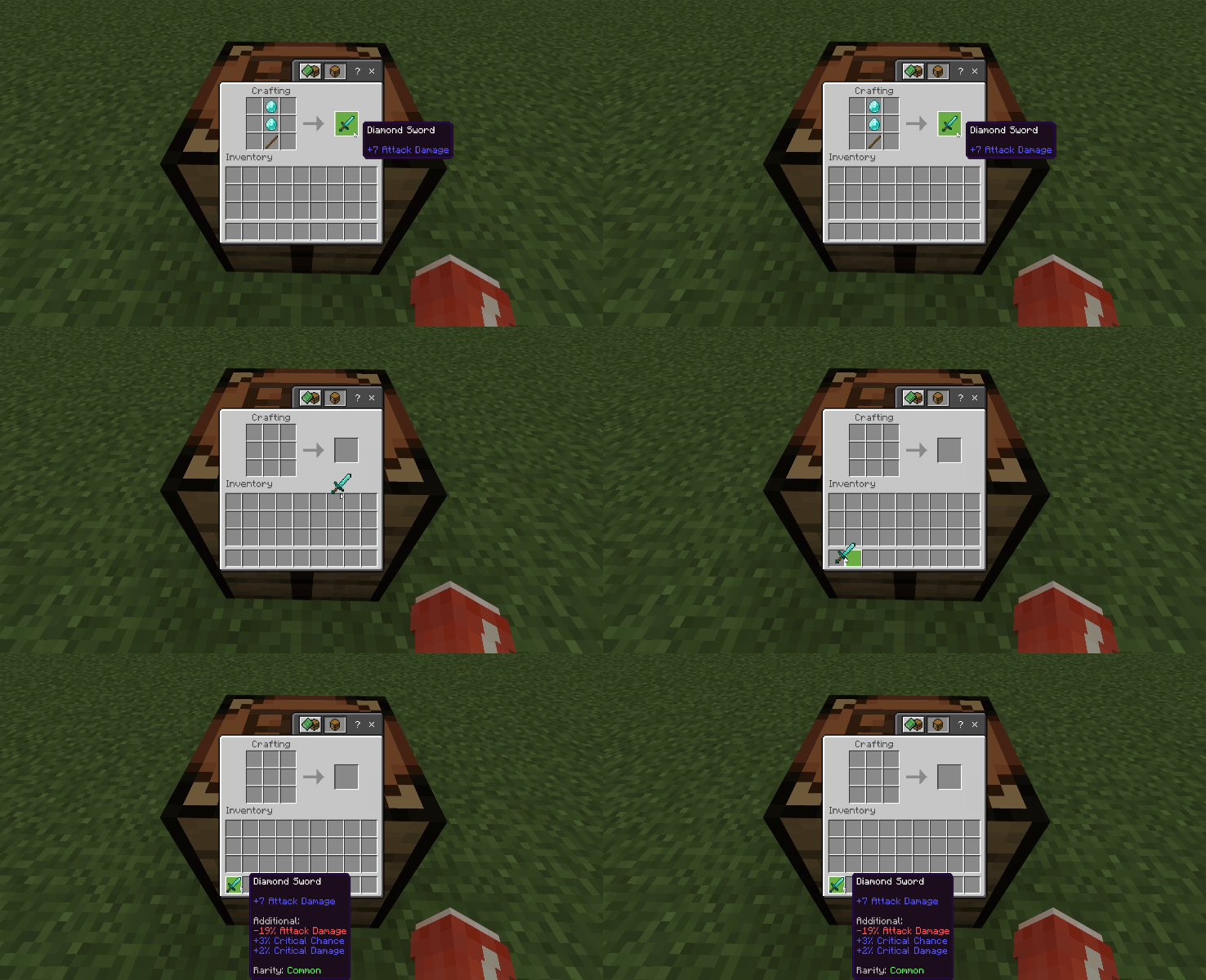
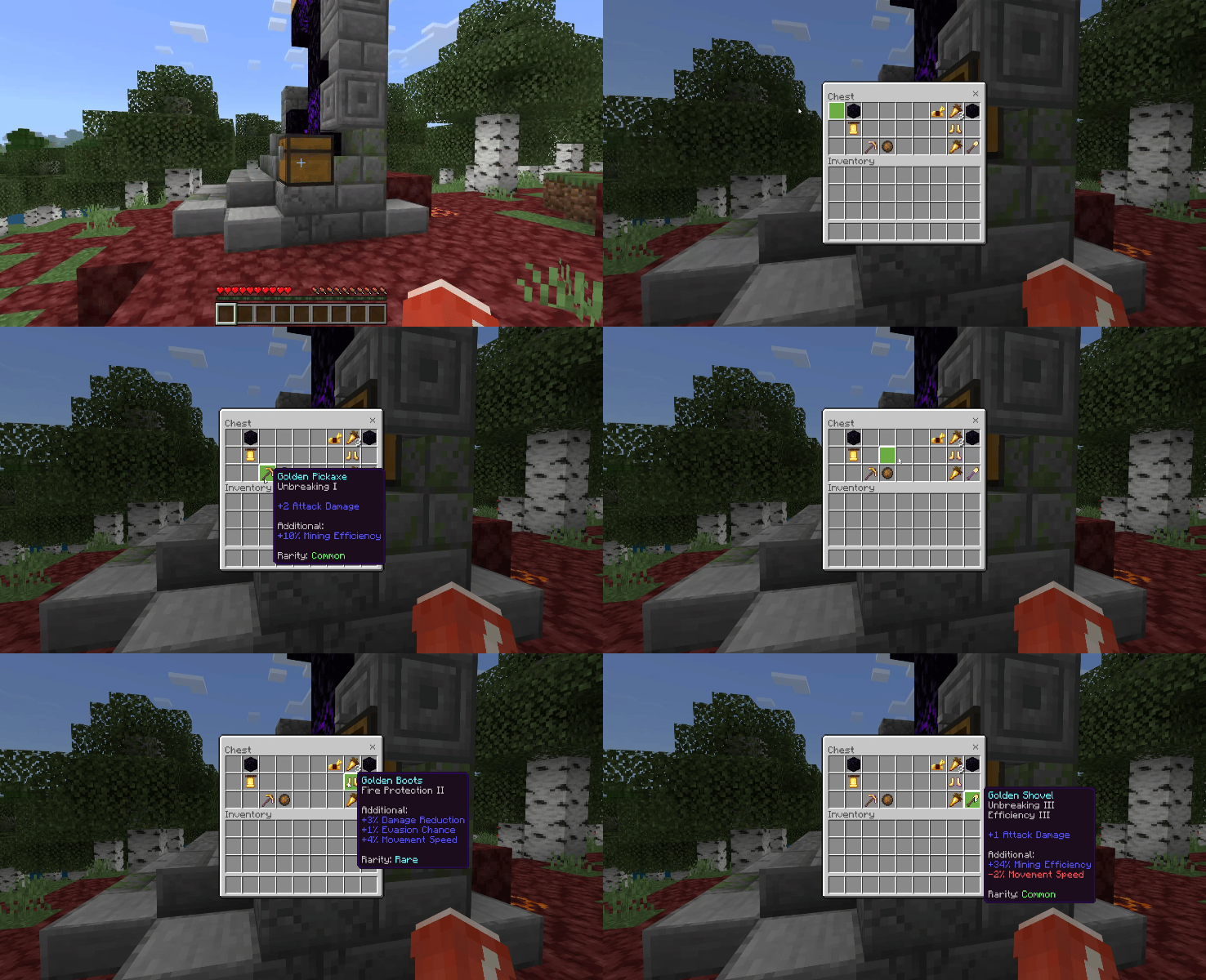
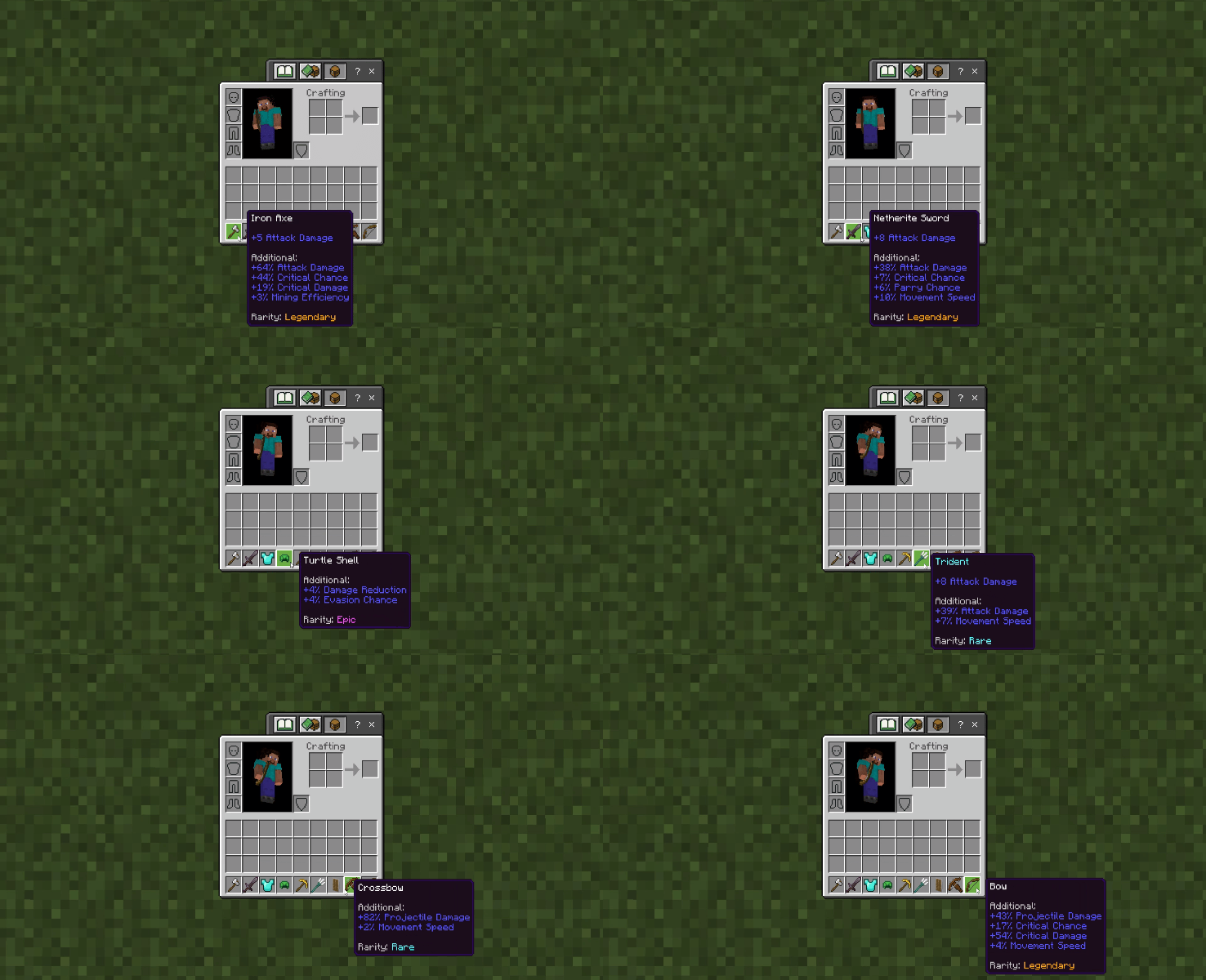
Reforge Addon is a game-changing equipment enhancement system for MCPE. Tired of bland vanilla gear? This addon auto-assigns random additional attributes and rarity levels (Common, Rare, Epic, Legendary) to all tools, weapons, and armor when picked up, crafted, or stored in your inventory/containers, turning every drop into a potential god-roll!
Features:
Rarities are scored from attribute values: higher positives = rarer (scarce high-end rolls), negatives drag it down (but capped to avoid trash). Bonuses stack with enchantments/potions, and work on other addons’ gear (if tagged right). Armor activates only when worn.
How It Works:
- Auto-Roll: Gear gets attrs/rarity instantly on pickup/craft/inventory.
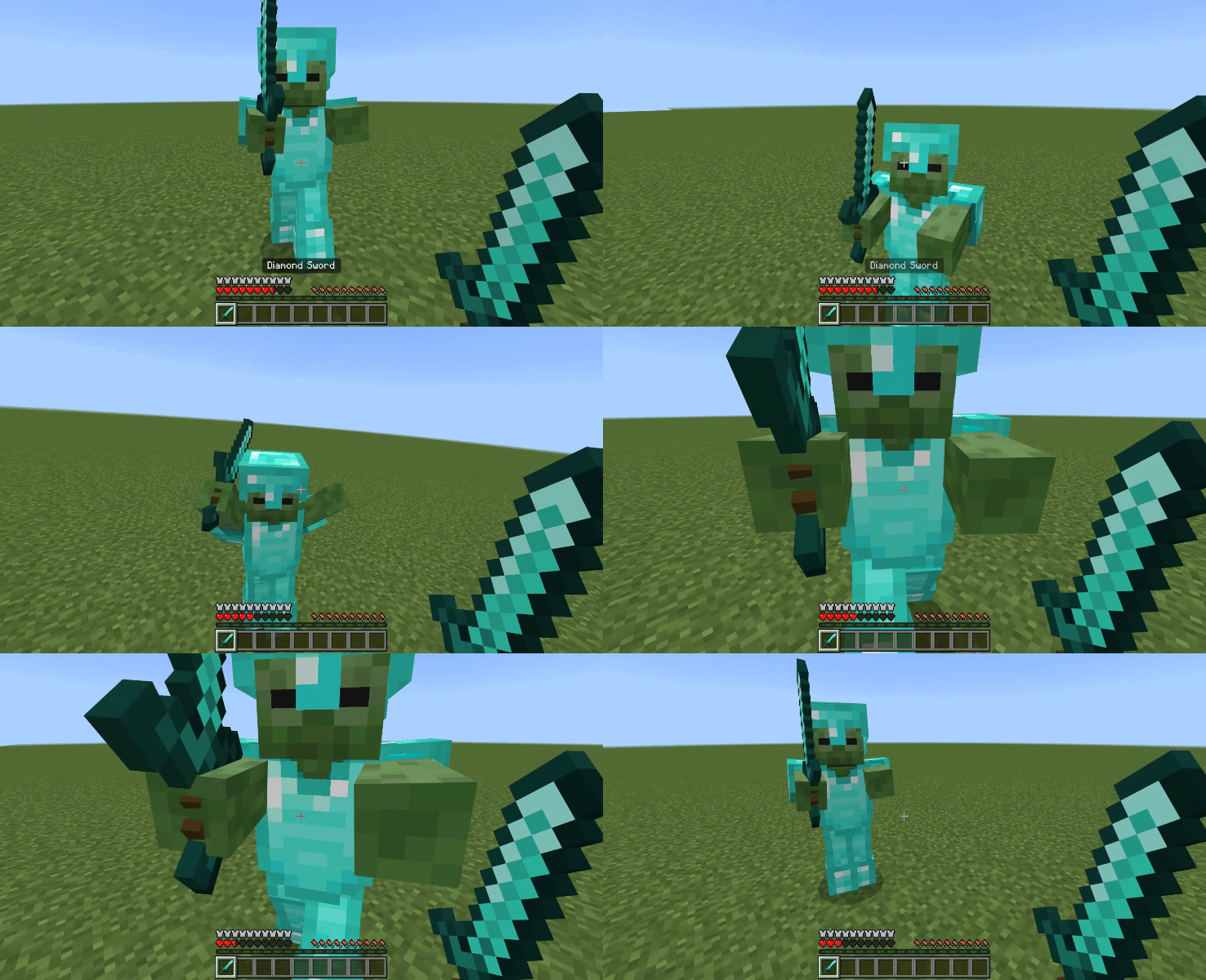
- Equip: Bonuses apply (melee, ranged, defense, speed, etc.).
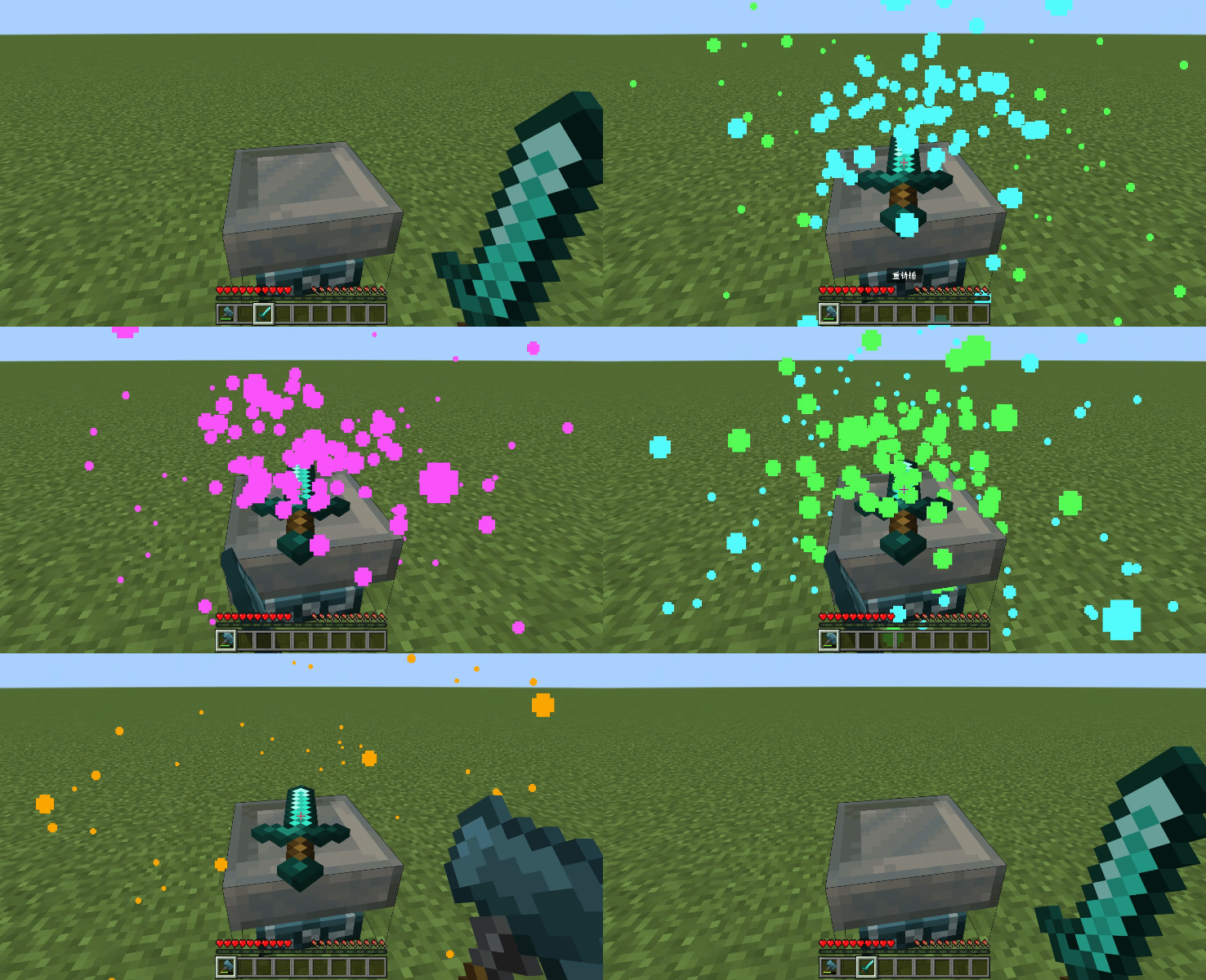
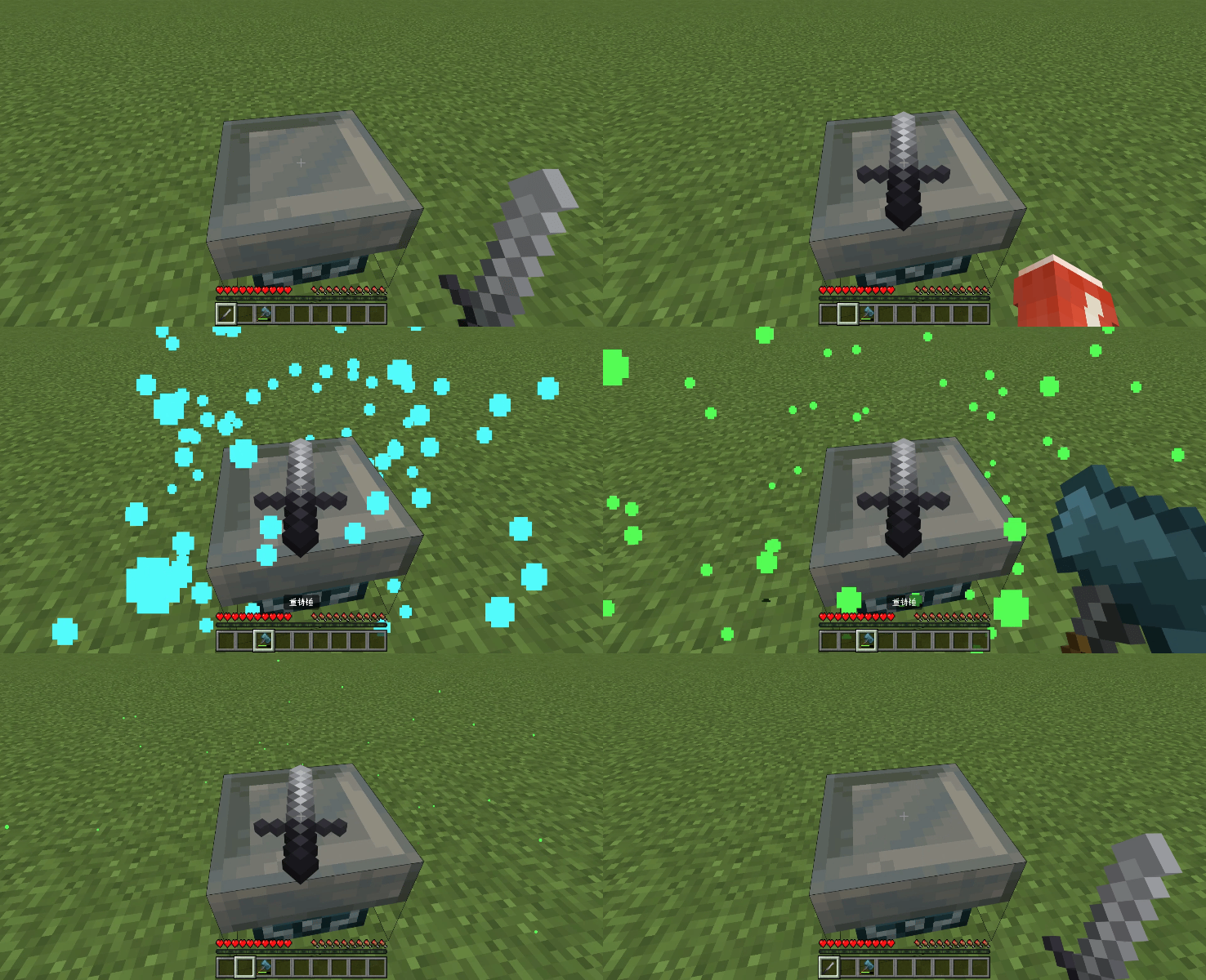
- Reforge: Place on Recasting Table, right-click with Recasting Hammer-new random attrs/rarity (particles show quality!). Preserves enchants/names.
- Hunt God Rolls: Grind for Epic/Legendary-rarer = fewer negatives, stronger positives!
Attributes (10 Total):
| Attribute | Effect |
|---|---|
| Attack Damage | + Melee damage |
| Projectile Damage | + Ranged/projectile damage |
| Critical Chance | Chance for crits |
| Critical Damage | Crit multiplier (base 150%) |
| Block Chance | % chance reduce entity dmg by 50% |
| Parry Chance | % chance fully negate entity dmg |
| Damage Reduction | Flat % less final dmg taken |
| Evasion Chance | % chance fully dodge entity dmg |
| Mining Efficiency | Faster mining (inactive for now) |
| Movement Speed | Walk/sprint speed boost |
Screenshots:
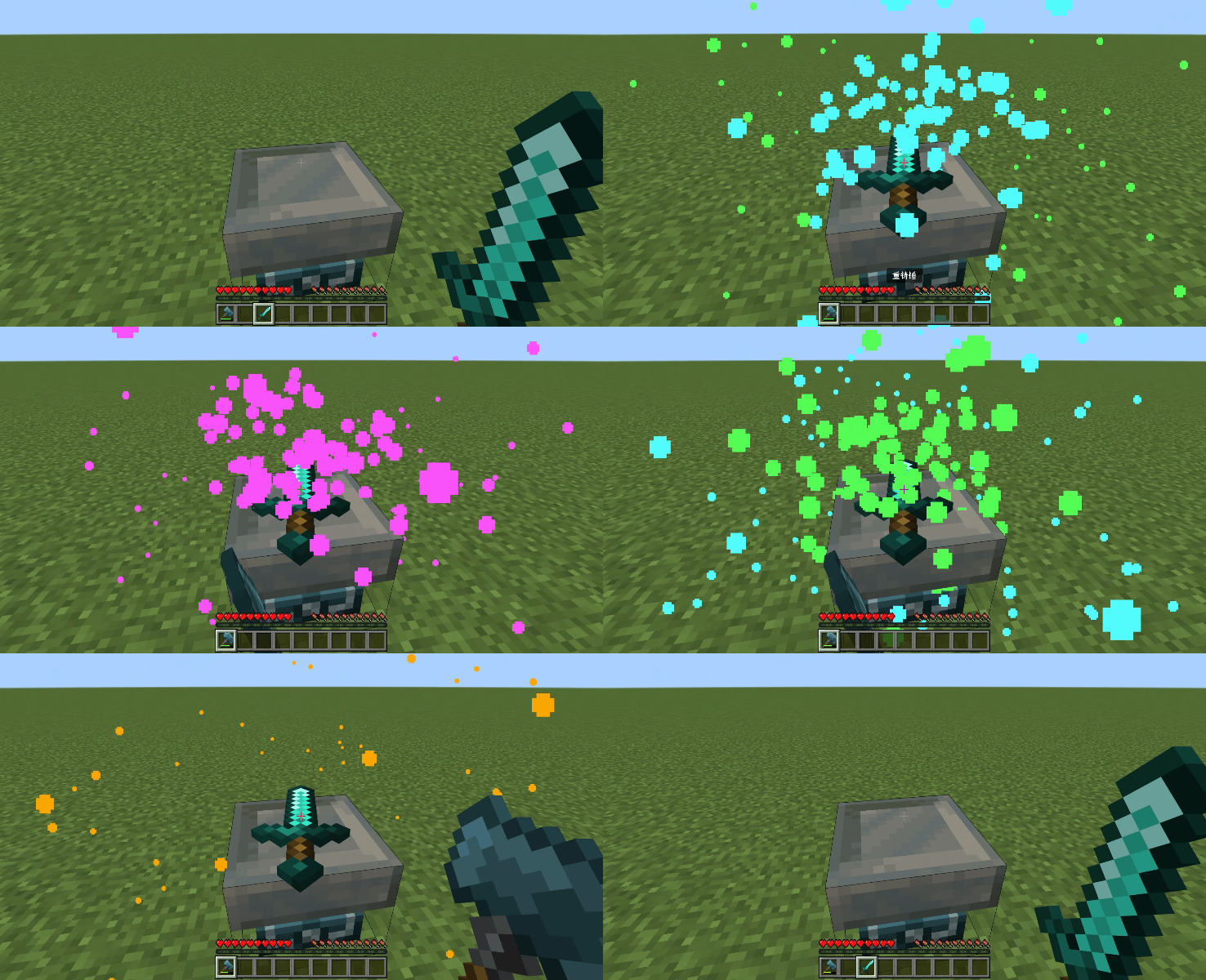
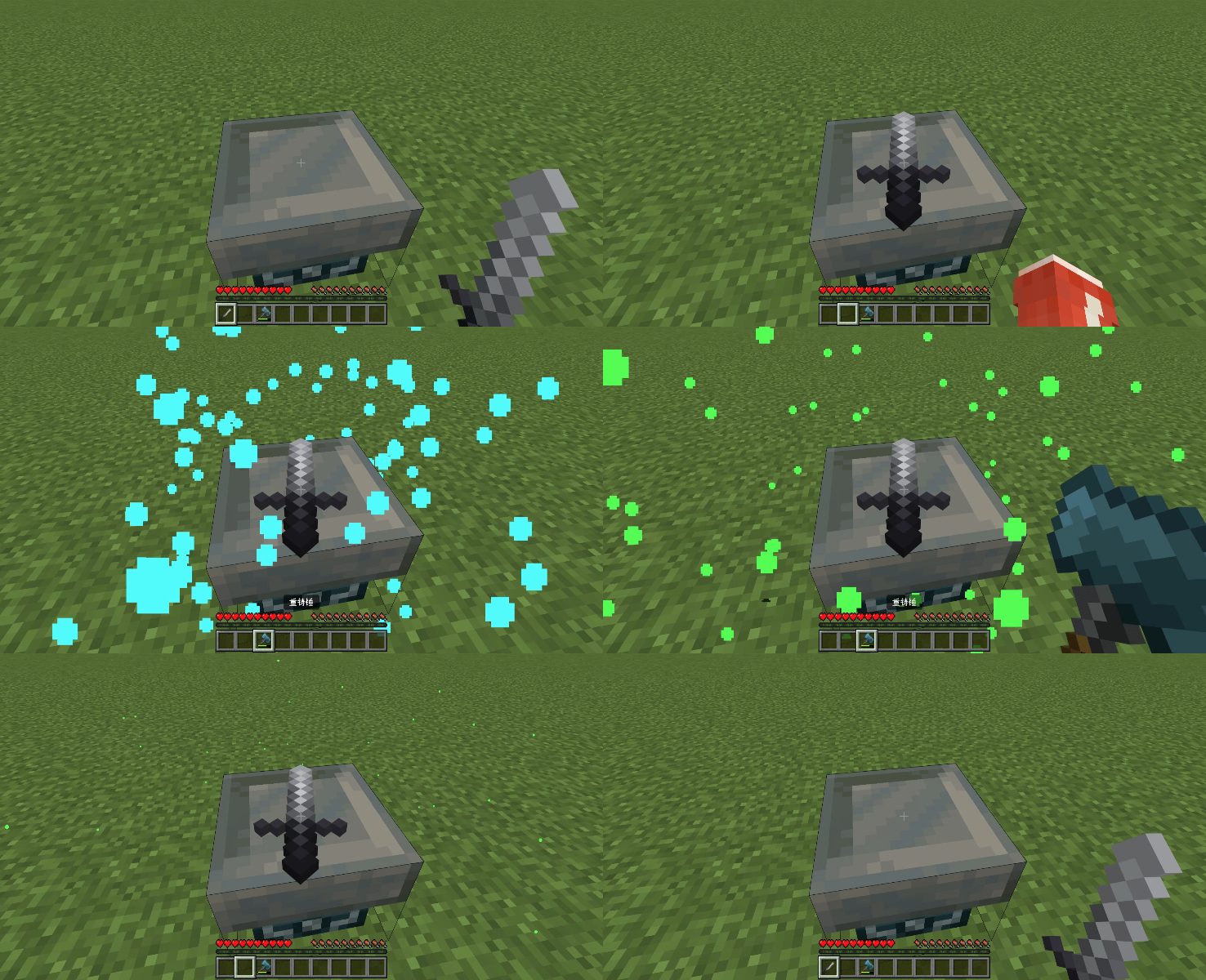
Crafting Recipes:
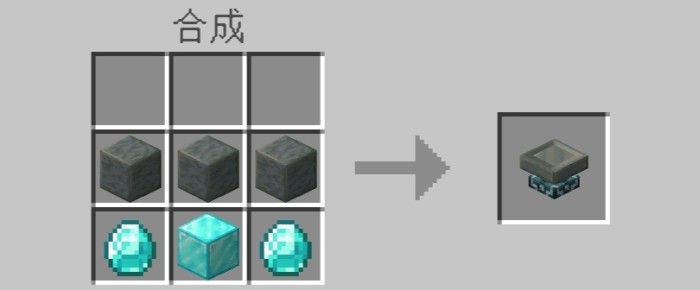
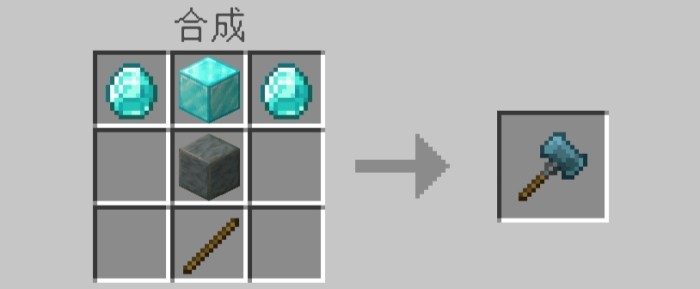
Reforge Editor:
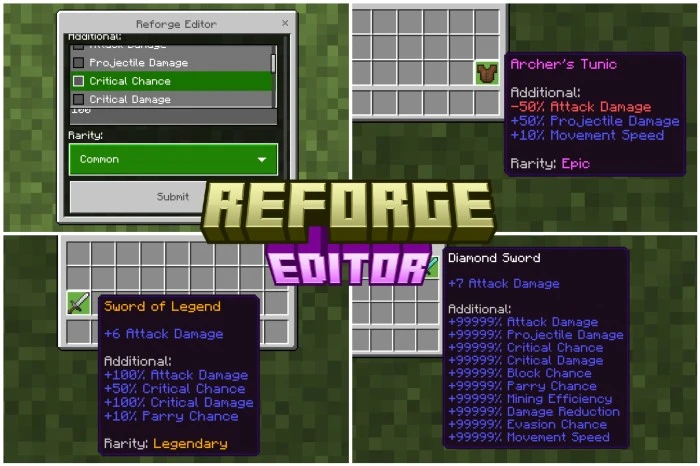
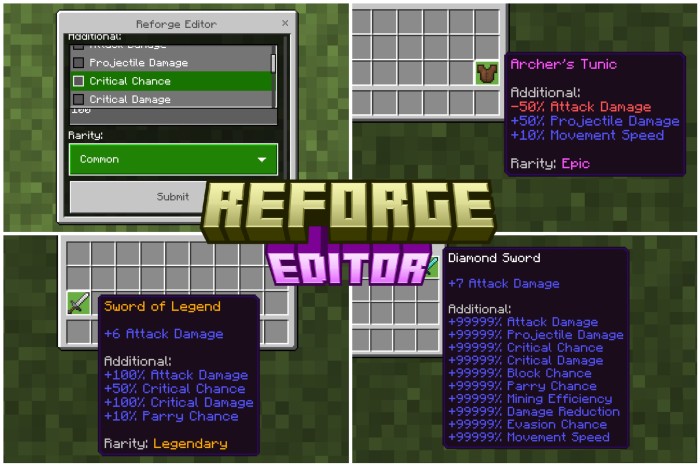
Want to add custom additional attributes or set custom rarity to items? The Reforge Editor Addon will help you realize these ideas. After downloading “Reforge”, use it to customize the additional attributes and rarity of items!
By entering the following command: /scriptevent reforge:editor , you can open the “Reforge: Editor”.
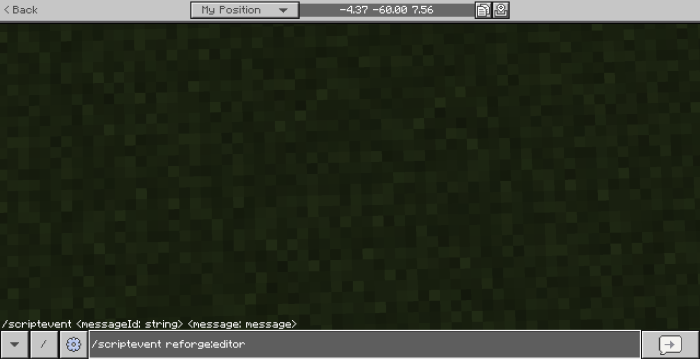
Under “Additional”, select the additional attribute you wish to add, and enter the desired attribute value in the “Value” field below “Additional”. The additional attributes added cannot be duplicated, and the entered attribute values must be integers greater than or less than 0, with a maximum of 99999 and a minimum of -99999. If you ignore “Additional” and “Value”, it will be considered as not editing any additional attributes.
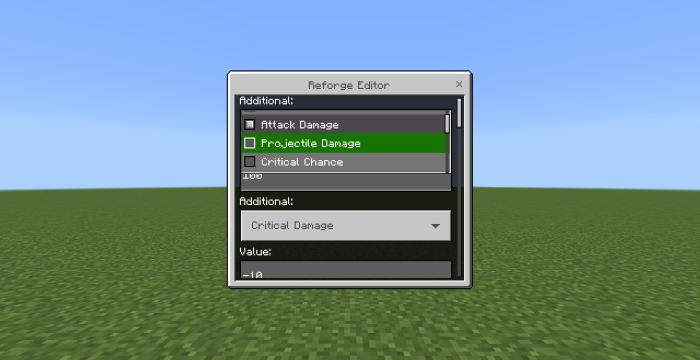
Example:
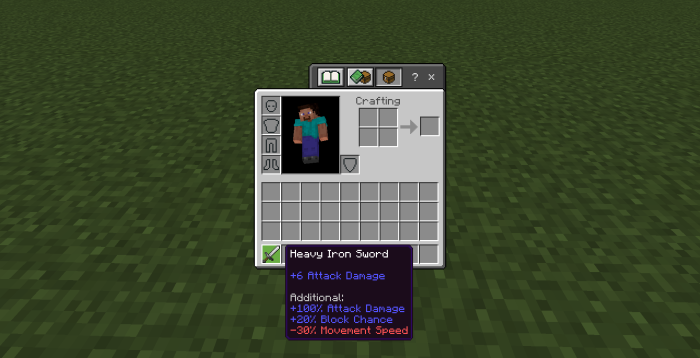
Select the rarity you wish to set under “Rarity”. If you ignore “Rarity”, it will be considered as not editing the rarity.
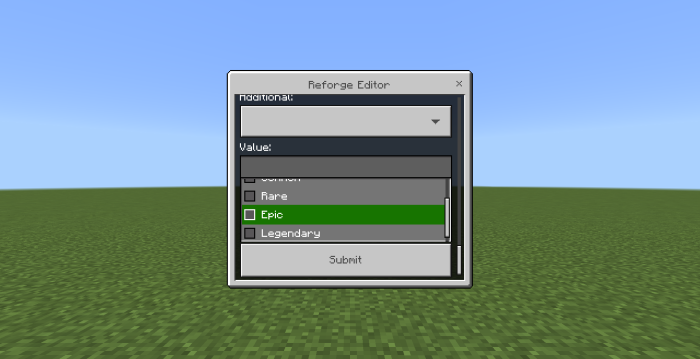
Example:
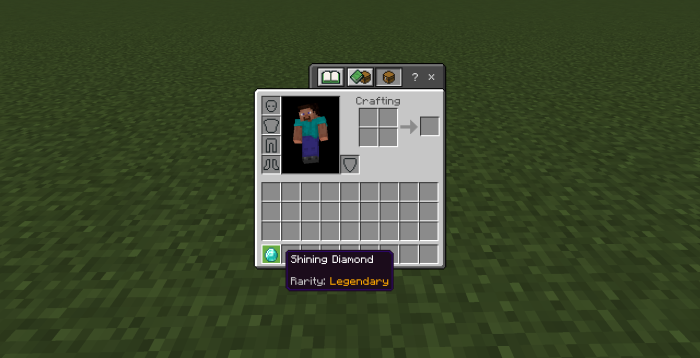
Finally, click “Submit” to edit the attributes of the item you are holding. Please note that the editor cannot be empty when submitting, and you must be holding an item after submission.
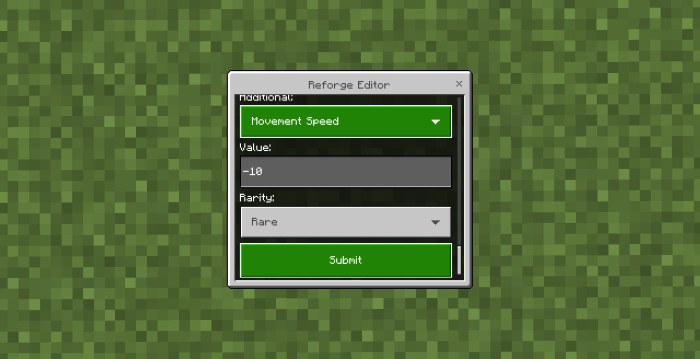
Now, create whatever items you want!
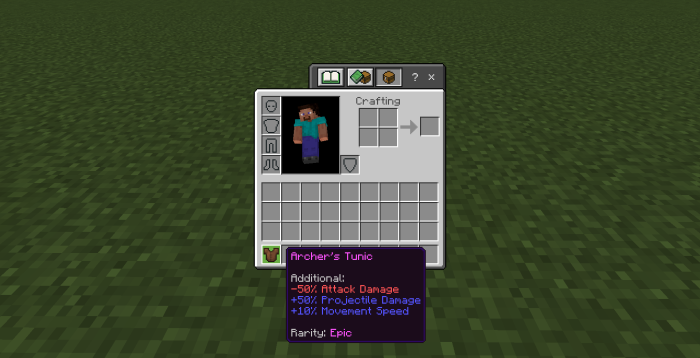
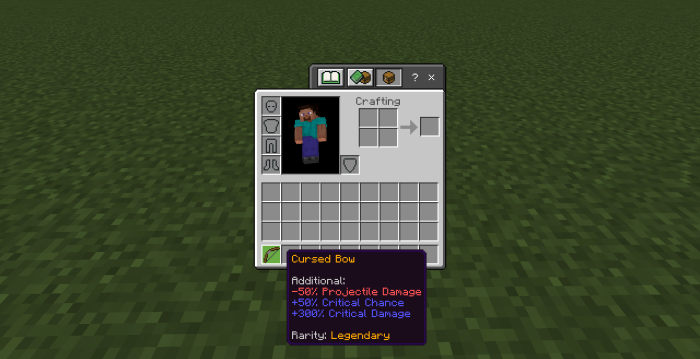
Note: For the attributes edited in “Reforge Editor” to take effect, the essential dependency “Reforge” must be added. Otherwise, none of the attributes will work!
Installation Note:
- This addon is compatible with equipment from other addons. If they have the corresponding Minecraft tags, they can be given attributes by this addon.
- Do you want to customize these attributes for items? You can download “Refoge Editor Addon” to customize the attributes of items.
Reforge Addon Download Links
For Minecraft PE/Bedrock 1.21
Reforge Addon: Download from Server 1 – Download from Server 2
Reforge Editor Addon: Download from Server 1 – Download from Server 2
- Edition: Minecraft Bedrock
- File type: .mcpack or .mcaddon
- Minecraft version listed: 1.21
- How to install: Download the .mcpack or .mcaddon file. → Open it — Minecraft imports it. → In your world: Behavior Packs → Available → Activate, then the same under Resource Packs.
- Where to get it: In MCModsHub, or directly above on this page.
Install steps are the general flow for this file type — How to install Minecraft Bedrock addons & mods walks through it step by step.
- Pack type: .mcaddon — behaviour and resource pack in one file
- Manifest requires Minecraft 1.21.40 or newer
- Complete pack — everything it depends on is inside the file
- Download size: 24 KB
- Download link checked 17 Jun 2026 — working
- Mirrored on our own servers — the download does not depend on the original host
These come from our own check of the pack file, not from the source page.