WorldEdit Bedrock Edition Addon is a popular addon for Minecraft: Bedrock, which is a port of the renowned WorldEdit Mod from Minecraft: Java Edition. This addon introduces custom commands to simplify and enhance your building experience. It also includes custom items to make it more accessible to users across different devices.
Third-Party Servers
The version for the third-party server is “WorldEdit.server.zip” and it contains the behavior pack folder, resource pack folder, and the addon’s “variables.json” file which is used to customize the addon’s function. Installing the packs depends on the server and its method hosting, but “variables.json” must be placed in the server’s “config/default” folder or “config/<module uuid>” folder, where the UUID is the addon’s UUID defined in its behavior pack manifest file.
Aternos server
Note: Aternos doesn’t seem to accept JSON files, so you may need to use the normal mcaddon version of the addon with it.
To properly add this addon to an Aternos server, you first need to upload an already existing world with the required experimental features enabled. Do not upload a world with the addon already applied to it! You must then install the addon separately in the server’s packs folder.
Features:
The WorldEdit: Bedrock Edition is packed with a multitude of significant features that are also found in the original mod. These features encompass:- Manipulation of the clipboard (Cut, Copy, Paste)
- A handy WorldEdit kit for easy access to prevalent features
- The ability to stack and move blocks and regions
- Functions to rotate and flip regions
- Robust block patterns and masks
- Navigation commands for ease of movement
- Generation of shapes, both built-in, and custom
- Creation of walls, lines, and outlines
- Terrain smoothing for a more natural look
- Undo and redo capabilities for correcting mistakes
- Filling and replacing blocks for quick modifications
- Painting with brushes for artistic touches
- Saving and loading structures, which requires an app for cross-world operations
- Modifying biomes, also requires an app.
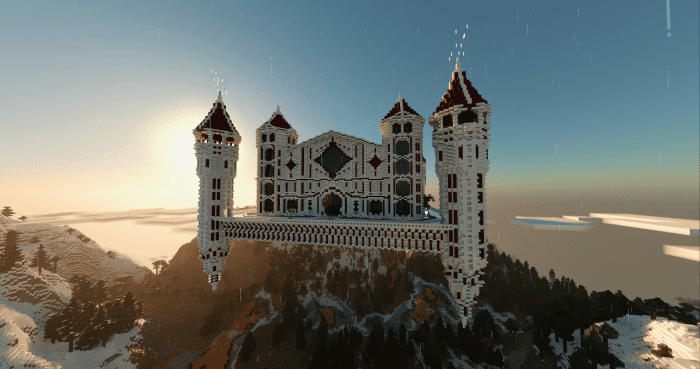
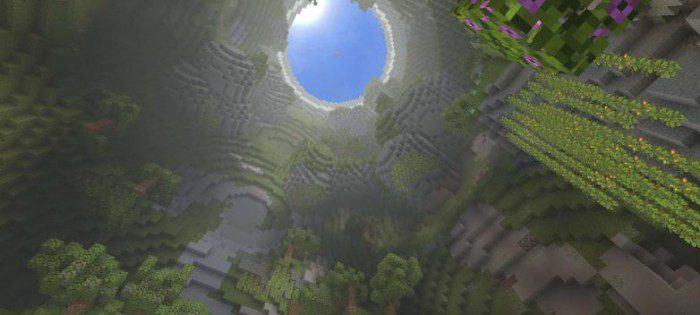
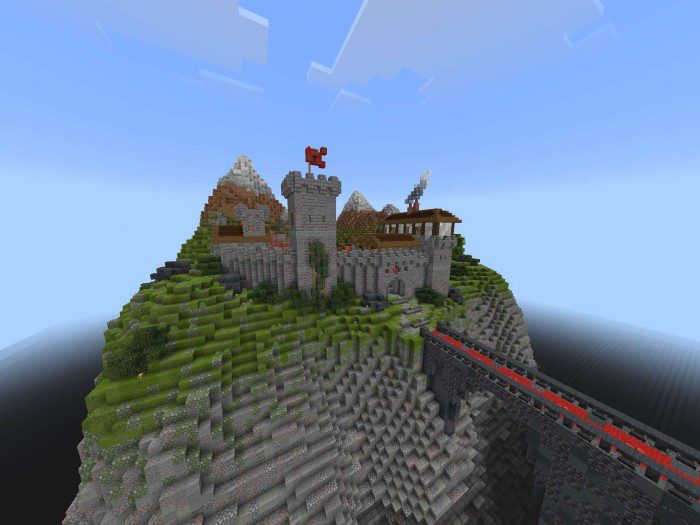
Screenshots:
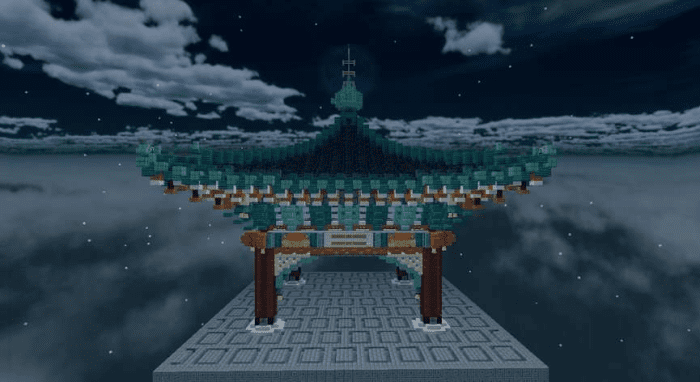
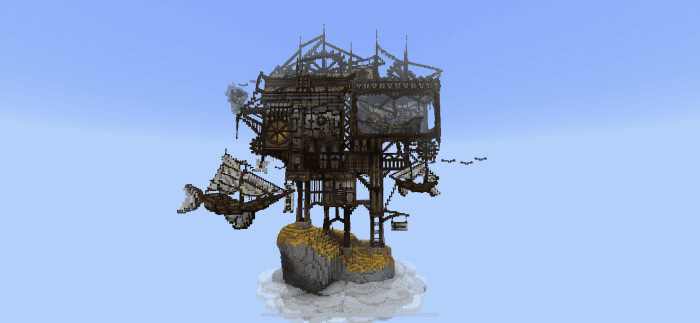
Some creations made with WorldEdit:
Usage
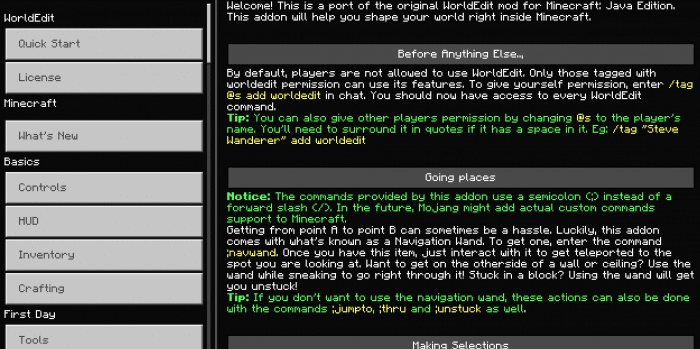
- Please read the quick start section in Settings > How to Play while playing in a WorldEdit-enabled world, for a short guide on how the addon works.
Locally (and Realms)
After downloading the addon, you open it with Minecraft, and it will be imported into your game.- Android users need to use a third-party file explorer such as File Manager to open the file.
- iOS users should use Documents for iOS.
Third-Party Servers
The version for the third-party server is “WorldEdit.server.zip” and it contains the behavior pack folder, resource pack folder, and the addon’s “variables.json” file which is used to customize the addon’s function. Installing the packs depends on the server and its method hosting, but “variables.json” must be placed in the server’s “config/default” folder or “config/<module uuid>” folder, where the UUID is the addon’s UUID defined in its behavior pack manifest file.
Aternos server
Note: Aternos doesn’t seem to accept JSON files, so you may need to use the normal mcaddon version of the addon with it.
To properly add this addon to an Aternos server, you first need to upload an already existing world with the required experimental features enabled. Do not upload a world with the addon already applied to it! You must then install the addon separately in the server’s packs folder.
WorldEdit Bedrock Edition Addon Download Links
For Java Edition
WorldEdit Mod
For MCPE/Bedrock 1.19.70+
mcaddon: Download from server 1 – Download from server 2
For MCPE/Bedrock 1.20 (for worlds and realms)
mcaddon: Download from server 1 – Download from server 2
For MCPE/Bedrock Servers
Zip: Download from server 1 – Download from server 2
For MCPE/Bedrock 1.21.40+
For worlds and realms: Download from server 1 – Download from server 2 For servers: Download from server 1 – Download from server 2
For MCPE/Bedrock 1.21.80+ (Download both packs)
Behavior: Download from server 1 – Download from server 2 Resource: Download from server 1 – Download from server 2
Quick facts
- Edition: Minecraft Bedrock
- File type: .mcpack or .mcaddon
- Minecraft version listed: 1.21
- How to install: Download the .mcpack or .mcaddon file. → Open it — Minecraft imports it. → In your world: Behavior Packs → Available → Activate, then the same under Resource Packs.
- Where to get it: In MCModsHub, or directly above on this page.
Install steps are the general flow for this file type — How to install Minecraft Bedrock addons & mods walks through it step by step.
Verified by MCModsHub
- Pack type: .mcaddon — behaviour and resource pack in one file
- Manifest requires Minecraft 1.26.30 or newer
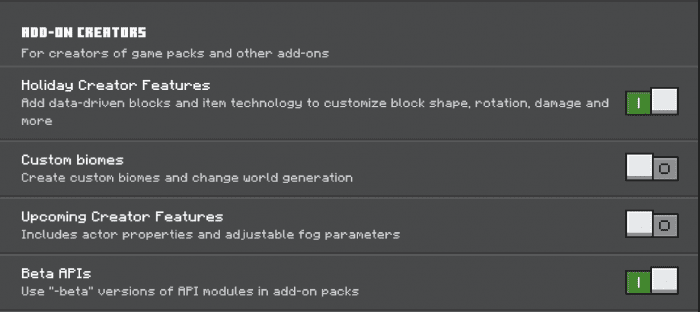
- Needs Beta APIs switched on in the world settings
- Complete pack — everything it depends on is inside the file
- Download link checked 22 Jul 2026 — working
- Mirrored on our own servers — the download does not depend on the original host
These come from our own check of the pack file, not from the source page.