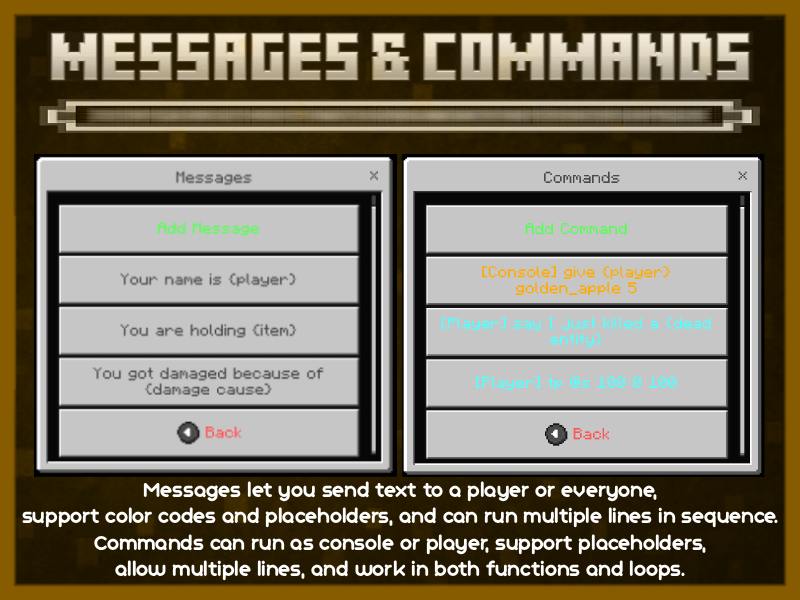
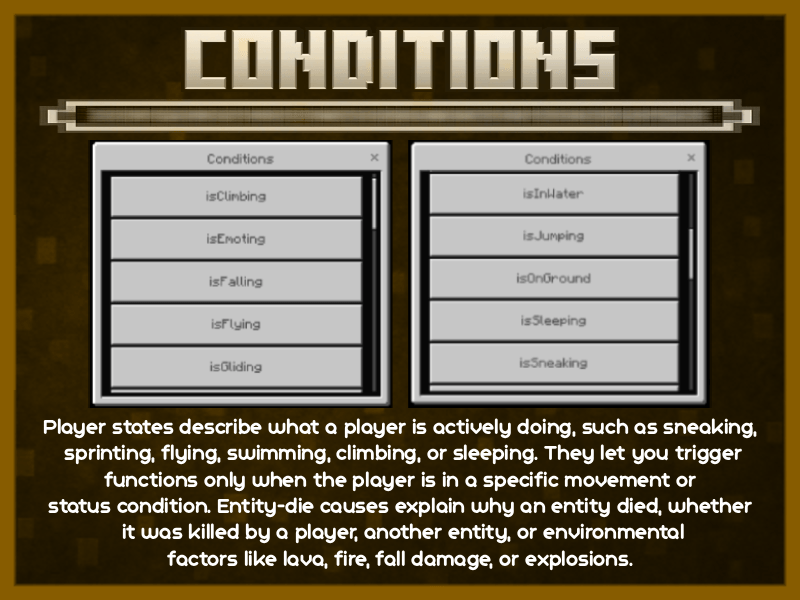
Sync Addon supports setting up custom automation systems and rules without using source code. Adjustments are made through a menu and selection system. Content includes creating item effects, setting up protected areas, tracking stats, and building interactive shops. All data is saved directly to the map and works stably when playing with multiple people.
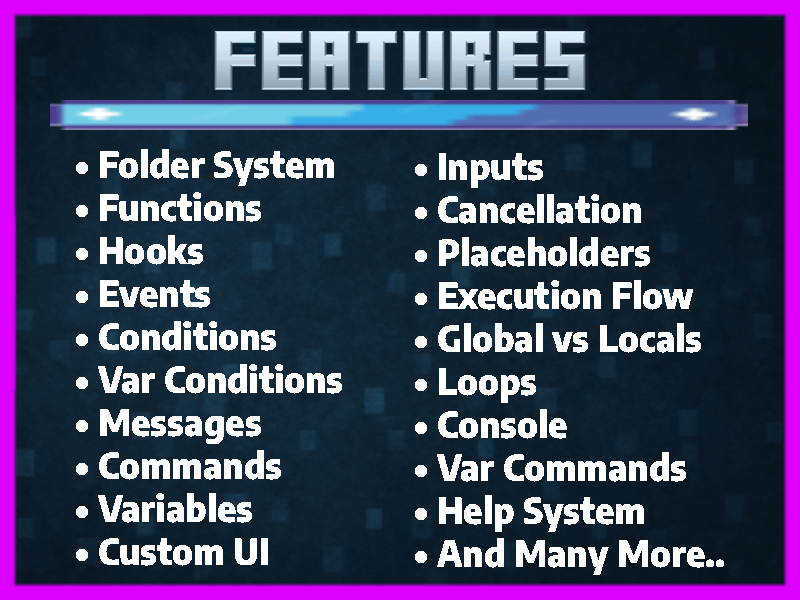
Features:
- No coding required.
- Simple menu system.
- Custom item effects.
- Area protection.
- Stat tracking.
- Interactive shop.
- Data storage.
- Multiplayer mode.
Screenshots:
Installation Note:
- You need to enable the Experimental Settings.
Sync Addon Download Links
For Minecraft PE/Bedrock 1.21
mcaddon: Download from Server 1 – Download from Server 2
Quick facts
- Edition: Minecraft Bedrock
- File type: .mcpack or .mcaddon
- Minecraft version listed: 1.21
- How to install: Download the .mcpack or .mcaddon file. → Open it — Minecraft imports it. → In your world: Behavior Packs → Available → Activate, then the same under Resource Packs.
- Where to get it: In MCModsHub, or directly above on this page.
Install steps are the general flow for this file type — How to install Minecraft Bedrock addons & mods walks through it step by step.
Verified by MCModsHub
- Pack type: .mcaddon — behaviour and resource pack in one file
- Manifest requires Minecraft 1.21.120 or newer
- Needs Beta APIs switched on in the world settings
- Complete pack — everything it depends on is inside the file
- Download size: 1.3 MB
- Download link checked 17 Jun 2026 — working
- Mirrored on our own servers — the download does not depend on the original host
These come from our own check of the pack file, not from the source page.